Workato is the best no-code automation tool for enterprises that need governed integrations and AI agents on one platform, though it starts at $75 a month and larger workspaces are quoted. Zapier is the easiest pick for most teams, with 9,000-plus apps, while Make is the cheapest entry at about $11 a month.
How we make this list: we compare pricing pages, product documentation and public user reviews, then re-check every price before each update. No product paid for a place. Disclosure.
Workato is the enterprise pick, rated 4.7 out of 5 on G2, with Pro from $75 a month.
Zapier is the easiest start, with 9,000-plus apps and a free plan, but task billing gets expensive at volume.
Make is the cheapest paid plan at $10.59 a month, with 10,000 credits on Core.
n8n is the only tool with a free self-hosted edition, and it charges per workflow run, not per step.
UiPath, Power Automate and Boomi all publish entry prices, while Celigo and Tray iPaaS are quote-only.
What enterprise automation really costs
Enterprise automation is not one job. It covers app-to-app workflows, API-led integration, robotic process automation for legacy systems, and now AI agents that act on their own. A tool that is perfect for connecting Slack to Salesforce can be the wrong choice for governing hundreds of integrations.
The billing unit decides your bill. Zapier charges per action step, Make per operation, and n8n per whole workflow run, so the same automation can cost $30 on one tool and $300 on another. Always model a real workflow, with its real step count, before comparing headline prices.
Published prices on this list run from $10.59 a month for Make to $99 a month for Boomi, but Celigo and the Tray iPaaS tier publish no prices at all. Enterprise iPaaS contracts commonly reach five figures a year, and AI metering can add a second bill on top of seats.
Governance is the enterprise difference. Workato, Boomi and Celigo offer SSO, audit logs, environment controls and approval workflows, while self-serve tools add those controls only on higher plans. Pick the governance level first, then the price.
List prices in each vendor's currency, checked Nov 2026
CeligoCustom
MakeFREE$127
Power AutoFREE$180
n8nFREE€288
UiPathFREE$300
ZapierFREE$360
Tray.ai$600
Workato$900
Boomi$1,188
The 9 best no-code automation tools for enterprises
01
Workato
4.7/5on G2 (843 reviews, checked Nov 2026)
Starts at$75/mo
Enterprises running integration and automation at scale
Starting planPro, $75 a month
Billing unitPer credit
AIAI agents and MCP governance
Free planNo, one-time credit grant
workato.com
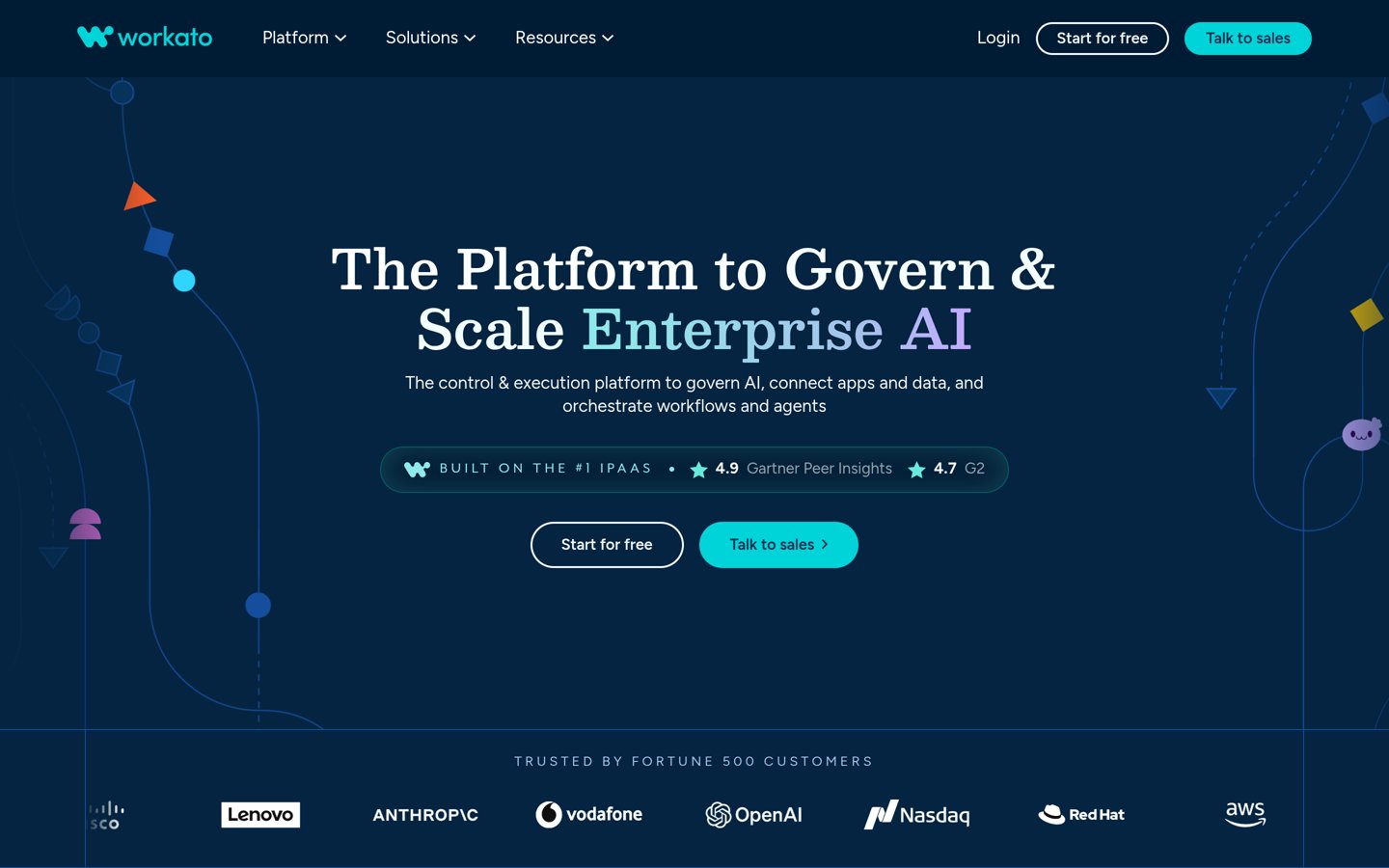
Workato homepage, captured Nov 2026.
Workato is an enterprise integration and automation platform built around recipes, its name for workflows, with API management, data movement and AI agents on the same system. Pro starts at $75 a month for 2,500 credits, and Workato is the only tool here that governs integrations, agents, models and MCP servers with centralized policy, approvals and cost controls.
The trade off is price and scale. Credits expire at the end of each month, larger workspaces are quoted, and there is no permanent free plan, only a one-time grant of 50,000 credits. It suits IT-led automation programs, not departmental self-service.
Zapier is a no-code automation platform that connects more than 9,000 apps with workflows called Zaps, and it is the easiest tool on this list for non-technical teams to start. The free plan covers 100 tasks a month and two-step Zaps, while Professional at $29.99 a month billed monthly, or $19.99 billed annually, adds multi-step Zaps, premium apps and webhooks.
The trade off is price at volume. Every successful action step counts as a task, so a workflow with a trigger and three actions costs 3 tasks per run, and heavy use needs a higher tier fast. It is the bottom-up play, now with enterprise governance controls for IT oversight.
Make is a visual automation platform that builds workflows, called scenarios, on a drag-and-drop canvas with routers, filters and AI agents. The free plan includes 1,000 credits a month, and Core adds 10,000 credits for $10.59 a month billed monthly, or $9 billed annually, with unlimited scenarios.
The trade off is that Make bills one credit for nearly every module step, including triggers and test runs, so complex scenarios burn credits faster than the headline suggests. It is the value pick for teams that build multi-branch workflows and want control over every step.
n8n is an open-source workflow automation tool with a node-based builder and code steps for custom logic, and it is the only tool here with a free self-hosted edition and no execution cap. Cloud Starter costs €24 a month billed monthly, or €20 billed annually, for 2,500 executions, and n8n charges per whole workflow run rather than per step.
The trade off is that n8n is built for technical teams, and G2 reviewers name the learning curve as its top drawback. Debugging large workflows is a recurring complaint, and cloud prices are in euros, so dollar budgets need converting.
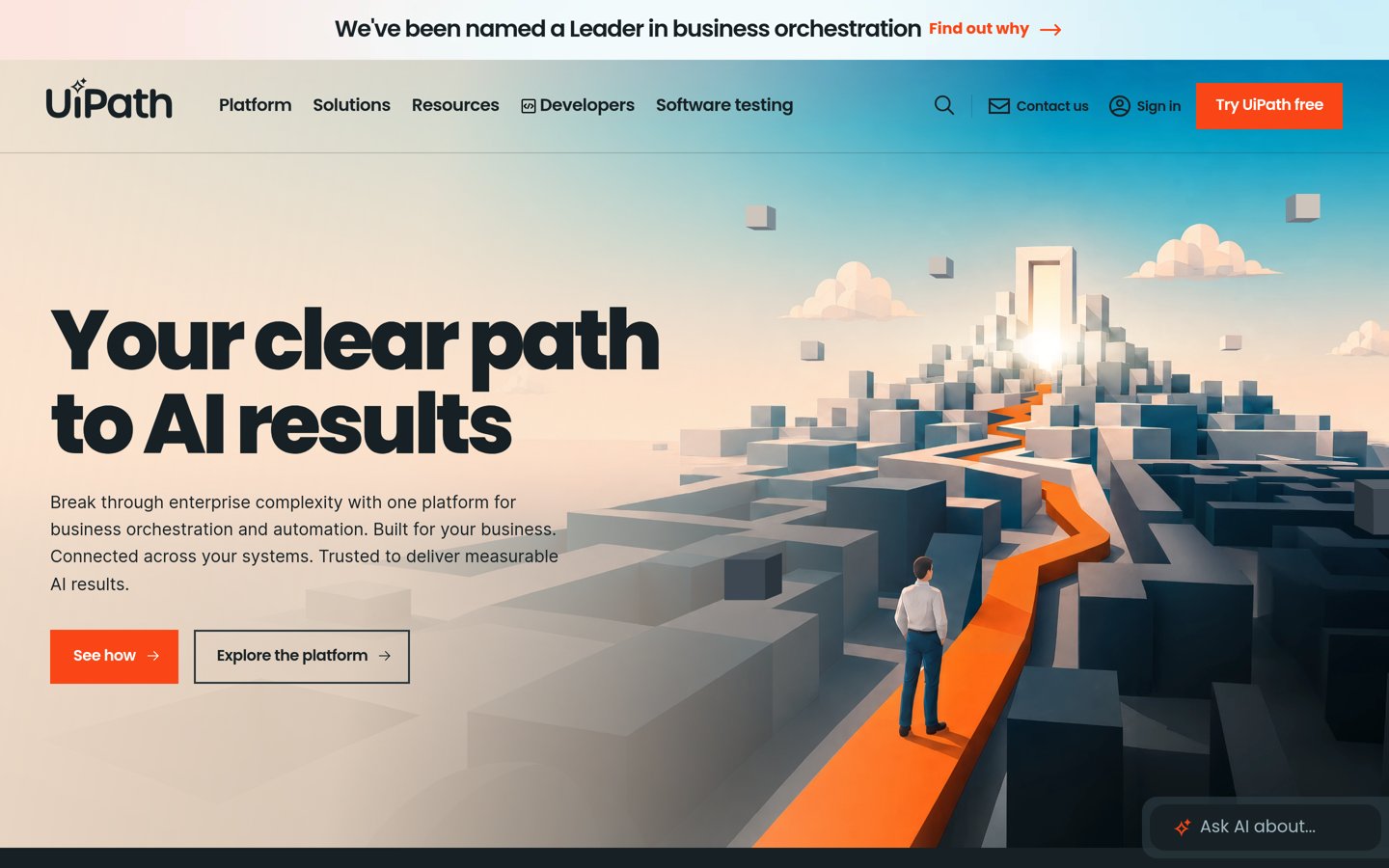
UiPath is an enterprise automation platform that combines robotic process automation with AI agents, document understanding and API automation, and it is the only RPA-first tool on this list with a public entry price from $25 a month. It has the largest review base here, with 7,769 G2 reviews, and it suits processes that span legacy apps, documents and people.
The trade off is that UiPath is heavier than a pure no-code tool, and complex bots need trained developers rather than citizen builders. Entry pricing is public, but enterprise deployments are quoted, so the $25 figure is a starting point, not a total cost.
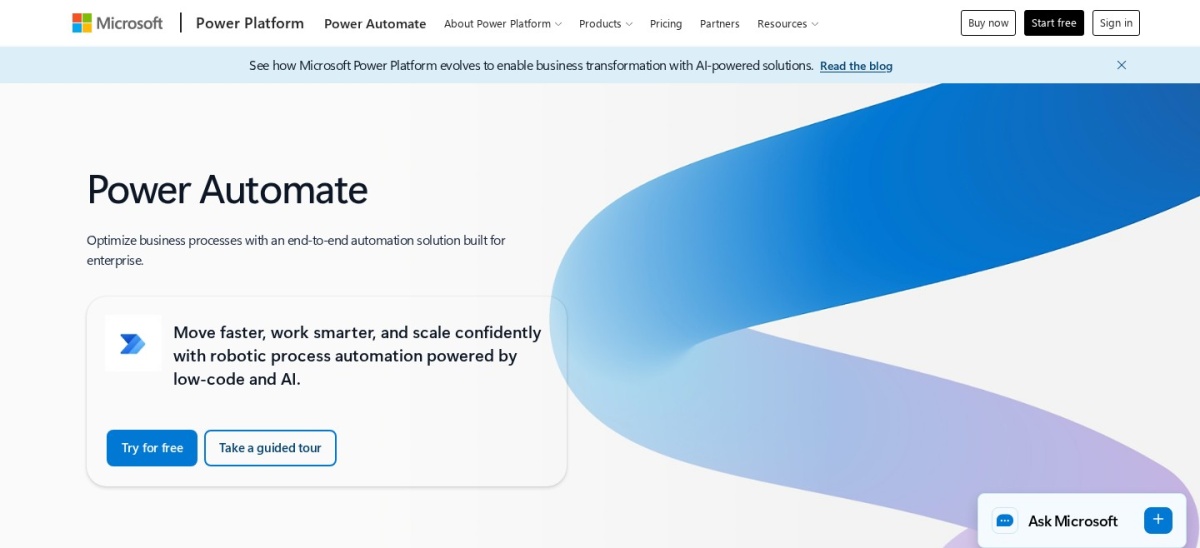
Microsoft Power Automate homepage, captured Nov 2026.
Microsoft Power Automate is the automation tool built into Microsoft 365, Teams and SharePoint, so flows can start from an email, a form or a file without leaving the Microsoft stack. Premium costs $15 per user a month, and it is the cheapest enterprise option for organizations already paying for Microsoft 365.
The trade off is that Power Automate is weakest outside the Microsoft stack, and premium connectors and AI features need a paid license on top of the base Microsoft 365 plan. It wins on price and proximity for Microsoft shops, and loses on breadth elsewhere.
4.5/5on G2 (Not published reviews, checked Nov 2026)
Starts at$50/mo
AI-first teams building agents and integrations
Starting planOrchestration Platform, $50 a month
Billing unitPer task, plus platform fee
AIMerlin Agent Builder
Free planNo, free trial
tray.ai
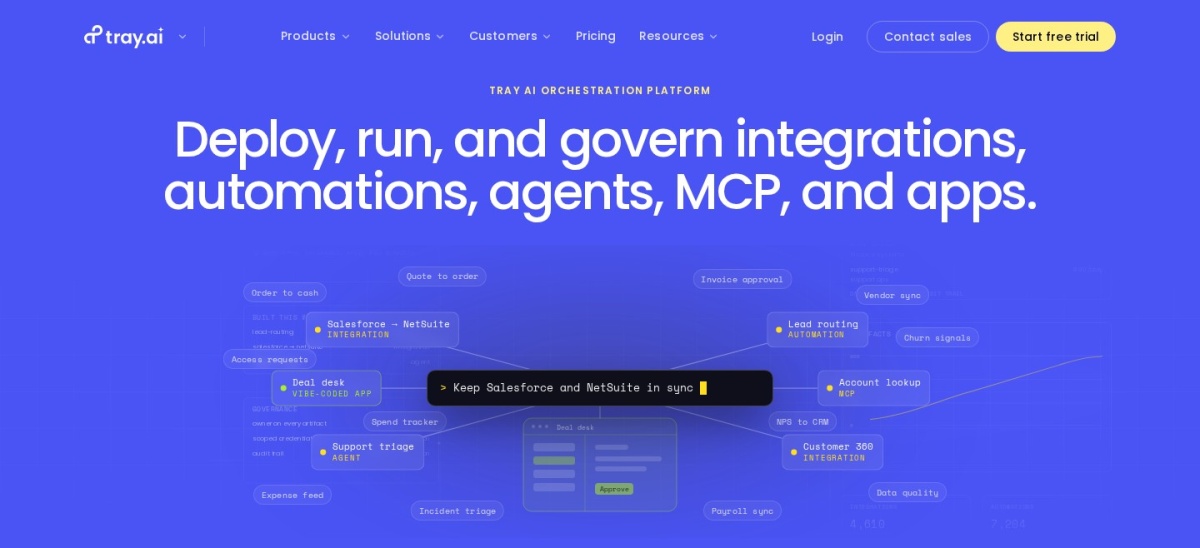
Tray.ai homepage, captured Nov 2026.
Tray.ai is a managed platform that covers integration, automation and AI agents in a single place, with 600-plus connectors and a visual canvas that drops into JavaScript when the canvas runs out. The Orchestration Platform starts at $50 a month, and its Merlin Agent Builder lets teams build AI agents alongside workflows.
The trade off is price opacity. The Tray iPaaS tier is a platform fee plus tasks with no published price, while the $50 Orchestration Platform is the entry point for smaller teams. It suits AI-first teams that want agents and integrations governed together.
What we like
Rated 4.5 out of 5 on G2
Integration, automation and AI agents in one place
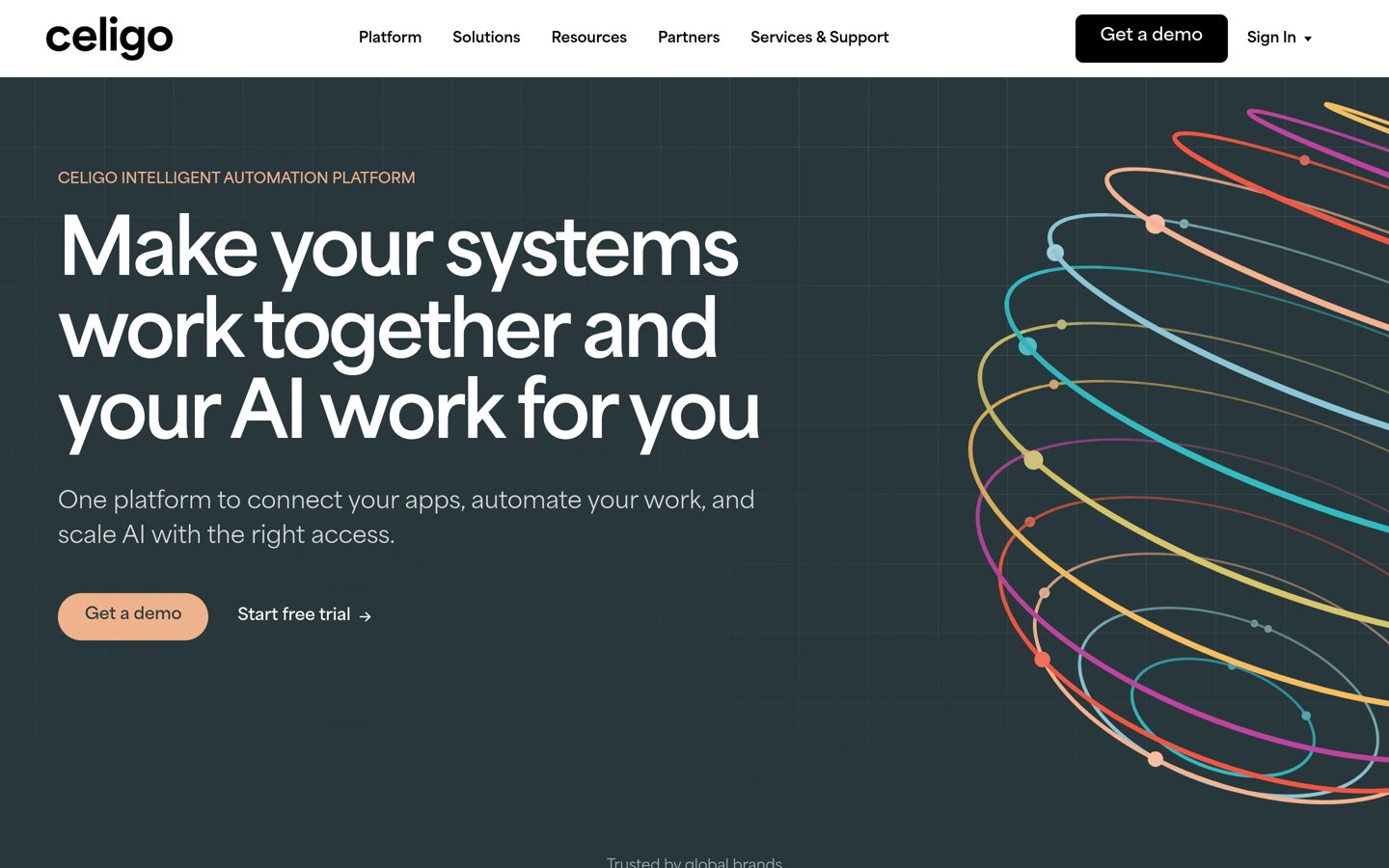
Celigo is an integration platform built for mid-market SaaS teams, with prebuilt connectors and templates for NetSuite, Salesforce and other core systems. It is rated 4.6 out of 5 on G2 across 1,105 reviews, one of the deepest evidence bases on this list, and it suits teams standardizing integrations rather than building one-off Zaps.
The trade off is that Celigo publishes no prices, so every deployment is a custom quote, and it is aimed at mid-market teams and up rather than small departments. It is the governed middle ground between self-serve tools and full enterprise iPaaS.
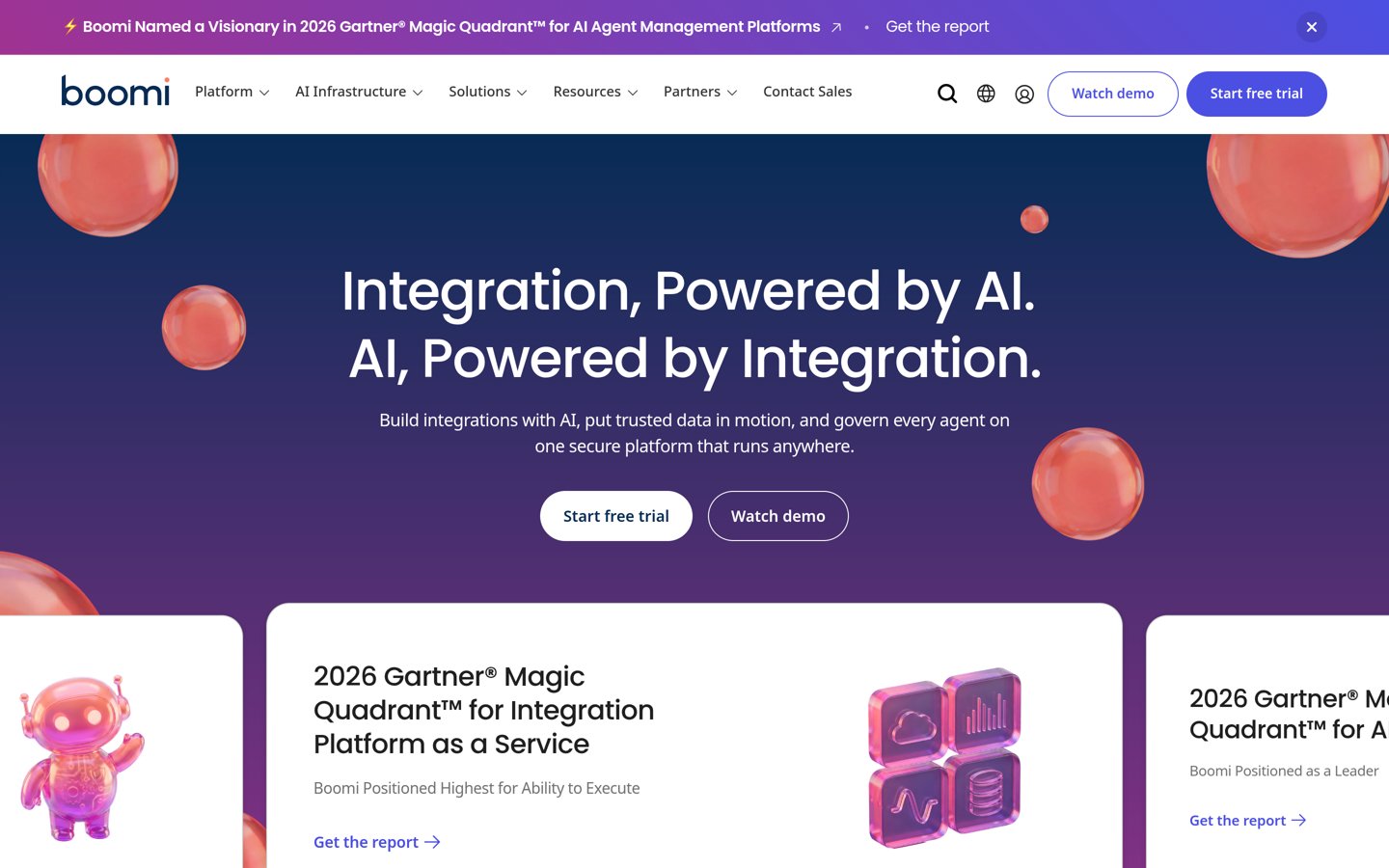
Boomi is an enterprise iPaaS that covers integration, data movement and agent governance on one platform, and it is the only enterprise iPaaS on this list with a public entry price. Pay-as-you-go starts at $99 a month plus usage, which makes it the friendliest enterprise on-ramp for teams standardizing integration.
The trade off is that usage charges sit on top of the $99 base, and contracts reach five figures at scale, so the entry price is not the total cost. It is heavier than Zapier or Make, and it suits IT-led programs rather than citizen developers.
What we like
Rated 4.4 out of 5 on G2
Only enterprise iPaaS here with public entry pricing
Zapier bills per task, where each successful action step counts, so a workflow with a trigger and three actions costs 3 tasks per run. Make bills per credit, with nearly every module step costing one credit, including triggers and test runs.
n8n bills per execution, where one full workflow run costs one execution no matter how many steps it contains. That makes n8n the cheapest option for long workflows, and the dearest comparison is against tools that bill per step.
Workato bills per credit with monthly expiry, and Tray.ai and Boomi mix a platform fee with usage, so the bill has two moving parts. Power Automate bills per user, which is simple to forecast but wasteful for occasional users.
Model one real workflow on each tool before you buy. The same automation can cost $10 on n8n, $30 on Make and $90 on Zapier, depending on how each vendor counts a run.
How we chose
We shortlisted the platforms enterprise buyers actually evaluate: the iPaaS leaders, the RPA incumbent, the Microsoft-native option and the self-serve tools that departments adopt first. Every rating here comes from G2, checked in October and November 2026, and every price comes from the vendor's own pricing page, billing docs or a stated custom quote.
We treated a published price as stronger evidence than a quote, and we used the regular monthly-billing rate as the headline price, with annual-billing rates noted in the text. Tools that publish no prices are flagged as quote-only. We left out tools with no verifiable G2 rating, and we did not count vendor marketing claims as ratings.
No vendor paid for a place, and we do not claim hands-on testing for this list. Prices were checked on vendor pricing pages in November 2026, and n8n prices are in euros, not dollars.
How to choose no-code automation tools for enterprises
Enterprise automation is a long commitment, so model one real workflow, check the governance level, and ask for the total first-year cost before you sign.
Model one real workflow on each shortlisted tool. Count the steps, credits or executions a real automation uses, since Zapier bills per step, Make per credit and n8n per run, and the cheapest headline can be the dearest in practice.
Check the governance level before the price. SSO, audit logs and environment controls are standard on Workato, Boomi and Celigo, but self-serve tools add them only on higher plans, so confirm what your IT team requires.
Ask for the total first-year cost in writing. Quote-only vendors should include usage, AI metering and implementation, since enterprise iPaaS contracts commonly reach five figures a year.
Pilot with one department before rolling out. Run a real workflow for one team for two weeks, measure failures and maintenance time, and only then extend the tool to the wider organization.
FAQ
What is the best no-code automation tool for enterprises?
Workato is the best pick for most enterprises. It is rated 4.7 out of 5 on G2 across 843 reviews, and it governs integrations, agents, models and MCP servers on one platform with centralized policy and approvals.
What is the cheapest no-code automation tool for enterprises?
Make is the cheapest entry, at $10.59 a month billed monthly, or $9 billed annually, for 10,000 credits on Core. Zapier Professional is $29.99 a month billed monthly, and n8n Cloud Starter is 24 euros a month billed monthly.
How much does Zapier cost for enterprises?
Zapier Professional costs $29.99 a month billed monthly, or $19.99 billed annually, for 750 tasks, and Team costs $103.50 a month billed monthly. Enterprise plans with governance controls are quoted, and costs climb fast as task volume grows.
Is Make or Zapier better for enterprise automation?
Make is better for teams that build complex multi-branch workflows and want the lowest cost per operation, with a 4.6 out of 5 G2 rating. Zapier is better for teams that need the widest app library and the easiest start, with 9,000-plus apps.
Does n8n really have a free plan?
Yes, n8n offers a free self-hosted Community edition with no execution cap, which no other tool on this list matches. Cloud Starter costs 24 euros a month billed monthly, or 20 euros billed annually, for 2,500 executions.
Which automation tools publish their prices?
Zapier, Make, n8n, UiPath, Power Automate, Tray.ai and Boomi all publish entry prices. Workato publishes its Pro rate of $75 a month in its billing docs, while Celigo and the Tray iPaaS tier are quote-only.
SaaS SEO and WordPress specialist with about 8 years of experience. Rakib compares WordPress plugins, themes, hosting and software using public pricing, documentation and user reviews. See how we rank.