Zapier is the best no-code AI workflow automation tool for broad app coverage, connecting more than 9,000 apps with a 4.5/5 rating on G2. Choose Make for visual multi-branch scenarios starting at $12/month billed annually, or n8n for self-hosted workflows and agent nodes.
How we make this list: we compare pricing pages, product documentation and public user reviews, then re-check every price before each update. No product paid for a place. Disclosure.
#2 Best visual builder
Make
Visual canvas with routers, filters, and AI agents
Zapier connects 9,000+ apps and starts with a free plan of 100 tasks per month before Professional at $19.99/month billed annually.
Make gives 1,000 free credits per month and starts paid Core plans at $12/month billed annually for 10,000 credits.
Activepieces holds a 4.8/5 rating across 142 G2 reviews and offers 1,000 free credits per month with Plus at $20/month.
n8n provides a free self-hosted option alongside Cloud Starter plans starting at €20/month (about $23) billed annually for 2,500 executions.
Paid pricing across these 7 tools spans from $120/year up to $1,188/year depending on billing terms and usage quotas.
What to look for in a no-code AI workflow tool
No-code AI workflow tools combine app triggers and actions with language models, data extraction, and autonomous agent steps. The right fit depends on whether you run simple linear handoffs, complex branching logic, or browser tasks.
Billing units vary sharply across platforms. Some charge per action step or task, some charge per credit or token call, and others charge once per full workflow run regardless of step count.
Check whether a tool lets you bring your own API keys or restricts AI steps to higher tiers. High-volume loops and multi-step AI agents can burn through monthly allowances quickly if step costs multiply.
Zapier is a cloud automation platform that links more than 9,000 apps using trigger-and-action Zaps, AI steps, and MCP support. Its free plan includes 100 tasks per month, unlimited Zaps, Tables, and Forms, and two-step workflows.
The trade off is task metering on multi-step and AI workflows, as Professional starts at $19.99 a month billed annually or $29.99 monthly. It suits non-technical teams that need wide app coverage and straightforward setup.
What we like
Large directory of 9,000+ connected apps
Permanent free tier with 100 monthly tasks
Includes Zapier Copilot, Tables, and MCP support
Watch out for
Free plan caps workflows at two steps
Multi-step and AI actions can raise monthly task counts quickly
Professional adds multi-step Zaps, unlimited premium apps, and AI fieldsVisit zapier.com
02
Make
4.6/5on G2 (514 reviews, checked Nov 2026)
Paid from$12/mo
Best for complex branching visual scenarios
Free planYes, 1,000 credits/mo
App catalog3,500+ apps
Entry paid planCore, $12/mo yr
G2 rating4.6/5 (514)
make.com
Make homepage, captured Nov 2026.
Make is a visual workflow automation platform with a drag-and-drop scenario builder, routers, filters, and 3,500+ app integrations. The free plan provides 1,000 credits per month and up to two active scenarios.
The trade off is a steeper learning curve than linear builders and credit usage per module step, while Core starts at $12 a month billed annually. It suits builders designing branching workflows across multiple apps.
What we like
Visual scenario canvas with routers and filters
1,000 free monthly credits to start
Lower entry annual price than many cloud peers
Watch out for
Free tier allows up to two active scenarios
Complex scenarios can take longer to configure and debug
Core unlocks unlimited active scenarios, API access, and 1-minute intervalsVisit make.com
03
n8n
4.7/5on G2 (328 reviews, checked Nov 2026)
Paid from$23/mo
Best for self-hosting and execution-based billing
Free optionSelf-hosted Community
Billing unitWorkflow executions
Entry cloud planStarter, €20/mo (about $23) yr
G2 rating4.7/5 (328)
n8n.io
n8n homepage, captured Nov 2026.
n8n is a fair-code workflow automation platform with native AI nodes, agent tools, and a free self-hosted Community Edition. Cloud Starter plans begin at $20 a month billed annually for 2,500 monthly workflow executions with unlimited steps.
The trade off is infrastructure maintenance if you self-host and technical familiarity when wiring complex data flows. It suits technical teams and builders who want execution-based billing or self-hosted control.
What we like
Charges per workflow execution rather than per step
Free self-hosted edition available alongside cloud plans
Rated 4.7/5 across 328 G2 reviews
Watch out for
Self-hosting places server updates and uptime on your team
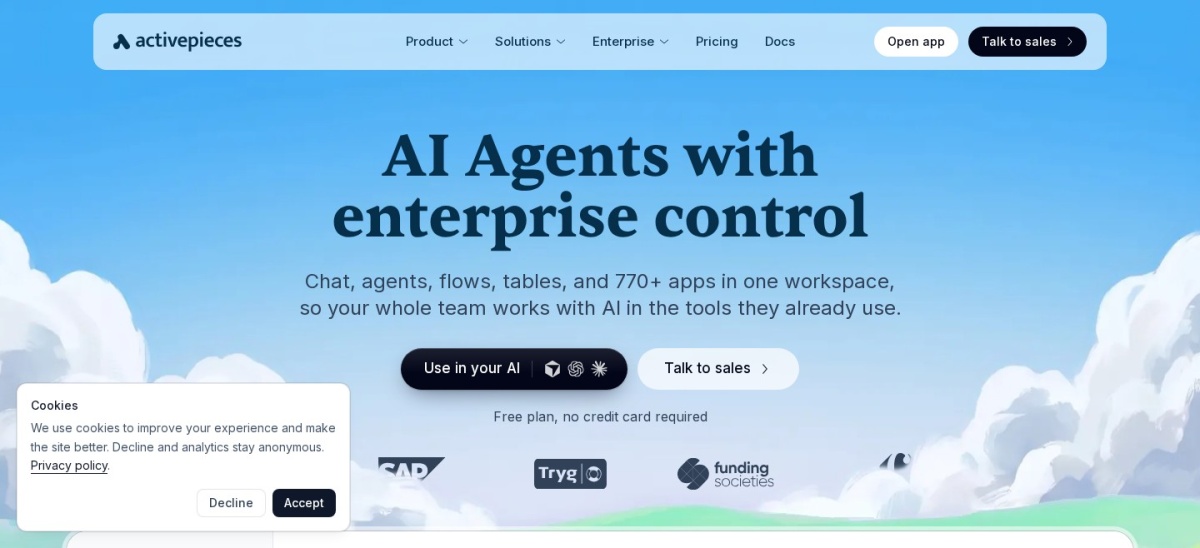
Activepieces is an open-source workflow and AI agent automation platform with a visual builder, Tables, MCP support, and self-hosting options. Its free plan includes 1,000 monthly credits, unlimited flows, and up to five users.
The trade off is a smaller native app catalog than Zapier or Make and higher credit costs per AI model step, with Plus starting at $20 a month. It suits teams wanting open-source flexibility and BYO AI keys.
What we like
4.8/5 rating from 142 G2 reviews
Free plan includes 1,000 credits and up to five users
Supports self-hosting and bringing your own AI keys on Plus
Watch out for
Fewer prebuilt app connectors than larger SaaS platforms
AI model steps consume multiple credits per action
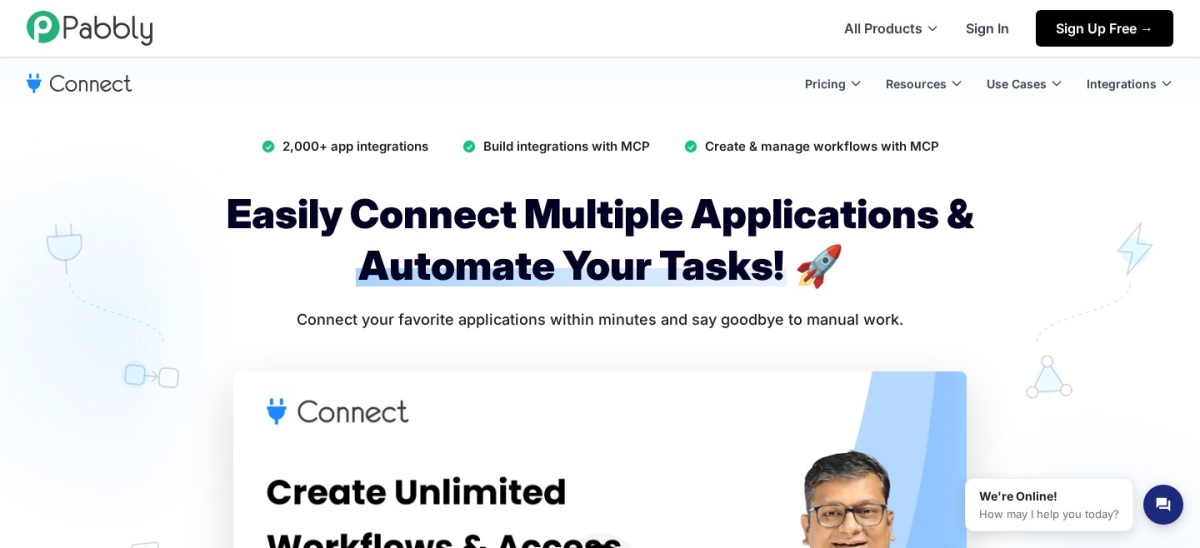
Pabbly Connect is a workflow automation tool linking 2,000+ apps with trigger, filter, router, and formatter steps. Its free tier includes 100 monthly tasks, while Standard starts at $16 a month billed annually for 10,000 tasks.
The trade off is a dated interface and a smaller review sample on G2, alongside one-time lifetime plans starting at $349. It suits cost-focused small businesses moving data across standard web apps.
What we like
10,000 monthly tasks on Standard starting at $16/mo yearly
Triggers, filters, routers, and formatters do not count as tasks
Lifetime plan option available for fixed-volume setups
Watch out for
Interface feels less modern than newer workflow builders
Lower G2 rating (4.1/5 from 30 reviews) than several peers
Standard adds 10,000 monthly tasks and removes free-tier workflow limitsVisit pabbly.com
06
Bardeen
4.8/5on G2 (36 reviews, checked Nov 2026)
Paid from$10/mo
Best for browser scraping and lead enrichment
Free planYes, 100 credits/mo
Primary modeBrowser & AI playbooks
Entry paid planBasic, $10/mo
G2 rating4.8/5 (36)
bardeen.ai
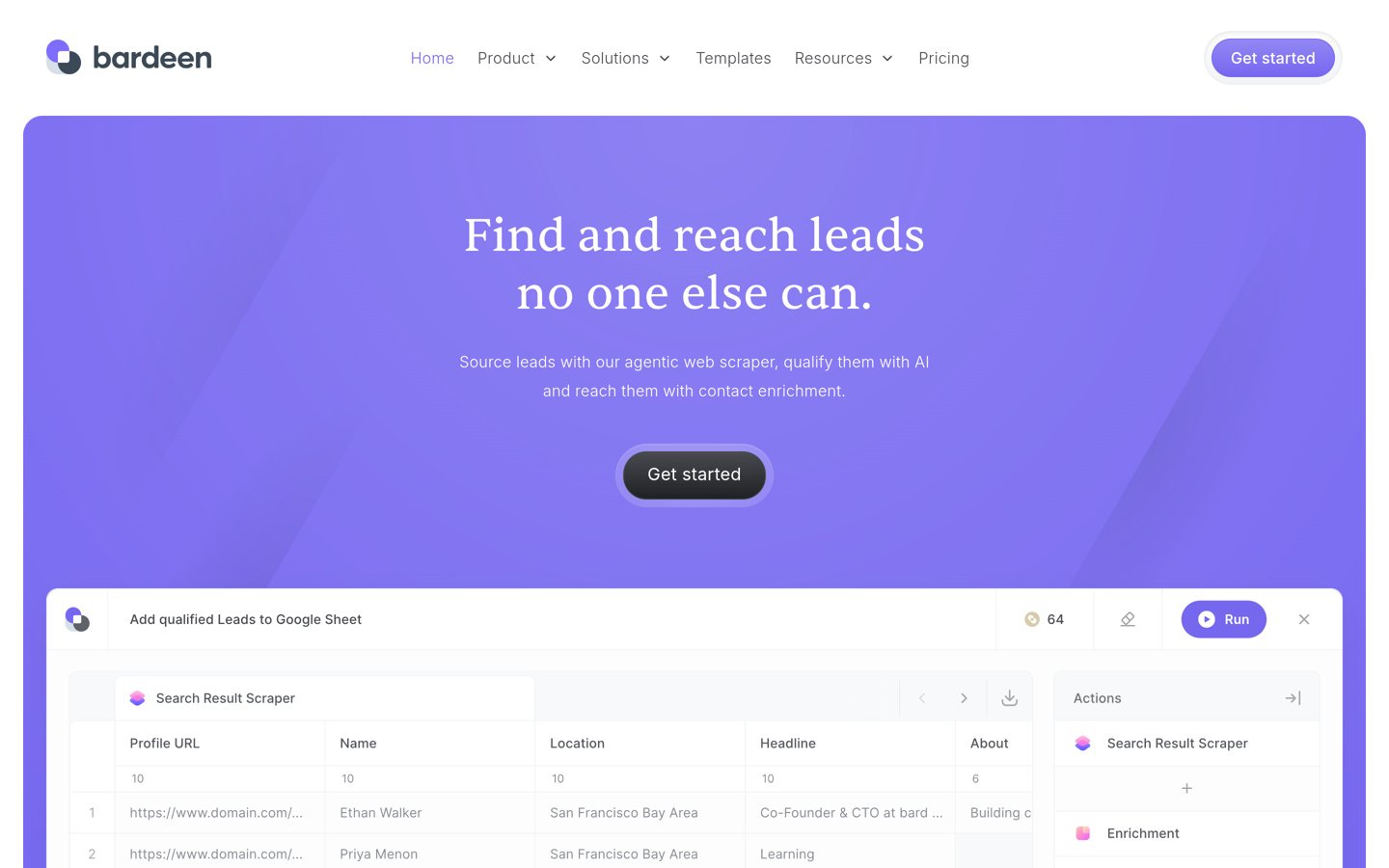
Bardeen homepage, captured Nov 2026.
Bardeen is a browser-based automation and AI workflow tool focused on web scraping, lead qualification, and contact enrichment. Every account gets 100 free monthly credits, while Basic starts at $10 a month.
The trade off is credit consumption on enrichment rows and browser-dependent execution compared with background cloud connectors. It suits sales, marketing, and recruiting teams working inside web pages.
What we like
Strong fit for browser scraping and prospect enrichment
Free tier includes 100 monthly credits to test workflows
4.8/5 rating from 36 G2 reviews
Watch out for
Enrichment actions cost more credits per row than basic actions
Less suited to heavy backend app integration than cloud iPaaS tools
Paid plans expand monthly credit allowances for scraping and enrichmentVisit bardeen.ai
07
Gumloop
4.8/5on G2 (7 reviews, checked Nov 2026)
Starts at$37/mo
Best for shared team AI agents and company context
Free planNo, 14-day trial
Included credits20,000/mo on Pro
Entry paid planPro, $37/mo
G2 rating4.8/5 (7)
gumloop.com
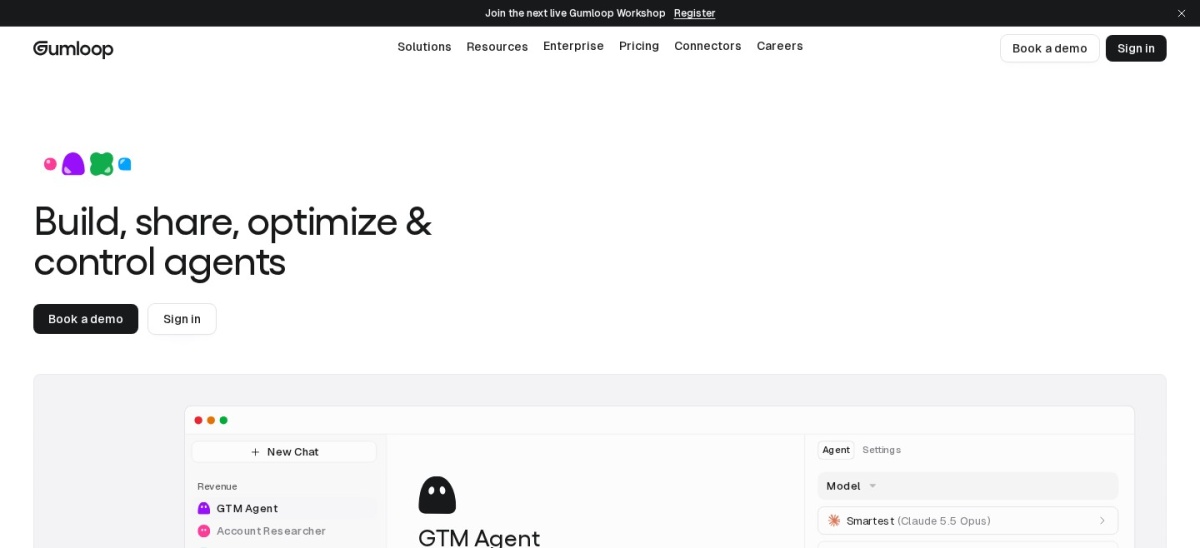
Gumloop homepage, captured Nov 2026.
Gumloop is a no-code platform for building shared AI agents that use connected business apps and company knowledge across chat, schedules, and events. Pro starts at $37 a month with 20,000 monthly credits and unlimited seats and agents.
The trade off is no permanent free plan beyond a 14-day trial and variable credit spend per agent chat plus an 8% orchestration fee. It suits teams collaborating on shared AI agents across workplace tools.
What we like
Unlimited seats, agents, and teams on the Pro plan
Supports 35+ AI models plus bring-your-own-key options
Built around shared company knowledge and agent skills
Watch out for
No free plan after the 14-day trial
Credit burn varies by model tokens, compute, and tool calls
Pro includes 20,000 monthly credits, unlimited seats, and MCP hostingVisit gumloop.com
How pricing models change your real bill
Headline monthly prices rarely tell the full story in AI automation. A tool that charges per step or per token call behaves very differently from one that charges once per full workflow run.
Polling triggers that check an app every minute or 15 minutes can consume quota even when no new records arrive. Event webhooks and execution-based plans often keep costs steadier on high-frequency flows.
Before committing to an annual tier, map out how many steps, AI calls, or rows a typical automation runs each day. A cheap entry plan can still climb once multi-step AI enrichment enters the flow.
How we chose
We started from active no-code workflow and AI automation platforms with public pricing and current product updates.
Pricing and review figures were checked on 22 November 2026 from vendor pricing pages and third-party review directories such as G2. Where annual billing lowers the monthly rate, we note the listed rate and billing cadence.
We left out tools without public entry pricing or those that have shut down new signups. No vendor paid for a place, and we do not claim testing for this list.
How to choose a no code ai workflow automation tool
Match the platform's billing unit and connector depth to how your workflows run.
List the apps and browser pages your workflow touches. Pick a broad cloud connector platform if your data lives across many SaaS apps, or a browser tool if it lives on web pages.
Check how AI steps and runs are metered. Compare per-task, per-credit, and per-execution pricing against your expected daily runs and AI model calls.
Decide between cloud hosting and self-hosting. Choose managed cloud plans for quick setup without server upkeep, or self-hosting if you want local infrastructure control.
Test on a free tier or trial before upgrading. Build one real end-to-end flow first to see how fast it uses credits or tasks.
FAQ
What is the best no code ai workflow automation tool?
Zapier is the strongest general pick for connecting more than 9,000 apps quickly, holding a 4.5/5 G2 rating with a free tier of 100 tasks per month. Make and n8n are strong alternatives if you want branching visual scenarios or self-hosting.
Are there free no code ai workflow automation tools?
Yes. Zapier, Make, n8n, Activepieces, Pabbly Connect, and Bardeen all offer a free plan or free self-hosted edition, though monthly task, credit, or execution limits apply.
Should I choose per-execution or per-step billing?
Per-execution pricing like n8n can be cost-effective when a single workflow run performs many steps. Per-step or per-credit billing works well when workflows are short and run infrequently.
Can I use my own AI API keys?
Several platforms let you bring your own API keys on eligible plans, including Activepieces on Plus and Gumloop on Pro. Check whether bringing a key changes orchestration fees or credit rates.
Why do AI workflow costs spike after launch?
Costs often rise when workflows loop over large lists, trigger frequently, or invoke larger AI models on every item. Testing a small batch first helps estimate real monthly usage.
Do I need coding skills for these tools?
No. Visual builders, prebuilt templates, and natural-language workflow assistants let non-coders set up core automations, though custom scripts or API calls can extend advanced flows.
SaaS SEO and WordPress specialist with about 8 years of experience. Rakib compares WordPress plugins, themes, hosting and software using public pricing, documentation and user reviews. See how we rank.