Cloudflare One leads for teams wanting zero-trust network access and a free tier for up to 50 users, holding a 4.6/5 rating on G2. For private mesh networking, Tailscale offers a free Personal plan for up to 6 users, while Twingate starts at $5 per user per month on its Teams plan.
How we make this list: we compare pricing pages, product documentation and public user reviews, then re-check every price before each update. No product paid for a place. Disclosure.
Cloudflare One holds a 4.6/5 rating from 106 G2 reviews and includes a free tier for teams under 50 users.
Tailscale starts free for up to 6 users on Personal and charges $8 per user per month on Standard.
Twingate provides a free Starter plan for up to 5 users and charges $5 per user per month on Teams.
GoodAccess holds a 4.7/5 rating from 167 G2 reviews, with Essential starting at $7 per user per month for a minimum of 5 users.
NordLayer holds a 4.3/5 rating from 125 G2 reviews and starts at $8 per user per month on Lite.
What to look for in network protection software
Modern network protection covers encrypted remote access, zero-trust policy enforcement, DNS-level threat filtering, and appliance or cloud gateways. The right tool depends on whether your team connects to internal servers, cloud VPCs, or public web traffic.
Per-seat pricing often includes minimum user counts, minimum monthly spend, or extra charges for dedicated gateways and static IPs. Always check how a vendor bills remote devices versus active user accounts before rolling out a subscription.
Open-source and appliance firewalls give administrators direct control over routing and traffic inspection, whereas cloud-delivered zero-trust platforms reduce hardware upkeep at the cost of monthly per-user fees.
Cloudflare One is a cloud-delivered zero-trust network access, secure web gateway, and SASE platform. Its free plan supports teams under 50 users at $0, with pay-as-you-go pricing starting at $7 per user per month for teams over 50 users.
The trade off is a steeper learning curve when moving from traditional network firewalls to zero-trust policies, and paid plans start at $7 per user per month above the free threshold. It suits IT teams consolidating access control and web security without managing edge hardware.
What we like
Free plan covers teams under 50 users
Combines zero-trust access, secure web gateway, and SASE
Strong 4.6/5 score across 106 G2 reviews
Watch out for
Zero-trust policy setup has a learning curve
Pay-as-you-go rate of $7 per user per month applies above 50 users
Paid pay-as-you-go plans start at $7/user/month for teams over 50 users.Visit cloudflare.com
02
Tailscale
4.6/5on G2 (31 reviews, checked Nov 2026)
Paid from$8/mo
Best mesh VPN for small teams
G2 rating4.6/5 (31 reviews)
Free planPersonal up to 6 users ($0)
Paid entryStandard at $8/user/month
Included resourcesUp to 50 tagged resources
tailscale.com
Tailscale homepage, captured Nov 2026.
Tailscale is a mesh networking service that connects user devices, servers, and private resources over encrypted peer-to-peer links. Its Personal plan is free for up to 6 users with unlimited user devices and up to 50 tagged resources.
The trade off is paying $8 per user per month on the Standard plan once you need more seats, SCIM provisioning, or MDM posture integrations. It suits developers and small teams connecting distributed machines and internal services.
What we like
Free Personal tier includes up to 6 users and 50 tagged resources
Unlimited user devices per account across tiers
Straightforward setup and administration rated 4.6/5 on G2
Watch out for
Standard tier costs $8 per user per month
Additional tagged resources above 50 cost $1/month each
Standard plan is $8/user/month and adds up to 10 ACL groups, SCIM, and MDM integrations.Visit tailscale.com
03
Twingate
4.6/5on G2 (84 reviews, checked Nov 2026)
Paid from$5/mo
Best low-cost paid remote access
G2 rating4.6/5 (84 reviews)
Free planStarter up to 5 users ($0)
Paid entryTeams at $5/user/month
Team capacityUp to 100 users on Teams
twingate.com
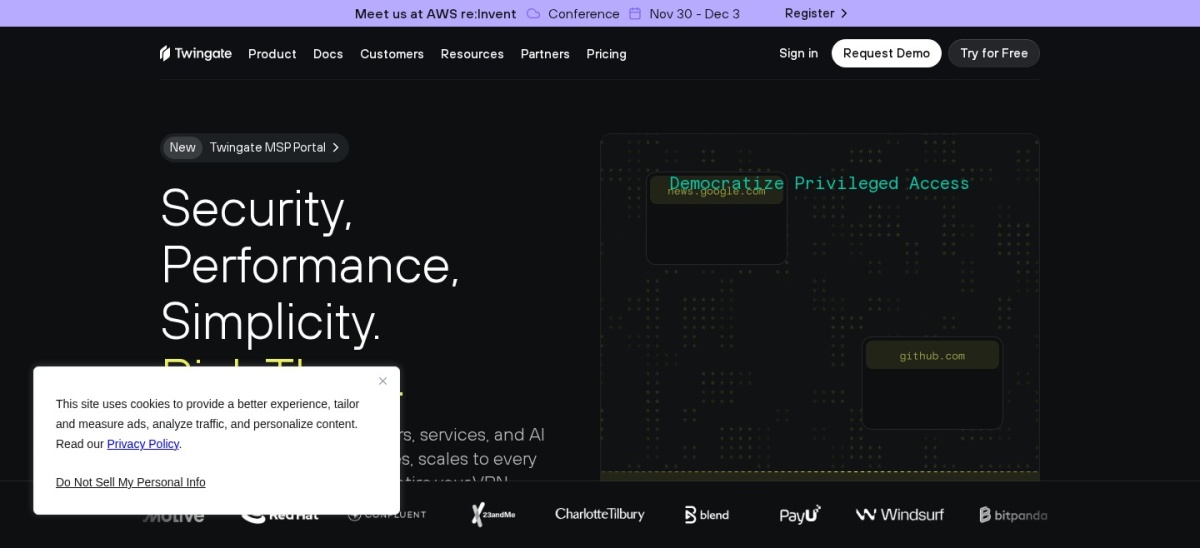
Twingate homepage, captured Nov 2026.
Twingate is a zero-trust network access platform designed to replace legacy VPNs for private applications and infrastructure. It offers a free Starter plan for up to 5 users and up to 50 resources, with paid Teams plans starting at $5 per user per month.
The trade off is that SaaS application gating, broader IdP provisioning, and secure service accounts require upgrading to higher tiers at $5 per user per month or more on Teams. It suits teams retiring traditional VPNs on a budget.
What we like
Entry paid Teams plan starts at $5 per user per month
Free Starter tier supports up to 5 users and 50 resources
Holds a 4.6/5 rating across 84 G2 reviews
Watch out for
Some reviewers note the interface leans developer-focused
Okta and Entra ID provisioning sit above the entry Teams tier
Teams plan starts at $5/user/month and supports up to 100 users and Google Workspace SSO.Visit twingate.com
04
GoodAccess
4.7/5on G2 (167 reviews, checked Nov 2026)
Starts at$7/mo
Best for static IP and cloud VPN
G2 rating4.7/5 (167 reviews)
Free planNone (free trial available)
Paid entryEssential at $7/user/month
Minimum seats5 users minimum on Essential
goodaccess.com
GoodAccess homepage, captured Nov 2026.
GoodAccess is a cloud VPN and software-defined perimeter platform that provides dedicated gateways with static IPs for IP whitelisting. Its Essential plan starts at $7 per user per month with a 5-user minimum.
The trade off is a 5-user minimum plus an additional $49 per month per dedicated gateway on the $7 per user per month Essential plan. It suits remote teams that need fixed egress IPs and straightforward cloud VPN access.
What we like
High 4.7/5 rating across 167 G2 reviews
Provides dedicated gateways with static IPs across 35+ locations
Clients support Windows, macOS, Linux, Android, iOS, and ChromeOS
Watch out for
Requires a 5-user minimum on Essential
Dedicated gateways add $49/month each on Essential
Essential at $7/user/month covers dedicated cloud VPN and static IP whitelisting for 5+ users.Visit goodaccess.com
05
NordLayer
4.3/5on G2 (125 reviews, checked Nov 2026)
Starts at$8/mo
Best for managed business VPN and SSE
G2 rating4.3/5 (125 reviews)
Free planNone (free trial available)
Paid entryLite at $8/user/month
ProtocolsOpenVPN and NordLynx (WireGuard)
nordlayer.com
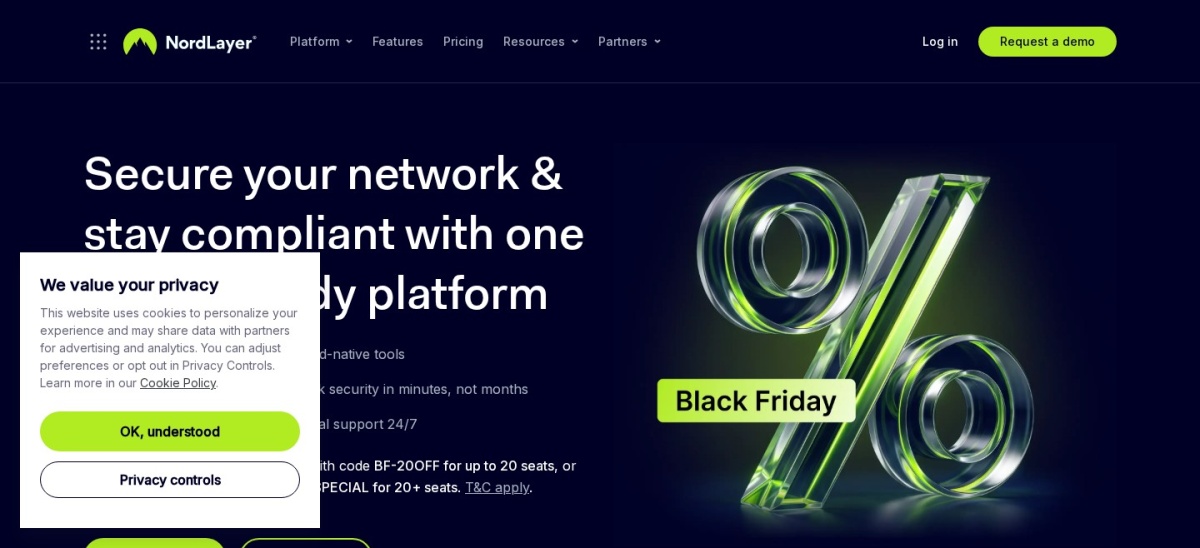
NordLayer homepage, captured Nov 2026.
NordLayer is a cloud-based network access and security service offering encrypted tunnels, threat prevention, and zero-trust controls. Its Lite plan starts at $8 per user per month and includes encrypted connections and malware protection.
The trade off is that dedicated servers with a fixed IP add $40 per month, and network segmentation requires higher tiers beyond the $8 per user per month Lite plan. It suits businesses wanting a managed remote access client without hardware maintenance.
What we like
Lite plan starts at $8 per user per month with threat prevention
Supports OpenVPN and NordLynx across major desktop and mobile OSes
Backed by 125 reviews on G2 with a 4.3/5 rating
Watch out for
Server with dedicated IP adds $40/month
Network segmentation and cloud firewall sit on higher tiers
Lite at $8/user/month encrypts team traffic and blocks online threats; Core at $11/user/month adds resource access controls.Visit nordlayer.com
06
Netgate pfSense
4.7/5on G2 (327 reviews, checked Nov 2026)
Starts at$129/yr
Best for custom firewall hardware and VMs
G2 rating4.7/5 (327 reviews)
Free planNone for commercial pfSense Plus
Paid entry$129/year subscription with TAC Lite
DeploymentAppliances, VMs, or cloud
netgate.com
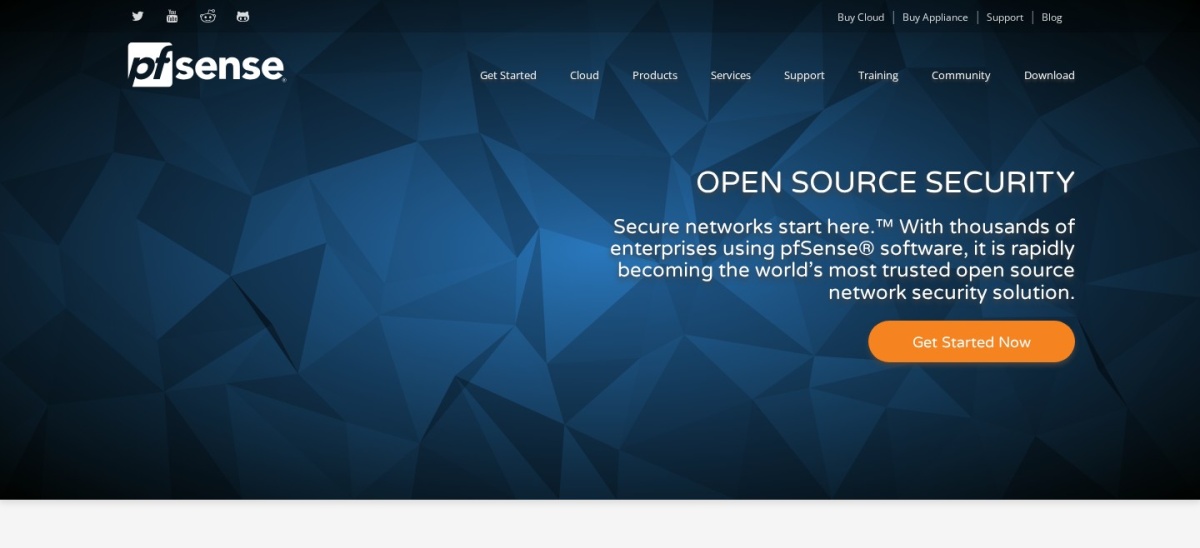
Netgate pfSense homepage, captured Nov 2026.
Netgate pfSense provides firewall, routing, and VPN capabilities across Netgate appliances, virtual machines, and cloud marketplaces. Commercial pfSense Plus subscriptions with TAC Lite support start at $129 per year.
The trade off is a steeper learning curve for network administrators and an annual $129 subscription cost for commercial support and licensing. It suits network teams running dedicated firewall hardware or virtual appliances.
What we like
Rated 4.7/5 across 327 G2 reviews
Runs on dedicated Netgate appliances, VMs, and cloud instances
Commercial pfSense Plus subscription starts at $129/year
Watch out for
Advanced firewall and routing rules take time to master
Technical assistance is sold on a per-install basis
pfSense Plus subscription with TAC Lite support is $129/year for a single instance.Visit netgate.com
07
Sophos Firewall
4.7/5on G2 (881 reviews, checked Nov 2026)
Starts at$1,037 one-time
Best for edge appliances and IPS
G2 rating4.7/5 (881 reviews)
Free planNone (free trial available)
Paid entryFrom $1,037 hardware entry point
DeploymentXGS appliances, VM, or cloud
sophos.com
Sophos Firewall homepage, captured Nov 2026.
Sophos Firewall is a next-generation firewall platform available on XGS hardware appliances, virtual machines, and cloud environments with IPS and ZTNA features. Entry hardware options start around $1,037 depending on model and licensing.
The trade off is higher upfront appliance and subscription costs starting from $1,037, plus complexity in advanced policy tuning. It suits offices and branch networks needing perimeter firewall enforcement.
What we like
Strong 4.7/5 rating across 881 G2 reviews
Includes IPS, application control, web protection, and ZTNA options
Available across XGS appliances, cloud, and virtual deployments
Watch out for
Higher upfront cost than cloud-only per-user tools
Complex configurations can challenge new administrators
XGS hardware and security bundles vary by throughput tier and add-on services.Visit sophos.com
How network protection pricing differs
Cloud access and zero-trust tools usually bill per user per month, often with a free tier for small teams or a minimum seat count. A 5-person team can often start free on Cloudflare One, Tailscale, or Twingate.
Appliance and firewall platforms charge for hardware throughput, support subscriptions, or cloud VM usage. Factor in renewal rates, dedicated IP add-ons, and gateway fees before finalizing a budget.
How we chose
We selected established network protection tools by reviewing vendor pricing pages, product documentation, and public G2 review profiles.
All ratings, review counts, and starting paid prices were checked on 22 Nov 2026 using regular published plan rates rather than promotional discounts.
We excluded discontinued products, tools lacking verifiable public review counts, and options without clear starting pricing details.
No vendor paid for a place, and we do not claim testing for this list.
How to choose network protection software
Follow four steps to match a tool to your network topology and team size.
Map what needs protection first. Decide whether you are securing remote access to private apps, filtering DNS and web traffic, or inspecting traffic at an office perimeter.
Count users, devices, and gateways. Check whether the vendor charges per active user, per device, or per dedicated gateway and static IP.
Test free tiers or trials with real workflows. Verify identity provider login, split tunneling, and client stability across Windows, macOS, Linux, and mobile devices.
Confirm add-on and support costs. Review minimum seat rules, log retention limits, and support tiers before committing to an annual contract.
FAQ
Which network protection tool has the best free tier?
Cloudflare One offers a free tier for teams under 50 users, Tailscale offers a free Personal plan for up to 6 users, and Twingate offers a free Starter plan for up to 5 users. Check each plan's feature limits before relying on it for production workloads.
What is the difference between a VPN and zero-trust network access?
Traditional VPNs often place connected users onto a broader network segment, while zero-trust network access restricts users to specific authorized applications and resources. Many modern tools support both remote access and granular policy rules.
Do I need a static IP for remote team access?
You only need a dedicated static IP if external services, databases, or cloud firewalls require IP allowlisting from your team's traffic. Platforms like GoodAccess and NordLayer offer dedicated IPs as part of or on top of their plans.
Should small teams pick a hardware firewall or cloud service?
Cloud-based services avoid hardware maintenance and deploy quickly for remote teams. Dedicated appliances like Netgate pfSense or Sophos Firewall fit offices that need physical network routing and local edge control.
Why do per-user network tools have minimum seat counts?
Vendors set minimum user counts or minimum monthly spend to cover support and infrastructure overhead. A 3-person team may still have to pay for 5 seats if a plan enforces a 5-user minimum.
Can I connect both cloud servers and on-premise offices?
Yes, platforms such as Tailscale, Twingate, GoodAccess, NordLayer, and Sophos Firewall support connecting cloud environments with on-premise or remote networks. Confirm connector limits and routing options for your specific setup.
SaaS SEO and WordPress specialist with about 8 years of experience. Rakib compares WordPress plugins, themes, hosting and software using public pricing, documentation and user reviews. See how we rank.