BrowserStack is the best mobile automation testing tool for most QA teams, offering access to more than 30,000 real iOS and Android device units. Katalon is a better choice for low-code test creation, while Kobiton offers affordable real-device automation for smaller testing workloads.
How we make this list: we compare pricing pages, product documentation and public user reviews, then re-check every price before each update. No product paid for a place. Disclosure.
BrowserStack offers access to 30,000+ real mobile device units from $199 per month.
Katalon Studio Professional lists at $2,199 per seat per year before discounts.
Kobiton starts at $83 per month with 500 testing minutes.
Appium is free and open source, with a 4.4/5 G2 rating from 63 reviews.
Testsigma holds a 4.4/5 G2 rating from 140 reviews and supports mobile, web, API and desktop automation.
What mobile automation testing tools should cover
Mobile automation testing tools execute repeatable application tests across smartphones, tablets and virtual devices. They help QA teams identify functional defects, interface problems and compatibility issues before releasing application updates.
Real-device testing is particularly important for validating hardware-dependent features, operating system behavior and manufacturer-specific differences. Emulators and simulators are useful for faster feedback during development but cannot reproduce every physical-device behavior.
Look for compatibility with Appium, Espresso or XCUITest, depending on your application architecture. Low-code platforms are worth considering when testers need to create automated workflows without extensive programming experience.
Pricing can depend on concurrent sessions, testing minutes or developer seats. The comparison uses the cheapest relevant mobile automation subscription where available, rather than cheaper plans that only support manual testing or unrelated products.
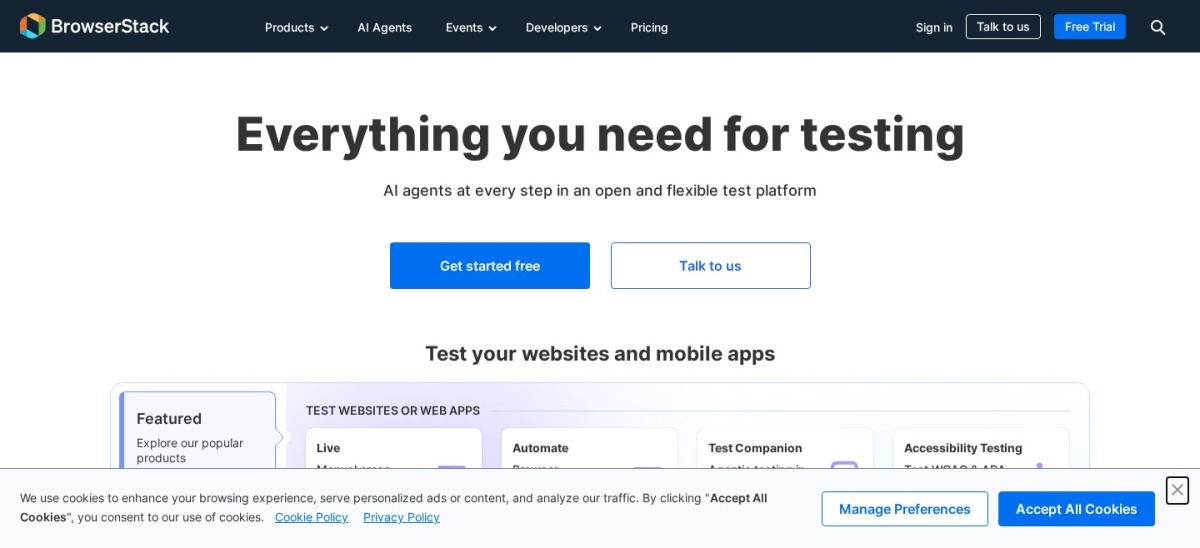
BrowserStack is a cloud-based testing platform with access to more than 30,000 real iOS and Android device units. Its App Automate Device Cloud plan includes unlimited testing minutes and users, with support for automated native and hybrid application tests.
The trade off is concurrency-based pricing, starting at $199 per month with annual billing for one parallel test. It suits QA teams that need extensive physical-device coverage without maintaining their own testing laboratory.
What we like
Extensive physical-device inventory
Unlimited testing minutes on the entry automation plan
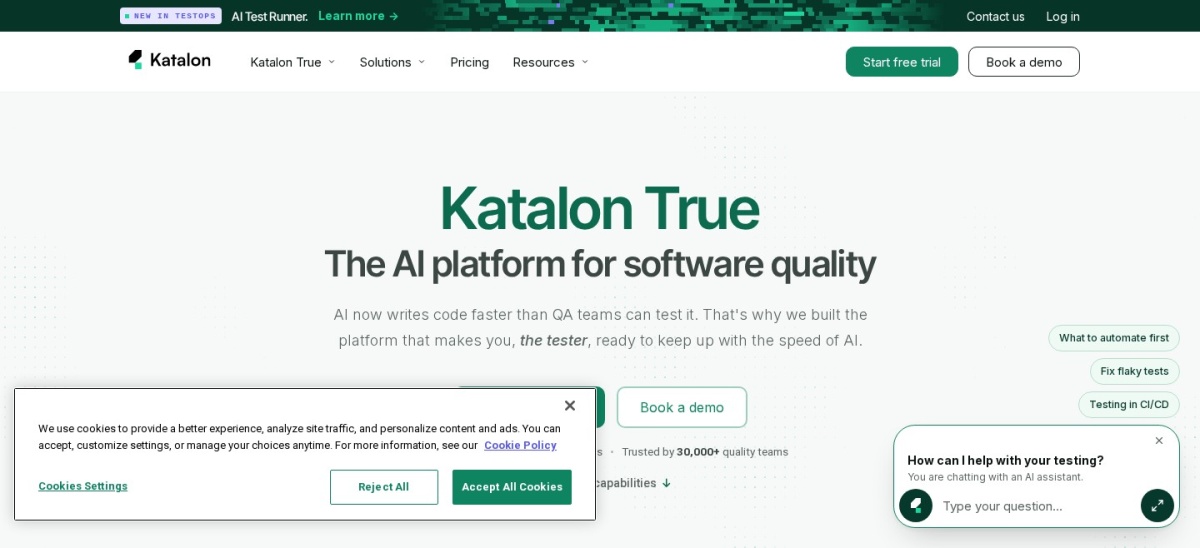
Katalon is a test automation platform rated 4.4/5 from 235 G2 reviews. Its free Studio edition supports mobile, web and API testing, while Professional adds advanced authoring, data-driven testing and parallel execution capabilities.
The trade off is per-seat licensing and separate infrastructure considerations for cloud execution. Professional lists at $2,199 per year, with a displayed discounted price of $1,800. It suits QA teams that combine visual test creation with scripting.
What we like
Free Studio edition
Low-code and scripted test creation
Multiple application types supported
Data-driven testing
Watch out for
Paid seats can become expensive
Cloud execution may require additional subscriptions
Professional adds advanced authoring and execution features.Visit katalon.com
03
Kobiton
4.3/5on G2 (39 reviews, checked Nov 2026)
Starts at$83/mo
Best for smaller real-device testing workloads
Entry allowance500 minutes per month
Device accessPublic cloud
AutomationScripted testing
Paid planStartup
kobiton.com
Kobiton homepage, captured Nov 2026.
Kobiton is a mobile application testing platform that provides access to physical devices through its public cloud. The Startup subscription includes 500 testing minutes per month, covering manual and scripted automation testing.
The trade off is the monthly usage allowance, with Startup costing from $83 per month and larger workloads requiring an upgrade. It suits small QA teams that want real-device automation without paying for unlimited testing capacity.
What we like
Physical mobile device access
Manual and automated testing included
Relatively low entry subscription
Higher-capacity plans available
Watch out for
Monthly testing-minute limits
Larger automation workloads increase costs
Startup includes public device cloud access and scripted automation.Visit kobiton.com
04
Appium
4.4/5on G2 (63 reviews, checked Nov 2026)
PriceFree
Best for free open-source mobile automation
LicenseApache 2.0
Mobile platformsAndroid and iOS
Test creationCode-based
ExecutionSelf-managed or external cloud
appium.io
Appium homepage, captured Nov 2026.
Appium is an open-source automation framework rated 4.4/5 from 63 G2 reviews. It uses the WebDriver protocol to automate native, hybrid and mobile web applications through platform-specific drivers and compatible programming languages.
The trade off is infrastructure setup and ongoing script maintenance, although the framework itself is free. It suits development and QA teams with programming experience that want control over their mobile automation environment.
What we like
No software licensing fees
Cross-platform mobile testing
Multiple programming language options
Compatible with external device clouds
Watch out for
Requires programming knowledge
Device infrastructure is not included
Driver updates may require maintenance
No paid plan; external testing infrastructure may cost extra.Visit appium.io
05
Sauce Labs
4.4/5on G2 (200 reviews, checked Nov 2026)
PricingCustom pricing
Best for enterprise testing infrastructure
Device environmentsPhysical and virtual
Mobile platformsAndroid and iOS
FrameworksAppium, Espresso and XCUITest
Paid planAutomation pricing requires confirmation
saucelabs.com
Sauce Labs homepage, captured Nov 2026.
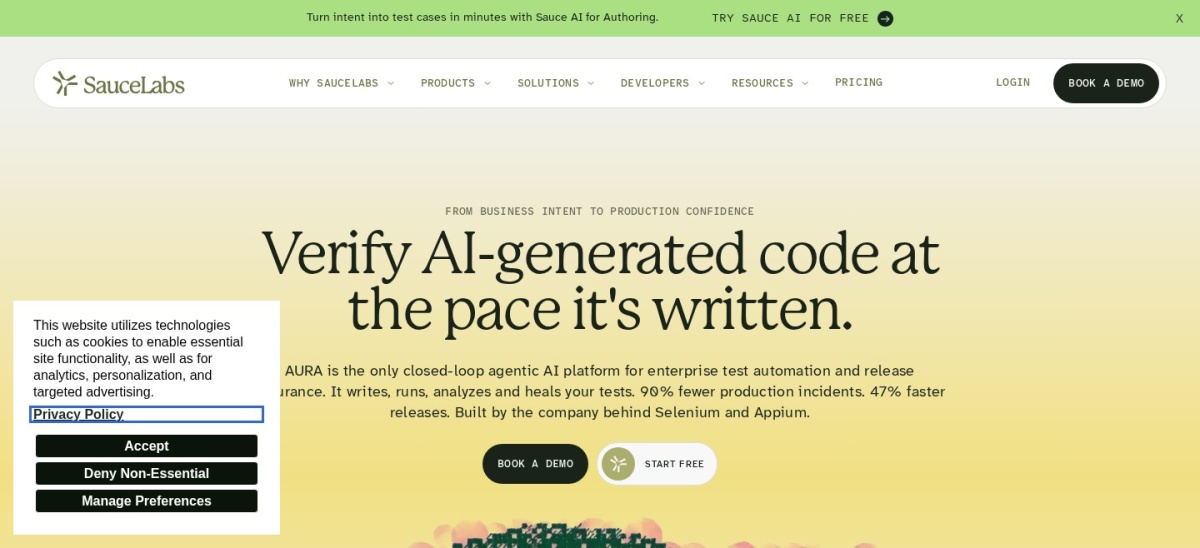
Sauce Labs is a cloud-based software testing platform rated 4.4/5 from 200 G2 reviews. Its mobile testing environment supports established automation frameworks, physical devices and virtual testing environments.
The trade off is subscription complexity. Its official page lists Live Testing at $39 per month with annual billing, but the applicable automation subscription price could not be confirmed. It suits larger engineering teams with established testing pipelines.
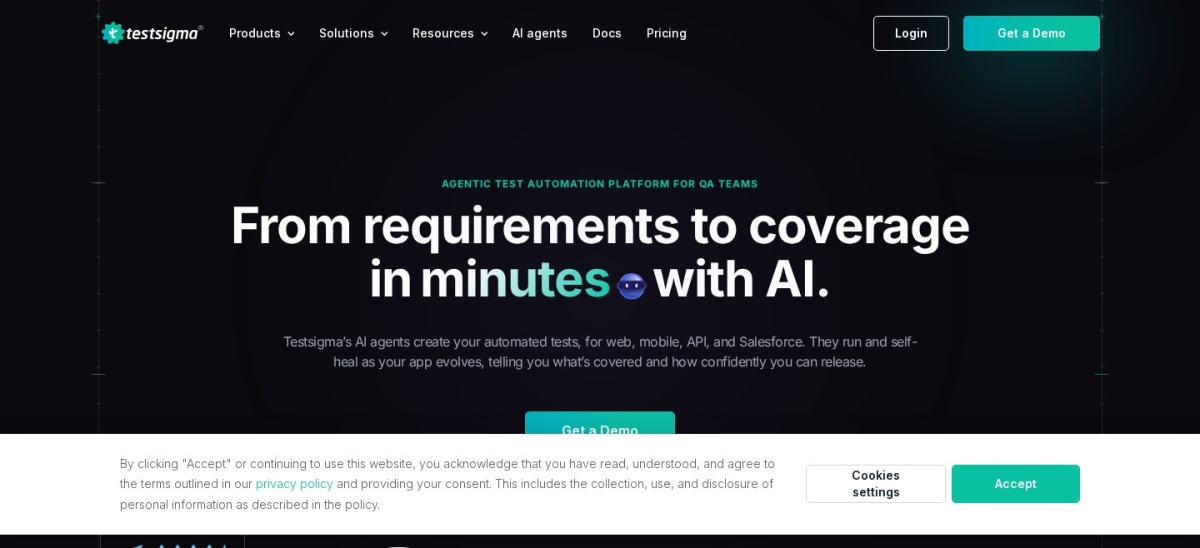
Testsigma is a test automation platform rated 4.4/5 from 140 G2 reviews. Its platform covers mobile, web, desktop and API testing, with AI-assisted test creation and automated script maintenance.
The trade off is custom pricing, with Pro subscriptions quoted according to expected usage. It suits QA departments that want to reduce programming requirements while maintaining automated regression tests across different application types.
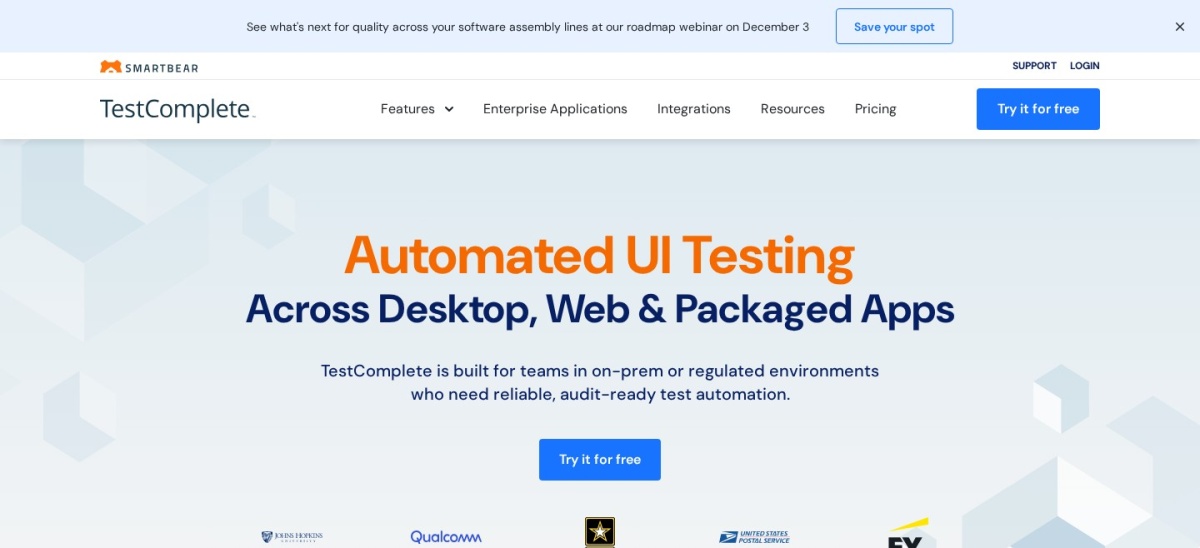
TestComplete is an automated interface testing platform from SmartBear, rated 4.2/5 from 96 G2 reviews. It combines keyword-driven tests, recorded workflows and scripting, with mobile application testing capabilities.
The trade off is its Windows-based authoring environment and subscription pricing that requires confirmation. SmartBear offers a 14-day trial, but the applicable mobile license price was not visible on the official page. It suits established QA teams using desktop-based automation workflows.
What we like
Keyword-driven test authoring
Scripted testing options
Multiple application testing workflows
Free trial available
Watch out for
Windows required for authoring
Mobile licensing costs require confirmation
Learning curve for advanced automation
Confirm mobile testing modules and licensing requirements with SmartBear.Visit smartbear.com
Real devices vs emulators for mobile automation testing
Physical devices provide more representative results for hardware-dependent application behavior, operating system compatibility and performance. They are particularly useful when validating application releases across different manufacturers.
Emulators and simulators provide convenient environments for routine regression testing during development. They reduce dependence on physical hardware but may not reproduce every device-specific issue.
A practical testing strategy combines virtual devices for frequent development checks with physical devices for critical user journeys and release validation.
How we chose
We shortlisted established mobile automation testing platforms and frameworks with public review histories. We prioritized mobile application compatibility, physical-device access, test authoring options, framework support and subscription costs.
The editorial reference date is 22 Nov 2026. Prices and ratings were retrieved from available vendor and G2 pages rather than an independently verified historical snapshot. Custom entries include subscriptions whose applicable automation prices could not be confirmed. Zero annual prices for those entries represent unavailable pricing, not free access.
We excluded manual-only testing products, unrelated automation software and products without a verifiable review profile. TestMu AI was excluded because its G2 rating and review count could not be confirmed. No vendor paid for a place, and we do not claim testing for this list.
How to choose mobile automation testing tools
Compare application compatibility, testing infrastructure, team skills and expected execution volume before selecting a mobile automation testing platform.
Identify your application platforms. Determine whether you need to automate native Android applications, iOS applications, hybrid applications or mobile websites.
Choose an appropriate testing framework. Match your team's programming experience and existing automation scripts with supported frameworks or low-code test authoring capabilities.
Calculate your expected testing workload. Estimate monthly execution minutes, concurrent sessions, required device coverage and tester seats to compare complete subscription costs.
Review integration and debugging capabilities. Check compatibility with your development pipelines, issue trackers and reporting systems, along with access to logs and test recordings.
FAQ
What is the best mobile automation testing tool?
BrowserStack is our top recommendation for teams requiring extensive real-device coverage and cloud-based execution. Katalon is a suitable alternative for low-code test creation, while Kobiton offers lower entry pricing for smaller testing workloads.
What is the best free mobile automation testing tool?
Appium is an established free and open-source framework for automating mobile application interfaces. It supports Android and iOS testing, although teams must provide their own execution infrastructure or purchase access to an external device cloud.
How much do mobile automation testing tools cost?
Kobiton starts at $83 per month with a limited testing allowance, while BrowserStack App Automate starts at $199 per month with annual billing. Actual costs depend on concurrency, testing volume, subscription terms and required features.
Can mobile applications be tested without coding?
Low-code platforms such as Katalon and Testsigma provide alternatives to writing every automation script manually. Testers can use recording, visual workflows or natural-language authoring, although complex application interactions may still require technical knowledge.
Is Appium better than BrowserStack?
Appium and BrowserStack serve different purposes. Appium provides a framework for writing and executing automated application tests, while BrowserStack supplies managed testing infrastructure. Teams can combine Appium scripts with BrowserStack's physical-device cloud.
Should mobile automation tests run on real devices?
Real devices are recommended for validating hardware-dependent features, compatibility and release readiness. Virtual devices remain useful for routine development checks. Combining both environments helps teams balance testing accuracy, execution speed and infrastructure costs.
SaaS SEO and WordPress specialist with about 8 years of experience. Rakib compares WordPress plugins, themes, hosting and software using public pricing, documentation and user reviews. See how we rank.