Fathom is the best minute taking software for most professionals, offering unlimited free meeting recordings and a 5.0/5 G2 rating from 7,200 reviews. Choose Fellow for structured team meetings or Fireflies.ai for searchable transcripts and multilingual meeting documentation.
How we make this list: we compare pricing pages, product documentation and public user reviews, then re-check every price before each update. No product paid for a place. Disclosure.
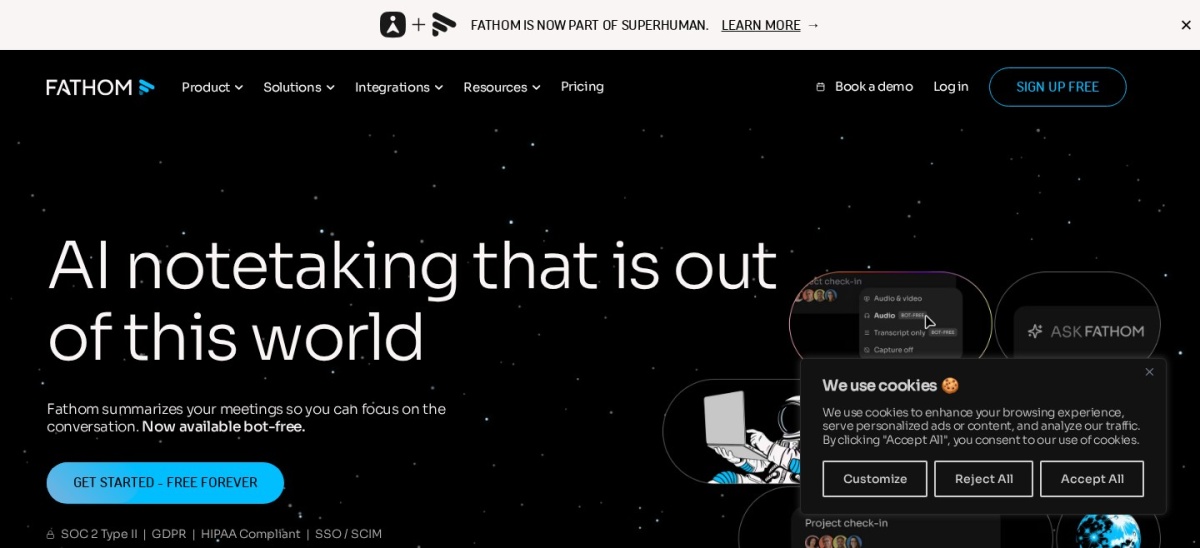
Fathom is an AI meeting assistant offering unlimited free recordings and instant meeting summaries. It holds a 5.0/5 rating from 7,200 G2 reviews.
The trade off is that shared workspaces and additional collaboration controls require Team at $15 per user monthly with annual billing and a two-seat minimum. It suits professionals documenting recurring online meetings.
What we like
Unlimited free meeting recordings
Automatic meeting summaries
Searchable meeting history
Strong public review profile
Watch out for
Paid Team plan requires multiple seats
Automated summaries require human review
Team adds shared workspaces, action items and team-wide meeting search.Visit fathom.ai
02
Fellow
4.7/5on G2 (2,444 reviews, checked Nov 2026)
Paid from$7/mo
Best for structured team meeting minutes
Free AI notes5 lifetime/user
Team AI notes10/user/month
Meeting integrationsZoom, Meet, Teams
Action itemsAI-generated
fellow.ai
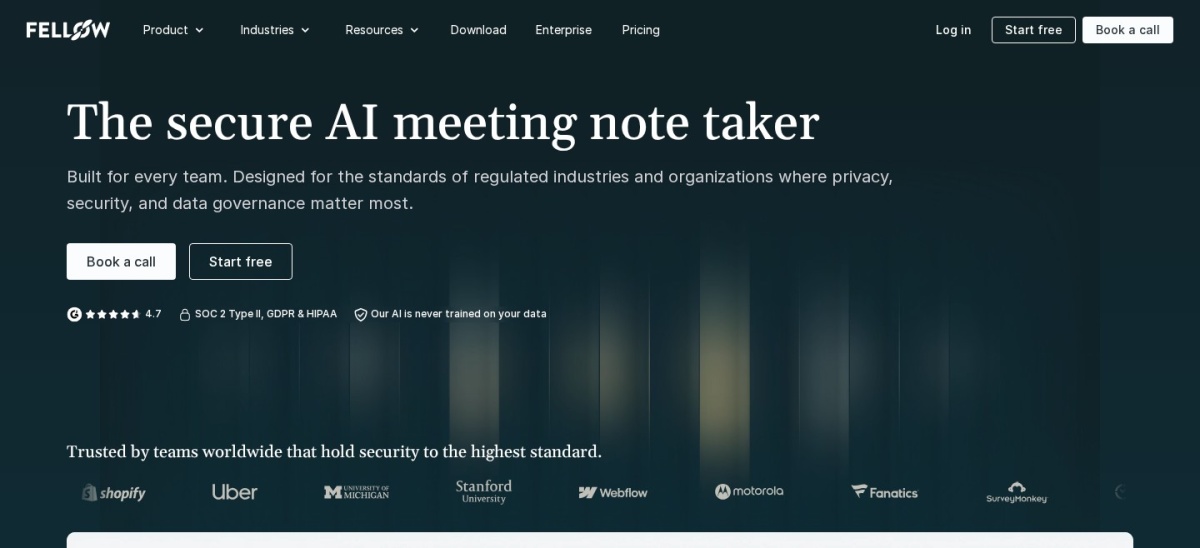
Fellow homepage, captured Nov 2026.
Fellow is a meeting management platform combining collaborative agendas with automated summaries and action items. Its free plan includes five lifetime AI notes and recordings per user.
The trade off is limited AI recording capacity on Team, which costs $7 per user monthly with annual billing and includes 10 monthly AI notes. It suits teams managing structured meetings and follow-up responsibilities.
What we like
Collaborative meeting agendas
Automatic action item extraction
Project management integrations
Watch out for
Small lifetime free AI allowance
Entry paid plan has recording limits
Team adds monthly AI notes, meeting automations and project integrations.Visit fellow.ai
03
Fireflies.ai
4.7/5on G2 (756 reviews, checked Nov 2026)
Paid from$10/mo
Best for searchable meeting transcripts
Free storage400 minutes/team
Pro storage8,000 minutes/seat
Transcription languages100+
Paid AI summariesUnlimited
fireflies.ai
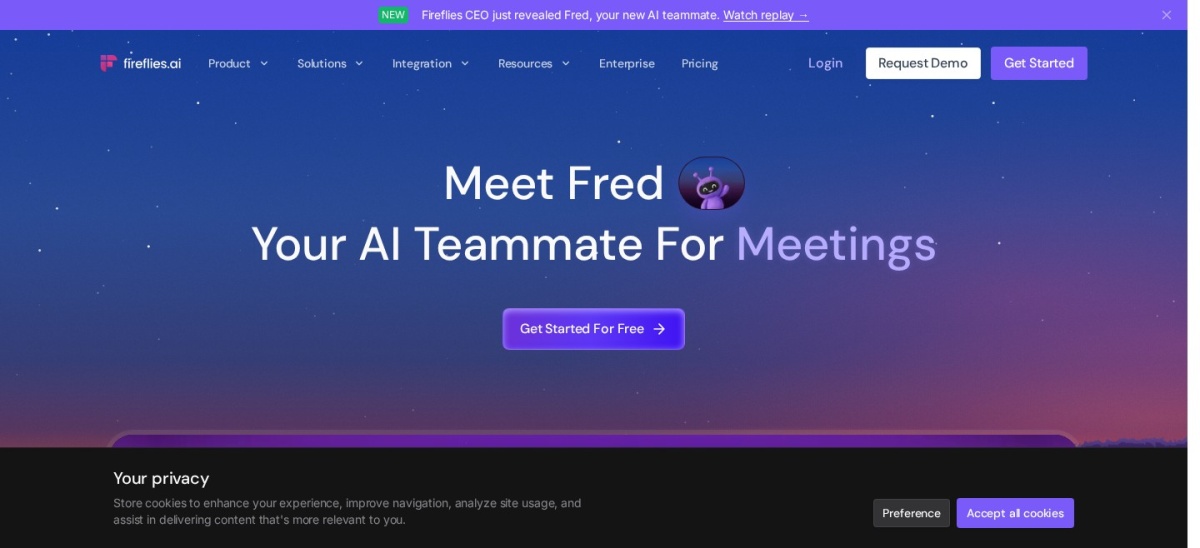
Fireflies.ai homepage, captured Nov 2026.
Fireflies.ai is a meeting documentation assistant that records conversations and generates searchable transcripts. Its free subscription includes limited AI summaries, 400 minutes of team storage and transcription in over 100 languages.
The trade off is restricted storage and summary functionality on Free. Pro costs $10 per seat monthly with annual billing and expands storage to 8,000 minutes per seat. It suits teams documenting frequent multilingual meetings.
What we like
Extensive transcription language support
Searchable meeting records
Automatic meeting summaries
Business application integrations
Watch out for
Limited free AI summaries
Storage restrictions on Pro
Pro adds unlimited AI summaries and expanded meeting storage.Visit fireflies.ai
04
MeetGeek
4.6/5on G2 (494 reviews, checked Nov 2026)
Paid from$9.99/mo
Best for automated meeting documentation
Free transcription3 hours/month
Pro transcription20 hours/month
Pro transcript retention1 year
Additional Pro hours$0.50/hour
meetgeek.ai
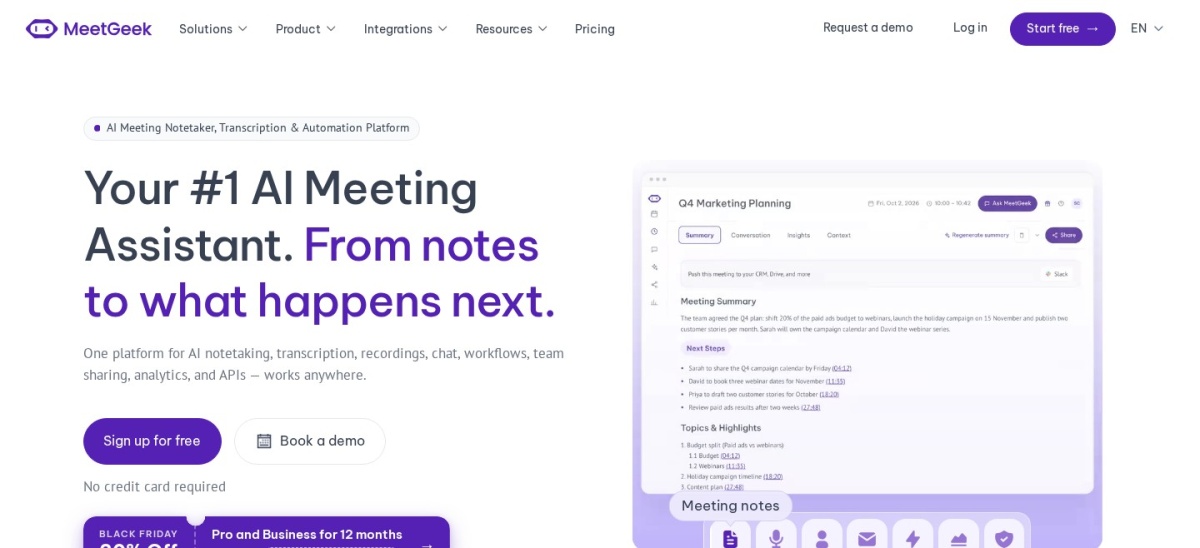
MeetGeek homepage, captured Nov 2026.
MeetGeek is an automated meeting documentation platform that generates summaries, transcripts and follow-up tasks. Basic includes three monthly transcription hours and three months of transcript storage.
The trade off is usage-based limits on Pro, which costs $9.99 per user monthly with annual billing and includes 20 transcription hours. It suits professionals managing moderate meeting volumes.
What we like
Automatic meeting documentation
Workflow integrations
Affordable entry subscription
Watch out for
Restricted free transcription allowance
Additional Pro transcription hours cost extra
Pro increases transcription capacity and record retention.Visit meetgeek.ai
05
Otter.ai
4.4/5on G2 (554 reviews, checked Nov 2026)
Paid from$16.99/mo
Best for live meeting transcription
Free transcription300 minutes/month
Pro recording allowance1,200 minutes
Pro meeting duration90 minutes
Pro file imports10/month
otter.ai
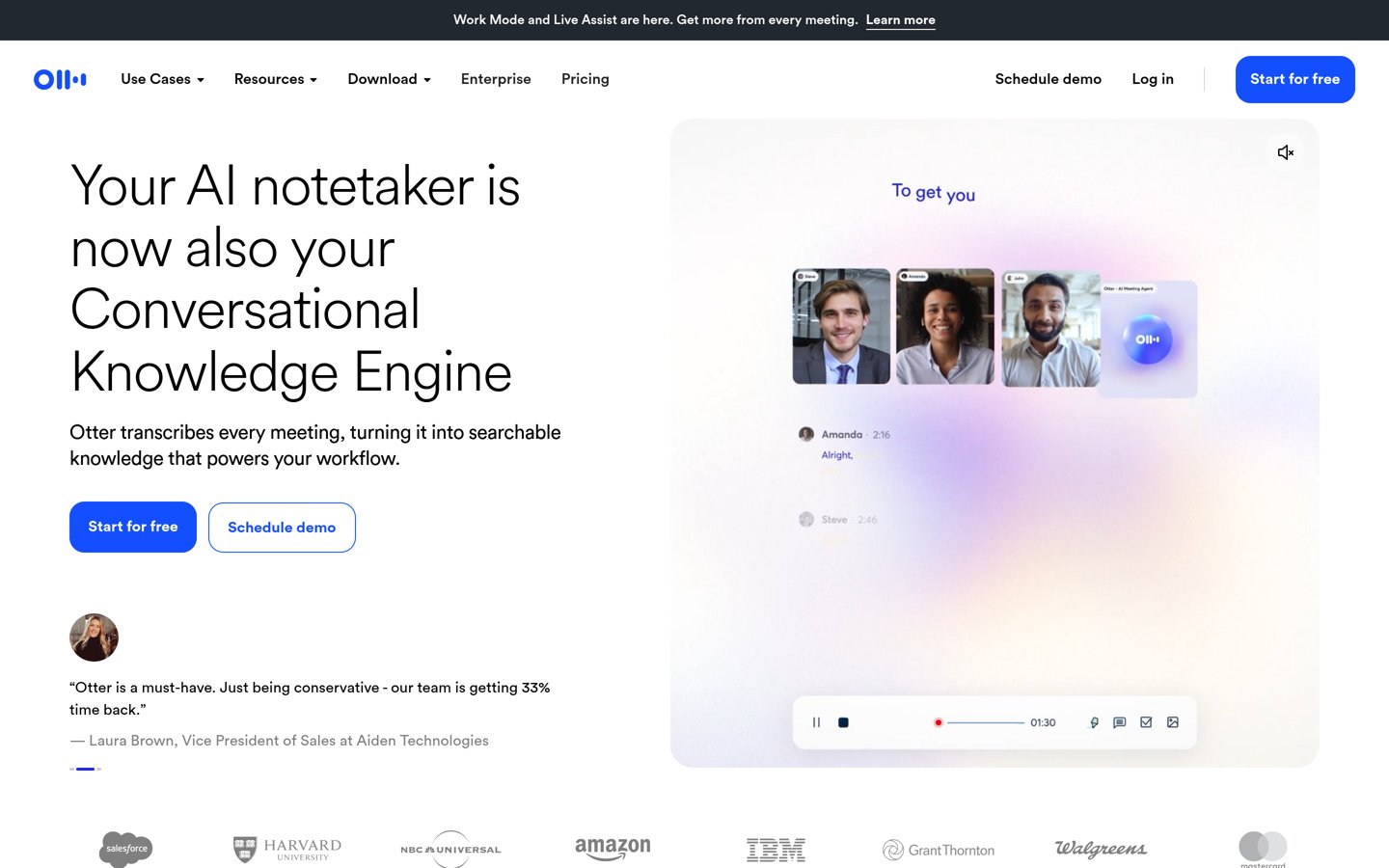
Otter.ai homepage, captured Nov 2026.
Otter.ai is a live transcription and meeting documentation assistant with speaker identification and AI-generated notes. Basic includes 300 monthly transcription minutes and three lifetime audio or video imports.
The trade off is recording limits and a regular Pro monthly price of $16.99. The pricing page also advertises a discounted $8.49 rate. It suits professionals who need live transcripts and searchable conversation records.
What we like
Live meeting transcription
Speaker identification
Searchable conversation history
Watch out for
Recording duration restrictions
Limited free file imports
Pro adds advanced meeting templates, expanded recording and export options.Visit otter.ai
06
Krisp
4.7/5on G2 (1,620 reviews, checked Nov 2026)
Starts at$8/mo
Best for bot-free minute taking
Entry planCore
Free trial7 days
Core storage10 GB
AI note-takingUnlimited
krisp.ai
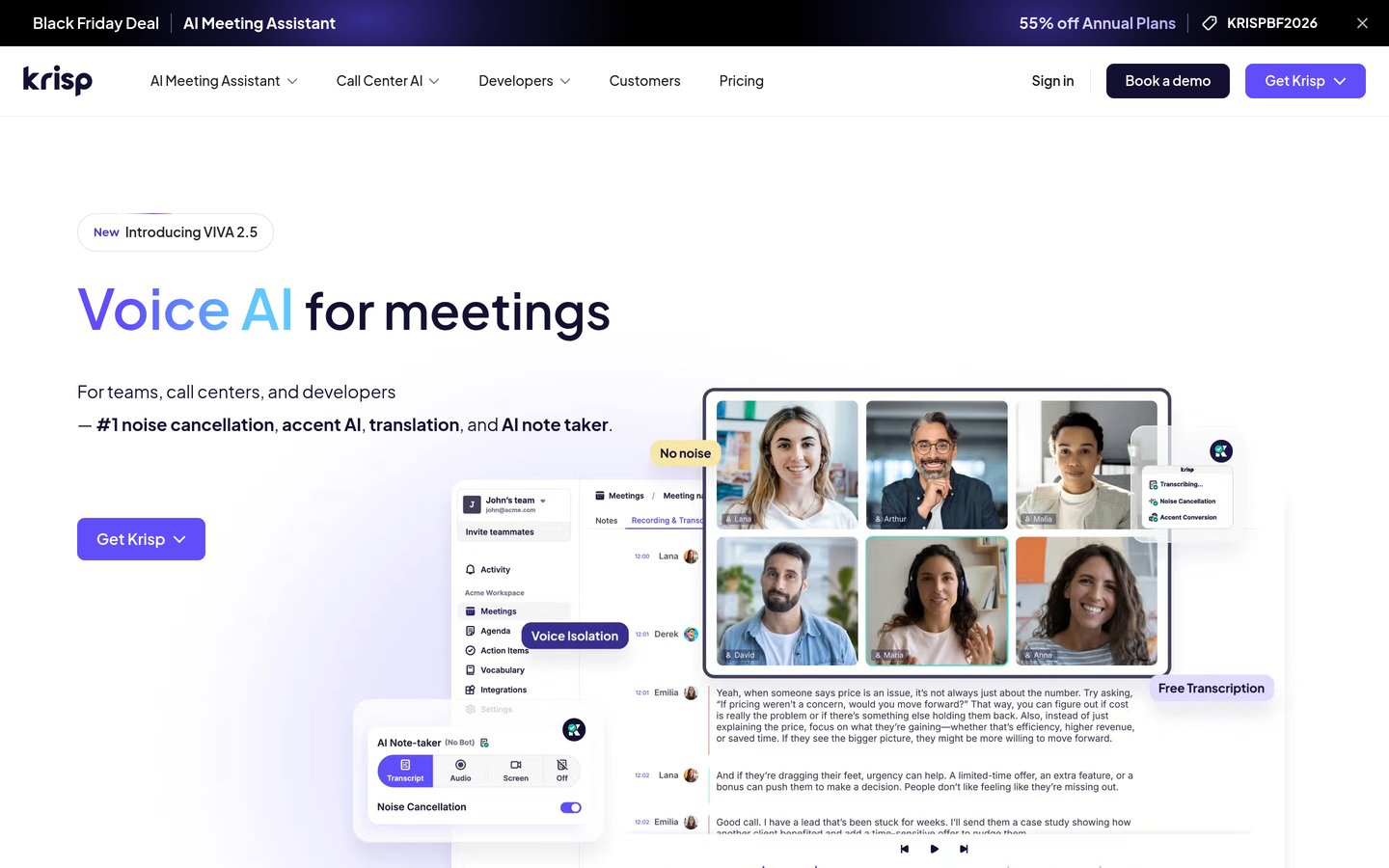
Krisp homepage, captured Nov 2026.
Krisp is a meeting assistant combining automated notes with background noise cancellation. Core includes unlimited AI note-taking, bot-free recording and 10 GB of storage.
The trade off is the absence of a permanent free plan, although a seven-day trial is available. Core costs $8 per user monthly with annual billing. It suits remote professionals who frequently attend meetings in noisy environments.
What we like
Bot-free meeting capture
Background noise cancellation
Unlimited AI note-taking
Watch out for
No permanent free subscription
Advanced administrative controls require upgrades
Core includes unlimited meeting notes, noise cancellation and integrations.Visit krisp.ai
07
Avoma
4.6/5on G2 (1,368 reviews, checked Nov 2026)
Starts at$19/mo
Best for client-facing meeting minutes
Entry planStartup
Maximum paid Startup seats25
Free viewer seatsUnlimited
Free trial14 days
avoma.com
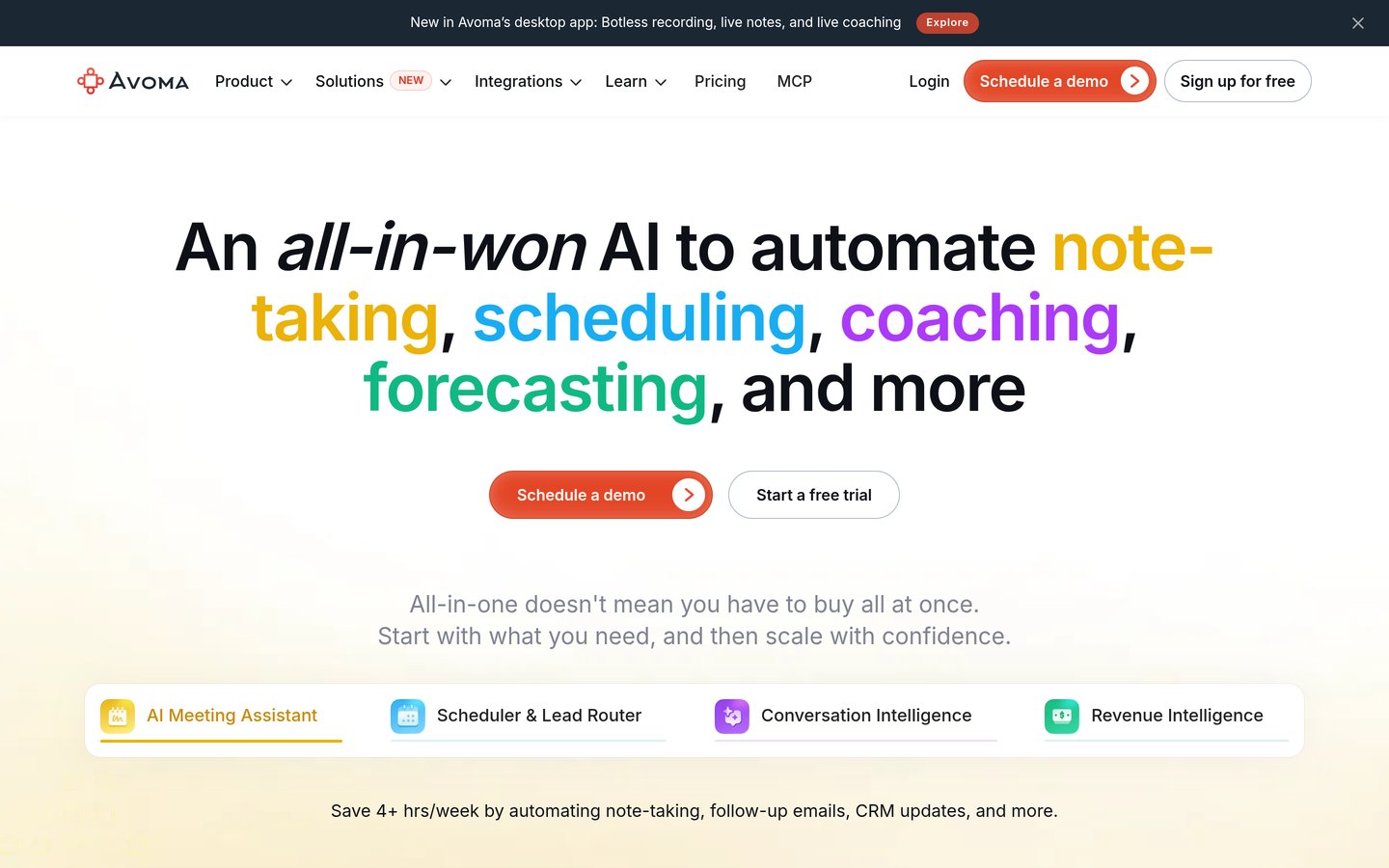
Avoma homepage, captured Nov 2026.
Avoma is an AI meeting assistant for sales and customer-facing teams. Startup includes unlimited transcription, summary notes and scheduling, supporting up to 25 paid recording seats with unlimited free viewers.
The trade off is a higher entry subscription at $19 per recording seat monthly with annual billing. Custom note templates require Organization. It suits businesses documenting customer discussions and synchronizing notes with CRM records.
What we like
Unlimited transcription and summaries
CRM note synchronization
Unlimited free viewer accounts
Watch out for
No permanent free recording plan
Custom templates require an upgrade
Startup adds unlimited meeting documentation, scheduling and CRM synchronization.Visit avoma.com
Meeting minutes vs. meeting transcripts
A transcript records spoken conversations, while meeting minutes summarize significant discussions, decisions and assigned responsibilities.
AI-generated minutes can reduce administrative work, but a designated reviewer should confirm names, deadlines, decisions and responsibilities before distributing the final document.
Formal board meetings may require additional approval procedures, voting records and document retention controls beyond general AI note-taking.
How we chose
We shortlisted established meeting management and AI note-taking platforms using official product documentation and public G2 reviews. Rankings consider recording allowances, meeting summaries, collaboration and subscription value.
The editorial check date is 22 Nov 2026. Pricing and ratings were verified against accessible vendor and G2 pages, although historical snapshots for that exact date were unavailable. Prices are annualized per paid seat, excluding temporary promotional discounts.
We excluded products with unclear pricing, insufficient review evidence or limited meeting documentation capabilities. General transcription tools without useful meeting summaries were also excluded. No vendor paid for a place, and we do not claim testing for this list.
How to choose the best minute taking software
Identify your meeting documentation requirements before comparing automation features, recording allowances and subscription costs.
**Determine your required meeting format.** Decide whether you need informal summaries, structured minutes, complete transcripts or formal approval records.
**Check meeting platform compatibility.** Confirm that the software supports your conferencing applications and any required in-person recording workflows.
**Compare recording and storage limits.** Estimate monthly meeting duration and determine how long transcripts and recordings must remain accessible.
**Review privacy and collaboration controls.** Check recording consent, sharing permissions, editing capabilities and approval procedures for confidential meeting information.
FAQ
What is the best minute taking software?
Fathom is our top overall pick because it provides unlimited free meeting recordings and automatic summaries. Fellow is particularly suitable for structured team meetings requiring collaborative agendas and action item management.
Is there free minute taking software?
Yes. Fathom, Fellow, Fireflies.ai, MeetGeek and Otter.ai offer free subscriptions. Available recording allowances, AI-generated summaries and storage limits vary between platforms, so compare these restrictions before choosing.
Can AI automatically write meeting minutes?
AI meeting assistants can generate summaries, identify decisions and extract action items from recorded conversations. However, participants should review generated minutes for missing details, inaccurate statements and incorrectly assigned responsibilities.
What should meeting minutes include?
Effective meeting minutes should include the meeting date, participants, agenda topics, important decisions, assigned action items and relevant deadlines. Formal meetings may also require voting results and documented approval procedures.
Can minute taking software record in-person meetings?
Some meeting assistants, including Krisp, MeetGeek and Otter.ai, support recording in-person conversations through compatible applications. Recording quality depends on microphone placement, background noise and appropriate participant consent.
SaaS SEO and WordPress specialist with about 8 years of experience. Rakib compares WordPress plugins, themes, hosting and software using public pricing, documentation and user reviews. See how we rank.