Autodesk Fusion is the best mechanical engineering software for most small engineering teams, combining CAD and CAM from $680 per year. Choose SOLIDWORKS for detailed mechanical assemblies or Onshape for browser-based design and real-time engineering collaboration.
How we make this list: we compare pricing pages, product documentation and public user reviews, then re-check every price before each update. No product paid for a place. Disclosure.
Autodesk Fusion combines design and manufacturing tools for $680 per year.
SOLIDWORKS Premium earns 4.6/5 from 760 Capterra reviews.
Onshape Standard costs $1,500 per user annually and includes private document storage.
Autodesk Inventor costs $2,585 annually for mechanical design and engineering documentation.
Ansys Mechanical earns 4.4/5 from 95 G2 reviews for specialist engineering simulation.
FreeCAD provides open-source mechanical modeling without subscription fees.
What mechanical engineering software should cover
Mechanical engineering software supports the design, analysis and manufacture of physical components. Different applications handle geometry creation, engineering calculations, manufacturing preparation and design documentation.
Parametric modeling is particularly useful for mechanical design because engineers can modify dimensions and constraints without rebuilding entire components.
Check simulation capabilities, assembly performance, file compatibility and licensing restrictions before purchasing. Advanced engineering analysis often requires specialist software or additional subscriptions.
Autodesk Fusion is an integrated product development application combining mechanical modeling, machining preparation and electronics design. Its $680 annual commercial subscription provides parametric design, assembly tools and machining capabilities.
The trade off is that advanced simulation and manufacturing functions require additional purchases beyond the $680 annual subscription. The free personal-use edition has feature and licensing restrictions. It suits independent engineers, small manufacturers and product development teams.
What we like
Integrated CAD and CAM
Parametric and direct modeling
Lower entry price than many commercial CAD suites
Cloud-based project management
Watch out for
Advanced simulation costs extra
Free personal-use license is restricted
Paid Fusion provides commercial licensing and expanded design and manufacturing features.Visit autodesk.com
02
SOLIDWORKS
4.6/5on Capterra (760 reviews, checked Nov 2026)
Starts at$2,820/yr
Best for professional mechanical design
Entry planDesign Standard
Assembly modelingIncluded
Technical drawingsIncluded
Structural simulationPremium
solidworks.com
SOLIDWORKS homepage, captured Nov 2026.
SOLIDWORKS is a mechanical CAD application for component modeling, assembly development and production documentation. Design Standard costs $2,820 annually and provides the foundational tools for professional mechanical product design.
The trade off is the higher subscription cost and additional licensing requirements for advanced analysis. Standard starts at $2,820 annually, while Premium costs $4,716. It suits manufacturing companies and engineering departments developing detailed mechanical products.
What we like
Comprehensive mechanical modeling
Established engineering workflows
Detailed production drawings
Extensive training ecosystem
Watch out for
Higher annual licensing costs
Advanced structural analysis requires Premium or separate simulation products
Professional and Premium add component libraries, engineering analysis and specialized design functions.Visit solidworks.com
03
Onshape
4.5/5on Capterra (357 reviews, checked Nov 2026)
Paid from$1,500/yr
Best for browser-based engineering collaboration
Entry planStandard
DeploymentBrowser-based
Private documentsPaid plans
Version controlBuilt in
onshape.com
Onshape homepage, captured Nov 2026.
Onshape is a browser-based mechanical CAD platform with integrated document management and collaborative modeling. Standard costs $1,500 per user annually and includes unlimited private storage for commercial engineering projects.
The trade off is that free documents are publicly accessible and restricted to noncommercial use. Standard costs $1,500 annually, while Professional costs $2,500 per user. It suits distributed engineering teams that want centralized project data without desktop installations.
What we like
Real-time engineering collaboration
Built-in design version history
No desktop installation required
Free noncommercial plan
Watch out for
Internet-dependent workflow
Free documents are public
Standard enables commercial use and private document storage.Visit onshape.com
04
Autodesk Inventor
4.5/5on Capterra (279 reviews, checked Nov 2026)
Starts at$2,585/yr
Best for industrial machinery and equipment
Parametric modelingIncluded
Mechanical assembliesIncluded
Stress analysisIncluded
PlatformWindows
autodesk.com
Autodesk Inventor homepage, captured Nov 2026.
Autodesk Inventor is professional mechanical CAD software for machine design, engineering documentation and product validation. Its commercial subscription costs $2,585 annually and includes assembly modeling and engineering analysis capabilities.
The trade off is its desktop hardware requirements and higher subscription price. Inventor costs $2,585 annually or $320 monthly. It suits industrial engineering departments designing machinery, production equipment and complex mechanical assemblies.
What we like
Specialized mechanical assembly tools
Integrated engineering analysis
Automated design workflows
Detailed manufacturing documentation
Watch out for
Windows desktop dependency
Relatively expensive for independent engineers
The commercial subscription includes mechanical CAD, documentation and simulation tools.Visit autodesk.com
05
Ansys Mechanical
4.4/5on G2 (95 reviews, checked Nov 2026)
PricingCustom/yr
Best for advanced structural engineering simulation
Licensing tiers3
Finite element analysisIncluded
Thermal analysisIncluded
CAD integrationSupported
ansys.synopsys.com
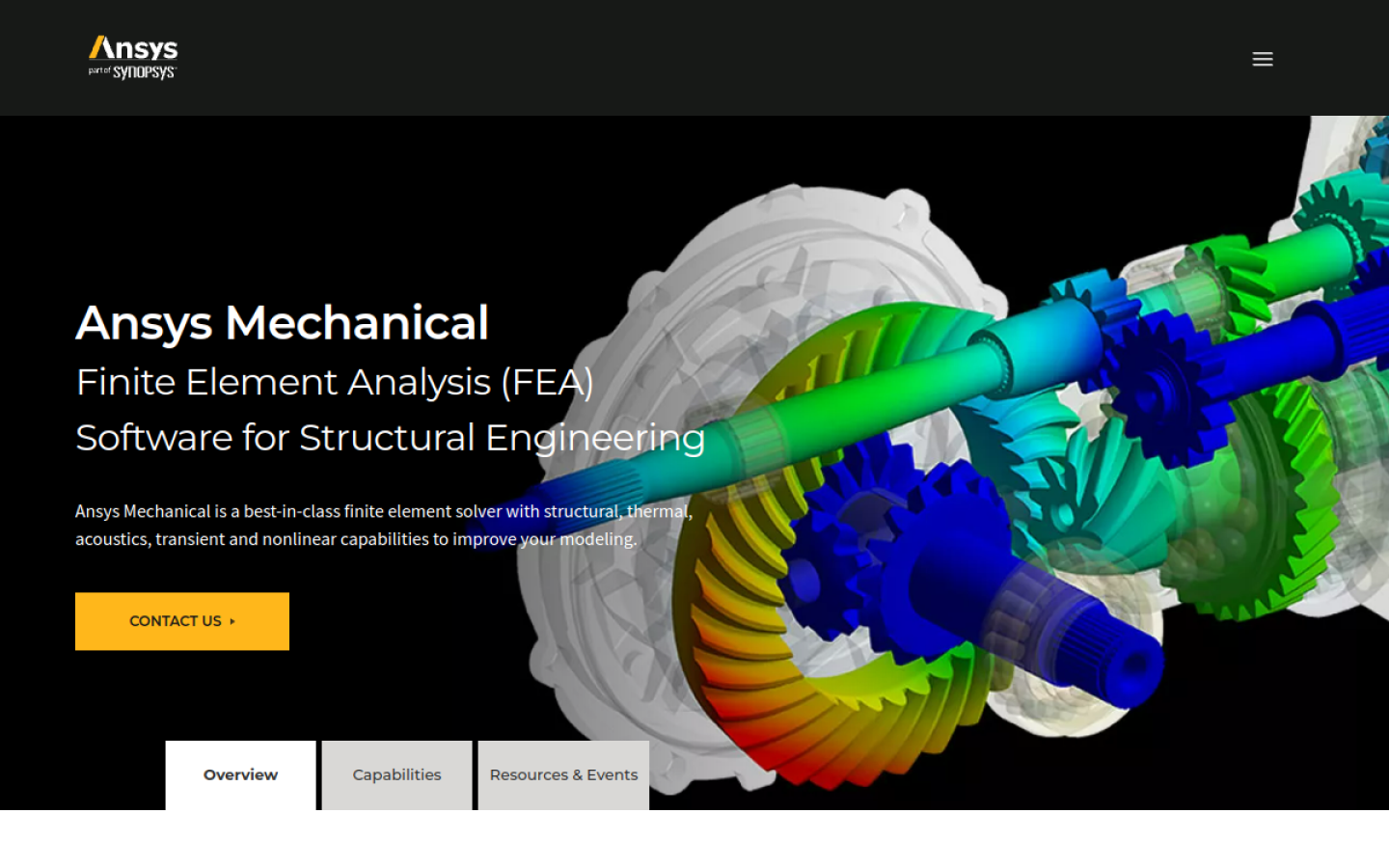
Ansys Mechanical homepage, captured Nov 2026.
Ansys Mechanical is a specialist finite element analysis application for evaluating structural and thermal behavior. It offers 3 licensing tiers covering engineering requirements such as vibration, deformation and material behavior.
The trade off is custom commercial pricing and the expertise required to configure reliable simulations. Advanced capabilities depend on the selected license. It suits engineering teams performing detailed structural validation and complex physical analysis.
What we like
Advanced finite element analysis
Detailed material modeling
Structural and thermal simulation
Integration with commercial CAD applications
Watch out for
Commercial pricing requires a quote
Steep learning curve for beginners
Higher licensing tiers expand nonlinear analysis and multiphysics capabilities.Visit ansys.synopsys.com
06
SimScale
4.5/5on Capterra (140 reviews, checked Nov 2026)
PricingCustom/yr
Best for cloud-based engineering simulation
Free simulations10
Free computing allowance2,000 core hours
DeploymentCloud-based
Private projectsPaid plans
simscale.com
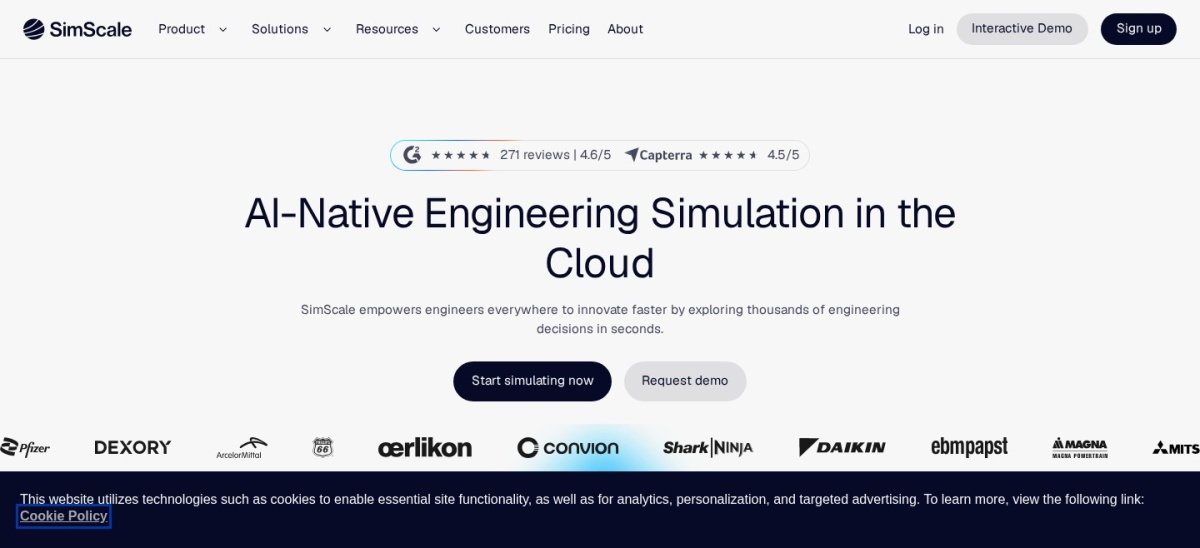
SimScale homepage, captured Nov 2026.
SimScale is a cloud engineering simulation platform for structural, thermal and fluid-flow analysis. Its Community plan provides 10 unrestricted simulations and up to 2,000 computing core hours for learning and evaluation.
The trade off is that private projects and expanded computing resources require a custom-priced commercial subscription. Available analysis types depend on the selected package. It suits engineering teams that prefer cloud computing over maintaining dedicated simulation workstations.
What we like
Browser-based simulation environment
Free Community plan
Structural and fluid-flow analysis
Integration with established CAD platforms
Watch out for
Commercial subscriptions require a quote
Limited free simulation allowance
Mechanical adds private projects, expanded structural analysis and live support.Visit simscale.com
07
FreeCAD
4.3/5on Capterra (143 reviews, checked Nov 2026)
PriceFree
Best for free mechanical engineering design
LicenseOpen source
Parametric modelingIncluded
PlatformsWindows, macOS and Linux
Engineering simulationFEM workbench
freecad.org
FreeCAD homepage, captured Nov 2026.
FreeCAD is an open-source parametric modeling application for mechanical components, technical drawings and engineering projects. It holds a 4.3/5 Capterra rating from 143 reviews and does not require a commercial subscription.
The trade off is a less polished interface and greater reliance on community documentation compared with commercial alternatives. FreeCAD has no mandatory licensing fee. It suits students, independent engineers and small businesses working with limited software budgets.
What we like
No software licensing fees
Cross-platform desktop application
Customizable engineering workbenches
Open-source development
Watch out for
Less consistent interface across workbenches
Limited centralized commercial support
All core software features are available without a paid subscription.Visit freecad.org
How much does mechanical engineering software cost?
Autodesk Fusion costs $680 annually, Onshape Standard costs $1,500 per user annually and Autodesk Inventor costs $2,585 annually. SOLIDWORKS Design Standard starts at $2,820 per year.
Specialist simulation platforms such as Ansys Mechanical and SimScale require commercial quotations. Request pricing that includes the necessary solver capabilities, computing resources and support.
FreeCAD provides an alternative without subscription fees. Custom-priced products use zero as a price ladder placeholder rather than representing free commercial access.
How we chose
We selected established mechanical CAD and engineering simulation applications based on modeling capabilities, manufacturing workflows, analysis features and public customer reviews.
The requested editorial verification date is 22 Nov 2026, while source pages were accessed on 25 Nov 2026. We used public regular annual subscription prices and Capterra or G2 ratings. The SOLIDWORKS rating represents Premium, while pricing represents Standard. Autodesk Fusion pricing comes from the official comparison page. FreeCAD's primary website blocked direct access, although its open-source licensing and public reviews were available through indexed sources.
We excluded applications without relevant engineering capabilities or sufficient public reviews. Custom-priced commercial simulation products remain eligible outside the top positions. No vendor paid for a place, and we do not claim testing for this list.
How to choose mechanical engineering software
Evaluate your engineering requirements, technical infrastructure and total software budget before selecting a platform.
**Identify your primary engineering workflow.** Determine whether your work focuses on mechanical modeling, assembly design, structural validation or manufacturing preparation.
**Check simulation requirements.** Identify the materials, loads, thermal conditions and physical behavior your projects require. Confirm that the selected solver and licensing package support them.
**Review interoperability and hardware.** Check support for existing CAD files, manufacturing formats, operating systems and workstation resources. Consider browser-based alternatives for distributed teams.
**Calculate total ownership costs.** Include subscription renewals, engineering extensions, computing resources, employee training and technical support rather than comparing entry prices alone.
FAQ
What is the best software for mechanical engineering?
Autodesk Fusion is our overall pick because it combines mechanical CAD and manufacturing preparation for $680 annually. SOLIDWORKS is preferable for detailed mechanical assemblies, while Onshape is suitable for engineering teams prioritizing browser-based collaboration.
What is the best free mechanical engineering software?
FreeCAD is a strong free option because it provides open-source parametric modeling without mandatory subscription fees. Autodesk Fusion and Onshape also offer restricted free editions, but their licensing conditions limit commercial or private project use.
Which software is best for mechanical engineering simulation?
Ansys Mechanical is suitable for detailed structural, thermal and nonlinear engineering analysis. SimScale provides a browser-based alternative for structural and fluid-flow simulations. Both require commercial quotations for their professional simulation packages.
What is the difference between CAD, CAM and CAE software?
CAD software creates and modifies engineering geometry. CAM software converts designs into manufacturing instructions, while CAE software analyzes physical behavior under specified conditions. Integrated applications such as Autodesk Fusion combine several of these functions.
Is SOLIDWORKS or Autodesk Fusion better for mechanical engineers?
SOLIDWORKS suits teams developing detailed mechanical assemblies and established manufacturing workflows. Autodesk Fusion offers a lower annual entry price and integrated machining tools. The better choice depends on assembly complexity, manufacturing requirements and existing engineering systems.
SaaS SEO and WordPress specialist with about 8 years of experience. Rakib compares WordPress plugins, themes, hosting and software using public pricing, documentation and user reviews. See how we rank.