SOLIDWORKS is the best mechanical design software for most engineering teams, with parametric parts, assemblies and drawings from 2820 dollars a year. Fusion suits smaller teams that want CAD and CAM in one cheaper subscription, while Onshape fits teams that need cloud collaboration.
How we make this list: we compare pricing pages, product documentation and public user reviews, then re-check every price before each update. No product paid for a place. Disclosure.
SOLIDWORKS is the top pick for machine design at 2,820 dollars a year, rated 4.5 out of 5 on G2 from 707 reviews.
Autodesk Fusion is the cheapest paid option at 680 dollars a year, with CAM and basic simulation included.
Onshape holds the highest G2 rating here at 4.7 out of 5, and runs in the browser with real-time collaboration.
Shapr3D is the cheapest professional pick at 299 dollars a year, and the fastest for concept design on iPad.
Prices run from free to over 3,000 dollars a year per user, and CATIA and Solid Edge are quote only.
How do you choose the best mechanical design software?
Match the tool to the job, not the category name. Machine design needs parametric assemblies and production drawings, concept design needs speed, and drafting needs DWG files that open everywhere.
Price ranges from free to over 3,000 dollars a year per user in this list. The cheapest paid option, Fusion at 680 dollars a year, covers CAM and simulation, while the top tools charge two to four times more for deeper assemblies and drawings.
Cloud or desktop is a real fork. Onshape runs in the browser with version control built in, while SOLIDWORKS, Inventor and Creo are Windows desktop apps that want workstation-class machines.
Check the free plan before you pay. Our guide to CAD design software covers the same tools, and Fusion and Onshape both offer free plans for personal or noncommercial work.
Simulation is where prices jump. Basic simulation comes with Fusion and Inventor, while advanced simulation sits in Creo, CATIA and SOLIDWORKS Professional and Premium tiers.
SOLIDWORKS is the default CAD system for mechanical engineering teams, covering parametric parts, assemblies, sheet metal, weldments and drawings in one Windows app. Standard costs 2,820 dollars a year per user and includes core modeling, drawings and sheet metal tools.
The trade off is price and platform. SOLIDWORKS runs only on Windows, wants a workstation-class machine and costs more than Fusion or Onshape. It suits machine design teams that need the industry standard employers list on job postings.
What we like
Industry standard for machine design
Parametric parts, assemblies and drawings update together
Autodesk Fusion is a cloud workspace for product design that packs CAD, CAM, simulation and PCB design into one subscription. It costs 85 dollars a month or 680 dollars a year, and hobbyists get a free personal-use plan while students pay nothing.
The trade off is depth. Fusion covers most mechanical design well, but large assemblies and advanced simulation still favour SOLIDWORKS or Inventor. It suits smaller teams and startups that want design-to-manufacture in one cheaper subscription.
Onshape is a cloud-native CAD platform that runs in the browser, so mechanical design teams collaborate in real time without files or a PDM server. Standard costs 1,500 dollars a year per user, and a free plan supports noncommercial projects with public documents.
The trade off is internet reliance. Onshape needs a connection, and offline work is limited, while some advanced surfacing lags desktop tools. It suits distributed teams that want version control and simultaneous editing built in.
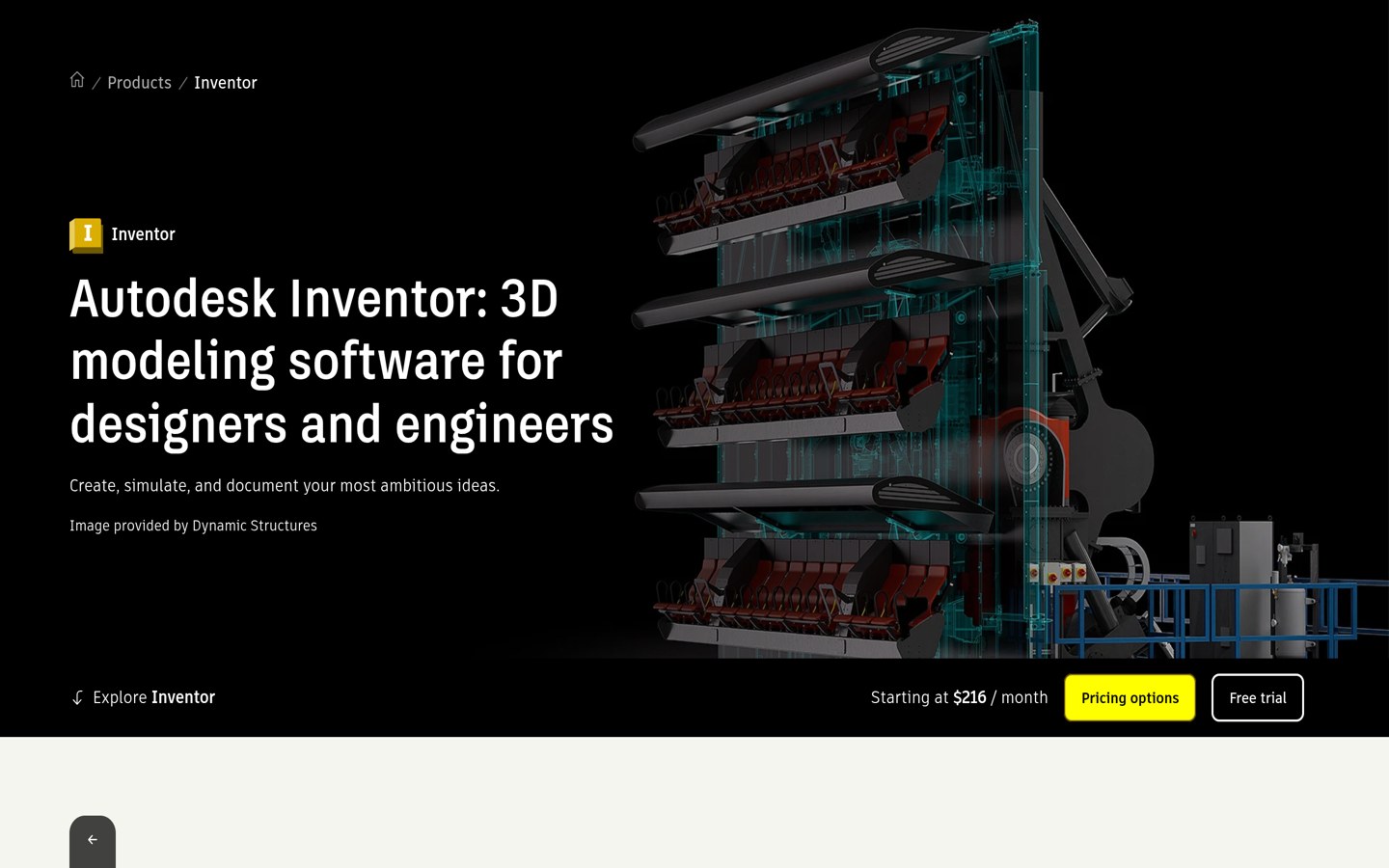
Autodesk Inventor is Autodesk's 3D mechanical CAD tool for parts, assemblies, sheet metal and drawings, built for teams that already use AutoCAD and Vault. A one-year subscription costs 2,585 dollars per user and includes parametric modeling, frame design and stress analysis.
The trade off is ecosystem lock-in. Inventor shines inside Autodesk workflows, but teams outside them pay a premium for less breadth than SOLIDWORKS. It suits engineering teams standardized on AutoCAD that need mechanical assemblies and drawings.
AutoCAD is the drafting tool most of the industry already runs on. The subscription costs 260 dollars a month or 2,095 dollars a year, and it includes seven industry-specific toolsets for architecture, mechanical, electrical, plant, MEP, mapping and raster work, plus web and mobile versions.
The trade off is 3D depth. AutoCAD is a drafting-first tool, so pure mechanical 3D work is slower than in SOLIDWORKS or Fusion. It suits teams that live in DWG files and need precise 2D mechanical drawings that open everywhere.
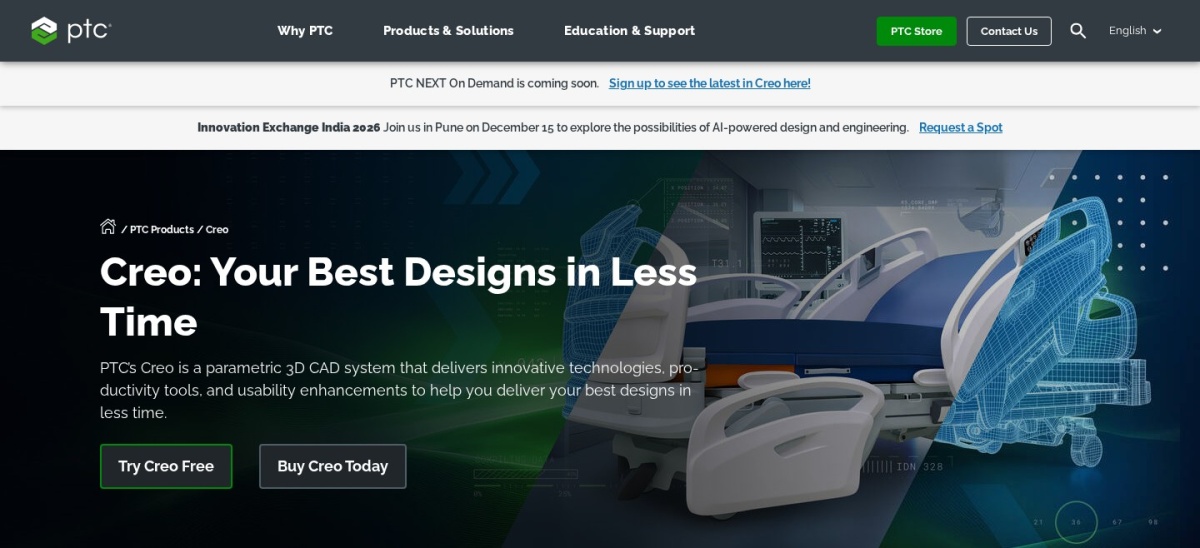
Creo is PTC's parametric CAD platform for large engineering organizations, with deep modeling, simulation and PLM integration through Windchill. Entry pricing starts at 3,190 dollars a year, the highest published figure in this list.
The trade off is cost and learning curve. Creo is powerful but steep to learn, and its lowest G2 rating here reflects that complexity. It suits enterprises that need parametric modeling efficiency and tight PLM integration at scale.
CATIA is Dassault Systemes high-end 3D design platform for aerospace, automotive and advanced manufacturing. It covers parametric and surface modeling, systems engineering and additive manufacturing, with pricing by quote through the 3DEXPERIENCE platform.
The trade off is cost and complexity. CATIA is the most expensive and demanding tool here, built for expert teams, not general mechanical design. It suits large engineering programs that need advanced surfaces and systems design in one platform.
Solid Edge is Siemens modular 3D design software for mechanical design, electrical design and product data management. Its synchronous technology combines direct and parametric modeling, and pricing is by quote through Siemens sales.
The trade off is price transparency. Solid Edge publishes no starting price, so buyers need a quote, and its smaller community means fewer tutorials than SOLIDWORKS. It suits Siemens-based teams that want flexible modeling and built-in simulation.
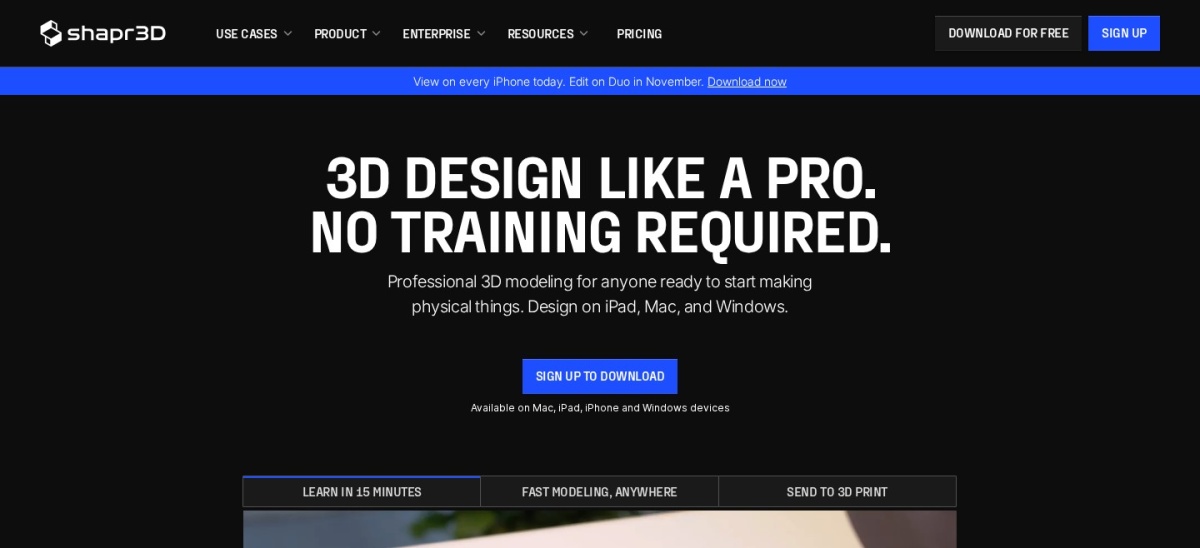
Shapr3D is a direct-modeling CAD app built for speed, running on iPad with Apple Pencil, Mac and Windows on the Siemens Parasolid kernel. Basic allows 2 projects free, while Pro costs 299 dollars a year per editor with full export and modeling tools.
The trade off is depth. Shapr3D is fast for concepts and brackets, but it lacks the assembly and drawing depth of SOLIDWORKS for production machine design. It suits engineers who sketch ideas on the shop floor and need a fast, precise model.
Cloud CAD removes files and servers. Onshape runs in the browser, keeps version history built in and lets a whole team edit at once, which is why distributed teams pick it despite the internet reliance.
Desktop CAD keeps control local. SOLIDWORKS, Inventor and Creo run on Windows workstations, work offline and handle the largest assemblies, but they need a PDM server and a machine that can run them.
Hybrid teams split the work. Concepts and reviews move fast in Shapr3D or Onshape, while production drawings and large assemblies stay in SOLIDWORKS or Inventor, so check file exchange before you commit.
How we chose
We started from the mechanical CAD tools with the largest G2 review bases, then kept nine that cover machine design, concept design, drafting and cloud collaboration, from free plans to quote-only enterprise tools.
Prices come from vendor pricing pages and G2 pricing data, checked on 29 November 2026. Ratings and review counts come from G2 on the same day. Where a vendor shows a sale, the list shows the regular price.
We left out tools with no verifiable G2 rating or price. No vendor paid for a place, and we do not claim hands-on testing for this list.
How to choose the best mechanical design software
Start with the parts you design, then match the tool to the team.
List the parts you design. Machine parts need parametric assemblies and drawings. Concepts need speed. Drafting needs DWG. The job decides the tool.
Check the operating system. SOLIDWORKS, Inventor and Creo run on Windows only. Onshape and Shapr3D run in a browser or on Mac and iPad, so check your team's machines first.
Compare the real yearly cost. Fusion costs 680 dollars a year and SOLIDWORKS 2,820 dollars, but add-ons and simulation tiers change the total. Ask for the full quote.
Try the free plan first. Fusion and Onshape both offer free plans. Model a real part in each before you pay for a seat.
FAQ
What is the best mechanical design software in 2026?
SOLIDWORKS is the best mechanical design software for most engineering teams. It covers parametric parts, assemblies, sheet metal, weldments and production drawings, and it is rated 4.5 out of 5 on G2 from 707 reviews.
How much does mechanical design software cost?
Mechanical design software costs from free to over 3,000 dollars a year per user. Fusion costs 680 dollars a year, SOLIDWORKS 2,820 dollars a year, and Creo starts at 3,190 dollars a year, while CATIA and Solid Edge are quote only.
Is there a free mechanical design software?
Yes. Fusion has a free personal-use plan, Onshape has a free plan for noncommercial projects with public documents, and Shapr3D Basic allows 2 projects free. FreeCAD is fully free and open source.
What is the difference between SOLIDWORKS and Fusion?
SOLIDWORKS is the industry standard for machine design, with deeper assemblies and drawings at 2,820 dollars a year. Fusion is the value pick at 680 dollars a year, with CAD, CAM and simulation in one cloud subscription.
Which mechanical design software is best for beginners?
Shapr3D is the best pick for beginners. It runs on iPad with Apple Pencil, costs 299 dollars a year for Pro, and is rated 4.8 out of 5 on G2 from 173 reviews, the highest rating here.
Is Onshape good for mechanical design?
Yes. Onshape is a cloud-native CAD platform rated 4.7 out of 5 on G2 from 724 reviews. Standard costs 1,500 dollars a year per user, with real-time collaboration and built-in version control.
SaaS SEO and WordPress specialist with about 8 years of experience. Rakib compares WordPress plugins, themes, hosting and software using public pricing, documentation and user reviews. See how we rank.