Best CAD Design Software in 2026: 9 Tools Compared
WLWPLegible EditorsLast verified 23 Nov 2026How we rank13 min read
★ Short answer
AutoCAD is the best CAD design software for most firms. It costs $2,095 a year, it writes the DWG files every architect, engineer and manufacturer expects, and it is rated 4.4 out of 5 on G2. Pick SolidWorks for mechanical parts, or Fusion for CAD, CAM and simulation in one cheaper subscription.
How we make this list: we compare pricing pages, product documentation and public user reviews, then re-check every price before each update. No product paid for a place. Disclosure.
AutoCAD is still the drafting standard, with DWG files that open everywhere and seven specialist toolsets for $2,095 a year.
SolidWorks owns mechanical design at $2,820 a year, with parametric parts, assemblies and drawings that update together.
Fusion is the best value for product design, packing CAD, CAM, simulation and PCB design into one $680 a year subscription.
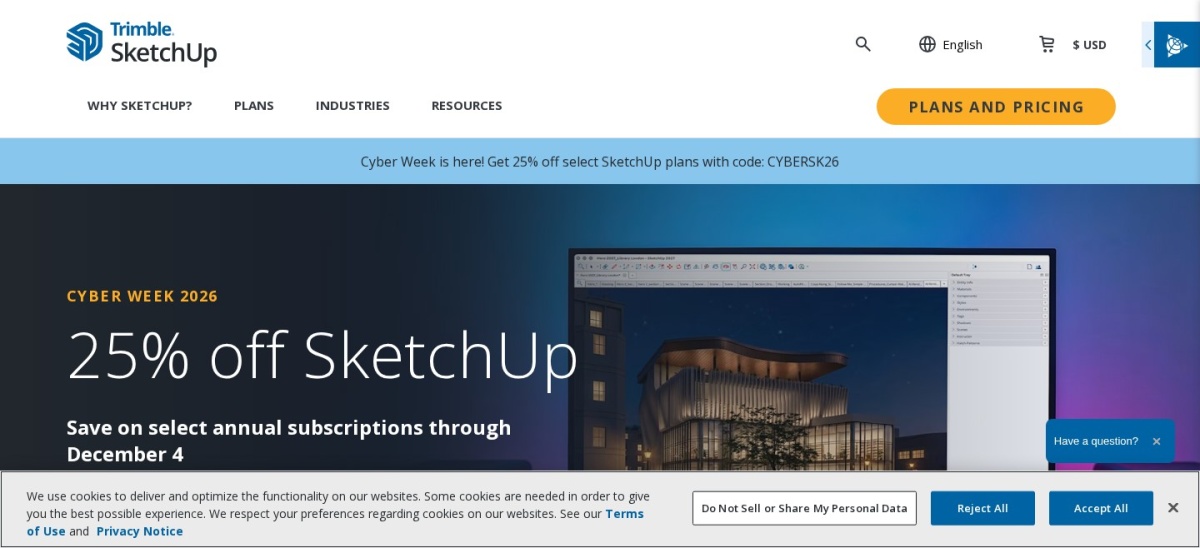
SketchUp is the fastest tool to learn, with a free web version and Pro at $399 a year for the desktop app and LayOut.
Rhino is the only paid tool here sold outright at $995 once, and FreeCAD is the best free parametric option at $0.
What CAD design software should cover
CAD software turns an idea into a drawing or a model a machine can build. The tools split by job: 2D drafting for plans, parametric 3D for manufactured parts, and fast concept modelling for architecture.
DWG compatibility decides most purchases. AutoCAD defines the format, and BricsCAD and DraftSight exist to read and write it for less money, while SolidWorks and Fusion own mechanical design.
Pricing runs from free to $2,820 a year per seat. Monthly billing costs far more than yearly on every subscription here, so compare the annual figure and the free tier before you commit.
Our guide on how much a WordPress site redesign costs makes the same point about design tools: the licence is only part of the cost, and training time matters too.
AutoCAD is the drafting tool most of the industry already runs on. The subscription costs $260 a month or $2,095 a year, and it includes seven industry-specific toolsets for architecture, mechanical, electrical, plant, MEP, mapping and raster work, plus web and mobile versions. It is rated 4.4 out of 5 on G2 from 2,010 reviews.
The trade off is the subscription. There is no perpetual licence and no hobby plan, so a single seat is a $2,095 yearly commitment. It suits architects, engineers and drafters who need the industry-standard DWG workflow.
SOLIDWORKS is the mechanical CAD standard for product teams. Design Standard with Cloud Services costs $2,820 a year, and it covers parametric parts, assemblies and drawings with weldments, sheet metal and mold tools. It is rated 4.5 out of 5 on G2 from 646 reviews.
The trade off is the price and the platform. It is the highest annual figure here, it runs on Windows, and training takes time. It suits mechanical engineers who design machined parts for manufacture every day.
Autodesk Fusion is a cloud workspace for product design that packs CAD, CAM, simulation and PCB design into one subscription. It costs $85 a month or $680 a year, and hobbyists get a free personal-use plan while students and qualifying startups pay nothing. It is rated 4.5 out of 5 on G2 from 519 reviews.
The trade off is the cloud. Files live in Autodesk's cloud, and the free personal licence only lets you edit 10 documents at a time. It suits startups and small teams that want CAD, CAM and simulation in one subscription.
SketchUp is the fastest tool here to learn and the easiest way to get a building, room or piece of furniture into 3D. Go costs $129 a year for the web and iPad, and Pro costs $399 a year with the desktop app, LayOut documentation and extensions. It is rated 4.5 out of 5 on G2 from 1,327 reviews.
The trade off is depth. Push-pull modelling is fast for concepts but thin for parametric engineering, and the free version runs only in a browser without extensions. It suits architects, interior designers and woodworkers who want quick, presentable models.
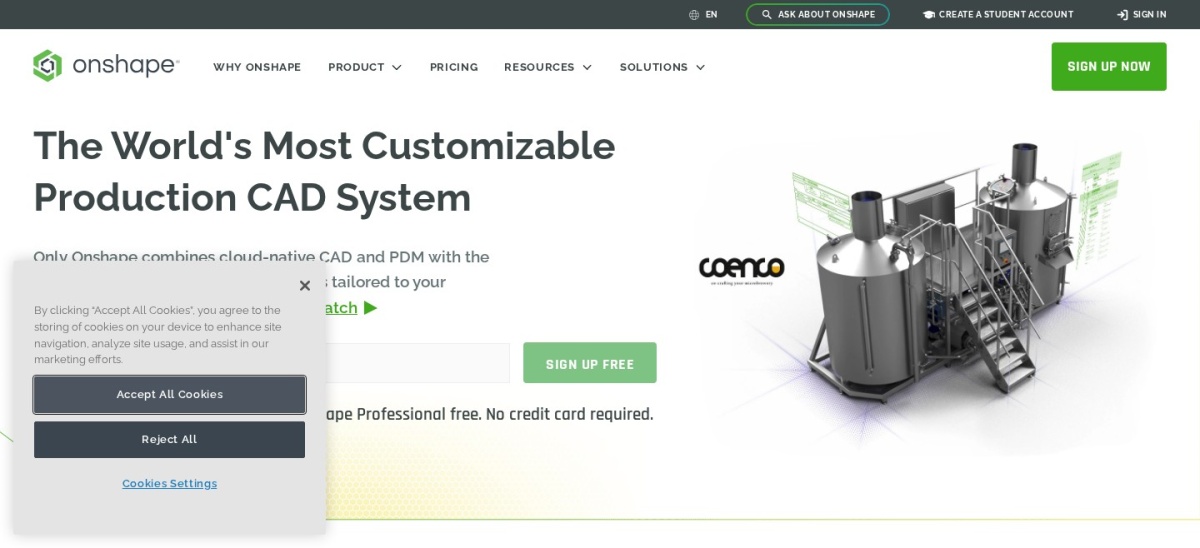
Onshape is cloud-native CAD that runs entirely in a web browser. Two engineers can edit the same assembly at once, every change is versioned like source code with branching and merging, and there is nothing to install or update. It is rated 4.7 out of 5 on G2 from 724 reviews.
The trade off is the free plan. It is for non-commercial use and every free document is public, while Standard costs $1,500 per user per year. It suits distributed product teams that want real-time collaboration without a file server.
Rhino is a 3D modeller built on NURBS geometry for freeform and organic shapes. It covers architecture, product design, jewellery and marine design, with SubD modelling and Grasshopper for computational design. It costs $995 once for Windows and Mac, with upgrades at $595. It is rated 4.4 out of 5 on G2 from 192 reviews.
The trade off is that it is not parametric CAD. Dimension-driven parts and assemblies are thinner than in SolidWorks or Fusion, and there is no free tier, only a 90-day evaluation. It suits designers who need precise freeform surfaces.
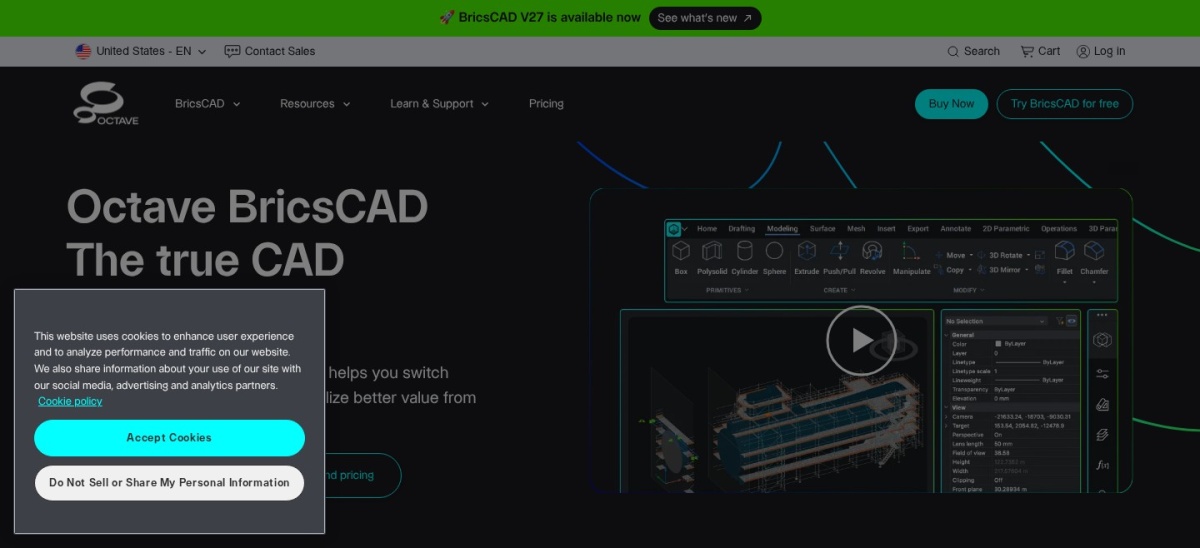
BricsCAD is a DWG-based CAD platform from Bricsys, now part of Hexagon. It reads and writes native DWG files and mirrors AutoCAD's commands closely enough that experienced drafters switch in days. Lite costs $345 a year, and a perpetual licence is also available. It is rated 4.5 out of 5 on G2 from 135 reviews.
The trade off is price reporting. The Lite price is also listed as 314 euros a year, so the dollar figure moves with the vendor's store. It suits AutoCAD users who want the same workflow for less money.
What we like
Native DWG with AutoCAD-like commands
Perpetual licence option, rare here
LISP support for old AutoCAD scripts
Rated 4.5 out of 5 from 135 G2 reviews
Watch out for
Price is listed in euros on some pages
Smaller ecosystem than Autodesk
Higher tiers add up for BIM and mechanical
Pro adds 3D at $780 a year; perpetual licences availableVisit bricsys.com
08
DraftSight
4.4/5on Capterra (57 reviews, checked Nov 2026)
Starts at$299/yr
Best budget 2D drafting with support
Entry price$299/yr Professional
Free planNo, 30-day trial
Focus2D DWG drafting
SupportCommercial, from Dassault
draftsight.com
DraftSight homepage, captured Nov 2026.
DraftSight is professional 2D drafting software from Dassault Systemes, the maker of SOLIDWORKS. It offers DWG drafting with the commands AutoCAD users already know, with commercial support behind it. Professional costs $299 a year. It is rated 4.4 out of 5 on Capterra from 57 reviews.
The trade off is scope. It aims squarely at 2D, so 3D modelling is thin, and the Capterra review base is only 57 ratings. It suits teams who want paid DWG drafting with support at the lowest price.
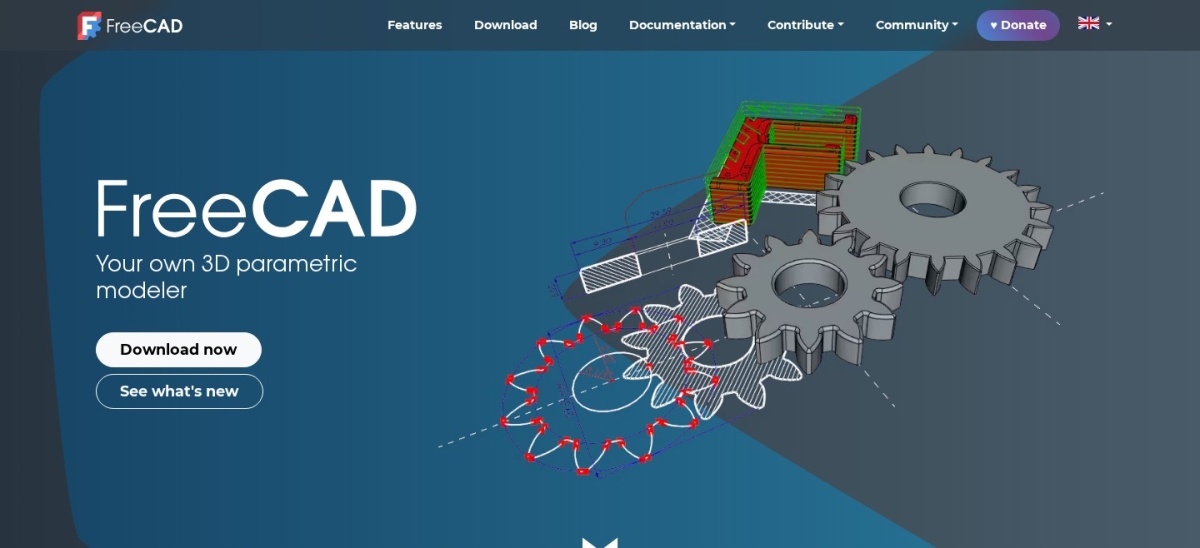
FreeCAD is a free, open-source parametric 3D modeller for designing real objects of any size. It covers feature-based modelling, assemblies, technical drawing workbenches and Python scripting, with STEP export for manufacturing. It is rated 4.1 out of 5 on G2 from 62 reviews.
The trade off is polish. The interface is rougher than paid tools, assembly handling is weaker, and support comes from the community. It suits students, hobbyists and small shops that need real parametric CAD for no money.
Most CAD here is subscription-only. AutoCAD, SolidWorks, Fusion, SketchUp and Onshape stop working when the subscription ends, so the yearly fee is a running cost, not a purchase.
Rhino is the exception, sold once for $995 with upgrades at $595, and BricsCAD also sells perpetual licences alongside subscriptions. FreeCAD costs nothing at all.
Free tiers have limits that matter. Fusion for personal use allows only 10 editable documents, Onshape makes free documents public, and SketchUp Free runs only in a browser.
How we chose
We started from the CAD tools that appear most often in current roundups, then kept the nine with the strongest review record and a published price.
Prices come from each vendor's pricing page, checked on 23 November 2026. Ratings come from G2 or Capterra on the same day. Where a vendor shows a sale, the list shows the regular price.
We left out tools aimed only at car and aircraft makers. No vendor paid for a place, and we do not claim hands-on testing for this list.
How to choose CAD design software
Start with what you make, since a floor plan, a machined part and a freeform sculpture need different tools.
Name what you make first. Floor plans need 2D drafting, machined parts need parametric 3D, and freeform shapes need NURBS modelling, so the job picks the tool.
Check DWG compatibility. If clients send DWG files, the tool must read and write them cleanly. AutoCAD defines the format, and BricsCAD and DraftSight match it for less.
Try the free tier with a real job. FreeCAD, Fusion personal use, SketchUp Free and Onshape free all let you model a real part before paying, so test with your own work.
Compare the yearly price, not the monthly one. Monthly billing costs far more than yearly on every subscription here, so budget from the annual figure and the renewal terms.
FAQ
What is the best CAD design software?
AutoCAD is the best pick for most firms. It costs $2,095 a year, it writes the DWG files clients and manufacturers expect, and it is rated 4.4 out of 5 on G2 from 2,010 reviews.
Is there free CAD software?
Yes. FreeCAD is fully free and open source, Fusion has a free personal-use plan, SketchUp Free runs in a browser, and Onshape has a free plan for non-commercial work with public documents.
How much does AutoCAD cost?
AutoCAD costs $260 a month or $2,095 a year. AutoCAD LT, for 2D only, costs $70 a month or $540 a year, and a 30-day free trial is available.
What is the cheapest professional CAD software?
DraftSight Professional is the cheapest paid seat here at $299 a year, and BricsCAD Lite follows at $345 a year. Both read and write DWG files with commercial support.
Which CAD software is best for beginners?
SketchUp is the fastest to learn, with push-pull modelling and a free web version. Tinkercad is simpler still, but it is a teaching tool rather than professional CAD.
Do I need AutoCAD or is BricsCAD enough?
BricsCAD is enough if you need DWG drafting at a lower price. You need AutoCAD only when clients, employers or collaborators require native Autodesk files and toolsets.