Best Marketing Reporting Software in 2026: 7 Tools Compared
WLWPLegible EditorsLast verified 22 Nov 2026How we rank13 min read
★ Short answer
AgencyAnalytics is our top marketing reporting software for agencies, offering 90+ integrations, unlimited reports and white-labeled client portals from $20 per client monthly on annual billing. DashThis suits teams that prefer ready-made campaign reports, while Swydo is a strong alternative for agencies managing multiple advertising accounts and automated reporting workflows.
How we make this list: we compare pricing pages, product documentation and public user reviews, then re-check every price before each update. No product paid for a place. Disclosure.
AgencyAnalytics starts at $20 per client monthly on annual billing, with 90+ integrations and unlimited reports.
DashThis Individual costs $44/mo billed annually and includes 3 dashboards, 15 sources and unlimited users.
Swydo starts at $69/mo at its regular monthly rate, covering 10 data sources with unlimited clients and reports.
Coupler.io Starter costs $24/mo billed annually, with 3 connected accounts, daily refreshes and 400+ data sources.
Microsoft Power BI Pro costs $14 per user monthly on annual billing, while the free account supports individual report creation.
Klipfolio Base costs $120/mo billed annually, while Databox Business costs $399/mo billed annually.
What to look for in marketing reporting software
Marketing reporting software collects performance information from advertising, SEO, social media, analytics and other business systems. It turns scattered campaign metrics into reports that marketers can share with clients, managers and stakeholders.
Start with integration coverage. Check whether the platform connects to the advertising accounts, analytics tools, CRM and ecommerce systems you already use. Missing integrations can create recurring manual work.
Next, compare reporting automation. Useful features include scheduled email delivery, reusable templates, PDF exports, client portals and alerts. Agencies should also check white-label branding and account permissions.
Pricing models differ considerably. Some tools charge per client or dashboard, while others charge by connected data source, account or user. Compare regular subscription costs using the number of reports and connections you actually need.
Finally, consider reporting accuracy. A platform should make it easy to understand metric definitions, reporting periods and attribution differences. Clear explanations and reliable data matter more than adding more charts.
For connecting marketing reports with business KPIs
$399/mo
No free plan
4.4/5
Price ladder: cheapest paid plan per year
List prices, USD, checked Nov 2026
Power BIFREE$168
AgencyAnlyt$240
Coupler.io$288
DashThis$528
Swydo$828
Klipfolio$1,440
Databox$4,788
The 7 best marketing reporting software tools
01
AgencyAnalytics
4.7/5on G2 (465 reviews, checked Nov 2026)
Starts at$20/mo
Best for automated marketing agency reporting
Entry planCore
Price$20/client/mo annually
Integrations90+
ReportsUnlimited
agencyanalytics.com
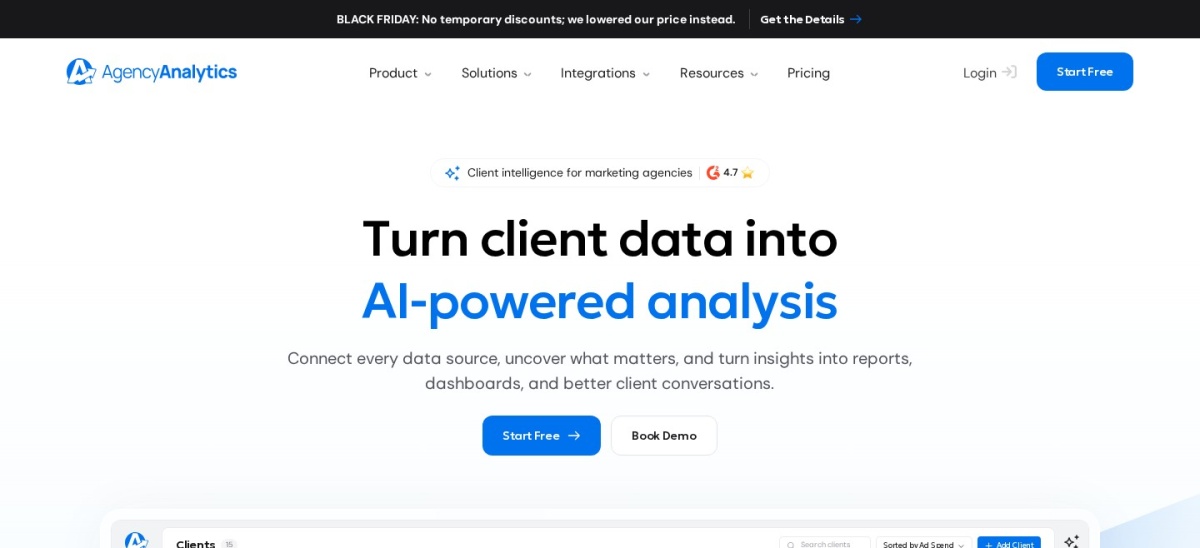
AgencyAnalytics homepage, captured Nov 2026.
AgencyAnalytics is a marketing reporting platform designed for agencies managing multiple client campaigns. Its Core plan costs $20 per client monthly on annual billing and includes 90+ integrations, unlimited reports, dashboards, staff accounts and automated report scheduling. Agencies can combine SEO, paid advertising, social and analytics data inside branded client portals.
The trade off is per-client pricing, which increases the bill as an agency grows. Keyword rank tracking and AI visibility monitoring are separate paid add-ons, and monthly billing costs more than the annual rate. It suits SEO, PPC and digital marketing agencies that want standardized reporting without building reports manually.
DashThis is a marketing reporting tool that turns campaign metrics into customizable dashboards and scheduled reports. Its Individual plan costs $44 monthly on annual billing and includes 3 dashboards, 15 connected sources, unlimited users and access to its integrations. Teams can use preset templates, calculated widgets, PDF exports and automated email delivery.
The trade off is its dashboard-based pricing and source limits. Individual costs $54 monthly without annual billing, while agencies needing more reports must upgrade. It suits freelancers and small marketing teams that want straightforward reporting templates rather than complex analytics configuration.
What we like
Ready-made templates for marketing reports
Unlimited users and integrations
Automated email reports and PDF exports
White-label branding and custom domains
Combines data from multiple platforms in one report
Swydo is a marketing reporting and monitoring platform that brings advertising and analytics data into branded reports. Its regular starting price is $69 monthly, including 10 data sources, unlimited clients, users, dashboards and reports. It supports 40+ integrations, reusable templates, AI-assisted summaries, automated reports and secure client portals.
The trade off is source-based billing. Additional sources cost $4.50 each within the next published usage band, although volume discounts apply. Annual billing offers a discount from the regular monthly rate. It suits PPC agencies and marketing consultants who manage many reports but want costs tied to connected accounts rather than client numbers.
What we like
Unlimited clients, dashboards and reports
40+ marketing integrations
Automated reporting and reusable templates
White-label branding and client portals
AI-assisted summaries and report building
Watch out for
Additional connected sources increase costs
Smaller integration catalog than some competitors
Custom reporting still requires initial configuration
Additional data sources expand reporting capacity with volume-based pricingVisit swydo.com
04
Coupler.io
4.8/5on G2 (104 reviews, checked Nov 2026)
Starts at$24/mo
Best for automated marketing data collection
Entry planStarter
Accounts3
Data sources400+ available
RefreshDaily
coupler.io
Coupler.io homepage, captured Nov 2026.
Coupler.io is a reporting automation platform that transfers data from marketing applications into spreadsheets, databases and business intelligence tools. Starter costs $24 monthly on annual billing and includes 3 connected accounts, 1 destination, daily refreshes and 5,000 rows per run. Users can access 400+ data sources and ready-made dashboard templates.
The trade off is that the entry plan includes only 1 user and limited data volume. Monthly billing costs $32, while advanced data transformations and additional accounts require higher plans. It suits marketers who want to automate data collection while retaining control over their reporting tools and dashboard layouts.
What we like
400+ available data sources
Automates recurring data collection
Works with spreadsheets and BI platforms
Ready-made dashboard templates
AI-assisted data analysis available
Watch out for
Starter supports only 3 connected accounts
Limited rows per run on entry pricing
Advanced data transformations require higher plans
Active adds more connected accounts, destinations and advanced dashboardsVisit coupler.io
05
Power BI
4.5/5on G2 (1,671 reviews, checked Nov 2026)
Paid from$14/mo
Best for custom marketing reports and business intelligence
Entry paid planPower BI Pro
Regular price$14/user/mo
BillingAnnual
Free accountAvailable
microsoft.com
Power BI homepage, captured Nov 2026.
Power BI is Microsoft's business intelligence platform for creating interactive reports from marketing, financial and operational data. A free account supports individual report creation, while Power BI Pro costs $14 per user monthly on annual billing. Pro adds report publishing, sharing and collaboration through the Power BI service.
The trade off is a steeper learning curve than specialized marketing reporting tools. Combining advertising, CRM and analytics data may require additional connectors and modeling work. It suits analysts and internal marketing teams that need customized reports connected to broader business performance.
What we like
Free account for individual report creation
Flexible report layouts and visualizations
Data modeling and transformation capabilities
Connects marketing and business metrics
Affordable entry price per user
Watch out for
Requires more technical setup than agency reporting tools
Report sharing typically requires paid licenses
Some marketing connectors require additional services
Premium Per User adds larger data models and more frequent refreshesVisit microsoft.com
06
Klipfolio
4.5/5on G2 (257 reviews, checked Nov 2026)
Starts at$120/mo
Best for customizable cross-channel marketing reports
Entry planBase
Dashboards3
Integrations130+
Data refreshEvery 4 hours
klipfolio.com
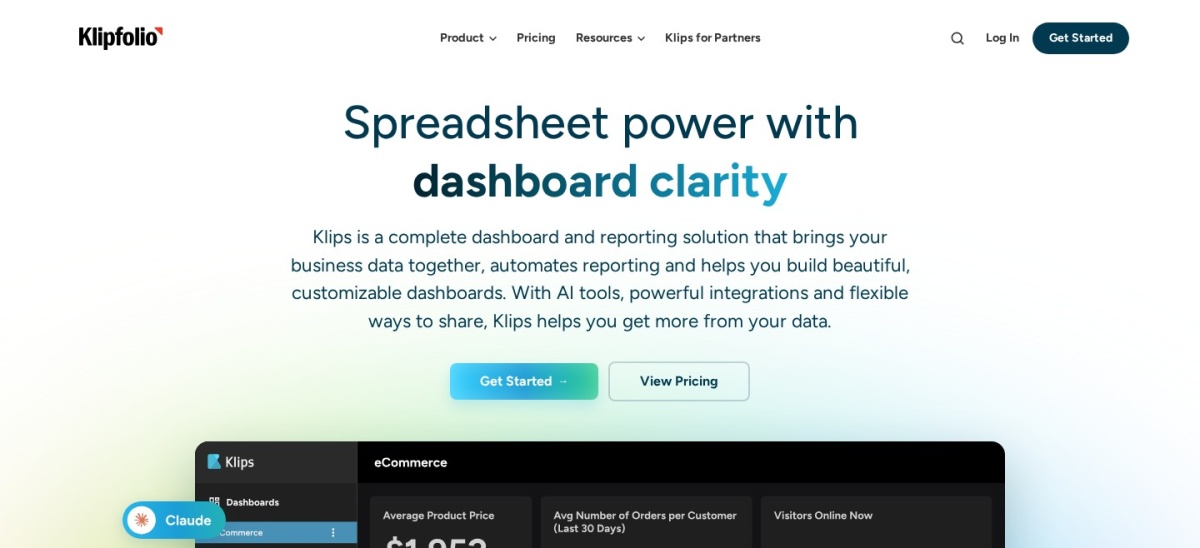
Klipfolio homepage, captured Nov 2026.
Klipfolio is a dashboard and reporting platform that combines marketing metrics from different applications into customizable visual reports. Its Base plan costs $120 monthly on annual billing and includes 3 dashboards, unlimited users, 130+ integrations and a 4-hour data refresh interval. Teams can create custom metrics, join data sources and export PDF reports.
The trade off is additional setup work and a higher entry price than template-focused tools. Base costs $140 monthly without annual billing, while more dashboards and faster refreshes require higher plans. It suits marketing operations teams that need customized calculations and reporting across departments.
Best for connecting marketing reports with business KPIs
Entry planBusiness
Data sourcesUp to 30
UsersUp to 10
AI credits1,500/mo
databox.com
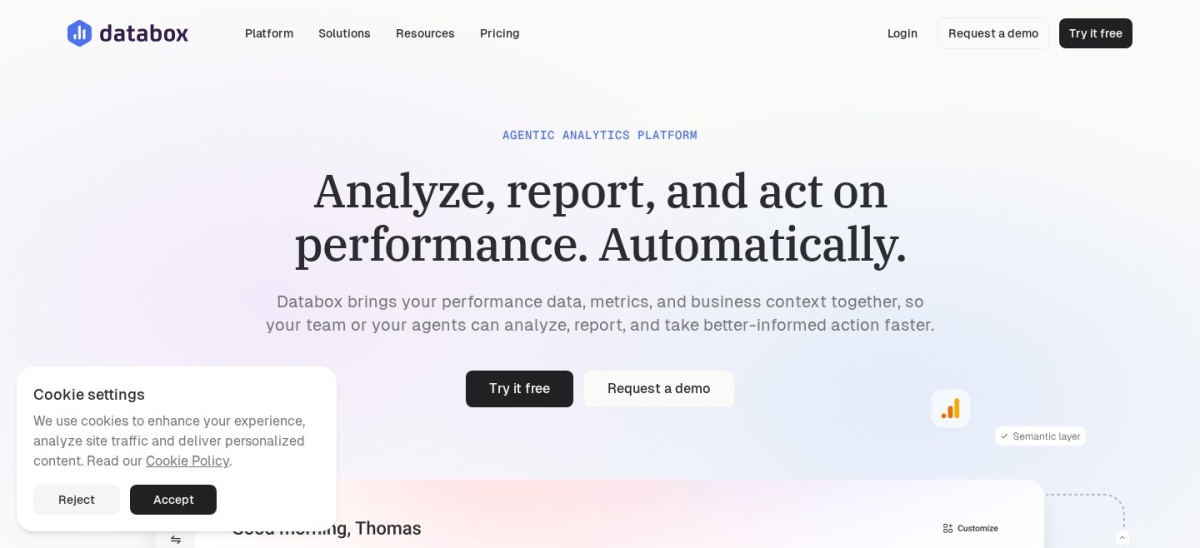
Databox homepage, captured Nov 2026.
Databox is a reporting and analytics platform that brings marketing, sales and operational metrics into dashboards and business reports. Its Business plan costs $399 monthly on annual billing and includes up to 30 data sources, 10 users and 1,500 monthly AI credits. It supports governed metrics, reporting, goals and AI-assisted analysis.
The trade off is the $4,788 annual commitment, compared with $499 monthly without annual billing. Its broader analytics and governance capabilities may be unnecessary for basic client reporting. It suits growing businesses that need marketing performance connected to sales outcomes, revenue and company-wide objectives.
What we like
130+ available data integrations
Connects marketing, sales and operational KPIs
AI-assisted analysis and reporting
Goal tracking and governed metrics
Custom integrations and API access
Watch out for
High starting price for small agencies
Entry plan limits users and data sources
More configuration than simple marketing reporting tools
Custom services add tailored data engineering and AI workflowsVisit databox.com
Which types of marketing reports should you automate?
The most useful marketing reports depend on the channels you manage and the decisions stakeholders need to make. Automated reporting works particularly well for recurring performance summaries.
PPC reports track advertising spend, clicks, conversions, cost per lead and return on advertising spend. They help teams compare campaigns and identify changes in efficiency.
SEO reports combine organic traffic, search visibility, landing page performance and conversions. Agencies may also include keyword rankings, backlinks and completed optimization work.
Social media reports summarize reach, engagement, audience growth, referral traffic and conversions. The most useful metrics depend on whether the campaign focuses on awareness, engagement or lead generation.
Executive marketing reports connect campaign results with qualified leads, customer acquisition costs, sales pipeline and revenue. They help stakeholders evaluate marketing contributions without reviewing every campaign metric.
How to build a reliable automated marketing reporting workflow
Begin by identifying your reporting audience and the questions each report needs to answer. Campaign managers often need detailed performance information, while executives may prefer concise business outcomes.
Connect the necessary data sources and verify that metrics match their original platforms. Pay particular attention to time zones, attribution settings, conversion definitions and reporting periods.
Create reusable templates that prioritize relevant KPIs. Use comparisons, trends and explanatory notes instead of presenting isolated numbers without context.
Schedule data refreshes and report delivery according to the reporting cycle. Weekly reports can highlight operational changes, while monthly summaries are useful for broader performance reviews.
Finally, review automated reports before distribution when important decisions depend on them. Automation reduces repetitive work but does not replace the need to interpret results accurately.
How we chose
We selected established marketing reporting platforms with published pricing, active product websites and public customer review histories. The shortlist covers agency reporting, automated campaign summaries, marketing data integration, customizable dashboards and business intelligence software.
Official pricing pages and public review profiles were opened on 23 Nov 2026 for this November 2026 comparison, using the requested 22 Nov 2026 editorial verification date. We compared regular published subscription rates, including standard annual-billing options, and converted monthly prices into annual equivalents. Integration coverage, automation, report sharing and pricing limits also informed the rankings.
We excluded products without confirmed public entry pricing, platforms with insufficient review evidence and services without a clear marketing reporting use case. Rankings reflect reporting suitability rather than a single technical performance benchmark. No vendor paid for a place, and we do not claim testing for this list.
How to choose the best marketing reporting software
Identify the reports your team produces regularly, then compare integrations, automation, sharing features and pricing against your reporting workload.
Define your reporting audience and goals. Decide whether the reports are intended for agency clients, marketing managers, executives or analysts. Client reporting benefits from branding and clear summaries, while internal analytics may require detailed filters, custom calculations and deeper exploration.
Verify integrations and data accuracy. List the advertising platforms, SEO tools, analytics accounts and CRM systems you need. Confirm supported metrics, refresh schedules and connection limits. Review how the platform handles different attribution methods and reporting periods.
Compare automation and customization. Look for scheduled reports, reusable templates, PDF exports, client portals and flexible dashboards. Consider whether the platform supports explanatory notes, custom KPIs and alerts. Choose features that reduce recurring manual work.
Calculate the actual annual subscription cost. Compare pricing using your expected clients, dashboards, data sources and users. Include additional connectors, required upgrades and usage charges. Check regular billing terms rather than relying on introductory discounts or short promotional offers.
FAQ
What is marketing reporting software?
Marketing reporting software collects campaign performance data from advertising, analytics, SEO and social platforms and organizes it into reports or dashboards. Many tools support scheduled updates, automatic delivery and reusable templates. The main purpose is to reduce manual reporting work and make marketing performance easier to evaluate.
Which marketing reporting software is best for agencies?
AgencyAnalytics is our top agency pick because it combines more than 90 marketing integrations with unlimited reports, automated scheduling and white-labeled client portals. DashThis is suitable for agencies that prefer ready-made templates, while Swydo provides another option for agencies with many connected advertising accounts.
How much does marketing reporting software cost?
Pricing depends on users, clients, connected data sources and reporting requirements. Power BI Pro costs $14 per user monthly on annual billing, AgencyAnalytics starts at $20 per client monthly, and DashThis starts at $44 monthly on annual billing. More advanced analytics platforms can cost several hundred dollars each month.
Can marketing reporting software generate reports automatically?
Yes. Platforms such as AgencyAnalytics, DashThis and Swydo support scheduled reporting workflows. They can refresh connected performance data and distribute reports through supported delivery methods. Automation reduces repetitive work, although marketers should still review unusual changes and explain important results.
What is the difference between marketing reporting and marketing analytics?
Marketing reporting focuses on organizing and communicating performance information, usually through recurring reports and dashboards. Marketing analytics goes further by examining patterns, relationships and reasons behind results. Many platforms provide both functions, but reporting automation and advanced analysis are not necessarily included in the same subscription.
Can marketing reporting tools combine Google Ads and Google Analytics?
Yes. Most dedicated marketing reporting platforms support connections to Google Ads and Google Analytics. This allows teams to display advertising spend, website traffic and conversions in shared reports. However, reporting differences can occur because the platforms use distinct attribution and measurement methods.
Is there free marketing reporting software?
Yes. Microsoft Power BI offers a free account for creating individual reports. Other tools provide trials or limited free functionality. Paid plans are often necessary for automated sharing, additional integrations, collaborative reporting or larger data volumes. The right option depends on how reports will be distributed.
Which software is best for PPC reporting?
AgencyAnalytics and Swydo are strong options for recurring PPC client reports. Both support advertising data aggregation and automated reporting workflows. DashThis is another choice for visual campaign summaries. Compare integration availability, connected account limits and custom metric support before selecting a platform.
How often should marketing reports be generated?
The appropriate reporting schedule depends on campaign activity and stakeholder needs. Weekly reports can highlight short-term performance changes, while monthly reports are useful for evaluating broader trends and business outcomes. Automated dashboards can provide more frequent updates when operational monitoring is necessary.