Best Marketing Dashboard Software in 2026: 7 Tools Compared
WLWPLegible EditorsLast verified 22 Nov 2026How we rank12 min read
★ Short answer
AgencyAnalytics is our top marketing dashboard software for agencies, with 90+ marketing integrations, unlimited dashboards and automated reporting from $20 per client monthly on annual billing. DashThis suits teams wanting ready-made marketing reports, while Coupler.io is useful for moving campaign data into customizable dashboards.
How we make this list: we compare pricing pages, product documentation and public user reviews, then re-check every price before each update. No product paid for a place. Disclosure.
AgencyAnalytics starts at $20 per client monthly on annual billing, with 90+ integrations and unlimited dashboards.
DashThis Individual costs $44/mo billed yearly and includes 3 dashboards and 15 connected sources.
Coupler.io Starter costs $24/mo billed annually, with 3 connected accounts and 400+ available data sources.
Microsoft Power BI Pro costs $14 per user monthly on annual billing, while its free tier supports individual report creation.
Geckoboard Essentials starts at $79/mo billed annually and includes 2 dashboards, 1 editor and 1 screen.
Databox Business costs $399/mo billed annually and includes up to 30 data sources, 10 users and 1,500 monthly AI credits.
What to look for in marketing dashboard software
Marketing dashboard software brings campaign performance into a shared reporting interface. Instead of opening separate advertising, SEO, social media and analytics accounts, marketers can review important metrics in one place.
Start with data integrations. Confirm that the software connects to your advertising platforms, Google Analytics, Search Console, CRM and other essential tools. An attractive dashboard is less useful if key data must be copied manually.
Next, compare dashboard customization and reporting automation. Agencies often need branded client portals, scheduled reports and reusable templates. Internal marketing teams may prioritize live KPI monitoring, goal tracking and executive summaries.
Pay close attention to how pricing scales. Some products charge per client, dashboard, source or user. Others limit refresh frequency or data volume. A low entry price can become expensive when reporting requirements increase.
Finally, consider data accuracy and accessibility. Look for consistent metric definitions, secure sharing, useful filtering and alerts. Marketing dashboards should make performance easier to understand without hiding important differences between data sources.
For marketing dashboards connected to business goals
$399/mo
No free plan
4.4/5
Price ladder: cheapest paid plan per year
List prices, USD, checked Nov 2026
Power BIFREE$168
AgencyAnlyt$240
Coupler.ioFREE$288
DashThis$528
Geckoboard$948
Klipfolio$1,440
Databox$4,788
The 7 best marketing dashboard software tools
01
AgencyAnalytics
4.7/5on G2 (463 reviews, checked Nov 2026)
Starts at$20/mo
Best for marketing agencies and client dashboards
Entry price$20/client/mo annually
Integrations90+
DashboardsUnlimited
Staff accountsUnlimited
agencyanalytics.com
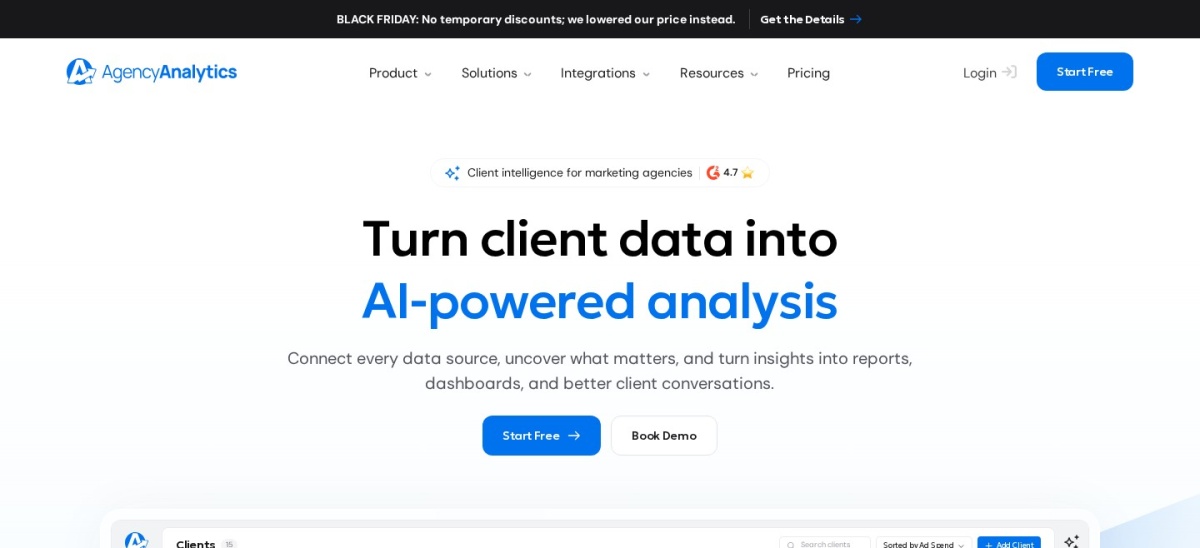
AgencyAnalytics homepage, captured Nov 2026.
AgencyAnalytics is a marketing reporting platform designed for agencies managing multiple client accounts. Its core plan costs $20 per client monthly on annual billing and includes 90+ integrations, unlimited dashboards, unlimited staff accounts and automated reports. Teams can display paid advertising, SEO, website analytics and social performance in branded client portals.
The trade off is per-client billing, which increases costs as an agency adds accounts. Keyword rank tracking and AI visibility monitoring are optional paid add-ons. It suits SEO, PPC and digital marketing agencies that want consistent reporting without rebuilding spreadsheets and client presentations each month.
Best for ready-made marketing reporting dashboards
Entry planIndividual
Dashboards3
Data sources15
Annual rate$44/mo
dashthis.com
DashThis homepage, captured Nov 2026.
DashThis is a marketing dashboard and reporting platform that combines metrics from advertising, SEO, analytics and social channels. Its Individual plan costs $44 monthly on annual billing and includes 3 dashboards with 15 connected sources. Users can build reports from templates, combine integrations and share marketing results without writing code.
The trade off is dashboard and source limits. Individual costs $54 monthly without annual billing, while additional reporting capacity requires higher plans. It suits freelancers, small agencies and internal marketing teams that prefer ready-made reports over complex business intelligence configurations.
What we like
Ready-made marketing dashboard templates
Combines multiple channels into individual reports
Best for automated marketing data collection and dashboards
Entry planStarter
Connected accounts3
Data destinations1
RefreshDaily
coupler.io
Coupler.io homepage, captured Nov 2026.
Coupler.io is a data integration and reporting platform that moves information from marketing systems into spreadsheets, databases and dashboards. Its free plan supports 1 account with manual refresh, while Starter costs $24 monthly on annual billing. Starter includes 3 accounts, 1 destination, daily refreshes and access to 400+ data sources.
The trade off is that Starter supports only 1 user and limits each run to 5,000 rows. Monthly billing costs $32, while transformations and more advanced dashboards require higher tiers. It suits marketers who want to control where campaign data lives and build reports around existing analytics tools.
What we like
400+ available data sources
Free plan with manual data refresh
Scheduled data transfers
Dashboard templates and AI analysis
Works with spreadsheets and reporting destinations
Watch out for
Starter includes only 3 connected accounts
Limited data volume on the entry paid plan
Advanced data transformations require an upgrade
Active adds 15 accounts, 3 destinations and advanced dashboardsVisit coupler.io
04
Power BI
4.5/5on G2 (1,672 reviews, checked Nov 2026)
Paid from$14/mo
Best for customizable marketing intelligence dashboards
Entry paid planPower BI Pro
Price$14/user/mo
BillingAnnual
Free accountAvailable
microsoft.com
Power BI homepage, captured Nov 2026.
Power BI is a business intelligence platform for building interactive reports from marketing, CRM and operational data. Its free account supports individual report creation, while Power BI Pro costs $14 per user monthly on annual billing. Pro adds report publishing, sharing and access to collaborative analytics applications.
The trade off is setup complexity. Marketing data often needs additional connections, modeling and metric definitions before reports become useful. Power BI Premium Per User costs $24 monthly and adds larger models and more frequent refreshes. It suits marketing analysts and established teams that need customized reporting across multiple business systems.
What we like
Free report creation for individual users
Flexible charts, filters and visualizations
Data modeling and transformation tools
Connects marketing with business performance data
Affordable paid entry license
Watch out for
Greater learning curve than dedicated marketing tools
Sharing commonly requires paid licenses
Some marketing integrations require external connectors
Premium Per User adds larger models and more frequent refreshesVisit microsoft.com
05
Klipfolio
4.5/5on G2 (257 reviews, checked Nov 2026)
Starts at$120/mo
Best for customized KPI dashboards across departments
Entry planBase
Dashboards3
Integrations130+
RefreshEvery 4 hours
klipfolio.com
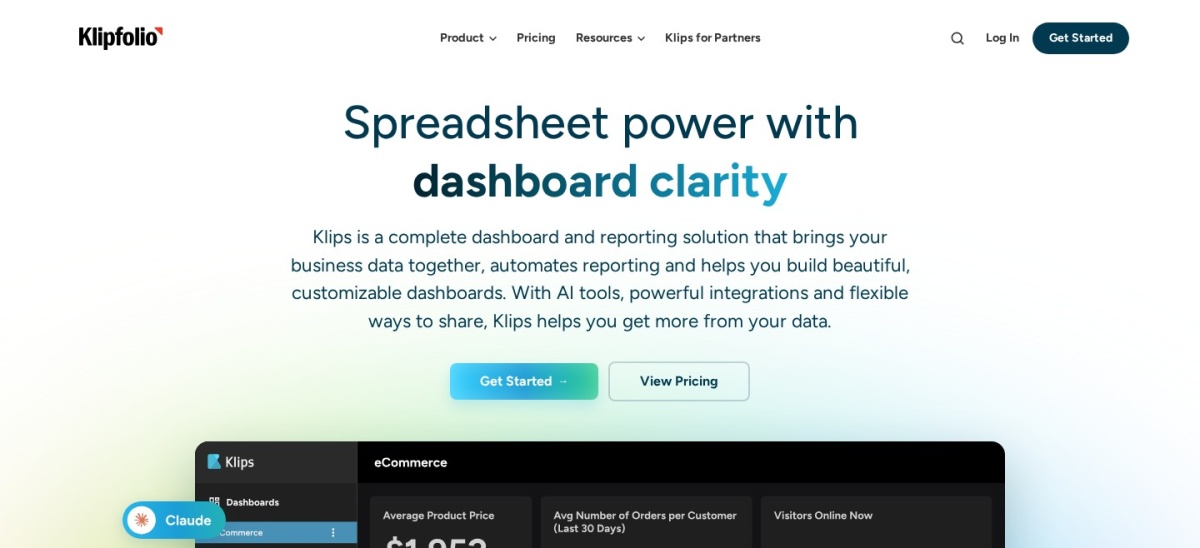
Klipfolio homepage, captured Nov 2026.
Klipfolio is a dashboard platform for teams that need customizable reports built from multiple business and marketing data sources. Its Base plan costs $120 monthly on annual billing and includes 3 dashboards, unlimited users, more than 130 integrations and a 4-hour data refresh interval. It supports custom metrics, data modeling and PDF reporting.
The trade off is a higher starting cost and more setup work than template-focused marketing platforms. Monthly billing increases the Base price to $140, and dashboard capacity is limited on the entry tier. It suits marketing operations teams that need tailored KPI calculations and dashboards shared across departments.
Best for live marketing KPI dashboards on team screens
Entry planEssentials
Dashboards2
Editors1
TV screens1
geckoboard.com
Geckoboard homepage, captured Nov 2026.
Geckoboard is a real-time dashboard platform for displaying marketing and business KPIs on shared screens. Its Essentials plan starts at $79 monthly on annual billing and includes 2 dashboards, 1 editor and 1 connected screen. Teams can connect data sources, create visual dashboards and distribute scheduled snapshots through communication tools.
The trade off is that Essentials limits editing access and dashboard capacity, while advanced alerts and drilldowns require Performance at $319 monthly on annual billing. It suits marketing teams that want campaign results, sales activity and business targets visible throughout the working day.
Best for marketing dashboards connected to business goals
Entry planBusiness
Data sourcesUp to 30
UsersUp to 10
AI credits1,500/mo
databox.com
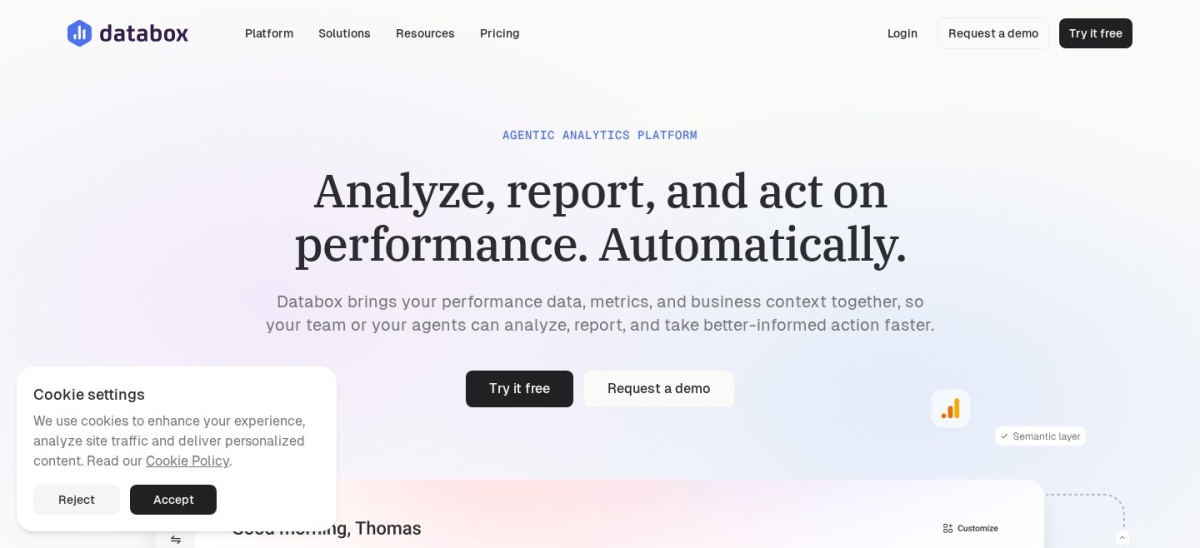
Databox homepage, captured Nov 2026.
Databox is a business intelligence and reporting platform that combines marketing, sales and operational metrics into dashboards. Its Business plan costs $399 monthly on annual billing and supports up to 30 data sources, 10 users and 1,500 monthly AI credits. It includes KPI monitoring, reports, governed metrics, goals and AI-assisted analysis.
The trade off is the $4,788 annual commitment, while month-to-month billing costs $499 monthly. Its broader data governance and analytics functions may exceed the needs of small agencies producing basic client reports. It suits growing organizations that want marketing dashboards connected to revenue, company goals and cross-functional reporting.
What we like
More than 130 available integrations
Marketing, sales and business KPI dashboards
AI-assisted analysis and reporting
Goals and performance monitoring
Governed metric definitions
Watch out for
Higher entry cost than most dashboard tools
Business plan limits users and data sources
More setup than a simple campaign reporting tool
Custom services add tailored data engineering and AI workflowsVisit databox.com
Which type of marketing dashboard do you need?
Marketing dashboards vary by audience and reporting purpose. The right layout depends on whether the information is intended for campaign managers, agency clients or company leadership.
Campaign dashboards track channel-specific performance such as impressions, clicks, conversions and advertising spend. They help campaign managers identify changes and compare results over time.
Client reporting dashboards present campaign outcomes in an accessible format. Agencies commonly need branded reports, scheduled delivery, reusable templates and secure client access.
Executive dashboards connect marketing metrics with broader commercial outcomes. They may include qualified leads, pipeline value, customer acquisition cost and revenue performance.
Operational dashboards display important KPIs throughout the day. These work well when teams need shared visibility into live performance rather than detailed historical analysis.
Essential metrics to include in a marketing dashboard
A useful marketing dashboard should answer specific business questions instead of showing every available metric. Choose KPIs according to campaign objectives and the decisions your team makes regularly.
For paid advertising, prioritize spend, clicks, conversions, cost per lead and return on advertising spend where purchase data is available. Include comparisons with previous reporting periods.
For SEO, focus on organic traffic, search visibility, landing page performance and conversions. Rankings can provide supporting context, but changes in traffic and business outcomes matter more.
For social media and content marketing, review reach, engagement, website referrals and attributable conversions. Avoid treating impressions or followers as business results without further context.
Finally, include business metrics when possible. Qualified leads, acquisition cost and revenue help connect marketing activity with financial performance.
How we chose
We selected established dashboard platforms with public customer reviews, maintained product websites and identifiable paid plans. The shortlist covers agency reporting tools, marketing data connectors, configurable business intelligence software and real-time KPI displays.
Pricing and ratings were checked against official vendor pages and public review profiles opened on 23 Nov 2026 for this November 2026 comparison, using 22 Nov 2026 as the requested editorial verification date. We used published annual-billing rates where available and converted monthly prices into yearly equivalents. We also examined integration coverage, dashboard limits, automation and sharing features.
We excluded products without confirmed public entry pricing, insufficient review evidence or a clear dashboard-related use case. Rankings reflect practical marketing reporting requirements rather than laboratory performance benchmarks. No vendor paid for a place, and we do not claim testing for this list.
How to choose the right marketing dashboard software
Identify your reporting goals and data sources, then compare dashboard features, automation and regular subscription costs before choosing a platform.
Define who will use your dashboards. Determine whether the main audience is campaign managers, agency clients, executives or analysts. Client dashboards benefit from branding and automated delivery, while internal teams may need interactive filters, alerts and deeper data exploration.
Confirm every required integration. List your advertising accounts, website analytics platforms, SEO tools, CRM and other systems. Check whether the product can retrieve the metrics you need and whether connectors are included in the entry plan.
Review automation and sharing features. Look for scheduled data refreshes, reusable templates, secure access, automated emails and performance alerts. Consider how much manual work is needed to build dashboards and maintain accurate reporting.
Calculate costs as reporting expands. Compare annual pricing using your expected number of clients, dashboards, data sources and users. Review refresh limits, optional connectors and upgrade requirements. Choose a plan that fits both current activity and realistic growth.
FAQ
What is marketing dashboard software?
Marketing dashboard software collects and displays performance information from advertising, analytics, SEO, social media and other marketing systems. It helps teams monitor KPIs, compare channels and communicate results through visual reports. Features may include automated updates, filters, alerts and scheduled report delivery.
Which marketing dashboard software is best for agencies?
AgencyAnalytics is our top agency pick because it offers more than 90 marketing integrations, unlimited dashboards and branded client reporting. DashThis is another option for agencies that prefer ready-made reporting templates and dashboard-based pricing. The better choice depends on client volume and reporting requirements.
Can I create marketing dashboards for free?
Yes. Microsoft Power BI offers a free account for individual report creation, while Coupler.io has a free tier with manual data refresh. Free tools can work for simple reporting, but automated sharing, collaboration, advanced connectors and larger data volumes may require paid subscriptions.
How much does marketing dashboard software cost?
Entry pricing varies by product. Power BI Pro costs $14 per user monthly on annual billing, AgencyAnalytics starts at $20 per client monthly, and DashThis Individual costs $44 monthly when billed yearly. Specialized enterprise reporting platforms may cost several hundred dollars monthly.
What is the difference between a marketing dashboard and a marketing report?
A marketing dashboard is usually an interactive view of performance metrics that can update as new information becomes available. A marketing report often summarizes results for a defined period and provides commentary. Many dashboard platforms support both live monitoring and scheduled reports.
Which marketing dashboard tool is easiest for beginners?
DashThis is a practical starting point for marketers who want ready-made templates and visual reports. AgencyAnalytics also provides predefined marketing integrations and reporting workflows. Power BI offers more customization but generally requires additional knowledge of data modeling and dashboard construction.
Can marketing dashboards combine Google Ads and social media data?
Yes. AgencyAnalytics, DashThis and other reporting platforms support data from multiple advertising and marketing systems. This allows marketers to compare spending, traffic and conversion metrics in one view. However, differences in attribution methods and metric definitions should be considered when interpreting combined results.
How often should marketing dashboards update?
Refresh frequency depends on the decisions being made. Daily updates are often sufficient for campaign reviews and management reporting. Teams monitoring time-sensitive operations may prefer more frequent updates. Always check the provider's refresh schedule and whether specific integrations have additional limitations.
Can marketing dashboard software measure ROI?
Yes, when the dashboard has access to accurate campaign costs and revenue or conversion values. Some platforms connect marketing systems directly with CRM or financial data, while others require manual data preparation. Reliable ROI reporting depends on consistent attribution settings and complete tracking.