Best Sales Analytics Tools in 2026: 7 Tools Compared
WLWPLegible EditorsLast verified 22 Nov 2026How we rank8 min read
★ Short answer
HubSpot Sales Hub leads for teams wanting unified pipeline reporting and free entry for up to 2 users. Pipedrive suits visual deal tracking from $14/seat/month billed annually, while Zoho Analytics fits multi-source data reporting from $24/month billed annually.
How we make this list: we compare pricing pages, product documentation and public user reviews, then re-check every price before each update. No product paid for a place. Disclosure.
HubSpot Sales Hub offers a free tier for up to 2 users and scales to custom forecasting on higher plans.
Pipedrive starts at $14/seat/month billed annually with pipeline management and AI-generated reports.
Zoho Analytics starts with a free plan for 2 users and 10,000 rows, with paid plans from $24/month billed annually.
Freshsales provides a free tier for up to 3 users and paid plans starting at $9/user/month billed annually.
Close starts at $9/user/month billed annually on Solo for 1 user and up to 10,000 leads.
What to look for in sales analytics tools
Sales analytics software turns deal stages, rep activities, and revenue events into clear forecasts and conversion metrics. Strong platforms connect daily pipeline movement with win rates, sales cycle length, and quota tracking rather than showing static contact lists.
Pricing models vary sharply across sales analytics tools. Some platforms charge per seat across every user, while business intelligence and product event tools price around data rows, monthly events, or team seats.
Before committing to an annual contract, check where custom reporting, workflow automation, and forecasting actually live. Many tools place basic pipeline dashboards on entry tiers while reserving custom reports and forecasting for mid- or upper-tier plans.
HubSpot Sales Hub is a sales CRM and reporting suite with a free tier for up to 2 users and paid plans starting at $20/mo/seat on Starter. It tracks deals, email activity, meetings, and call minutes inside one workspace.
The trade off is that custom reporting, sequences, and deal forecasting require higher tiers, with Starter priced at $20/mo/seat and Professional at $90/mo/seat. It suits growing sales teams that want pipeline visibility alongside marketing and service tools.
What we like
Free entry tier available for up to 2 users
Clear visual deal pipelines and activity timelines
Broad ecosystem connecting marketing and customer service data
Watch out for
Custom reporting and forecasting sit above the Starter tier
Per-seat costs rise noticeably on Professional and Enterprise plans
Starter removes HubSpot branding and adds up to 500 calling minutes and basic sales automation.Visit hubspot.com
02
Pipedrive
4.3/5on G2 (5,132 reviews, checked Nov 2026)
Starts at$14/mo
Best for visual deal pipeline tracking
Free tierNone (14-day trial)
Entry paid tierLite at $168/seat/yr ($14/mo)
Forecast reportsAvailable from Growth ($39/mo)
G2 rating4.3/5 (5,132 reviews)
pipedrive.com
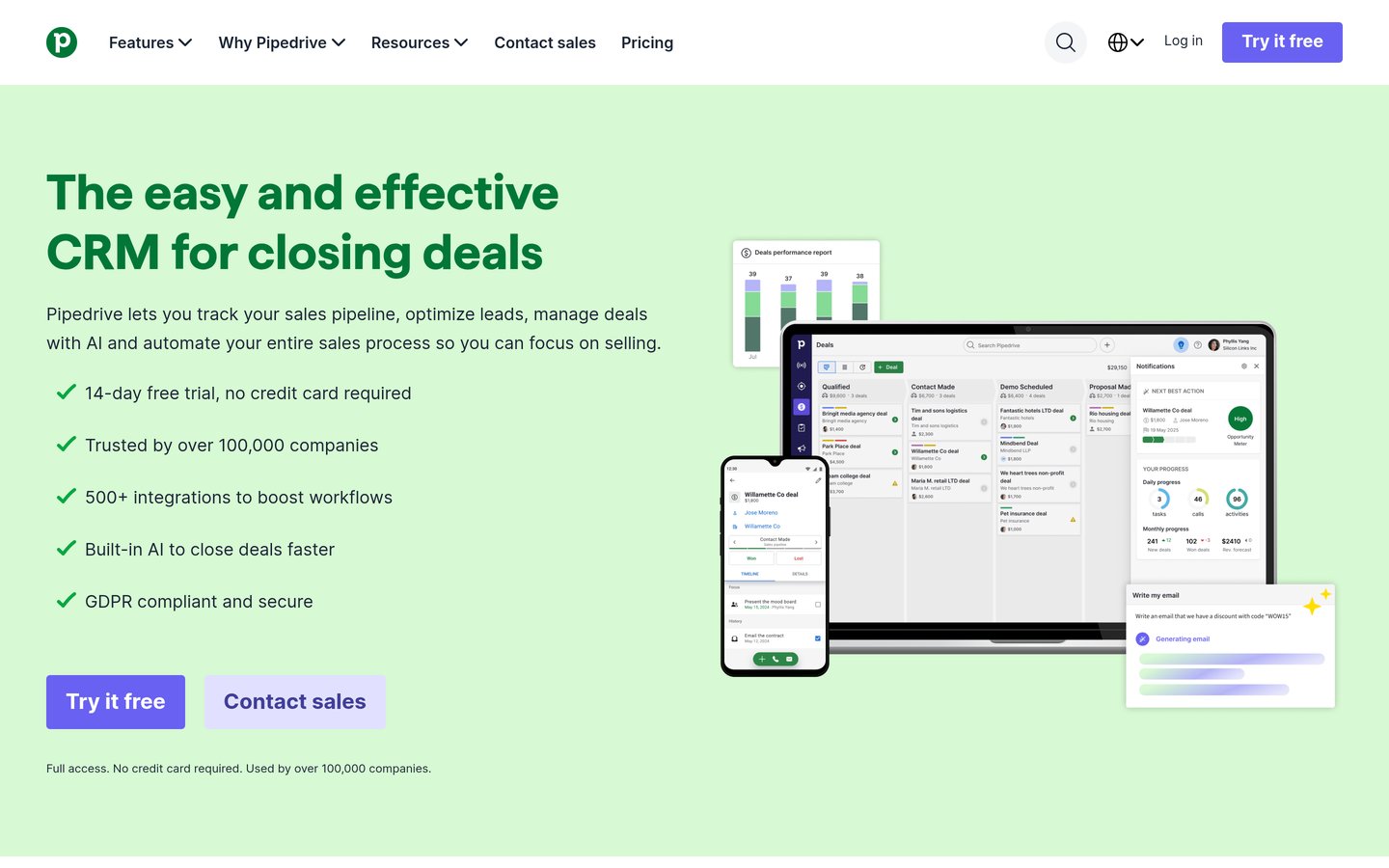
Pipedrive homepage, captured Nov 2026.
Pipedrive is a pipeline-focused sales CRM that tracks leads, deals, calendar activities, and AI-generated reports starting at $14 per seat per month billed annually ($168/seat/yr) on Lite. Teams can view deal progress across customizable stages and connect over 500 integrations.
The trade off is that there is no permanent free plan, and forecast reports and automations start on Growth at $39 per seat per month billed annually. It suits small and mid-sized sales teams focused on daily pipeline execution.
What we like
Straightforward visual pipeline built around deal stages
Lower entry annual price than many full-suite CRMs
Large marketplace of sales and productivity integrations
Watch out for
No free plan beyond a 14-day trial
Several outreach and visitor tracking tools require extra add-ons
Growth adds full email sync with tracking, automations, Sequences, and subscription and forecast reports.Visit pipedrive.com
03
Zoho CRM
4.1/5on G2 (2,963 reviews, checked Nov 2026)
Paid from$14/mo
Best for customizable sales workflows
Free tierUp to 3 users, 5,000 records
Entry paid tierStandard at $14/user/mo yearly
ForecastingStarts on Standard tier
G2 rating4.1/5 (2,963 reviews)
zoho.com
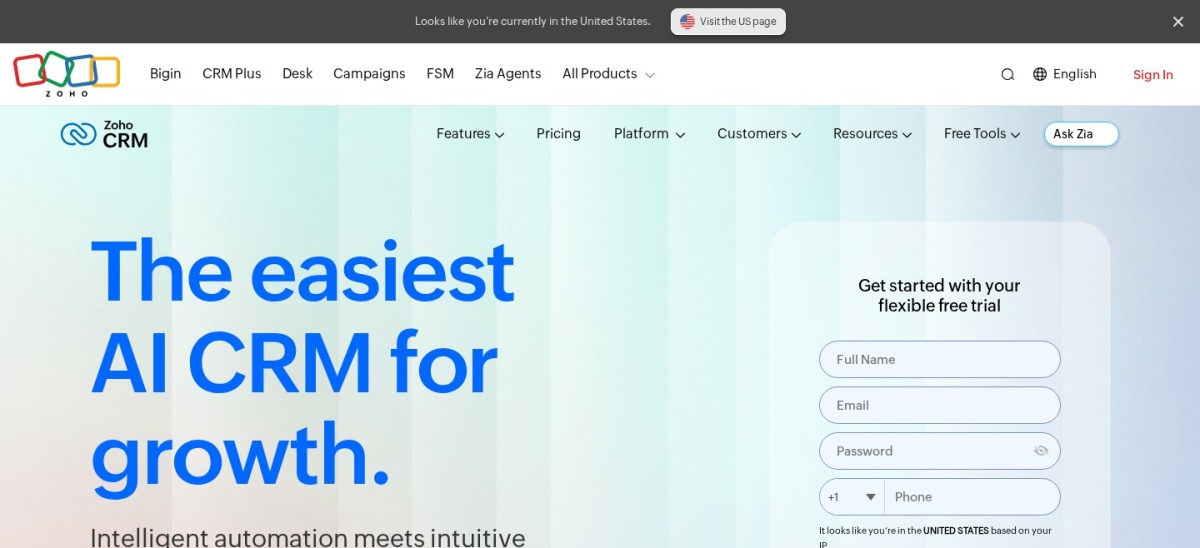
Zoho CRM homepage, captured Nov 2026.
Zoho CRM is a sales platform offering a free plan for up to 3 users and 5,000 records, with Standard starting at $14 per user per month billed annually ($168/user/yr). Standard adds reports, dashboards, sales forecasting, and up to 100,000 records.
The trade off is that deep automation, Blueprint processes, and Zia AI require higher tiers up to $52 per user per month billed annually. It suits teams that want configurable sales stages and forecasting on a budget.
What we like
Free plan covers up to 3 users with basic workflow rules
Forecasting and dashboards start on the Standard tier
Broad customization options across modules and fields
Watch out for
Free tier caps total storage at 5,000 records across modules
Extensive settings can take time to configure properly
Standard raises capacity to 100,000 records and adds reports, dashboards, forecasting, and cadences.Visit zoho.com
04
Close
4.7/5on G2 (2,169 reviews, checked Nov 2026)
Starts at$9/mo
Best for outbound calling and email activity
Free tierNone (14-day trial)
Entry paid tierSolo at $108/yr ($9/mo annual)
Team reportingEssentials from $35/user/mo
G2 rating4.7/5 (2,169 reviews)
close.com
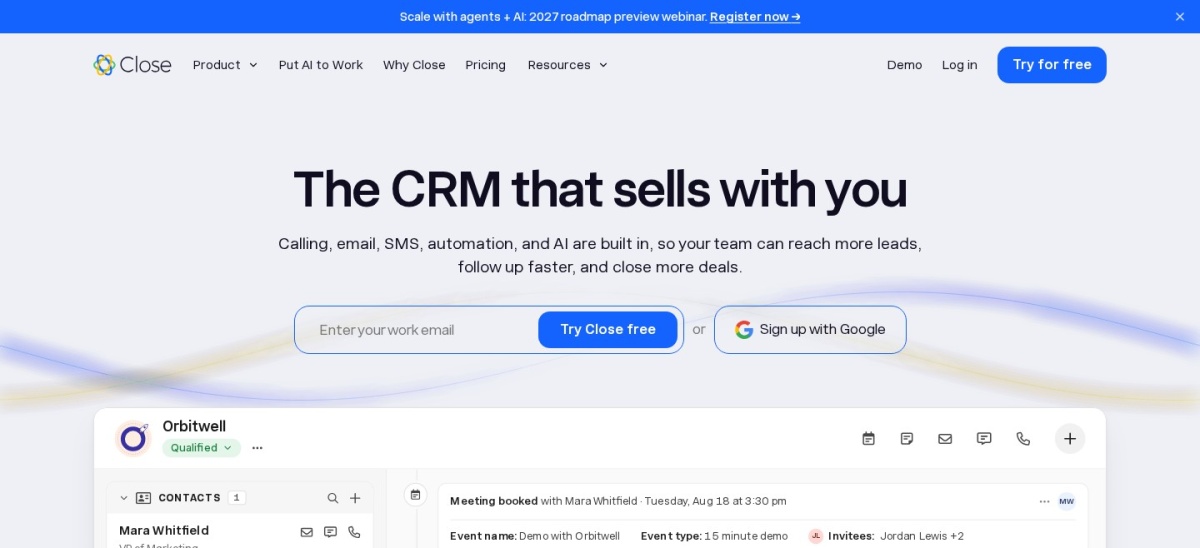
Close homepage, captured Nov 2026.
Close is a sales CRM with built-in calling, SMS, and email tracking starting on Solo at $9 per month billed annually ($108/yr) for 1 user and up to 10,000 leads. Every plan includes reporting and dashboards to track pipeline health and sales activity.
The trade off is that Solo is limited to a single user, and team performance reporting starts on Essentials at $35 per user per month billed annually. It suits inside sales reps and teams that track calls, emails, and deals together.
What we like
Native calling, SMS, and email activity in one workspace
Low entry annual cost for solo reps on the Solo plan
High user rating across more than 2,100 G2 reviews
Watch out for
Solo plan restricts access to 1 user and 10,000 leads
Power Dialer and workflow automation start on Growth ($99/user/mo annual)
Essentials removes the user and lead caps and adds team performance reporting and email open tracking.Visit close.com
05
Nutshell
4.3/5on G2 (1,464 reviews, checked Nov 2026)
Starts at$13/mo
Best for straightforward B2B pipeline tracking
Free tierNone (14-day trial)
Entry paid tierFoundation at $156/user/yr ($13/mo)
Setup feesNone listed
G2 rating4.3/5 (1,464 reviews)
nutshell.com
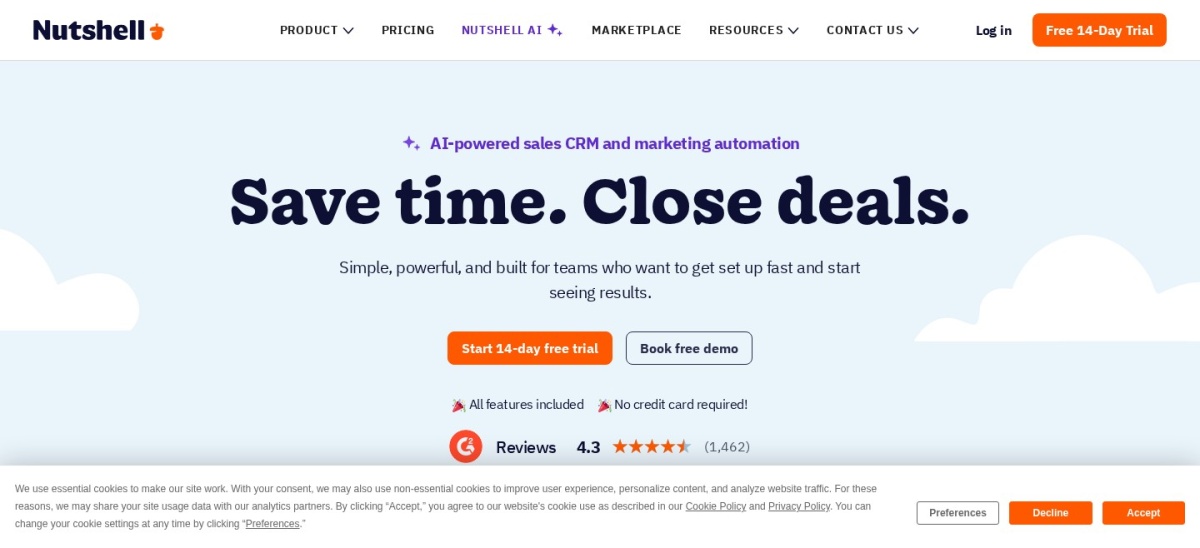
Nutshell homepage, captured Nov 2026.
Nutshell is a B2B sales CRM starting on Foundation at $13 per user per month billed annually ($156/user/yr), with no setup fees. It organizes leads, pipelines, tasks, and email and calendar sync for small sales teams.
The trade off is that there is no free plan beyond a 14-day trial, and advanced automation and higher AI limits sit on higher tiers up to $79 per user per month. It suits small B2B teams that want clear pipeline tracking without heavy setup.
What we like
No setup or implementation fees across plans
Easy onboarding for small B2B sales teams
Includes free live support on every plan
Watch out for
No free tier after the 14-day trial
Customizing charts and dashboards is less flexible than in dedicated BI tools
Growth at $25/user/mo annual increases AI outcomes and expands workflow capabilities on top of Foundation.Visit nutshell.com
06
Freshsales
4.5/5on G2 (1,244 reviews, checked Nov 2026)
Paid from$9/mo
Best for small teams wanting a free tier
Free tierUp to 3 users
Entry paid tierGrowth at $108/user/yr ($9/mo annual)
AI scoringStarts on Pro ($39/user/mo annual)
G2 rating4.5/5 (1,244 reviews)
freshworks.com
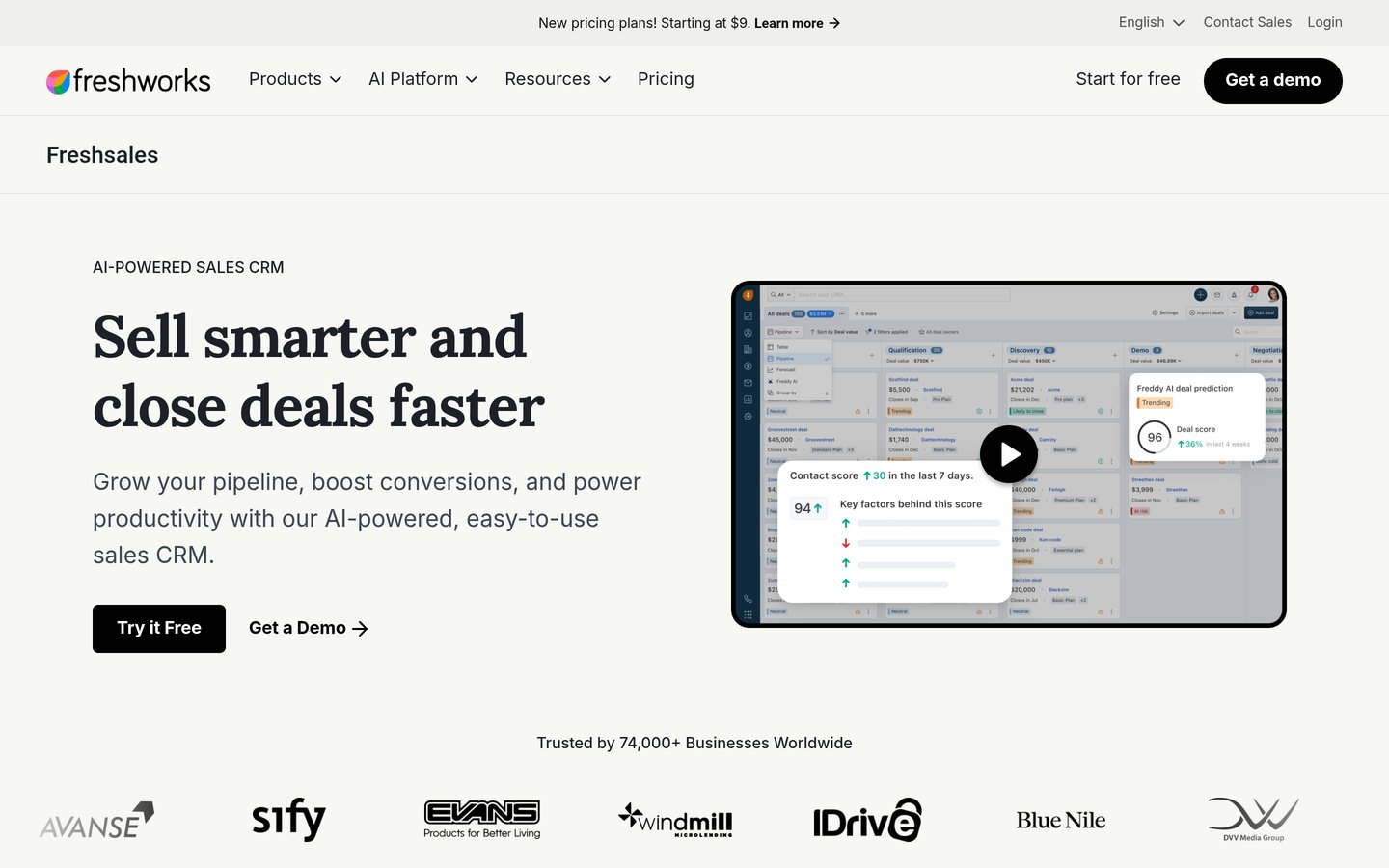
Freshsales homepage, captured Nov 2026.
Freshsales is a sales CRM from Freshworks that includes a free plan for up to 3 users and paid plans starting on Growth at $9 per user per month billed annually ($108/user/yr). It helps small teams manage leads, contact lifecycle stages, and deal pipelines.
The trade off is that Freddy AI contact scoring starts on Pro at $39 per user per month billed annually, and some reviewers note storage caps. It suits small sales teams starting out with a free tier or low entry seat cost.
What we like
Free tier supports up to 3 users
Low entry paid pricing on the Growth plan
Strong 4.5/5 rating across more than 1,200 G2 reviews
Watch out for
Freddy AI lead scoring and forecasting insights require higher plans
Reviewers note storage caps and limited accounting-focused reporting
Pro adds Freddy AI contact scoring, custom sales activities, and auto-assignment rules.Visit freshworks.com
07
Capsule CRM
4.7/5on G2 (530 reviews, checked Nov 2026)
Paid from$18/mo
Best for small teams tracking deals and projects
Free tierUp to 2 users, 250 contacts
Entry paid tierStarter at $216/user/yr ($18/mo annual)
AutomationsStart on Growth ($36/user/mo annual)
G2 rating4.7/5 (530 reviews)
capsulecrm.com
Capsule CRM homepage, captured Nov 2026.
Capsule CRM is a small-business CRM with a free tier for up to 2 users and 250 contacts, while Starter costs $18 per user per month billed annually ($216/user/yr). Starter raises the limit to 30,000 contacts and adds email templates, shared inboxes, and basic reports.
The trade off is that workflow automations, email sync, and custom dashboards start on Growth at $36 per user per month billed annually. It suits small service or sales teams of 1 to 5 people that want simple pipeline and project tracking.
What we like
Free plan for up to 2 users with no setup or onboarding fees
Clean interface that is quick for small teams to adopt
Starter supports up to 30,000 contacts and shared inboxes
Watch out for
Workflow automations and email sync require the Growth tier
Free plan is capped at 250 contacts and 1 sales pipeline
Growth expands capacity to 60,000 contacts and adds workflow automations, email sync, and custom dashboards.Visit capsulecrm.com
How per-seat pricing adds up
Most sales analytics CRMs charge per user each month, so a 5-person team pays five times the single-seat rate. Annual billing usually lowers the per-user rate compared with monthly billing, though upfront annual commitments apply.
Before buying extra seats, verify whether every team member needs full pipeline editing and reporting access. Read-only or light contributors can sometimes stay on lower-cost tiers or free limits depending on the platform.
How we chose
We selected established sales CRM and analytics platforms that publish active plans and public user review counts.
All prices, plan tiers, and G2 ratings and review counts were checked on 22 Nov 2026 from vendor pricing pages and G2 review listings.
We excluded products without transparent entry pricing or active maintenance signals, and we skipped any unverified claims where exact numbers were not published. No vendor paid for a place, and we do not claim testing for this list.
How to choose a sales analytics tool in 4 steps
Follow these four steps to match a platform to your sales process and budget.
Map the metrics your team reviews every week. List whether you mainly need stage conversion rates, rep call and email activity, or revenue forecasts before comparing features.
Check which tier includes custom reports and automation. Entry tiers often cover basic pipeline views while locking forecasting, sequences, or workflow rules behind higher plans.
Calculate your real cost across all active users. Multiply the annual per-seat price by your full sales team and check for add-ons or usage fees like calling or SMS.
Run a short trial with real pipeline data. Import sample deals and test how quickly reps log updates and pull the reports managers actually need.
FAQ
Do any sales analytics tools offer a free plan?
Yes. HubSpot Sales Hub offers a free tier for up to 2 users, Freshsales supports up to 3 users on its free plan, Zoho CRM includes a free plan for up to 3 users and 5,000 records, and Capsule CRM offers a free tier for up to 2 users and 250 contacts.
Why do analytics features jump in price on higher CRM tiers?
Many vendors put basic deal tracking and standard dashboards on entry plans, while reserving custom reporting, sales forecasting, and automated sequences for mid- or upper-tier plans.
Is annual billing cheaper than monthly billing on these tools?
On platforms that offer both billing cycles, annual billing typically lowers the effective monthly rate per user compared with paying month to month.
Should small teams pick a dedicated reporting tool or a sales CRM?
Small sales teams usually start with a sales CRM that combines pipeline stages with activity and deal reports. Dedicated business intelligence tools become more useful when combining multiple data tables or custom SQL queries.
What extra costs should buyers watch for beyond base seat prices?
Watch for usage-based charges such as outbound calling minutes or SMS credits, extra storage or record limits, and optional add-ons for outreach sequences or visitor tracking.
How many seats do small sales teams typically need to budget for?
Even a small team of three to five reps multiplies per-seat pricing quickly, so confirm which roles need full seats versus light or free access before signing up.