Malwarebytes is the best malware removal tool for most users, combining free on-demand cleanup with a 4.5/5 Trustpilot rating from 6,220 reviews. Choose Norton for ongoing antivirus protection and assisted virus removal, or Avast for free real-time malware protection.
How we make this list: we compare pricing pages, product documentation and public user reviews, then re-check every price before each update. No product paid for a place. Disclosure.
Malwarebytes earns a 4.5/5 Trustpilot rating from 6,220 reviews.
Norton AntiVirus Plus renews at $59.99/year and includes 2 GB of cloud backup.
Avast Premium Security renews at $77.99/year.
AVG has a 4.5/5 Trustpilot rating from 49,550 reviews.
Bitdefender earns a 4.4/5 Trustpilot rating from 13,121 reviews.
What to look for in malware removal tools
Malware removal software identifies and removes malicious programs, including viruses, spyware, trojans and unwanted applications.
Distinguish on-demand cleanup from real-time protection. On-demand scanners address existing infections, while real-time antivirus tools monitor activity to prevent new infections.
Look for quarantine management, automatic security updates and protection against malicious downloads. Quarantine allows suspicious files to be isolated before permanent deletion.
Compare regular renewal prices rather than introductory discounts. Also consider device compatibility, technical support and whether ransomware recovery requires a separate service.
4.5/5on Trustpilot (6,220 reviews, checked Nov 2026)
Paid from$59.99/yr
Best for removing existing malware infections
Free malware removalYes
Free real-time protectionNo
Paid planStandard
Entry device coverage1 device
malwarebytes.com
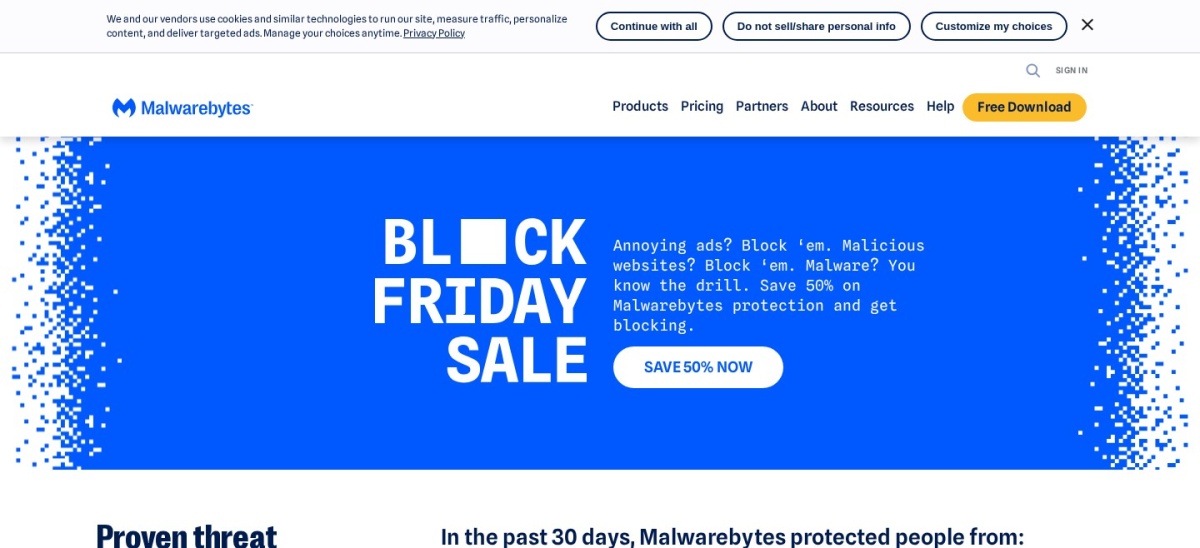
Malwarebytes homepage, captured Nov 2026.
Malwarebytes is a dedicated malware detection and removal application for identifying viruses, spyware and potentially unwanted programs. Its free desktop scanner supports on-demand cleanup, while Standard provides continuous protection.
The trade off is that continuous malware protection requires a paid subscription, with single-device pricing referenced at $59.99 annually. It suits users who need to remove existing infections or supplement their existing security arrangements.
4.7/5on Trustpilot (94,799 reviews, checked Nov 2026)
Starts at$59.99/yr
Best for ongoing antivirus and assisted removal
Real-time protectionYes
Entry device coverage1 device
Cloud backup2 GB
Paid planAntiVirus Plus
norton.com
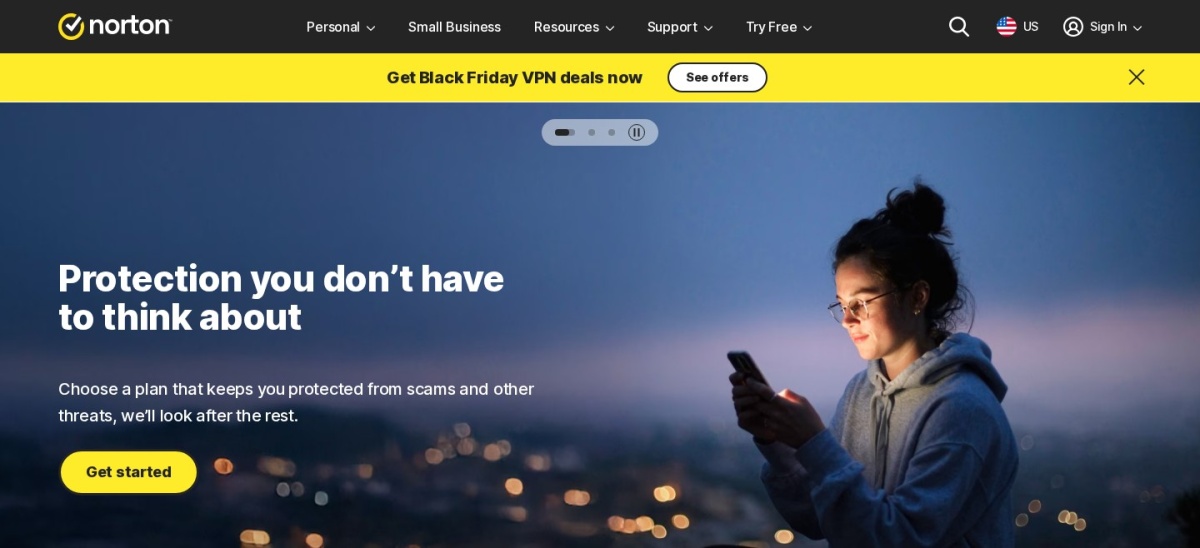
Norton homepage, captured Nov 2026.
Norton is an antivirus and device security platform covering malware, ransomware and suspicious online activity. AntiVirus Plus protects 1 device and includes password management, 2 GB of cloud backup and a conditional virus removal promise.
The trade off is the $59.99 annual renewal price after the discounted $29.99 first year. It suits users seeking ongoing antivirus protection with access to technical assistance when an infection cannot be removed automatically.
What we like
Continuous malware monitoring
Conditional virus removal assistance
Password manager included
Large public review base
Watch out for
No permanent free antivirus subscription
Entry plan covers a single device
Renewal costs more than introductory pricing
AntiVirus Plus includes malware protection, backup and password management.Visit norton.com
03
Avast
4.3/5on Trustpilot (47,231 reviews, checked Nov 2026)
Paid from$77.99/yr
Best for free real-time malware protection
Free antivirusYes
Free real-time protectionYes
Desktop compatibilityWindows and Mac
Paid planPremium Security
avast.com
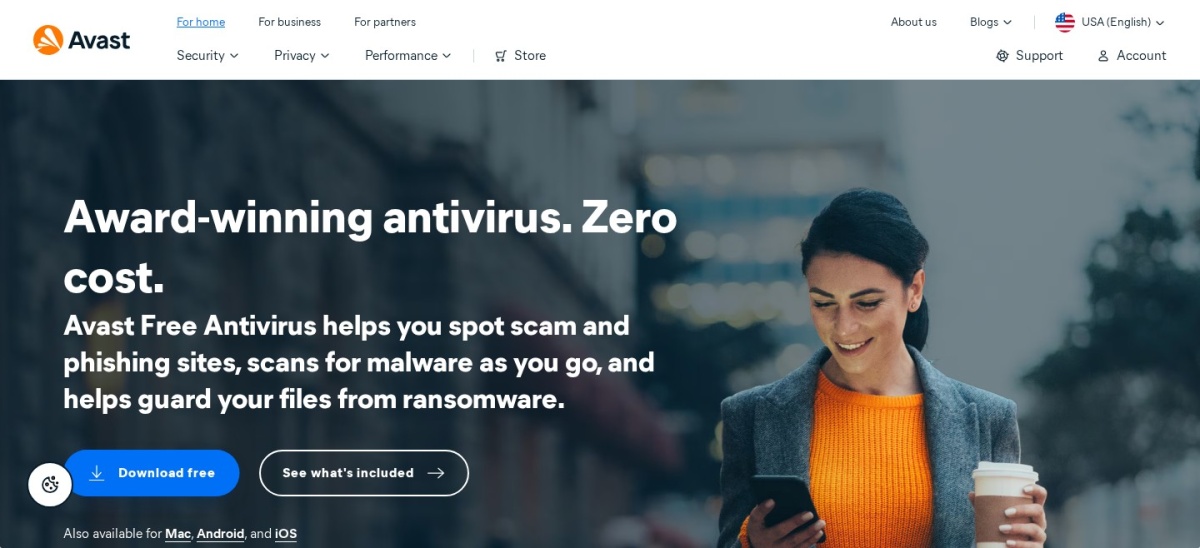
Avast homepage, captured Nov 2026.
Avast is an antivirus platform with free malware scanning, threat removal and continuous device protection. Its Premium Security subscription adds protection against additional online threats and starts with single-computer coverage.
The trade off is the $77.99 annual renewal price after a discounted $49.99 first year. It suits home users who want a permanent free antivirus option with the ability to upgrade to additional security features.
What we like
Free continuous antivirus protection
Malware detection and quarantine
Windows and Mac compatibility
Optional paid security features
Watch out for
Free version promotes paid upgrades
Premium renewal is more expensive than introductory pricing
Premium Security adds expanded online threat and ransomware protection.Visit avast.com
04
AVG
4.5/5on Trustpilot (49,550 reviews, checked Nov 2026)
Paid from$109.99/yr
Best for everyday free antivirus scanning
Free malware scanningYes
Real-time antivirusYes
Desktop compatibilityWindows and Mac
Paid planInternet Security
avg.com
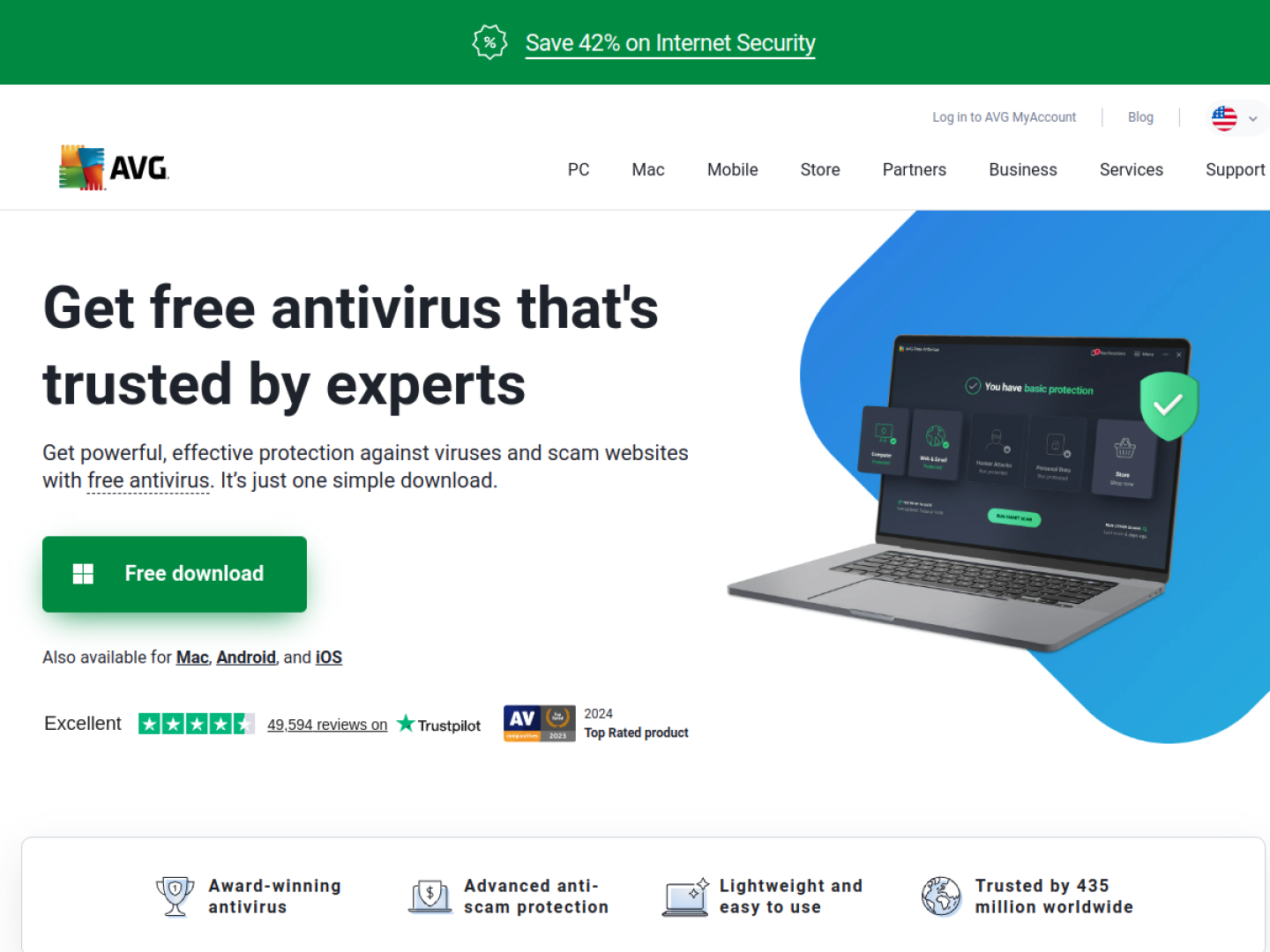
AVG homepage, captured Nov 2026.
AVG is a consumer antivirus platform offering free malware detection, threat blocking and file scanning. Its vendor profile earns a 4.5/5 Trustpilot rating from 49,550 reviews.
The trade off is that Internet Security adds subscription costs, with a published renewal price of $109.99 for the displayed package after a discounted first year. It suits users who prioritize everyday malware protection and straightforward antivirus controls.
What we like
Permanent free antivirus
Continuous malware detection
Suspicious file quarantine
Large customer review sample
Watch out for
Paid features are promoted within the application
Renewal pricing depends on the selected device package
Internet Security adds expanded protection against online security threats.Visit avg.com
05
Bitdefender
4.4/5on Trustpilot (13,121 reviews, checked Nov 2026)
PricingUnverified/yr
Best for layered malware protection
Free antivirusAvailable
Real-time protectionYes
Entry paid coverage1 device
Paid planAntivirus Plus
bitdefender.com
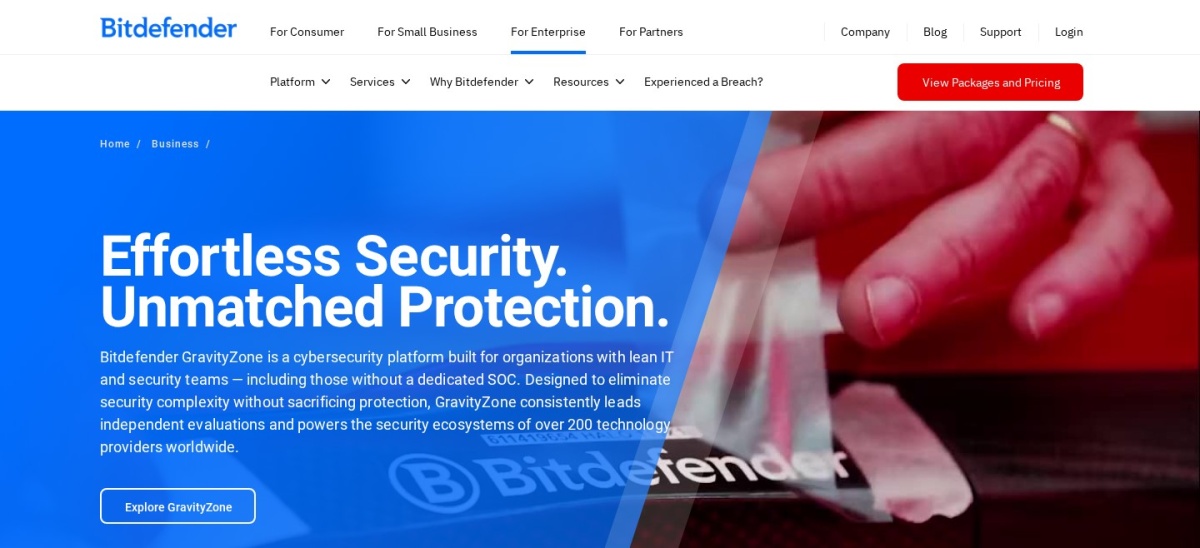
Bitdefender homepage, captured Nov 2026.
Bitdefender is a device security platform combining malware detection, ransomware protection and malicious website blocking. Its Antivirus Plus subscription offers single-device coverage, and its vendor profile has 13,121 Trustpilot reviews.
The trade off is that the official pricing page loads subscription prices dynamically, preventing confirmation of the regular entry price during this research. It suits users looking for layered malware detection and continuous protection.
What we like
Free antivirus option
Multiple malware detection methods
Ransomware protection
Malicious website blocking
Watch out for
Regular subscription price could not be verified
Additional privacy features require higher subscriptions
4.4/5on Trustpilot (9,642 reviews, checked Nov 2026)
PricingUnverified/yr
Best for lightweight desktop antivirus
Desktop compatibilityWindows and macOS
Free trial30 days
Ransomware protectionYes
Paid planNOD32 Antivirus
eset.com
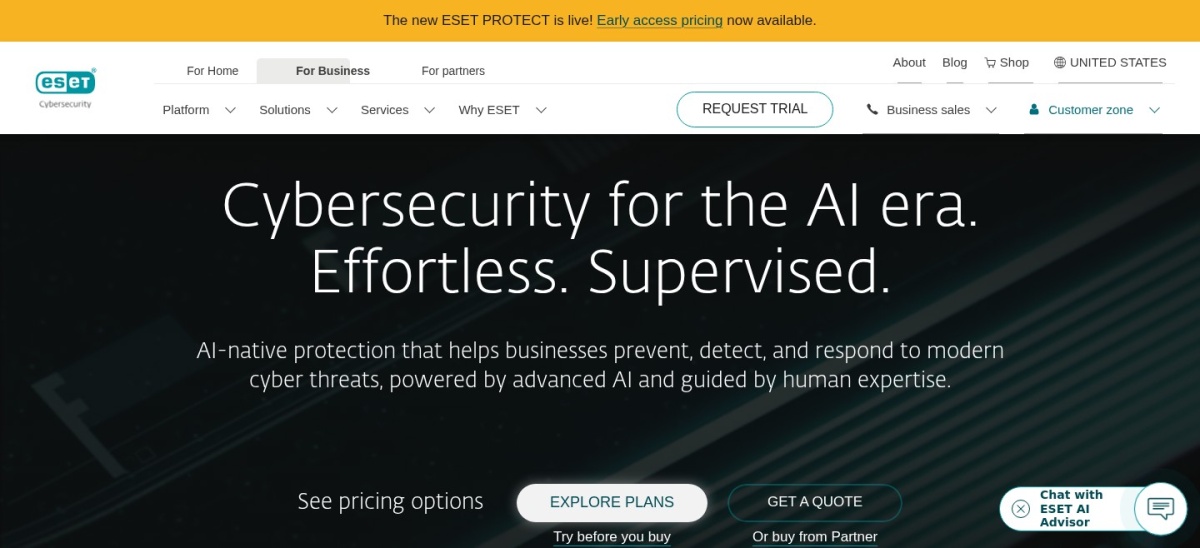
ESET homepage, captured Nov 2026.
ESET is a cybersecurity platform offering malware detection, spyware protection and ransomware defense through NOD32 Antivirus. Its entry antivirus product supports Windows and macOS and provides a 30-day trial.
The trade off is that the official product page did not expose a verifiable regular NOD32 subscription price during research. It suits desktop users who prioritize antivirus functionality without requiring a broader privacy subscription.
What we like
Dedicated desktop antivirus
Ransomware and spyware detection
Gaming mode
Free evaluation period
Watch out for
No permanent free NOD32 subscription
Regular entry pricing could not be verified
NOD32 provides continuous antivirus and malware protection.Visit eset.com
07
Trend Micro
1.4/5on Trustpilot (142 reviews, checked Nov 2026)
PricingUnverified/yr
Best for web threat and phishing protection
Malware removalYes
Ransomware protectionYes
Web threat blockingYes
Paid planAntivirus+ Security
trendmicro.com
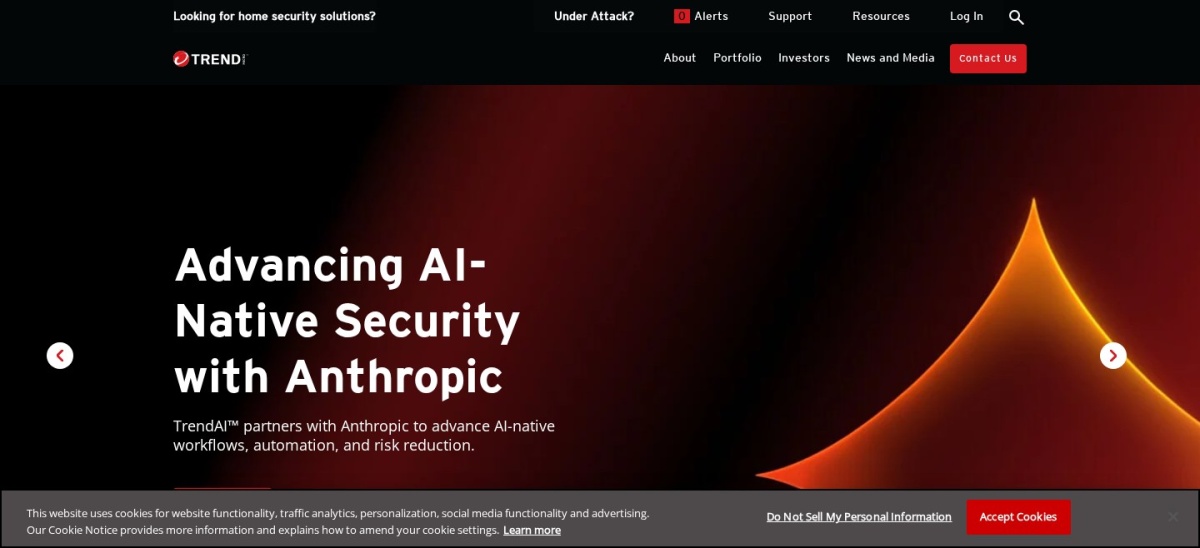
Trend Micro homepage, captured Nov 2026.
Trend Micro is an antivirus platform covering malware, ransomware, spyware and malicious websites. Its Antivirus+ Security product focuses on everyday device security, although its vendor Trustpilot profile has a low 1.4/5 rating from 142 reviews.
The trade off is weak public customer feedback and an entry subscription price that could not be independently confirmed from the displayed offers. It suits users considering web-focused protection who are willing to evaluate subscription terms and customer support carefully.
Dedicated malware removal tools focus on identifying and cleaning existing infections. Many can scan a computer without requiring a continuous protection subscription.
Antivirus software provides ongoing protection by examining files, downloads and suspicious activity. Modern antivirus products also include tools for removing detected malware.
Avoid running multiple real-time antivirus engines simultaneously unless their vendors explicitly support the configuration. Overlapping security software can cause performance and compatibility problems.
How we chose
We compared established consumer security products using official vendor documentation, pricing pages and Trustpilot profiles. Ratings represent overall vendor experiences rather than independently measured malware detection performance.
Research was conducted on 25 Nov 2026 rather than the requested editorial date of 22 Nov 2026. Several official pages did not expose complete regular entry pricing. The single-device Malwarebytes price and AVG package pricing also require further confirmation before publication.
This draft does not fully satisfy the pricing verification requirement. Bitdefender, ESET and Trend Micro remain unverified candidates rather than confirmed custom-priced products. Their zero price_year values are unresolved placeholders and must not be displayed as free subscriptions. No vendor paid for a place, and we do not claim testing for this list.
How to choose the best malware removal tool
Identify whether you need immediate malware cleanup, continuous antivirus protection or both before selecting a product.
**Identify your security requirements.** Choose an on-demand scanner for occasional cleanup or continuous antivirus protection for monitoring downloads and suspicious activity.
**Confirm operating system compatibility.** Check whether your device and operating system are supported, since security features can differ between desktop and mobile versions.
**Review independent security evaluations.** Use independent antivirus laboratory results alongside customer reviews to evaluate malware detection, false positives and performance.
**Compare regular subscription costs.** Check renewal pricing, supported device counts and automatic renewal conditions before purchasing a discounted introductory subscription.
FAQ
What is the best malware removal tool?
Malwarebytes is our top pick for on-demand malware cleanup because it provides a dedicated free scanner. Norton is better suited to continuous antivirus protection, while Avast offers a permanent free antivirus option.
Is free malware removal software effective?
Free malware removal software can detect and remove many common infections. However, detection varies by product and threat, and free scanners may exclude continuous monitoring, advanced ransomware protection or assisted infection recovery.
Can malware removal tools recover ransomware-encrypted files?
Removing ransomware does not automatically restore encrypted files. Recovery may require unaffected backups or a compatible decryption tool. Disconnect affected devices from networks and seek professional assistance when important information is involved.
Should I install multiple malware removal tools?
An additional on-demand scanner can provide a useful second opinion. However, running multiple continuous antivirus engines together can cause conflicts or performance problems, so check compatibility before enabling overlapping real-time protection features.
How often should I scan my computer for malware?
Keep continuous antivirus protection and automatic security updates enabled where available. Run an additional scan when you notice suspicious behavior, receive a security alert or suspect that you downloaded an infected file.
SaaS SEO and WordPress specialist with about 8 years of experience. Rakib compares WordPress plugins, themes, hosting and software using public pricing, documentation and user reviews. See how we rank.