Bitwarden is the best password vault software for most people, offering unlimited logins across unlimited devices on its free plan and paid plans from $19.80/yr. Choose 1Password for a polished vault with Travel Mode, or RoboForm for budget pricing from $29.88/yr at regular rates.
How we make this list: we compare pricing pages, product documentation and public user reviews, then re-check every price before each update. No product paid for a place. Disclosure.
2.9/5on Trustpilot (368 reviews, checked Nov 2026)
Paid from$19.80/yr
Best overall free vault
Free tierUnlimited devices
Paid planPremium, $19.80/yr
2FA codesTOTP in Premium
Self-hostingSupported
bitwarden.com
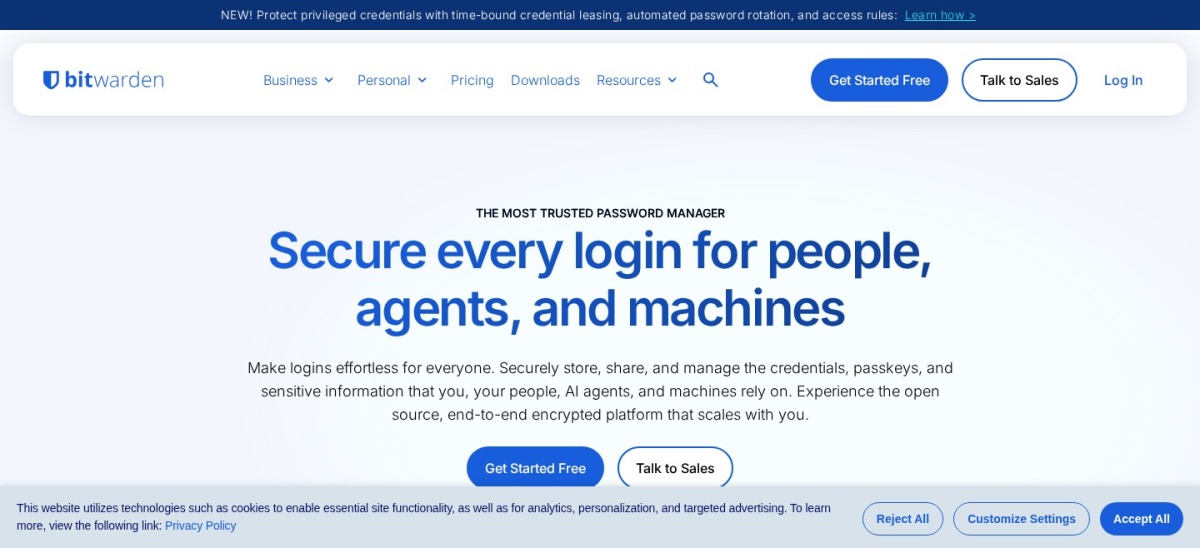
Bitwarden homepage, captured Nov 2026.
Bitwarden is an open-source password vault with a free plan covering unlimited passwords and unlimited devices across browser, mobile and desktop apps. Every account includes passkey management, a password generator and encrypted export.
The trade off is a simpler interface and built-in TOTP codes or 5 GB file storage in Premium at $19.80 a year. It suits users who want a full free vault across devices or low-cost annual upgrades.
What we like
Free plan supports unlimited passwords and devices
4.1/5on Trustpilot (12,546 reviews, checked Nov 2026)
Starts at$3.99/mo
Best for everyday polish and vaults
Free tier14-day trial only
Regular price$3.99/mo billed yearly
Storage1 GB per user
Standout toolTravel Mode
1password.com
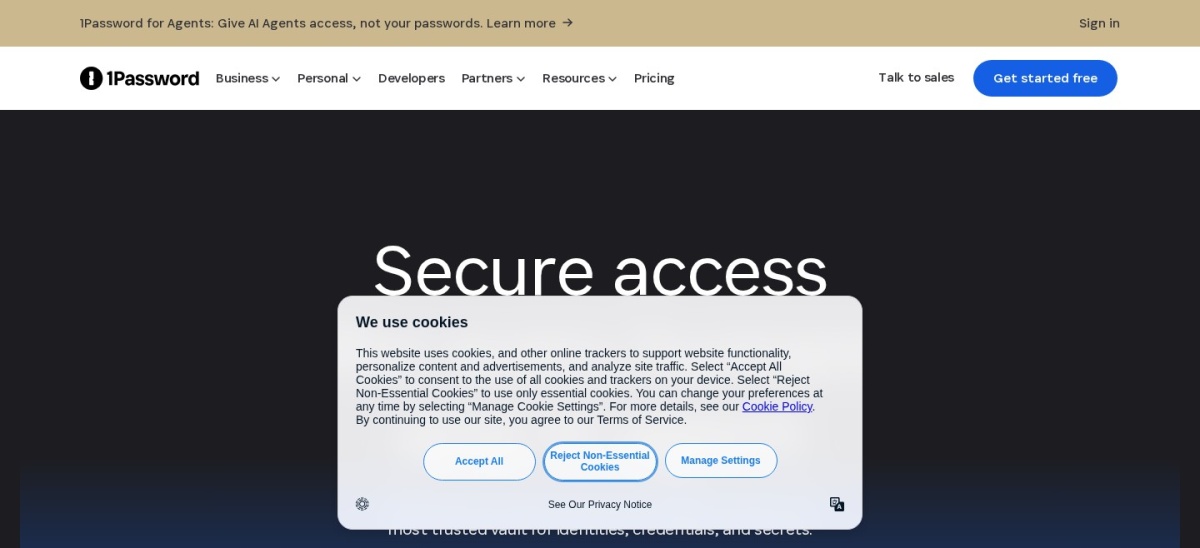
1Password homepage, captured Nov 2026.
1Password is a password and passkey vault built around separate vaults, Watchtower alerts, 1 GB of storage per user and Travel Mode. It offers a 14-day free trial rather than a free-forever plan.
The trade off is cost, with Individual at a regular $3.99 per month billed yearly ($47.88/yr), though first-year promos appear on its pricing page. It suits people who value clean apps, multiple vaults and border-crossing vault hiding.
What we like
Clean interface across desktop, mobile and browsers
Separate vaults plus Travel Mode for selected data
Large review footprint on Trustpilot
Watch out for
No free-forever tier after the 14-day trial
Highest regular individual cost in this list
Individual plan covers 1 user with 1 GB storage and Travel ModeVisit 1password.com
03
RoboForm
4.5/5on Trustpilot (559 reviews, checked Nov 2026)
Paid from$29.88/yr
Best for low renewal cost and form filling
Free tier1 device limit
Regular price$29.88/yr after promo
Breach alertsUp to 5 emails
Local optionLocal-only mode
roboform.com
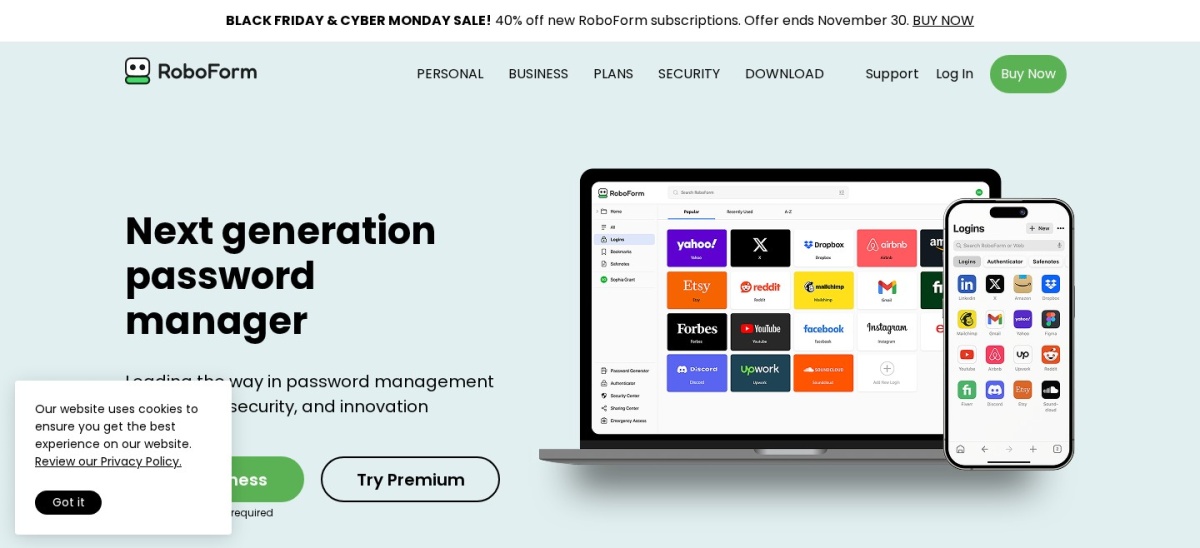
RoboForm homepage, captured Nov 2026.
RoboForm is a password manager and form filler with a free tier that allows unlimited passwords on one device. Paid Premium adds unlimited devices, shared folders, emergency access and breach monitoring for up to five emails.
The trade off is the single-device limit on the free plan, while Premium lists a 40% new-user discount before renewing at $29.88 a year. It suits single-device free users or buyers looking for low standard yearly pricing.
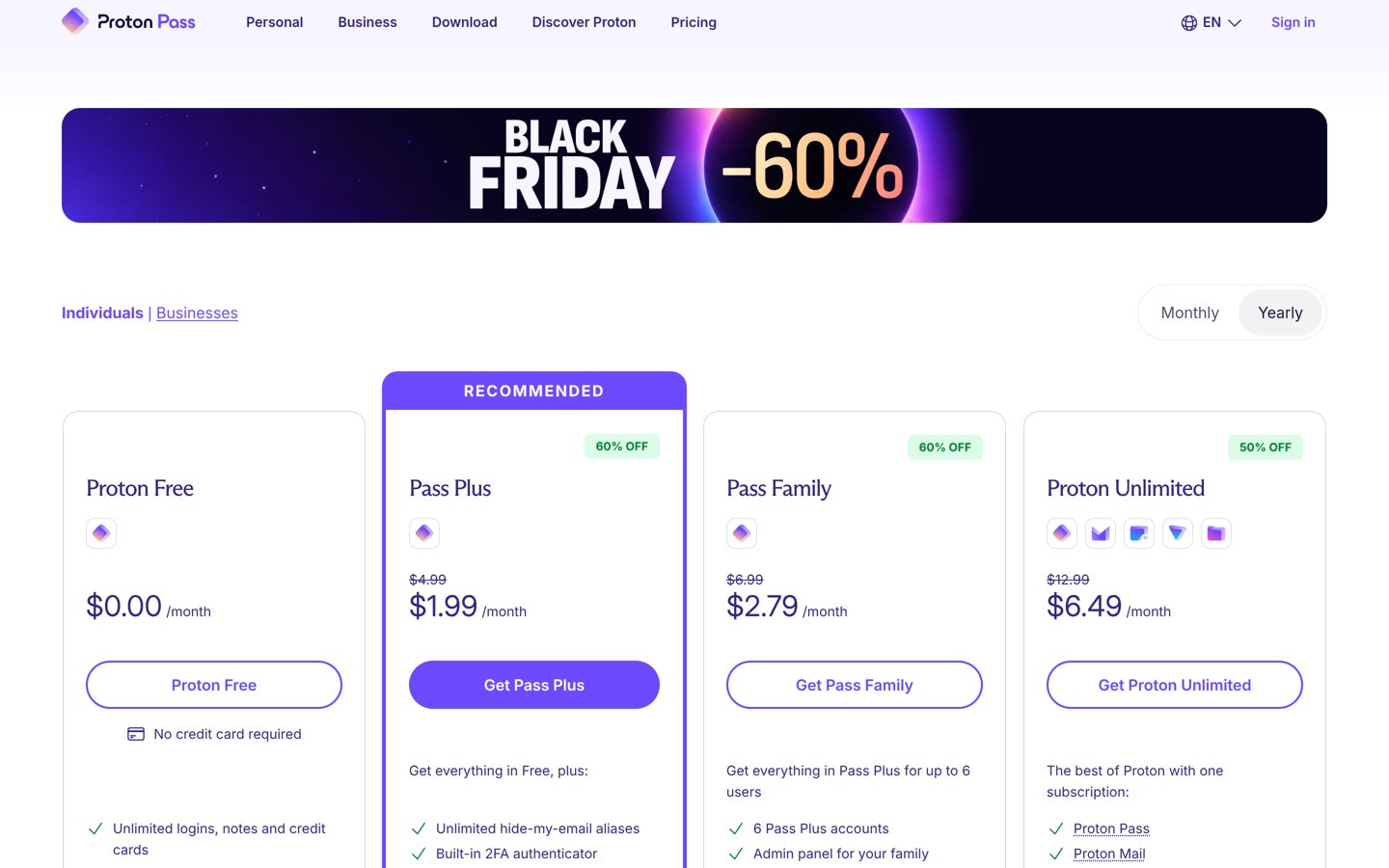
Proton Pass is an open-source password vault from Proton with a free tier supporting unlimited passwords and devices, two vaults and up to 10 hide-my-email aliases. It encrypts usernames, URLs and passwords across desktop, mobile and browsers.
The trade off is that unlimited aliases, built-in 2FA and dark web alerts sit on Pass Plus at $2.99 a month, with seasonal sales also advertised. It suits people who want email aliases and Swiss privacy protections.
What we like
Free plan includes unlimited devices and 10 email aliases
Open-source apps with end-to-end encryption
Fits users already in the Proton ecosystem
Watch out for
Fewer public Trustpilot reviews than older rivals
Built-in 2FA and unlimited aliases require Pass Plus
Pass Plus adds unlimited aliases, integrated 2FA and dark web monitoringVisit proton.me
05
NordPass
3.9/5on Trustpilot (2,081 reviews, checked Nov 2026)
Paid from$1.99/mo
Best for clean daily password and passkey use
Free tier1 user, 1 device
1-year rate$1.99/mo ($23.88/yr)
EncryptionXChaCha20
Paid extrasBreach scanner, masking
nordpass.com
NordPass homepage, captured Nov 2026.
NordPass is a password and passkey vault using XChaCha20 encryption, with a free plan for one user account and essential vault features. Paid Premium adds multi-device access, Password Health, Data Breach Scanner and email masking.
The trade off is that the free tier is limited to one account and one active session, while 1-year and 2-year terms carry renewal pricing caveats. It suits users who want straightforward passkey and credential storage.
What we like
Clear apps with XChaCha20 encryption and passkeys
1-year rate at $1.99/mo ($23.88/yr) is budget-friendly
Active support response record on Trustpilot
Watch out for
Free plan limits active use to one device
First-term rates can differ from long-term renewals
Premium adds multi-device access, breach scanning and email maskingVisit nordpass.com
06
Keeper
3/5on Trustpilot (3,176 reviews, checked Nov 2026)
Starts at$3.33/mo
Best for structured sharing and compliance
Free tier30-day trial / limited
Personal plan$3.33/mo billed yearly
EncryptionAES-256 zero-knowledge
Add-onsBreachWatch, file storage
keepersecurity.com
Keeper homepage, captured Nov 2026.
Keeper is a zero-knowledge password vault offering unlimited passwords, devices, biometric login and secure sharing on its Personal plan at $3.33 per month billed annually ($39.96/yr). It also offers a 30-day trial and a restricted free tier.
The trade off is extra add-on fees for BreachWatch dark web alerts and extra file storage, plus mixed user feedback on renewals. It suits users who want structured sharing and optional security add-ons.
1.4/5on Trustpilot (946 reviews, checked Nov 2026)
Paid from$3.00/mo
Best for single-device free basic storage
Free tier1 device type
Regular price$3.00/mo billed yearly
Promo shown50% off ($1.50/mo)
Vault sharingOne-to-many in paid
lastpass.com
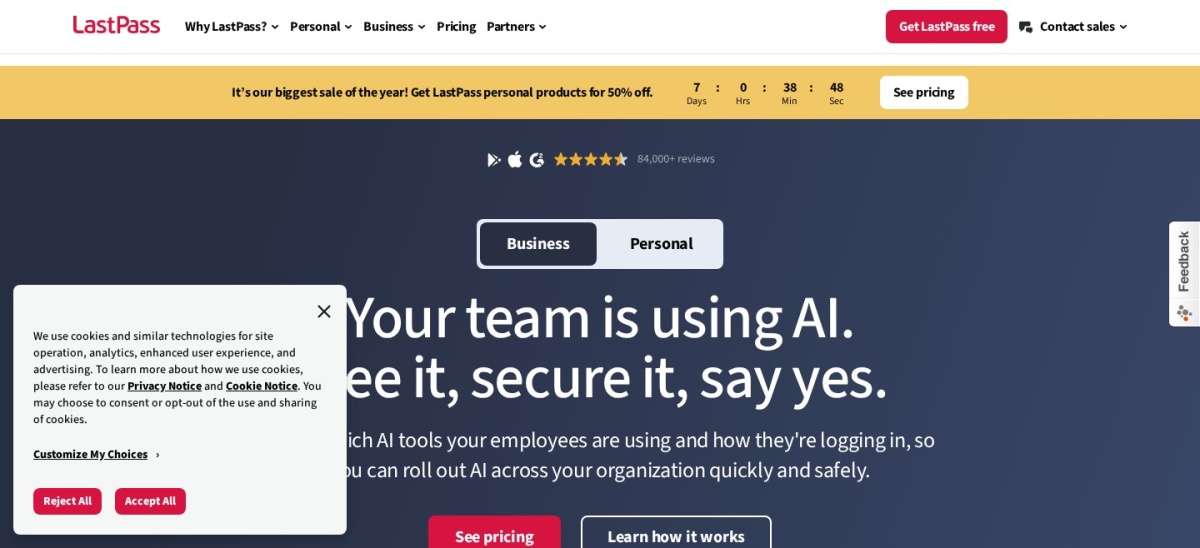
LastPass homepage, captured Nov 2026.
LastPass is a cloud password vault with a free plan offering unlimited passwords, autofill and dark web monitoring on one device type. Paid Premium adds unlimited devices, emergency access, 1 GB encrypted storage and one-to-many sharing.
The trade off is a low 1.4 Trustpilot score and past security history, with Premium regularly $3.00 per month billed annually ($36/yr) before a 50% sale. It suits users comparing familiar cloud vaults who check current security notes.
What we like
Free plan covers unlimited passwords on one device type
Wide browser and mobile app availability
Includes dark web monitoring in the free tier
Watch out for
Low 1.4 Trustpilot rating across 946 reviews
Past breach history remains a concern for many buyers
Free vaults handle basic password generation and autofill, but they often limit how many devices you can use at once.
Bitwarden and Proton Pass allow multi-device sync on their free plans, while RoboForm, NordPass and LastPass restrict free device access.
Paid plans mainly add built-in 2FA codes, emergency access, secure file storage and dark web or breach alerts.
Always check whether a listed price is a promotional first-year rate or the standard annual renewal rate before signing up.
How we chose
We selected established password vault tools with active plans, public pricing pages and public user review profiles.
Prices, ratings and review counts were checked on 22 November 2026 from each vendor's pricing page and Trustpilot. Where a vendor shows a sale, we note the regular annual rate.
We excluded tools lacking clear public pricing or sufficient review data on the checked sources. No vendor paid for a place, and we do not claim testing for this list.
How to choose password vault software
Match the vault to how many devices you use and whether you want a free tier.
Check your device and free-plan needs. If you use a phone and laptop every day for free, pick a vault that does not cap free devices.
Compare regular annual renewal prices. Look past first-year discounts and check what you will pay each year after renewal.
Check extra features you actually use. Decide whether you want built-in 2FA codes, email aliases, emergency access or family sharing.
Verify export options before you commit. Make sure you can export your vault data cleanly if you decide to switch later.
FAQ
What is the best free password vault software?
Bitwarden is a strong free choice because it supports unlimited passwords and unlimited devices without charging for multi-device sync. Proton Pass also offers a free plan with unlimited devices and up to 10 email aliases.
Do I need a paid plan for passkeys and autofill?
Many vaults include password storage, passkey support and autofill on free tiers or trials. Paid plans usually add extras such as built-in 2FA codes, emergency access, file storage or dark web alerts.
Why do password vault renewal prices often jump?
Several vendors run introductory or seasonal discounts on the first billing term, then renew at a higher standard rate. Checking the regular yearly price avoids surprises at renewal.
Can I switch password vaults later?
Yes, most password vaults let you export your saved logins so you can import them into another manager. Remember to delete any unencrypted export file after importing.
Should I store 2FA codes inside my password vault?
Storing 2FA codes inside your vault is convenient because codes autofill with your login. Some security-focused users keep 2FA codes in a separate app so one account compromise does not expose both.
Are password vaults safe to use?
Reputable password vaults encrypt your data locally before syncing and use zero-knowledge designs so the vendor cannot read your stored passwords. Using a strong master password and account-level 2FA remains essential.
SaaS SEO and WordPress specialist with about 8 years of experience. Rakib compares WordPress plugins, themes, hosting and software using public pricing, documentation and user reviews. See how we rank.