Best LinkedIn Analytics Tools in 2026: 8 Tools Compared
WLWPLegible EditorsLast verified 22 Nov 2026How we rank13 min read
★ Short answer
Metricool is our top pick because it combines official LinkedIn API reporting, competitor benchmarking, and WordPress integration starting at $240/yr. Choose Socialinsider for deep company page competitor analysis, or Buffer if you only need simple post metrics on a tight budget.
How we make this list: we compare pricing pages, product documentation and public user reviews, then re-check every price before each update. No product paid for a place. Disclosure.
Metricool starts at $20/mo ($240/yr billed annually) for up to 5 brands and includes official LinkedIn analytics, PDF/PPT reports, and a 90,000+ install WordPress plugin.
Buffer offers a permanent free plan for 3 channels, while paid Essentials plans start at $5/mo ($60/yr billed annually) per connected channel.
Socialinsider focuses on competitive benchmarking across up to 20 social accounts starting at $83/mo ($990/yr billed annually) with a 4.7/5 G2 rating.
Enterprise suites like Sprout Social ($79/seat/mo, $948/yr) and Hootsuite ($99/user/mo, $1,188/yr) charge per user seat, raising costs quickly for multi-person teams.
Brand24 tracks public brand mentions and sentiment starting at $199/mo ($2,388/yr billed annually), making it suited for social listening rather than private page metrics.
What to look for in a LinkedIn analytics tool
LinkedIn native analytics gives you free access to post impressions, engagement rates, and basic follower demographics, yet it lacks automated client reporting, multi-account rollups, and historical CSV exports across personal profiles and Company Pages. Third-party analytics platforms solve these gaps by pulling data into unified dashboards.
API compliance is the first filter to check. Tools connected through LinkedIn's official Community Management API stay within platform rules and safely track Company Pages and authorized personal accounts without risking browser-extension throttling or account restrictions.
Pricing models vary sharply across social media software. Some vendors charge a flat monthly fee for a bundle of brands and unlimited team seats, while others bill per connected channel or per user seat—a difference that can multiply your annual spend tenfold as your team grows.
Finally, separate profile performance tracking from competitor research and social listening. Scheduling suites report on your own posts and audience growth, whereas benchmarking and monitoring platforms track public competitor pages and brand mentions across the web.
Entry paid plan$20/mo ($240/yr annual) for 5 brands
LinkedIn supportCompany Pages & personal profiles
Reporting exportsPDF, PPT & Looker Studio (Advanced)
WordPress plugin90,000+ active installs on WP.org
metricool.com
Metricool homepage, captured Nov 2026.
Metricool is an all-in-one social media analytics and scheduling platform with an official WordPress plugin active on over 90,000 sites. While its free tier covers 1 brand and 20 posts monthly, LinkedIn requires the Starter plan ($20/mo billed annually, or $25/mo monthly), which unlocks unlimited analytics history, PDF/PPT exports, and tracking for up to 5 brands and 100 competitor profiles.
The trade off is that LinkedIn is excluded from the $0 tier, so you must pay at least $240/yr to track LinkedIn performance, and team approval workflows sit on the $53/mo Advanced plan. It suits marketers, agencies, and WordPress site owners who want LinkedIn data alongside website traffic in one dashboard.
What we like
Flat brand-based pricing with no per-user seat fees
Official WordPress plugin connects site metrics with social stats
Tracks up to 100 competitor profiles on the Starter tier
Exports clean PDF and PowerPoint reports for clients
Watch out for
Free plan excludes LinkedIn and X/Twitter
Multi-brand account switching feels clunky per G2 reviewers
Socialinsider is a dedicated social media analytics and competitive benchmarking platform rated 4.7 out of 5 across 143 G2 reviews. Its entry Adapt plan ($83/mo billed annually at $990/yr, or $99/mo monthly) covers 20 authenticated or competitor social accounts, 3 months of historical post data, AI-grouped content pillar analysis, and branded exports in PDF, PPT, CSV, and XLS formats.
The trade off is that Socialinsider is purely an analytics tool without post scheduling, and its $990/yr entry price limits you to 1 user seat and 3 months of post history. It suits brand strategists and agencies that need hard competitor benchmarks on LinkedIn Company Pages.
What we like
Side-by-side benchmarking against competitor LinkedIn Company Pages
AI content pillar tagging shows which topics drive engagement
Highest G2 rating (4.7/5) and ease-of-use score among analytics tools
Includes a 14-day free trial with no credit card required
Watch out for
No publishing or post-scheduling features included
Adapt plan caps historical post data at 3 months
Looker Studio and API access cost $100/mo extra each
Adapt ($990/yr) tracks 20 owned or competitor profiles with branded multi-format exports.Visit socialinsider.io
LinkedIn featuresPost analytics, optimal times & AI assistant
buffer.com
Buffer homepage, captured Nov 2026.
Buffer is a lightweight publishing and analytics tool used by small businesses and creators, holding a 4.3 out of 5 rating from 1,043 G2 reviews. Its permanent Free plan connects up to 3 channels—including LinkedIn—with 30 days of analytics history, while the Essentials plan ($5/mo per channel billed annually at $60/yr, or $6/mo monthly) unlocks unlimited scheduling and deeper post insights.
The trade off is per-channel billing and shallower reporting: adding 10 channels on Essentials costs $600/yr, and Buffer lacks competitor benchmarking or paid LinkedIn ad metrics. It suits solo founders and small teams who want clean organic post stats without complex dashboards.
What we like
Permanent free tier supports LinkedIn with 30 days of insights
Low $60/yr entry price for a single connected LinkedIn channel
Unlimited team members included on the $10/channel Team tier
Clean interface with recommended posting cadence suggestions
Watch out for
Per-channel pricing scales up quickly across many profiles
No competitor benchmarking or LinkedIn paid ads reporting
Custom report building is limited compared to agency suites
Essentials ($60/yr per channel) removes the 10-post queue cap and unlocks full analytics.Visit buffer.com
04
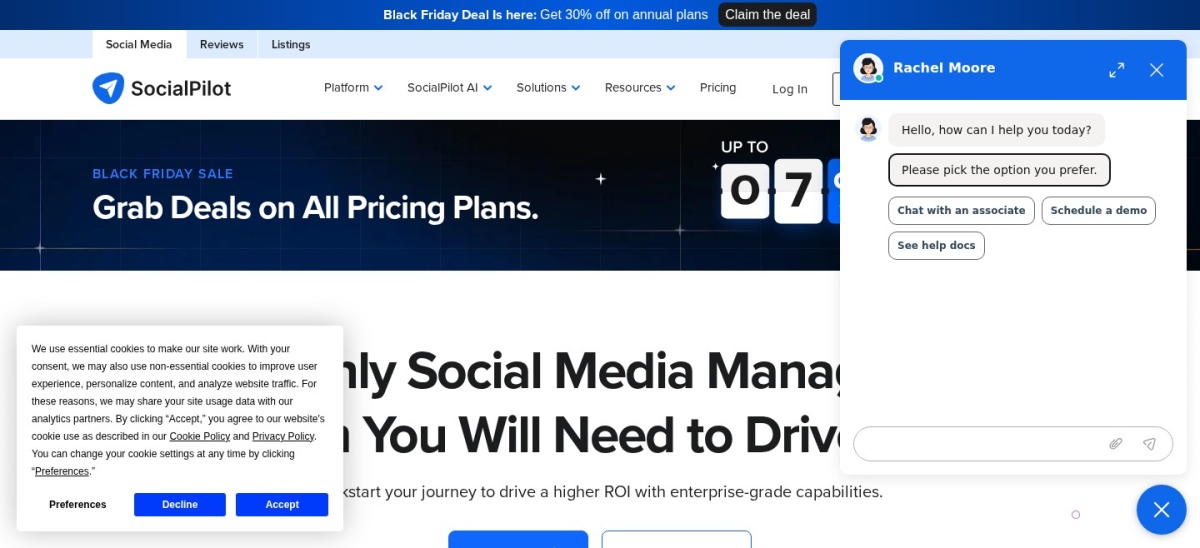
SocialPilot
4.5/5on G2 (846 reviews, checked Nov 2026)
Starts at$252/yr
Best value for small agencies managing multiple pages
Entry paid plan$21/mo ($252/yr annual) for 7 accounts
Analytics tierStandard at $35/mo ($420/yr) for 15 accounts
White-label reportsIncluded on Premium ($70/mo annual)
SocialPilot is a multi-account social media scheduler and reporting suite trusted by over 15,000 agencies and businesses, earning 4.5 out of 5 across 846 G2 reviews. Its Essentials plan starts at $21/mo billed annually ($252/yr, regularly $30/mo) for 7 social accounts and 1 user, while full cross-platform analytics and the unified inbox unlock on the Standard plan at $35/mo ($420/yr) for 15 accounts.
The trade off is that dedicated analytics and white-label PDF reports are gated above the entry Essentials tier, and annual plans do not refund unused months if you cancel early. It suits lean agencies managing 10 to 25 client LinkedIn accounts on a fixed budget.
What we like
Connects 15 accounts and 3 users for $420/yr on Standard
White-label client reporting available on the $70/mo Premium tier
14-day free trial available without a credit card
Watch out for
Full analytics module requires upgrading from Essentials to Standard
No permanent free tier
No partial refunds on annual plans cancelled mid-term
Standard ($420/yr) unlocks the full analytics dashboard, 15 accounts, and 3 team seats.Visit socialpilot.co
05
Agorapulse
4.5/5on G2 (979 reviews, checked Nov 2026)
Paid from$948/yr
Best for LinkedIn ROI & Google Analytics attribution
Free plan3 profiles, 1 user, 10 scheduled posts
Entry paid plan$79/user/mo ($948/yr annual) for 10 profiles
ROI trackingGoogle Analytics traffic & conversion reports
Support response30-minute average with 96% satisfaction
agorapulse.com
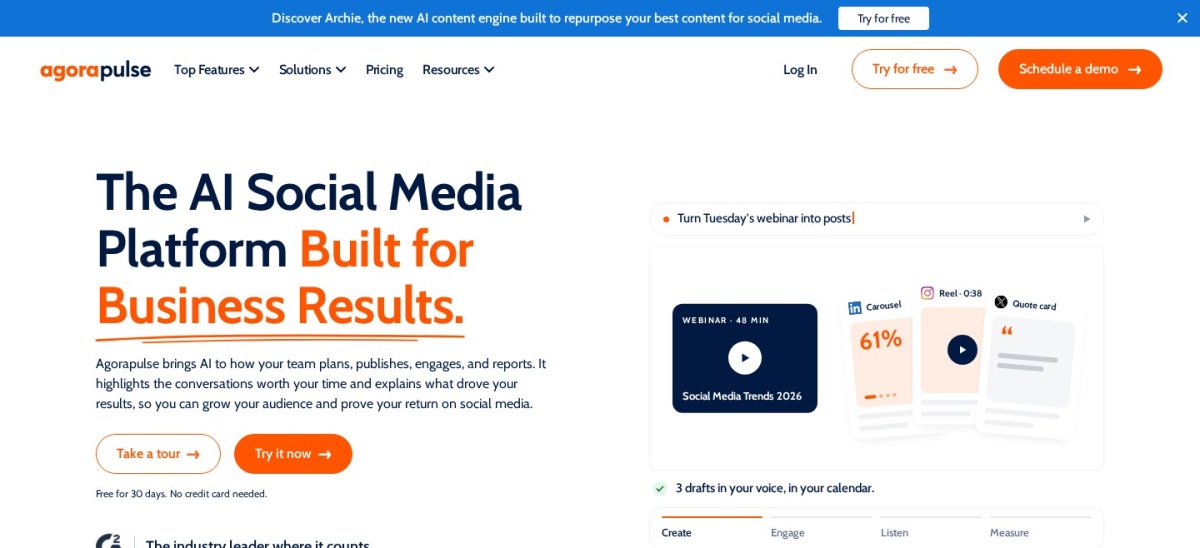
Agorapulse homepage, captured Nov 2026.
Agorapulse is a social media management and ROI reporting platform rated 4.5 out of 5 across 979 G2 reviews. It offers a free tier for 3 profiles and 1 user, while its Standard plan ($79/user/mo billed annually at $948/yr, or $99/mo monthly) covers 10 social profiles, branded report exports, and Google Analytics integration to measure LinkedIn referral traffic and conversions.
The trade off is per-user pricing and feature gating: custom Power Reports, competitor benchmarking, and advanced ROI attribution require the $149/user/mo Advanced tier. It suits B2B marketing teams that need to tie LinkedIn engagement directly to website conversions.
What we like
Connects with Google Analytics to prove LinkedIn traffic and ROI
Includes 10 social profiles on the base Standard tier
Fast human customer support with a 30-minute average response time
Permanent free tier available for testing basic workflows
Watch out for
Per-user pricing multiplies costs for multi-seat teams
Competitor benchmarking and Power Reports require the Advanced plan
Extra profiles beyond 10 cost $10–$15/mo each
Standard ($948/yr per user) includes 10 profiles, branded reports, and basic ROI tracking.Visit agorapulse.com
ReportingOne-click standard & custom branded reports
LinkedIn taggingSupports Company Page mentions in posts
sendible.com
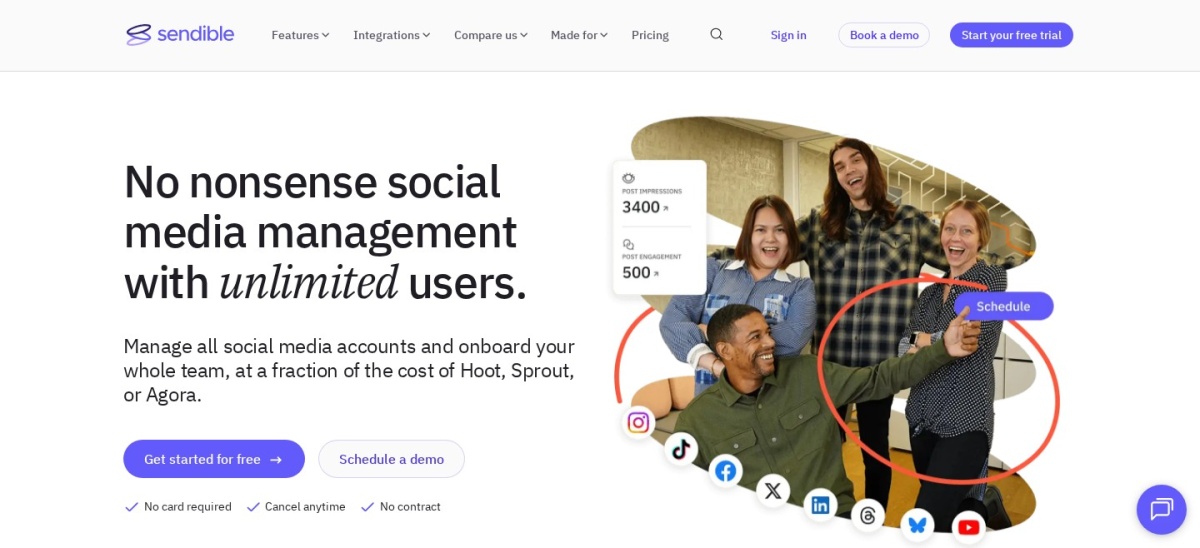
Sendible homepage, captured Nov 2026.
Sendible is an agency-oriented social media scheduling and reporting platform rated 4.5 out of 5 across 906 G2 reviews. Its entry Core plan starts at $35/mo billed monthly—or 15% off on annual billing at $29.75/mo ($357/yr)—with pre-built LinkedIn engagement reports, post previews, Canva integration, and PDF calendar exports.
The trade off is that custom-branded reports, content libraries, and multi-client workspaces sit on higher tiers starting at $99/mo (Plus) and $199/mo (Premium), and G2 users note you cannot tag individual LinkedIn personal profiles. It suits agencies managing multiple Company Pages that want predictable flat pricing.
What we like
Pre-built LinkedIn and cross-network engagement reports out of the box
No per-seat fees on multi-user agency plans
Built-in Canva integration and image editor for LinkedIn carousels
Live chat and email support from human specialists
Watch out for
Custom-branded reports require the $199/mo Premium plan
Cannot tag personal LinkedIn profiles when scheduling posts
No permanent free plan after the 14-day trial
Core ($357/yr billed annually) includes standard LinkedIn analytics reports and post scheduling.Visit sendible.com
07
Sprout Social
4.4/5on G2 (7,597 reviews, checked Nov 2026)
Starts at$948/yr
Best for enterprise teams needing paid & organic LinkedIn data
Profiles included5 social profiles on Essentials tier
LinkedIn depthProfile, post, paid ad & competitor reports
AI assistantTrellis AI with 100 monthly credits/seat
sproutsocial.com
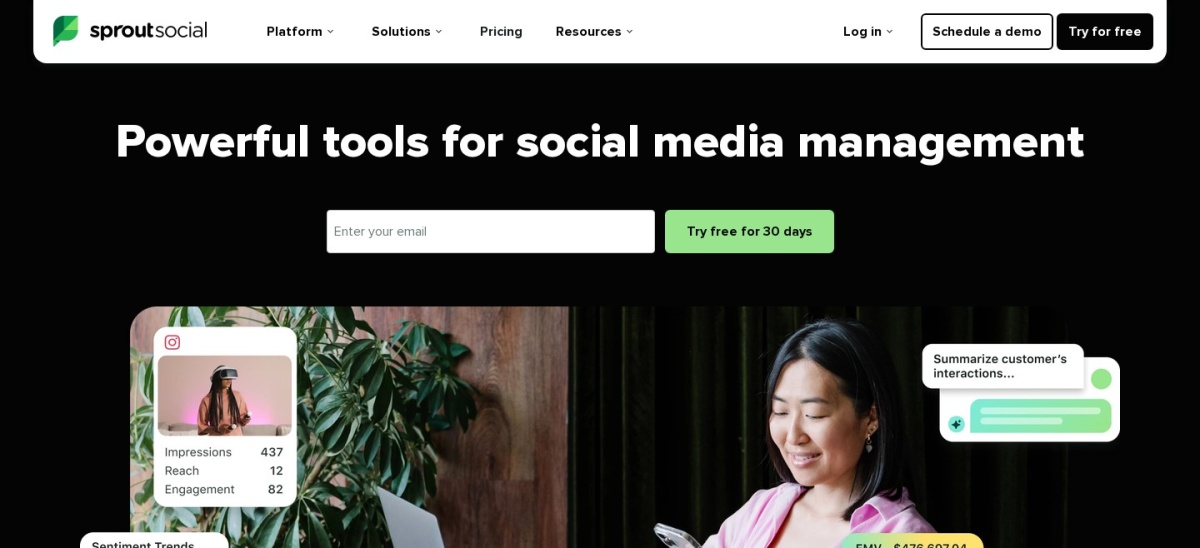
Sprout Social homepage, captured Nov 2026.
Sprout Social is an enterprise social media management and analytics suite with a 4.4 out of 5 rating across 7,597 G2 reviews. Its Essentials plan starts at $79 per seat/month billed annually ($948/yr, or $99/mo monthly) for up to 5 social profiles, delivering profile-level and post-level LinkedIn reporting alongside optimal send-time recommendations and 100 monthly Trellis AI credits.
The trade off is steep per-seat pricing and costly tier jumps: unlocking competitor insights and paid LinkedIn ad reporting requires the $299/seat/mo Professional plan, plus extra fees for Premium Analytics. It suits mid-market and enterprise organizations with dedicated social budgets.
What we like
Separates organic and paid LinkedIn ad performance on Professional+
Multi-location filtering breaks down reports across regional pages
Presentation-ready interactive charts and shareable stakeholder links
30-day free trial lets teams test reporting before committing
Watch out for
Expensive per-seat model ($79–$399/seat/mo billed annually)
Essentials plan limits you to 5 social profiles
Premium Analytics and social listening require paid add-ons
Essentials ($948/yr per seat) covers 5 profiles with profile and post-level LinkedIn reports.Visit sproutsocial.com
08
Hootsuite
4.3/5on G2 (7,510 reviews, checked Nov 2026)
Starts at$1,188/yr
Best for large teams combining organic & paid ROI
Entry paid plan$99/user/mo ($1,188/yr annual)
Accounts includedUp to 10 social accounts on Standard
Custom reportingIncluded on Professional ($199/user/mo)
Trial length14-day free trial
hootsuite.com
Hootsuite homepage, captured Nov 2026.
Hootsuite is a veteran multi-network social media management platform rated 4.3 out of 5 across 7,510 G2 reviews. Its Standard plan starts at $99 per user/month billed annually ($1,188/yr) for up to 10 social accounts, providing best-time-to-publish analytics based on audience data, a unified inbox, and 7-day brand and competitor search.
The trade off is cost and billing friction: custom performance reports and unlimited accounts require the $199/user/mo Professional tier, and Trustpilot reviews (1.3/5 across 556 reviews) frequently cite renewal and cancellation disputes. It suits large organizations already standardized on Hootsuite's multi-channel calendar.
What we like
Includes 10 social accounts on the base Standard tier
Recommends LinkedIn posting windows using historical audience data
Tracks organic posts alongside paid LinkedIn ad spend on higher tiers
Integrates with Canva, Adobe Express, and major enterprise tools
Watch out for
High $1,188/yr per-user entry price for solo marketers
Custom performance reports require upgrading to $199/user/mo
Low Trustpilot score (1.3/5) driven by auto-renewal complaints
Standard ($1,188/yr per user) includes 10 social accounts, audience timing data, and basic reporting.Visit hootsuite.com
When LinkedIn native analytics is enough
Before paying for software, check what LinkedIn gives you at $0. Both personal creator profiles and Company Pages include built-in dashboards showing post impressions, reactions, comments, reposts, follower growth trends, and audience breakdowns by job title, seniority, industry, and location.
Upgrade to a paid tool only when native analytics slows you down—specifically when you need to export client-ready PDF or PowerPoint decks, compare multiple personal profiles and Company Pages in one view, track competitor pages over time, or tie LinkedIn clicks to website conversions.
How we chose
We built this list by evaluating established social media analytics and management platforms that integrate with LinkedIn's official APIs for Company Pages and authorized personal profiles. Priority went to tools with transparent public pricing, verified user review histories on G2 or WordPress.org, and active product updates in 2026.
All prices, regular annual billing rates, review counts, and active install figures were verified on 22 Nov 2026 directly from vendor pricing pages, G2 product profiles, and WordPress.org. Where vendors advertise discounted annual billing alongside monthly rates, we calculated the regular annual entry cost and noted monthly pricing in the text.
We excluded discontinued platforms such as Shield Analytics (which shut down in May 2026) as well as unofficial browser-scraping tools that risk LinkedIn account throttling. No vendor paid for a place, and we do not claim testing for this list.
How to choose the right LinkedIn analytics tool
Match your reporting workflow, team headcount, and account mix to the right pricing model before subscribing.
Confirm personal profile vs. Company Page coverage. LinkedIn restricts certain API endpoints differently for personal profiles and Company Pages, so verify that your chosen tool tracks the exact account types you manage.
Calculate total cost by seats and channels. Multiply per-seat tools like Sprout Social or Hootsuite by your full team size, and compare that total against flat brand-bundle tools like Metricool or SocialPilot.
Decide if you need competitor benchmarking. Standard schedulers only measure your own posts, whereas tools like Socialinsider and Metricool let you track public competitor Company Pages side by side.
Check export formats and historical retention. Ensure the entry tier includes CSV, PDF, or PowerPoint exports and keeps at least 6 to 12 months of post history if you run quarterly or annual reviews.
FAQ
Does LinkedIn have its own free analytics tool?
Yes. LinkedIn provides free native analytics for both personal profiles and Company Pages, including post impressions, engagement rates, follower growth, and audience demographics by job title, industry, and location.
What happened to Shield Analytics for LinkedIn?
Shield Analytics shut down in May 2026. Creators and teams looking for compliant alternatives now use official-API platforms like Metricool, Buffer, or Socialinsider to track LinkedIn post performance safely.
Which LinkedIn analytics tool is best for WordPress sites?
Metricool is the strongest fit for WordPress users because its official plugin—active on over 90,000 WordPress sites—combines website traffic statistics with LinkedIn and cross-network social reporting in one place.
Can third-party tools track competitor LinkedIn accounts?
Yes, for Company Pages. Tools like Socialinsider and Metricool pull public engagement, posting frequency, and top-performing formats from competitor LinkedIn Company Pages, though personal profiles remain private.
Are third-party LinkedIn analytics tools safe to use?
Tools built on LinkedIn's official Community Management API—including Metricool, Buffer, Agorapulse, Sprout Social, and Hootsuite—comply with LinkedIn terms and do not trigger automated scraping warnings.
What is the cheapest paid LinkedIn analytics tool?
Buffer is the cheapest paid option at $5 per month ($60 per year billed annually) for a single connected LinkedIn channel, while Metricool starts at $20 per month ($240 per year) for up to 5 brands.