Best LinkedIn Scraping Tools for Recruiters in 2026: 9 Tools Compared
WLWPLegible EditorsLast verified 23 Nov 2026How we rank16 min read
★ Short answer
PhantomBuster is the best LinkedIn scraping tool for most recruiters, with 100+ ready-made automations from $69 a month and a 4.4 out of 5 rating on G2. Pick Evaboot for clean Sales Navigator exports at $9 a month, and Apify for large API-driven pipelines at $19 a month.
How we make this list: we compare pricing pages, product documentation and public user reviews, then re-check every price before each update. No product paid for a place. Disclosure.
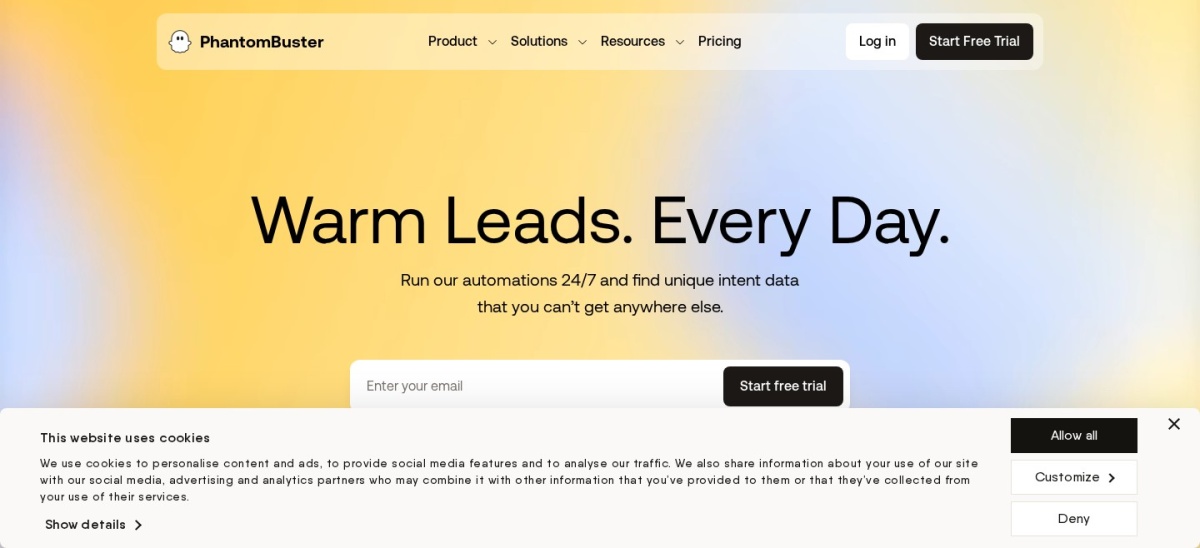
PhantomBuster covers the widest ground: profile and search scraping, enrichment and outreach in one cloud workspace from $69 a month.
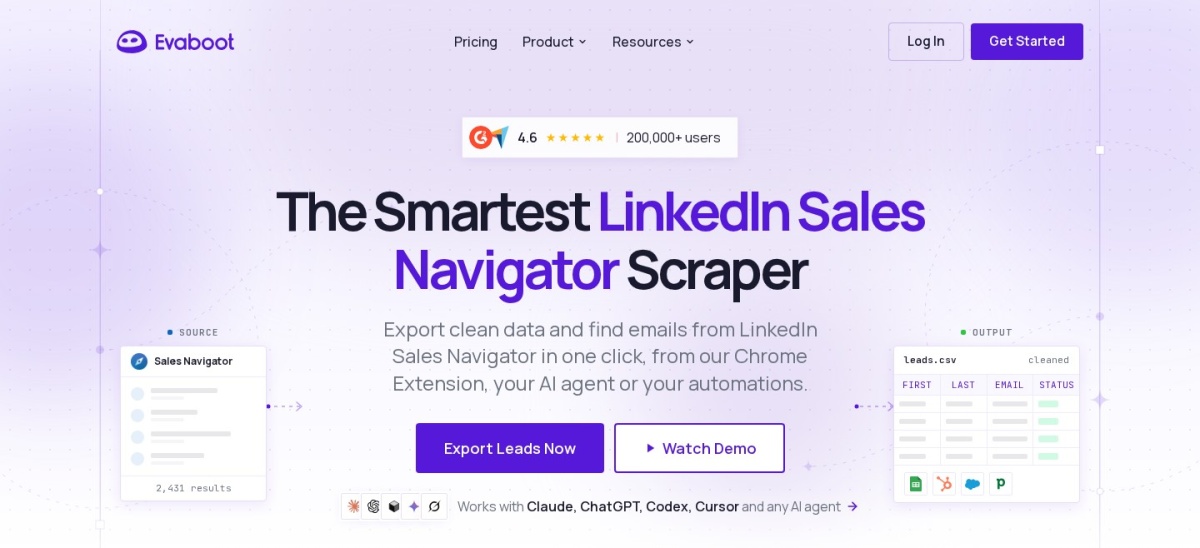
Evaboot is the cheapest specialist here at $9 a month, exporting Sales Navigator searches with verified emails included.
Apify starts at $19 a month and suits teams that want LinkedIn data through an API rather than a browser tool.
Linked Helper at $15 a month is the cheapest desktop option, but it runs on your own computer and stops when the machine sleeps.
Bright Data is the enterprise pick: 5,000 free records a month, then pay as you go at $1.50 per 1,000 records.
What recruiters should look for in a LinkedIn scraper
Recruiters need candidate lists, not raw web pages. A good tool turns a LinkedIn or Sales Navigator search into a clean spreadsheet with names, titles, companies and contact details.
Start with the source. Tools built for Sales Navigator, such as Evaboot, export the searches you already run there. General scrapers such as Apify and Bright Data work better when you need profiles, companies and jobs at volume through an API.
Check the billing unit before you compare prices. Some tools charge per month, some per credit and some per record, so a low headline price can still cost more at your volume.
LinkedIn prohibits scraping and unauthorised automation in its user agreement, and accounts have been restricted for heavy use. Only collect data you have a lawful basis to use, and read our GDPR compliance guide for WordPress before you store candidate data.
PhantomBuster is a cloud automation platform with more than 100 ready-made automations, called Phantoms, for LinkedIn, Sales Navigator, Google Maps and other sites. The Start plan costs $69 a month and includes 20 hours of execution time, 5 automation slots and 500 email credits a month, with a 14-day trial and a free plan after it.
The trade off is that you pay for time, not records. A heavy profile scrape can use up the 20 hours faster than a simple search export, so large lists need the Grow plan at $159 a month. It suits recruiters who want one cloud tool for scraping, enrichment and follow-up.
What we like
Largest library of ready-made LinkedIn automations here
Runs in the cloud, so your computer can stay off
Email finder and AI credits included in every paid plan
Free plan with 30 minutes of execution a month
Watch out for
Priced by execution hours, which is hard to predict
LinkedIn layout changes can break an automation
No per-seat pricing, so small teams share one workspace
Evaboot is a Chrome extension that exports LinkedIn Sales Navigator searches into clean spreadsheets. The Starter plan costs $9 a month for 100 credits, and one exported lead costs 1 credit with its verified email included. It cleans names, titles and company names, removes duplicates and pushes lists to HubSpot, Pipedrive and other tools.
The trade off is scope. Evaboot only works with Sales Navigator, so you still need a Sales Navigator seat, and it does not find phone numbers. It suits recruiters who already live in Sales Navigator and want clean lists fast.
What we like
Cheapest entry price in this list
Verified email included with each exported lead
Unlimited seats share one credit balance
Unused credits roll over while subscribed
Watch out for
Needs a separate Sales Navigator subscription
No phone numbers, only emails
Only exports Sales Navigator, not regular LinkedIn search
LinkedIn ActorsProfile, search and company scrapers
apify.com
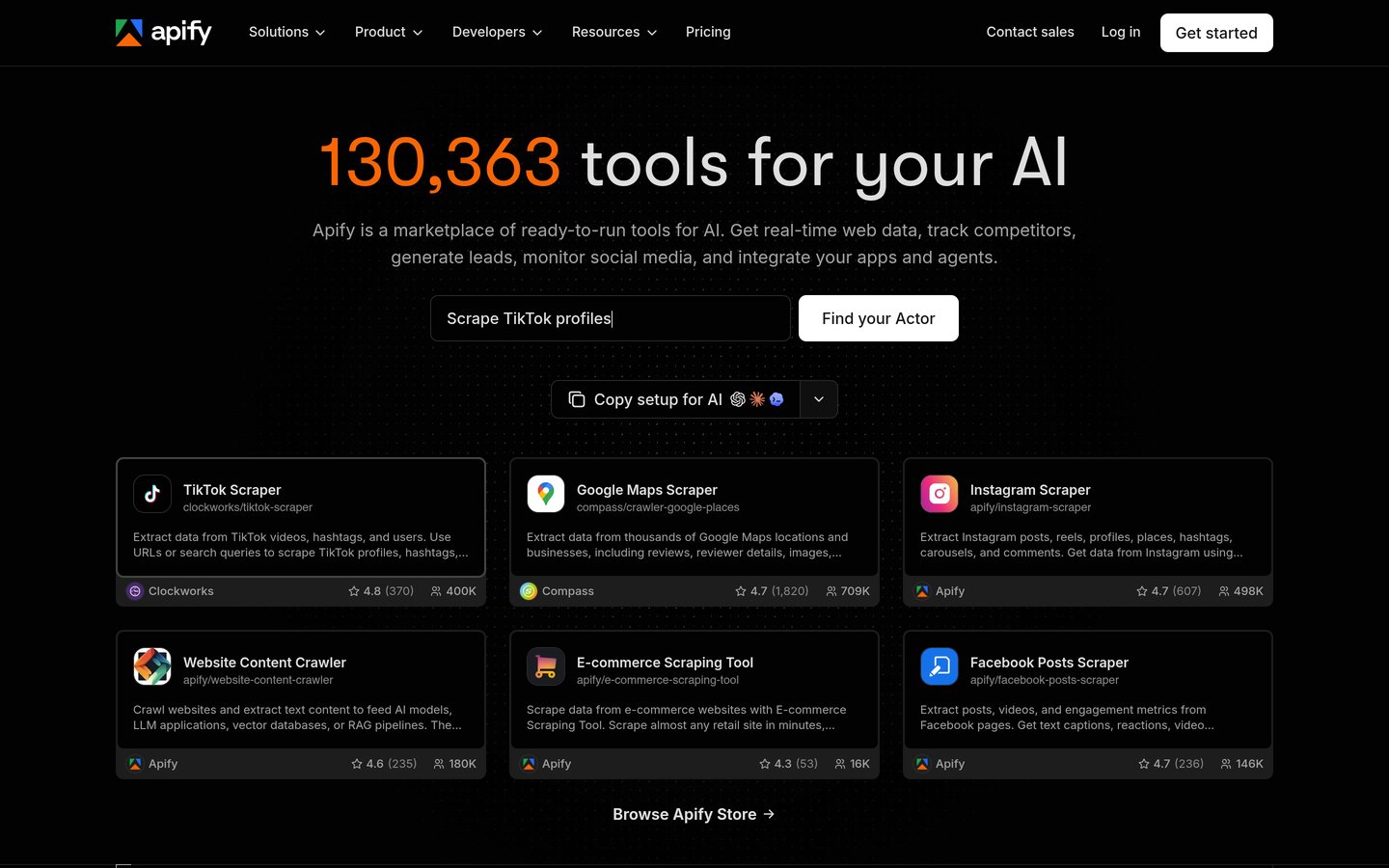
Apify homepage, captured Nov 2026.
Apify is a cloud scraping platform with a marketplace of ready-made scrapers, called Actors, including LinkedIn profile, search and company scrapers. The Starter plan costs $19 a month and includes $19 of platform usage, with runs you can schedule, send to a dataset and pull through an API.
The trade off is that the fee is prepaid usage, not a flat allowance. Actor runs, proxies and storage all draw from the same balance, so a big job can cost more than the plan price. It suits teams that feed LinkedIn data into a CRM or database.
What we like
Highest G2 rating in this list at 4.7 out of 5
Ready-made LinkedIn Actors with API access
Free plan with $5 of usage every month
Scheduled runs and dataset exports built in
Watch out for
Usage billing makes monthly costs hard to forecast
LinkedIn Actors charge on top of the plan fee
Needs some setup before the first useful export
Scale at $199 a month adds $199 of usage and priority chatVisit apify.com
04
TexAu
4.3/5on G2 (60 reviews, checked Nov 2026)
Starts at$99/mo
Best for enrichment-led prospecting
Starting price$99 a month, Solo plan
Credits2,500 a month, about 500 leads
BillingPay on match, failed lookups free
Trial14 days, no card
texau.com
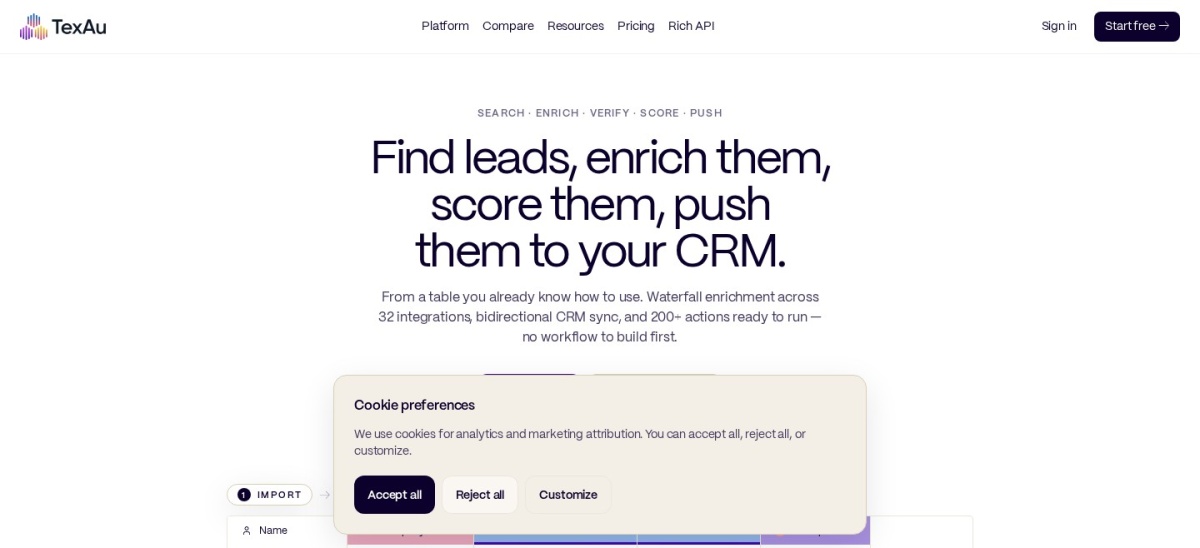
TexAu homepage, captured Nov 2026.
TexAu is a prospecting workspace built around a spreadsheet-like table, where you search, enrich, verify and score leads in one place. The Solo plan costs $99 a month for 2,500 credits, about 500 enriched leads, with email verification, waterfall enrichment from 12 sources and AI lead scoring included.
The trade off is that the cloud app is now an enrichment table, not a LinkedIn automation suite. Its LinkedIn automations live in TexAu Desktop, sold separately as a one-time purchase. It suits recruiters who want enriched lists and CRM sync more than browser automation.
What we like
Failed lookups cost nothing under pay-on-match billing
Waterfall enrichment and email verification included
Daily CRM sync on the entry plan
14-day trial with full access and no card
Watch out for
LinkedIn automations need the separate Desktop app
Credits buy about 500 enriched leads a month on Solo
Lowest G2 rating in this list at 4.3 out of 5
Starter at $199 a month adds 8,000 credits and rolloverVisit texau.com
05
Linked Helper
4.5/5on G2 (149 reviews, checked Nov 2026)
Starts at$15/mo
Best cheap desktop scraper
Starting price$15 a month per licence
Annual price$8.25 a month on a 12-month term
Campaign actions30+ action types
Trial14 days on Pro, no card
linkedhelper.com
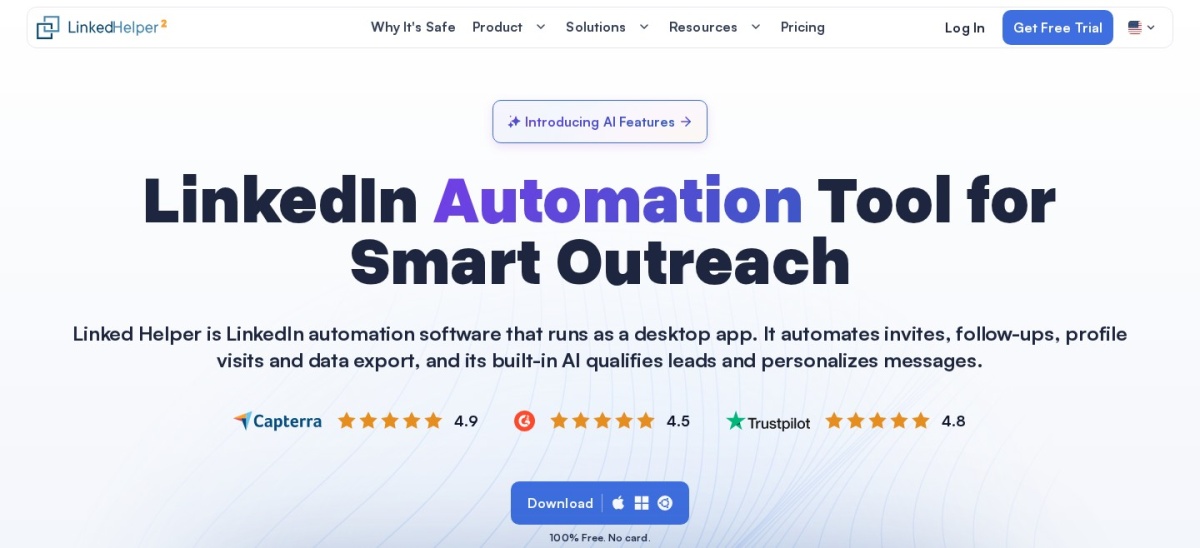
Linked Helper homepage, captured Nov 2026.
Linked Helper is a desktop app that scrapes LinkedIn profiles and search results, then chains invites, messages and follow-ups into campaigns. The Standard licence costs $15 a month per LinkedIn account, or $8.25 a month on a 12-month term, and your leads and message history stay stored on your own device.
The trade off is that it runs on your computer, not in the cloud. Campaigns pause when the machine sleeps, so recruiters often run it on a VPS. It suits solo recruiters who want fine control at a low price.
What we like
Cheapest desktop option in this list
Data stays on your own device
30+ campaign actions with reply detection
One licence covers one LinkedIn account
Watch out for
Stops when your computer sleeps unless you use a VPS
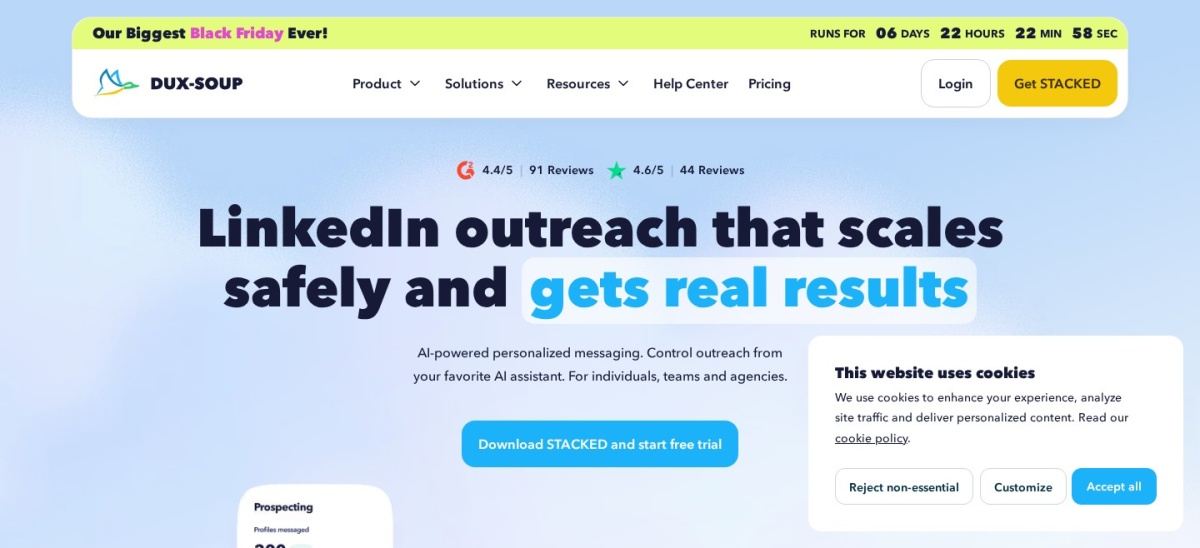
Dux-Soup, now sold as STACKED, is a long-running LinkedIn automation tool that visits profiles, sends connection requests and runs multi-step message campaigns. The local plan costs $55 a month per seat and runs as a desktop app on your own machine, with unlimited campaigns and contact export included.
The trade off is the deployment split. The local plan stops when your computer is off, and the cloud plan that keeps running costs $99 a month per seat. It suits recruiters who want a simple visit-and-connect workflow without a large platform.
What we like
One of the longest-running LinkedIn tools here
Unlimited campaigns on every plan
Local plan keeps activity on your own machine
Exports contacts for use in a CRM
Watch out for
Local plan needs a computer left on
Cloud plan costs almost double the local plan
No email finder or enrichment built in
STACKED cloud at $99 a month runs while your computer is offVisit dux-soup.com
07
Expandi
4.3/5on G2 (179 reviews, checked Nov 2026)
Starts at$99/mo
Best for agency-style LinkedIn campaigns
Starting price$99 a month per account
Annual price$79 a month per account
Where it runsCloud, with a dedicated IP
Trial7 days
expandi.io
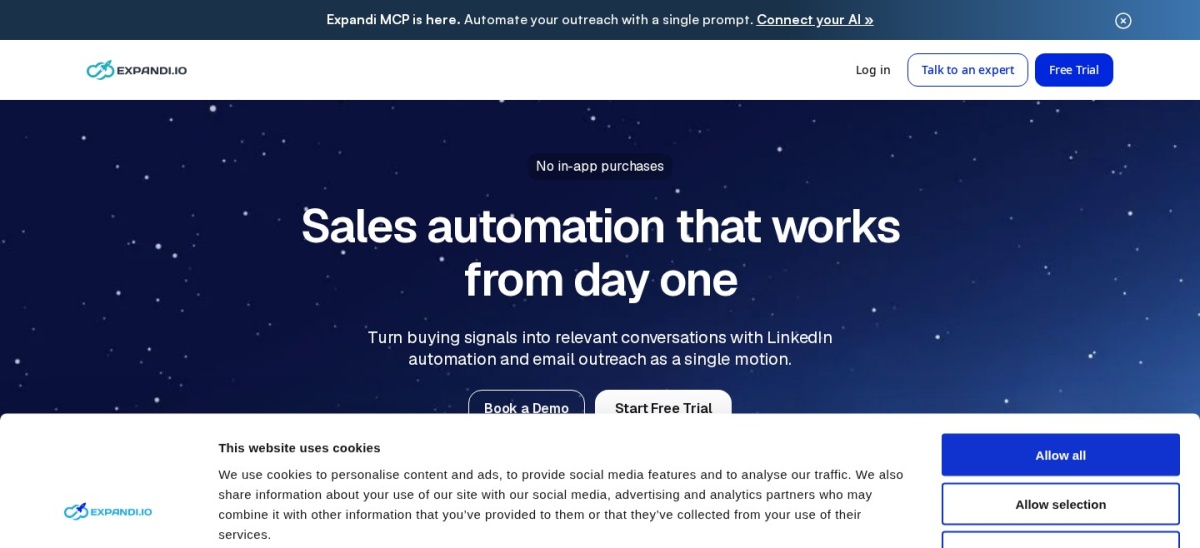
Expandi homepage, captured Nov 2026.
Expandi is a cloud LinkedIn automation platform built for agencies and teams running outreach from several accounts. It costs $99 a month per account, or $79 a month billed yearly, and each account gets a dedicated IP, smart sequences with branching logic, and a shared inbox for replies.
The trade off is that it is an outreach platform first and a scraper second. It builds lists from LinkedIn searches, but it has no email finder of its own and no free plan. It suits recruiting teams that run LinkedIn campaigns from more than one account.
What we like
Dedicated IP address for each LinkedIn account
Smart sequences that branch on replies
Shared inbox keeps team replies in one place
Runs in the cloud around the clock
Watch out for
No email finder included
One flat plan, so small teams pay the same as agencies
No free plan, only a 7-day trial
Annual billing cuts the price to $79 a month per accountVisit expandi.io
08
Dripify
4.5/5on G2 (354 reviews, checked Nov 2026)
Starts at$79/mo
Best for LinkedIn plus email sequences
Starting price$79 a month per user, Pro
Annual price$59 a month per user
Email credits100 finder credits a month
Trial7 days, no card
dripify.com
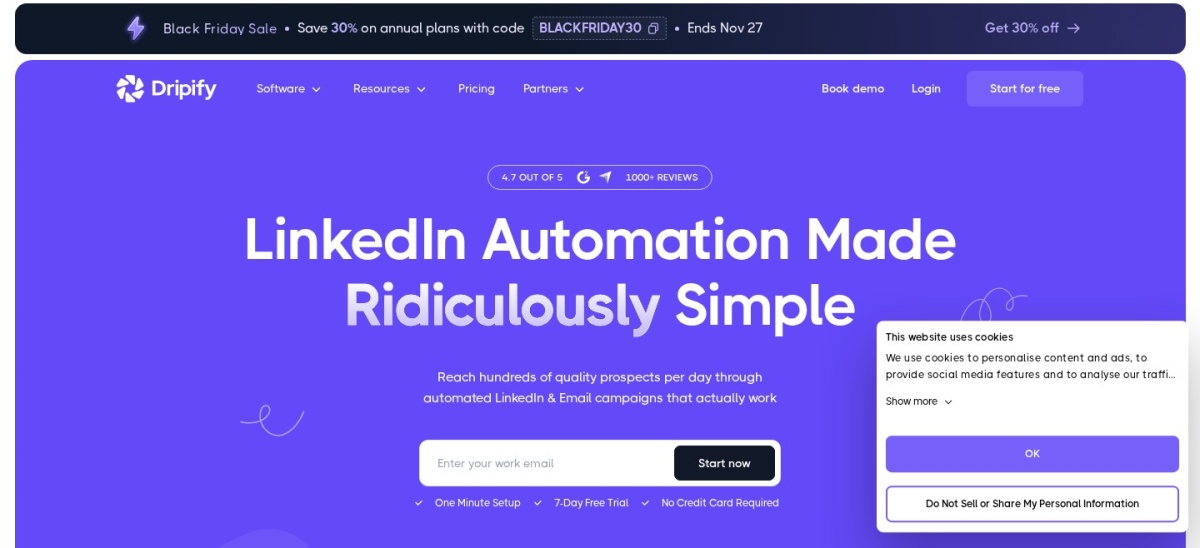
Dripify homepage, captured Nov 2026.
Dripify is a cloud tool that chains LinkedIn visits, invitations and messages with email steps in one sequence. The Pro plan costs $79 a month per user, or $59 a month billed yearly, and includes unlimited campaigns, a dedicated inbox, 100 email finder credits a month and a HubSpot integration.
The trade off is price per seat. Every recruiter needs their own paid seat, so the bill climbs fast for a team, and team management needs the Advanced plan at $99 a month. It suits small teams that want LinkedIn and email in one sequence.
What we like
LinkedIn and email steps in one sequence
Email finder credits included from the first plan
Dedicated inbox gathers replies in one place
7-day trial needs no credit card
Watch out for
Priced per user, so teams pay for every seat
Team management needs the Advanced plan
No contact database of its own
Advanced at $99 a month adds team management and A/B testsVisit dripify.com
09
Bright Data
4.7/5on G2 (355 reviews, checked Nov 2026)
Paid from$499/mo
Best for enterprise-scale LinkedIn data
Free tier5,000 records a month
Pay as you go$1.50 per 1,000 records
Scale plan$499 a month, 384,000 records
LinkedIn coverageProfiles, companies, jobs, posts
brightdata.com
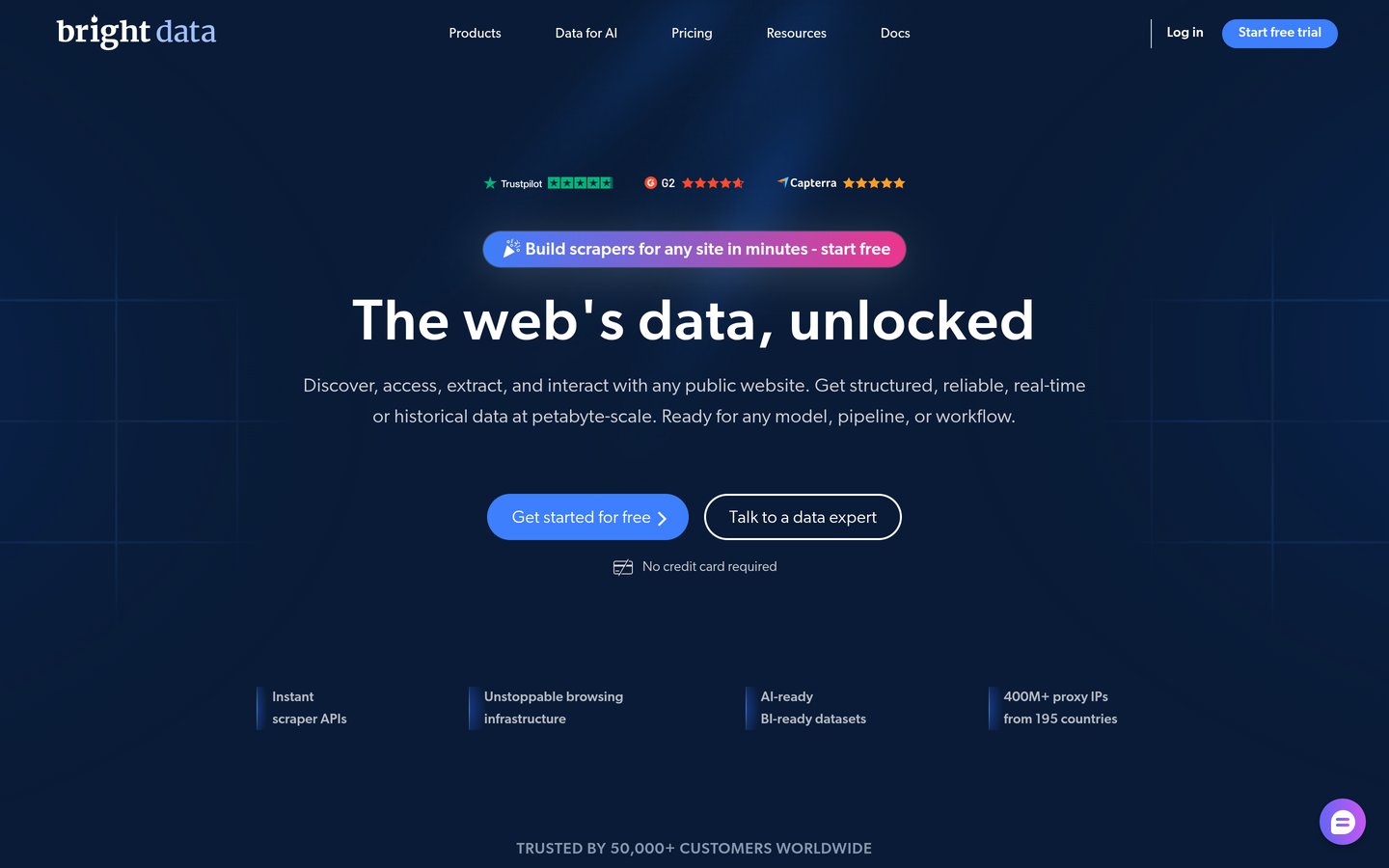
Bright Data homepage, captured Nov 2026.
Bright Data is an enterprise web data platform with a dedicated LinkedIn Scraper API covering profiles, companies, jobs and posts. It gives 5,000 records a month free with no card, then charges $1.50 per 1,000 records pay as you go, and the Scale plan costs $499 a month for 384,000 records.
The trade off is cost and complexity. The free tier suits a test, but a real recruiting pipeline usually lands on the $499 Scale plan, and the platform needs a developer to set up. It suits large teams that need LinkedIn data at volume with compliance controls.
What we like
Cheapest per-record LinkedIn price here at $1.50 per 1,000
5,000 free records a month with no card
Separate collectors for profiles, jobs and companies
LinkedIn prohibits scraping and unauthorised automation in its user agreement. Every tool in this list works against that rule in some way, so no vendor can promise your account is safe.
The practical pattern is to keep daily volumes low, use one tool per account, and avoid running two automation tools on the same LinkedIn account at once.
For candidate data, keep only what you need, delete lists you no longer use, and check the lawful basis for storing personal data before you import a list into your ATS.
How we chose
We started from the LinkedIn scraping tools most often named in recruiter and sales prospecting guides, then kept nine established products with a public pricing page and a G2 rating.
Prices come from each vendor's pricing page, checked on 23 November 2026. PhantomBuster, Evaboot and TexAu prices were read from their official pricing pages on that day; other prices were read from the vendors' pricing pages as reported in November 2026 comparisons. Ratings and review counts come from G2 on the same day. Where a vendor shows an annual price, the list shows the regular monthly price.
We left out tools with no public price and tools priced only in euros. No vendor paid for a place, and we do not claim hands-on testing for this list.
How to choose a LinkedIn scraping tool for recruiters
Match the tool to where your candidate lists start, then check the billing unit before you pay.
Start with your source list. If your lists start in Sales Navigator, pick a Sales Navigator specialist such as Evaboot. If they start anywhere, pick a general scraper such as PhantomBuster or Apify.
Count the billing unit. Credits, hours and records are not the same. Work out what 1,000 candidate profiles cost on each plan before you compare headline prices.
Decide where it runs. Cloud tools keep working when your computer is off. Desktop tools are cheaper but need a machine or VPS left running.
Check the data rules first. Confirm you have a lawful basis to store candidate data, keep only the fields you need, and delete lists you no longer use.
FAQ
What is the best LinkedIn scraping tool for recruiters?
PhantomBuster is the best overall pick for most recruiters, with 100+ ready-made LinkedIn automations from $69 a month and a 4.4 out of 5 G2 rating. Evaboot is the better pick if all your lists start in Sales Navigator.
What is the cheapest LinkedIn scraping tool for recruiters?
Evaboot is the cheapest here at $9 a month for 100 credits, with one exported lead costing 1 credit and its verified email included. Linked Helper is next at $15 a month per licence on monthly billing.
Do I need Sales Navigator to use these tools?
Only some of them. Evaboot only works with Sales Navigator, so you need a separate seat. PhantomBuster, Apify, Bright Data and the desktop tools can work from regular LinkedIn search and profile pages.
Is scraping LinkedIn allowed?
LinkedIn prohibits scraping and unauthorised automation in its user agreement, and accounts have been restricted for heavy use. Only collect data you have a lawful basis to use, keep volumes low, and check local data rules before storing candidate details.
Which tool is best for exporting Sales Navigator lists?
Evaboot is built for exactly that job. It exports a Sales Navigator search into a clean spreadsheet with verified emails, removes duplicates and costs $9 a month for 100 credits.
Can I get LinkedIn data through an API?
Yes. Apify and Bright Data both offer LinkedIn data through an API, with Apify starting at $19 a month and Bright Data offering 5,000 free records a month. Both need some setup before the first export.
Do these tools find candidate email addresses?
Most of them do, in different ways. Evaboot includes a verified email with each exported lead, PhantomBuster includes email credits, and Dripify includes 100 email finder credits a month on its Pro plan.