Best Facebook Analytics Tools in 2026: 9 Tools Compared
WLWPLegible EditorsLast verified 23 Nov 2026How we rank13 min read
★ Short answer
Meta Business Suite is the best Facebook analytics tool for most pages because it is free and reports reach, engagement and audience data straight from Meta. Pick Sprout Social for deep reporting across networks, or Agorapulse if you also need a shared inbox and client-ready reports.
How we make this list: we compare pricing pages, product documentation and public user reviews, then re-check every price before each update. No product paid for a place. Disclosure.
Meta Business Suite is free and reports reach, engagement and audience data straight from Meta, so start there before paying.
Sprout Social has the deepest reporting, but Premium Analytics and Listening are paid add-ons on top of plans from $79 a seat a month.
Buffer is the cheapest paid option at $5 a channel a month, and its free plan covers 3 channels.
Agorapulse ended its free plan in July 2026; Standard now starts at $79 a user a month.
Sotrender has the highest G2 rating in this list at 4.8 out of 5, but it only does analytics, with no scheduling.
Paid plans in this list run from $60 a year for one Buffer channel to $1,188 a year for Hootsuite Standard.
What Facebook analytics should cover
Facebook analytics means more than counting likes. The useful numbers are reach, engagement rate, follower growth and which posts drive clicks, split by post type and time.
Meta's own tool reports those numbers for free, because the data comes straight from the source. Paid tools earn their price by adding competitor comparisons, longer history, scheduled reports and a shared inbox.
Price models differ more than features do. Some tools charge per seat, some per channel and some per brand, so the cheapest plan on paper can cost the most at your team size. Once the numbers show which posts work, our guide on repurposing blog posts shows how to turn a winning post into video and social pieces.
Check the history window before you buy. Free plans often keep 30 days of data, while paid plans keep 1 to 2 years, and that gap matters when you compare this month with last year.
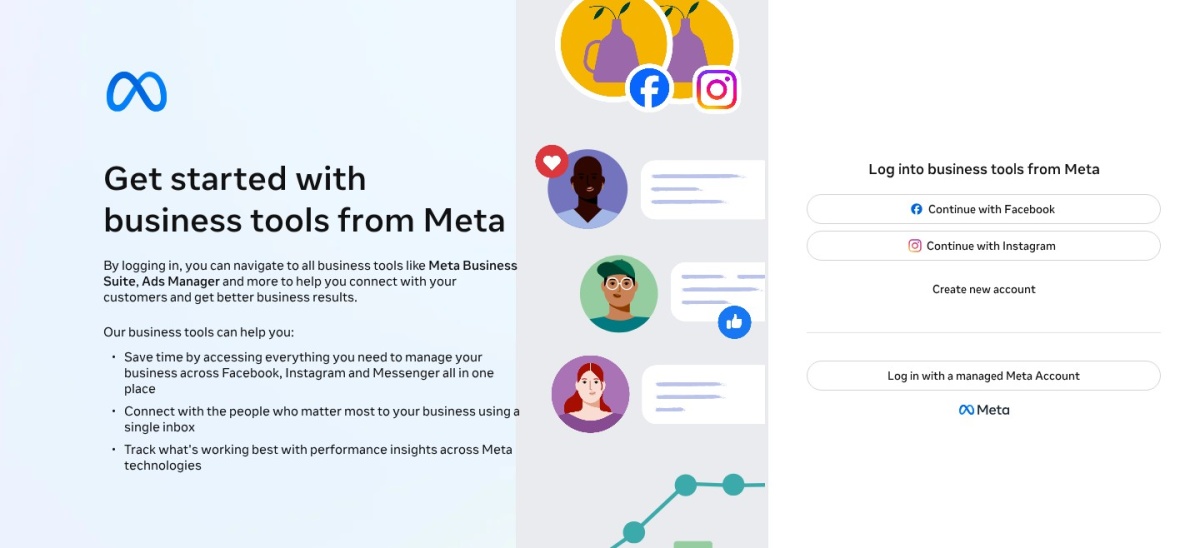
Meta Business Suite is Meta's free tool for managing Facebook and Instagram pages, and its Insights tab reports reach, engagement, follower growth and audience demographics straight from the source. Every page admin gets it free, with scheduling, a unified inbox and ad tools in the same dashboard.
The trade off is depth. There is no competitor benchmarking, no cross-channel view beyond Meta's own networks, and reports are rigid next to paid tools. It suits any page owner who wants accurate core numbers for free before paying for a third-party tool.
What we like
Free with no paid tier or trial limits
Data comes straight from Meta, so it is the most accurate source
Scheduling and inbox included in the same dashboard
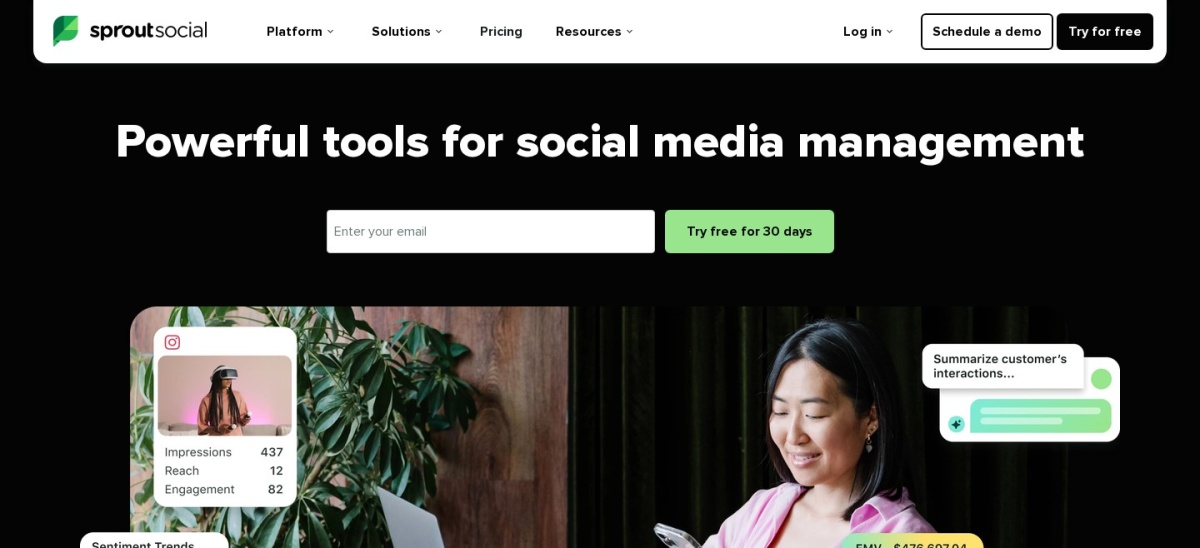
Sprout Social is a full social media platform built around publishing, a unified inbox and reporting, and it holds a 4.4 out of 5 rating from more than 6,800 G2 reviews. Essentials costs $79 per seat a month on annual billing and covers 5 social profiles with profile and post-level reporting and optimal send times.
The trade off is price. Premium Analytics and Listening are paid add-ons on top of the Standard plan and up, so the bill grows fast once a team wants benchmarking. It suits teams that report to clients or bosses and need presentation-ready charts.
What we like
Strongest reporting in this list, with shareable links
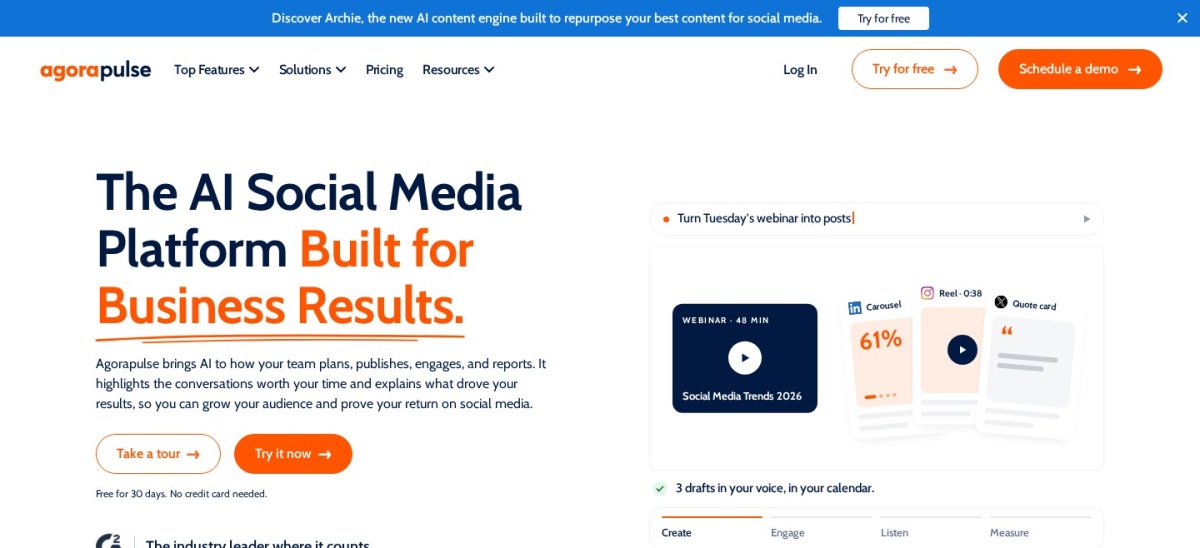
Agorapulse is a social media platform built around a unified inbox, scheduling and client-ready reporting, rated 4.5 out of 5 from 974 G2 reviews. Standard costs $79 per user a month on annual billing, covers 10 social profiles, and includes unlimited post scheduling and branded report exports.
The trade off is that the free plan ended in July 2026, so there is no free tier, and deeper reports need the Advanced plan at $149 per user a month. It suits small teams and agencies that answer comments daily and send branded reports to clients.
Hootsuite is the longest-running social media suite in this list, with scheduling, a unified inbox, monitoring and analytics in one dashboard, rated 4.3 out of 5 from more than 7,400 G2 reviews. Standard costs $99 per user a month on annual billing and covers 10 social accounts with unlimited scheduled posts.
The trade off is cost. Custom reports and trend forecasts need the Professional plan at $199 per user a month, and reviewers often call the jumps between tiers steep. It suits mid-size teams that run many accounts and want one tool for the whole workflow.
Buffer is a lean scheduler that charges per channel instead of per seat, rated 4.3 out of 5 from 1,041 G2 reviews. The free plan covers 3 channels with 10 scheduled posts each, and Essentials costs $5 per channel a month on annual billing with unlimited posts and advanced analytics.
The trade off is scope. There is no social inbox for Facebook comments, no listening, and team features such as approvals need the Team plan at $10 per channel a month. It suits solo creators and freelancers who mainly schedule and check basic analytics.
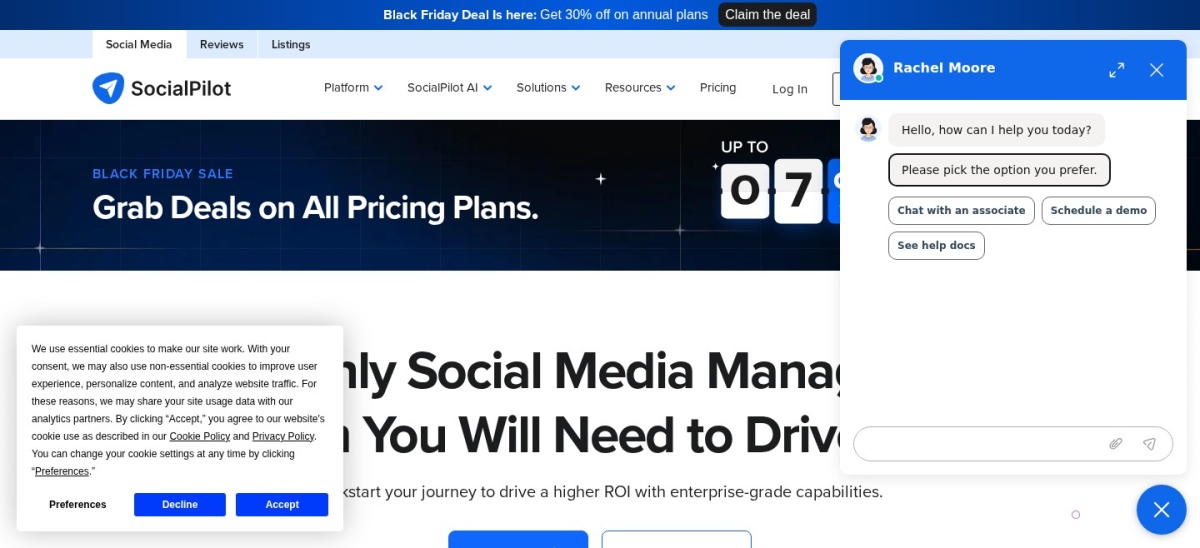
SocialPilot is a low-cost scheduler with analytics, a content library and bulk scheduling, rated 4.5 out of 5 from 841 G2 reviews. Essentials costs $25.50 a month on annual billing for 7 social accounts and 1 user, with the social inbox and team tools on the Standard plan at $42.50 a month.
The trade off is that white-label reports need the Premium plan at $85 a month, and review management is a separate product from $25.50 a month. A seasonal sale was live on the pricing page on 23 November 2026; the figures here are the regular rates. It suits small teams that want many accounts for little money.
Metricool is a social analytics and scheduling platform that prices by brand, not by seat, so a small team pays once per brand and adds users without extra seats. The free plan covers 1 brand with 20 posts a month, and Starter costs $20 a month on annual billing for 5 brands with unlimited publishing, PDF reports and unlimited analytics history.
The trade off is that LinkedIn needs a paid plan, X analytics is a paid add-on, and team features such as approvals need Advanced at $53 a month. It suits freelancers and small agencies that manage a few brands and want client-ready reports cheaply.
What we like
Free plan with real analytics for 1 brand
Prices by brand, so seats do not multiply the bill
Later is a visual-first scheduler that grew up on Instagram and still leads on visual planning, with a drag-and-drop calendar, a grid preview and Link in Bio on every plan. Starter costs $18.75 a month on annual billing for 1 Social Set, which is one profile on each of 8 networks, with 30 posts per profile a month.
The trade off is that Later does not support X at all, and full analytics with competitor tracking need the Scale plan at $82.50 a month. It suits visual-first brands that plan Instagram and Facebook posts on a calendar and send followers to one bio link.
What we like
Best visual calendar and grid preview here
Link in Bio included on every plan
Best-time suggestions for Facebook posts
Watch out for
No X support at all
Starter caps at 30 posts per profile
Competitor tracking needs the $82.50 plan
Growth adds the inbox, approvals and 1 year of dataVisit later.com
09
Sotrender
4.8/5on G2 (117 reviews, checked Nov 2026)
Starts at$72/mo
Best analytics-only tool for benchmarking
Cheapest planEssential, $72/mo annual
Profiles tracked5 on Essential
Historical data90 days on Essential
Free planNo, 7-day trial
sotrender.com
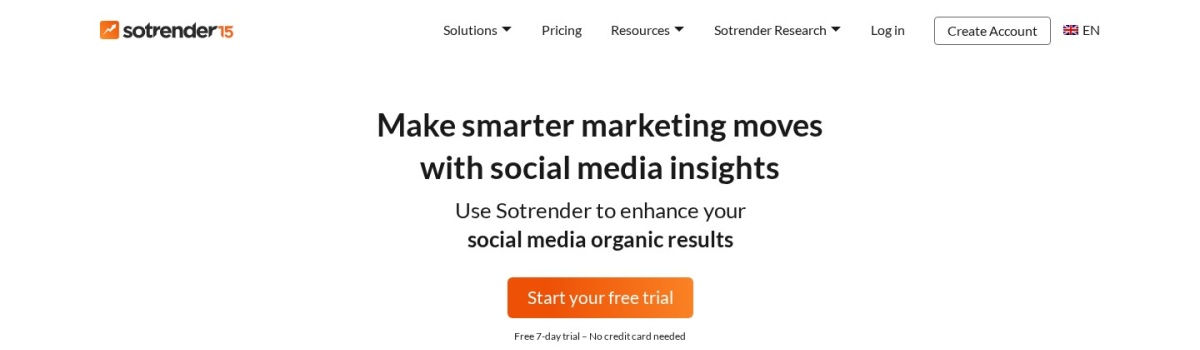
Sotrender homepage, captured Nov 2026.
Sotrender is an analytics-only platform for Facebook, Instagram, LinkedIn and YouTube, with competitor benchmarking and Meta Ads reporting, rated 4.8 out of 5 from 117 G2 reviews. Essential costs $72 a month on annual billing for 5 profiles, 3 users and 90 days of historical data.
The trade off is that there is no publishing or scheduling at all, so it sits beside a scheduler rather than replacing one. Benchmarking dashboards need the Plus plan at $200 a month. It suits teams that already publish elsewhere and want clean competitor comparisons.
Free plans cover the basics well. Meta Business Suite reports the core numbers for free, and Buffer and Metricool both offer a free tier with real analytics.
Paid plans mostly add history, competitors and reporting. Longer data windows, benchmarking, scheduled exports and white-label reports sit behind paywalls.
If you run one page and check numbers weekly, the free tools are enough. Pay when you manage several pages, report to clients, or need to compare against competitors.
How we chose
We started from the Facebook analytics tools that appear most often in G2's social media analytics and social media management listings, then kept those with a published price or a free plan and a real Facebook analytics feature set.
Prices come from each vendor's pricing page, checked on 23 November 2026, using the regular annual rate. Ratings and review counts come from G2 on the same day. Where a vendor shows a sale, the list shows the regular price.
We left out tools with no published price, including Keyhole, which no longer lists prices after its move into Muck Rack. No vendor paid for a place, and we do not claim hands-on testing for this list.
How to choose a Facebook analytics tool
Start with the free numbers, then pay only for the gaps you can name.
Check what Meta already tells you. Open Insights in Meta Business Suite first. If reach, engagement and audience data answer your questions, you may not need a paid tool.
Count seats, channels and brands. Per-seat tools get costly for teams, per-channel tools for many accounts, and per-brand tools suit agencies. Price the tool at your real size, not the entry plan.
Name the one paid feature you need. Pick the tool that adds it cheapest: competitor tracking, longer history, scheduled reports or a shared inbox. Do not pay for a bundle of features you will not open.
Try the free plan or trial on your own page. Connect your real Facebook page and check that the reports show the numbers you care about before you enter card details.
FAQ
What is the best free Facebook analytics tool?
Meta Business Suite is the best free option. It reports reach, engagement, follower growth and audience data straight from Meta, with no paid tier. It lacks competitor benchmarking and cross-channel reports, which is when a paid tool earns its price.
How much does Facebook analytics software cost?
Paid plans in this list run from $5 a channel a month for Buffer Essentials to $99 a user a month for Hootsuite Standard, both on annual billing. Meta Business Suite is free, and Metricool and Buffer both offer free plans with real analytics.
Do I need a paid tool if I use Meta Business Suite?
Not for the basics. Meta Business Suite covers reach, engagement and audience data for free. Pay for a third-party tool when you need competitor benchmarking, reports longer than a few months back, scheduled client reports or a shared inbox.
Which tool is best for competitor tracking on Facebook?
Sotrender is built for it, with competitor benchmarking across Facebook, Instagram, LinkedIn and YouTube, though its dashboards need the $200 Plus plan. Agorapulse adds competitor benchmarking on Advanced, and Later tracks up to 20 competitors on Scale.
Can I track Facebook analytics without connecting my page to a third party?
Yes. Meta Business Suite reads your page data directly, with no third-party connection needed. Third-party tools need page access to report, so check what permissions each one asks for before you connect a page.
What happened to Keyhole?
Keyhole was bought by Muck Rack in 2024, and its social listening is now sold as a custom-quoted add-on to Muck Rack plans. It no longer publishes prices or offers a self-serve trial, so we left it out of this list.