Best Instagram Marketing Tools in 2026: 7 Tools Compared
WLWPLegible EditorsLast verified 22 Nov 2026How we rank6 min read
★ Short answer
Buffer is the best Instagram marketing tool for most creators and small teams, starting with a free plan for up to 3 channels and paid plans from $5/mo per channel billed yearly. Pick Later for visual grid planning and link-in-bio pages, or Manychat when comment and DM automation drives leads.
How we make this list: we compare pricing pages, product documentation and public user reviews, then re-check every price before each update. No product paid for a place. Disclosure.
Buffer starts free for 3 channels and scales per channel from $60/yr (Essentials at $5/mo billed yearly), holding a 4.3/5 rating across 1,043 G2 reviews.
Later begins at $18.75/mo billed yearly ($225/yr) for 1 social set and 30 posts per profile monthly, with a 4.5/5 rating across 389 G2 reviews.
Manychat offers a free tier up to 25 active contacts and paid plans from $14/mo ($168/yr billed annually), rated 4.5/5 across 165 G2 reviews.
Metricool includes a free plan for 1 brand and paid Starter plans from $20/mo ($240/yr billed annually), rated 4.4/5 across 112 G2 reviews.
Enterprise suites like Sprout Social ($79/seat/mo) and Hootsuite ($99/user/mo) cost far more per seat than creator or SMB tools.
What to look for in Instagram marketing tools
Instagram marketing workflows split into three main jobs: scheduling feed posts, Reels, and Stories; tracking analytics and competitor benchmarks; and automating replies in comments and direct messages. Buying one platform that covers all three is often unnecessary if your bottleneck is only one step.
Watch how vendors meter usage before you commit. Schedulers usually charge per connected channel, per social set, or per brand, while DM automation tools charge by monthly active contacts and extra message volume.
Team and client needs change plan math quickly. A solo creator with one Instagram profile can stay on a free tier or entry plan, whereas agencies needing approval workflows, multi-seat access, or white-label reports usually jump to mid-tier plans.
Check retention windows and competitor limits on analytics tiers. Free or entry plans often cap historical data or competitor profiles, which matters when you review Reel performance over several quarters.
Buffer is a straightforward social media scheduler and publishing queue built around clarity rather than bloat. Its free plan covers up to 3 channels, 10 scheduled posts per channel, 100 ideas, and 30 days of analytics history.
The trade off is that Essentials costs $5/mo per channel billed yearly ($60/yr for one channel), and adding extra channels or team seats raises costs as you scale. It suits solo creators and small teams that want fast scheduling without heavy suites.
What we like
Generous free plan covering up to 3 connected channels
Clear queue and calendar layout with low setup overhead
Per-channel pricing avoids paying for unused networks
Includes first-comment scheduling and hashtag manager on Essentials
Watch out for
Free plan caps scheduled posts at 10 per channel
Per-channel billing adds up across many client accounts
Less suited to deep social listening or complex enterprise governance
Later is a visual content planner and social scheduling platform tailored to Instagram feed layout, Reels, Stories, and link-in-bio traffic. Its Starter plan starts at $18.75/mo billed yearly ($225/yr) for 1 social set (8 profiles), 1 user, and 30 scheduled posts per profile per month (Later also advertises a 25% annual discount).
The trade off is that Starter caps posts at 30 per profile each month and lacks a social inbox or approval workflows until Growth at $37.50/mo billed yearly. It suits visual-first brands and creators planning grids ahead.
What we like
Drag-and-drop visual calendar for planning Instagram grids
Built-in Link in Bio tool with click and location analytics
Supports Instagram Reels, Stories, carousels, and Best Time to Post
Watch out for
No permanent free plan listed on its pricing page
Starter limits scheduling to 30 posts per profile monthly
Social inbox and approval workflows require higher tiers
Growth adds 180 posts per profile monthly, 2 social sets, social inbox, and approval workflows.Visit later.com
03
Manychat
4.5/5on G2 (165 reviews, checked Nov 2026)
Paid from$14/mo
Best for DM automation
Free tierUp to 25 active contacts
Entry paid planEssential ($14/mo yr)
Essential contacts250 active contacts/mo
G2 rating4.5/5 (165 reviews)
manychat.com
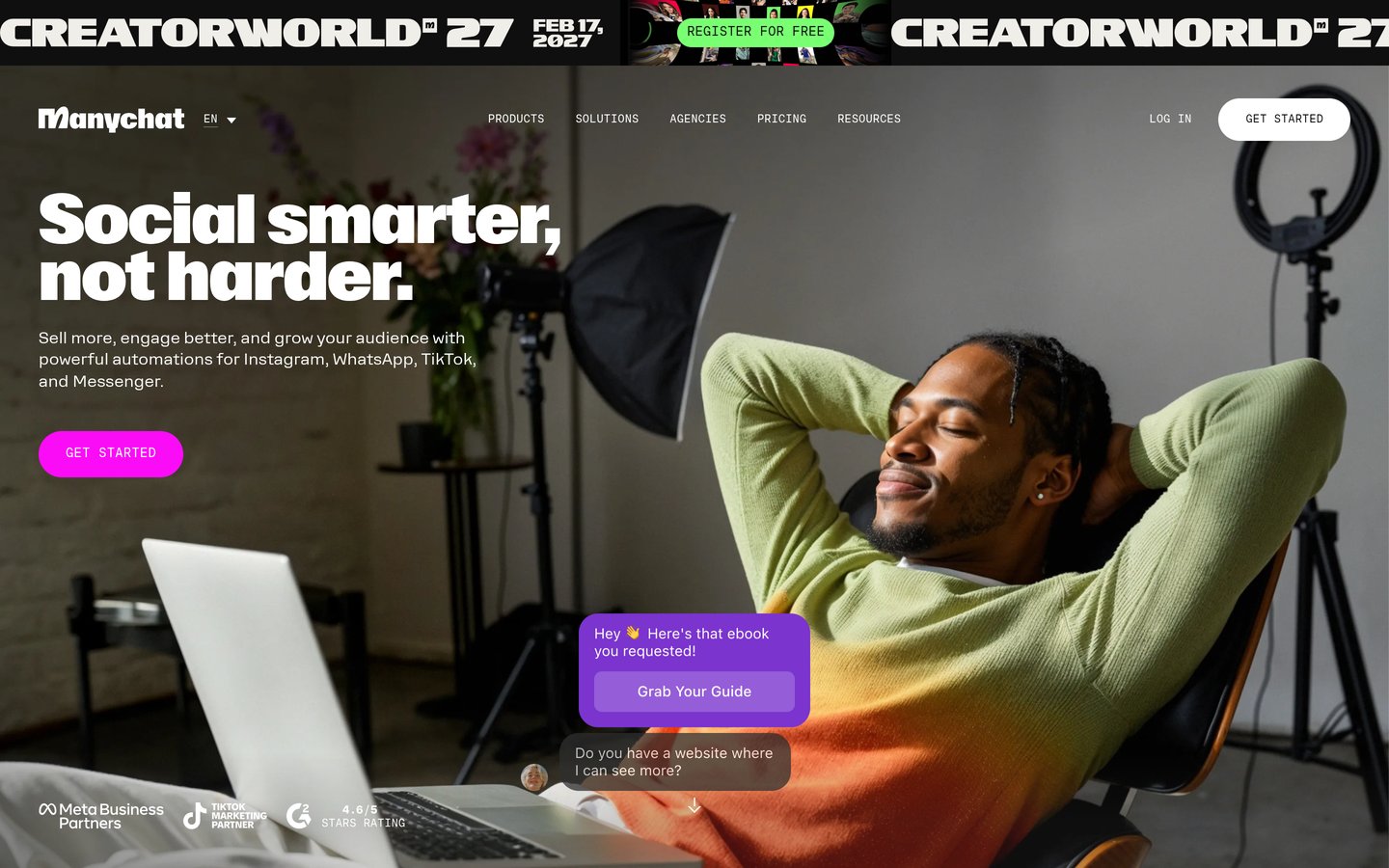
Manychat homepage, captured Nov 2026.
Manychat is a chat automation platform for Instagram DMs, comment triggers, and multi-channel messaging. Its free plan includes up to 25 active contacts per month, 2 channels, and up to 4 live automation triggers with Manychat branding.
The trade off is that Essential starts at $14/mo billed annually ($168/yr) for 250 active contacts, and extra contacts add per-contact charges when viral posts spike DMs. It suits creators and stores turning comments and DMs into leads or sales.
What we like
Automates keyword comment replies and DM flows for Reels and posts
Free plan lets you test triggers with up to 25 active contacts
Visual flow builder with templates for lead capture and links
Watch out for
Active contact caps can trigger overage fees during traffic spikes
Free tier shows Manychat branding and limits live triggers to 4
Not a full content calendar or visual grid planner
Essential unlocks unlimited automations, 250 active contacts, tag segmentation, and removes branding.Visit manychat.com
04
Metricool
4.4/5on G2 (112 reviews, checked Nov 2026)
Paid from$20/mo
Best for analytics and reporting
Free tier1 brand, 20 posts/mo
Entry paid planStarter ($20/mo yr)
Competitor trackingUp to 100 profiles on Starter
G2 rating4.4/5 (112 reviews)
metricool.com
Metricool homepage, captured Nov 2026.
Metricool combines social scheduling, Reels and Stories analytics, competitor benchmarking, and ad tracking in one workspace. Its free plan covers 1 brand, up to 20 scheduled posts per month, 5 competitor profiles, and 30 days of analytics history.
The trade off is that Starter begins at $20/mo billed annually ($240/yr) for up to 5 brands, while team approval workflows sit on Advanced from $53/mo billed annually. It suits marketers who want strong analytics and reporting alongside scheduling.
What we like
Free tier includes scheduling, best posting times, and 30-day analytics
Tracks up to 100 competitor profiles on Starter
Exports PDF and PowerPoint reports and connects with Canva
Watch out for
Free plan limits scheduled posts to 20 per month
Post approval workflows and team roles require Advanced
Some extras like Flows or X analytics are sold as add-ons
Starter raises limits to 5 brands, unlimited scheduled posts, 100 competitors, and unlimited history.Visit metricool.com
05
SocialPilot
4.5/5on G2 (846 reviews, checked Nov 2026)
Starts at$30/mo
Best for multi-account agencies
Entry paid planEssentials ($30/mo)
Key workflowBulk CSV scheduling up to 500 posts
Supported networks10 social networks
G2 rating4.5/5 (846 reviews)
socialpilot.co
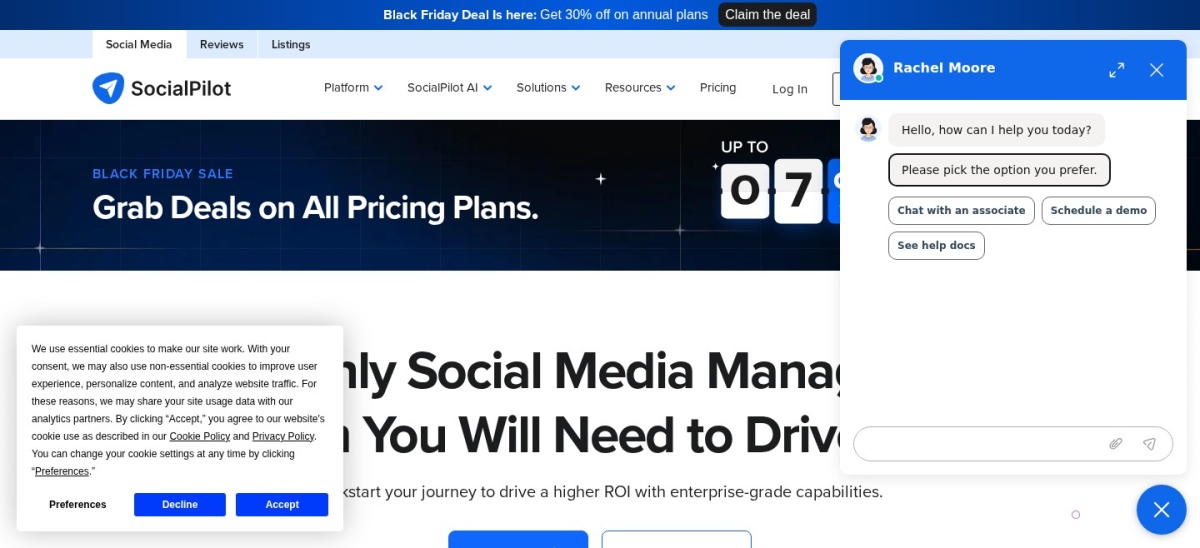
SocialPilot homepage, captured Nov 2026.
SocialPilot is a multi-channel social media management tool built around batch scheduling, client queues, and team collaboration across 10 networks. Its Essentials plan starts at $30/mo ($360/yr) with a 14-day free trial.
The trade off is that there is no permanent free plan, and deeper agency white-labeling or higher account caps sit on upper tiers. It suits small agencies and teams managing frequent scheduled posts across accounts.
What we like
Bulk scheduling up to 500 posts speeds up batch content calendars
Centralized calendar, post preview, and unified social inbox
Higher account allowances require stepping up from Essentials
Higher plans expand connected account limits, team permissions, and client reporting options.Visit socialpilot.co
06
Sprout Social
4.4/5on G2 (7,597 reviews, checked Nov 2026)
Starts at$79/mo
Best for enterprise reporting and care
Entry paid planEssentials ($79/seat/mo yr)
Profiles on entryUp to 5 social profiles
AI featuresTrellis (100 credits/seat/mo)
G2 rating4.4/5 (7,597 reviews)
sproutsocial.com
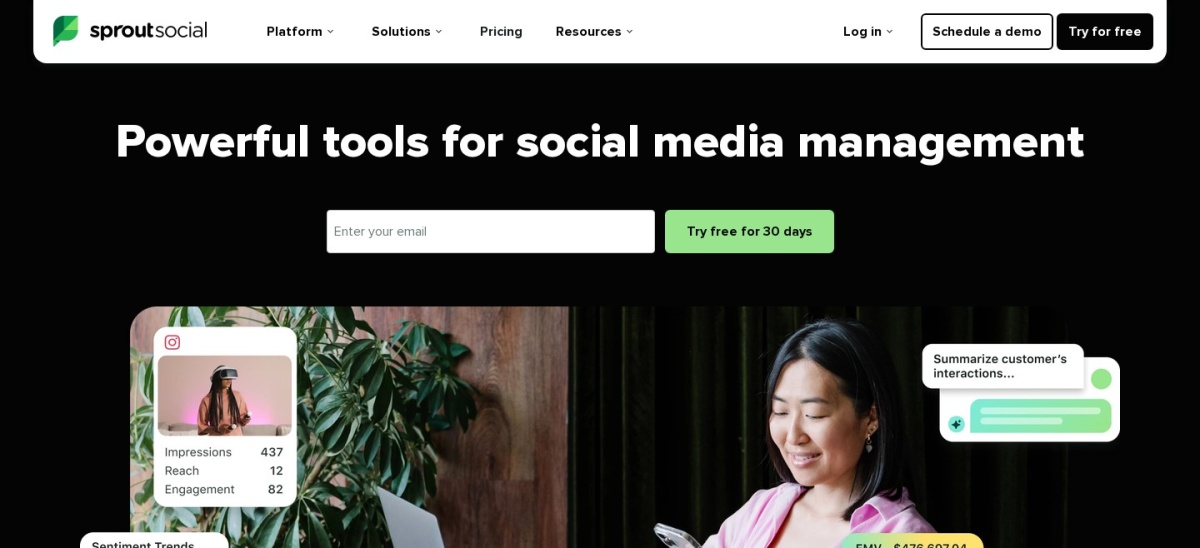
Sprout Social homepage, captured Nov 2026.
Sprout Social is a social media management suite focused on publishing, unified customer care, analytics, and listening for larger teams. Its Essentials plan starts at $79 per seat per month billed annually ($948/yr per seat; $99/mo billed monthly) for up to 5 social profiles.
The trade off is steep per-seat pricing—Standard is $199 per seat per month annually—and keyword monitoring starts on Standard. It suits mid-market and enterprise teams needing structured reporting and shared inboxes.
What we like
Mature reporting, approval workflows, and social customer care tools
Includes 100 monthly Trellis AI credits per seat on every plan
Backstopped by 7,597 reviews on G2
Watch out for
Per-seat pricing is expensive for solo users or small budgets
Keyword monitoring and broader listening are not on Essentials
Extra analytics and listening modules cost more as add-ons
Standard and above add keyword monitoring, message tagging, competitor insights, and more profiles.Visit sproutsocial.com
07
Hootsuite
4.3/5on G2 (7,793 reviews, checked Nov 2026)
Starts at$99/mo
Best for listening and multi-team workflows
Entry paid planStandard ($99/user/mo yr)
Accounts on entryUp to 10 social accounts
Bulk schedulingUp to 350 posts via CSV
G2 rating4.3/5 (7,793 reviews)
hootsuite.com
Hootsuite homepage, captured Nov 2026.
Hootsuite is a long-running social media platform combining publishing, a centralized inbox, trend and mention monitoring, and Wisdom AI tools. Its Standard plan starts at $99 per user per month billed annually ($1,188/yr per user) for up to 10 social accounts.
The trade off is high per-user pricing, with approval workflows starting on Advanced ($399/user/mo annually) and unlimited accounts on Professional ($199/user/mo annually). It suits established teams needing combined monitoring and publishing.
What we like
Centralized calendar, inbox, and brand/competitor monitoring in one view
Supports bulk CSV scheduling up to 350 posts and Hootbio link-in-bio
Large review base of 7,793 ratings on G2
Watch out for
High cost per user seat compared with creator and SMB tools
Approval workflows and internal comments require Advanced
10-account cap on Standard pushes growing teams to higher tiers
Professional adds unlimited social accounts, inbox automation, and 90-day trend forecasting.Visit hootsuite.com
Schedulers vs. DM automation tools
A visual scheduler like Buffer or Later solves consistency: you batch feed posts, Reels, carousels, and Stories ahead of time so your calendar does not depend on daily manual posting. Analytics tools like Metricool help you see which formats hold retention or drive profile visits.
DM automation tools like Manychat solve conversion after a post goes live. When a Reel or carousel asks viewers to comment a keyword, an automated DM can deliver a link or lead magnet while the post is still getting attention.
How we chose
We built this shortlist around established social media management, scheduling, analytics, and Instagram messaging tools widely used by creators, brands, and teams.
All pricing tiers, free plan limits, and G2 ratings and review counts were checked on 22 Nov 2026 from each vendor's official pricing page and G2 product review page.
We excluded unmaintained tools, products without verifiable public pricing or review counts, and tools that only cover narrow adjacent steps like standalone graphic design.
No vendor paid for a place, and we do not claim testing for this list.
How to choose an Instagram marketing tool
Follow four practical steps to match a tool to your workflow and budget.
Start with your main bottleneck. Decide whether you mostly need scheduled posts and Reels, deeper analytics and competitor tracking, or comment-to-DM automation.
Count accounts, brands, and seats. Compare per-channel, social-set, brand, and per-seat pricing so your cost fits how many Instagram accounts and teammates actually log in.
Test free tiers before upgrading. Use free plans or trials from Buffer, Manychat, or Metricool to check publishing reliability, Reels formatting, and inbox speed on your real account.
Check usage caps and add-ons. Look closely at monthly post limits, active contact thresholds, analytics history, and approval features before committing to an annual plan.
FAQ
What is the best free Instagram marketing tool?
Buffer is a strong starting point for simple scheduling with a free plan for up to 3 channels and 10 scheduled posts per channel. Metricool also offers a free plan for 1 brand with up to 20 scheduled posts per month and 30 days of analytics.
Do I need a paid tool to schedule Instagram posts and Reels?
Not always. Meta provides native scheduling inside its own tools, while free tiers on platforms like Buffer and Metricool cover light monthly posting schedules before you need higher volume or deeper reporting.
Why do social media tools price plans differently?
Some platforms charge per connected social profile or brand, others charge per user seat, and DM automation tools meter monthly active contacts. Your real cost depends on both your account count and team size.
How does Instagram DM automation work in tools like Manychat?
Manychat connects to an eligible Instagram account and triggers automated replies when users comment a keyword or send a message. It can deliver links, collect contact details, and route conversations.
When does a tool like Sprout Social or Hootsuite make sense?
Larger marketing and support teams usually look at Sprout Social or Hootsuite when they need shared inboxes, multi-user permissions, cross-channel reporting, or broader listening across many profiles.