Best Community Management Tools in 2026: 7 Tools Compared
WLWPLegible EditorsLast verified 22 Nov 2026How we rank12 min read
★ Short answer
Agorapulse is our top community management tool for social media teams, combining messages and organic comments in one inbox from $79 per user per month on annual billing. SocialPilot is a lower-cost option for managing multiple accounts, while Buffer suits creators and small businesses that want a free starting point.
How we make this list: we compare pricing pages, product documentation and public user reviews, then re-check every price before each update. No product paid for a place. Disclosure.
Agorapulse leads for social inbox management, with 10 social profiles on Standard at $79 per user/month billed annually.
SocialPilot Essentials has 7 social accounts, while Standard adds a social inbox and 3 users.
Buffer offers a free plan with 3 channels and 10 scheduled posts per channel; Essentials costs $60 per channel/year.
Metricool Starter starts at $20/month on annual billing and supports up to 5 brands at its entry price.
Hootsuite Standard costs $99 per user/month billed annually and supports 10 social accounts.
Sprout Social Essentials starts at $79 per seat/month billed annually, while Standard costs $199 and adds a consolidated inbox.
What makes a good community management tool?
Community management is more than publishing social media posts. It includes answering comments, responding to direct messages, monitoring conversations, handling complaints and helping people feel heard.
The most useful feature is usually a unified social inbox. It brings supported messages, comments and mentions into one dashboard, reducing the need to switch between social networks throughout the day.
As a community grows, moderation and collaboration become more important. Look for message assignments, saved replies, conversation labels, automated rules and reporting that helps managers understand response workloads.
Pricing also deserves attention. Some platforms charge per user, while others charge per social account or brand. Check the cost of the plan that actually includes your required inbox features, not just the cheapest publishing plan.
This comparison focuses on community engagement across existing social networks. Platforms built primarily for hosting private membership communities or discussion forums serve a different purpose.
For combining social engagement and review management
$134/mo
No free plan
4.6/5
Price ladder: cheapest paid plan per year
List prices, USD, checked Nov 2026
BufferFREE$60
MetricoolFREE$240
SocialPilot$360
Agorapulse$948
Sprout$948
Hootsuite$1,188
Eclincher$1,608
The 7 best community management tools
01
Agorapulse
4.5/5on G2 (979 reviews, checked Nov 2026)
Starts at$79/mo
Best overall for social media community management
Entry planStandard
Social profiles10
Social inboxMessages and organic comments
Free trial30 days
agorapulse.com
Agorapulse homepage, captured Nov 2026.
Agorapulse is a social media management platform combining publishing, audience engagement, monitoring and reporting. Its Standard plan supports 10 social profiles, unlimited post scheduling and a unified inbox for messages and organic comments. Basic audience reports and branded report exports are included.
The trade off is its per-user pricing and advanced moderation limits. Standard costs $79 per user per month billed annually, while automated moderation rules, saved replies and bulk actions require Advanced at $149 per user per month annually. It suits brands and social teams that prioritize consistent community engagement.
What we like
Unified inbox for messages and organic comments
Supports 10 profiles on the entry plan
Unlimited post scheduling
Branded reporting included
Higher plans add message assignments and moderation automation
Watch out for
Per-user pricing increases team costs
Ad comment replies require Professional
Automated moderation rules require Advanced
Professional adds ad comment replies and assignments; Advanced adds automated moderation.Visit agorapulse.com
02
SocialPilot
4.5/5on G2 (846 reviews, checked Nov 2026)
Starts at$30/mo
Best for small teams managing multiple social accounts
Entry planEssentials
Social accounts7 on Essentials
Social inboxStandard plan
Team members1 on Essentials; 3 on Standard
socialpilot.co
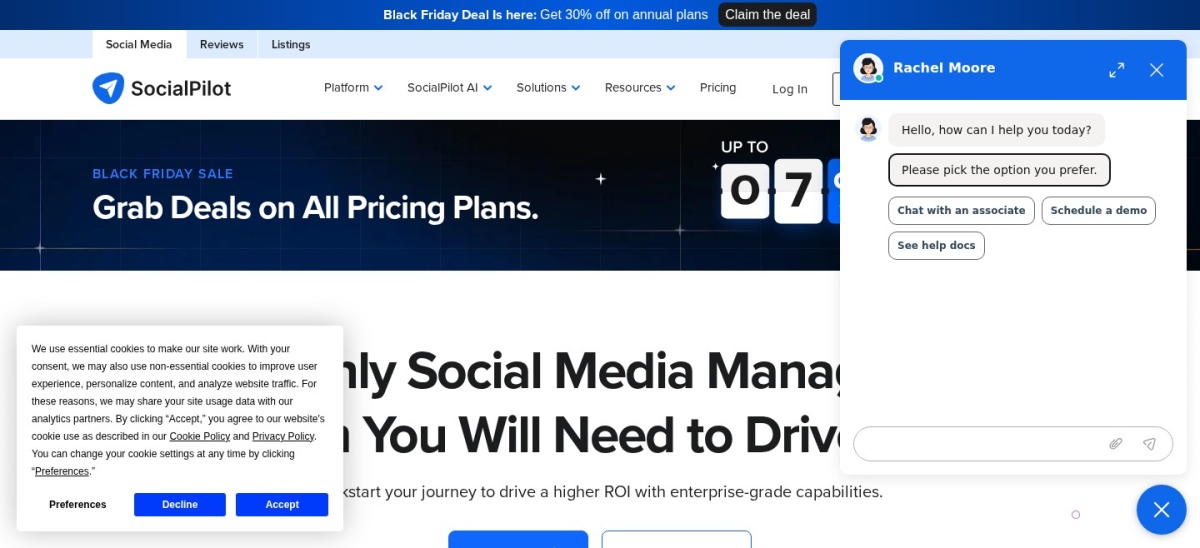
SocialPilot homepage, captured Nov 2026.
SocialPilot is a social media management platform for agencies, businesses and marketing teams. Essentials includes 7 social accounts, 1 user, a content library and 500 AI credits. The Standard plan expands capacity to 15 accounts and adds a social inbox, analytics, team collaboration and manager approvals.
The trade off is that Essentials does not include the social inbox needed for centralized community replies. Its regular monthly price is $30, while Standard lists $50 before promotional discounts. It suits businesses wanting affordable scheduling now and broader engagement workflows as their teams grow.
What we like
Good entry capacity for multiple social accounts
Social inbox available on Standard
Client and manager approval workflows
Bulk scheduling available on higher plans
Supports multiple major social networks
Watch out for
Entry plan lacks the social inbox
Advanced agency workflows require higher plans
Displayed promotional pricing can complicate comparisons
Standard adds the social inbox, analytics and team collaboration.Visit socialpilot.co
03
Buffer
4.3/5on G2 (1,043 reviews, checked Nov 2026)
Paid from$5/mo
Best free starting point for creators and small businesses
Free channels3
Free scheduling10 posts per channel
Paid entryEssentials
Community inboxIncluded
buffer.com
Buffer homepage, captured Nov 2026.
Buffer is a social media publishing and engagement platform aimed at creators, small businesses and agencies. Its free plan supports 3 channels, 10 scheduled posts per channel, a community inbox and 1 user. Essentials adds unlimited scheduled posts and advanced analytics for each paid channel.
The trade off is per-channel pricing and a lighter community workflow than dedicated customer-care platforms. Essentials costs $5 per channel per month billed annually, while Team costs $10 per channel per month annually. It suits individuals and smaller brands that want straightforward publishing and audience interaction without a large subscription.
What we like
Free plan includes community engagement tools
Supports 3 channels without payment
Simple publishing workflow
Low entry price for individual channels
Team plan offers approvals and unlimited members
Watch out for
Costs increase as more channels are connected
Advanced team controls require Team
Less suited to complicated customer-service routing
Essentials adds unlimited scheduling and advanced analytics; Team adds approvals.Visit buffer.com
04
Metricool
4.4/5on G2 (112 reviews, checked Nov 2026)
Paid from$20/mo
Best for measuring community growth and engagement
Free brands1
Free posts20 per month
Starter brandsUp to 5 at entry price
Competitor analysisUp to 100 on Starter
metricool.com
Metricool homepage, captured Nov 2026.
Metricool is a social media planning and analytics platform that helps managers track content performance and audience growth. Its free plan manages 1 brand, schedules up to 20 posts monthly and analyzes 5 competitor profiles. Starter expands publishing and competitor analysis while adding longer analytics history.
The trade off is that Metricool focuses more on measurement and publishing than detailed customer-care routing. Starter costs $20 per month billed annually for up to 5 brands, while team management and post approvals require Advanced. It suits community managers who prioritize performance reporting and content planning.
What we like
Useful free plan for one brand
Competitor tracking and engagement analytics
Starter supports multiple brands
PDF and presentation reports on Starter
Advanced plan offers collaboration and approval features
Watch out for
Free plan excludes certain social connections
Team management requires Advanced
Not primarily a customer-service ticketing system
Starter adds unlimited publishing and reporting; Advanced adds team approvals.Visit metricool.com
05
Hootsuite
4.3/5on G2 (7,793 reviews, checked Nov 2026)
Starts at$99/mo
Best for established social media teams
Entry planStandard
Social accounts10
Social inboxIncluded
Free trial14 days
hootsuite.com
Hootsuite homepage, captured Nov 2026.
Hootsuite is an established social media management platform for publishing, community engagement and brand monitoring. Standard supports 10 social accounts, unlimited scheduled posts and a shared inbox for responding to messages. It also includes tools for monitoring brands and competitors.
The trade off is the cost of collaboration and automation. Standard costs $99 per user per month billed annually, while Professional at $199 adds automated inbox replies and workflows. Message assignment and automatic routing require Advanced. It suits organizations that need broad social media operations beyond basic community replies.
What we like
Unified inbox for social messages
Supports 10 accounts on Standard
Publishing and brand monitoring together
Automated workflows on higher plans
Advanced collaboration and customer-care features
Watch out for
Higher entry price than simpler tools
Per-user fees increase with team size
Automatic message routing requires Advanced
Professional adds inbox automation; Advanced adds message routing and team reporting.Visit hootsuite.com
06
Sprout Social
4.4/5on G2 (7,597 reviews, checked Nov 2026)
Starts at$79/mo
Best for social customer care and detailed reporting
Entry planEssentials
Entry social profiles5
Consolidated inboxStandard and above
Free trial30 days
sproutsocial.com
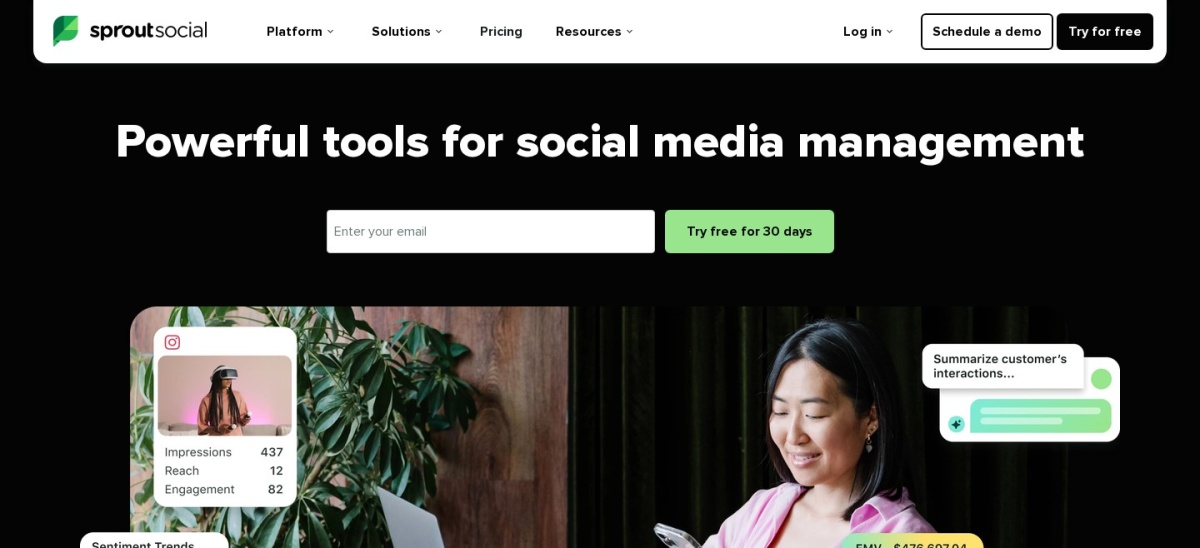
Sprout Social homepage, captured Nov 2026.
Sprout Social is a social media intelligence and management platform covering publishing, analytics and customer care. Essentials supports 5 social profiles, performance reporting and AI-assisted workflows. Standard adds a consolidated inbox, collaboration tools, keyword monitoring and review management for teams handling audience conversations.
The trade off is that the cheapest plan focuses on publishing rather than full community management. Essentials costs $79 per seat per month billed annually, while Standard costs $199 per seat per month annually. It suits teams that need organized customer interactions and can budget for the inbox-equipped plan.
What we like
Established platform with extensive public reviews
Consolidated inbox on Standard
Review and keyword monitoring
Detailed reporting and engagement analysis
Higher plans support advanced customer-care workflows
Watch out for
Essentials lacks the full Standard inbox package
Standard costs significantly more than Essentials
Per-seat pricing can be expensive for large teams
Standard adds the consolidated inbox, collaboration and review management.Visit sproutsocial.com
07
Eclincher
4.6/5on G2 (442 reviews, checked Nov 2026)
Starts at$134/mo
Best for combining social engagement and review management
Entry planStandard
Social profiles15
Users1 included
Free trial14 days
eclincher.com
Eclincher homepage, captured Nov 2026.
Eclincher is a social media management platform combining publishing, community engagement, brand monitoring and reporting. Standard includes 15 social profiles and a community-care inbox for managing messages, comments and mentions. It also supports review moderation and social publishing from one platform.
The trade off is its higher starting cost and limited included user capacity. Standard costs $134 per month billed annually, while Professional costs $314 monthly on annual billing and expands brands, profiles and collaboration. It suits businesses managing audience conversations alongside online reputation and review activity.
What we like
Social inbox with moderation features
Supports 15 profiles on Standard
Manages comments, mentions and reviews
Publishing and reporting included
Higher plan expands team and brand capacity
Watch out for
More expensive than lightweight publishing tools
Standard includes only 1 user
Advanced workflows may require Professional
Professional expands brand capacity, users and advanced publishing workflows.Visit eclincher.com
Community management vs social media scheduling
Social media scheduling and community management overlap, but they solve different problems. A scheduler helps publish content consistently, while a community management tool helps maintain conversations after content goes live.
For a creator with occasional comments, a lightweight platform such as Buffer may be sufficient. A business receiving frequent questions, complaints and direct messages will benefit more from a dedicated social inbox.
Teams also need to consider accountability. Assignment workflows help prevent messages from being overlooked, while moderation tools make it easier to handle repetitive questions and unwanted comments.
If community management is your main priority, compare inbox features before publishing features. A low-cost scheduler is not necessarily the lowest-cost solution for customer conversations.
How community management pricing works
Community management software generally uses per-user, per-channel or tier-based pricing. These structures can produce very different annual costs even when the entry prices look similar.
Buffer charges by connected channel, making it flexible for small operations. Agorapulse, Hootsuite and Sprout Social use per-user or per-seat pricing, so adding colleagues increases the subscription cost.
SocialPilot and Metricool organize their plans around account or brand capacity, with higher tiers unlocking collaboration. Eclincher combines profile capacity with user limits.
Before buying, calculate the cost for every required account and staff member. Then check whether the selected plan includes shared inboxes, assignments, automated moderation and the reports your team actually needs.
How we chose
We started with established social media management platforms offering audience engagement, social inboxes, comment moderation, brand monitoring or related community workflows. We compared their published features, account capacity, collaboration tools and public user feedback.
Official vendor pricing pages and G2 review profiles were consulted on 23 November 2026, using the requested 22 November 2026 editorial reference date. Published prices reflect the identified entry plans and stated billing periods, while review figures come from the accessible G2 profiles.
We excluded products whose official entry prices could not be confirmed, products focused only on private membership hosting and tools without sufficient public review evidence. No vendor paid for a place, and we do not claim testing for this list.
How to choose the right community management tool
Start by identifying where your audience interacts with your brand, then match the software to your engagement workload and team size.
Identify the conversations you need to manage. List the networks where customers send messages, leave comments or mention your brand. Confirm that the platform supports replying to those specific interaction types, not merely scheduling content on the network.
Choose the right inbox and moderation features. For occasional comments, a basic community inbox may be enough. High-volume teams should prioritize conversation assignments, saved replies, automation rules, moderation controls and tools for distinguishing unresolved messages from completed ones.
Calculate the cost for your entire team. Compare pricing based on your actual number of connected accounts, brands and users. Check the entry plan carefully because publishing may be included while inbox access, team collaboration or automated moderation requires a more expensive tier.
Evaluate reporting and future growth. Look for engagement reporting, audience trends and team performance information. Choose software with enough room for additional profiles and users so expanding your community does not force an unexpected platform migration.
FAQ
What is the best community management tool in 2026?
Agorapulse is our top choice for social media community management because it combines messages and organic comments in a central inbox alongside publishing and reporting. Standard starts at $79 per user per month billed annually. Teams needing automated moderation should compare its higher plans before subscribing.
Are there free community management tools?
Yes. Buffer offers a free plan with 3 connected channels, 10 scheduled posts per channel and a community inbox. Metricool also offers a free plan for 1 brand with basic analytics and scheduling. Free plans work well for small audiences, but collaboration and advanced moderation may require payment.
What is the difference between community management and social media management?
Social media management covers content planning, publishing, analytics and account administration. Community management focuses on conversations and relationships, including comments, messages, questions and moderation. Many platforms handle both, but their community engagement features can vary substantially between pricing plans.
Which community management tool is best for a small business?
Buffer is a practical starting point for a small business with a limited number of social channels. Its free plan reduces initial costs, and paid plans add publishing capacity. SocialPilot is worth considering when a business manages several accounts and needs collaboration or an expanded social inbox.
Which platform is best for managing social media comments?
Agorapulse is a strong choice for managing organic comments and messages through a unified inbox. Hootsuite and Eclincher also support centralized engagement workflows. Compare supported networks, ad comment access and moderation rules carefully because each platform has different capabilities and plan restrictions.
Can community management software automatically reply to comments?
Some platforms support automated replies, moderation rules and message routing. Agorapulse provides advanced moderation features on higher plans, while Hootsuite Professional includes inbox automation. Automation should be configured carefully so routine questions receive consistent responses and sensitive complaints still receive human attention.
How much does community management software cost?
The entry prices in this comparison range from Buffer Essentials at $5 per channel per month billed annually to Eclincher Standard at $134 per month annually. Costs can be higher when adding users, channels or advanced inbox features. Always compare the plan that contains your required functionality.
Is Sprout Social worth the price for community management?
Sprout Social can make sense for organizations that need customer-care workflows, monitoring and reporting in one platform. Its Essentials plan starts at $79 per seat per month billed annually, but the consolidated inbox comes with Standard at $199. Smaller teams may find less expensive alternatives sufficient.
What features should community managers prioritize?
Start with a unified inbox, supported comment and message channels, moderation tools and searchable conversation history. Teams should also consider assignments, saved replies and performance reporting. Publishing features are helpful, but reliable conversation handling matters more when customer engagement is the primary objective.