Best Instagram Scheduling Tools in 2026: 7 Tools Compared
WLWPLegible EditorsLast verified 22 Nov 2026How we rank13 min read
★ Short answer
Later is our top Instagram scheduling tool for visual content planning, with a Starter plan covering 30 posts per profile monthly and a 4.5/5 G2 rating from 389 reviews. Choose Planoly for feed previews and Instagram DM automation, or Metricool for free scheduling and deeper analytics.
How we make this list: we compare pricing pages, product documentation and public user reviews, then re-check every price before each update. No product paid for a place. Disclosure.
Later ranks first for Instagram-focused planning. Its Starter plan costs $25 monthly and supports 30 scheduled posts per profile.
Planoly is the cheapest paid option at $16 monthly, with unlimited posts, visual grid planning and a free mobile plan allowing 10 uploads.
Metricool offers 20 scheduled posts per month for free. Starter costs $25 monthly and unlocks unlimited scheduling.
SocialPilot starts at $30 monthly for 7 social accounts and has a 4.5/5 G2 rating from 846 reviews.
Loomly includes 12 social accounts and 3 users for $65 monthly, making it attractive for collaborative calendars.
Agorapulse and Sprout Social target larger workflows, with entry plans starting at $99 per month and per seat respectively.
What to look for in an Instagram scheduling tool
Instagram scheduling tools help creators and businesses prepare content ahead of publication. The most useful products combine a visual calendar, image and video scheduling, caption editing and performance reporting.
Check which formats support direct publishing. Standard feed posts, Reels, Stories and carousels can have different publishing requirements. Some posts with interactive stickers, music or special editing features still need a mobile notification and manual completion.
Pay close attention to publishing limits. Later Starter allows 30 scheduled posts per profile each month, while Metricool's free plan allows 20 posts monthly. Planoly's paid Starter plan provides unlimited posts, making it appealing for frequent publishers.
Consider the full cost of the accounts and people you manage. Some tools charge per user, while others bundle social profiles and team seats. A cheaper solo plan may become expensive when you add clients, approval steps or collaborators.
Finally, consider whether Instagram is your primary channel. Visual-first products such as Later and Planoly focus on planning the feed, while Metricool, SocialPilot, Loomly, Agorapulse and Sprout Social provide broader cross-platform management.
Later is an Instagram-focused social scheduling platform with a visual content calendar, Reels planning, post previews, Link in Bio and analytics. Its Starter plan includes 1 social set covering 8 profiles, 30 posts per profile monthly, 5 AI credits and access to 3 months of analytics history.
The trade off is the publishing allowance and limited collaboration on Starter, which costs $25 monthly or $18.75 monthly with annual billing before temporary promotions. Growth adds approvals, more publishing capacity and a social inbox. It suits creators and small brands that prioritize an organized visual content calendar.
What we like
Visual planning designed around Instagram content
Supports feed posts, Reels and Stories scheduling
Link in Bio included in Starter
Best-time-to-post features
Established G2 review history
Watch out for
Starter limits scheduled posts to 30 per profile monthly
Starter does not allow extra users or social sets
No permanent free plan on the current pricing page
Growth adds approvals, a social inbox and 180 posts per profile monthlyVisit later.com
02
Planoly
4.3/5on G2 (67 reviews, checked Nov 2026)
Paid from$16/mo
Best for creators planning their Instagram grid
Free plan10 uploads monthly
Starter plan$16/mo
Paid publishingUnlimited posts
Social sets1 on Starter
planoly.com
Planoly homepage, captured Nov 2026.
Planoly is a visual social media planner built for organizing Instagram feeds, scheduling posts and managing creator content. Its mobile free plan allows 10 uploads monthly, while Starter includes unlimited posts, 1 social set, 1 user, a media library, Link in Bio and Instagram DM automation.
The trade off is that Starter costs $16 monthly and cannot accept additional users or social sets. Upgrading to Growth is necessary for expanded collaboration, and some content still needs mobile publishing reminders. It suits individual creators, photographers and small businesses that care about their feed's appearance.
What we like
Visual Instagram grid preview and rearranging
Unlimited scheduled posts on paid plans
Free mobile plan available
Instagram DM automation included
Media library and content creation tools
Watch out for
Starter supports only 1 user and 1 social set
Free publishing allowance is limited
Some Instagram publishing actions need mobile notifications
Starter adds unlimited posts, analytics and creator toolsVisit planoly.com
03
Metricool
4.4/5on G2 (112 reviews, checked Nov 2026)
Paid from$25/mo
Best free Instagram scheduler with analytics
Free scheduling20 posts/month
Free accounts1 brand
Starter plan$25/mo
Paid publishingUnlimited
metricool.com
Metricool homepage, captured Nov 2026.
Metricool is a social media management platform combining Instagram scheduling, analytics, competitor tracking and reporting. Its free plan supports 1 brand, 20 scheduled posts per month, analysis of 5 competitor profiles and 30 days of analytics history. Starter adds unlimited publishing, historical analytics and reporting tools.
The trade off is that Starter costs $25 monthly, and advanced team permissions and approval workflows require the Advanced plan. Some social connections and automation features also need add-ons. It suits small businesses and marketers who want to measure Instagram results alongside scheduling content.
What we like
Permanent free plan with 20 monthly posts
Analytics and competitor tracking included
Unlimited scheduling on Starter
PDF and presentation reports on paid plans
Supports multiple social networks
Watch out for
Free plan has limited publishing and analytics history
Advanced approval workflows require a higher plan
Certain platform connections require add-ons
Starter adds unlimited scheduling, extended history and downloadable reportsVisit metricool.com
04
SocialPilot
4.5/5on G2 (846 reviews, checked Nov 2026)
Starts at$30/mo
Best for managing multiple social accounts
Entry planEssentials, $30/mo
Social accounts7
Included users1
AI credits500
socialpilot.co
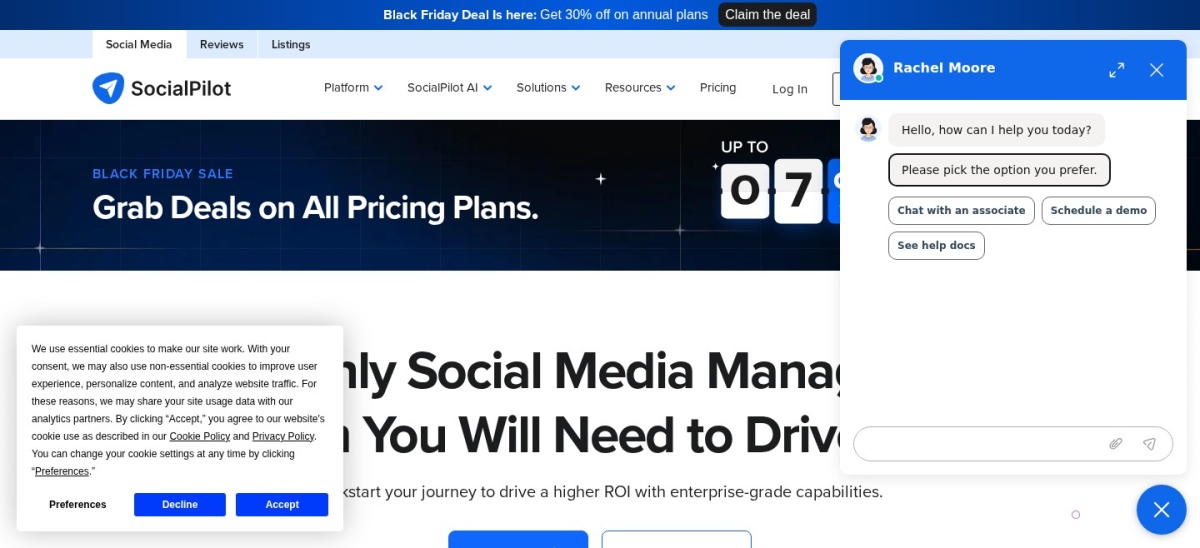
SocialPilot homepage, captured Nov 2026.
SocialPilot is a multi-platform social media scheduler designed for professionals and agencies managing several accounts. Its Essentials plan includes 7 social media accounts, 1 user, 500 AI credits, a content library and post scheduling across Instagram and other networks. The platform also supports customized content for different channels.
The trade off is that Essentials costs $30 monthly at its regular rate and does not include the wider team management, inbox and approval features of Standard. Promotional discounts may reduce the displayed checkout price temporarily. It suits freelancers and businesses that publish Instagram content alongside several other social channels.
What we like
Flat entry plan covers 7 social accounts
Content library and scheduling calendar
AI content assistance included
Broad social network support
G2 rating of 4.5/5 from 846 reviews
Watch out for
No permanent free plan
Essentials is limited to 1 user
Inbox and team approvals require Standard
Standard adds more accounts, collaboration, analytics and approvalsVisit socialpilot.co
05
Loomly
4.6/5on G2 (1,796 reviews, checked Nov 2026)
Starts at$65/mo
Best for collaborative Instagram content calendars
Starter plan$65/mo
Social accounts12
Included users3
CalendarsUnlimited
loomly.com
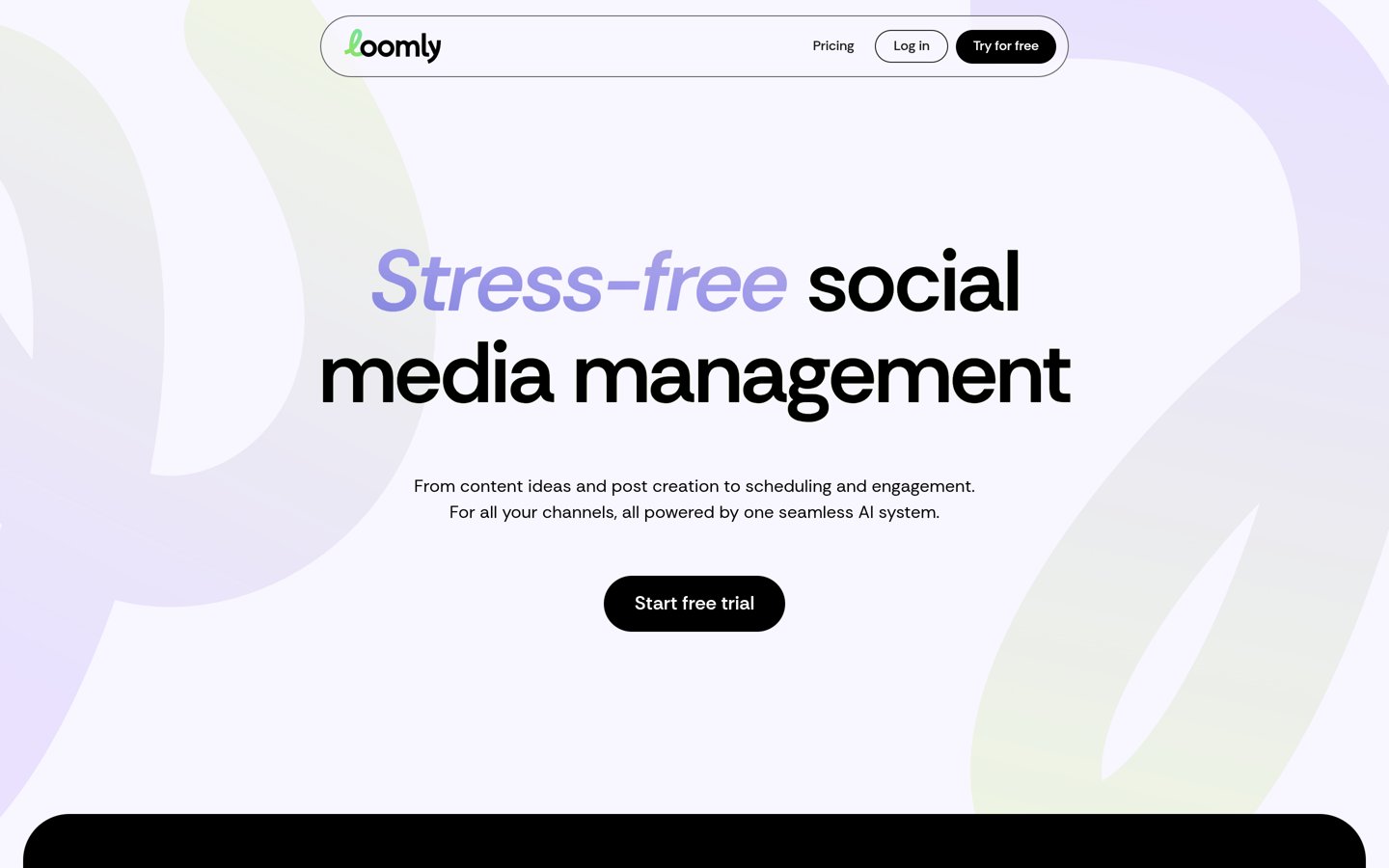
Loomly homepage, captured Nov 2026.
Loomly is a social content management platform for planning, reviewing and scheduling Instagram posts with a team. Its Starter plan includes 12 social accounts, 3 users, unlimited calendars, approval workflows, advanced analytics and an AI assistant. Content previews and a shared asset workflow help contributors coordinate publication.
The trade off is its $65 monthly entry price, although annual billing lowers the effective monthly rate to $49. Its starting cost is relatively high for individual creators compared with visual-first alternatives. It suits small marketing teams and businesses where several people prepare, review and approve Instagram content.
What we like
3 users included in Starter
Approval workflows on the entry plan
Unlimited content calendars
Supports direct scheduling and recurring posts
G2 rating of 4.6/5 from 1,796 reviews
Watch out for
Higher starting price than creator-focused tools
More functionality than solo creators may need
No permanent free plan listed
Beyond adds more accounts, unlimited users and expanded brandingVisit loomly.com
06
Agorapulse
4.5/5on G2 (979 reviews, checked Nov 2026)
Starts at$99/mo
Best for Instagram scheduling and engagement management
Entry planStandard
Monthly price$99/user
Annual billing$79/user/mo
PublishingUnlimited posts
agorapulse.com
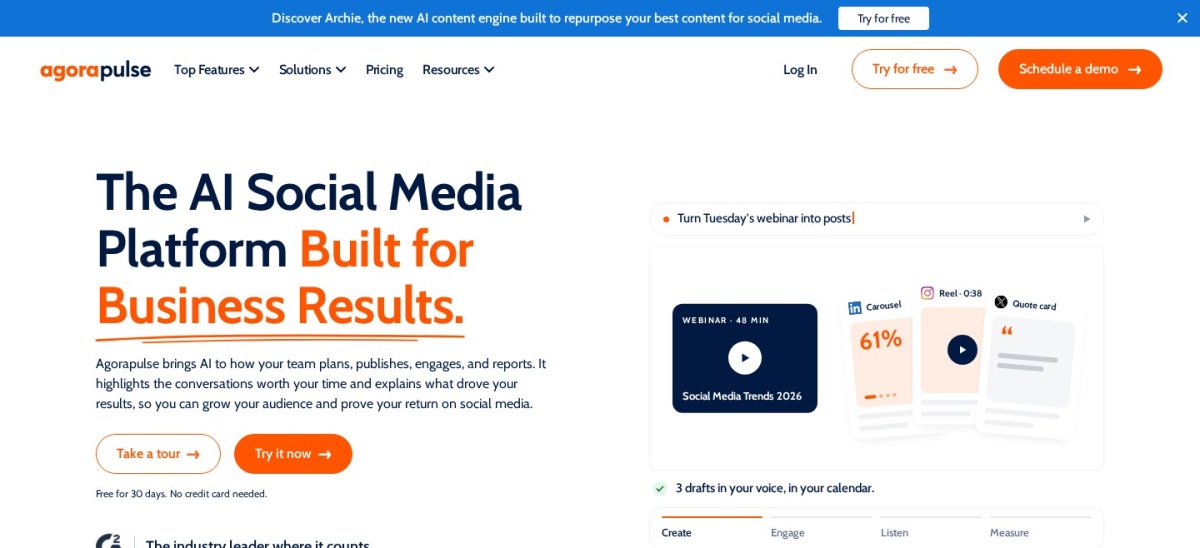
Agorapulse homepage, captured Nov 2026.
Agorapulse is a social media management platform combining Instagram publishing, audience engagement, reporting and message management. Its Standard plan supports unlimited scheduled posts, an inbox for social interactions and reporting on audience performance. The service also supports Instagram alongside other major social networks.
The trade off is its $99 monthly price per user, reduced to $79 per user monthly with annual billing. Costs can rise when several team members need access. It suits established brands and social media managers who need to handle Instagram comments and publishing from a shared management platform.
What we like
Unlimited scheduled posts
Social inbox and engagement management
Reporting and branded exports
Broad network coverage
G2 rating of 4.5/5 from 979 reviews
Watch out for
Per-user billing increases team costs
More expensive than basic Instagram schedulers
Advanced team features require higher plans
Higher tiers expand collaboration, reporting and management featuresVisit agorapulse.com
07
Sprout Social
4.4/5on G2 (7,597 reviews, checked Nov 2026)
Starts at$99/mo
Best for professional social media operations
Entry planEssentials
Monthly price$99/seat
Annual billing$79/seat/mo
Social profiles5
sproutsocial.com
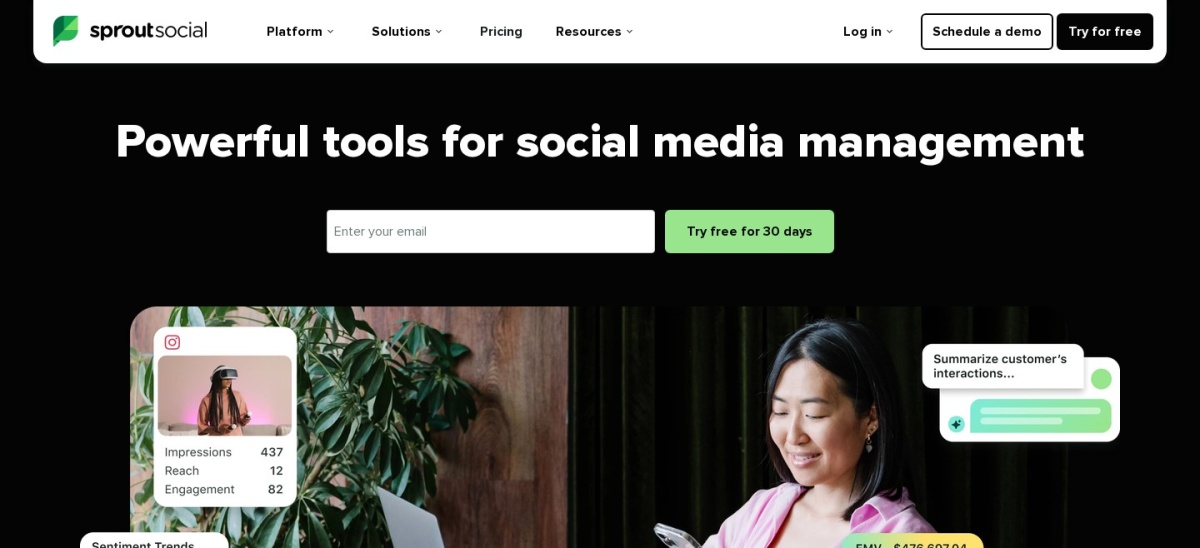
Sprout Social homepage, captured Nov 2026.
Sprout Social is a social media management platform providing Instagram scheduling, content planning, performance reporting and audience management. Its Essentials plan includes 5 social profiles, optimal send times, profile and post-level reports and an AI assistant. Higher tiers introduce additional monitoring, engagement and workflow capabilities.
The trade off is the $99 monthly per-seat entry price, or $79 per seat monthly with annual billing. Standard and higher plans add more comprehensive inbox and monitoring functions at additional cost. It suits established businesses that need Instagram publishing within a broader social media operation.
What we like
Centralized content publishing
Optimal send-time recommendations
Profile and post performance reporting
Scalable analytics and collaboration options
Large G2 review base
Watch out for
High starting cost for individual creators
Pricing increases with each seat
More advanced inbox and reporting tools require upgrades
Can Instagram scheduling tools publish Reels, Stories and carousels automatically?
Many Instagram schedulers support automatic publishing for standard posts, Reels, Stories and eligible carousels. However, the specific publishing method depends on the content type, account permissions and features requested.
Later offers Reels and Stories scheduling alongside its visual calendar. Planoly supports auto-posting where available and uses mobile notifications for content requiring native Instagram editing features.
Sendible's published documentation also illustrates a common limitation: standard image carousels may publish automatically, while mixed-media carousels can require a mobile notification. These differences are important when selecting a scheduler for video-heavy campaigns.
Before subscribing, check the product's latest instructions for commercial music, stickers, collaborative posts and other advanced Instagram features. A scheduled reminder is not the same as unattended automatic publishing.
How much should Instagram scheduling software cost?
For a single creator, a permanent free plan or a modest monthly subscription is usually sufficient. Planoly starts at $16 monthly, Later at $25 monthly and Metricool at $25 monthly when paying month to month.
For multi-account management, SocialPilot offers 7 social accounts at its regular $30 monthly entry price. Loomly costs $65 monthly but includes 3 users and 12 accounts.
Agorapulse and Sprout Social start at $99 monthly on their regular month-to-month entry rates, with per-user or per-seat billing. These platforms make more sense when engagement management, reporting and team processes are central requirements.
The price ladder compares regular monthly entry rates multiplied by 12. Actual annual subscriptions may cost less because of standard annual-billing discounts. Promotional sale prices are excluded.
How we chose
We built this list around established Instagram scheduling platforms with active products, published feature documentation and meaningful public review histories. We compared Instagram-specific scheduling, visual calendars, supported publishing formats, analytics, collaboration features and suitability for different business sizes.
Prices and G2 review data were checked against available official product pages and public review listings for the November 2026 comparison, with the research pages opened on 23 November 2026. Pricing uses the cheapest regular paid monthly plan where available, excluding introductory promotions and temporary sales. Annualized figures represent twelve months at that monthly rate.
We excluded discontinued services, products without clearly verifiable paid entry prices and services primarily focused on unrelated marketing functions. We also excluded usage-only pricing models that could not be represented as a comparable flat subscription. No vendor paid for a place, and we do not claim testing for this list.
How to choose the right Instagram scheduling tool
Start by listing the Instagram accounts, publishing formats and people involved in your workflow. Then compare how each tool handles scheduling, reporting and subscription limits.
Decide which Instagram content formats you publish. Check support for feed posts, Reels, Stories and carousels. If your content uses native music, interactive stickers or special editing features, confirm whether the scheduler can publish automatically or only sends a reminder.
Calculate your monthly publishing volume. Compare your planned posts with each tool's allowance. Later Starter supports 30 posts per profile monthly, Metricool Free allows 20 scheduled posts monthly, and Planoly Starter includes unlimited publishing.
Count your accounts and collaborators. A plan designed for individual creators may be insufficient for agencies. Check social profile limits, team seats, approval workflows and account access before comparing the advertised entry prices.
Match analytics and engagement features to your goals. Choose a visual planner when your priority is feed consistency. Consider Metricool for analytics, or Agorapulse and Sprout Social when your team also needs engagement workflows and broader reporting.
FAQ
What is the best Instagram scheduling tool in 2026?
Later is our top overall choice for Instagram-focused visual content planning. Its Starter plan costs $25 monthly and includes 30 scheduled posts per profile, Link in Bio and Instagram analytics. Planoly is a strong alternative for feed-grid planning, while Metricool offers useful free scheduling and analytics.
What is the best free Instagram scheduling tool?
Metricool is a strong free choice because its permanent free plan supports one brand and 20 scheduled posts each month. It also provides basic analytics and competitor tracking. Planoly has a free mobile option allowing 10 uploads monthly, making it another choice for creators with lighter publishing needs.
Can I schedule Instagram Reels automatically?
Yes, several Instagram scheduling platforms support scheduled Reels publishing. However, automatic publication depends on Instagram account permissions, the Reel's features and the scheduler's supported workflow. Reels using special audio or native editing options may require manual completion through Instagram rather than fully automatic publication.
Can Instagram scheduling tools publish Stories automatically?
Many tools support scheduled Stories, but not every Story can be published automatically. Interactive elements, music and certain native Instagram features may require a notification-based workflow. Check the scheduler's current Story publishing documentation and test your intended content format during a trial.
Is Later better than Planoly for Instagram?
Later is a good choice when you want structured Instagram content scheduling, analytics and Link in Bio features. Planoly may be preferable if visual feed arrangement and creator-oriented publishing are priorities. Planoly Starter costs $16 monthly with unlimited posts, while Later Starter costs $25 monthly with a 30-post-per-profile allowance.
Which Instagram scheduling tool is best for agencies?
SocialPilot, Loomly and Agorapulse are worth comparing for agency workflows. SocialPilot Essentials includes 7 social accounts for $30 monthly. Loomly Starter includes 12 accounts and 3 users at $65 monthly. Agorapulse is more expensive but adds publishing and engagement management in one platform.
How much does Instagram scheduling software cost?
Basic paid plans in this comparison begin at $16 monthly for Planoly. Later and Metricool start at $25 monthly, while SocialPilot begins at $30. Team-focused platforms can cost considerably more, particularly when pricing is based on each user or seat. Free options are available for lighter scheduling needs.
Do Instagram scheduling tools improve engagement?
A scheduling tool does not guarantee higher engagement. Its main benefits are consistent publishing, better content organization and easier performance review. Features such as best-time-to-post suggestions and analytics can help you make informed decisions, but content quality, audience relevance and community interaction remain important.