Best LinkedIn Automation Tools in 2026: 9 Tools Compared
WLWPLegible EditorsLast verified 23 Nov 2026How we rank13 min read
★ Short answer
Expandi is the best LinkedIn automation tool for sales teams, with branching cloud campaigns and a dedicated IP per seat, rated 4.3 out of 5 by 179 reviewers on G2. Dripify is the easiest pick at $59 a month, and Linked Helper is the cheapest serious option at $15 a month.
How we make this list: we compare pricing pages, product documentation and public user reviews, then re-check every price before each update. No product paid for a place. Disclosure.
Expandi is the best all-round LinkedIn automation tool, with branching cloud campaigns and a dedicated IP per seat from $99 a month.
Dripify is the easiest full-featured pick, rated 4.5 out of 5 by 354 reviewers, with Basic at $59 a month.
Linked Helper is the cheapest serious option at $15 a month, or $8.25 on a 12-month licence, but it stops when your computer is off.
Octopus CRM is the cheapest entry at $9.99 a month, a Chrome extension for solo users on a tight budget.
LinkedIn bans third-party automation, so no tool here is risk-free, and Sales Navigator at $119.99 a month is the safe prospecting layer most setups pair with automation.
What LinkedIn automation tools should do
A sales rep can hold hundreds of LinkedIn conversations without typing each message by hand. Automation tools send connection requests, follow-ups, and profile visits on a schedule, so the rep spends the day on replies instead of clicks.
The catch is LinkedIn's rules. The User Agreement bans third-party automation and scraping, so every tool here carries some account risk. Cloud tools with dedicated IPs and daily caps are safer than aggressive desktop tools, but a restricted account is always possible.
The tools split by how they run. Cloud platforms keep working when your computer is off, Linked Helper runs on your desktop, and Octopus CRM lives in Chrome, so both stop when you close them.
Most serious setups pair an automation tool with LinkedIn Sales Navigator, which adds $119.99 a month per licence for the targeting lists the automation runs on. Our guide to the best sales automation software covers the wider stack.
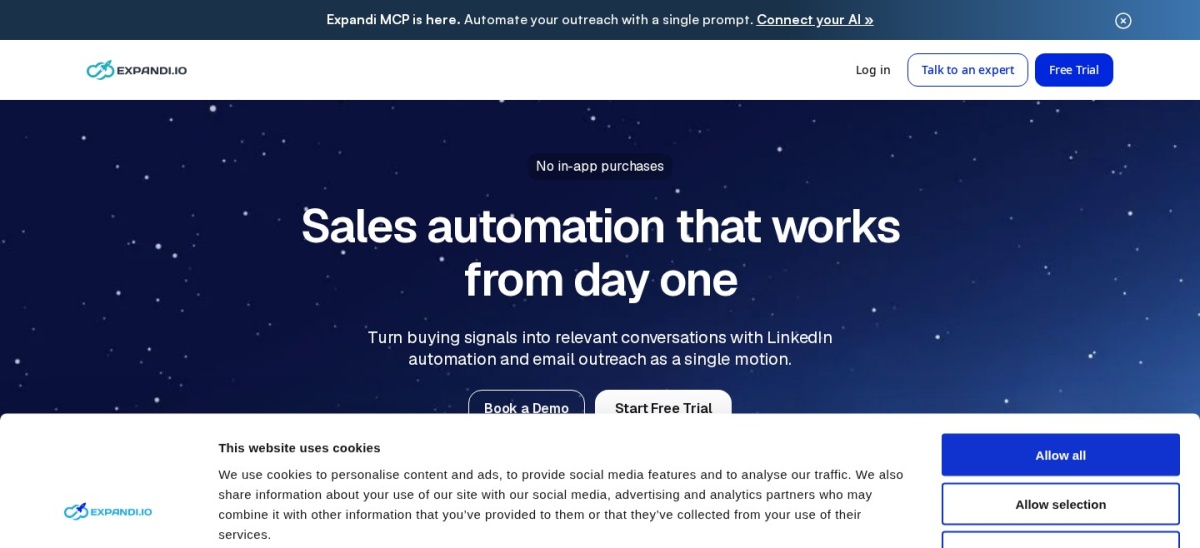
Expandi is the strongest all-round pick for a sales team that lives on LinkedIn. It runs cloud-based campaigns with branching logic, so a connection request can trigger a different follow-up depending on whether the lead accepts, replies, or visits your profile, and each seat runs from its own dedicated IP address.
The trade off is price and the add-ons. Business costs $99 a month per account, or $79 on annual billing, image, GIF and video personalization cost extra, and it works best when paired with Sales Navigator at another $119.99 a month per seat. It suits teams where one rep owns LinkedIn outreach full-time.
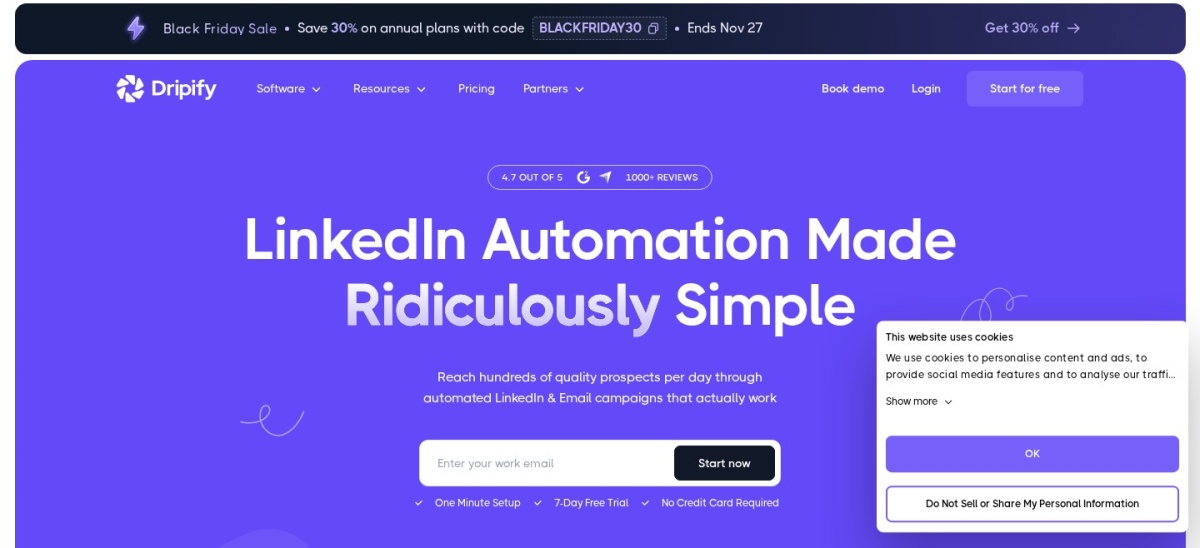
Dripify is the easiest of the full-featured tools to run day to day. Its drip campaigns combine LinkedIn steps with email follow-ups, and the interface makes it simple to see where every lead sits in a sequence. Basic costs $59 a month per user, or $39 on annual billing.
The trade off is the limits on Basic. It allows a single campaign and 20 connection requests a day, so a team running several audiences at once needs Pro at $59 a month on annual billing. It suits solo reps and small teams that want guided campaigns without a steep learning curve.
What we like
Easiest full-featured tool here
Largest review base after Sales Navigator
Drip campaigns with email follow-ups
Watch out for
Basic allows only one campaign
Email-finder credits cap at 100 a month
Fewer integrations than Expandi or Skylead
Pro removes the campaign cap at $59 a month billed annuallyVisit dripify.com
03
Linked Helper
4.5/5on G2 (149 reviews, checked Nov 2026)
Starts at$15/mo
Cheapest serious option
RunningDesktop app on your computer
Price$15/mo, $8.25 on 12 months
CRMBuilt-in CRM with tags and notes
Paid planStandard, $15/mo
linkedhelper.com
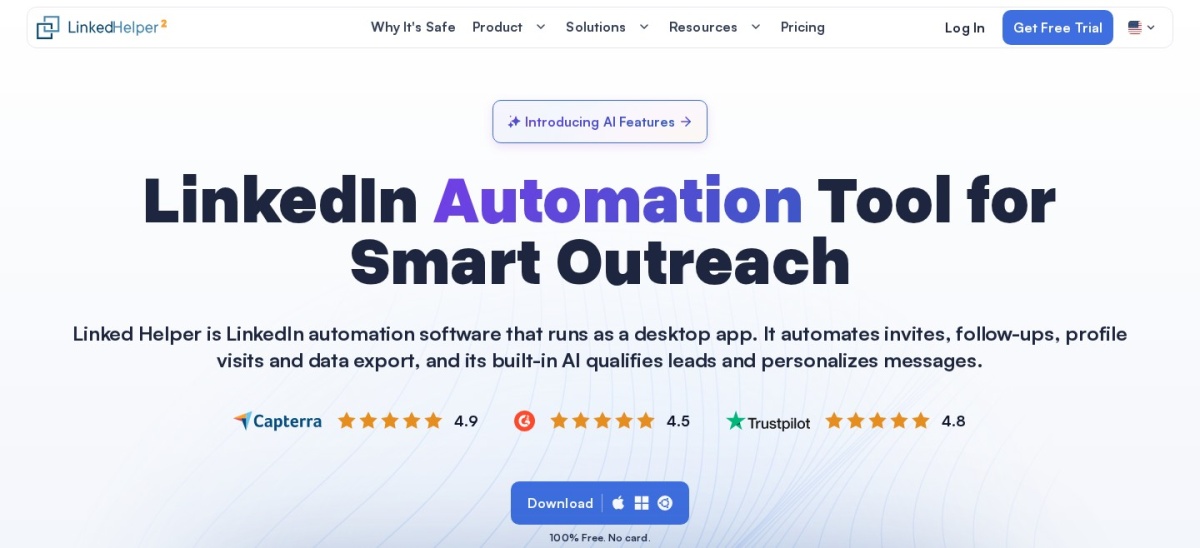
Linked Helper homepage, captured Nov 2026.
Linked Helper is the cheapest serious tool in this list, and the only one that runs as a desktop app on your own computer. Standard costs $15 a month per account, or $8.25 a month on a 12-month licence, and includes sequences, profile visits, messages, and a built-in CRM with tags and notes.
The trade off is the desktop design. Your computer must stay on for campaigns to run, the interface takes longer to learn than the cloud tools, and there is no cloud sync on the local version unless you pay for the cloud edition at $29.90 a month. It suits solo operators on a tight budget.
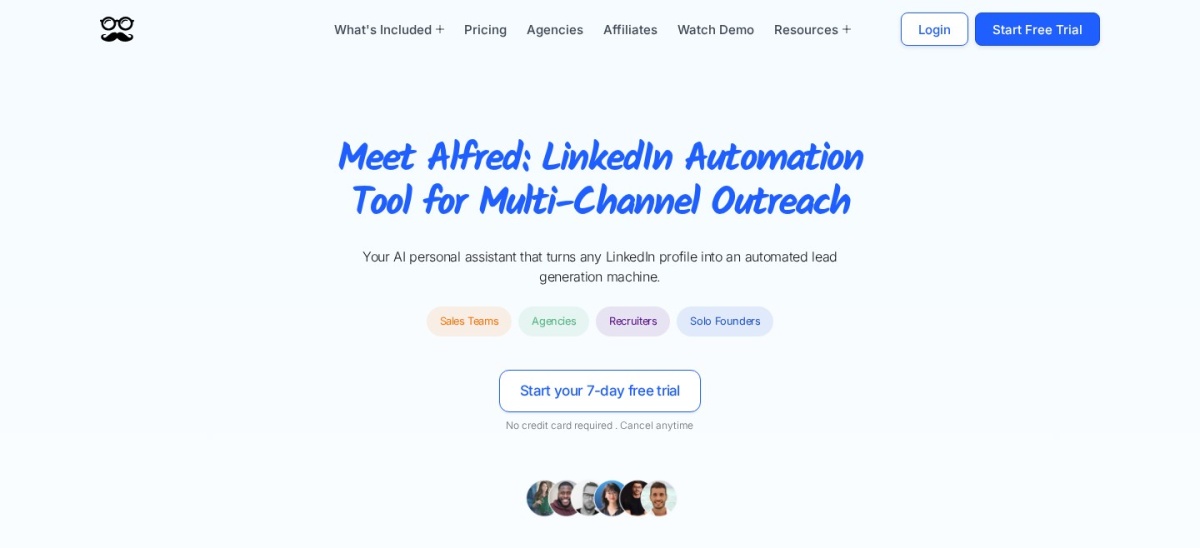
Meet Alfred runs LinkedIn, email, and X outreach from one campaign builder, which suits a rep who prospects across channels. Individual costs $59 a month per seat, or $35 on annual billing, and covers LinkedIn-only automation with three campaigns, a smart inbox, and a lead finder with 1,000 results.
The trade off is the plan ladder. Individual caps you at three campaigns, and the cheaper Teams plan at $79 a seat needs three seats, so a solo buyer pays $99 for the full multichannel set. It suits reps who want one workspace for LinkedIn, email, and X.
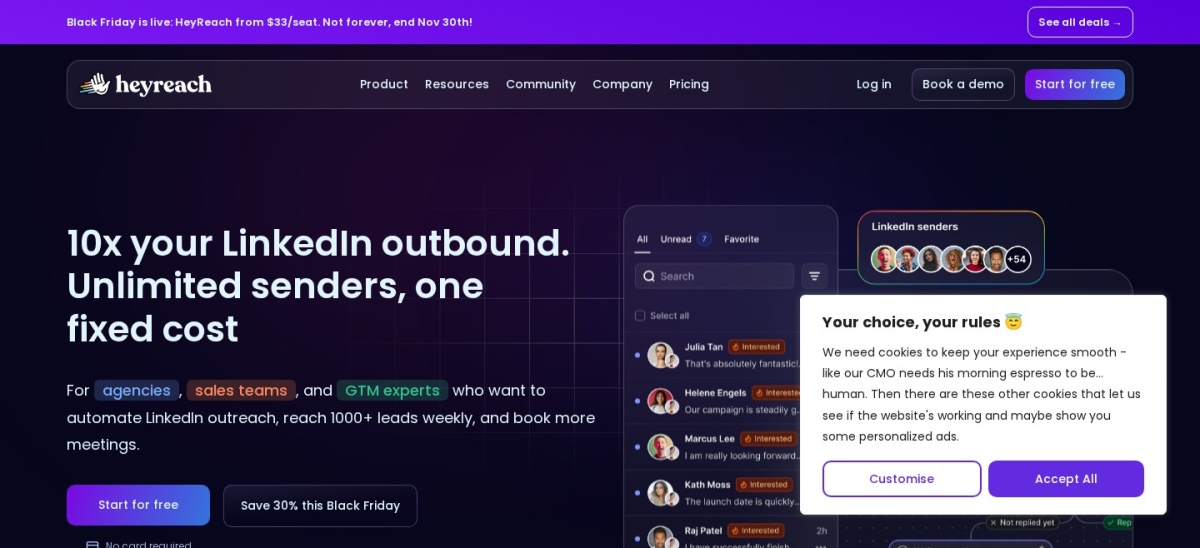
HeyReach is built for agencies and teams that run outreach from many LinkedIn accounts at once. Growth costs $79 a month per sender, or $64 on annual billing, and every sender gets a dedicated residential proxy, 100 enrichment credits a month, and access to a unified inbox where all replies land.
The trade off is per-sender maths. Five accounts cost $395 a month before any email, because HeyReach sends no email itself and needs Instantly or Smartlead for that side. It suits agencies where volume across many accounts is the job, not a single rep's outreach.
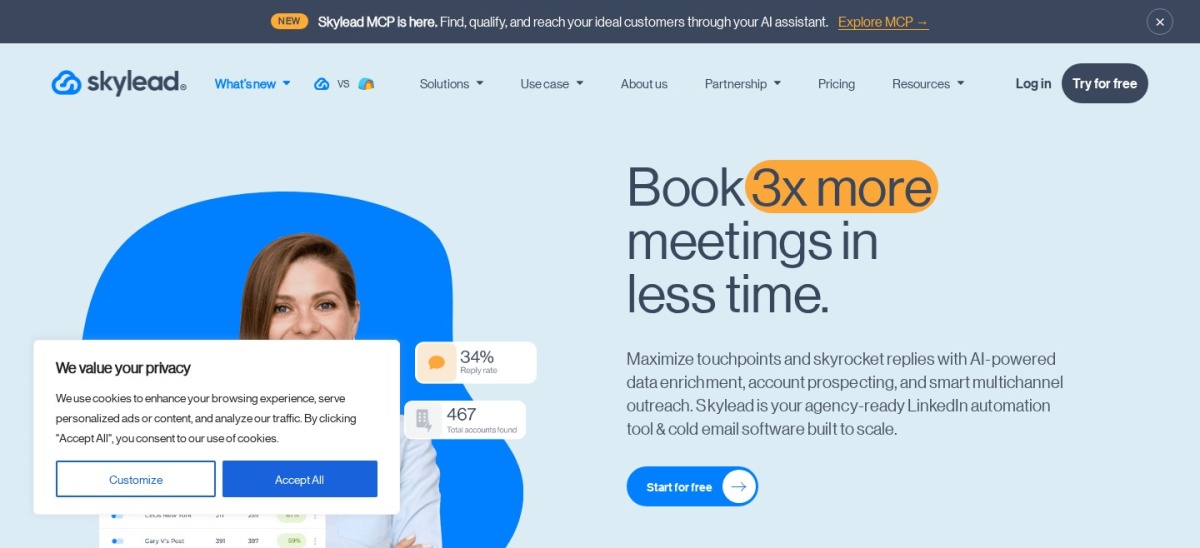
Skylead combines prospecting, enrichment, and LinkedIn-plus-email outreach in one subscription, so a team can find leads and message them without a second tool. The All-in-one plan costs $100 a month per seat and includes smart sequences, a B2B database, account-based prospecting, post signals, and email warm-up.
The trade off is the flat price. There is no cheaper tier, so a solo rep pays the same $100 a seat as a team, and AI enrichment and AI SDR replies are paid add-ons priced by credits. It suits teams that want prospecting and outreach in one place and can use the database enough to justify the price.
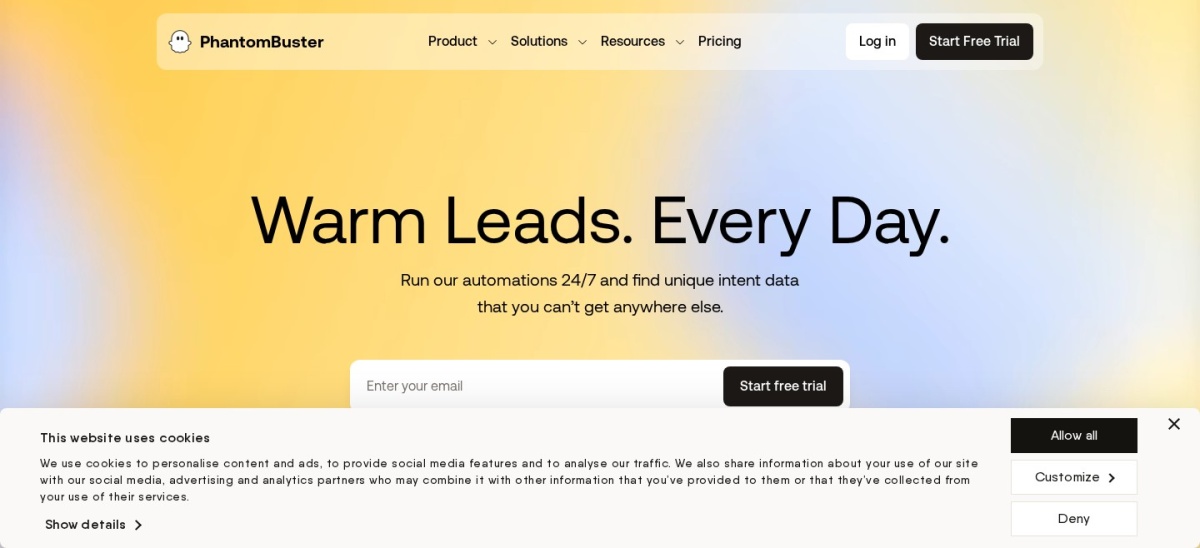
PhantomBuster is a toolbox rather than a campaign tool: more than 100 small automations, called Phantoms, extract data from LinkedIn, Sales Navigator, Google Maps, and other sites, then enrich it and feed it into outreach. Start costs $69 a month, or $56 on annual billing, with 5 Phantom slots and 20 execution hours a month.
The trade off is complexity and fragility. Execution hours and credits are hard to predict until you have run a few workflows, and Phantoms can break when LinkedIn changes its pages. It suits growth teams whose bottleneck is list-building and enrichment, not writing messages.
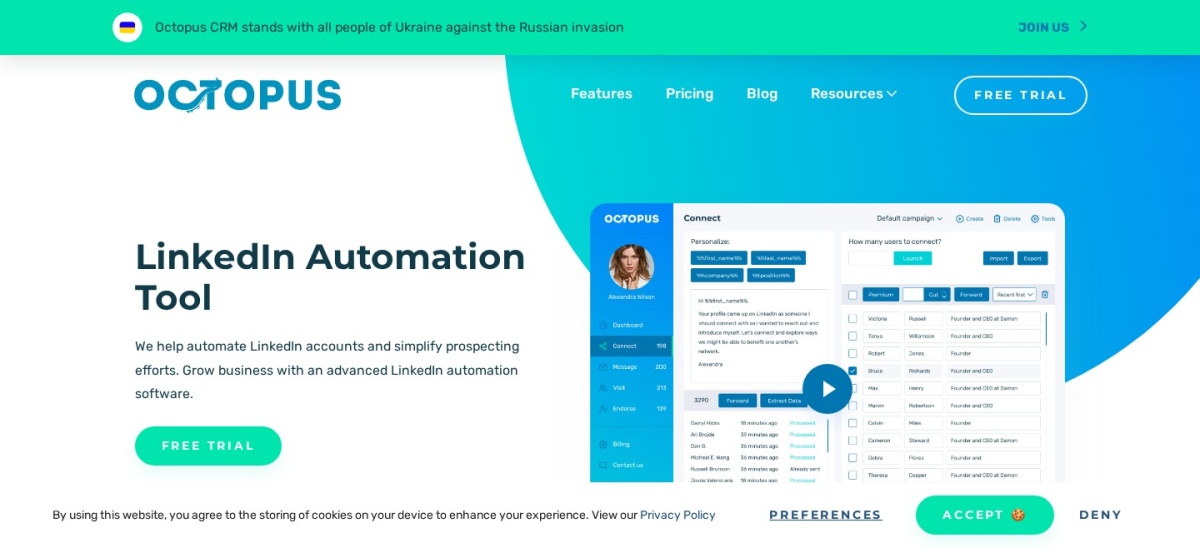
Octopus CRM is the cheapest way into LinkedIn automation: Starter costs $9.99 a month, or $6.99 on annual billing, and covers automated connection requests, bulk messages, profile visits, skill endorsements, and a personal CRM. It runs as a Chrome extension, so setup takes minutes.
The trade off is a narrow tool. It works only in Chrome, stops when the browser closes, and has no email, no cloud running, and no real team features. It suits solo users on a budget under $10 a month who send LinkedIn messages from their own browser.
LinkedIn Sales Navigator homepage, captured Nov 2026.
LinkedIn Sales Navigator is not an automation tool, and that is exactly why it belongs in this list: it is the prospecting layer most of the tools above are built on. Core costs $119.99 a month per licence, or $1,079.88 a year, and adds advanced lead search, saved lists, alerts, and 50 InMail credits a month.
The trade off is that it cannot send. Sales Navigator runs no sequences, sends no bulk messages, and automates no follow-ups, so it needs an automation tool beside it. It suits sellers whose lists are the bottleneck and who want LinkedIn's own search without breaking its rules.
Cloud vs desktop vs extension: how automation runs
Cloud tools such as Expandi, Dripify, HeyReach and Skylead run on the vendor's servers, so campaigns continue when your computer is off and your team can share one dashboard. They usually run from a dedicated IP per seat, which vendors sell as a safety feature.
Desktop tools such as Linked Helper run on your own computer, so campaigns stop when the machine sleeps, and there is no cloud sync unless you pay for the cloud edition. The upside is your own residential IP and a one-time feel to the workflow.
Extension tools such as Octopus CRM live in Chrome, so they stop when the browser closes and have no email or team features. They are the cheapest way in, but they are also the easiest for LinkedIn to detect.
How we chose
We started from the tools that appear most often in LinkedIn automation roundups and G2's sales engagement category, then kept the nine with a clear automation feature and a public G2 rating.
Prices come from each vendor's pricing page or, where the vendor page is hard to read, from pricing guides that read the vendor page, checked on 23 November 2026. Expandi's Business plan is $99 a month, or $79 on annual billing, and Linked Helper's 12-month licence is $8.25 a month. Ratings and review counts come from G2 on the same day.
We left out tools priced only in euros, such as Waalaxy, and tools with no public G2 rating. Skylead's G2 rating is reported differently across sources: we use 4.5 out of 5 from 127 reviews, the figure its own comparison page and an independent roundup agree on. No vendor paid for a place, and this list is based on pricing, docs and reviews, not on using the tools ourselves.
How to choose LinkedIn automation tools
Start with the billing unit, then check how it runs, the daily limits, and the account risk before you look at price.
Start with the billing unit. Expandi, Dripify, and Skylead charge per seat, HeyReach charges per sender, PhantomBuster charges per workspace, and Sales Navigator charges per licence. A $79 tool can cost more than a $99 tool once you multiply by seats.
Decide whether you need email too. Dripify, Meet Alfred, and Skylead run email in the same sequence as LinkedIn. Expandi adds email steps, while HeyReach and Octopus CRM send no email at all.
Check how it runs. Cloud tools keep working when your computer is off. Linked Helper runs on your desktop and Octopus CRM lives in Chrome, so both stop when you close them.
Trial it with a real list before you pay. The trials run 7 to 14 days, which is long enough to send one genuine campaign. Check that replies land in one inbox you can actually work from, and that the daily caps fit your volume.
FAQ
What is the best LinkedIn automation tool?
Expandi is the best all-round pick for a team that lives on LinkedIn, with branching campaigns and a dedicated IP per seat, rated 4.3 out of 5 by 179 reviewers on G2. Dripify is the easier pick at $59 a month, and Linked Helper is the budget pick at $15 a month.
Is LinkedIn automation allowed?
No. LinkedIn's User Agreement bans third-party software that automates or scrapes activity on its site, so every tool here carries some account risk. Cloud tools with dedicated IPs and daily caps are safer than aggressive desktop tools, but a restricted account is always possible.
How much does LinkedIn automation cost?
Entry prices run from $9.99 a month with Octopus CRM and $15 with Linked Helper to $99 with Expandi and $100 with Skylead. Sales Navigator, which most setups pair with automation, adds $119.99 a month per licence.
Do I need Sales Navigator too?
Usually, yes. Sales Navigator is the prospecting layer most automation tools are built on, with advanced search, saved lists and alerts. It cannot run sequences itself, so it needs an automation tool beside it, and the pairing is the real monthly cost.
What is the cheapest LinkedIn automation tool?
Octopus CRM is the cheapest entry at $9.99 a month, or $6.99 on annual billing, as a Chrome extension for solo users. Linked Helper is the cheapest serious option at $15 a month, or $8.25 on a 12-month licence, with a built-in CRM.
Cloud or desktop automation: which is safer?
Cloud tools are generally safer, because they run from dedicated IPs with daily caps and human-like delays. Desktop and extension tools run from your own machine or browser, so they stop when you close them and are easier to detect. Keep volumes low either way.