Best Law Firm Accounting Software in 2026: 8 Tools Compared
WLWPLegible EditorsLast verified 23 Nov 2026How we rank12 min read
★ Short answer
Clio is the best law firm accounting software for most firms. It is the largest legal practice platform, used by more than 400,000 legal professionals, with billing, payments and trust accounting in one system. Pick CosmoLex when you want accounting built into the practice platform, or LeanLaw if your firm already runs on QuickBooks Online.
How we make this list: we compare pricing pages, product documentation and public user reviews, then re-check every price before each update. No product paid for a place. Disclosure.
Clio is the best pick for most firms, rated 4.6 out of 5 on G2 from 997 reviews, with billing, payments and trust accounting in one platform used by more than 400,000 legal professionals.
CosmoLex has the deepest built-in accounting, with trust ledgers and a general ledger in one database, so firms can drop QuickBooks entirely.
LeanLaw is the natural choice for firms already on QuickBooks Online, at $55 per user a month, with legal billing and trust records syncing into QuickBooks two ways.
Xero is the cheapest published start at $27 a month, with unlimited users, but it handles no trust accounting on its own.
QuickBooks Online is the most widely supported general ledger a bookkeeper can work with, at $38 a month, but it needs a legal add-on for trust accounting.
What law firm accounting software should cover
Law firm accounting is ordinary bookkeeping plus one hard part: client money. Retainers, settlement funds and advanced costs sit in an IOLTA trust account, and the software must keep client trust ledgers separate from operating funds and run a three-way reconciliation that satisfies your state bar.
The tools split into two camps. Legal platforms such as Clio, CosmoLex, PracticePanther, MyCase and Centerbase build trust accounting into practice management, so matters, billing and the books live in one system. General tools such as QuickBooks Online and Xero do clean bookkeeping but handle no trust accounting at all, so firms pair them with a legal layer such as LeanLaw.
Pricing is mostly hidden. Clio, MyCase, CosmoLex, PracticePanther and Centerbase price by quote, so costs depend on firm size and features. Only Xero at $27 a month and LeanLaw at $55 per user a month publish starting prices.
Trust accounting rules vary by state, so confirm three-way reconciliation and IOLTA support before committing. Ask the vendor to show a three-way reconciliation in a live demo, not just in marketing copy, and test the billing workflow end to end during the trial.
Clio is the largest legal practice platform, used by more than 400,000 legal professionals in over 130 countries and approved by 50 US state bar associations. It connects intake, matters, documents, billing and payments in one platform, with built-in AI that draws on matter context and its own legal library. A free trial is offered, and support is available 24 hours a day, five days a week.
The trade off is accounting depth. Clio covers firm accounting through billing and reporting, but firms with complex accounting needs may still pair it with a dedicated bookkeeping tool, and pricing is not published on the homepage. It suits firms that want one platform for the practice and the business of law.
What we like
Largest legal platform, 4.6 out of 5 on G2
Approved by 50 state bar associations
Billing, payments and trust accounting in one system
Watch out for
Accounting depth trails dedicated tools
Pricing not published on the homepage
Full books usually still kept elsewhere
Clio Accounting add-on at $29 per user a month; one free Accounting license per subscriptionVisit clio.com
02
CosmoLex
4.2/5on G2 (331 reviews, checked Nov 2026)
Starts at$49/mo
Best for built-in legal accounting
Free planNo, free trial
Trust accountingYes, three-way reconciliation
General ledgerYes, Pro plan
Paid planLaunch, $49/user/mo
cosmolex.com
CosmoLex homepage, captured Nov 2026.
CosmoLex describes itself as the only fully built-in matter management and firm accounting solution for small and mid-sized law firms. It connects matter management, billing, payments and firm accounting in one cloud system, with trust accounting tools that support three-way reconciliation and audit trails.
The trade off is ecosystem size. CosmoLex has fewer third-party integrations than Clio or QuickBooks, though it covers email and payment processing, and pricing is quote-based. It suits firms that want to drop QuickBooks entirely and run accounting inside their practice software.
What we like
Only matter-centric system with fully built-in accounting
Trust ledgers on all plans with three-way reconciliation
Free trial available
Watch out for
Pricing not published on the homepage
Smaller ecosystem than Clio
Fewer third-party integrations
Launch from $49, Core $99 and Pro $129 per user a month, per third-party price listsVisit cosmolex.com
03
PracticePanther
4.3/5on G2 (113 reviews, checked Nov 2026)
Starts at$49/mo
Best for practice plus real accounting depth
Free planNo, 7-day free trial
Trust accountingYes, three-way reconciliation
General ledgerYes
Paid planFrom $49/user/mo annual
practicepanther.com
PracticePanther homepage, captured Nov 2026.
PracticePanther is an all-in-one legal practice platform with case management, calendaring, client communication, billing and payments. Its accounting stands out: fully embedded trust accounting, a general ledger and financial reporting, with three-way trust reconciliations completed in minutes. It is approved by more than 70 bar associations and offers a 7-day free trial with no credit card needed.
The trade off is pricing. Plans run from Solo through Essential, Business and Business Pro, with pricing available on request rather than on the homepage, and some firms report a learning curve. It suits firms that want practice management plus real accounting depth in one platform.
What we like
Fully embedded accounting with trust reconciliation
General ledger and financial reporting built in
Approved by more than 70 bar associations
Watch out for
Pricing not published on the homepage
Some firms report a learning curve
Per-user pricing climbs with firm size
Plans from Solo to Business Pro; from $49 per user a month billed annually, per third-party listsVisit practicepanther.com
04
MyCase
4.4/5on G2 (390 reviews, checked Nov 2026)
Starts at$50/mo
Best for small firms that want it all in one login
Free planNo
Trust accountingYes, IOLTA-compliant
PaymentsLawPay built in
Paid planBasic, $50/user/mo annual
mycase.com
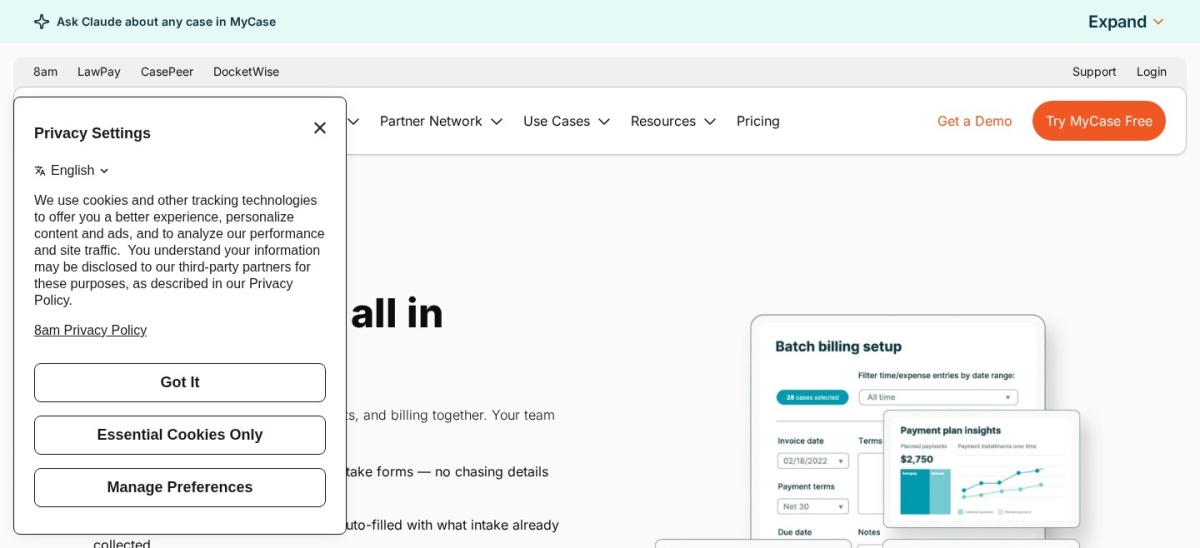
MyCase homepage, captured Nov 2026.
MyCase, now part of the 8am family, is an all-in-one practice platform that keeps cases, clients, documents and billing together. It offers customizable intake forms, a 24-hour client portal, texting with a dedicated number, time and expense tracking, and payments powered by 8am LawPay, including IOLTA-compliant credit card, eCheck and mobile wallet payments. More than 19,000 firms use it.
The trade off is pricing and add-ons. Pricing is not published on the homepage, and full three-way reconciliation comes from the MyCase Accounting add-on at $39 per user a month, available only on the Pro and Advanced plans. It suits small firms that want practice management plus billing and payments in one system.
What we like
IOLTA-compliant payments built in
Client portal with texting
19,000 plus firms use it
Watch out for
Pricing not published on the homepage
Three-way reconciliation needs the $39 add-on
AI features are newer
Basic from $50 per user a month billed annually; Accounting add-on $39 on Pro and AdvancedVisit mycase.com
05
LeanLaw
4.5/5on G2 (1 reviews, checked Nov 2026)
Starts at$55/mo
Best for QuickBooks-based firms
Free planNo, 7-day free trial
Trust accountingYes
QuickBooks syncYes, two-way
Paid planCore, $55/user/mo
leanlaw.co
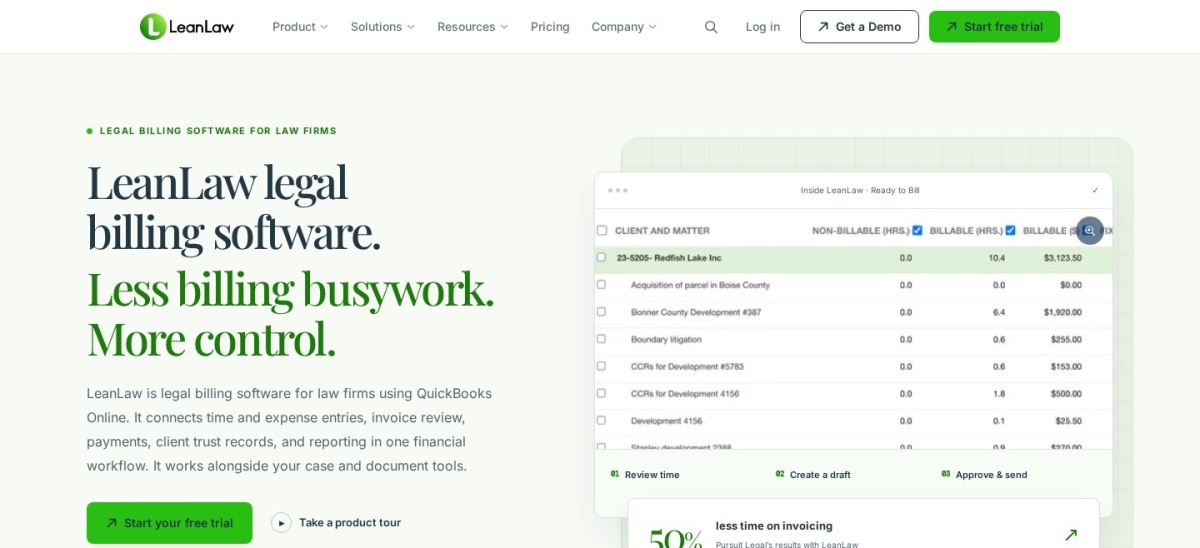
LeanLaw homepage, captured Nov 2026.
LeanLaw is legal billing software built specifically for firms using QuickBooks Online. Its Core plan starts at $55 per user per month, with Pro at $75 per user per month and custom Elite and Contingency plans. It connects time and expense entries, invoice review, payments, client trust records and reporting in one workflow, with two-way QuickBooks Online sync.
The trade off is the requirement. An active QuickBooks Online subscription is mandatory, and QuickBooks Desktop is not supported, so the real cost is LeanLaw plus QuickBooks. It suits firms already committed to QuickBooks Online that want legal billing without a second ledger.
What we like
Built on QuickBooks Online with two-way sync
Trust accounting included
7-day free trial
Watch out for
Requires QuickBooks Online, a second subscription
QuickBooks Desktop not supported
G2 score rests on a single review
7-day free trial, no credit card needed; Pro at $75 per user a monthVisit leanlaw.co
06
Xero
4.4/5on G2 (1,832 reviews, checked Nov 2026)
Starts at$27/mo
Best cheap general ledger for small firms
Free planNo, 30-day free trial
Trust accountingNo, needs a legal add-on
UsersUnlimited
Paid planEarly, $27/mo
xero.com
Xero homepage, captured Nov 2026.
Xero is a cloud accounting platform used by 5 million customers worldwide, with an Early plan at $27 per month that covers quotes, invoicing, bank reconciliation and receipt capture. The Growing plan at $59 per month adds dashboards and budget tools, while Established at $97 per month adds project tracking and expense claims. Its AI assistant, JAX, handles routine tasks.
The trade off is trust accounting. Like QuickBooks, Xero is general accounting software, not legal software, so it lacks trust accounting, matter-based billing and legal reporting, and law firms need a practice tool alongside it. It suits small firms that want clean, affordable bookkeeping and handle trust funds in a dedicated system.
What we like
Cheapest published start here at $27 a month
Unlimited users on every plan
Clean interface with smart receipt capture
Watch out for
No built-in trust accounting
No matter-based billing
US payroll features trail QuickBooks
Growing at $59 a month adds dashboards; Established at $97 adds project trackingVisit xero.com
07
QuickBooks Online
4/5on G2 (3,871 reviews, checked Nov 2026)
Starts at$38/mo
Best general ledger a bookkeeper knows
Free planNo, 30-day free trial
Trust accountingNo, needs a legal add-on
Integrations800 plus
Paid planSimple Start, $38/mo
quickbooks.intuit.com
QuickBooks Online homepage, captured Nov 2026.
QuickBooks Online is the default bookkeeping tool for US small businesses, and law firms can use it for general accounting, invoicing, payroll and expense tracking. Its homepage highlights AI features that automate recurring tasks and forecasts grounded in live business data, plus more than 800 integrations with other business tools. Simple Start costs $38 a month for one user.
The trade off is trust accounting. QuickBooks does not offer built-in IOLTA trust accounting or three-way reconciliation, so firms that hold client funds need a legal add-on like LeanLaw or a separate trust ledger. It suits firms that keep trust funds elsewhere or use a dedicated trust tool and want the most widely supported general ledger a bookkeeper can work with.
Best for mid-sized firms that want one source of truth
Free planNo
Trust accountingYes, automatic reconciliation
QuickBooks neededNo
Paid planCustom quote
centerbase.com
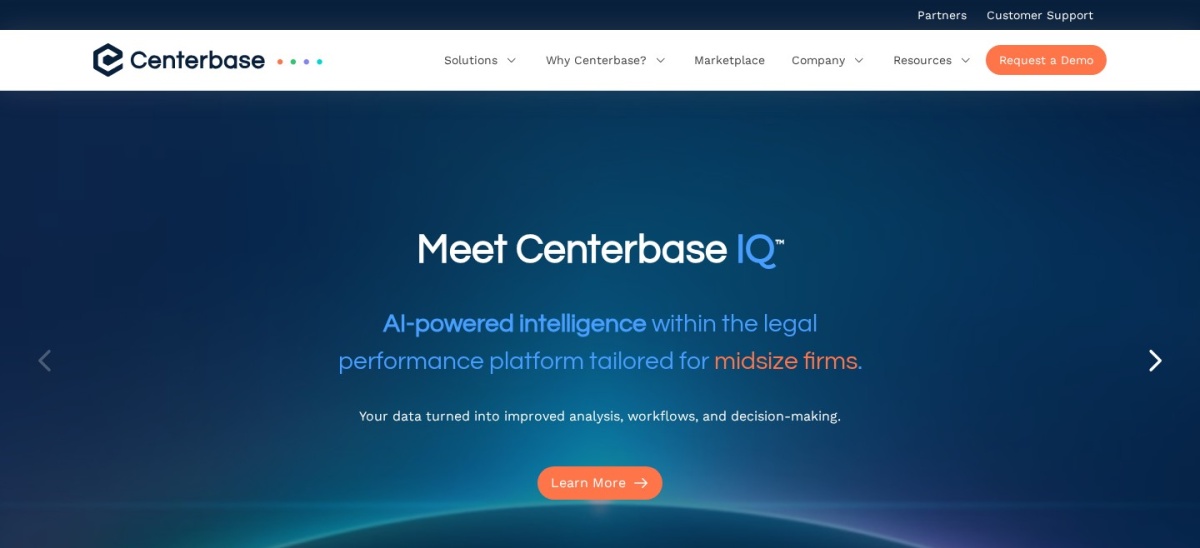
Centerbase homepage, captured Nov 2026.
Centerbase is an AI-powered business platform built for mid-sized law firms, unifying billing and collections, accounting, matter management and firm intelligence in one native platform. It requires no QuickBooks dependency, reconciles trust automatically, and offers passive time capture across Outlook and Word so work actually gets billed.
The trade off is focus and proof. The mid-market focus means solos may find it heavier than needed, pricing is quote-based, and G2 shows only 4.1 out of 5 from 22 reviews. It suits mid-sized firms that want one source of truth for every matter, client and dollar.
What we like
No QuickBooks dependency
Trust reconciled automatically
Passive time capture so work gets billed
Watch out for
Mid-market focus may price out solos
Quote-based pricing
Small G2 review base of 22 reviews
Passive time capture across Outlook and Word; trust reconciled automaticallyVisit centerbase.com
One system or two
A single platform with built-in accounting reduces double entry and reconciliation work, but it may limit your bookkeeper's flexibility. CosmoLex, PracticePanther and Centerbase take this route, with trust ledgers and a general ledger in the same database.
A two-system setup with QuickBooks Online plus LeanLaw keeps the general ledger your bookkeeper knows, at the cost of managing a connection between two subscriptions. LeanLaw syncs time entries, invoices, payments and trust activity into QuickBooks Online two ways.
QuickBooks Online and Xero on their own do not track client-level trust balances, so a firm needs a legal layer on top or a legal-specific system. For a two-person firm, the yearly cost runs roughly $660 for a trust-only tool with QuickBooks, about $1,800 for QuickBooks plus LeanLaw, or about $2,900 for CosmoLex.
Match the choice to your firm's size and your bookkeeper's skills. A solo who needs trust compliance on a budget starts with the cheapest compliant option, while a mid-size firm with an office staff gains more from one system that everyone uses.
How we chose
We started from the law firm accounting tools most often listed on G2 and in legal software comparisons, then kept those with a published price or a free trial and a real accounting use case.
Prices come from each vendor's pricing page and from comparison pages that checked those pages in October and November 2026. Ratings and review counts come from G2 on the same day. Where a vendor publishes no price, the list says Custom and shows a zero yearly figure rather than inventing one.
We left out tools with no G2 rating and no published price. No vendor paid for a place, and this list is based on pricing, docs and reviews, not on using the tools ourselves.
How to choose law firm accounting software
Start with trust accounting, then decide whether you want one system or two.
Start with trust accounting. If your firm holds client funds, your software must handle IOLTA accounts, three-way reconciliation and audit trails that satisfy your state bar. CosmoLex, PracticePanther and Centerbase build this in, while QuickBooks and Xero do not.
Decide whether you want one system or two. A single platform reduces double entry but may limit your bookkeeper. A QuickBooks plus LeanLaw setup keeps the ledger your bookkeeper knows, at the cost of managing a connection.
Check the per-user math. Most legal tools charge per user a month, so a ten-person firm pays ten times the headline price. Xero charges a flat monthly rate with unlimited users.
Test billing end to end during the trial. Record time, generate an invoice, apply a trust payment and run a month-end report. Check split billing, flat fees and contingency matters if your practice needs them.
FAQ
What is the best accounting software for a small law firm?
Clio is the best pick for most firms. It is the largest legal practice platform, rated 4.6 out of 5 on G2 from 997 reviews, with billing, payments and trust accounting in one system. CosmoLex suits firms that want deeper built-in accounting without QuickBooks.
Does QuickBooks handle trust accounting?
No. QuickBooks does not include built-in IOLTA trust accounting or three-way reconciliation. Firms that hold client funds should pair QuickBooks with a legal tool such as LeanLaw or choose a platform with built-in trust accounting, such as CosmoLex or PracticePanther.
Is CosmoLex better than Clio for accounting?
CosmoLex has deeper built-in accounting, since its accounting is native to the platform rather than layered on top of practice management. Clio has a larger user base, more integrations and wider bar approval.
How much does law firm accounting software cost?
Published starting prices range from $27 a month for Xero to $55 per user a month for LeanLaw. Clio, MyCase, CosmoLex, PracticePanther and Centerbase price by quote, so costs depend on firm size and features.
Do I need separate software for trust accounting?
It depends on your platform. Tools with built-in trust accounting handle IOLTA accounts and reconciliation internally. General tools such as QuickBooks and Xero need a separate trust ledger or a legal add-on. Your state bar sets the recordkeeping rules.
Which law firm accounting software has the best ratings?
Clio has the highest G2 rating in this list at 4.6 out of 5 from 997 reviews, followed by LeanLaw at 4.5 from a single review and Xero and MyCase at 4.4. QuickBooks Online is the lowest-rated here at 4.0 from 3,871 reviews.