Best Document Management Software for Small Law Firm in 2026: 9 Tools Compared
WLWPLegible EditorsLast verified 23 Nov 2026How we rank14 min read
★ Short answer
Clio Manage is the best document management software for a small law firm: a cloud practice platform with matter documents, billing and client intake from $49 a user a month, rated 4.6 on G2. Pick Smokeball for the highest-rated experience at 4.7, or LexWorkplace at $395 a month if you want a true DMS with published pricing.
How we make this list: we compare pricing pages, product documentation and public user reviews, then re-check every price before each update. No product paid for a place. Disclosure.
Clio Manage is the best document management software for a small law firm, with matter documents, billing and intake from $49 a user a month and a 4.6 G2 rating from 997 reviews.
Smokeball is the highest-rated tool here at 4.7 on G2, but it is quote only, with about $139 a user a month reported by third parties.
MyCase Basic now costs $50 a user a month on the vendor site, not the $49 quoted in older comparisons, with Pro at $100 and Advanced at $130.
LexWorkplace is the only true DMS on this list with published pricing, at $395 a month for three users, with extra users at $50 a month.
Microsoft SharePoint is the cheapest option at $7 a user a month, but it is a general tool that needs configuring for legal work, with no matter structure out of the box.
What document management for a small law firm actually does
A small law firm does not just store files; it files everything by client and matter, versions every change, and needs to find any document in seconds during a client call. The best tools do that filing automatically, keep a full version history, and let the whole firm search full text across matters.
Most small firms buy a practice platform rather than a pure DMS, because documents ride along with billing, calendaring and client intake in one subscription. Clio, MyCase, Smokeball, PracticePanther, CosmoLex and CARET Legal all work this way, and for a firm of under twenty lawyers that is usually enough.
A true DMS does one job better: it profiles every document by matter and client, manages email as documents, and governs access with ethical walls. LexWorkplace and NetDocuments are the true DMS options here, and they matter most when the firm handles discovery, audits or strict client security requirements.
Prices are per user per month and almost always cheaper on annual billing, so check the monthly figure before budgeting. Watch the minimums too: LexWorkplace starts at $395 a month for three users, CARET Legal adds unpublished implementation fees, and Smokeball and NetDocuments publish no prices at all.
The 9 best document management software tools for small law firms
01
Clio Manage
4.6/5on G2 (997 reviews, checked Nov 2026)
Starts at$49/user/mo
Best document management for small law firms
Starting price$49/user/mo
Free trial7 days, no card
PlansStarter from $49
Users400,000+ legal professionals
clio.com
Clio Manage homepage, captured Nov 2026.
Clio Manage is the cloud practice platform most small firms land on first, with documents filed by matter alongside billing, calendaring and client intake in one subscription. Plans start at $49 a user a month on the vendor pricing page, and more than 400,000 legal professionals use Clio.
The trade off is that Clio is a practice platform first and a DMS second. Document handling is solid for a small firm, but it does not profile, version and govern documents the way a dedicated DMS like NetDocuments or LexWorkplace does.
What we like
Largest review base on this list at 997 G2 reviews
Plans start at $49 a user a month, published
7-day free trial with no card required
Matter documents, billing and intake in one place
Watch out for
Not a true DMS: no deep document profiling
Higher tiers needed for advanced intake and analytics
Per-user pricing adds up as the firm grows
Plans start at $49 a user a month; higher tiers add intake and analytics.Visit clio.com
02
Smokeball
4.7/5on G2 (388 reviews, checked Nov 2026)
Starts at~$139/user/mo
Highest-rated for small firms
Starting price~$139/user/mo (reported)
PlansBill, Boost, Grow, Prosper+
TrialDemo-led
Users34,000+ legal professionals
smokeball.com
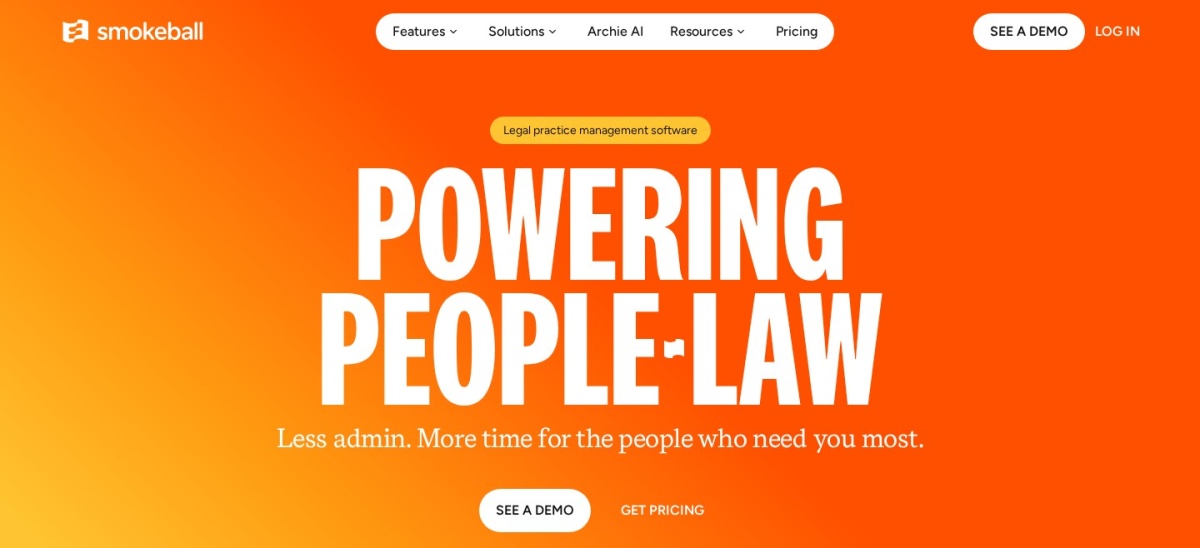
Smokeball homepage, captured Nov 2026.
Smokeball is the highest-rated tool on this list at 4.7 on G2, a Windows-first practice platform with deep document automation, 20,000+ legal precedents and automatic time tracking. Its Grow plan adds the native desktop app and advanced document automation for firms with three or more staff.
The trade off is price and transparency. The vendor pricing page shows no figures at all, with all four plans marked get pricing, and the reported starting point of about $139 a user a month is steep for a solo or two-lawyer firm.
What we like
Highest G2 rating on this list at 4.7
20,000+ legal precedents built in
Automatic time tracking with AutoTime
Award-winning onboarding included
Watch out for
No published prices: quote only
Reported starting price is high at about $139 a user a month
Windows-first: the desktop app is core to Grow
Pricing is by quote; about $139 a user a month is reported by third parties.Visit smokeball.com
03
MyCase
4.4/5on G2 (390 reviews, checked Nov 2026)
Starts at$50/user/mo
Best value all-in-one
Starting price$50/user/mo (annual)
Free trial10 days, no card
PlansBasic $50, Pro $100, Advanced $130
Add-onAccounting $39/user/mo
mycase.com
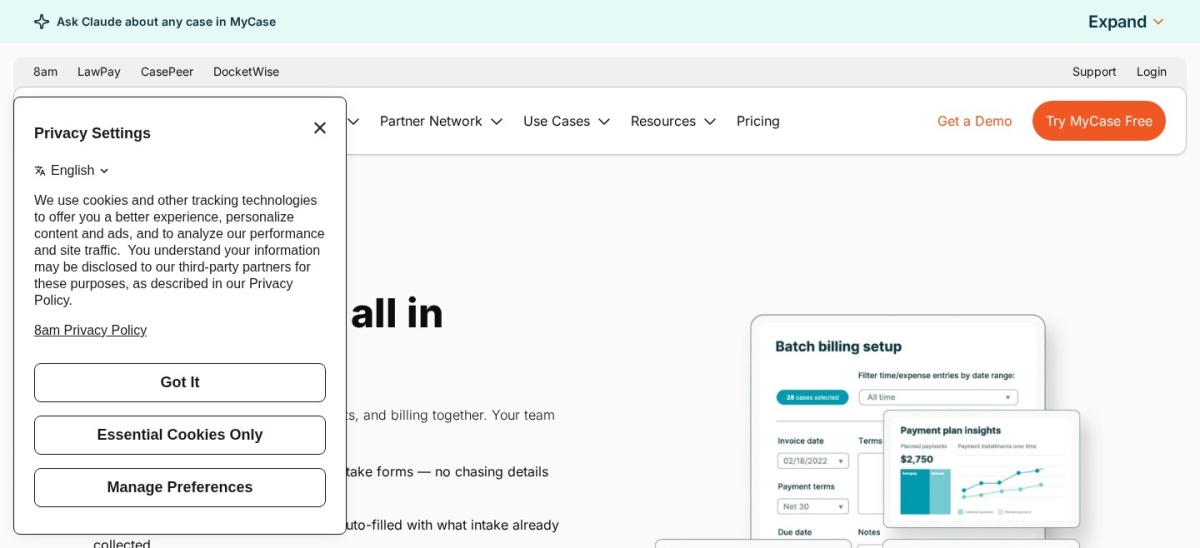
MyCase homepage, captured Nov 2026.
MyCase is the all-in-one practice platform for small firms that want cases, clients, documents and billing together without buying separate tools. Basic costs $50 a user a month billed annually on the vendor pricing page, with Pro at $100 and Advanced at $130, and a 10-day free trial needs no card.
The trade off is that the price moved. Older comparisons quote $49 a user a month, but the vendor site now shows $50, so budget on the current figure. Document features are good for a small firm, though not as deep as a dedicated DMS.
What we like
Clear published pricing from $50 a user a month
10-day free trial with no card required
Cases, billing, intake and documents in one tool
Accounting add-on available on Pro and Advanced
Watch out for
Price rose from $49 to $50 since older comparisons
Document management is lighter than a true DMS
Accounting costs $39 a user a month extra
Basic is $50 a user a month billed annually; $60 month to month.Visit mycase.com
04
LexWorkplace
4.2/5on Capterra (14 reviews, checked Nov 2026)
Starts at$395/mo
Best true DMS with published pricing
Starting price$395/mo (3 users incl.)
Free trial7 days
PlansCore $395, Advanced $595
Onboarding$1,495 and up
lexworkplace.com
LexWorkplace homepage, captured Nov 2026.
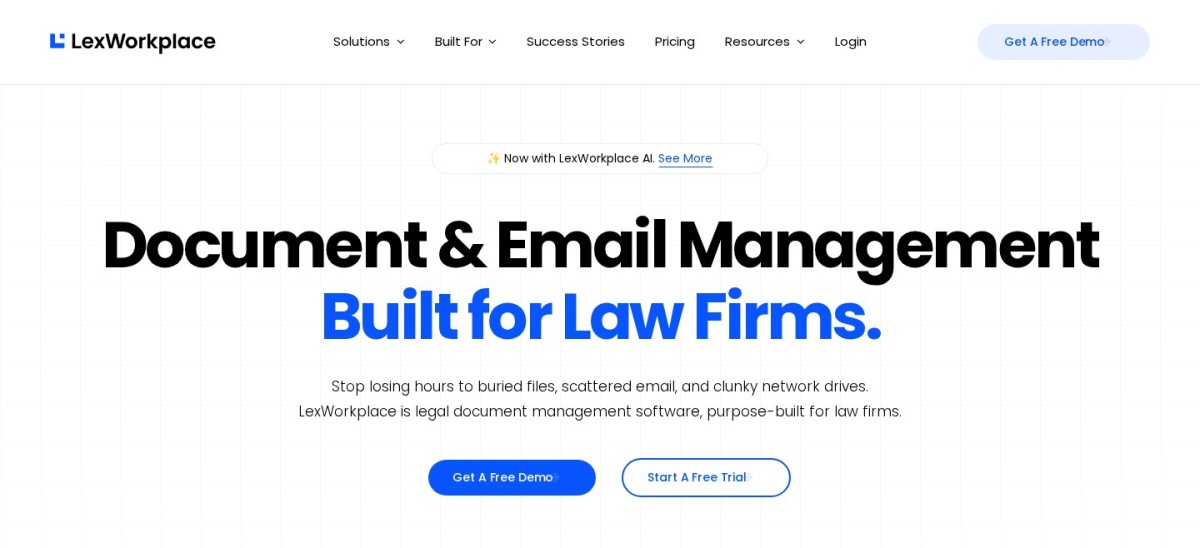
LexWorkplace is the only true DMS on this list with fully published pricing: Core costs $395 a month and includes three users, with extra users at $50 a month and 1,000 GB of storage. It profiles documents by matter and client, versions every change and searches full text, which is what discovery demands.
The trade off is the small review base and the flat monthly price. Only 14 Capterra reviews support the 4.2 rating, and $395 a month is more than a solo pays for Clio or MyCase, even though it covers three users.
PlansSolo $49, Essential $69, Business $89, Business Pro $114
PaymentsNative ePayments
practicepanther.com
PracticePanther homepage, captured Nov 2026.
PracticePanther is the solo-friendly practice platform, with a Solo plan at $49 a user a month that covers internal chat, notifications, native ePayments and document templates. Higher tiers add custom fields, intake forms, native eSignature and LEDES billing as the firm grows.
The trade off is that the Solo plan is deliberately light. Firms that need intake forms, two-way texting or trust accounting must move to Business at $89 a user a month or Business Pro at $114.
CosmoLex is the practice platform with full firm accounting built in, including trust accounting, so a small firm can run billing and bookkeeping without a separate accounting tool. It is rated 4.2 on G2 from 331 reviews and is trusted by thousands of users, with SOC 2 Type 2 security.
The trade off is price transparency. The vendor pricing page shows no figures in text, and the $99 a user a month figure is reported by third parties citing the vendor site, so confirm it on a demo before budgeting.
What we like
Full accounting and trust accounting built in
331 G2 reviews, a solid sample
SOC 2 Type 2 security
Free trial available
Watch out for
$99 a user a month is reported, not vendor-published in text
Vendor pricing page shows no prices
Accounting depth may exceed what a solo needs
Core is reported at $99 a user a month; confirm on a demo.Visit cosmolex.com
07
CARET Legal
4.4/5on G2 (210 reviews, checked Nov 2026)
Starts at$79/user/mo
Best with published three-tier pricing
Starting price$79/user/mo (annual)
PlansEnterprise $79, Plus $99, Insights $119
Support24/7 phone support
ImplementationOne-time fees apply
caretlegal.com
CARET Legal homepage, captured Nov 2026.
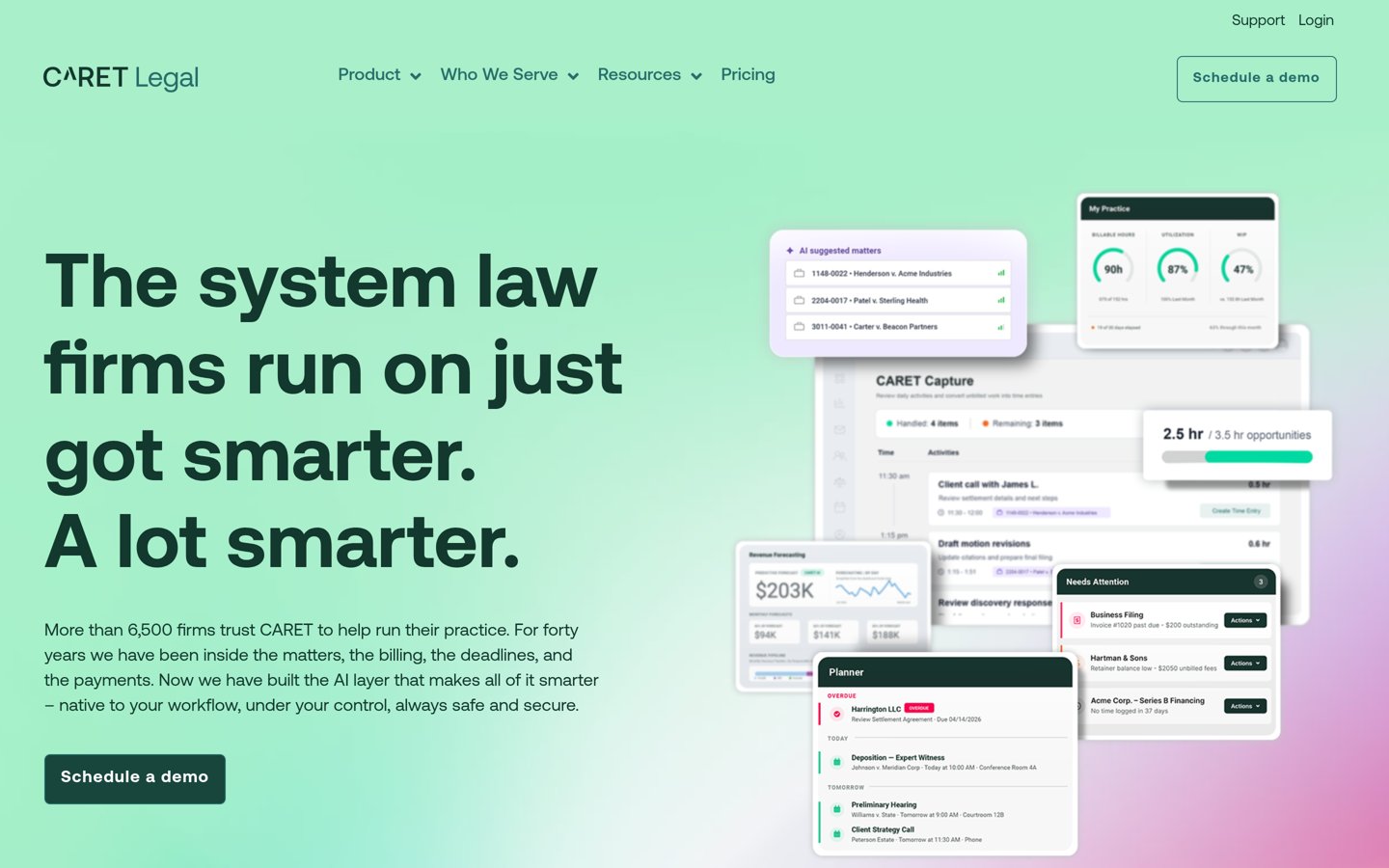
CARET Legal is the cloud platform formerly known as Zola Suite, with built-in email, document management, billing, accounting and a client portal from $79 a user a month billed annually. The Plus tier at $99 adds AI-generated document summaries and automated workflows, and every plan includes 24/7 phone support.
The trade off is the implementation fee. Pricing is per user plus one-time implementation fees that the vendor does not publish, so the first-year cost is higher than the $79 headline, and small firms should get the fee in writing before signing.
What we like
Clear published pricing from $79 a user a month
AI document summaries on the Plus tier
24/7 phone support on every plan
More than 6,500 firms use it
Watch out for
One-time implementation fees are unpublished
Plus tier needed for AI summaries and workflows
210 G2 reviews, fewer than Clio or MyCase
Enterprise is $79 a user a month billed annually, plus implementation fees.Visit caretlegal.com
08
Microsoft SharePoint
4/5on G2 (8,961 reviews, checked Nov 2026)
Starts at$7/user/mo
Best budget option
Starting price$7/user/mo (M365 Business Basic)
VersioningFull version history
SearchFull-text search
e-SignatureVia Adobe/Docusign add-ons
microsoft.com
Microsoft SharePoint homepage, captured Nov 2026.
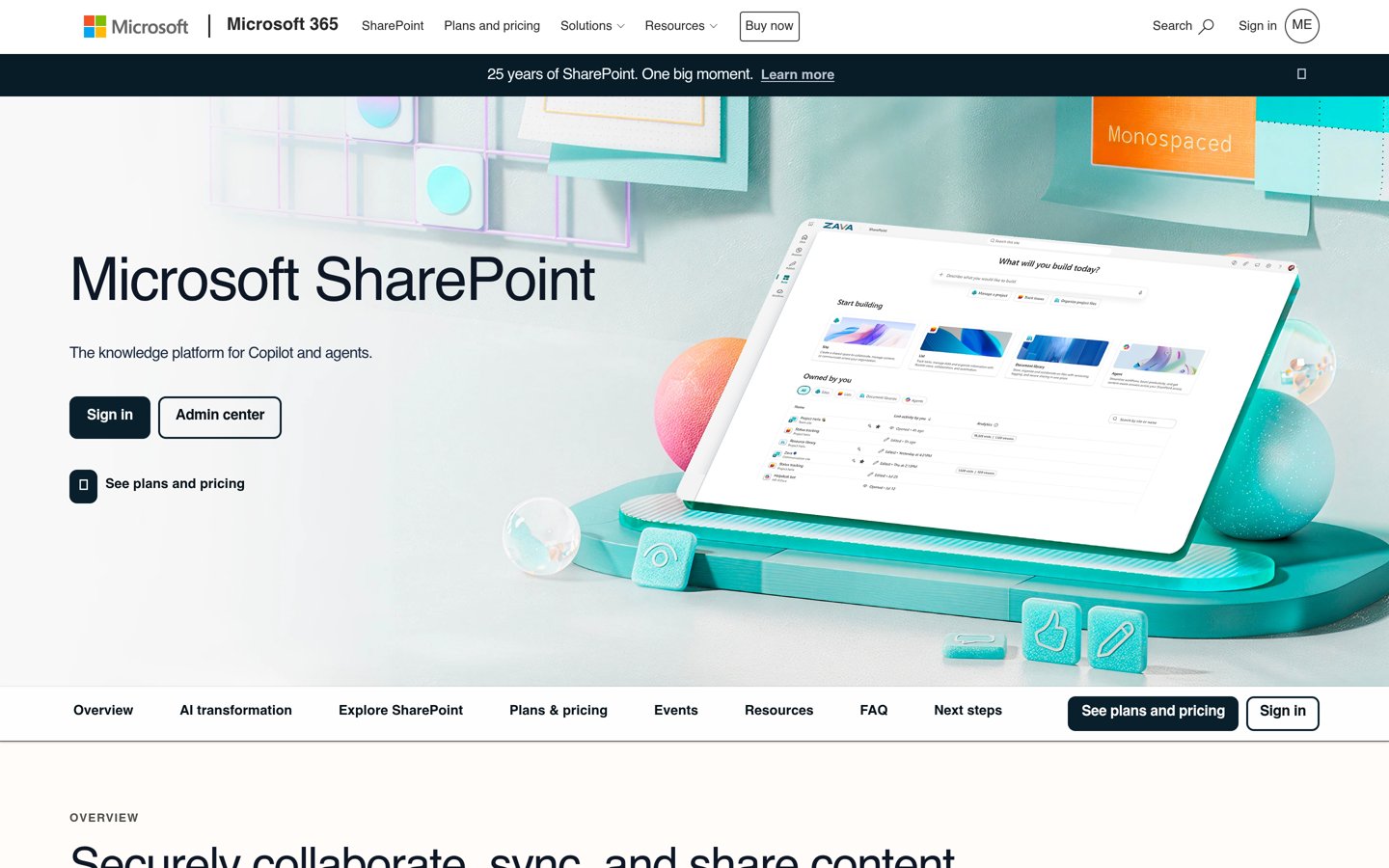
Microsoft SharePoint is the cheapest way onto this list at $7 a user a month through Microsoft 365 Business Basic, with document libraries, full version history and full-text search. It carries the largest review base here at 8,961 G2 reviews, and most firms already have Microsoft 365 for email.
The trade off is that SharePoint is a general tool, not a legal one. There is no matter-centric structure out of the box, no trust accounting and no legal intake, so a small firm must configure libraries, permissions and templates itself.
What we like
Cheapest on the list at $7 a user a month
Largest review base at 8,961 G2 reviews
Full version history and full-text search
Most firms already run Microsoft 365
Watch out for
Not legal-specific: no matter structure out of the box
Needs configuration for legal workflows
e-Signature needs Adobe or Docusign add-ons
Included in Microsoft 365 Business Basic at $7 a user a month.Visit microsoft.com
09
NetDocuments
3.9/5on G2 (38 reviews, checked Nov 2026)
PricingCustom/yr
Best true DMS for growing firms
Starting priceCustom (quote only)
Customers7,000+ worldwide
Integrations150+
SecurityEthical walls, DLP
netdocuments.com
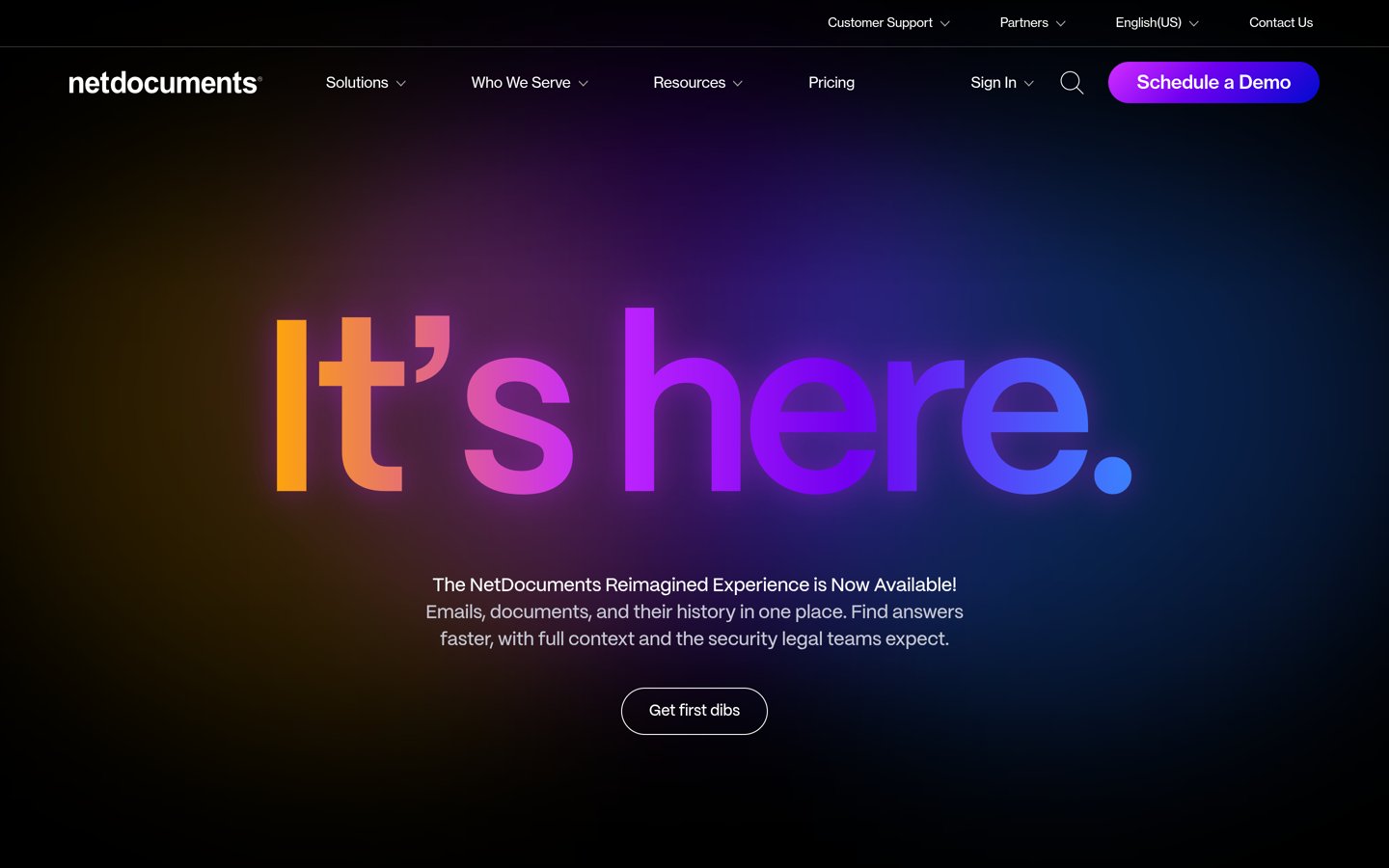
NetDocuments homepage, captured Nov 2026.
NetDocuments is the cloud DMS most large firms run on, with matter workspaces, ethical walls, deep search and email management, and it is the system to grow into when a small firm outgrows a practice platform. More than 7,000 customers use it worldwide.
The trade off is that it is built for bigger firms. Pricing is by quote only, there is no published starting price, and the 3.9 G2 rating rests on just 38 reviews, so a small firm should trial it before committing.
If documents are one part of running the firm, buy a platform. Clio, MyCase, Smokeball, PracticePanther, CosmoLex and CARET Legal attach documents to matters alongside billing, calendaring and client communication, so one subscription covers the practice.
If documents are the job, buy a true DMS. LexWorkplace and NetDocuments profile every document by matter and client, version every change, manage email as documents and search full text, which is what discovery and client security questionnaires demand.
Many small firms end up with both: a platform for the work and a DMS for the archive. That is fine, as long as one system owns the matter record and the other does not become a second source of truth.
How we chose
We compared document management tools small law firms actually use, from cloud practice platforms to true DMS systems, and ranked them on published pricing, verified ratings and fit for firms of one to twenty lawyers.
Ratings come from G2 or Capterra with the review count shown, and prices were checked on the vendor pricing page on 23 Nov 2026 where the vendor publishes them. Where a vendor hides prices, we say so and use the best reported figure, flagged as reported.
No vendor paid for a place, and we do not claim hands-on testing for this list. We favoured tools with clear pricing, a free trial and a review base large enough to trust, and we dropped enterprise tools that do not fit a small firm.
How to choose document management software for a small law firm
Start with your firm size and whether documents ride along with billing, then check the per-user price.
Decide whether you need a platform or a true DMS. If documents ride along with billing and calendaring, buy Clio, MyCase or PracticePanther. If discovery, version control and email management are the job, buy LexWorkplace or NetDocuments.
Count the users and the real monthly cost. Multiply the per-user price by your headcount on annual billing, then add the extras: LexWorkplace starts at $395 a month for three users, CARET Legal adds implementation fees, and Smokeball and NetDocuments are quote only.
Check the trial and the exit. Clio offers 7 days, MyCase 10 days and LexWorkplace 7 days. Use the trial to import a real matter, then check how your documents export before you sign, because migration is the expensive part.
Confirm the price on the vendor site. MyCase moved from $49 to $50 since older comparisons, and CosmoLex publishes no price in text, so verify the current figure on the vendor pricing page or a demo before you budget.
FAQ
What is the best document management software for a small law firm?
Clio Manage is the best document management software for a small law firm because it combines matter documents, billing and client intake from $49 a user a month, with a 4.6 G2 rating from 997 reviews. Smokeball is the highest-rated alternative at 4.7, and LexWorkplace is the best true DMS with published pricing.
How much does document management software cost for a small law firm?
Expect $7 to $139 a user a month. SharePoint costs $7 through Microsoft 365 Business Basic, Clio and PracticePanther start at $49, MyCase at $50, CARET Legal at $79, and Smokeball is reported at about $139. LexWorkplace charges a flat $395 a month for three users.
Is Clio or MyCase better for a small law firm?
Clio is the better-rated pick at 4.6 on G2 from 997 reviews, against MyCase at 4.4 from 390 reviews, and Clio starts a dollar cheaper at $49 a user a month. MyCase counters with a longer 10-day free trial and an accounting add-on, so firms that want built-in accounting may prefer it.
Does Smokeball publish its prices?
No. The Smokeball pricing page lists four plans, Bill, Boost, Grow and Prosper+, and every one shows get pricing instead of a figure. Third-party comparisons report a starting point of about $139 a user a month, so get a written quote before budgeting.
What is the cheapest document management software for a small law firm?
Microsoft SharePoint is the cheapest at $7 a user a month through Microsoft 365 Business Basic, but it is a general tool with no matter structure out of the box. The cheapest true DMS is LexWorkplace at $395 a month for three users, which works out to about $132 a user.
Is there a free document management software for a small law firm?
There is no fully free plan among the nine tools here. Clio offers a 7-day free trial, MyCase 10 days and LexWorkplace 7 days, all without a card, and CosmoLex offers a free trial. SharePoint has no free tier, so trials are the way to test before paying.