WLWPLegible EditorsLast verified 22 Nov 2026How we rank15 min read
★ Short answer
Freshservice is the best ITSM software for most growing IT teams, with Starter at $19 per agent per month billed annually and a 4.6/5 G2 rating. Jira Service Management suits teams already using Atlassian tools, while ManageEngine ServiceDesk Plus offers a free Standard edition for small IT departments.
How we make this list: we compare pricing pages, product documentation and public user reviews, then re-check every price before each update. No product paid for a place. Disclosure.
Freshservice is our top pick for growing IT teams, with Starter at $19 per agent per month billed annually and a 4.6/5 rating from 1,387 G2 reviews.
Jira Service Management offers a free plan for up to 3 agents, while Standard is listed at $21.50 per agent per month on Atlassian's pricing page.
ManageEngine ServiceDesk Plus offers a free Standard edition for up to 5 technicians, with paid cloud Professional starting at $645 per year for 2 technicians and 250 assets.
Desk365 starts at $12 per agent per month billed annually and carries a 4.9/5 rating from 34 G2 reviews.
SolarWinds Service Desk Essentials starts at $39 per technician per month billed annually and includes change management, a CMDB and SLA management.
SysAid Professional is displayed at $59 per agent per month billed annually, with request, incident, change and problem management included.
What to look for in ITSM software
IT service management, or ITSM, helps IT teams handle incidents, fulfill service requests, document changes and keep employees productive. A shared inbox can collect tickets, but a dedicated ITSM system connects that work to approvals, service commitments and infrastructure records.
Start with incident management, a self-service portal, a knowledge base and service level agreements. These functions help teams prioritize outages, route requests and give employees a consistent place to ask for assistance.
More mature teams need problem management, change management, asset tracking and a configuration management database, or CMDB. These features connect recurring incidents with underlying causes and help teams assess the risk of proposed changes.
Pricing needs careful comparison. Some vendors charge per agent or technician, while others also consider managed assets, minimum license quantities, billing cycles or optional AI features. The least expensive subscription may not include the ITSM processes your organization needs.
Public review scores help identify established products, but they cannot predict implementation effort. Compare configuration requirements, integrations, reporting, data migration and ongoing administration before choosing a platform.
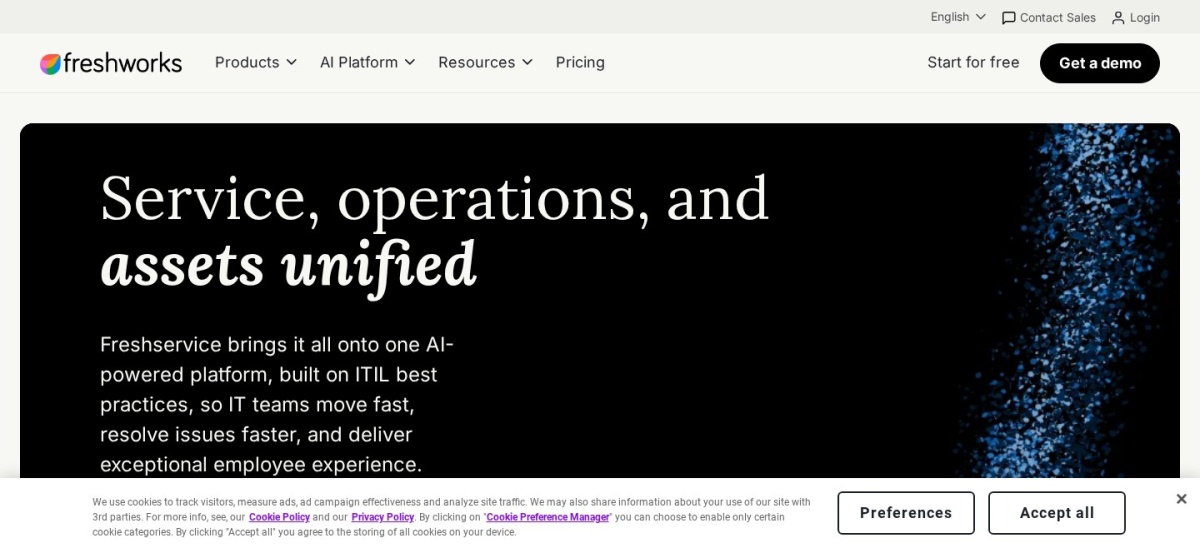
Freshservice is a cloud ITSM platform from Freshworks that organizes employee support, incidents and IT operations. Starter costs $19 per agent per month billed annually and includes incident management, knowledge management, task management and a support portal.
The trade off is that important ITSM capabilities require higher tiers: Growth costs $49 per agent per month and adds SLA management and a service catalog, while Pro costs $99 and adds problem and change management. It suits growing IT departments that want a clear upgrade path.
What we like
Starter includes incident management and a support portal
Knowledge and task management are included in the entry tier
Growth adds service catalog and SLA management
Pro adds change, problem and release management
Watch out for
Starter excludes several core ITSM processes
Advanced workflow and service management features increase licensing costs
AI Copilot is offered as an additional paid feature
Growth adds SLAs and service catalog; Pro adds change and problem management.Visit freshworks.com
02
Jira Service Management
4.3/5on G2 (1,020 reviews, checked Nov 2026)
Paid from$21.50/mo
Best for IT teams using Atlassian
Free agentsUp to 3
Paid entryStandard, $21.50/agent/mo
Asset managementStandard
Advanced ITSMPremium
atlassian.com
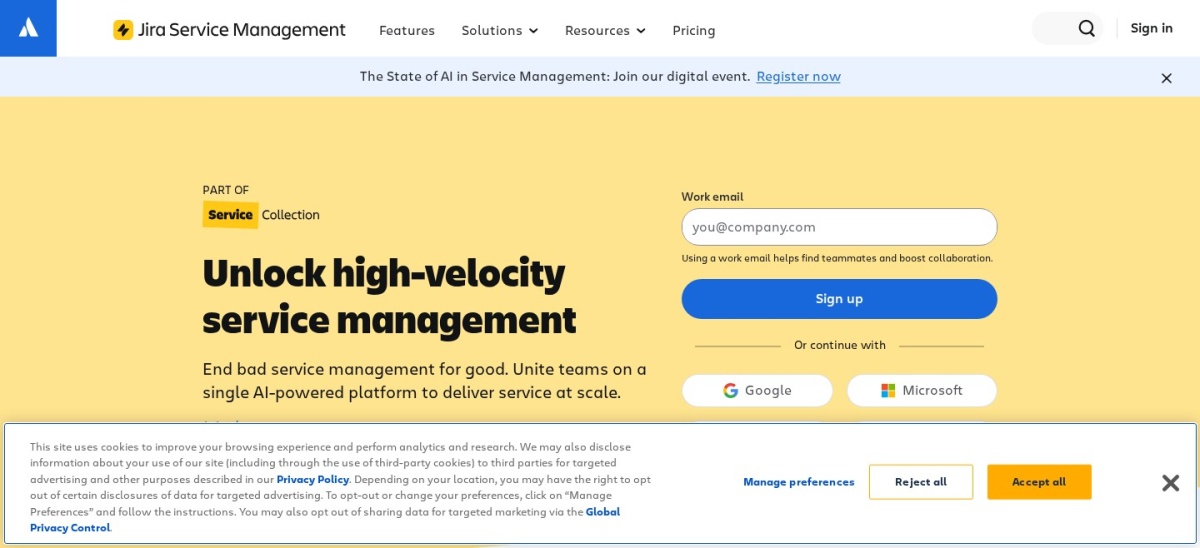
Jira Service Management homepage, captured Nov 2026.
Jira Service Management is Atlassian's ITSM platform for service requests, incidents, changes and operational workflows. Its Free plan supports up to 3 agents, while Standard is displayed at $21.50 per agent per month and adds asset and configuration management, a branded help center and expanded automation.
The trade off is pricing and configuration complexity. The displayed Standard rate is calculator-based, and advanced incident management, virtual agents and broader asset capabilities sit in Premium. It suits IT and development teams that already coordinate work through Jira and Confluence.
What we like
Free option for small service teams
Strong alignment between IT operations and development workflows
Standard includes asset and configuration management
Knowledge and automation capabilities support self-service
Watch out for
Configuration can become complicated across multiple teams
Premium is needed for several advanced ITSM capabilities
Subscription costs vary with agent count and billing selection
Standard adds asset management and expanded automation; Premium adds advanced ITSM.Visit atlassian.com
03
ServiceDesk Plus
4.2/5on G2 (256 reviews, checked Nov 2026)
Paid from$645/yr
Best for flexible ITSM deployment
Free editionStandard, up to 5 technicians
Cheapest paid cloud planProfessional, $645/yr
Paid plan allowance2 technicians, 250 assets
DeploymentCloud or on-premises
manageengine.com
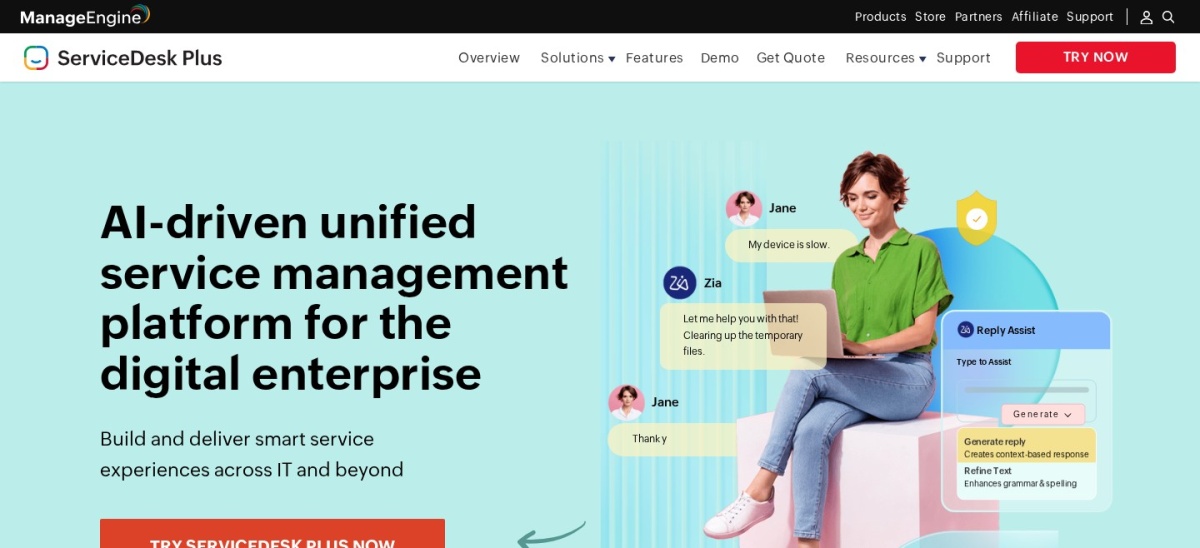
ServiceDesk Plus homepage, captured Nov 2026.
ServiceDesk Plus is ManageEngine's IT service desk and ITSM platform, available through cloud and on-premises deployment. Its Standard edition is free for up to 5 technicians, while the cheapest paid cloud configuration is Professional at $645 per year for 2 technicians and 250 managed assets.
The trade off is that Standard concentrates on service desk operations, Professional adds asset management, and Enterprise is needed for broader change and project management. The paid Standard cloud configuration starts at $1,545 per year for 10 technicians. It suits organizations that want flexible deployment and a staged ITSM rollout.
What we like
Free Standard edition for small technician teams
Choice of cloud and on-premises deployment
Professional combines service desk and IT asset management
Enterprise offers broader ITIL-aligned processes
Watch out for
Pricing differs by deployment, edition and asset allowance
The free Standard edition does not cover the full ITSM feature set
Advanced processes require a more expensive edition
Professional adds asset management; Enterprise adds change and project management.Visit manageengine.com
04
SolarWinds Service Desk
4.3/5on G2 (796 reviews, checked Nov 2026)
Starts at$39/mo
Best for combining ITSM and asset records
Entry planEssentials
Technician price$39/mo, billed annually
CMDBIncluded
Free trial30 days
solarwinds.com
SolarWinds Service Desk homepage, captured Nov 2026.
SolarWinds Service Desk is a cloud ITSM platform for managing incidents, service requests, assets and changes. Essentials starts at $39 per technician per month billed annually and includes a service portal, knowledge base, service catalog, SLA management, change management and CMDB.
The trade off is that asset pricing is available separately by request, and additional automation capabilities are reserved for higher tiers. Advanced starts at $99 per technician per month billed annually. It suits established IT departments that want service management and configuration records in one product.
What we like
Essentials includes incident and change management
CMDB and asset management are available in the entry tier
SLA management and a service portal are included
Unlimited service users are supported under the technician pricing model
Watch out for
Asset pricing requires a separate quote
Advanced automation increases the subscription cost
No permanent free plan is advertised
Advanced adds broader automation, runbooks and enterprise service management.Visit solarwinds.com
05
SysAid
4.5/5on G2 (761 reviews, checked Nov 2026)
Starts at$59/mo
Best for AI-assisted IT service operations
Entry planProfessional
Listed price$59/agent/mo
Asset managementIncluded
AI assistanceIncluded
sysaid.com
SysAid homepage, captured Nov 2026.
SysAid is an ITSM platform combining service requests, incident management, problem management, change management and asset records with AI assistance. Its Professional plan is displayed at $59 per agent per month billed annually, with SLA management, dashboards, AI Copilot and prebuilt AI agents included.
The trade off is sales-led licensing: the pricing page illustrates its rate using a 70-agent configuration and directs buyers to request a quote. Enterprise pricing is customized and adds a sandbox, advanced analytics and tailored AI agents. It suits larger IT teams looking to automate repetitive service work.
What we like
Incident, request, problem and change management included
AI Copilot is part of Professional
Integrated asset management and SLA reporting
Enterprise provides additional configuration and testing controls
Watch out for
A sales quote is needed to confirm the final subscription
Published examples emphasize larger agent configurations
Enterprise capabilities require custom pricing
Enterprise adds sandbox environments, tailored AI agents and advanced analytics.Visit sysaid.com
06
Desk365
4.9/5on G2 (34 reviews, checked Nov 2026)
Starts at$12/mo
Best budget IT help desk for Microsoft Teams
Entry planStandard
Starting price$12/agent/mo
Microsoft TeamsIntegrated ticketing
Free trial21 days
desk365.io
Desk365 homepage, captured Nov 2026.
Desk365 is a cloud help desk for internal IT teams and business support departments, with Microsoft Teams ticketing built into its workflow. Standard starts at $12 per agent per month billed annually and includes email tickets, a support portal, workflow automation, SLA reminders, escalations and canned responses.
The trade off is that Desk365 focuses more on ticketing and service workflows than the extensive ITSM processes offered by larger platforms. Higher plans add broader administrative, AI and asset features, with Premium listed at $32 per agent per month billed annually. It suits smaller IT departments using Microsoft Teams.
What we like
Low entry price for paid ticketing
Microsoft Teams integration
SLA reminders and workflow automation included
Support portal and multiple ticket submission channels
Watch out for
Less comprehensive ITSM process coverage than dedicated enterprise platforms
Advanced asset management requires a higher tier
Smaller public review base than established enterprise competitors
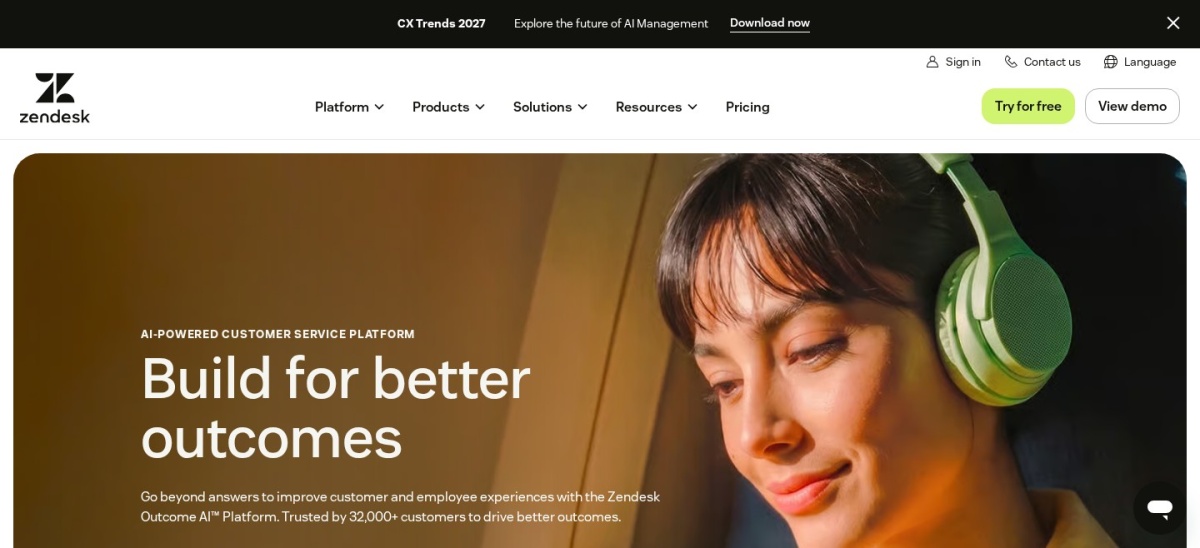
Zendesk is a support management platform that IT departments can use for employee requests, ticket routing and service communication. Support Team costs $19 per agent per month billed annually and includes email ticketing, routing, predefined responses, automation triggers, customer context and reporting dashboards.
The trade off is that Zendesk is primarily a support platform rather than a complete ITSM system with native configuration and change management across its entry tiers. Suite Team starts at $55 per agent per month billed annually and adds a knowledge base and more support channels. It suits teams focused on ticket resolution rather than formal ITIL processes.
What we like
Flexible ticket routing and support automation
Entry tier includes reporting dashboards
Large application and integration ecosystem
Suitable for internal and external support workflows
Watch out for
Not a direct replacement for comprehensive ITSM platforms
Knowledge base and additional channels require Suite Team
Native CMDB and formal change management are not entry-plan strengths
Suite Team adds a knowledge base, messaging, voice and expanded AI features.Visit zendesk.com
ITSM software vs. help desk software
Help desk software concentrates on receiving, assigning and resolving support tickets. ITSM software covers the wider processes used to deliver, maintain and improve IT services.
A help desk can be sufficient when employees mainly need password resets, access assistance or device troubleshooting. Dedicated ITSM becomes more useful when the team must coordinate outages, approve infrastructure changes, track configuration dependencies or investigate recurring incidents.
Freshservice, Jira Service Management, ServiceDesk Plus, SolarWinds Service Desk and SysAid offer wider ITSM capabilities. Desk365 concentrates on accessible service desk workflows, while Zendesk is primarily a customer and employee support platform.
Choose based on the processes your team actually manages. Paying for an enterprise ITSM platform does not create value if the team only needs a clear ticket queue and reliable response targets.
How much does ITSM software cost?
Published entry pricing varies considerably. Desk365 Standard starts at $12 per agent per month billed annually, Freshservice Starter at $19, SolarWinds Service Desk Essentials at $39 per technician and SysAid Professional at a displayed $59 per agent.
The cheapest paid plan is not necessarily the least expensive way to achieve full ITSM coverage. Freshservice Starter focuses on incidents and knowledge, while Growth adds SLAs and Pro adds change and problem management.
Licensing rules also matter. ManageEngine offers a free Standard edition for small technician teams, but its paid Professional cloud configuration starts at $645 per year for 2 technicians and 250 assets. SolarWinds lists asset pricing separately, and SysAid uses a quote-based purchasing process.
Estimate the annual cost using the number of paid agents, required edition, asset allowances and optional integrations. Confirm how billing changes when staff numbers increase and whether implementation or migration services are charged separately.
How we chose
We selected established and actively marketed ITSM and service desk products with documented incident, request or service workflow capabilities. The comparison covers specialized ITSM platforms and lighter support systems, with those differences explained rather than treating every product as functionally equivalent. Public G2 reviews helped establish adoption and user feedback.
Prices and ratings were checked for the 22 Nov 2026 editorial date against vendor pricing pages and public review listings, with live pages reviewed again on 23 Nov 2026. We used published regular entry pricing and converted monthly rates into yearly USD equivalents. Calculator-based prices, minimum configurations and quote requirements are identified where relevant.
We excluded products without confirmable public entry prices, discontinued offerings and tools with insufficient public adoption evidence. Enterprise-only products that require private quotes without a published starting price were also excluded. No vendor paid for a place, and we do not claim testing for this list.
How to choose the right ITSM software
Start by identifying the IT services your team supports, then compare the processes, integrations and licensing requirements that matter most.
List the service management processes you need. Separate essential capabilities such as ticketing, incidents, requests and SLAs from advanced requirements such as problem management, change approvals, CMDB and asset discovery. Choose a plan that includes your essential workflows rather than assuming every product tier provides complete ITSM coverage.
Check integrations and existing workflows. Review your identity provider, messaging tools, development platform, monitoring systems and asset database. Jira Service Management may suit Atlassian-centered teams, while Desk365 is attractive for Microsoft Teams workflows. Verify whether integrations require paid add-ons or higher subscriptions.
Calculate the full licensing cost. Count paid agents or technicians, not just employees submitting requests. Include asset allowances, billing terms, AI add-ons and implementation requirements. Compare the cost of the edition containing your needed processes rather than relying only on the advertised starter price.
Validate the rollout and administration requirements. Use available trials or vendor demonstrations to examine ticket routing, approvals, reporting, knowledge management and migration. Ask who will maintain workflows and configuration records after launch. A manageable platform with clear ownership is often more useful than a larger system that remains difficult to administer.
FAQ
What is the best ITSM software in 2026?
Freshservice is our top overall pick for growing IT teams because it offers a clear progression from incident management to broader service management. Starter begins at $19 per agent per month billed annually. Jira Service Management is particularly suitable for Atlassian users, while ServiceDesk Plus offers a useful free starting point.
Is there any free ITSM software?
Yes. Jira Service Management offers a Free plan for up to 3 agents, and ManageEngine ServiceDesk Plus provides a free Standard edition for up to 5 technicians. Both can support basic service desk work, but advanced capabilities and licensing requirements differ. Review the upgrade features before relying on a free edition.
What is the difference between ITSM and ITIL?
ITSM is the practice of designing, delivering, operating and improving IT services. ITIL is a framework that provides guidance for organizing service management practices. ITSM software can support ITIL-aligned processes such as incident, problem and change management, but purchasing software does not automatically establish effective service management practices.
How much does ITSM software cost?
Published entry prices in this comparison include Desk365 at $12 per agent per month, Freshservice at $19, SolarWinds Service Desk at $39 per technician and SysAid at a displayed $59 per agent, using annual billing where stated. Final costs depend on users, edition, assets, billing terms and optional features.
Which ITSM software is best for small businesses?
Jira Service Management and ServiceDesk Plus are worth comparing because they offer free starting options. Desk365 is another choice for teams that need paid ticketing, SLAs and Microsoft Teams integration without adopting a broad enterprise ITSM platform. The right option depends on existing tools and whether formal change management is required.
Does ITSM software include asset management?
Some ITSM platforms include asset management, but availability varies by product and edition. SolarWinds Service Desk Essentials includes asset management and a CMDB, while ServiceDesk Plus adds asset management in Professional. Jira Service Management provides asset and configuration management in Standard. Check managed asset allowances and discovery requirements before purchasing.
What is a CMDB in ITSM software?
A configuration management database, or CMDB, records configuration items and their relationships. It can help IT teams understand which services depend on particular applications, servers or other components. A CMDB is especially useful for incident investigation and change impact assessment, but its value depends on keeping the information accurate.
Can ITSM software automate support tickets?
Yes. ITSM platforms commonly automate ticket assignment, notifications, escalation and approval workflows. Freshservice provides additional workflow capabilities through higher plans, while Desk365 includes workflow automation and SLA reminders in Standard. More advanced platforms also offer AI assistance. Verify exactly which automation features and usage allowances are included.
Is Zendesk a full ITSM platform?
Zendesk can manage internal IT support requests, routing, ticket automation and service communication. However, its core focus is support management rather than comprehensive ITIL-aligned service management. Organizations requiring native problem management, formal change controls, CMDB relationships and extensive IT asset processes should compare dedicated ITSM products before choosing Zendesk.