Best Cloud Platform for Developers in 2026: 7 Tools Compared
WLWPLegible EditorsLast verified 22 Nov 2026How we rank12 min read
★ Short answer
Render is our top cloud platform for developers, offering Git-based deployments, managed PostgreSQL and paid web services starting at $7 monthly. Railway is better for developers who prefer usage-based billing and integrated databases, while Vercel is particularly suitable for Next.js applications and frontend deployment workflows.
How we make this list: we compare pricing pages, product documentation and public user reviews, then re-check every price before each update. No product paid for a place. Disclosure.
Render earns 4.7/5 from 85 G2 reviews and offers paid web service instances starting at $7/month.
Railway Hobby starts at $5/month, including $5 in resource usage credits, and earns 4.4/5 from 96 G2 reviews.
Vercel Pro costs $20/month with $20 in included usage credit and holds a 4.6/5 G2 rating from 94 reviews.
DigitalOcean Droplets start at $4/month with 512 MiB RAM, 1 vCPU and 10 GiB SSD storage.
Netlify Personal costs $9/month with 1,000 monthly credits, while Pro costs $20/month with unlimited team members.
Heroku Eco costs $5/month for 1,000 shared dyno hours, while Cloudways managed hosting starts at $14/month.
What developers should look for in a cloud platform
Cloud development platforms provide infrastructure for building, deploying and operating applications without purchasing physical servers. Options range from managed application platforms to virtual machines that give developers direct operating system control.
Start with your application's runtime requirements. Frontend frameworks, backend APIs, background workers, containers and persistent databases do not all require the same hosting architecture.
Consider the deployment workflow. Git-based continuous deployment, preview environments, environment variables, logging and rollback capabilities can reduce routine infrastructure work.
Pricing requires particular attention because cloud providers use different models. Some charge per virtual machine or service, while others bill for compute consumption, bandwidth, storage or platform credits.
Finally, review scalability, data persistence, security controls and operational responsibility. A low-cost development environment may not provide the availability, monitoring or recovery features required for production workloads.
Render is a managed cloud platform for deploying web applications, APIs, background workers and databases directly from Git repositories. Free options include static sites and limited web services, while the $7 monthly paid web service instance provides 0.5 vCPU and 512 MB RAM with automatic deployments and managed infrastructure.
The trade off is that compute instances, persistent storage and managed databases are billed separately, so a complete production stack can cost more than the $7 entry instance. It suits developers building full-stack applications who want managed deployments without operating virtual machines directly.
What we like
Automatic deployments from Git repositories
Free static hosting and limited web services
Managed PostgreSQL and background workers
Predictable instance pricing for steady workloads
Watch out for
Database and storage charges increase total costs
Free web services have inactivity restrictions
Advanced collaboration features require paid workspace plans
Railway is a cloud deployment platform that lets developers run applications and databases through a visual project workspace. Its Free plan includes $1 in monthly resource credits, while Hobby starts at $5 monthly with $5 of included usage, a single-developer workspace, application deployments and database support.
The trade off is that Railway meters resource consumption, so workloads exceeding the included $5 credit generate additional charges rather than remaining at a fixed monthly price. It suits independent developers and small teams who value simple application deployment and flexible infrastructure consumption.
What we like
Free tier provides monthly resource credits
Hobby includes $5 of monthly usage
Supports common application databases
Git deployments and project environments
Watch out for
Usage-based bills can change with workload
Hobby has a single-developer workspace
Free services may sleep when idle
Hobby adds always-on capabilities and higher limits; Pro includes $20 in monthly usageVisit railway.com
03
Vercel
4.6/5on G2 (94 reviews, checked Nov 2026)
Paid from$20/mo
Best for Next.js and frontend developers
Free tierHobby
Paid planPro, $20/month
Included usage credit$20/month
DeploymentGit-based CI/CD
vercel.com
Vercel homepage, captured Nov 2026.
Vercel is a cloud deployment platform focused on modern frontend applications, with native support for Next.js and other web frameworks. Hobby includes Git-based deployments, automatic CI/CD, a global CDN and serverless compute for personal projects, while Pro costs $20 monthly with $20 in included usage credit.
The trade off is that Hobby is intended for personal, noncommercial use, while production resource consumption beyond Pro allowances can generate additional charges. It suits frontend teams and Next.js developers who want integrated build pipelines, deployment previews and managed application delivery.
What we like
Designed around modern frontend development
Automatic Git deployments and previews
Global CDN and serverless compute
Pro includes $20 in monthly usage credit
Watch out for
Hobby has noncommercial-use restrictions
Usage charges can increase as applications scale
Not a direct replacement for general-purpose virtual machines
Pro adds commercial use, included usage credits and advanced spending controlsVisit vercel.com
04
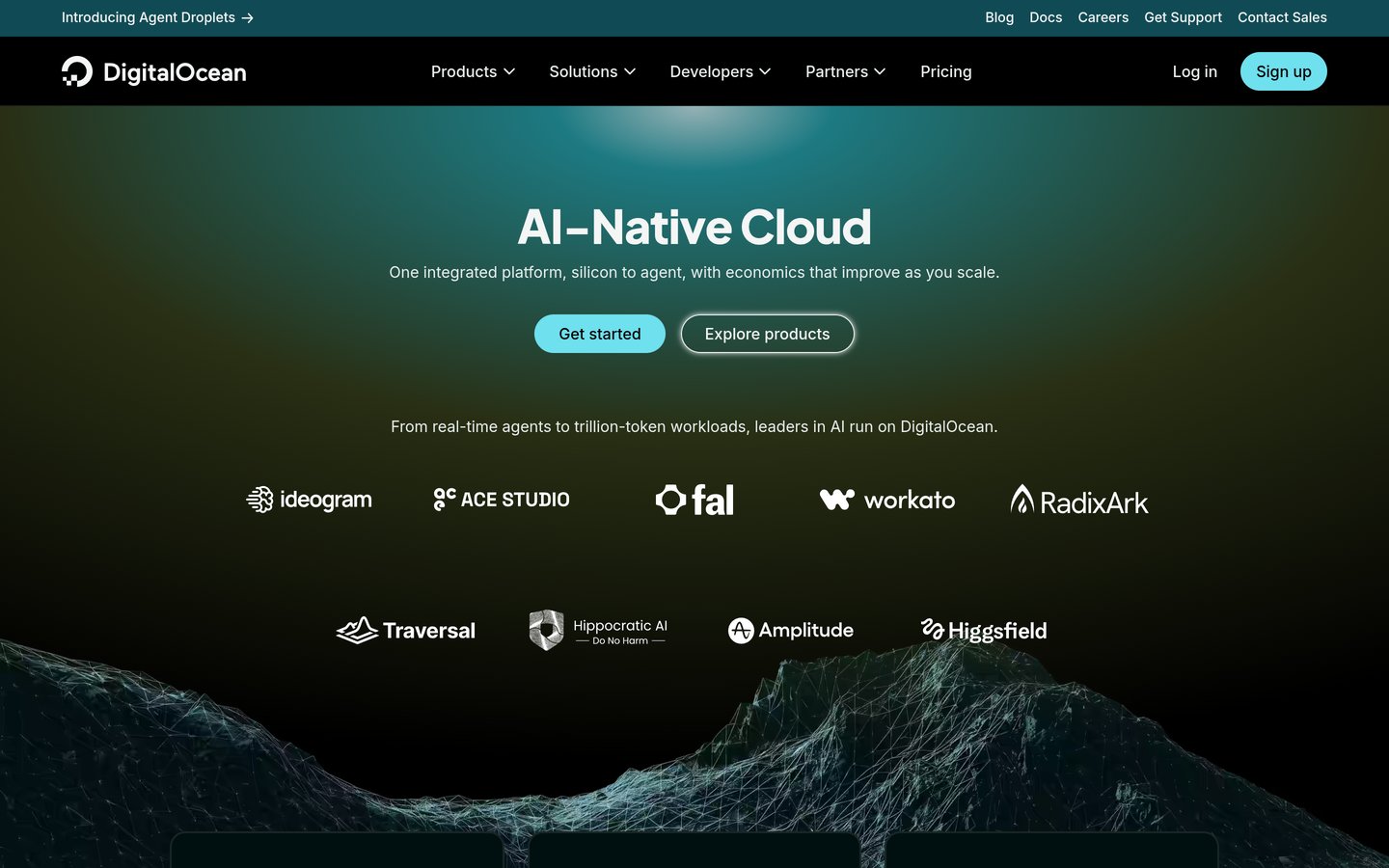
DigitalOcean
4.6/5on G2 (762 reviews, checked Nov 2026)
Starts at$4/mo
Best for affordable virtual servers and infrastructure control
Entry Droplet$4/month
Memory512 MiB
Compute1 vCPU
Storage10 GiB SSD
digitalocean.com
DigitalOcean homepage, captured Nov 2026.
DigitalOcean is a cloud infrastructure provider offering virtual machines, managed databases, Kubernetes and application hosting services. Its Basic Droplets start at $4 monthly for 512 MiB RAM, 1 vCPU, 10 GiB SSD storage and 500 GiB transfer, giving developers direct control over a Linux server.
The trade off is that Droplets require developers to manage operating systems, application configuration, updates and security, while backups and other services may carry additional charges. It suits developers comfortable with server administration who want flexible infrastructure and straightforward entry-level pricing.
What we like
Droplets start at $4 monthly
Direct server and operating system control
Managed databases and Kubernetes available
Clear resource specifications and monthly caps
Watch out for
Virtual machines require system administration
Backups and managed services cost extra
Entry Droplets have limited memory
Higher Droplet tiers add CPU, memory and storage; managed services are priced separatelyVisit digitalocean.com
05
Netlify
4.4/5on G2 (83 reviews, checked Nov 2026)
Paid from$9/mo
Best for static sites and frontend deployment workflows
Free planAvailable
Entry paid planPersonal, $9/month
Personal credits1,000/month
Team planPro, $20/month
netlify.com
Netlify homepage, captured Nov 2026.
Netlify is a cloud development platform for deploying websites and web applications using Git workflows, serverless functions and a global CDN. Its Free plan includes deploy previews and managed hosting, while Personal costs $9 monthly with 1,000 credits, private environment variables and priority support.
The trade off is that Netlify uses credits for deployment and infrastructure consumption, so higher traffic and compute requirements may require additional spending. Personal is also limited for collaboration, while Pro starts at $20 monthly. It suits frontend developers building websites, web applications and client projects with frequent deployment reviews.
What we like
Free hosting with deploy previews
Built-in CDN and serverless functions
Personal provides 1,000 monthly credits
Pro includes unlimited team members
Watch out for
Credit consumption requires monitoring
Personal has limited team collaboration
Less direct server control than virtual machine hosting
Personal adds credits and support; Pro adds unlimited team members and shared environmentsVisit netlify.com
06
Heroku
4.1/5on G2 (154 reviews, checked Nov 2026)
Starts at$5/mo
Best for established platform-as-a-service workflows
Entry planEco dynos
Paid price$5/month
Included runtime1,000 shared dyno hours
Always-on optionBasic, $7/month
heroku.com
Heroku homepage, captured Nov 2026.
Heroku is a managed application platform that runs applications in containers called dynos, with deployment through Git and Docker. Eco costs $5 monthly for a shared pool of 1,000 dyno hours and supports custom domains, logs, automatic operating system patching and certificate management.
The trade off is that Eco dynos sleep after 30 minutes of inactivity and are restricted to personal accounts, while always-on Basic dynos cost $7 monthly and databases are priced separately. It suits developers who prefer established platform-as-a-service workflows and managed application runtimes.
What we like
Established Git and Docker deployment workflows
Eco provides 1,000 shared dyno hours
Managed runtime and operating system patching
Extensive add-on ecosystem
Watch out for
Eco dynos sleep after inactivity
No permanent free application dynos
Databases and additional services increase costs
Basic adds always-on operation; Standard adds scaling and application metricsVisit heroku.com
07
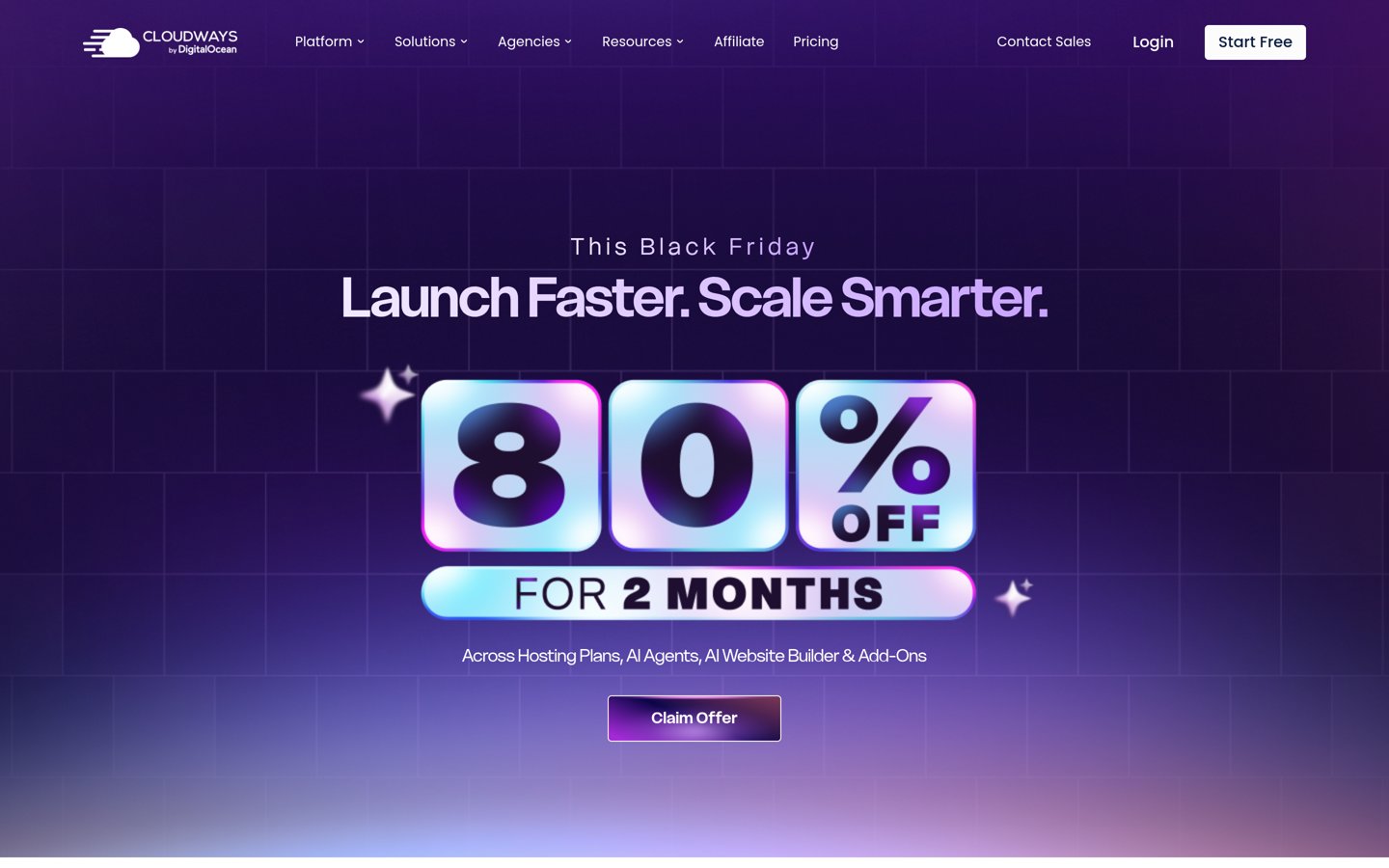
Cloudways
4.7/5on G2 (1,150 reviews, checked Nov 2026)
Starts at$14/mo
Best for managed PHP and web application hosting
Entry server$14/month
Memory1 GB RAM
Compute1 vCPU
Storage25 GB NVMe
cloudways.com
Cloudways homepage, captured Nov 2026.
Cloudways is a managed cloud hosting platform for PHP applications, Laravel projects, WordPress and related workloads. Its Flexible hosting starts at $14 monthly for a server with 1 GB RAM, 1 vCPU, 25 GB NVMe storage and 1 TB transfer, including server management and application deployment tools.
The trade off is that Cloudways focuses more on managed web hosting than general-purpose cloud infrastructure, and its $14 monthly entry price exceeds several self-managed server options. It suits PHP developers, agencies and site owners who prefer managed infrastructure rather than maintaining server software themselves.
What we like
Managed cloud hosting reduces server maintenance
Supports PHP, Laravel and WordPress workloads
Entry plan includes 25 GB NVMe storage
Rated 4.7/5 from 1,150 G2 reviews
Watch out for
Higher entry price than basic virtual machines
Less operating system control than unmanaged servers
Not suitable for every custom application architecture
Higher server plans provide more CPU, memory, storage and transfer capacityVisit cloudways.com
Understanding cloud platform pricing models
Cloud providers calculate costs differently. DigitalOcean offers fixed-resource virtual machines starting at $4 monthly, while Render provides paid web service instances starting at $7 monthly. These starting prices do not include every service needed for a complete application.
Railway uses metered resource billing with a $5 monthly Hobby minimum that includes an equivalent usage credit. Vercel Pro costs $20 monthly with included usage credit, while Netlify Personal uses a $9 monthly subscription with platform credits.
Heroku offers a shared Eco dyno-hour pool at $5 monthly, and Cloudways provides managed hosting starting at $14 monthly. The lowest subscription price is not necessarily the cheapest choice once your application's compute, storage and database requirements are considered.
For production planning, estimate ongoing runtime, bandwidth, persistent storage, database usage and background processing. Compare monthly bills under a realistic workload instead of comparing entry prices alone.
Managed cloud platforms vs virtual machines
Managed application platforms such as Render, Railway and Heroku handle much of the deployment infrastructure. Developers usually provide source code or a container image and configure the services their application needs.
Virtual machines such as DigitalOcean Droplets offer more operating system control. This flexibility can help with custom software, networking requirements and specialized server configurations, but developers take on operating system maintenance and security responsibilities.
Frontend-focused platforms such as Vercel and Netlify emphasize automatic builds, deployment previews and managed delivery networks. They are particularly relevant when applications rely on modern JavaScript frameworks and serverless functions.
Choose managed deployment when development speed and reduced maintenance matter most. Choose virtual machines when infrastructure customization and direct system access justify the extra administrative work.
How we chose
We compared established cloud development platforms covering managed application hosting, frontend deployment and infrastructure hosting. The shortlist emphasizes publicly documented deployment capabilities, resource specifications, database options, billing models and products with meaningful public review histories.
Regular prices were checked against official vendor pricing pages for the 22 Nov 2026 comparison, alongside G2 ratings and review counts. The annual price ladder multiplies the advertised cheapest paid monthly entry price by 12, representing a baseline rather than a guaranteed full-workload cost.
We excluded products with unclear publicly verifiable entry pricing, insufficient public reviews or no clear application development use case. We also distinguished introductory offers from regular rates and excluded optional infrastructure costs from the entry-price ladder. No vendor paid for a place, and we do not claim testing for this list.
How to choose a cloud platform for development
Identify your application's technical requirements, then compare deployment workflows, infrastructure responsibilities and expected monthly costs before selecting a provider.
Match the platform to your application. Determine whether you need static hosting, serverless functions, persistent backend services, containers or complete virtual machines. A frontend-focused platform may not fit a long-running background processing application.
Estimate your real resource usage. Calculate expected memory, CPU, bandwidth, storage and database requirements. Review whether the provider charges fixed instance prices, usage-based rates or platform credits.
Evaluate the development workflow. Check Git integration, automatic deployments, preview environments, logs, environment variable management and rollback options. Prioritize the capabilities your team will use during regular releases.
Plan for production and future growth. Consider uptime requirements, scaling, backups, access controls, support and infrastructure ownership. Make sure the platform can support production needs without forcing an unexpected migration.
FAQ
What is the best cloud platform for developers in 2026?
Render is our top recommendation for general-purpose application hosting because it combines Git deployments, managed runtime infrastructure, background workers and database services. Paid web service instances start at $7 monthly. Railway is a strong alternative for usage-based workloads, while Vercel is particularly suitable for frontend development.
Which cloud platform is cheapest for developers?
DigitalOcean offers Basic Droplets starting at $4 monthly, while Railway Hobby and Heroku Eco start at $5 monthly. However, these prices represent different hosting models. DigitalOcean requires virtual machine administration, Railway meters resource usage, and Heroku Eco uses a shared pool of dyno hours.
Which cloud platforms offer free hosting?
Render, Railway, Vercel and Netlify provide free options with different limits. Render offers limited web services and static hosting, Railway includes a monthly usage allowance, Vercel Hobby supports personal projects, and Netlify provides a permanent Free plan. Check runtime, traffic and commercial-use restrictions before deployment.
Is Render better than Railway?
Render may be better for developers who prefer predictable compute instance prices and managed application services. Railway is attractive when flexible resource consumption and a visual project workspace are priorities. Render paid web instances start at $7 monthly, while Railway Hobby has a $5 monthly minimum with included usage credit.
Which cloud platform is best for Next.js?
Vercel is a natural choice for Next.js applications because it provides integrated deployment, CI/CD, managed compute and a global delivery network. Its Hobby tier supports personal projects, while Pro costs $20 monthly. Netlify can also deploy Next.js projects and offers an alternative credit-based hosting model.
What is the difference between PaaS and IaaS?
Platform as a Service, or PaaS, manages much of the application runtime and deployment environment. Render, Railway and Heroku follow this general model. Infrastructure as a Service, or IaaS, provides configurable compute resources such as DigitalOcean Droplets, where developers remain responsible for more operating system configuration and maintenance.
Can developers host databases on cloud platforms?
Yes. Render offers managed PostgreSQL, Railway supports several database engines, and DigitalOcean provides managed database services alongside virtual machines. Database pricing, backup policies, storage limits and availability options differ by provider. Check whether the quoted application hosting price includes database resources or requires a separate subscription.
Are serverless platforms cheaper than virtual machines?
Serverless services can be economical for applications with intermittent demand because charges often depend on actual execution or requests. Virtual machines may offer more predictable costs for continuously running workloads. The better option depends on utilization, memory requirements, bandwidth, background tasks and operational responsibilities.
Can I move an application between cloud platforms?
Most platforms support common languages, frameworks and deployment methods, but migration effort depends on the application architecture. Containerized applications may be easier to relocate than projects tied to provider-specific databases or functions. Review environment configuration, persistent data, networking and deployment scripts before choosing a long-term provider.