Best Load Balancer Software in 2026: 9 Tools Compared
WLWPLegible EditorsLast verified 23 Nov 2026How we rank10 min read
★ Short answer
Cloudflare Load Balancing is the best pick for most teams, at $5 a month with health checks, failover and geographic routing on a global edge network. Pick AWS Elastic Load Balancing if your app already runs on AWS, and HAProxy if you want a free, self-hosted balancer with the highest G2 rating in this list.
How we make this list: we compare pricing pages, product documentation and public user reviews, then re-check every price before each update. No product paid for a place. Disclosure.
Cloudflare is the cheapest managed option at $5 a month, with health checks, failover and geographic routing included.
AWS Elastic Load Balancing starts at $0.0225 an hour, plus $0.008 per LCU-hour, with a 12-month free tier.
HAProxy is the highest rated tool here at 4.7 out of 5 from 912 G2 reviews, and its open-source core is free.
DigitalOcean charges a flat $12 a month per node, with free SSL and no per-request metering.
NGINX Plus starts at $2,500 a year per instance, and Kemp LoadMaster starts at $2,205 a year, so the paid self-hosted options are the dearest here.
What to look for in a load balancer
A load balancer spreads incoming traffic across healthy servers, so one server going down does not take the site with it.
The first choice is managed or self-hosted. Managed balancers run in your cloud account and bill by the hour or month, while self-hosted tools such as HAProxy, NGINX Plus and Traefik run on your own servers and need you to patch and monitor them.
Health checks matter more than raw speed. A balancer that spots a failed server fast and stops sending it traffic keeps the site up, and our guide on how hosting affects WordPress speed explains why the server behind the balancer still sets the ceiling.
Watch the metered extras. Hourly balancers add charges for data processed, capacity units or extra rules, so compare the floor price and the likely monthly bill, not just the headline rate.
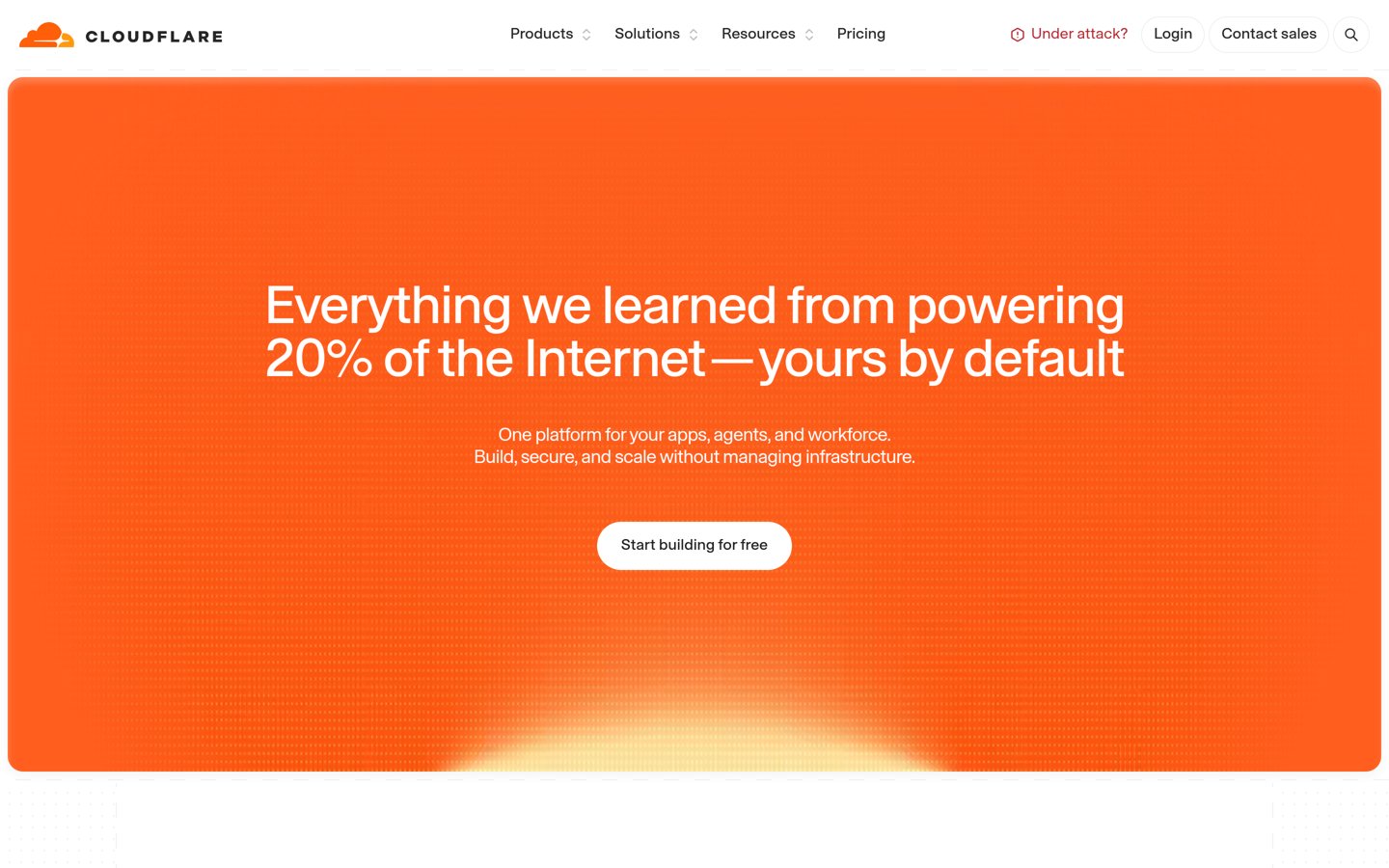
Cloudflare Load Balancing homepage, captured Nov 2026.
Cloudflare Load Balancing is a managed service that steers traffic across healthy origins from Cloudflare's global edge network. The $5-a-month add-on includes health checks, automatic failover and geographic routing, and it works with servers on any cloud or on premises.
The trade off is that $5 covers the basics. Extra origins and more health checks cost more, and advanced steering needs a higher plan, so a large fleet costs more than the headline price. It suits small teams with servers spread across providers.
What we like
Cheapest managed entry here at $5 a month
Works with origins anywhere, with no cloud lock-in
Health checks, failover and geographic routing included
Watch out for
Load balancing is a paid add-on, not in the free plan
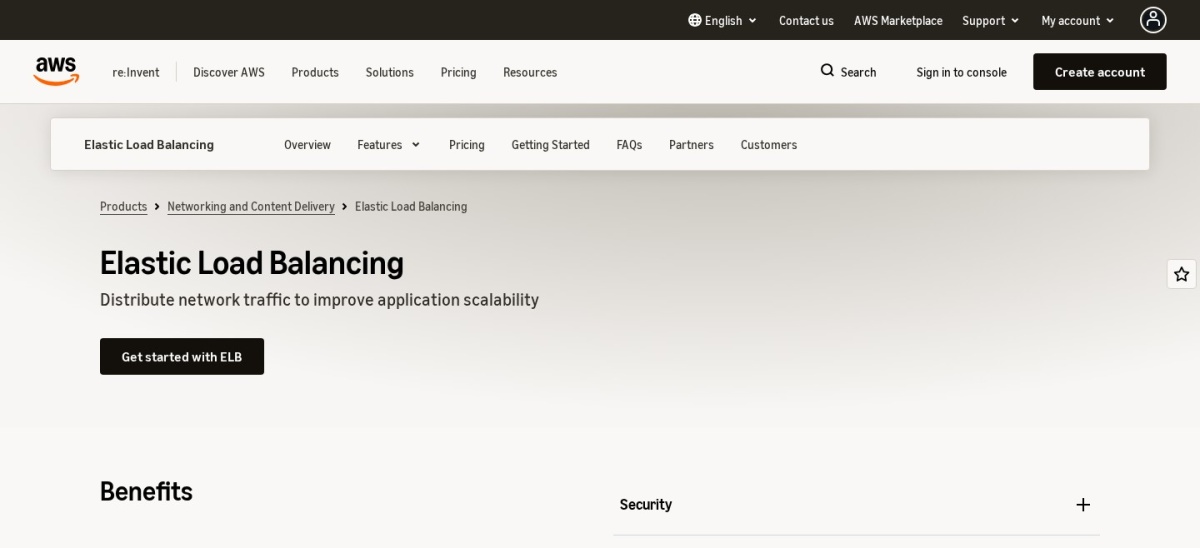
AWS Elastic Load Balancing homepage, captured Nov 2026.
AWS Elastic Load Balancing is the native balancer for apps on AWS, with Application, Network and Gateway types. The Application Load Balancer routes by path, host, header or query string to EC2 instances, containers, IP addresses and Lambda functions, and it scales as traffic grows.
The trade off is the two-part bill. The Application Load Balancer costs $0.0225 an hour plus $0.008 per LCU-hour, so busy apps cost far more than the $16.43 monthly floor. It suits teams already running on AWS.
What we like
Deep AWS integration with EC2, ECS, EKS and Lambda targets
Content-based routing by path, host, header or query
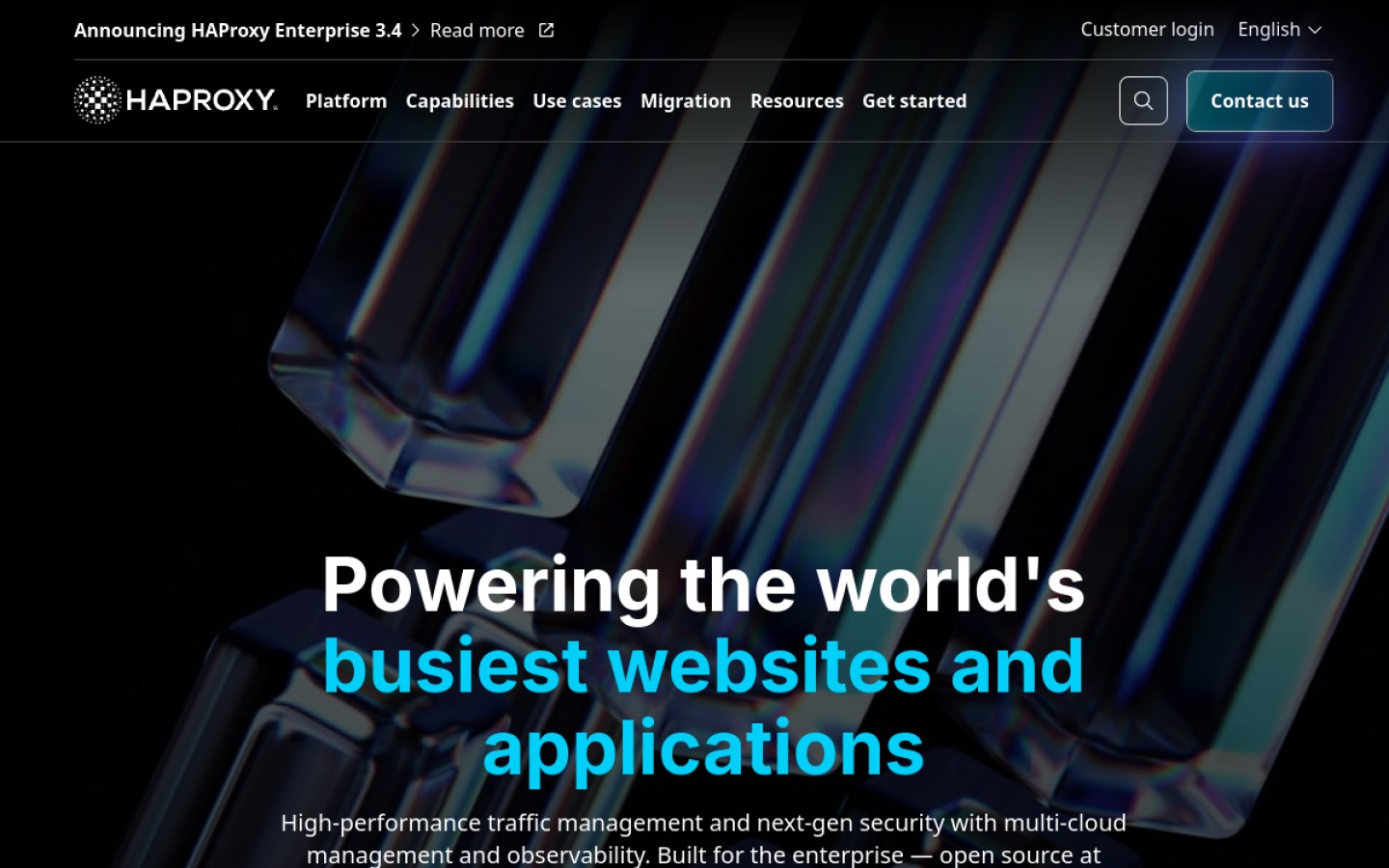
HAProxy is a free, open-source load balancer for TCP and HTTP traffic, with SSL termination, health checks and high availability. Its configuration language routes on almost any request attribute, and it runs on premises, on any cloud or in containers.
The trade off is that you run it yourself. Enterprise pricing is custom quote only, and support, a WAF, bot management and a management console sit behind the paid edition. It suits engineering teams that want full control over every request.
What we like
Highest G2 rating in this list at 4.7 out of 5
Open-source core is free and runs anywhere
Flexible routing on almost any request attribute
Watch out for
Configuration is file-based, with a real learning curve
DigitalOcean Load Balancers homepage, captured Nov 2026.
DigitalOcean Load Balancers is a managed regional balancer that provisions in minutes from the same dashboard as Droplets. One node costs $12 a month, flat, with free SSL certificates, automatic renewal and built-in health checks, and no per-request metering.
The trade off is regional scope. The $12 plan balances inside one region, with no global front end, and each extra node adds $12 a month. It suits small teams whose app and users sit in one region on DigitalOcean.
What we like
Flat $12 a month per node, with no metering
Free SSL certificates with automatic renewal
Provisions in minutes from the Droplet dashboard
Watch out for
Regional only, with no global front end on the $12 plan
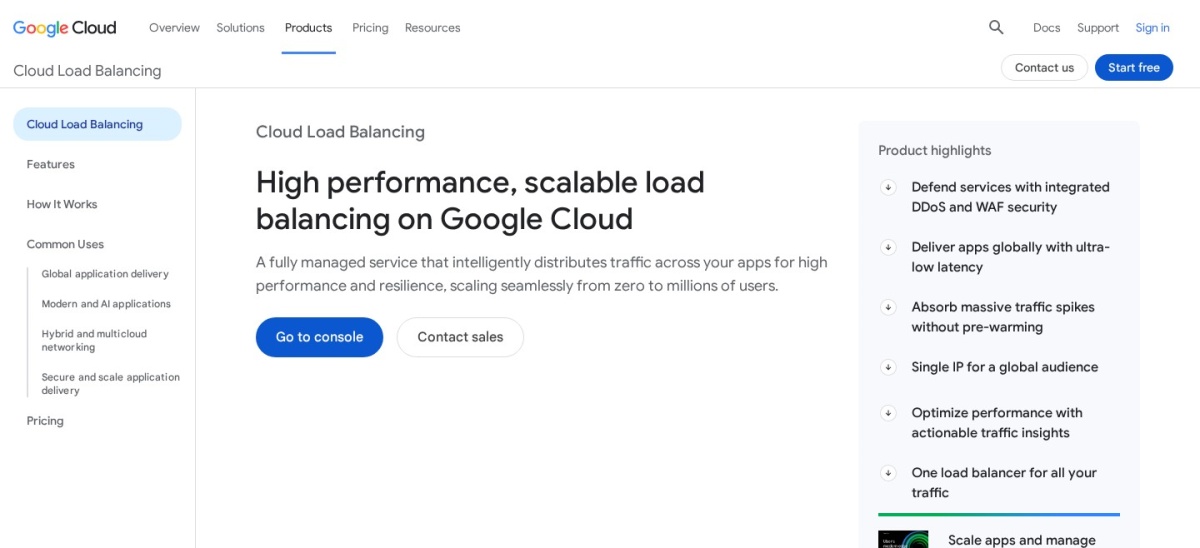
Google Cloud Load Balancing homepage, captured Nov 2026.
Google Cloud Load Balancing is a fully managed service that fronts backends in several regions behind one anycast IP. It needs no pre-warming, scales from zero as traffic arrives, and plugs into Cloud CDN, Cloud Armor and autoscaling instance groups.
The trade off is the metered bill. The first five forwarding rules cost $0.025 an hour in total, about $18.25 a month, but data processing adds $0.008 per GiB. It suits teams running on Google Cloud with users spread across regions.
What we like
One anycast IP fronts backends in many regions
No pre-warming, so it scales from zero
Works with Cloud CDN, Cloud Armor and autoscaling groups
Watch out for
Data processing and egress sit on top of the hourly charge
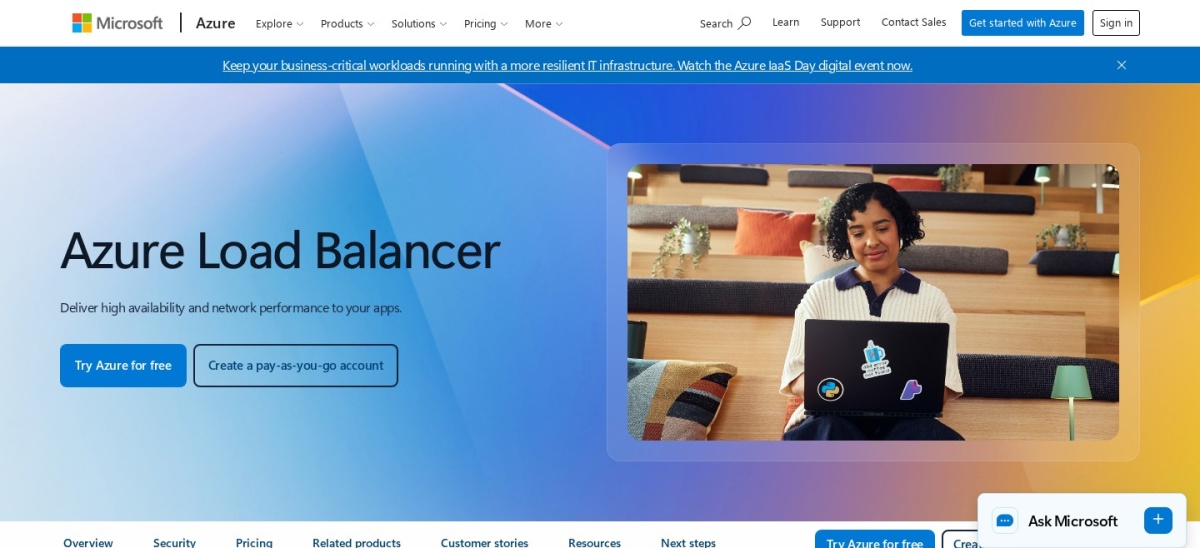
Azure Load Balancer is the native Layer 4 balancer for virtual machines and scale sets on Azure. The Standard tier is zone-redundant with a 99.99% availability SLA, handles TCP and UDP traffic, and includes outbound rules, NAT and health probes.
The trade off is scope. This is Layer 4 only, so HTTP routing, path rules and a web application firewall need Application Gateway or Front Door instead. It suits VM workloads on Azure that need fast, low-latency balancing.
What we like
Zone-redundant Standard tier with a 99.99% SLA
Handles TCP and UDP at Layer 4 with low latency
No charge when no load-balancing rules are configured
Watch out for
Layer 4 only, so no HTTP routing or WAF
Data processed costs $0.005 per GB on the regional tier
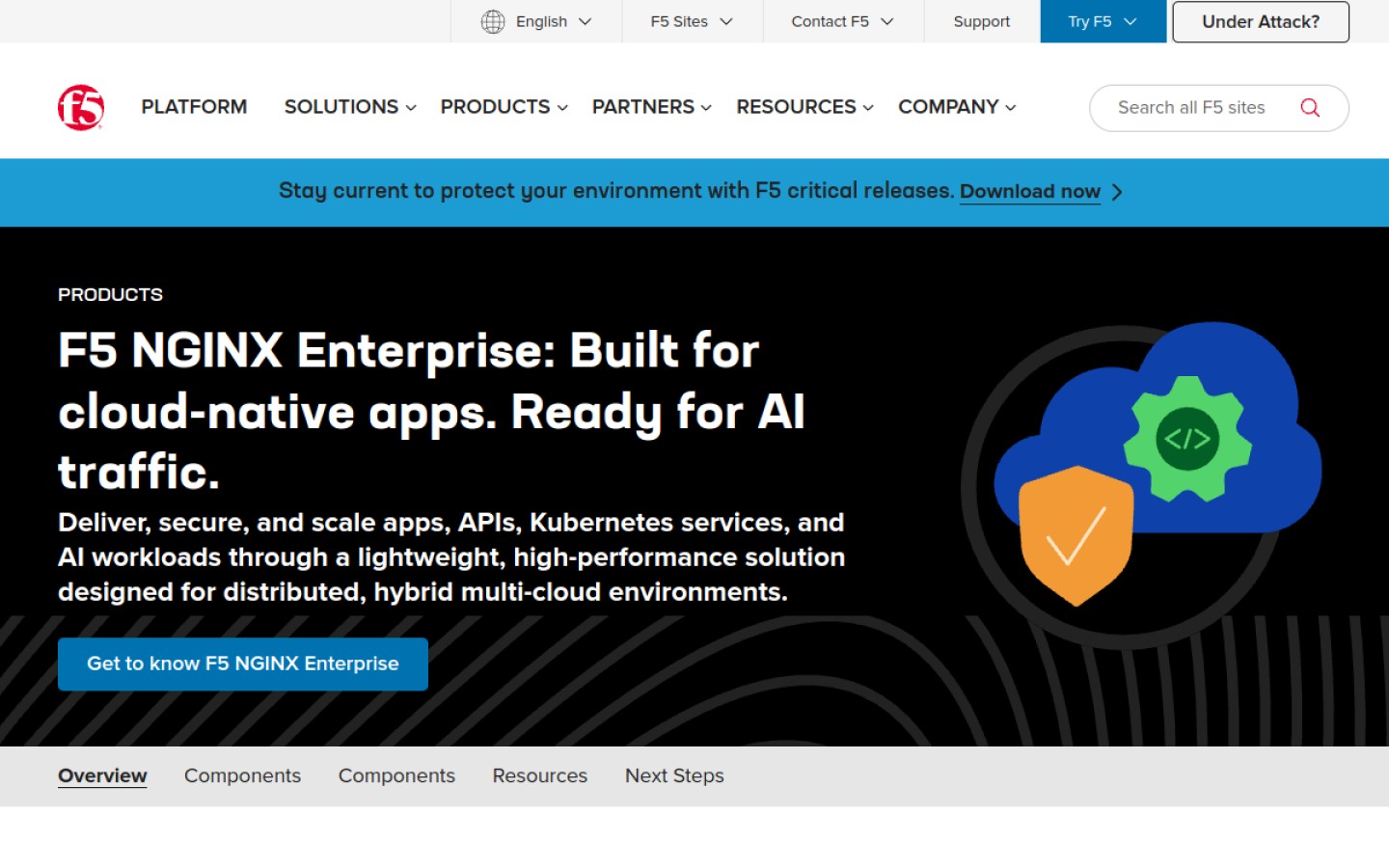
NGINX Plus is the paid edition of the open-source NGINX web server, reverse proxy and load balancer. It adds a live activity dashboard, active health checks, session persistence and dynamic reconfiguration without reloads, and it runs anywhere Linux runs.
The trade off is price and effort. F5 publishes no price list, and G2 lists NGINX Plus from $2,500 a year per instance, while a redundant pair doubles that. It suits ops teams that already know NGINX and want full control.
What we like
Built on open-source NGINX, widely deployed and well known
Live dashboard, active health checks and session persistence
Runs anywhere, with no per-request metering
Watch out for
F5 publishes no price list, so quotes vary
You run it yourself, including patching and high availability
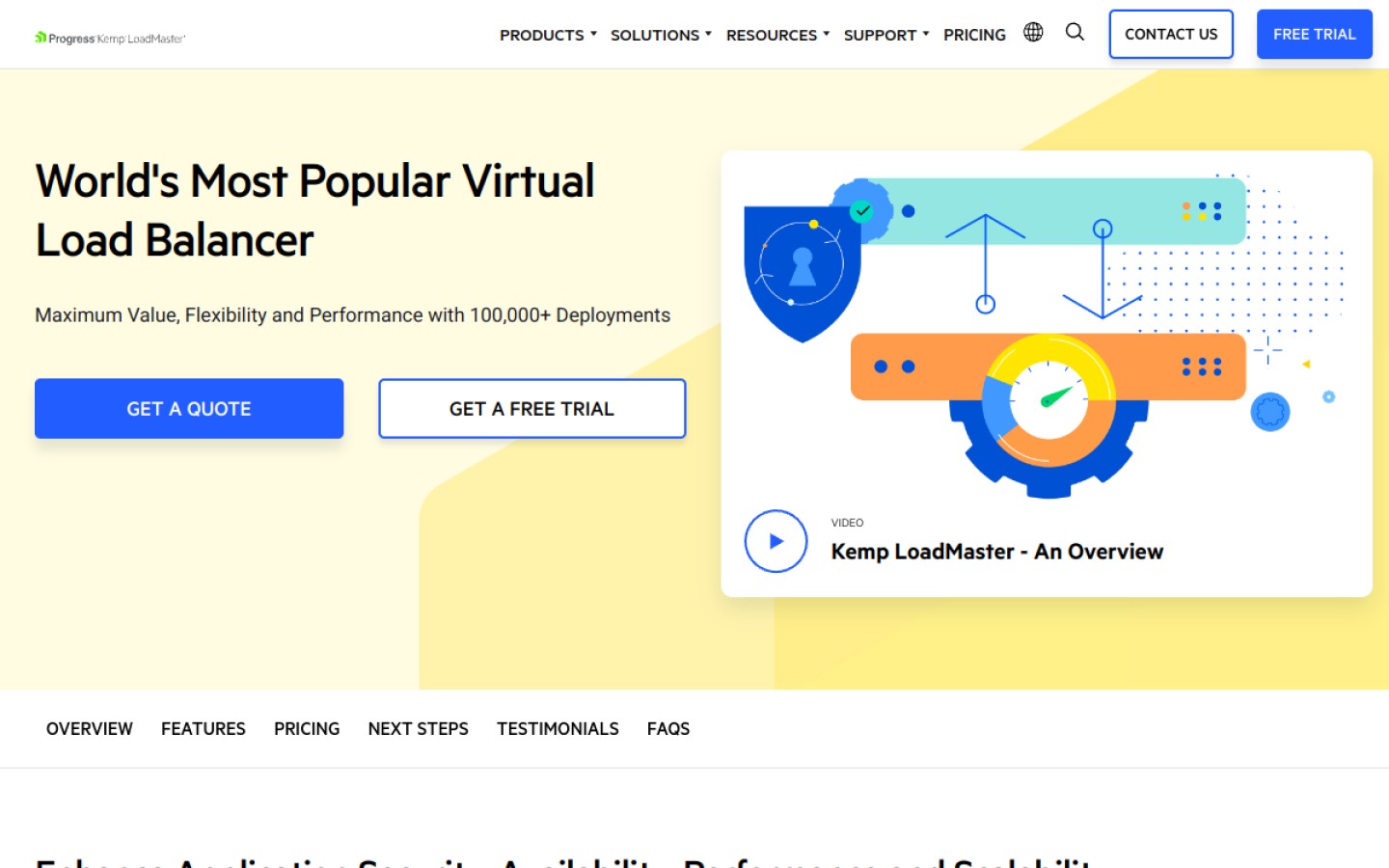
Kemp LoadMaster is a software load balancer and application delivery controller with a point-and-click web interface. It covers Layer 4 to Layer 7 balancing, SSL offload, pre-authentication and global server load balancing, with templates for common apps.
The trade off is cost at scale. Paid plans start at $2,205 a year for the Individual plan, and the free edition is aimed at labs and small deployments. It suits IT teams that want an application delivery controller without writing config files.
What we like
Point-and-click interface, with templates for common apps
Covers Layer 4 to 7, SSL offload and pre-authentication
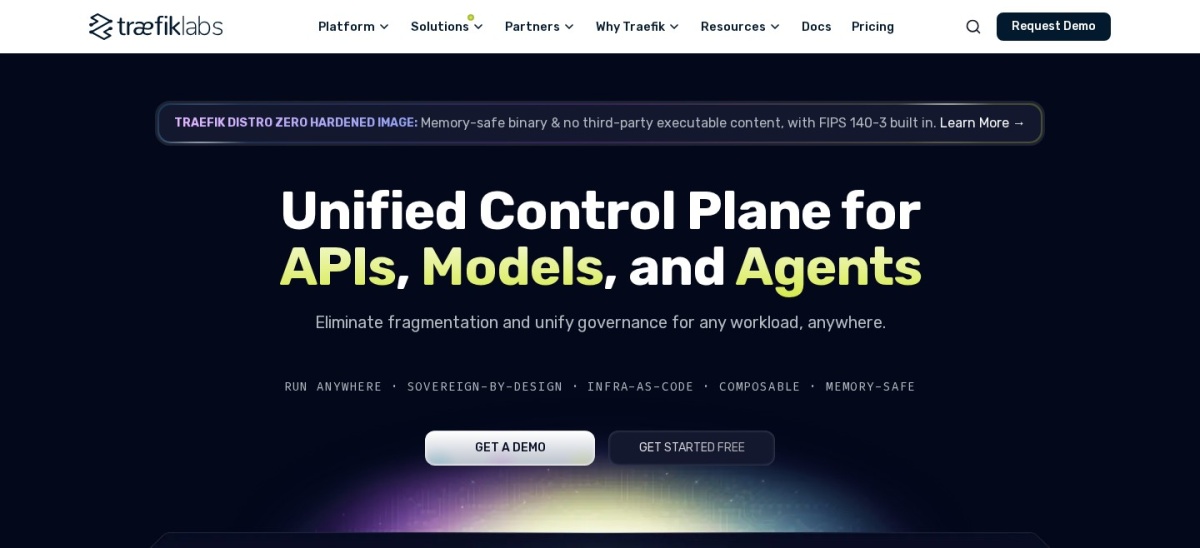
Traefik is a free, open-source, cloud-native load balancer and reverse proxy that discovers services automatically. It works as a Kubernetes ingress controller, handles Docker and Kubernetes backends, and renews TLS certificates automatically.
The trade off is the learning curve. Configuration is file-based and code-driven, and distributed high availability and commercial support need the paid Enterprise edition, priced on contact. It suits platform teams running Kubernetes or a service mesh.
What we like
Automatic service discovery for Docker and Kubernetes
Free open-source core with a real-time dashboard
Automatic TLS certificates for exposed services
Watch out for
File-based setup has a learning curve for new teams
Managed balancers suit teams that want someone else to run the front door. Cloudflare, AWS, Google Cloud, Azure and DigitalOcean handle patching, scaling and failover, and you pay a monthly or hourly bill.
Self-hosted tools suit teams that want control or have servers outside one cloud. HAProxy and Traefik cost nothing to run, while NGINX Plus and Kemp LoadMaster add paid support and extras, but you own uptime, patching and high availability.
A middle path is common. Many teams put a cheap managed balancer such as Cloudflare in front and a self-hosted proxy such as HAProxy or Traefik behind it, and our CDN cost guide shows how edge services price the same traffic.
How we chose
We started from the load balancers with the most G2 reviews and the widest use in production, covering managed cloud balancers, flat-price balancers and self-hosted software.
Prices come from each vendor's pricing page, checked on 23 November 2026. Ratings and review counts come from G2 on the same day. Where a vendor shows no list price, the list says so instead of guessing.
We left out hardware-only balancers and tools with no public pricing or rating. No vendor paid for a place, and we do not claim hands-on testing for this list.
How to choose a load balancer
Start with where your servers already live, then match the balancer to that home.
Match the balancer to your cloud. If your app runs on AWS, Google Cloud, Azure or DigitalOcean, the native balancer is usually the cheapest and simplest choice.
Decide managed or self-hosted. Managed balancers cost a monthly bill but need no patching. Self-hosted tools cost time instead, so count the hours you will spend on them.
Check the metered extras. Hourly prices hide data, capacity-unit and rule charges. Work out the bill at your traffic level before you commit.
Confirm health checks and failover. Make sure the balancer probes your servers, drops failed ones fast and keeps sessions working, then test failover before launch.
FAQ
What is the best load balancer software?
Cloudflare Load Balancing is the best pick for most teams. At $5 a month it adds health checks, automatic failover and geographic routing on a global edge network, and it works with servers on any cloud or on premises.
What is the cheapest load balancer?
HAProxy and Traefik are free, since their open-source cores cost nothing to run on your own server. Among managed options, Cloudflare is cheapest at $5 a month, ahead of DigitalOcean at $12 a month per node.
Do I need a load balancer for a small site?
Not always. A single server with good caching can serve a small site well. Add a balancer when one server is a single point of failure, when traffic spikes, or when you run two or more app servers.
What is the difference between Layer 4 and Layer 7 load balancing?
Layer 4 balancing works on network connections, using IP addresses and ports, and it is fast. Layer 7 balancing reads HTTP requests, so it can route by path, host or header and end TLS.
Is AWS Elastic Load Balancing free?
Partly. New AWS accounts get a 12-month free tier covering 750 load balancer hours a month and 15 LCUs. After that, an Application Load Balancer costs $0.0225 an hour plus $0.008 per LCU-hour.
Can I use HAProxy or NGINX for free?
Yes. Open-source HAProxy and open-source NGINX are both free, and they cover TCP and HTTP balancing, SSL termination and health checks. Paid editions add support, a dashboard, a WAF and other enterprise features.