WLWPLegible EditorsLast verified 22 Nov 2026How we rank15 min read
★ Short answer
Zapier is our top iPaaS pick for accessible cloud integrations, connecting more than 9,000 apps with a free plan offering 100 tasks monthly and a 4.5/5 G2 rating. Make is better for visual multi-step orchestration, while Microsoft Power Automate suits organizations needing cloud and desktop automation.
How we make this list: we compare pricing pages, product documentation and public user reviews, then re-check every price before each update. No product paid for a place. Disclosure.
Zapier supports 9,000+ app connections and has a 4.5/5 G2 rating from 2,169 reviews. Professional starts at $19.99/month with annual billing.
Make connects 3,000+ apps and provides 1,000 free credits monthly. Core costs $12/month on monthly billing, with 10,000 credits.
Microsoft Power Automate Premium costs $15/user/month paid annually and combines cloud flows with attended desktop automation.
Activepieces offers 1,000 free credits monthly and up to 5 users. Plus costs a flat $20/month for 10,000 credits.
Albato Pro starts at $22/month on monthly billing with 1,000 transactions and unlimited automation steps.
Integrately Starter includes 2,000 monthly tasks for $19.99/month billed annually, while Zoho Flow Standard starts at $25/month billed annually for 5,000 tasks.
What to look for in an iPaaS platform
An integration platform as a service, or iPaaS, connects cloud applications, APIs and business systems so information can move between them automatically. Common uses include synchronizing customer records, routing leads, transferring orders and connecting internal applications.
Start with connector coverage. A large integration library can reduce custom development, but the specific applications and actions you need matter more than the total connector count. Check authentication options, available triggers, supported API methods and whether on-premises systems can connect.
Workflow complexity is another deciding factor. Simple automation tools handle triggers and actions, while more advanced platforms support branching, transformations, error handling, retries, webhooks and reusable logic. These capabilities become important when integrations manage business-critical information.
Pricing requires careful comparison because platforms meter different activities. Zapier charges for tasks, Make uses credits, Activepieces uses credits, and Zoho Flow counts completed actions. Microsoft Power Automate uses user-based licensing for its Premium plan. An inexpensive subscription can become costly when workflows run frequently.
Finally, consider security and operational control. Development teams may require version management, execution logs, role permissions and deployment options. Business users may prioritize visual builders, ready-made templates and an interface that requires little programming.
For connecting Zoho and other business applications
$25/mo
Free plan
4.2/5
Price ladder: cheapest paid plan per year
List prices, USD, checked Nov 2026
MakeFREE$144
PowerAuto$180
ZapierFREE$240
IntegratelyFREE$240
ActivepiecesFREE$240
AlbatoFREE$264
Zoho FlowFREE$300
The 7 best ipaas platforms
01
Zapier
4.5/5on G2 (2,169 reviews, checked Nov 2026)
Paid from$19.99/mo
Best iPaaS platform overall for business integrations
App connections9,000+
Free allowance100 tasks/month
Entry paid planProfessional, $19.99/mo
G2 rating4.5/5, 2,169 reviews
zapier.com
Zapier homepage, captured Nov 2026.
Zapier is a cloud automation platform that connects more than 9,000 applications through visual workflows called Zaps. Its free plan includes 100 tasks monthly, unlimited Zaps, Tables and Forms, and two-step automations. Professional adds multi-step workflows, premium app connections, webhooks and conditional logic.
The trade off is task-based billing, with Professional starting at $19.99 monthly on annual billing and higher usage requiring larger allowances. Workflows with many actions can consume tasks quickly, while collaboration requires a higher plan. It suits business teams that want broad application coverage without maintaining custom integration code.
What we like
Connects more than 9,000 applications
Free plan includes Tables, Forms and basic Zaps
Large library of ready-made integration templates
Professional supports webhooks and multi-step workflows
Established G2 review history
Watch out for
Task consumption increases with workflow activity
Free workflows have limited complexity
Shared team management requires a higher plan
Professional adds multi-step Zaps, premium apps, webhooks and advanced logicVisit zapier.com
02
Make
4.6/5on G2 (512 reviews, checked Nov 2026)
Paid from$12/mo
Best for visual workflow orchestration and complex integrations
App connections3,000+
Free allowance1,000 credits/month
Core plan$12/mo monthly billing
G2 rating4.6/5, 512 reviews
make.com
Make homepage, captured Nov 2026.
Make is a visual integration and automation platform that connects more than 3,000 applications through scenarios. Its free plan includes 1,000 credits monthly, while Core offers 10,000 credits and access to more scheduling and automation capabilities. The visual editor supports routers, filters, webhooks, data transformations and AI-powered workflows.
The trade off is its credit model, where most module actions consume credits and some advanced operations use more. Core costs $12 monthly on monthly billing, or $9 monthly with annual billing. It suits operations teams and technical users who need detailed control over multi-step integration logic.
Supports branching, filters and data transformations
Free plan includes 1,000 monthly credits
Connects more than 3,000 applications
Supports AI agents and API-based workflows
Watch out for
Credit usage can be difficult to estimate for complex scenarios
Visual workflows require time to learn
Shared administration and governance depend on plan
Core adds greater execution capacity and paid automation capabilitiesVisit make.com
03
Microsoft Power Automate
4.4/5on G2 (1,094 reviews, checked Nov 2026)
Starts at$15/mo
Best for Microsoft ecosystems and desktop automation
Entry planPremium
Subscription$15/user/month
BillingPaid yearly
AutomationCloud and attended desktop
microsoft.com
Microsoft Power Automate homepage, captured Nov 2026.
Microsoft Power Automate is a low-code automation platform combining cloud application integrations with robotic process automation. Premium costs $15 per user monthly, paid yearly, and includes cloud flows, attended desktop flows, process mining and Microsoft Dataverse entitlements. A 30-day trial is available for evaluating automation capabilities.
The trade off is licensing complexity, because Premium covers individual users while unattended automation requires additional plans. Power Automate Process costs $150 per bot monthly, paid yearly. It suits organizations working with Microsoft applications that also need to automate desktop software and structured internal processes.
What we like
Combines cloud integrations with attended desktop automation
Works closely with Microsoft business applications
Supports low-code workflow development
Includes process and task mining capabilities
Offers separate options for unattended processes
Watch out for
Licensing varies by user and automation type
Unattended desktop automation needs a more expensive plan
Deployment and connector configuration can require technical knowledge
Premium provides cloud flows, attended RPA, process mining and Dataverse capacityVisit microsoft.com
04
Activepieces
4.8/5on G2 (142 reviews, checked Nov 2026)
Paid from$20/mo
Best for open-source automation and AI integration
Free allowance1,000 credits/month
Plus allowance10,000 credits/month
Included usersUp to 5
Paid plan$20/mo flat
activepieces.com
Activepieces homepage, captured Nov 2026.
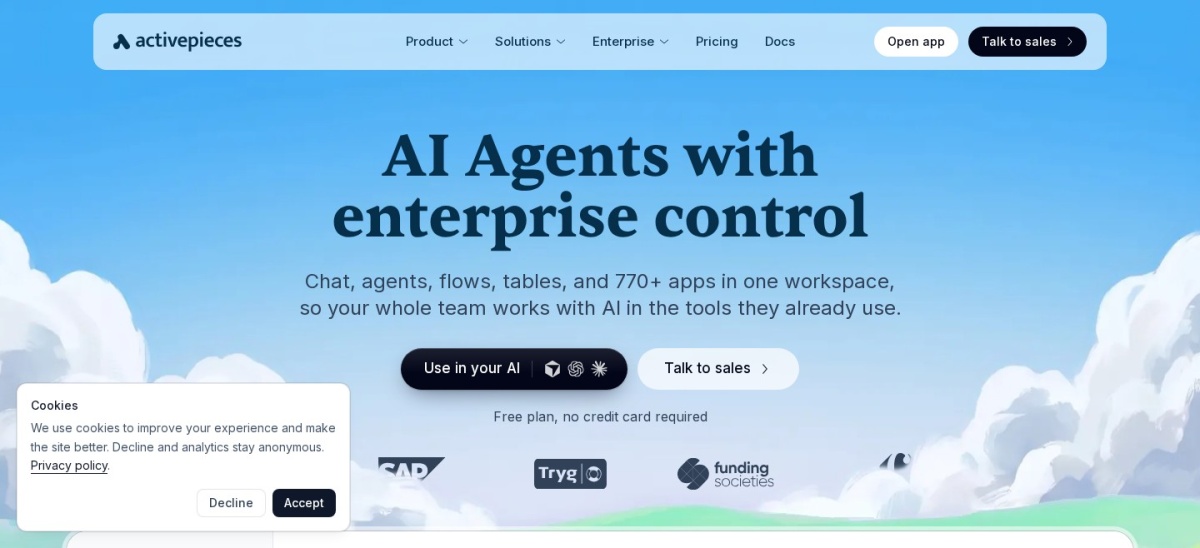
Activepieces is an open-source automation platform for connecting applications, building workflows and creating AI agents. Its free plan includes 1,000 monthly credits, unlimited flows, up to 5 users, API access and MCP capabilities. Plus includes 10,000 credits monthly and allows users to bring their own AI keys.
The trade off is credit-based billing, with Plus costing $20 monthly and additional usage billed separately. Advanced governance, SSO and expanded team management require the $200 monthly Team plan or higher. It suits developers and technical teams that value open-source technology, deployment flexibility and AI workflow development.
What we like
Open-source automation platform
Free plan supports up to 5 users
Unlimited flows on the entry plans
Supports AI agents, APIs and MCP
Flat $20 monthly Plus subscription
Watch out for
Additional credits incur usage charges
Advanced governance requires Team or higher
Some enterprise deployment needs additional administration
Best for SaaS integrations and affordable automation
App connections1,000+
Free allowance100 transactions
Pro allowance1,000 transactions
Entry plan$22/mo
albato.com
Albato homepage, captured Nov 2026.
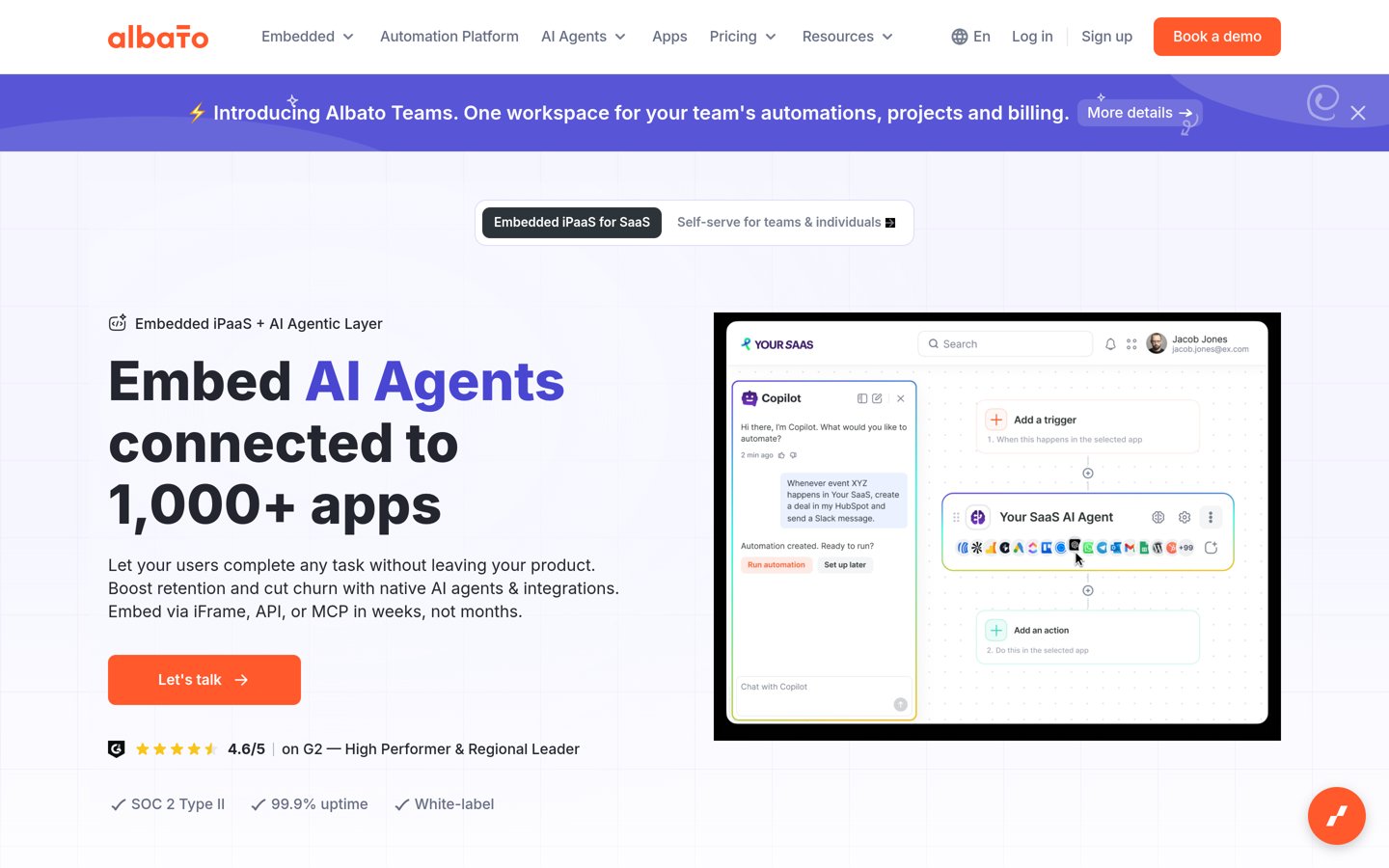
Albato is a cloud integration platform connecting more than 1,000 applications through visual automation workflows. Its free plan includes 100 transactions, 5 active automations and 2 steps per workflow. Pro provides 1,000 monthly transactions, unlimited automation steps, AI agents, data migration, automatic replay and 30-day execution logs.
The trade off is its transaction allowance, with Pro costing $22 monthly or $15 monthly on annual billing. Collaboration features such as shared workspaces and multiple team seats require the more expensive Teams plan. It suits small SaaS businesses and operations teams that need app synchronization with manageable entry costs.
What we like
More than 1,000 application integrations
Free plan for basic workflow automation
Unlimited automation steps on Pro
Data migration and automatic replay included
Separate embedded integration capabilities for SaaS products
Watch out for
Free workflows are limited to 2 steps
Pro includes only 1,000 monthly transactions
Team collaboration requires a higher subscription
Pro adds unlimited steps, AI tools, migration and 30-day logsVisit albato.com
06
Integrately
4.7/5on G2 (713 reviews, checked Nov 2026)
Paid from$19.99/mo
Best for ready-made integrations and quick setup
App integrations1,400+
Free allowance100 tasks
Starter allowance2,000 tasks
Starter price$19.99/mo billed annually
integrately.com
Integrately homepage, captured Nov 2026.
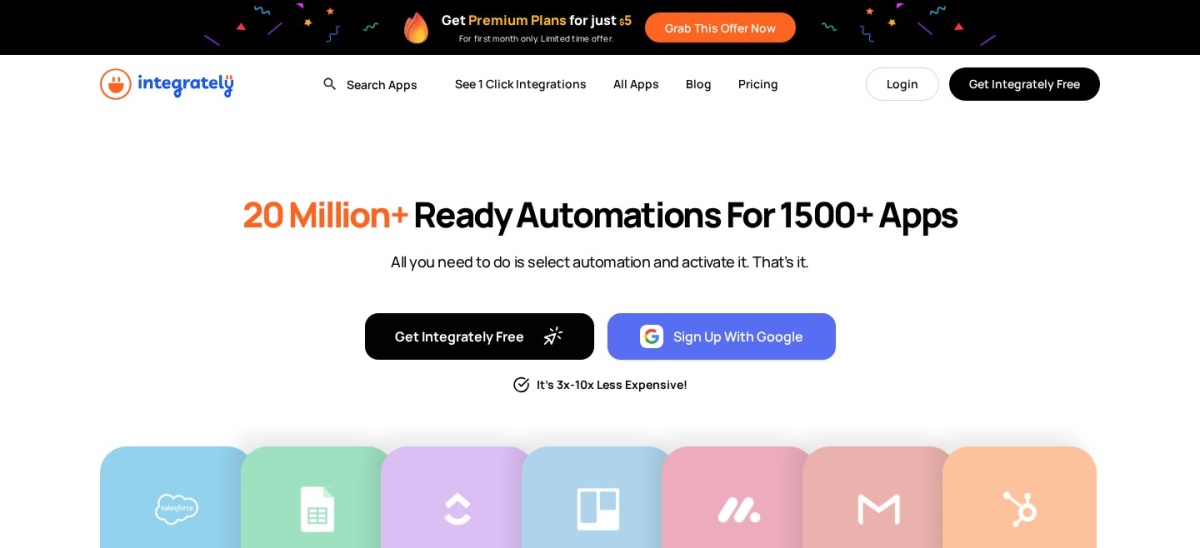
Integrately is a no-code integration platform offering connections across more than 1,400 applications and a large collection of ready-made automations. Its free plan includes 100 tasks, while Starter provides 2,000 monthly tasks, multi-step workflows, webhooks, a 5-minute update interval and access to selected premium apps.
The trade off is that Starter costs $19.99 monthly with annual billing and restricts automation complexity, including advanced branching functionality. Its promotional first-month offer is separate from the regular subscription. It suits small businesses that want to connect common applications through existing templates rather than build every workflow manually.
What we like
Large catalog of ready-made automations
Supports more than 1,400 applications
Free plan available for simple workflows
Starter includes webhooks and multi-step automations
G2 rating of 4.7/5 from 713 reviews
Watch out for
Advanced branching requires higher plans
Starter has a 2,000-task monthly allowance
More complex integrations may require manual configuration
Best for connecting Zoho and other business applications
App integrations1,000+
Free allowance100 tasks/month
Standard allowance5,000 tasks/month
Entry paid price$25/mo billed annually
zoho.com
Zoho Flow homepage, captured Nov 2026.
Zoho Flow is an integration platform that connects more than 1,000 cloud and on-premises applications through visual workflows. Its free plan includes 100 tasks monthly, basic applications and 30-day flow history. Standard provides 5,000 monthly tasks, custom functions, workflow logic and 60-day flow history.
The trade off is that Standard starts at $25 monthly billed annually, while premium applications, on-premises integration and automatic reruns are reserved for Professional. The free plan also has a limited task allowance. It suits businesses already using Zoho applications that want to connect CRM, helpdesk, forms and other systems.
What we like
Integrates Zoho products with external services
More than 1,000 supported applications
Free plan available
Custom functions included in Standard
Visual workflow builder with conditional logic
Watch out for
Free plan allows only 100 monthly tasks
Premium apps require Professional
Smaller G2 review base than most competitors
Standard adds 5,000 monthly tasks, custom functions and longer flow historyVisit zoho.com
What is the difference between iPaaS and workflow automation?
Workflow automation focuses on executing actions when certain conditions occur. For example, a new lead submitted through a form can create a CRM record and send a notification to a sales team.
iPaaS is a broader integration category covering application connectivity, API orchestration, data movement, transformations and integration monitoring. Enterprise deployments may also require governance, reusable components and connectivity to systems hosted outside public cloud services.
The categories overlap. Zapier, Make and Integrately emphasize accessible automation, while Microsoft Power Automate extends into desktop processes. Activepieces offers open-source deployment options, and Albato provides embedded integration products.
For smaller organizations, workflow automation may cover most integration needs. Larger companies should also evaluate error recovery, data consistency, security, monitoring and support for complex system architectures.
When should you consider an enterprise iPaaS platform?
Larger integration projects may need more than a visual automation builder. Requirements can include on-premises connectivity, API lifecycle management, centralized governance, data transformation, version control and service-level commitments.
Platforms such as Workato, Boomi, MuleSoft and Celigo are worth considering for these requirements. They support more specialized enterprise integration use cases, but their full commercial pricing commonly depends on deployment scope, contract terms or usage commitments.
These enterprise products were not included in the ranked price ladder because a comparable flat entry subscription could not be confirmed from their official pricing pages during this review.
Before requesting an enterprise proposal, document your systems, expected data volume, authentication requirements, recovery procedures and operational responsibilities. A clearly defined integration workload makes licensing and vendor comparisons more meaningful.
How we chose
We selected established integration and automation products with active official websites, documented integration features and public G2 review histories. The comparison considers application coverage, workflow development, API capabilities, execution limits, deployment flexibility, collaboration and pricing transparency. The rankings reflect suitability for different integration needs rather than review scores alone.
The comparison uses the requested November 2026 publication reference date, with official pricing pages and G2 listings opened on 23 November 2026. Annualized pricing is based on the cheapest confirmed paid subscription rate shown for each product, multiplied by 12 when quoted monthly. Standard annual-billing prices are used where the vendor does not clearly expose an equivalent monthly amount; promotional discounts are excluded.
We excluded discontinued services and products without a verifiable flat paid entry price in US dollars. Enterprise-first vendors requiring custom quotations were discussed separately rather than assigned estimated prices. We also excluded products whose pricing could not be confirmed from an accessible official source. No vendor paid for a place, and we do not claim testing for this list.
How to choose the right iPaaS platform
Identify the systems you need to connect, estimate your workflow activity and decide who will maintain the integrations before comparing subscription prices.
List the applications and APIs you need to connect. Check whether each product offers the exact triggers, actions and authentication options your integration requires. A platform with thousands of connectors is not necessarily suitable if an important system needs unsupported API methods or on-premises access.
Map your integration logic and reliability requirements. Document transformations, branches, conditions, retries and error recovery. Simple workflows may be suitable for Zapier or Integrately, while Make and Activepieces provide more flexible orchestration options. Consider monitoring, execution history and failure notifications for critical integrations.
Estimate usage under each billing model. Count expected workflow runs and individual actions before comparing costs. Zapier uses tasks, Make and Activepieces use credits, and Zoho Flow counts tasks. Microsoft Power Automate Premium uses user licensing. Include extra execution charges and upgrades when calculating the likely annual cost.
Check deployment, access controls and support. Decide whether cloud hosting is acceptable or self-hosting is necessary. Review access permissions, audit capabilities, authentication, version management and support channels. Teams managing important business data should evaluate operational requirements before choosing based on the cheapest plan.
FAQ
What is the best iPaaS platform in 2026?
Zapier is our top overall pick for accessible cloud application integration because it supports more than 9,000 app connections and offers a free tier. Make is preferable for visual multi-step orchestration, while Microsoft Power Automate is particularly relevant when cloud workflows and desktop processes must operate together.
What does iPaaS stand for?
iPaaS stands for integration platform as a service. It refers to cloud-delivered software that connects applications, data sources and APIs. Organizations use these platforms to synchronize records, automate information transfers and coordinate processes between systems that were not originally designed to communicate directly.
What is the best free iPaaS platform?
Make and Activepieces are strong free options for building integration workflows. Make includes 1,000 credits monthly and a visual scenario builder. Activepieces also offers 1,000 monthly credits, unlimited flows and support for up to 5 users. Zapier provides a simpler free option with 100 tasks monthly.
Is Zapier an iPaaS platform?
Yes. Zapier connects cloud applications and coordinates data transfers through automated workflows, which are core iPaaS capabilities. It focuses on accessible application automation rather than every aspect of enterprise integration architecture. Organizations needing extensive API governance, specialized data transformations or complex legacy-system connectivity should evaluate those capabilities separately.
Is Make better than Zapier?
Make is often a stronger fit for workflows involving branching, transformations and detailed visual orchestration. Its Core plan offers 10,000 monthly credits at $12 on monthly billing. Zapier is attractive for its broader connector catalog and accessible setup, but its task-based pricing and collaboration limits should be considered.
How much does iPaaS software cost?
Entry pricing varies with the billing model. Make Core costs $12 monthly, Microsoft Power Automate Premium costs $15 per user monthly paid annually, and Activepieces Plus costs $20 monthly. Enterprise deployments may require custom contracts, and execution usage, extra connectors or additional users can increase the total cost.
What is the difference between iPaaS and ETL?
ETL stands for extract, transform and load. It primarily moves and prepares data for storage, reporting or analysis. iPaaS has a broader application-integration role, connecting services and coordinating operational workflows. Some iPaaS products support data transformations, but they are not necessarily substitutes for dedicated data engineering platforms.
Can an iPaaS platform connect on-premises applications?
Some can, but the capability depends on the product and subscription. Microsoft Power Automate supports desktop workflows, while Zoho Flow offers on-premises integration in its Professional plan. Check network connectivity, authentication, firewall requirements and whether an integration agent or gateway must be installed before selecting a platform.
What should enterprises look for in an iPaaS platform?
Enterprise buyers should prioritize connector compatibility, security controls, data governance, error recovery, monitoring and deployment flexibility. They should also evaluate API management, support commitments and predictable licensing. Products such as Workato, Boomi and MuleSoft may warrant evaluation when integration requirements extend beyond general application automation.