WLWPLegible EditorsLast verified 22 Nov 2026How we rank6 min read
★ Short answer
Papermark leads for budget-conscious teams with a free tier covering 1 team member, 50 documents, and 50 links, plus published Data Rooms pricing. Ideals suits structured M&A and diligence rooms with 8 permission levels and a 4.7/5 G2 rating across 877 reviews, while SecureDocs fits straightforward flat-fee deal rooms.
How we make this list: we compare pricing pages, product documentation and public user reviews, then re-check every price before each update. No product paid for a place. Disclosure.
Papermark offers a free plan with 1 team member and 50 documents, while its Data Rooms plan lists at $119/month billed annually ($1,428/yr).
Ideals holds a 4.7/5 rating across 877 G2 reviews and uses storage-based custom quotes (estimated around $500/month in third-party VDR guides).
Digify holds a 4.6/5 rating across 106 G2 reviews and updated Pro pricing to $1,800/year ($200/month monthly) on November 2, 2026.
DocSend lists Advanced Data Rooms at $180/month billed annually ($2,160/yr) with 3 users and 4,000 assets per data room.
SecureDocs starts at $250/month ($3,000/yr on a 12-month plan) with unlimited users and documents.
What to look for when choosing data room software
Data room pricing models split sharply between flat-rate team subscriptions, per-user or per-GB tiers, per-page charges, and custom enterprise quotes. Flat-rate subscriptions keep costs predictable when external reviewers, advisors, or buyers join a deal room.
Access control and document tracking separate a true data room from standard cloud folders. Look for per-recipient or group permissions, link expiration, NDA gating, dynamic watermarking, and page-level engagement logs.
Match room capacity and workflow depth to your transaction type. Founder fundraising and investor updates often need fast setup and view analytics, whereas complex M&A or multi-party diligence benefits from structured Q&A, audit trails, and larger storage allowances.
Check whether annual billing discounts or short-term deal passes fit your timeline. Some platforms charge higher month-to-month rates or add fees for extra internal seats and storage above base caps.
Papermark is a document sharing and virtual data room platform whose free plan includes 1 team member, 50 documents, 50 links, unlimited visitors, and page-by-page analytics. Paid Data Rooms plans add room-level controls, NDA agreements, dynamic watermarking, and custom domain branding.
The trade off is that dedicated data rooms require a paid plan starting at $119/month billed annually ($1,428/yr) in USD, and reviewers note slower loading on large files. It suits lean deal teams, founders, and organizations wanting clear pricing and self-hosting options.
What we like
Free plan available with page-by-page analytics and unlimited visitors
Published pricing with unlimited data rooms on the Data Rooms tier
Supports custom domains, dynamic watermarking, and NDA gating
Offers an open-source core alongside cloud plans
Watch out for
Dedicated data rooms are not included on the free tier
Additional internal team members cost extra above included seats
Large files can take longer to load according to user reviews
Paid Data Rooms plans add dedicated data rooms, NDA gating, watermarking, and custom domains.Visit papermark.com
02
Ideals
4.7/5on G2 (877 reviews, checked Nov 2026)
Starts at$500/mo
Best for M&A diligence and granular permissions
Pricing modelQuote-based (~$500/mo est.)
PlansCore, Premier & Enterprise
Permissions8 granular access levels
Deal toolsAI redaction, OCR & Q&A
idealsvdr.com
Ideals homepage, captured Nov 2026.
Ideals is a virtual data room platform built for M&A due diligence and financial transactions, offering Core, Premier, and Enterprise tiers with storage-based pricing. It includes 8 permission levels, structured Q&A management, OCR search, AI redaction, dynamic watermarks, and 24/7 multilingual support.
The trade off is that pricing is custom quote-based rather than a fixed self-serve checkout (estimated around $500/month in third-party VDR guides, or $6,000/yr). It suits M&A advisors, legal teams, and dealmakers running structured diligence workflows.
What we like
High 4.7/5 rating across 877 G2 reviews with strong 24/7 support feedback
Granular 8-level permission controls, OCR search, Q&A, and AI redaction
Core and Premier single-project options include unlimited users
Watch out for
Exact pricing requires a tailored quote rather than self-serve checkout
Several reviewers note costs feel high for smaller deals or budgets
Advanced configuration and project settings can take time to learn
Quote-based Core, Premier, and Enterprise plans scale storage, project counts, and dedicated support.Visit idealsvdr.com
03
DocSend
4.4/5on G2 (92 reviews, checked Nov 2026)
Starts at$10/mo
Best for investor decks and tracked sharing
Entry plan$10/user/mo billed yearly
Data rooms$180/mo Advanced Data Rooms
Room capacityUp to 4,000 assets/room
Access controlsNDAs & watermarks on higher tiers
docsend.com
DocSend homepage, captured Nov 2026.
DocSend is a document sharing and data room platform known for real-time page-by-page engagement analytics, dynamic watermarking, and Spaces data rooms. Its entry Personal plan starts at $10/user/month billed yearly ($120/yr) with 1 user, 10 GB storage per user, and 4 eSignatures per month.
The trade off is that lightweight data rooms and NDAs require higher tiers, with Advanced Data Rooms at $180/month billed yearly ($2,160/yr) for 3 users. It suits founders, sales teams, and investor-facing workflows that prioritize engagement tracking.
What we like
Detailed page-by-page viewer analytics and engagement tracking
Low entry Personal price at $10/user/month billed annually
Advanced Data Rooms support group permissions, audit logs, and file indexing
Watch out for
Full data room audit logs and group permissions require the $180/month annual tier
Additional user seats on upper tiers add per-user charges
Some reviewers note limited mobile optimization for long documents
Higher plans add multi-file Spaces, watermarking, NDA gating, audit logs, and up to 4,000 assets per data room.Visit docsend.com
04
Digify
4.6/5on G2 (106 reviews, checked Nov 2026)
Starts at$1,800/yr
Best for post-download document protection
Pro annual$1,800/yr ($200/mo monthly)
Team annual$4,500/yr ($530/mo monthly)
Pro limits1 user, 3 rooms, 50 guests
SecurityWatermarks & remote revocation
digify.com
Digify homepage, captured Nov 2026.
Digify is a document security and virtual data room platform focused on dynamic watermarking, remote access revocation, and document tracking. Its Pro plan lists at $1,800/year ($200/month billed monthly) following Digify's November 2, 2026 pricing update.
The trade off is that Pro covers 1 user, 3 data rooms, and 50 guests, with Team at $4,500/year ($530/month monthly) and no free plan. It suits teams sharing sensitive files that need post-send control and view tracking.
What we like
Strong document-level controls including dynamic watermarking and access revocation
Supports data rooms with structured folders, roles, and page-level analytics
High user ratings on G2 with fast initial setup
Watch out for
No free plan, and guest and room counts are capped by tier
Higher annual commitment compared with entry-level sharing tools
Less suited to complex multi-workstream M&A deal lifecycles than full VDRs
Higher tiers expand user seats, active data rooms, guest limits, and priority support.Visit digify.com
05
SecureDocs
4.6/5on G2 (50 reviews, checked Nov 2026)
Starts at$250/mo
Best for simple flat-rate deal rooms
Starting price$250/mo on 12-month plan
Users & docsUnlimited users & documents
Support24/7 support & migration
Trial14-day free trial
securedocs.com
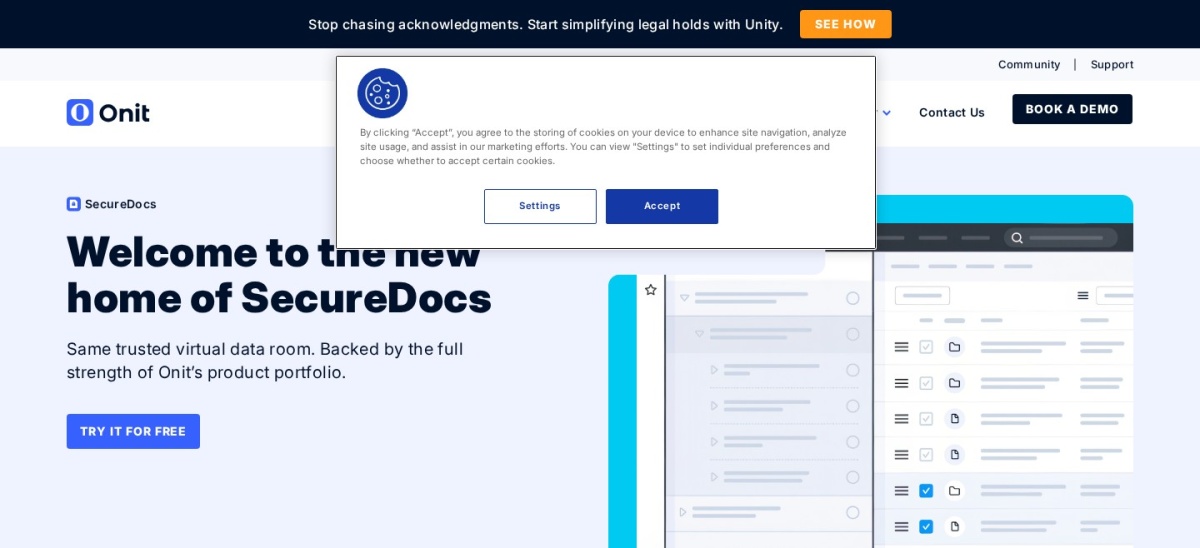
SecureDocs homepage, captured Nov 2026.
SecureDocs is a virtual data room platform built around fast setup and flat monthly pricing starting at $250/month on a 12-month plan ($3,000/yr). Plans include unlimited users, unlimited documents, permission controls, activity tracking, and 24/7 support.
The trade off is a $250/month entry cost ($3,000/yr) with a simpler interface and lighter search and reporting than enterprise suites. It suits small and mid-sized teams running straightforward diligence or audits with many participants.
What we like
Flat-rate pricing from $250/month with unlimited users and documents
Includes 24/7 support and data migration at no extra charge
Quick setup and straightforward permission controls
Watch out for
No free tier after the 14-day free trial
Interface and search tools feel basic on large document sets
Fewer advanced deal-lifecycle and redaction tools than enterprise VDRs
Paid plans provide full virtual deal room access, unlimited users and documents, activity tracking, and 24/7 support.Visit securedocs.com
06
CapLinked
4.4/5on G2 (102 reviews, checked Nov 2026)
Starts at$399/mo
Best for mid-market deals and published tiers
Team plan$399/mo ($4,788/yr), 5 GB
EnterpriseFrom $5,500/yr or $550/mo
Guest usersUnlimited guests
Deal toolsQ&A, watermarks & DRM
caplinked.com
CapLinked homepage, captured Nov 2026.
CapLinked is a virtual data room platform for M&A, capital raises, and transactions, with a Team plan at $399/month ($4,788/yr) including 5 GB of storage. It provides unlimited guest users, permission-based access, structured Q&A, dynamic watermarks, and digital rights management.
The trade off is that the Team plan caps storage at 5 GB and Enterprise starts at $5,500/year or $550/month. It suits legal, finance, and deal teams that want published pricing, guest access without seat fees, and post-download controls.
What we like
Published Team plan pricing at $399/month with unlimited guest users
Includes structured Q&A, custom dynamic watermarks, and DRM controls
Offers a 14-day free trial without requiring a sales call first
Watch out for
5 GB storage cap on the Team plan can fill up on media-heavy deals
Higher starting price than lightweight startup document tools
Some reviewers note the interface feels dated on large datasets
Paid plans add virtual data rooms, unlimited guests, Q&A workflows, and Enterprise tiers with flexible storage.Visit caplinked.com
07
Datasite
4.5/5on G2 (451 reviews, checked Nov 2026)
Starts atQuote-based/yr
Best for enterprise M&A and complex diligence
Pricing modelQuote-based (~$15k+ est.)
Core toolsAI redaction, Q&A & analytics
OCR support17+ languages
Free trialNot available; sales quote
datasite.com
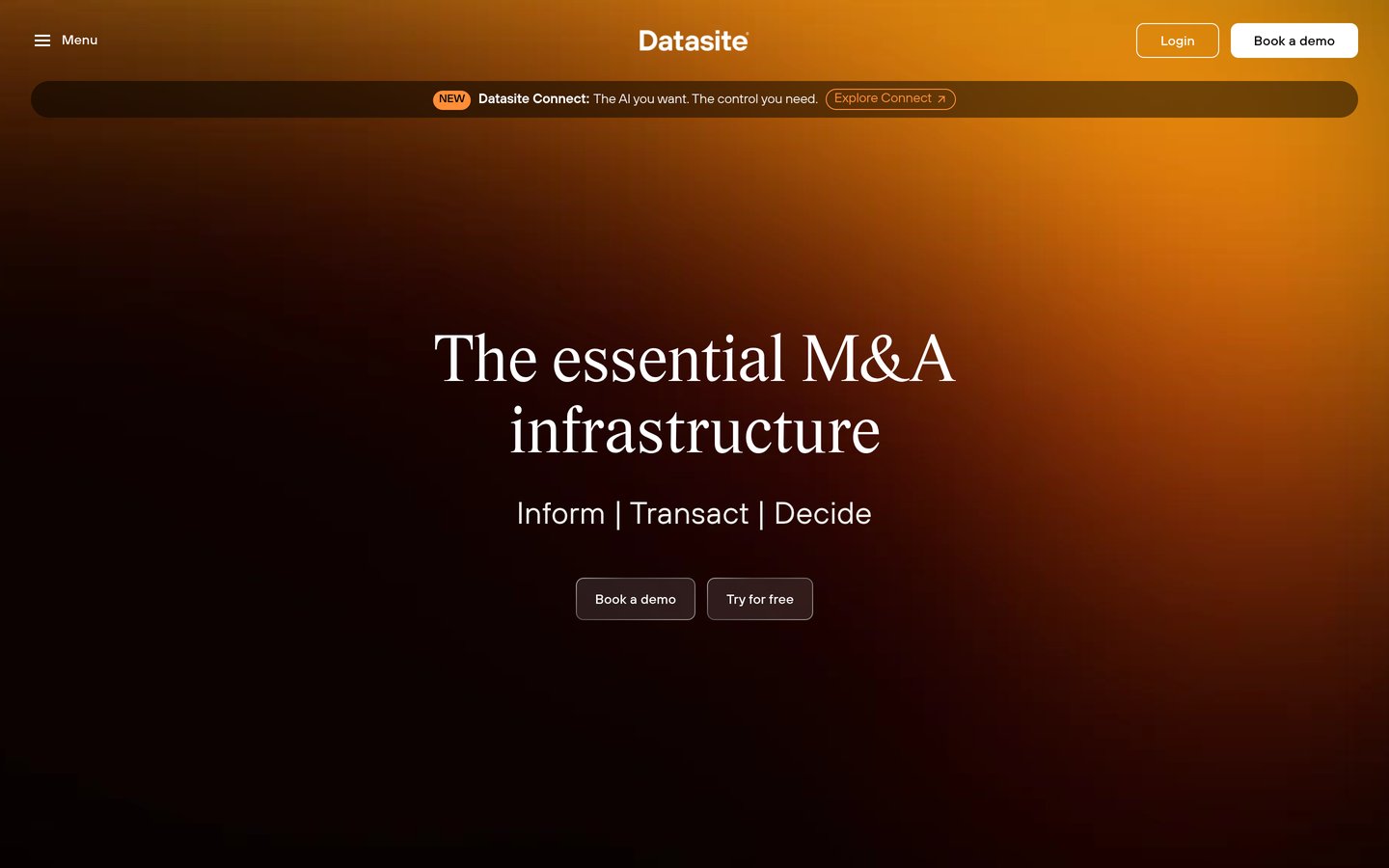
Datasite homepage, captured Nov 2026.
Datasite is an enterprise virtual data room built for complex M&A, investment banking, and high-stakes due diligence with AI document classification, redaction, and engagement analytics. Reviewers highlight page-level activity tracking, structured Q&A, and 24/7 deal support.
The trade off is quote-based pricing with no published rate card (third-party VDR guides cite ~$15,000-$50,000 for mid-market deals and per-page rates around $0.60) and no self-serve trial. It suits enterprise deal teams and advisors running large, multi-party transactions.
What we like
Built for large-scale M&A and diligence with structured Q&A and checklists
AI-assisted redaction, categorization, and page-level engagement reporting
Large review footprint on G2 with strong marks for security and permissions
Watch out for
Quote-based pricing with no public self-serve plan or free trial
High deal costs make it impractical for small teams or lightweight rooms
Slower search or file handling can occur on very large document sets
Custom deal packages include AI document tools, Q&A workflows, granular permissions, and dedicated transaction support.Visit datasite.com
How virtual data room pricing models compare
Flat-rate subscriptions charge a set monthly or annual fee, which helps when dozens of buyers, lawyers, or investors review files over several months. Per-user pricing can climb when external reviewers count as seats, while per-page or per-GB plans can rise quickly on document-heavy or media-rich deals.
Always check what happens if a transaction runs longer than expected or exceeds base storage. Confirming contract length, storage caps, and seat rules upfront prevents surprise charges mid-deal.
How we chose
We assembled this list from active virtual data room and secure document-sharing platforms widely reviewed for fundraising, diligence, and deal workflows.
All ratings, review counts, and plan prices were checked on 22 Nov 2026 from vendor pricing pages, product documentation, and public G2 review listings.
We excluded providers without verifiable public pricing or review data for our comparison fields and omitted platforms lacking active maintenance signals. No vendor paid for a place, and we do not claim testing for this list.
How to choose the right data room software
Follow four practical steps to narrow down the right platform for your deal or sharing workflow:
Match the tool to your deal complexity. Light fundraising and pitch sharing often fit streamlined rooms or document links, whereas formal M&A diligence calls for structured Q&A, audit logs, and tighter access rules.
Check how users, storage, and pages are billed. Compare flat-rate team plans against per-seat, per-GB, or per-page models based on how many external viewers and how much file volume you expect.
Verify security controls before uploading sensitive files. Confirm support for NDA gating, dynamic watermarks, granular folder or file permissions, link expiration, and instant revocation.
Factor in deal duration and support needs. Check annual versus monthly billing, one-time deal passes, and 24/7 support availability so your room stays active through closing.
FAQ
Do any virtual data room tools offer a free plan?
Yes. Papermark offers a free plan with 1 team member, 50 documents, and 50 links for lightweight document sharing and tracking.
Why do some data room vendors hide their pricing?
Enterprise and mid-market virtual data room providers frequently tailor quotes around storage volume, deal duration, user counts, and support levels rather than publishing fixed list prices.
What is the difference between a virtual data room and cloud storage?
Standard cloud drives focus on general storage and collaboration, whereas virtual data rooms emphasize granular permissions, watermarks, NDA gates, access revocation, and detailed viewer audit trails.
When does flat-rate pricing beat per-page or per-user pricing?
Flat-rate plans usually work better when many external reviewers access a room, when document counts are large, or when a deal runs across multiple months.
Can external investors or buyers view files without extra seat fees?
Many platforms allow external guests or viewers at no per-guest fee on paid plans, though internal admin seats or storage caps may still apply depending on the tier.
What security features matter most during due diligence?
Teams typically look for encryption, role-based permissions, dynamic watermarks, NDA acceptance before viewing, download restrictions, and activity logs tracking who viewed each file.