incident.io leads for SRE teams with a 4.8/5 rating across 238 G2 reviews and Slack or Microsoft Teams workflows starting on a free Basic plan. PagerDuty fits large multi-team environments with 4.5/5 across 983 G2 reviews, while Better Stack suits teams combining uptime monitoring with incident response.
How we make this list: we compare pricing pages, product documentation and public user reviews, then re-check every price before each update. No product paid for a place. Disclosure.
incident.io holds 4.8/5 across 238 G2 reviews and starts with a free Basic plan.
PagerDuty spans 983 G2 reviews at 4.5/5, with paid plans starting at $21/user/mo billed annually.
Rootly earns 4.7/5 across 218 G2 reviews and prices Incident Response and On-Call each at $20/user/mo.
Better Stack holds 4.8/5 across 344 G2 reviews and bundles monitoring, status pages, and on-call.
Xurrent IMR starts at $5/user/mo billed yearly on Starter for small teams.
What SRE teams look for in incident management
Site reliability engineers need alert routing, escalation policies, and incident timelines that reduce mean time to resolution without creating extra manual busywork during outages. Chat-native platforms run triage and postmortems inside Slack or Microsoft Teams, while traditional alerting suites focus on multi-channel paging and deep integration catalogs.
Pricing structures vary widely across vendors. Some platforms charge per responder or active on-call user, while others split incident response and on-call into separate add-ons or bill AIOps and extra telemetry separately.
SRE teams also weigh whether they want a dedicated incident layer or an all-in-one observability and alerting stack. Checking seat definitions, stakeholder viewer rules, and notification limits prevents surprise bills as rotations grow.
The 7 best incident management platform for sre teams
01
incident.io
4.8/5on G2 (238 reviews, checked Nov 2026)
Paid from$180/yr
Best for Slack and Teams incident workflows
Free planBasic (free)
Entry paid tierTeam ($15/user/mo annual)
Chat supportSlack & Microsoft Teams
G2 rating4.8/5 (238 reviews)
incident.io
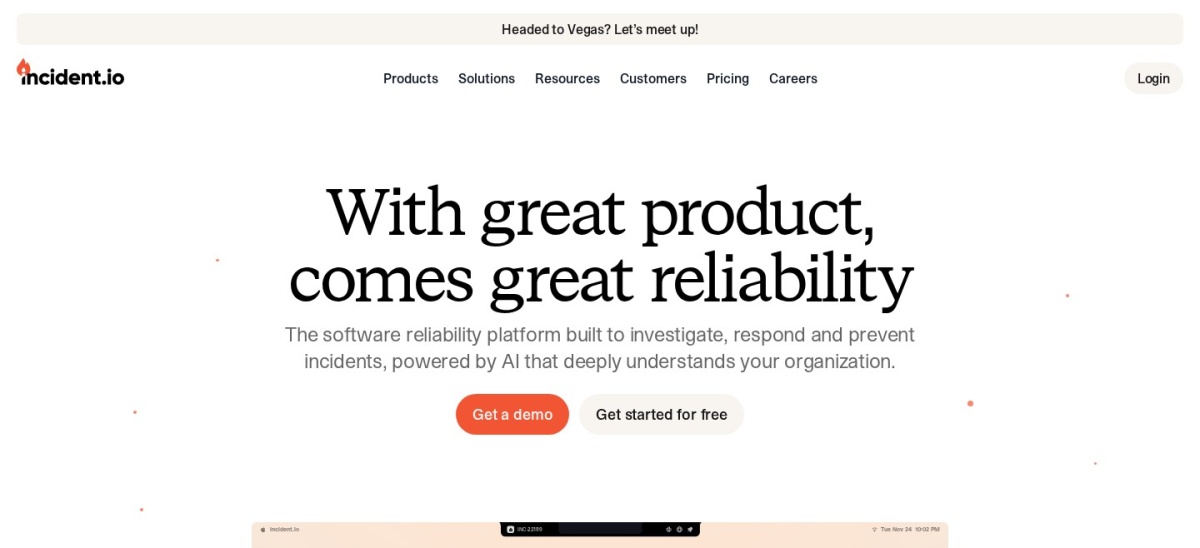
incident.io homepage, captured Nov 2026.
incident.io is a chat-native incident management platform with a free Basic plan that covers Slack or Microsoft Teams incident response, single-team on-call, a status page, and essential automation. It holds a 4.8/5 rating across 238 G2 reviews.
The trade off is that paid Team plans start at $15/user/month billed annually ($180/yr per user) before adding $10/user/month for on-call. It suits SRE teams that coordinate incidents directly in Slack or Teams.
What we like
Free Basic plan includes a status page and single-team on-call
High 4.8/5 rating across 238 G2 reviews
Native workflows in both Slack and Microsoft Teams
Clear split between responder seats and free viewers
Watch out for
On-call is a separate per-user add-on on paid tiers
Advanced postmortems and custom dashboards sit on higher tiers
Paid Team plans start at $15/user/mo billed annually, plus $10/user/mo for on-call.Visit incident.io
02
PagerDuty
4.5/5on G2 (983 reviews, checked Nov 2026)
Paid from$252/yr
Best for large multi-team paging and integrations
Free planUp to 5 users
Entry paid tierProfessional ($21/user/mo)
G2 rating4.5/5 (983 reviews)
SMS/phone free tier100/month
pagerduty.com
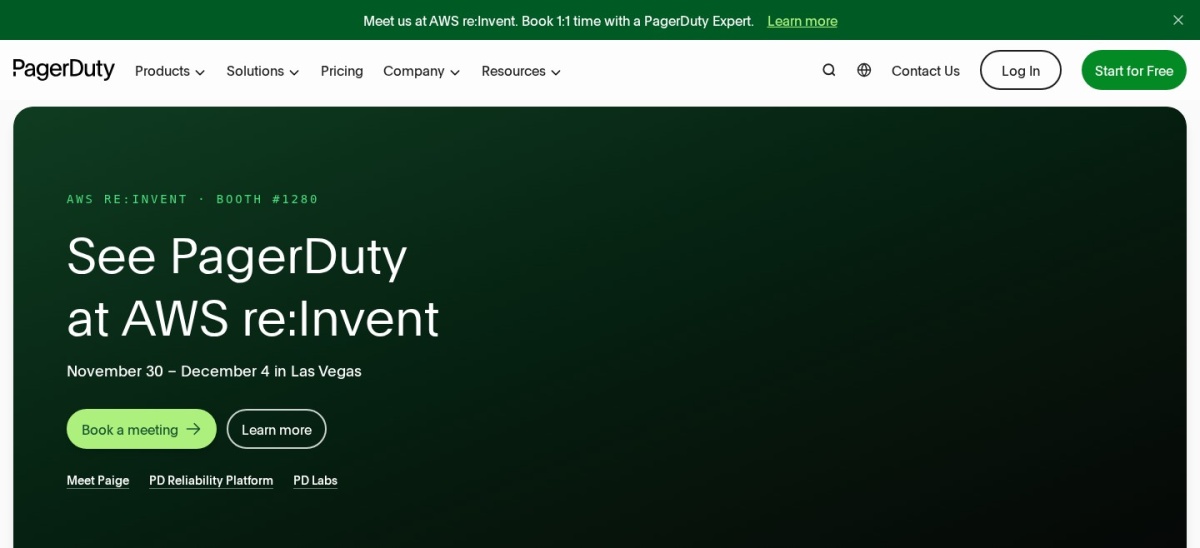
PagerDuty homepage, captured Nov 2026.
PagerDuty is an established incident management and alerting platform with a free tier for up to 5 users that includes 1 on-call schedule, 1 escalation policy, and 100 SMS or phone notifications per month. It holds 4.5/5 across 983 G2 reviews.
The trade off is that Professional starts at $21/user/month ($252/yr per user) and add-ons like AIOps raise costs quickly. It suits larger organizations with broad tool integrations and strict escalation rules.
What we like
Free plan supports up to 5 users with 100 monthly SMS/phone alerts
Large review footprint of 983 reviews on G2 at 4.5/5
Mature on-call schedules, escalation policies, and service dependencies
Watch out for
Per-user pricing and add-ons scale up for larger teams
Complex configuration can feel heavy for smaller setups
Professional starts at $21/user/month, with AIOps and advanced features sold as add-ons.Visit pagerduty.com
03
Rootly
4.7/5on G2 (218 reviews, checked Nov 2026)
Starts at$240/yr
Best for automated Slack-centric incident workflows
Free planNo (14-day trial)
Entry paid tier$20/user/mo per product
G2 rating4.7/5 (218 reviews)
Core focusAutomation & retrospectives
rootly.com
Rootly homepage, captured Nov 2026.
Rootly is a Slack-focused incident management platform that automates incident channels, status updates, and retrospectives, earning 4.7/5 across 218 G2 reviews. It offers a 14-day free trial rather than a permanent free tier.
The trade off is that Incident Response and On-Call each start at $20/user/month ($240/yr per user per product). It suits SRE teams that want scripted incident workflows and automated follow-ups.
What we like
Strong 4.7/5 rating across 218 G2 reviews
Automates incident workflows, action items, and retrospectives
Published starting rates of $20/user/month for Incident Response and On-Call
Watch out for
No permanent free tier, only a 14-day trial
Paying for both Incident Response and On-Call doubles the per-user rate
Incident Response and On-Call are each priced starting at $20/user/month.Visit rootly.com
04
Better Stack
4.8/5on G2 (344 reviews, checked Nov 2026)
Paid from$348/yr
Best for combined uptime monitoring and incident response
Free planYes (10 monitors)
Paid responder tierFrom $29/responder/mo
G2 rating4.8/5 (344 reviews)
ExtrasLogs, traces & status pages
betterstack.com
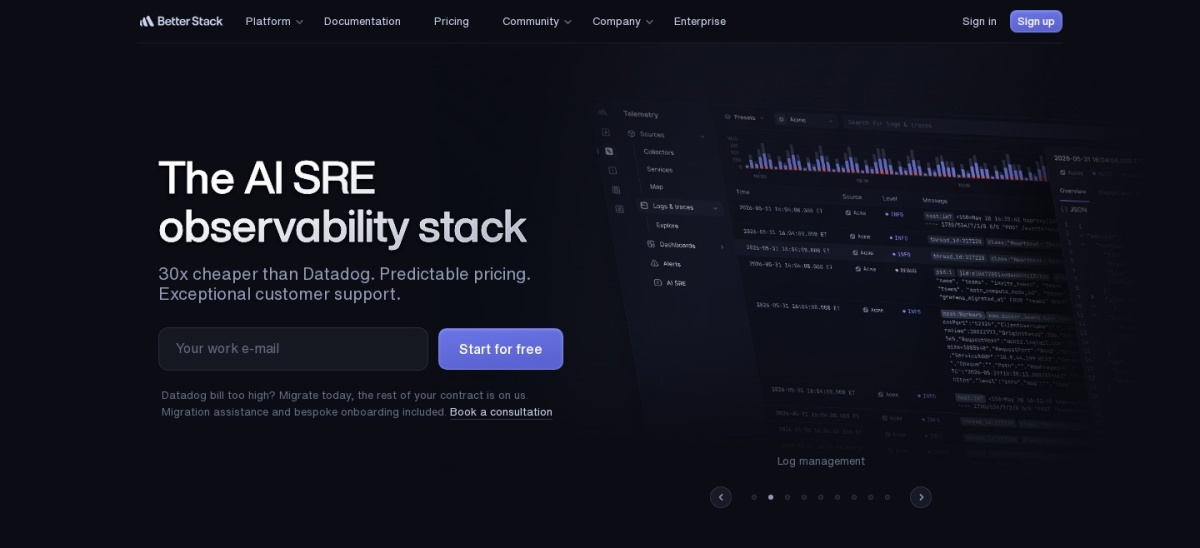
Better Stack homepage, captured Nov 2026.
Better Stack combines incident management and on-call scheduling with uptime monitoring, status pages, and telemetry, starting with a free plan that includes 10 monitors and heartbeats. It holds 4.8/5 across 344 G2 reviews.
The trade off is that paid Responder plans start at $29/responder/month ($348/yr per responder) and telemetry usage can add costs. It suits lean SRE teams that want monitoring and incident response in one place.
What we like
4.8/5 rating across 344 G2 reviews
Free plan includes 10 monitors, heartbeats, and a status page
Bundles on-call, incident workflows, status pages, and logs
Watch out for
Responder seats start at $29/month and usage add-ons can increase spend
Less specialized for heavy enterprise ITSM processes than legacy suites
FireHydrant pairs incident workflows and runbooks with Signals on-call alerting, offering a free plan for up to 10 responders with 2 runbooks and 1 public status page. It holds 4.5/5 across 143 G2 reviews.
The trade off is that Pro starts at $25/responder/month billed annually ($300/yr per responder) and SMS/voice notifications are purchased separately. It suits SRE teams that rely on structured runbooks and service ownership.
What we like
Free tier supports up to 10 responders and 2 runbooks
4.5/5 rating across 143 G2 reviews
Includes service catalog, runbooks, and Signals on-call alerting
Watch out for
SMS and voice notifications cost extra on Pro
Private status pages and AI features sit on the Enterprise tier
Pro is $25/responder/month billed annually, with SMS and voice notifications billed separately.Visit firehydrant.com
06
Grafana Cloud IRM
4.5/5on G2 (228 reviews, checked Nov 2026)
Paid from$240/yr
Best for teams already using Grafana Cloud
Free planUp to 3 active IRM users/mo
Entry paid tierFrom $20/active user/mo
Platform fee$19/mo on Pro
G2 rating4.5/5 (228 reviews)
grafana.com
Grafana Cloud IRM homepage, captured Nov 2026.
Grafana Cloud IRM provides on-call scheduling and incident response inside Grafana Cloud, with a $0 tier for up to 3 active IRM users per month. Grafana Labs holds 4.5/5 across 228 G2 reviews.
The trade off is that paid Pro starts at $20/active IRM user/month ($240/yr per active user) plus a $19/month platform fee and usage charges. It suits SRE teams standardized on Grafana dashboards and alerts.
What we like
Free tier covers up to 3 active IRM users per month
Bills only for users active in IRM during the calendar month
Grafana Labs holds 4.5/5 across 228 G2 reviews
Watch out for
Requires Grafana Cloud and carries a $19/month Pro platform fee
Any user paged or editing an incident counts as active for the month
Pro starts at $20/active IRM user/month plus a $19/month platform fee.Visit grafana.com
07
Xurrent IMR
4.6/5on G2 (87 reviews, checked Nov 2026)
Starts at$60/yr
Best for low-cost entry pricing for small teams
Entry paid tierStarter ($5/user/mo yearly)
Team cap on StarterUp to 5 users, 1 team
Growth tier$14/user/mo yearly
G2 rating4.6/5 (87 reviews)
xurrent.com
Xurrent IMR homepage, captured Nov 2026.
Xurrent IMR offers on-call scheduling, incident response, and AI-assisted workflows, starting with Starter at $5/user/month billed yearly ($60/yr per user) for up to 5 users. Xurrent holds 4.6/5 across 87 G2 reviews.
The trade off is that Starter caps usage at 5 users, 1 team, and 5 integrations without a status page. It suits small SRE teams that want a low entry price before scaling to Growth.
What we like
Low Starter price of $5/user/month billed yearly
Xurrent holds 4.6/5 across 87 G2 reviews
Growth tier adds up to 50 users, 5 teams, and status pages
Watch out for
Starter limits accounts to 5 users, 1 team, and 5 integrations
Status page is an add-on on Starter rather than built in
Starter is $5/user/month billed yearly (up to 5 users); Growth is $14/user/month yearly.Visit xurrent.com
How we chose
We selected established incident management and on-call platforms widely used by SRE and DevOps teams to handle alerting, escalation, coordination, and post-incident workflows. Each option was evaluated using its public pricing pages, documentation, and verified G2 review listings.
Ratings, review counts, and plan prices were checked on 22 Nov 2026 using G2 review pages and vendor pricing and documentation pages. Where annual billing discounts exist, we record the lowest published paid tier and note monthly or add-on terms.
We excluded tools lacking clear public starting prices for their incident management tiers or those winding down support. No vendor paid for a place, and we do not claim testing for this list.
How to choose an incident management platform for your SRE team
Follow four practical checks to match a platform to your rotation and budget.
Map where your responders actually coordinate during incidents. If engineers live in Slack or Microsoft Teams, a chat-native tool reduces context switching, whereas teams focused on paging and escalations may prefer an alerting-first platform.
Count active responders and on-call seats rather than total headcount. Check which users trigger a paid seat and whether read-only stakeholders or occasional contributors are free on your target plan.
Check whether on-call, status pages, and AI features cost extra. Compare base per-user rates against required add-ons such as on-call modules, SMS/voice packs, status pages, or AIOps bundles.
Verify team, integration, and schedule limits as you scale. Lower tiers often cap teams, integrations, or escalation rules, so confirm the next tier up before committing.
FAQ
What is the best incident management platform for SRE teams?
incident.io stands out for Slack and Microsoft Teams incident coordination with a 4.8/5 G2 rating, while PagerDuty fits large multi-team paging environments with 983 G2 reviews.
Do any SRE incident platforms offer a free plan?
Yes, incident.io, PagerDuty, Better Stack, FireHydrant, and Grafana Cloud IRM all offer free plans with limits on users, schedules, or monitors.
Why do some tools charge separately for on-call?
Vendors like incident.io and Rootly separate incident response workflows from on-call scheduling so teams that only coordinate incidents or only run rotations do not pay for unused modules.
How does Grafana Cloud IRM bill active users?
Grafana Cloud IRM bills based on unique active IRM users in a calendar month, counting anyone on an on-call schedule, paged, or updating an incident.
When does an all-in-one monitoring and incident tool make sense?
A combined platform like Better Stack fits smaller SRE teams that want uptime monitoring, status pages, and on-call alerting under one vendor instead of stitching separate tools together.
SaaS SEO and WordPress specialist with about 8 years of experience. Rakib compares WordPress plugins, themes, hosting and software using public pricing, documentation and user reviews. See how we rank.