Best IAM Software for Small Businesses in 2026: 7 Tools Compared
WLWPLegible EditorsLast verified 22 Nov 2026How we rank6 min read
★ Short answer
JumpCloud leads for small businesses that want SSO, MFA, and cross-platform device management in one console starting at $9/user/mo billed annually. Microsoft Entra ID fits teams already on Microsoft 365, while Cisco Duo offers a free tier for up to 10 users.
How we make this list: we compare pricing pages, product documentation and public user reviews, then re-check every price before each update. No product paid for a place. Disclosure.
JumpCloud starts at $9/user/mo billed annually for Device Management and $11/user/mo for SSO, with a 4.5 rating across 4,152 G2 reviews.
Microsoft Entra ID includes a free tier with unlimited SSO and MFA, while Entra ID P1 costs $7/user/mo paid yearly.
Okta Workforce Identity starts at $6/user/mo billed annually on Starter, carrying a 4.5 rating from 1,435 G2 reviews.
Cisco Duo offers a free plan for up to 10 users and starts at $3/user/mo on Duo Essentials.
Google Cloud Identity starts free for up to 50 users and costs $6/user/mo on the annual fixed-term plan for Premium.
What small businesses should look for in IAM software
Small businesses rarely have a dedicated identity team, so setup speed and clear administration matter as much as security depth. A practical IAM tool should centralize login credentials, enforce multi-factor authentication, and make offboarding departing staff fast.
Check what your existing software contracts already include before buying a standalone tool. Many small businesses already license Microsoft Entra ID features through Microsoft 365 or Google Cloud Identity through Google Workspace.
Watch how vendors bundle features and bill seats. Some platforms price SSO, lifecycle automation, and device management separately or require annual commitments, which changes the real bill as headcount grows.
Decide whether you need full workforce identity and device control or narrower login protection. Dedicated IAM suites manage directories and app access across teams, while MFA-first and credential tools solve specific access gaps at lower cost.
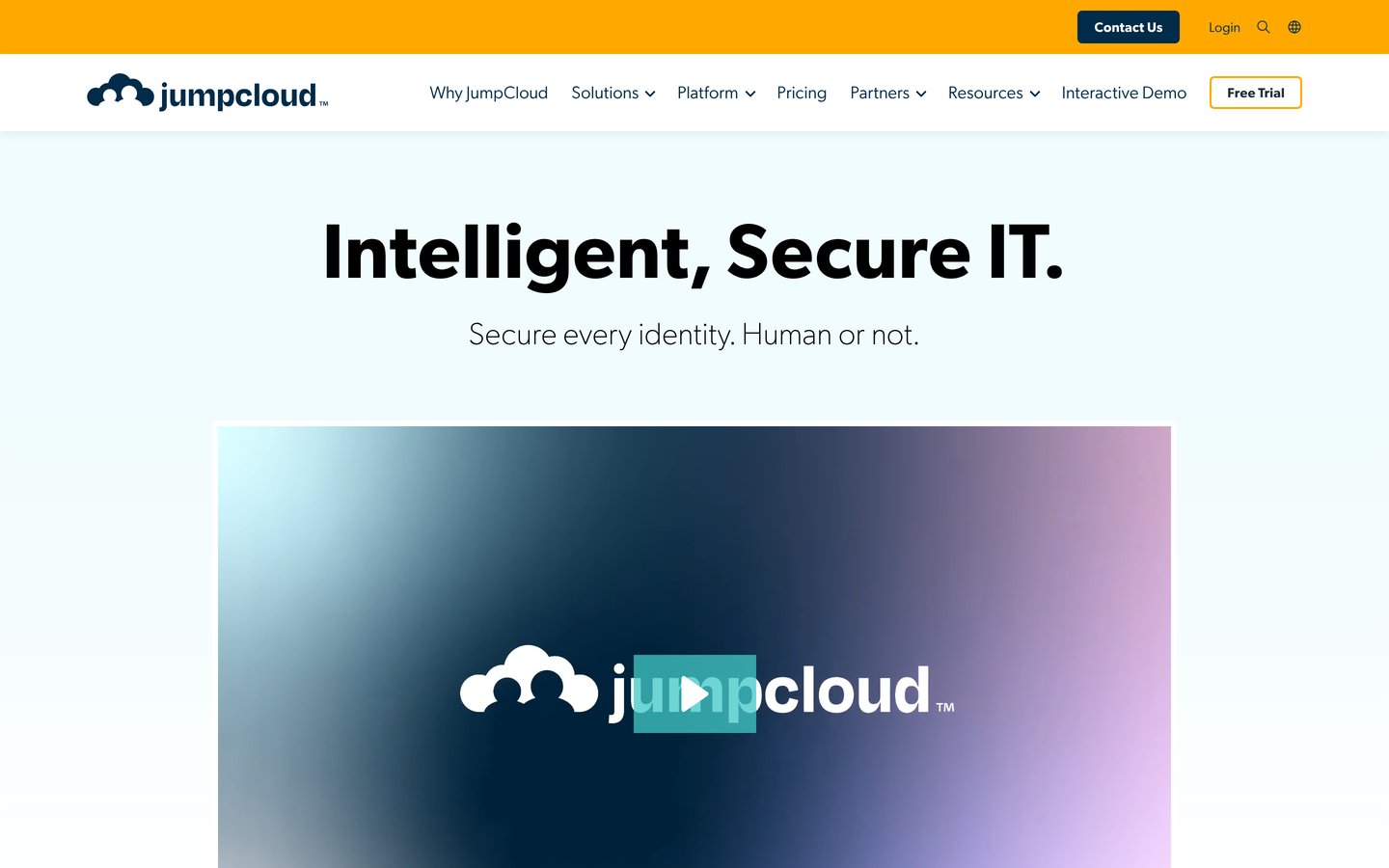
JumpCloud is a cloud directory and identity platform that combines single sign-on, multi-factor authentication, and device management. Its public plans start at $9 per user per month billed annually for Device Management and $11 per user per month billed annually for SSO.
The trade off is that combining app SSO and device management or adding 24/7 premium support raises the per-user rate above the $9 entry tier, at $108 per user per year. It suits small businesses with mixed laptops that want directory, SSO, and endpoint controls in one system.
What we like
Unifies cloud directory, SSO, MFA, and device management on one platform
Clear published per-user pricing for core packages and add-ons
Strong review volume with a 4.5/5 rating across 4,152 G2 reviews
Watch out for
No ongoing free tier for new sign-ups, only a 30-day trial
Bundling multiple modules or 24/7 support increases per-user cost
Paid plans start at $9/user/mo billed annually ($108/yr) for Device Management and $11/user/mo for SSO.Visit jumpcloud.com
02
Microsoft Entra ID
4.5/5on G2 (915 reviews, checked Nov 2026)
Paid from$84/yr
Best for Microsoft 365 and Azure shops
Free tierMFA, unlimited SSO, SSPR
Entra ID P1$7/user/mo paid yearly
Entra ID P2$10/user/mo paid yearly
G2 score4.5/5 (915 reviews)
microsoft.com
Microsoft Entra ID homepage, captured Nov 2026.
Microsoft Entra ID is Microsoft's cloud identity and access management service with a free tier that includes MFA, unlimited SSO, and self-service password reset. Entra ID P1 lists at $7 per user per month paid yearly and adds Conditional Access.
The trade off is that licensing spans free, P1, P2, and Microsoft 365 bundles, which can confuse setup and cost $84 per user per year on P1. It suits small businesses already running Microsoft 365 or Azure workloads.
What we like
Free tier covers MFA and unlimited SSO with an Azure subscription
Deep integration across Microsoft 365, Windows, and Azure resources
Conditional Access and risk-based policies available on paid tiers
Watch out for
Plan overlap with Microsoft 365 bundles can make licensing tricky
Administrative menus and policy setup can feel complex for lean teams
Entra ID P1 costs $7/user/mo paid yearly ($84/yr) for Conditional Access and hybrid identity controls.Visit microsoft.com
03
Okta
4.5/5on G2 (1,435 reviews, checked Nov 2026)
Starts at$72/yr
Best for app ecosystem breadth and scaling
Starter plan$6/user/mo billed annually
Essentials plan$17/user/mo billed annually
Core featuresSSO, MFA, Universal Directory
G2 score4.5/5 (1,435 reviews)
okta.com
Okta homepage, captured Nov 2026.
Okta provides workforce identity and access management with Starter priced at $6 per user per month billed annually, bundling SSO, MFA, Universal Directory, and 5 Workflows. Essentials starts at $17 per user per month billed annually for lifecycle management and governance.
The trade off is that lifecycle management and governance sit on higher tiers or add-ons, bringing Starter to $72 per user per year. It suits growing small businesses that want a large app catalog without switching platforms later.
What we like
Extensive pre-built app integration catalog across cloud tools
Starter includes SSO, MFA, Universal Directory, and 5 Workflows
Holds a 4.5/5 rating across 1,435 G2 reviews
Watch out for
No ongoing free workforce plan beyond a free trial
Lifecycle management and access governance require higher-priced tiers
Okta Starter costs $6/user/mo billed annually ($72/yr), while Essentials is $17/user/mo.Visit okta.com
04
Cisco Duo
4.7/5on Capterra (548 reviews, checked Nov 2026)
Paid from$36/yr
Best free tier for small teams under 10 users
Free tier$0/user/mo for 1-10 users
Essentials plan$3/user/mo starting price
Advantage plan$6/user/mo starting price
Capterra score4.7/5 (548 reviews)
duo.com
Cisco Duo homepage, captured Nov 2026.
Cisco Duo is an authentication and access security platform whose Duo Free plan covers 1 to 10 users at $0 per user per month with multi-factor authentication. Duo Essentials starts at $3 per user per month and adds Duo Directory.
The trade off is that moving past 10 users or adding device health and zero-trust controls requires paid tiers starting at $36 per user per year. It suits small teams wanting fast MFA setup and low entry cost.
What we like
Free tier supports up to 10 users with MFA across applications
Low entry paid tier at $3/user/mo on Duo Essentials
Rated 4.7/5 across 548 Capterra reviews
Watch out for
Free plan caps out at 10 users
Device health checks and zero-trust access sit on higher tiers
Duo Essentials starts at $3/user/mo ($36/yr), with Duo Advantage at $6/user/mo and Duo Premier at $9/user/mo.Visit duo.com
05
Google Cloud Identity
4.5/5on G2 (110 reviews, checked Nov 2026)
Paid from$72/yr
Best for Google Workspace teams
Free editionUp to 50 users, SSO + MFA
Annual plan$6 per license/mo ($72/yr)
Flexible plan$7.20/user/mo ($86.40/yr)
G2 score4.5/5
cloud.google.com
Google Cloud Identity homepage, captured Nov 2026.
Google Cloud Identity provides user directory, single sign-on, and basic endpoint controls with a free tier covering up to 50 users. Its annual fixed-term plan is listed at $6 per license per month, or $72 per year.
The trade off is that advanced endpoint management and context-aware access require paid tiers, and flexible monthly billing costs $7.20 per user per month. It suits small businesses centered on Google Workspace or Google Cloud.
What we like
Free tier covers up to 50 users with SSO and MFA
Straightforward fit for Google Workspace and Google Cloud environments
Annual billing lowers the per-license rate compared to flexible billing
Watch out for
Annual contract locks in license count until renewal
Less native depth for non-Google Windows or legacy IT setups
The annual fixed-term plan is $6 per license per month ($72/yr), or $7.20/user/mo on the flexible plan.Visit cloud.google.com
06
Bitwarden
4.7/5on G2 (1,236 reviews, checked Nov 2026)
Starts at$48/yr
Best budget credential and vault sharing
Teams plan$4/user/mo billed annually
Enterprise plan$6/user/mo billed annually
FocusShared vaults & access control
G2 score4.7/5 (1,236 reviews)
bitwarden.com
Bitwarden homepage, captured Nov 2026.
Bitwarden is a password and credential management platform whose Teams plan starts at $4 per user per month billed annually for shared vaults and team access controls. Enterprise starts at $6 per user per month billed annually.
The trade off is that it focuses on credential storage and vault sharing rather than full directory and endpoint management, costing $48 per user per year on Teams. It suits small teams that need affordable shared login access first.
What we like
Low entry cost at $4/user/mo billed annually on the Teams plan
Open-source core with strong adoption and a 4.7/5 G2 rating
Clear shared collections and permission controls for small teams
Watch out for
Not a full identity provider or endpoint management suite
Interface and autofill occasionally need manual tweaks on complex sites
Bitwarden Teams costs $4/user/mo billed annually ($48/yr), and Enterprise is $6/user/mo billed annually.Visit bitwarden.com
07
1Password
4.6/5on G2 (1,823 reviews, checked Nov 2026)
Starts at$107.88/yr
Best team usability for shared logins
Business plan$8.99/user/mo billed yearly
Teams Starter Pack$24.95/mo yearly (up to 10)
Core focusVaults, passkeys, access policies
G2 score4.6/5 (1,823 reviews)
1password.com
1Password homepage, captured Nov 2026.
1Password is a credential and access security platform with 1Password Business listed at $8.99 per user per month billed yearly, or $107.88 per user per year. It also offers a Teams Starter Pack at $24.95 per month billed yearly for up to 10 members.
The trade off is a higher per-user price than basic vault tools, and it centers on credential and access protection rather than full MDM. It suits small businesses that prioritize clean team onboarding and everyday ease of use.
What we like
Polished apps and straightforward onboarding for non-technical staff
Teams Starter Pack offers a predictable option for up to 10 users
Rated 4.6/5 across 1,823 G2 reviews
Watch out for
Higher per-user rate on the standard Business plan than budget vaults
Does not replace a dedicated device management platform
1Password Business is $8.99/user/mo billed yearly ($107.88/yr), with a $24.95/mo yearly Teams Starter Pack.Visit 1password.com
Do small businesses need SSO or a shared vault?
Small teams often start with a shared password vault because it solves immediate login sharing across SaaS tools in a day. As headcount grows or compliance rules tighten, centralizing authentication with SSO and MFA makes onboarding and offboarding cleaner.
Many small businesses pair a primary identity provider for core work apps with a shared vault for legacy logins or accounts that do not support SAML or OIDC.
How we chose
We built this shortlist from established identity and access management tools and small-business security platforms with active public reviews and published pricing.
All plan figures, review counts, and ratings were checked on 22 Nov 2026 from vendor pricing pages and public review directories.
We excluded enterprise-only quote-gated platforms that lack transparent small-business pricing tiers or require high seat minimums. No vendor paid for a place, and we do not claim testing for this list.
How to choose IAM software for your small business
Follow four practical steps to match an IAM tool to your team size and stack.
Audit your existing software subscriptions first. Check whether your current Microsoft 365 or Google Workspace plan already includes identity features before paying for a separate vendor.
List the apps and devices your team uses daily. Confirm whether you need SAML/OIDC single sign-on, multi-factor authentication, laptop management, or shared credential vaults.
Calculate annual cost at realistic headcount. Multiply per-user monthly rates by 12 and account for annual commitments, seat minimums, or add-on modules.
Test onboarding and offboarding workflows. Make sure adding a new hire and revoking access when someone leaves takes minutes rather than hours of manual ticket work.
FAQ
What is IAM software for a small business?
IAM software helps a business control who can sign in to company accounts and what resources they can reach. Core features include single sign-on, multi-factor authentication, user directories, and access permissions.
Do very small teams need paid IAM software right away?
Not always. Teams with a handful of users can often start with a free tier such as Cisco Duo Free for up to 10 users, Google Cloud Identity Free up to 50 users, or Microsoft Entra ID Free.
What is the difference between SSO and MFA?
Single sign-on lets users access multiple applications after signing in once, while multi-factor authentication requires a second verification step such as a prompt or code. Using both reduces password reuse and credential theft risk.
Should we pick a directory tool or a password manager?
Choose a directory and SSO tool when you want centralized identity and app access control across your team. Choose a business password manager when sharing logins and credentials across tools is your immediate priority.
Why do IAM prices vary so much per user?
Pricing depends on whether a vendor bundles SSO, MFA, lifecycle automation, and device management into one seat or charges extra for add-ons. Annual billing also lowers monthly rates compared to month-to-month plans.
What happens when an employee leaves the company?
With a centralized identity provider, disabling one account revokes access to connected apps and policies in one step. That reduces the chance of leftover accounts after staff turnover.