Best HIPAA Compliance Software in 2026: 7 Tools Compared
WLWPLegible EditorsLast verified 22 Nov 2026How we rank6 min read
★ Short answer
SimplePractice leads for solo and small practices with a $49/mo Starter plan and 2,828 Capterra reviews. Connecteam fits multi-user teams starting at $29/mo for up to 30 users, while ClinicSense works well for bodywork and wellness clinics at $39/mo.
How we make this list: we compare pricing pages, product documentation and public user reviews, then re-check every price before each update. No product paid for a place. Disclosure.
SimplePractice holds a 4.6 rating across 2,828 Capterra reviews with a regular $49/mo Starter plan.
Connecteam starts at $29/mo billed annually for up to 30 users and holds 5,322 Capterra reviews.
ClinicSense starts at $39/mo on Lite with a 4.8 rating across 682 Capterra reviews.
Jotform requires its $99/mo annual Gold tier to unlock HIPAA features and a signed BAA.
Textline offers HIPAA Essentials at $249/mo with 600 monthly message credits and 3 agents.
Secureframe starts at $7,500/yr on Fundamentals for teams automating multi-framework compliance.
What to look for in HIPAA compliance software
HIPAA compliance software falls into two broad categories: clinical or operational tools that protect electronic protected health information in daily workflows, and compliance automation platforms that map controls, policies, and evidence across security frameworks.
Before buying any tool, confirm whether the vendor signs a Business Associate Agreement and which tier includes it. On several platforms, basic plans exclude HIPAA controls or require an add-on or higher tier.
Check how pricing scales with team size, message volume, or added frameworks. Per-clinician fees, SMS credit pools, and multi-framework upgrades can raise monthly or annual spend well past the entry tier.
Keep in mind that software alone does not make a business compliant. Staff training, access reviews, policy updates, and risk assessments still require human oversight and operational follow-through.
4.6/5on Capterra (2,828 reviews, checked Nov 2026)
Starts at$49/mo
Best for solo and small practices
Regular entry plan$49/mo Starter
Mid & upper tiers$79/mo Essential, $99/mo Plus
Free trial30-day trial
Capterra score4.6 (2,828 reviews)
simplepractice.com
SimplePractice homepage, captured Nov 2026.
SimplePractice is a practice management platform for health and wellness practitioners with a regular $49/mo Starter plan. The Starter tier includes unlimited clients, progress notes, paperless intake documents, telehealth, and a client portal.
The trade off is that add-ons like ePrescribe ($49/mo plus an $89 setup fee), Note Taker ($35/mo), and per-claim insurance fees raise total monthly cost at its regular $49/mo rate. It suits solo clinicians and small practices that want scheduling, notes, and client portals in one place.
What we like
Includes core clinical notes, intake forms, and telehealth on the entry tier
Large review base of 2,828 ratings on Capterra
Supports multi-clinician expansion on higher plans
Watch out for
Per-claim billing fees and clinical add-ons increase ongoing spend
Some reviewers report frustration with insurance setup and billing support
Higher plans add group telehealth, practice managers, and multi-clinician pricing.Visit simplepractice.com
02
Connecteam
4.6/5on Capterra (5,322 reviews, checked Nov 2026)
Paid from$29/mo
Best for multi-user team operations
Regular entry plan$29/mo Basic (annual)
Free tierUp to 10 users
User allowanceFirst 30 users included
Capterra score4.6 (5,322 reviews)
connecteam.com
Connecteam homepage, captured Nov 2026.
Connecteam is a workforce operations and communication app offering a Small Business plan free for up to 10 users and a regular Basic plan at $29/mo billed annually ($35/mo monthly) for up to 30 users. The Basic plan covers time tracking, shift scheduling, checklists, forms, and payroll integrations.
The trade off is that pricing applies per hub and extra users above 30 add per-seat fees at its regular $29/mo annual rate. It suits teams that need mobile checklists, scheduling, and staff communication without heavy enterprise software.
What we like
Low entry cost covering up to 30 users on the annual Basic plan
Offers a free tier for teams of up to 10 users
Combines mobile forms, checklists, scheduling, and messaging
Watch out for
Separate hubs and additional users above 30 add extra charges
Reporting depth is lighter than dedicated GRC platforms
Higher tiers add geofencing, schedule templates, API access, and SSO.Visit connecteam.com
03
ClinicSense
4.8/5on Capterra (682 reviews, checked Nov 2026)
Starts at$39/mo
Best for massage and wellness clinics
Regular entry plan$39/mo Lite
Upper tiers$69/mo Standard, $99/mo Premium
Appointment cap20/mo on Lite
Capterra score4.8 (682 reviews)
clinicsense.com
ClinicSense homepage, captured Nov 2026.
ClinicSense is a practice management tool built for massage therapists and wellness practitioners with a regular $39/mo Lite plan. Lite covers one practitioner up to 20 appointments per month with online booking, email reminders, SOAP notes, and intake forms.
The trade off is that Lite caps appointments at 20 per month and higher tiers charge $20/mo per extra practitioner at its regular $39/mo rate. It suits solo bodywork and wellness practitioners starting out with low monthly visit volume.
What we like
High 4.8 rating across 682 Capterra reviews
Includes SOAP notes, intake forms, and online booking from the start
Clear published pricing across Lite, Standard, and Premium tiers
Watch out for
Lite limits volume to 20 appointments per month
Some reviewers note billing customization and mobile app limits
Standard and Premium raise appointment limits and add SMS reminders, packages, and gift cards.Visit clinicsense.com
04
Jotform
4.7/5on Capterra (2,794 reviews, checked Nov 2026)
Paid from$99/mo
Best for HIPAA intake forms
HIPAA entry plan$99/mo Gold (annual)
Monthly billing$129/mo Gold
Submissions on Gold10,000/mo, 100 GB storage
Capterra score4.7 (2,794 reviews)
jotform.com
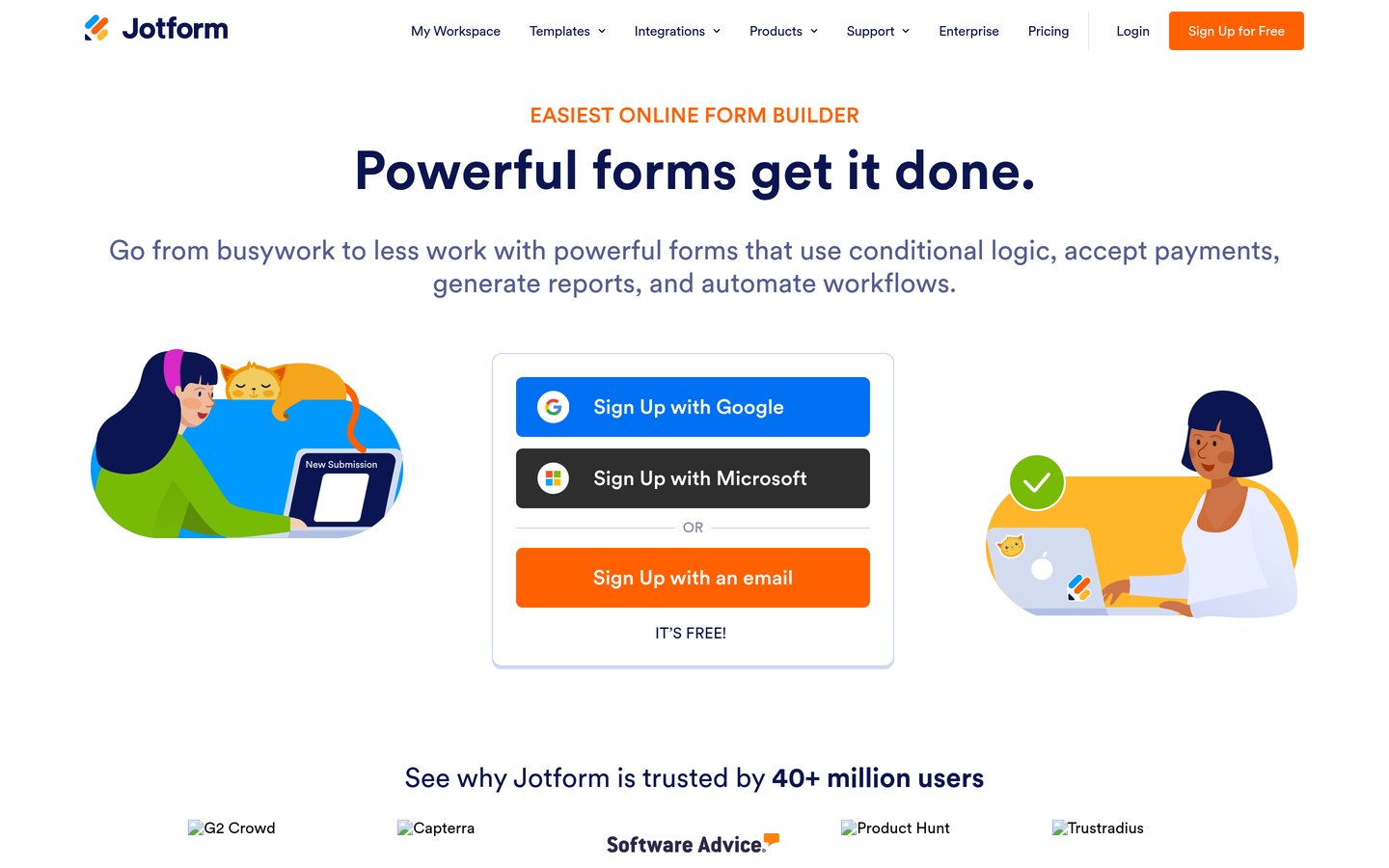
Jotform homepage, captured Nov 2026.
Jotform is an online form builder whose regular HIPAA-enabled Gold tier starts at $99/mo billed annually ($129/mo monthly), while lower tiers do not include HIPAA features. The Gold plan supports up to 100 forms, 10,000 monthly submissions, and 100 GB of storage.
The trade off is that teams must step up to the $99/mo annual Gold plan rather than a cheaper tier to get HIPAA compliance at its regular rate. It suits clinics and organizations that primarily need customizable digital intake and consent forms.
What we like
Large library of form templates and an accessible form builder
Generous 10,000 monthly submission allowance on the Gold plan
Strong 4.7 rating across 2,794 Capterra reviews
Watch out for
HIPAA compliance is not available on Bronze or Silver plans
Form submissions still require workflow integration with your records system
Gold unlocks HIPAA-enabled features, encryption controls, and BAA eligibility.Visit jotform.com
05
Formstack
4.1/5on Capterra (110 reviews, checked Nov 2026)
Starts at$83/mo
Best for form-to-document workflows
Regular entry plan$83/mo Forms (annual)
Monthly billing$99/mo Forms
Suite tier$250/mo annual ($299/mo)
Capterra score4.1 (110 reviews)
formstack.com
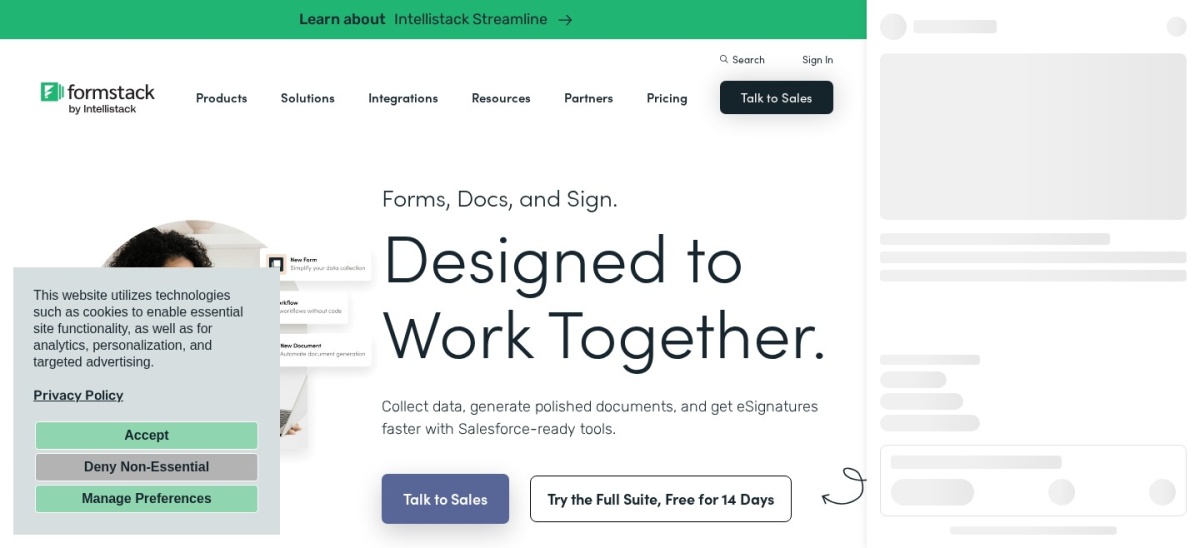
Formstack homepage, captured Nov 2026.
Formstack is a data-collection and workflow platform whose regular Forms plan starts at $83/mo billed annually ($99/mo monthly). The entry Forms plan includes one builder user, 25 forms, and up to 1,000 submissions per form.
The trade off is that document generation, e-signatures, and HIPAA compliance require higher tiers or add-ons beyond the $83/mo annual Forms plan. It suits teams building structured intake workflows that connect forms with documents and approvals.
What we like
Supports multi-step workflows, routing, and app integrations
Suite tier combines forms, document generation, and e-signatures
Offers a 14-day free trial before committing
Watch out for
Entry Forms tier caps usage at 25 forms and 1,000 submissions per form
HIPAA and document suites add cost above the base plan
Suite and HIPAA options add document creation, e-signatures, and compliance controls.Visit formstack.com
06
Textline
4.9/5on Capterra (169 reviews, checked Nov 2026)
Starts at$249/mo
Best for HIPAA shared SMS inbox
HIPAA entry plan$249/mo HIPAA Essentials
Included allowance3 agents, 600 credits/mo
Upper HIPAA tier$569/mo HIPAA Pro
Capterra score4.9 (169 reviews)
textline.com
Textline homepage, captured Nov 2026.
Textline is a shared business texting platform whose HIPAA Essentials plan costs $249/mo on a month-to-month basis. That plan covers three agents and 600 monthly message credits with three years of conversation history.
The trade off is that both inbound and outbound SMS segments consume credits, and overage credits cost $0.03 each on top of the $249/mo plan. It suits care and support teams that need a shared texting inbox for existing numbers.
What we like
High 4.9 rating across 169 Capterra reviews
Allows texting from existing landline, toll-free, or VoIP numbers
Includes dedicated HIPAA Essentials and HIPAA Pro tiers
Watch out for
Inbound messages also use monthly message credits
10DLC carrier campaign registration fees are separate
HIPAA Pro expands capacity to five agents, 2,000 monthly credits, and unlimited history.Visit textline.com
07
Secureframe
4.7/5on G2 (847 reviews, checked Nov 2026)
Starts at$7,500/yr
Best for automated multi-framework audits
Published starting price$7,500/yr Fundamentals
Frameworks covered35+ including HIPAA & SOC 2
Integrations300+ cloud and SaaS tools
G2 score4.7 (847 reviews)
secureframe.com
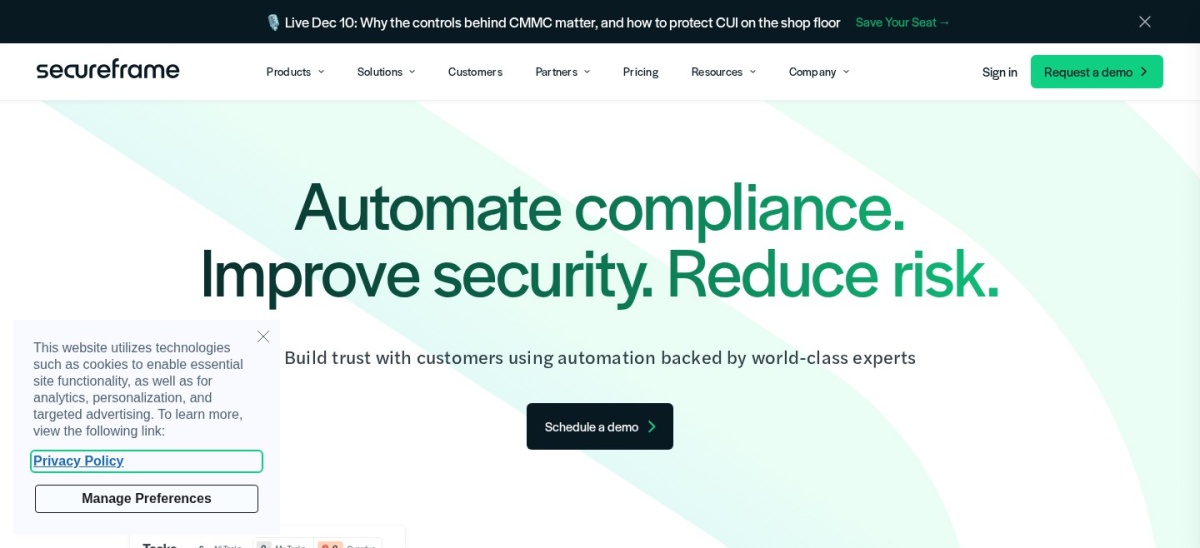
Secureframe homepage, captured Nov 2026.
Secureframe is a compliance automation platform whose Fundamentals tier starts at $7,500/yr. It automates evidence collection, control monitoring, and policy workflows across frameworks that include HIPAA and SOC 2.
The trade off is that its $7,500/yr starting price targets growing security and SaaS teams rather than small clinics, and advanced modules sit on higher tiers. It suits organizations managing continuous controls across multiple compliance frameworks.
What we like
Publishes a $7,500/yr starting price on the Fundamentals plan
Connects with over 300 cloud, HR, and security tools
Supports HIPAA alongside SOC 2, ISO 27001, and other frameworks
Watch out for
Higher annual cost than clinic or form tools for small practices
Advanced risk, access review, and trust center features require higher tiers
Small practices handling client intake, appointments, and messaging usually start with practice or communication software such as SimplePractice, ClinicSense, Connecteam, Jotform, Formstack, or Textline.
Software and SaaS companies preparing for customer security reviews or multi-framework audits typically look at compliance automation platforms like Secureframe to track controls and evidence.
How we chose
We selected established platforms actively used for HIPAA-related workflows, intake, messaging, or security compliance, relying on vendor pricing pages and verified review directories.
All prices, ratings, and review counts were checked on 22 Nov 2026 using regular list prices rather than temporary discounts.
We excluded products without verifiable current pricing or public review data, as well as tools that only offer HIPAA on custom enterprise quotes without a published starting figure. No vendor paid for a place, and we do not claim testing for this list.
How to choose HIPAA compliance software
Follow these four steps to narrow down the right software for your team:
Map where sensitive health data enters and moves. List every form, booking flow, message inbox, and cloud app that touches regulated data.
Confirm BAA availability on your target tier. Check whether a Business Associate Agreement is included at the entry price or gated behind a higher plan.
Calculate full annual cost including add-ons. Factor in extra seats, message credits, per-claim fees, or framework upgrades alongside the base rate.
Match administrative depth to your team size. Pick straightforward operational tools for small teams and automated control tracking for larger security programs.
FAQ
Does buying software make an organization HIPAA compliant?
No. Software helps enforce access controls, log activity, and organize records or evidence, but compliance also depends on internal policies, staff training, risk assessments, and proper daily handling of sensitive data.
What is a Business Associate Agreement and why does it matter?
A Business Associate Agreement is a required contract between a covered entity and a vendor that creates, receives, maintains, or transmits protected health information. Without a signed BAA on a qualifying plan, you should not store regulated health data there.
Why do some form and messaging tools charge more for HIPAA plans?
HIPAA compliance requires specific security safeguards, administrative controls, and contractual commitments that vendors often restrict to higher tiers or dedicated HIPAA plans. For example, Jotform requires its Gold plan and Textline offers dedicated HIPAA plans.
How does annual billing affect entry pricing?
Several vendors charge less per month when billed annually rather than month-to-month, such as Connecteam ($29/mo annual vs. $35/mo monthly) and Formstack ($83/mo annual vs. $99/mo monthly). Always check whether annual payment is required to get the lower rate.
What is the difference between a practice tool and a compliance automation platform?
Practice and messaging tools handle day-to-day client records, scheduling, forms, or texts, while compliance automation platforms like Secureframe monitor technical controls and gather audit evidence across cloud systems.
Should small clinics start with an enterprise compliance platform?
Usually not. Tools built around multi-framework audits and cloud integrations often carry higher annual costs and setup overhead than small clinics need when their primary goal is secure intake, scheduling, or client communication.