Google Drive is the best free document management software for most teams, with 15 GB free and real-time editing in Docs. Pick Dropbox for the fastest sync, and Box for the strongest governance.
How we make this list: we compare pricing pages, product documentation and public user reviews, then re-check every price before each update. No product paid for a place. Disclosure.
Google Drive is rated 4.8 out of 5 on Capterra from more than 28,000 reviews, with 15 GB free.
Dropbox is rated 4.4 out of 5 on G2 from more than 31,000 reviews, and Plus costs 9.99 dollars a month.
Box Business Starter costs 5 dollars a user a month with a three-user minimum and 100 GB per user.
Zoho WorkDrive is the cheapest paid team option at 2.50 dollars a user a month, with a free 5 GB plan.
M-Files, DocuWare and Laserfiche use quote-only pricing with no public price list.
What free document management really covers
Free document management covers two very different things. Cloud drives like Google Drive, Dropbox and Box store files and let people edit together, while true document systems like M-Files, DocuWare and Laserfiche add versioning, workflows, retention and audit trails.
For a small team, a cloud drive is usually enough. The free plans give 2 to 15 GB per person, version history and sharing controls, and the paid plans start under 10 dollars a month.
Regulated teams need more. Retention rules, approval routing, OCR capture and audit logs are what separate M-Files, DocuWare and Laserfiche from a shared folder, and none of them publishes a price. Our guide to the best project management software covers the tools that run the work around the documents.
Prices below are regular prices, not first-month offers. Several vendors discount the first year, and the renewal price is the one that matters over time.
The 9 best free document management software tools
01
Google Drive
4.8/5on Capterra (28,616 reviews, checked Nov 2026)
Paid from$1.99/mo
Best free document storage
Free storage15 GB
Paid planGoogle One, $1.99/mo
Version historyYes, 30 days
PlatformsWeb, iOS, Android
drive.google.com
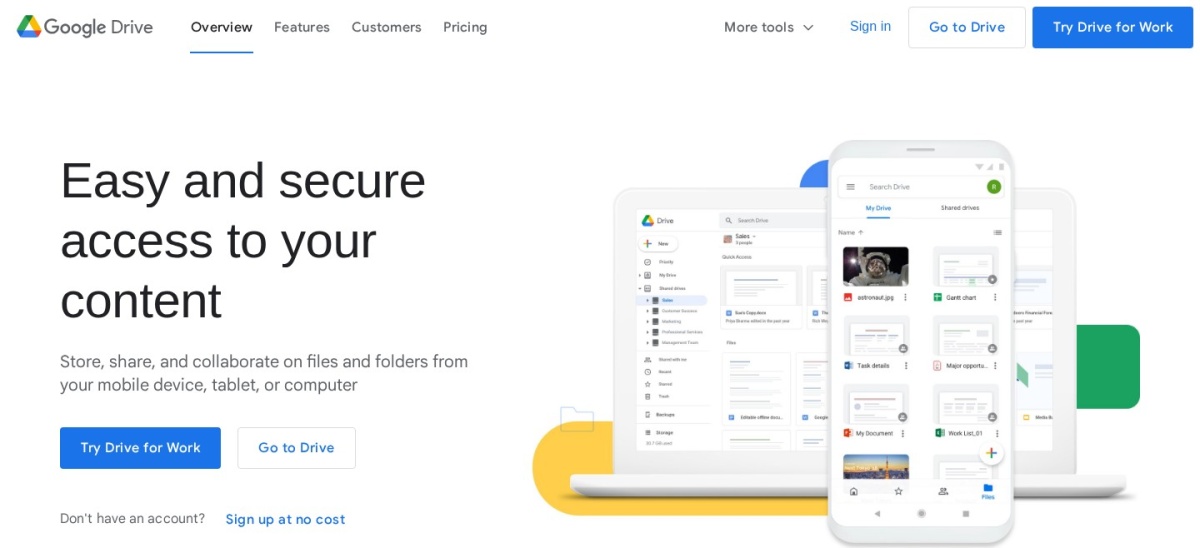
Google Drive homepage, captured Nov 2026.
Google Drive is the free document store most teams already use. The free plan includes 15 GB of storage shared with Gmail and Photos, real-time editing in Docs, Sheets and Slides, version history and sharing controls, all in a free Google account.
The trade off is governance. Drive has no retention rules, approval workflows or audit trails, so regulated teams need a real DMS. Google One Basic adds 100 GB for 1.99 dollars a month. It suits small teams that want free storage and live editing.
What we like
15 GB free, the most in this list
Rated 4.8 out of 5 on Capterra from 28,616 reviews
Dropbox is the original cloud sync service, and it is still the most reliable at moving files between devices. The free plan includes 2 GB of storage, version history and sharing, while Plus at 9.99 dollars a month billed yearly adds 2 TB, offline folders and priority support.
The trade off is the free plan. At 2 GB it is the smallest here, and the paid plans are dearer than Google One or Zoho WorkDrive. It suits teams and professionals who value fast, reliable sync above all else.
Box is a cloud content platform built around secure storage, sharing and governance. The free plan includes 10 GB for one user, while Business Starter at 5 dollars a user a month adds 100 GB per user, admin controls, Box Sign and more than 1,500 integrations.
The trade off is the three-user minimum on paid plans, which makes the cheapest team bill 15 dollars a month, and a smaller ecosystem than Google or Microsoft. It suits regulated teams in healthcare, finance and government.
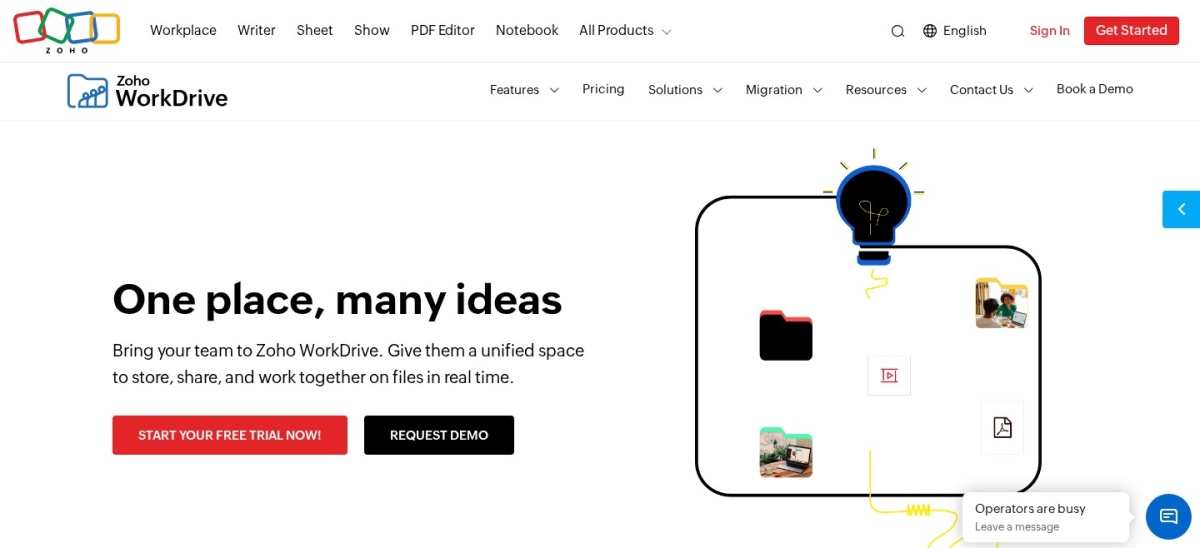
Zoho WorkDrive is the price leader for small teams. The free plan covers one person with 5 GB, and the Starter plan costs 2.50 dollars a user a month billed yearly with a three-user minimum, team folders, file versioning and admin controls.
The trade off is that the price rests on a secondary source: Zoho's own pricing page renders its figures with scripts and did not show them in our check, while G2 lists the Starter plan at 3 euros. It suits small teams already using Zoho apps.
What we like
Cheapest paid team plan in this list
Rated 4.4 out of 5 on G2 from 726 reviews
Team folders and version history included
Watch out for
Starter price could not be confirmed on Zoho's page
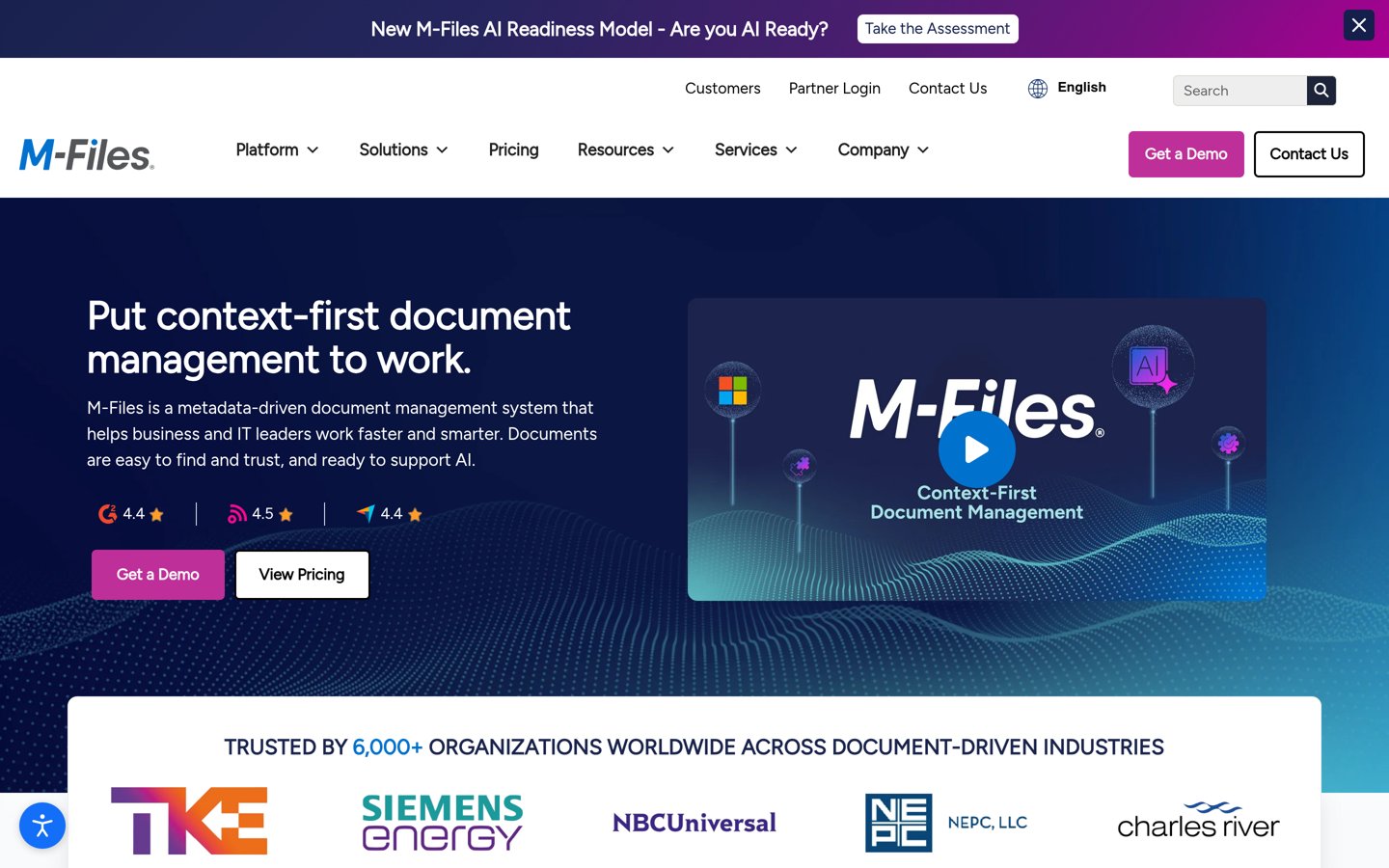
M-Files is a document system that organises files by metadata instead of folders. Files get tagged with client, project, date and type, and you find them by what they are rather than where someone filed them. Workflow automation routes documents for review and approval without manual handoffs.
The trade off is the price and the learning curve. M-Files uses quote-only pricing with a free trial, and teams raised on folders need training to think in metadata. It suits mid-size and larger firms where finding documents is a daily cost.
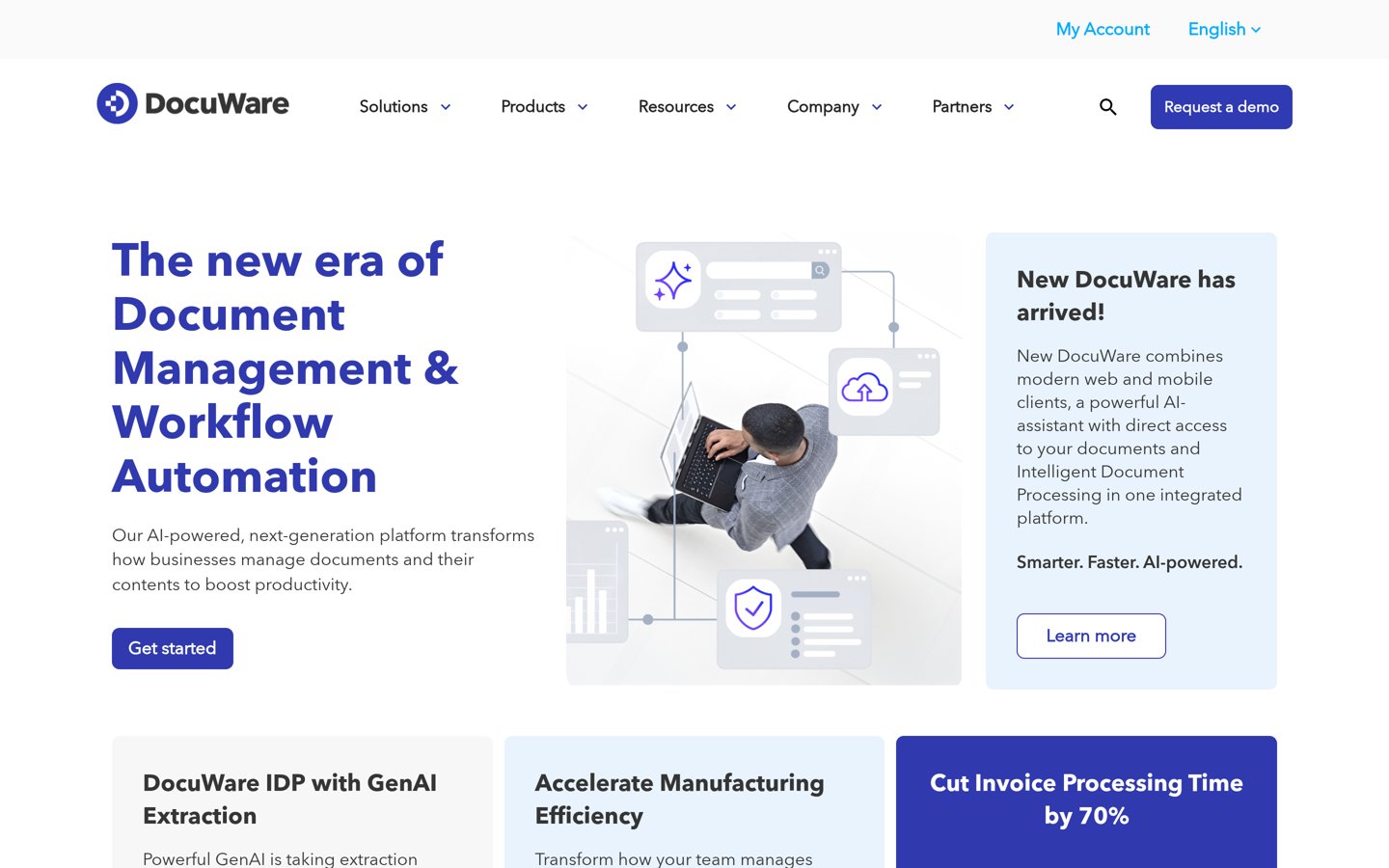
DocuWare is a document workflow system that turns paper and PDF chaos into automated workflows. AI indexing reads invoices and forms, extracts the data and routes documents for approval, which suits finance departments processing hundreds of invoices a month.
The trade off is the price. DocuWare requires a consultation and publishes no price list, and a 30-day trial is the only free option. It suits firms where document workflows, approvals and retention matter more than simple storage.
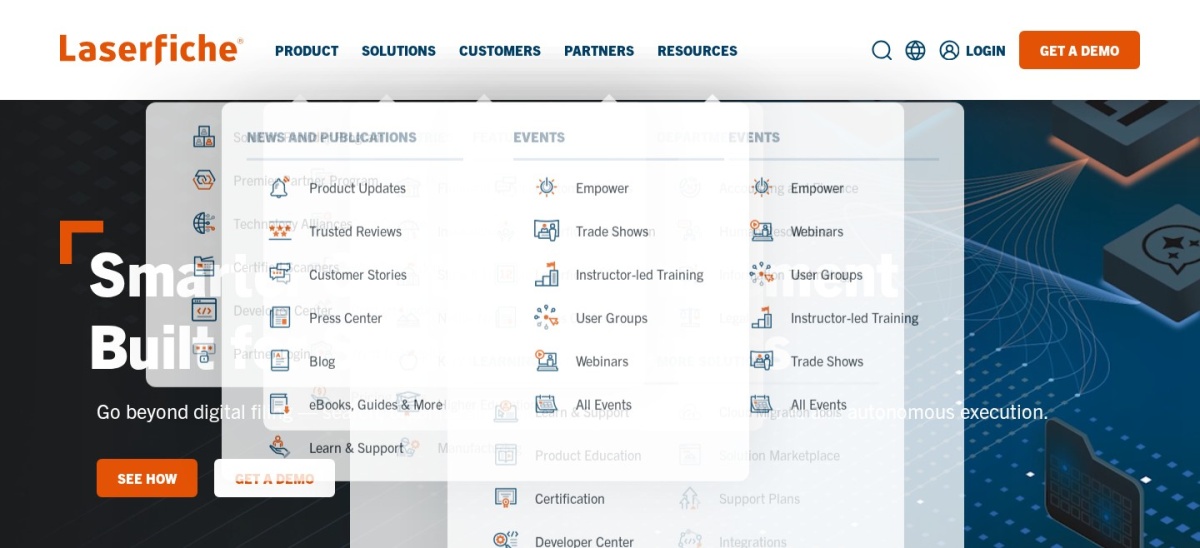
Laserfiche is a document and records management platform for compliance-focused firms. It covers records management, electronic forms, audit logging and AI-powered capture, and it holds the highest G2 rating in this list at 4.7 from 1,247 reviews.
The trade off is the price. Laserfiche uses custom pricing with no public list, and it is built for mid-market and enterprise teams rather than small firms. It suits regulated enterprises where governance and large-scale workflows come first.
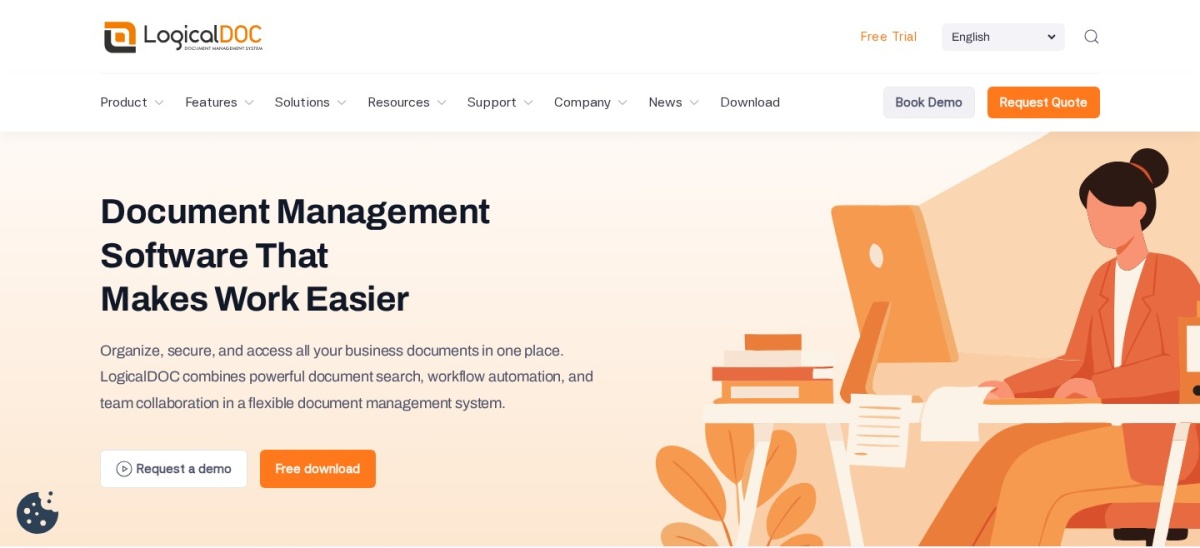
LogicalDOC is the open-source option in this list. The Community Edition is free to self-host, with document versioning, full-text search, workflow basics, roles and quotas, under an open licence. Teams with IT staff get a capable document system with no licence fees.
The trade off is the support. There is no vendor help on the free edition, and paid plans are quote-only, so the total cost depends on your own staff. It suits IT teams that want a free system they can host and customise.
SharePoint is Microsoft's document management and intranet platform, deeply tied to Microsoft 365, Teams and OneDrive. It offers metadata-driven libraries, version control, Power Automate workflows and granular permissions for firms already running Microsoft tools.
The trade off is the price and the complexity. SharePoint Plan 1 costs 5 dollars a user a month, and most teams get it inside Microsoft 365 Business Basic at 7 dollars a user a month. It suits Microsoft 365 shops that want document libraries and intranets.
Free plans cover storage and sharing well. Google Drive gives 15 GB, Box gives 10 GB and Zoho WorkDrive gives 5 GB, all with version history and basic permissions.
Paid plans mostly add storage, admin controls and automation. Dropbox Plus adds 2 TB, Box Business adds governance, and the enterprise systems add workflows and retention.
Open-source tools are the exception. LogicalDOC Community is free to self-host with no licence cost, but you run the server and the updates yourself.
How we chose
We started from the document management systems with the strongest G2 or Capterra review records and a real free plan or free edition, then kept nine that cover cloud drives, open-source systems and enterprise workflows.
Prices come from each vendor's pricing page, checked on 25 November 2026. Ratings and review counts come from G2 or Capterra on the same day. Where a vendor shows a sale, the list shows the regular price.
M-Files, DocuWare, Laserfiche and LogicalDOC publish no prices, so the list shows Custom and says so in the text. No vendor paid for a place, and we do not claim hands-on testing for this list.
How to choose free document management software
Start with the free storage you need, then check whether you need workflows or just folders.
Count your documents and your users. A team of five with a few hundred files fits a free cloud drive. A team with tens of thousands of documents needs metadata search or a real DMS.
Check the free storage limit. Google Drive gives 15 GB free, Box gives 10 GB, Zoho WorkDrive gives 5 GB and Dropbox gives 2 GB. Pick the one that covers your files without paying.
Decide if you need workflows. If invoices, contracts or HR files need approvals, retention or audit trails, shortlist M-Files, DocuWare or Laserfiche and ask for a quote.
Try the free plan with real files. Upload a real folder, test search and sharing, and check the renewal price before you commit to a paid plan.
FAQ
What is the best free document management software?
Google Drive is the best free document management software for most teams. It includes 15 GB of free storage, real-time editing in Docs, Sheets and Slides, and it is rated 4.8 out of 5 on Capterra from more than 28,000 reviews.
Is Google Drive a document management system?
Partly. Google Drive stores, versions and shares documents well, and Docs covers real-time editing. It lacks the retention rules, approval workflows and audit trails of M-Files, DocuWare or Laserfiche.
Which document management software is free and open source?
LogicalDOC Community is the best free open-source option in this list. It is free to self-host with versioning, full-text search and workflow basics, though you need IT staff to run it.
What is the cheapest document management software?
Zoho WorkDrive is the cheapest paid option here at 2.50 dollars a user a month billed yearly, with a free 5 GB plan for individuals. Google One storage is cheaper still at 1.99 dollars a month for 100 GB.
Do M-Files and DocuWare have free plans?
No. Both offer free trials only, and both use quote-only pricing with no public price list. If you need a free plan, use Google Drive, Dropbox, Box, Zoho WorkDrive or LogicalDOC instead.
Is SharePoint free?
No. SharePoint Plan 1 costs 5 dollars a user a month, and most teams get it inside Microsoft 365 Business Basic at 7 dollars a user a month. There is no standalone free plan.
SaaS SEO and WordPress specialist with about 8 years of experience. Rakib compares WordPress plugins, themes, hosting and software using public pricing, documentation and user reviews. See how we rank.