Cozi is the best family calendar app for most households, pairing color-coded schedules for up to 12 members with shared grocery lists and a recipe box starting at $39/year. Choose Google Calendar if you want a completely free cross-platform calendar without ads, or OurFamilyWizard for court-documented co-parenting.
How we make this list: we compare pricing pages, product documentation and public user reviews, then re-check every price before each update. No product paid for a place. Disclosure.
Cozi covers the entire household under one $39/year Gold plan, removing ads and unlocking full multi-month calendar access.
Google Calendar is completely free with no ads, while paid Google Workspace Business Starter plans begin at $84/year per user.
FamilyWall bundles real-time family location sharing, shared calendars, and budget tools for $44.99/year.
TimeTree offers free unlimited event chat across iOS, Android, and web, with ad-free Premium at $44.99/year.
OurFamilyWizard starts at $110/year per parent for timestamped messaging, expense tracking, and court-ready records.
What makes a family calendar app work for everyone
A family calendar only works if every adult and older child actually opens it. The best apps color-code events by family member so anyone can scan the week in seconds and see who needs a ride to soccer practice or has a dentist appointment.
Beyond basic dates, households rarely separate scheduling from daily chores and errands. Tools that combine a shared calendar with real-time grocery lists, to-dos, and meal planning save parents from bouncing between three different apps at the store.
Sync direction and platform support matter just as much as features. Many families mix iPhones, Android phones, and desktop browsers, and read-only calendar feeds can create confusion if edits made in Google Calendar or Outlook fail to update inside the family app.
4.8/5on App Store (404,000 reviews, checked Nov 2026)
Paid from$39/yr
Best for shared lists and meal planning
PlatformsiOS, Android, Web
Household limitUp to 12 members
External syncRead-only iCal feeds
AI toolsMax tier ($79/yr)
cozi.com
Cozi homepage, captured Nov 2026.
Cozi is a dedicated household organizer built around a color-coded shared calendar, real-time grocery lists, to-do lists, and a recipe box. The free plan supports every family member on iOS, Android, and web, though calendar visibility is restricted to a rolling 30-day window and includes ads.
The trade off is that planning further than 30 days ahead requires Cozi Gold at $39/year, and external Google or Apple calendar connections work only as read-only feeds. It suits households that want one shared login for schedules, shopping lists, and dinner planning.
What we like
One Gold subscription covers the whole family across all devices
Real-time shared grocery and to-do lists update immediately in stores
Built-in recipe box connects ingredients directly to shopping lists
Simple interface with almost no learning curve for kids or grandparents
Watch out for
Free plan restricts calendar viewing to the next 30 days
Google, Apple, and Outlook sync are read-only rather than two-way
AI email event import requires upgrading to Cozi Max at $79/year
Cozi Gold ($39/yr) removes ads and unlocks full multi-month views, calendar search, and change alerts.Visit cozi.com
02
Google Calendar
4.8/5on Capterra (4,349 reviews, checked Nov 2026)
Paid from$84/yr
Best free cross-platform calendar
PlatformsWeb, iOS, Android
Free tierUnlimited calendars
External syncTwo-way native
Family extrasShared family group
workspace.google.com
Google Calendar homepage, captured Nov 2026.
Google Calendar is a free scheduling app available on web, iOS, and Android that lets households create shared calendars, color-code events, and auto-import flights or reservations from Gmail. Personal Google accounts get unlimited shared calendars, reminders, and full multi-year planning with zero ads.
The trade off is that Google Calendar lacks family-specific tools like shared grocery lists, chore charts, or meal planners, and paid Google Workspace Business Starter plans cost $84/year per user ($7/month billed annually). It suits tech-comfortable families already using Gmail who want reliable, free scheduling.
What we like
Completely free for personal accounts with no ads or 30-day limits
Fast, reliable two-way syncing across Android, iPhone, and web
Automatically adds flight, hotel, and ticket confirmations from Gmail
Works with third-party family displays and smart home assistants
Watch out for
No built-in grocery lists, recipe storage, or chore tracking
Sharing permissions can feel technical for less tech-savvy relatives
Google Workspace Business Starter ($84/yr per user) adds custom domain email, 30 GB storage, and booking pages.Visit workspace.google.com
03
FamilyWall
4.8/5on App Store (24,800 reviews, checked Nov 2026)
Paid from$44.99/yr
Best for teen location sharing and budgets
PlatformsiOS, Android, Web
Free tierCalendar, lists & chat
Location trackingIncluded in Premium
Cloud storage25 GB on Premium
familywall.com
FamilyWall homepage, captured Nov 2026.
FamilyWall is an all-in-one household organizer combining shared calendars, shopping lists, private family messaging, and photo albums across iOS, Android, and web. The free tier includes core scheduling, shared lists, and family chat without restricting how far ahead you can view events.
The trade off is that external Google and Outlook sync, meal planning, expense tracking, and real-time GPS location sharing sit behind FamilyWall Premium at $44.99/year. It suits mixed iPhone and Android families who want location check-ins alongside their weekly schedule.
What we like
Real-time opt-in location sharing helps coordinate teen pickups
Bundles budget tracking, meal planning, and 25 GB document storage
Free plan allows full multi-month calendar planning across platforms
One Premium subscription covers the household circle
Watch out for
Packed interface feels busier than simple calendar-only apps
Google and Outlook calendar sync require a paid subscription
No built-in AI scanner for importing paper school flyers
4.9/5on App Store (92,903 reviews, checked Nov 2026)
Paid from$44.99/yr
Best for event-level family chat
PlatformsiOS, Android, Web
Free tierUp to 20 calendars
Event chatBuilt into every event
Billing modelPer account
timetreeapp.com
TimeTree homepage, captured Nov 2026.
TimeTree is a shared calendar app used by over 60 million people that attaches a dedicated comment thread and photo feed to every single event. Its free plan supports multiple separate calendars for work, kids, and extended family with no date-range restrictions.
The trade off is that the free version displays banner and video ads, and TimeTree Premium ($44.99/year) is billed per individual account rather than covering the whole household. It suits families and couples who coordinate pickup logistics directly inside each calendar event.
What we like
Every calendar event has its own chat thread for coordinating details
Generous free tier allows full future planning across multiple calendars
Works smoothly across iOS, Android, and desktop web browsers
Supports shared memos and basic OCR event scanning
Watch out for
Premium subscription applies per account rather than per family
Free plan includes prominent ads
Lacks dedicated grocery lists, chore charts, or recipe management
TimeTree Premium ($44.99/yr per account) removes ads and adds file attachments, vertical time view, and pinned events.Visit timetreeapp.com
05
Any.do
4.7/5on Capterra (1,177 reviews, checked Nov 2026)
Paid from$59.88/yr
Best for combining tasks and calendars
PlatformsiOS, Android, Web, Desktop
Free tierPersonal tasks & calendar
Family plan$99.96/yr for 4 members
RemindersWhatsApp & location alerts
any.do
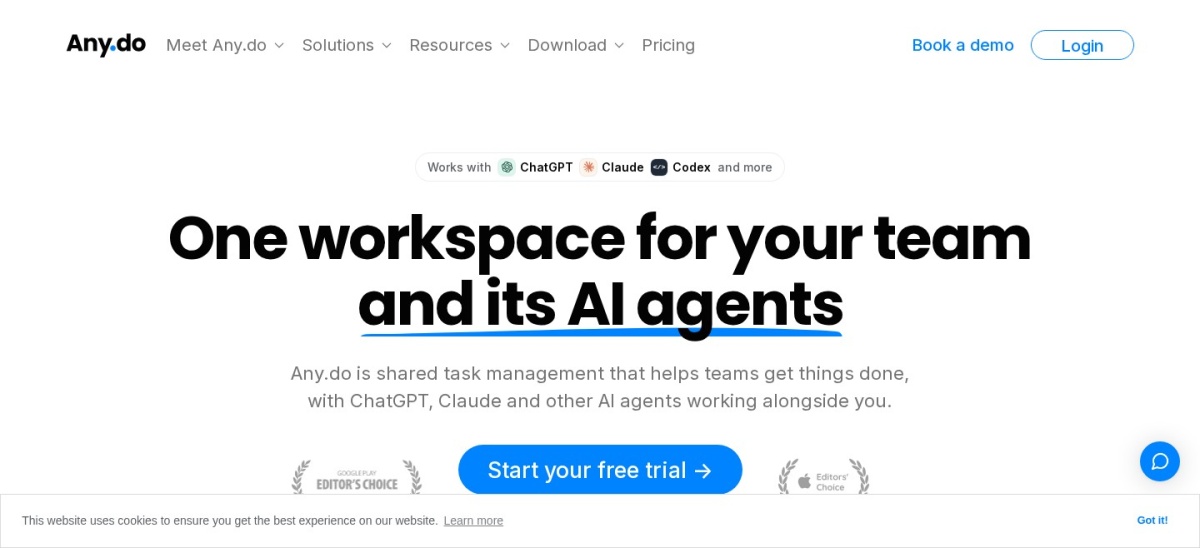
Any.do homepage, captured Nov 2026.
Any.do is a task manager and calendar app that merges external calendars from Google, Outlook, and iCloud with shared household to-do and grocery lists. The free Personal tier provides daily task planning, basic reminders, and calendar integration across mobile, desktop, and smartwatches.
The trade off is that individual Premium starts at $59.88/year ($4.99/month billed annually), while the dedicated 4-member Family space costs $99.96/year ($8.33/month billed annually). It suits task-driven households that want shared project boards and grocery lists alongside work schedules.
What we like
Merges Google, Outlook, and iCloud events with daily task lists
Smart grocery list automatically sorts items by supermarket aisle
Supports WhatsApp reminders and location-based task alerts
Available on mobile, desktop apps, web, and smartwatches
Watch out for
Shared family space requires the 4-member Family tier at $99.96/yr
Recurring tasks and color tags are locked behind paid tiers
Any.do Premium ($59.88/yr) unlocks recurring tasks, AI tools, and WhatsApp reminders; Family ($99.96/yr) covers 4 members.Visit any.do
06
Fantastical
4.4/5on G2 (18 reviews, checked Nov 2026)
Paid from$57/yr
Best for Apple households
PlatformsiOS, macOS, iPadOS, Windows
Free tierBasic views & parsing
Family plan$89.99/yr for 5 members
Sync supportiCloud, Google, M365
flexibits.com
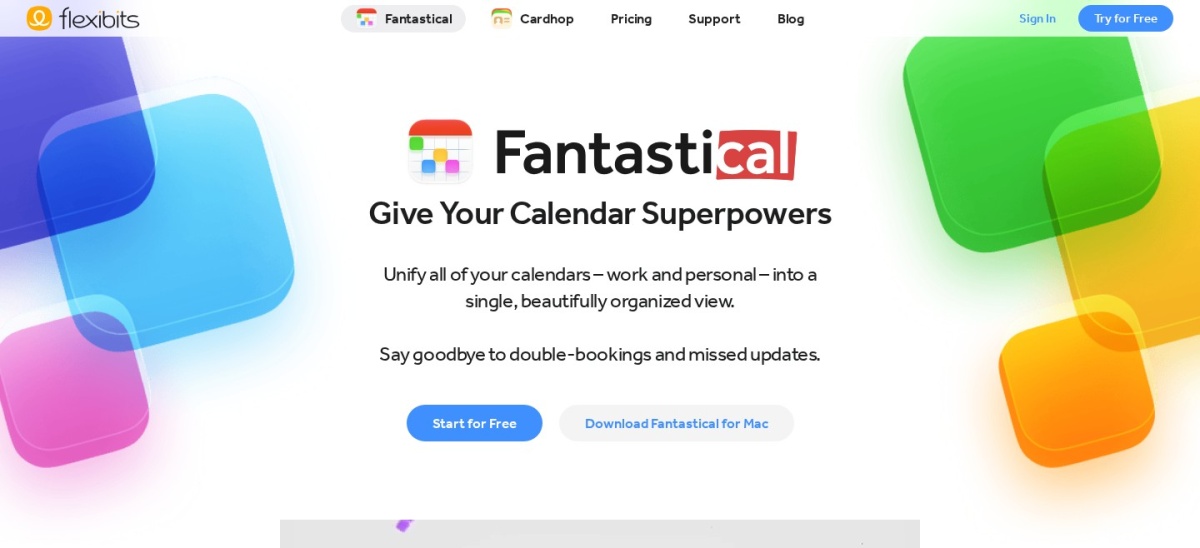
Fantastical homepage, captured Nov 2026.
Fantastical is a calendar and task app built primarily for Apple devices that turns plain-English typing like Soccer practice every Tuesday at 5pm into structured events. The free version connects to iCloud, Google, and Microsoft 365 calendars with day, week, and month views.
The trade off is that Individual Premium costs $57/year ($4.75/month billed annually) and the 5-member Family plan runs $89.99/year, with no native Android app available. It suits Apple-centric families who want fast natural-language entry and weather forecasts inside their schedule.
What we like
Natural-language parser creates events and tasks from plain sentences
Calendar sets let parents toggle between work and family schedules
Syncs bidirectionally with iCloud, Google Calendar, Microsoft 365, and Todoist
Includes built-in weather forecasts and travel-time alerts
Watch out for
No native Android app or full browser-based web calendar
Higher annual cost than dedicated family apps like Cozi or FamilyWall
Flexibits Premium ($57/yr individual or $89.99/yr for up to 5 family members) unlocks unlimited calendar sets, scheduling links, and full task sync.Visit flexibits.com
07
OurFamilyWizard
4.5/5on App Store (2,700 reviews, checked Nov 2026)
Starts at$110/yr
Best for co-parenting across two homes
PlatformsiOS, Android, Web
Free tier30-day refund guarantee
Child accountsFree included
AI importPremium tier ($216/yr)
ourfamilywizard.com
OurFamilyWizard homepage, captured Nov 2026.
OurFamilyWizard is a specialized co-parenting platform that combines a shared parenting-time calendar with unalterable timestamped messaging, expense logs, and GPS check-ins. The entry Basic plan starts at $110/year per parent and includes 1 GB of secure file storage, ToneMeter communication feedback, and free accounts for children and legal professionals.
The trade off is that there is no permanent free tier, each parent pays for an individual subscription, and AI email event import requires the $216/year Premium plan. It suits separated or divorced parents who need court-admissible scheduling and communication records.
What we like
Color-coded custody schedules and parenting-time change requests
All messages, schedule edits, and expense receipts are permanently timestamped
Includes free access for children, mediators, and attorneys
ToneMeter flags inflammatory phrasing before messages are sent
Watch out for
No free plan and each co-parent must purchase a separate subscription
AI event import from emails and flyers requires the $216/yr Premium tier
Essentials ($149.99/yr) adds documented audio/video calls, GPS check-ins, and 5 GB storage; Premium ($216/yr) adds AI Event Import and unlimited storage.Visit ourfamilywizard.com
Do you need a dedicated kitchen wall display?
Hardware hubs like Skylight Calendar ($299.99 plus $79/year for Plus) mount on the kitchen wall so young kids who do not own phones can check chores and daily schedules. They sync with Google, Apple, and Outlook calendars and rely on a companion mobile app for parents on the go.
If you already own an iPad or Android tablet, you do not need dedicated hardware. Running Cozi, Google Calendar, or FamilyWall on a counter-mounted tablet gives the whole household a central dashboard without buying a single-purpose screen.
How we chose
We selected seven actively maintained family calendar apps spanning dedicated household organizers, cross-platform calendars, task-first planners, and co-parenting tools. Each product had to support multi-person sharing across modern mobile or web platforms and maintain a strong public review profile.
All pricing tiers, free-plan limits, and user review scores were verified directly against official vendor pricing pages, Capterra, G2, and Apple App Store listings on 22 Nov 2026. Where apps offer both monthly and annual billing, we listed the regular yearly cost of the lowest paid tier.
We excluded discontinued apps, hardware-only wall displays without standalone mobile calendar functionality, and niche tools with fewer than 1,000 active users or 20 verified reviews. No vendor paid for a place, and we do not claim testing for this list.
How to pick the right family calendar app
Match the app to your household's devices, daily routines, and budget before moving everyone's schedule over.
Check everyone's phone operating system first. If your household mixes iPhones and Android devices, skip Apple-focused apps like Fantastical and choose a cross-platform option such as Cozi, Google Calendar, FamilyWall, or TimeTree.
Decide whether you need lists and meal planning. If you only want shared event visibility, Google Calendar or TimeTree works for free. If you want shared grocery aisles, chores, and recipes in the same place, start with Cozi or FamilyWall.
Verify whether calendar sync is two-way or read-only. Apps like Cozi and TimeTree import Google or Outlook events as read-only feeds, meaning you cannot edit work events inside the family app. Choose Google Calendar, Any.do, or Fantastical if you need full two-way editing.
Compare household pricing against per-user pricing. Cozi Gold ($39/yr) and FamilyWall Premium ($44.99/yr) cover the entire family under one subscription, whereas TimeTree Premium ($44.99/yr) and OurFamilyWizard ($110/yr) charge per individual account.
FAQ
What is the best completely free family calendar app?
Google Calendar is the best completely free family calendar app because it has no ads, no 30-day viewing limits, and reliable two-way syncing across Android, iPhone, and web. TimeTree is also free for multi-month planning if your family does not mind banner ads.
Does Cozi still have a free version in 2026?
Yes, Cozi still offers a free version on iOS, Android, and web with shared calendars, grocery lists, and recipes. However, free accounts are ad-supported and can only view calendar events within a rolling 30-day window unless you upgrade to Cozi Gold for $39/year.
Which family calendar app works best across iPhone and Android?
Cozi, Google Calendar, FamilyWall, TimeTree, and Any.do all offer full-featured apps on both iOS and Android plus a desktop web interface. Avoid Fantastical if anyone in your household uses an Android phone, as it has no native Android app.
Can one subscription cover the whole family?
Yes, several family organizers use household pricing rather than per-seat fees. Cozi Gold ($39/year) and FamilyWall Premium ($44.99/year) cover the entire household under a single subscription, whereas TimeTree Premium ($44.99/year) bills each user account separately.
What is the best calendar app for divorced or separated parents?
OurFamilyWizard is built specifically for co-parenting across two households, starting at $110/year per parent. It provides a shared custody calendar alongside unalterable timestamped messages, shared expense tracking, GPS exchange check-ins, and free access for children and legal professionals.
SaaS SEO and WordPress specialist with about 8 years of experience. Rakib compares WordPress plugins, themes, hosting and software using public pricing, documentation and user reviews. See how we rank.