Slack is the best enterprise collaboration tool for most companies, with channels, huddles and more than 2,600 integrations behind the largest chat-first review base here. Pick Microsoft Teams if you already pay for Microsoft 365, Zoom Workplace for meeting-led teams, or Google Workspace for document-first work.
How we make this list: we compare pricing pages, product documentation and public user reviews, then re-check every price before each update. No product paid for a place. Disclosure.
Slack leads for chat-first companies, with a 4.5 out of 5 G2 rating from 39,944 reviews and more than 2,600 integrations.
Microsoft Teams is the cheapest paid entry at $4 a user a month, and it is already in the licence for most Microsoft 365 companies.
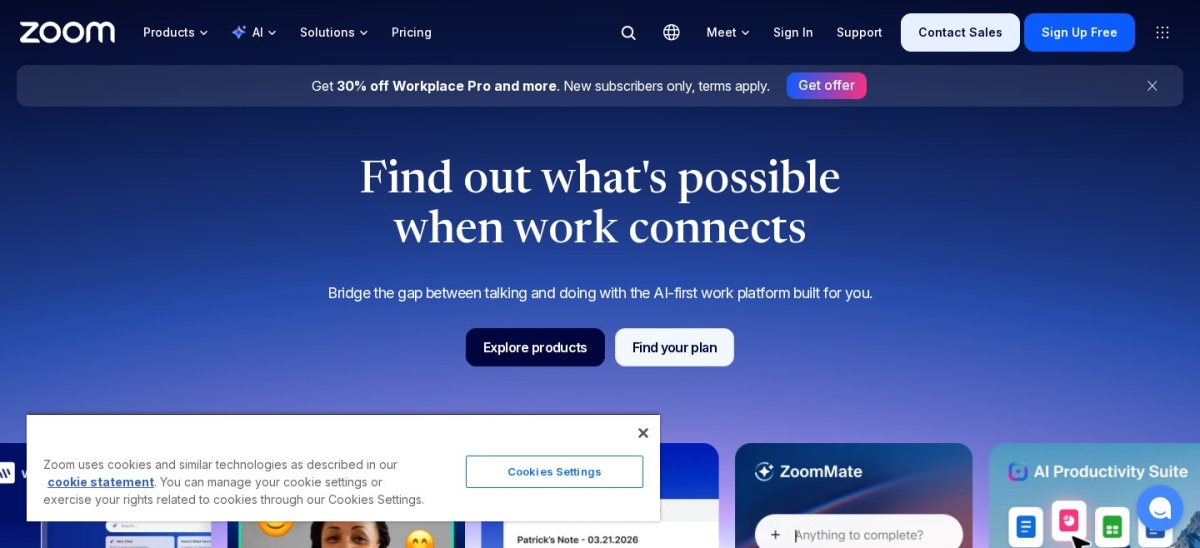
Zoom Workplace holds the largest G2 review base here at 56,560 reviews, but Pro costs $14.16 a user a month billed annually.
Google Workspace is the only tool here with no free business plan, starting at $7 a user a month.
Eight of the nine tools offer a free plan, but limits force upgrades: Slack keeps only 90 days of message history and Miro allows only three editable boards.
Webex carries the lowest G2 rating here at 4.2 out of 5, and two guides disagree on its entry price, so get the rate in writing.
What enterprise collaboration tools should cover
Enterprise collaboration tools are the shared space where a company talks, meets and writes together: channels for chat, video for meetings, shared docs for decisions and boards for planning. The nine tools here cover that whole range, from chat-first Slack to visual Miro.
The market splits by estate. Slack wins companies that choose chat first, Teams wins the Microsoft 365 majority where it is already in the licence, and Google Workspace wins teams that live in Gmail and Docs. Our guide on video conferencing software covers the meeting side in more depth.
Pricing is mostly per user per month, from $4 for Teams Essentials to $14.16 for Zoom Workplace Pro billed annually, with free plans on eight of the nine tools. Watch the limits that force an upgrade: Slack's free plan keeps only 90 days of message history, and Miro's free plan allows only three editable boards.
Ratings come from G2, checked on 25 November 2026, and review bases run from 13,058 for Miro to 56,560 for Zoom Workplace. No tool here was tested hands-on; the list compares published prices, documented features and verified review counts.
Slack is a channel-based messaging platform where a company's work stays visible in channels, threads and shared canvases. Huddles cover quick calls, search reaches every message, and more than 2,600 apps connect project trackers, support desks and CI pipelines, with a 4.5 out of 5 rating on G2 from 39,944 reviews.
The trade off is message history and cost at scale. The free plan keeps only 90 days of message history, so old decisions vanish unless you pay, and Pro costs $7.25 a user a month billed annually. It suits chat-first companies that want the deepest integration ecosystem and the tool employees already know.
Microsoft Teams is a collaboration hub that combines chat, meetings, calling and file sharing inside Microsoft 365. Channels, SharePoint, OneDrive, Outlook and Planner share one identity, and Copilot adds AI meeting notes on higher tiers, with a 4.4 out of 5 rating on G2 from 19,330 reviews.
The trade off is that the cheapest route depends on your Microsoft estate. Teams Essentials costs $4 a user a month billed annually but has no business email, while Microsoft 365 Business Basic at $7 adds Outlook, OneDrive and web Office apps. It suits companies already paying for Microsoft 365.
Zoom Workplace is a meeting-led collaboration platform built around the most trusted video calls in this list, with Team Chat, whiteboard, scheduler and mail wrapped around them. An AI Companion summarises meetings into the record, and it holds a 4.5 out of 5 rating on G2 from 56,560 reviews.
The trade off is price and recording limits. Workplace Pro costs $14.16 a user a month billed annually, or $16.99 monthly, and Pro and Business include only 10 GB of cloud recording storage. It suits client-facing teams that rely on video calls and want chat in the same app.
What we like
Largest G2 review base here
Most reliable meetings in this list
AI Companion summarises meetings
Free Basic plan for trying it
Watch out for
Highest paid entry among the chat tools
Only 10 GB recording storage on Pro
Add-ons push the total up
Business adds more storage and admin controlsVisit zoom.us
04
Google Workspace
4.6/5on G2 (13,834 reviews, checked Nov 2026)
Starts at$84/yr
Best for document-first teams
Starting price$7/user/mo annual
Free planNo, 14-day trial
Meet participantsUp to 100
Gemini AIIncluded in Business plans
workspace.google.com
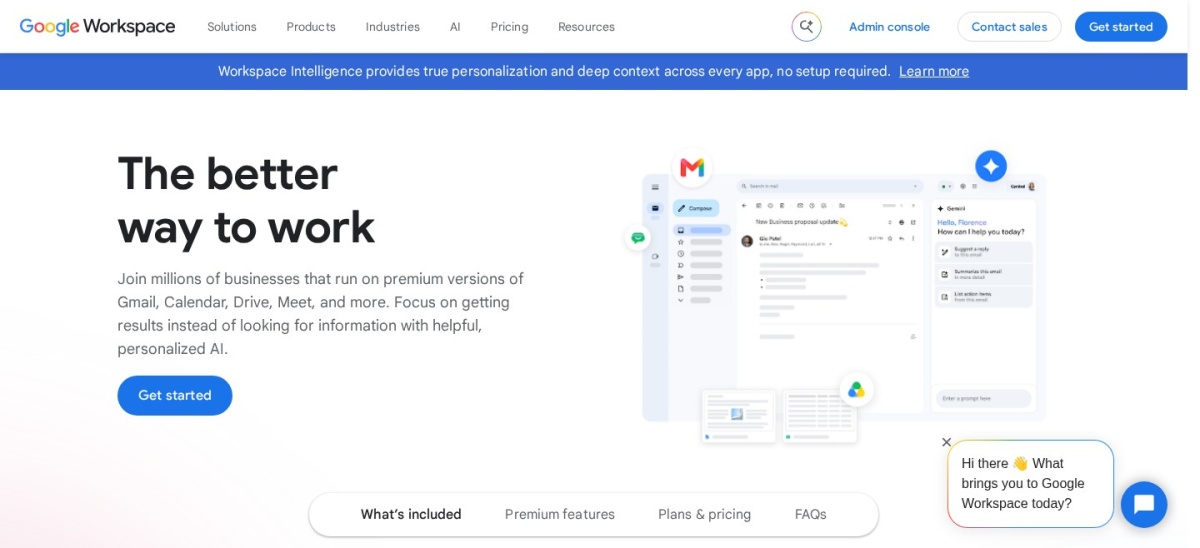
Google Workspace homepage, captured Nov 2026.
Google Workspace is a cloud suite that puts Gmail, Docs, Sheets, Drive, Meet and Chat in one subscription, so conversations stay next to the work. Real-time co-editing in Docs is still the category's best trick, and it holds a 4.6 out of 5 rating on G2 from 13,834 reviews.
The trade off is that there is no free plan for business use. Business Starter costs $7 a user a month billed annually and covers email, Docs, Drive and Meet for up to 100 participants, while Business plans cap at 300 users. It suits cloud-native teams that live in Gmail and Docs.
monday.com is a visual work platform where teams run projects on boards, lists and dashboards, with automations and AI agents cutting manual work. Paid plans start at three seats, and it holds a 4.7 out of 5 rating on G2 from 15,360 reviews.
The trade off is seat minimums and pricing tiers. Basic costs $9 a seat a month billed annually with a three-seat minimum, and advanced automations and AI features need higher tiers. It suits teams that want visual boards non-project managers accept.
Asana is a work management platform where cross-functional teams run campaigns and operations in lists, boards and timelines. Portfolios roll many projects into one status view, and it holds a 4.4 out of 5 rating on G2 from 13,930 reviews.
The trade off is price and docs. Starter costs $10.99 a user a month billed annually, while a second guide lists $13.49, so confirm the current rate before budgeting, and docs are Pages rather than a wiki. It suits marketing and operations teams with complex workflows.
Notion is a flexible workspace where docs, wikis, databases, meeting notes and lightweight project tracking share one canvas. If the work, the notes and the plan share one database, the plan stays current, and it holds a 4.6 out of 5 rating on G2 from 13,834 reviews.
The trade off is structure and price transparency. Plus costs $10 a member a month billed annually, while Notion's own pricing page lists euros at 9.50 for Plus, and dependencies are a linear chain with no portfolio view. It suits documentation-heavy teams that want a wiki and a workspace in one.
Miro is a visual collaboration platform built on an infinite canvas where teams run workshops, map plans and review visual work before it hardens. Templates cover planning, diagramming and retrospectives, and it holds a 4.6 out of 5 rating on G2 from 13,058 reviews.
The trade off is that it plans work rather than tracking it. Starter costs $8 a member a month billed annually, the free plan allows only three editable boards, and task tracking still needs another tool. It suits teams that argue the plan out on a whiteboard first.
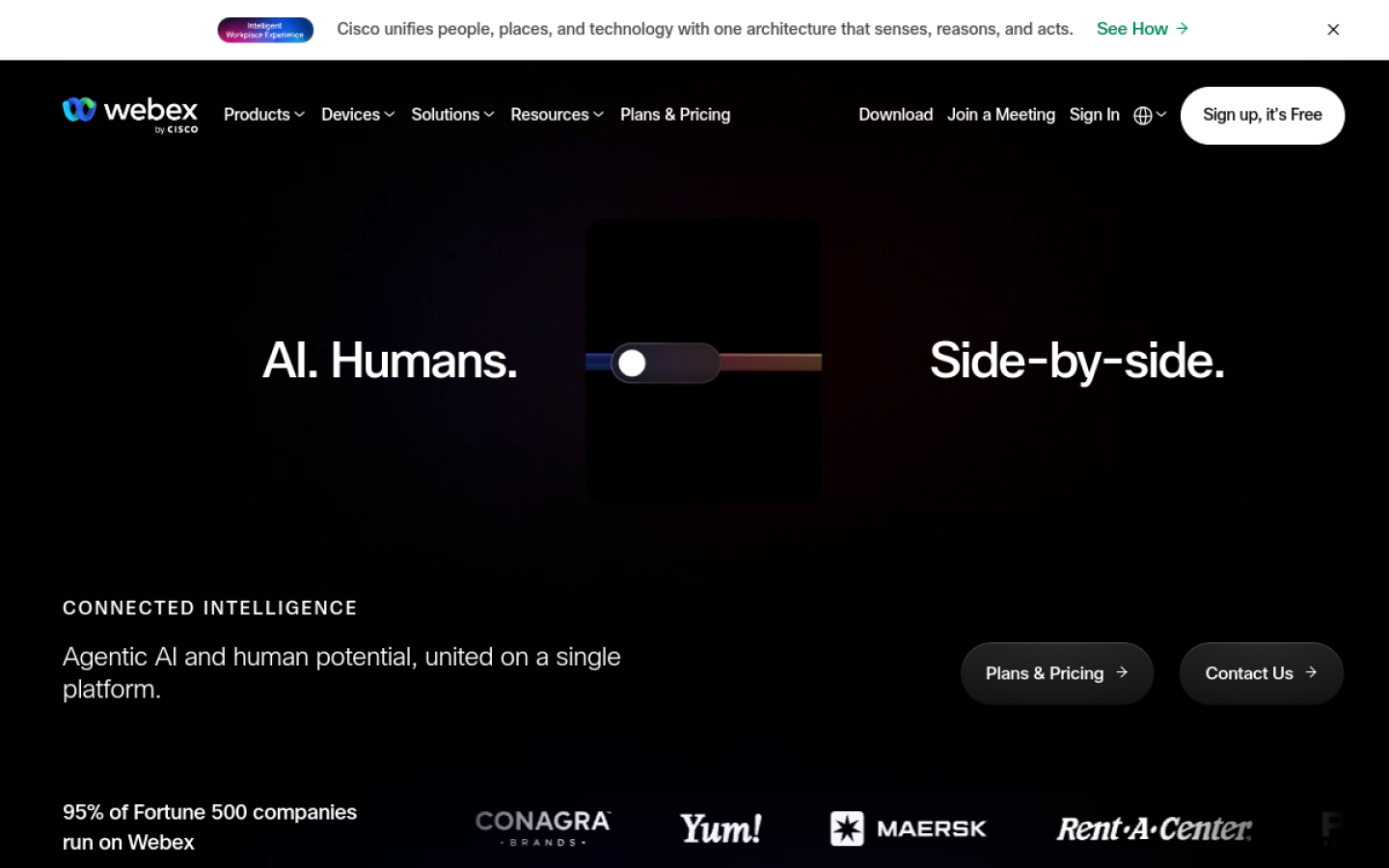
Webex is Cisco's enterprise collaboration suite, combining messaging, meetings, calling and devices in a secure workspace built for large organisations. It is the enterprise-grade pick in this list, with a 4.2 out of 5 rating on G2 from 18,925 reviews.
The trade off is price and complexity. Guides disagree on the entry price, listing $12 or $14.50 a user a month, and quote-based plans sit above the basics, so rebuild the quote at your seat count. It suits regulated enterprises that need Cisco-grade security and room systems.
We started from enterprise collaboration listings on G2 and October and November 2026 roundups, then kept tools with a verifiable G2 rating and an established enterprise customer base.
Prices come from vendor pricing pages as read in October and November 2026 roundups, checked on 25 November 2026. Where two guides disagreed on a price, the list says so. Ratings and review counts come from G2 on the same day.
We left out tools with no verifiable rating on G2, Capterra or Trustpilot. No vendor paid for a place, and we do not claim hands-on testing for this list.
How to choose enterprise collaboration tools
Start with your estate, then check the limits that force an upgrade.
Map your estate. If you already pay for Microsoft 365, Teams is in the licence; if you live in Gmail and Docs, Google Workspace is the natural suite.
Check the free plan limits. Slack keeps only 90 days of message history free, Miro allows only three editable boards, and Google Workspace has no free business plan.
Count the real cost. Per-user pricing scales fast: 100 users on Zoom Pro costs about $1,416 a month billed annually, so model the full seat count including part-timers.
Test the meeting experience. Run a real external meeting before you sign. Zoom and Webex lead on call quality and rooms, while Slack huddles suit quick internal calls.
FAQ
What is the best enterprise collaboration tool?
Slack is the strongest pick for most companies, with a 4.5 out of 5 G2 rating from 39,944 reviews, channels, huddles and more than 2,600 integrations. Microsoft Teams wins inside Microsoft 365 estates, where it is already in the licence.
How much does enterprise collaboration software cost?
Paid plans run from $4 a user a month for Microsoft Teams Essentials to $14.16 for Zoom Workplace Pro, both billed annually. Eight of the nine tools here offer a free plan, though most free plans limit history, boards or participants.
Is Slack or Microsoft Teams better?
Slack wins for chat-first companies that want the deepest integration ecosystem and the tool employees ask for by name. Teams wins for companies already paying for Microsoft 365, where it costs nothing extra and shares one identity with Outlook and SharePoint.
Does Google Workspace have a free plan?
No. Google Workspace has no free business plan, though it offers a 14-day trial. Business Starter costs $7 a user a month billed annually and covers Gmail, Docs, Drive, Meet and Chat.
Which collaboration tool is best for meetings?
Zoom Workplace leads on meeting quality and reliability, with a 4.5 out of 5 G2 rating from 56,560 reviews and an AI Companion that summarises meetings. Webex suits enterprises that need room systems and Cisco-grade security.
Is there free enterprise collaboration software?
Yes. Eight of the nine tools here offer a free plan, including Slack, Teams, Zoom, monday.com, Asana, Notion, Miro and Webex. Check the limits first: Slack keeps only 90 days of message history and Miro allows only three editable boards.
SaaS SEO and WordPress specialist with about 8 years of experience. Rakib compares WordPress plugins, themes, hosting and software using public pricing, documentation and user reviews. See how we rank.