Snyk is the best automation tool for DevSecOps, offering code, dependency, container and infrastructure scanning with paid plans starting at $25 per month. Choose GitLab for integrated software delivery and security workflows, or SonarQube for automated code quality checks and security gates.
How we make this list: we compare pricing pages, product documentation and public user reviews, then re-check every price before each update. No product paid for a place. Disclosure.
Snyk earns 4.5/5 from 136 G2 reviews and covers application code, dependencies, containers and infrastructure.
GitLab Premium starts at $29 per user per month with advanced CI/CD capabilities.
SonarQube supports more than 35 programming and configuration languages on its Team plan.
GitHub Team starts at $4 per user per month, making it an affordable automation foundation.
CircleCI offers up to 6,000 monthly build minutes on its free plan.
Checkmarx earns 4.3/5 from 52 G2 reviews but requires a custom pricing quote.
What to look for in DevSecOps automation tools
DevSecOps automation brings security checks into everyday software development. Instead of waiting until deployment, developers can identify vulnerable dependencies, insecure code and configuration problems during builds and pull requests.
Look for static application security testing (SAST), software composition analysis (SCA), secret detection and infrastructure scanning. These capabilities address different risks and should complement each other.
CI/CD integration matters because security findings need to reach developers before releases. Automated quality gates can prevent builds from progressing when findings exceed an agreed risk threshold.
Compare billing models carefully. Some platforms charge per developer, others charge for computing resources or code volume, and enterprise security platforms frequently require custom quotes.
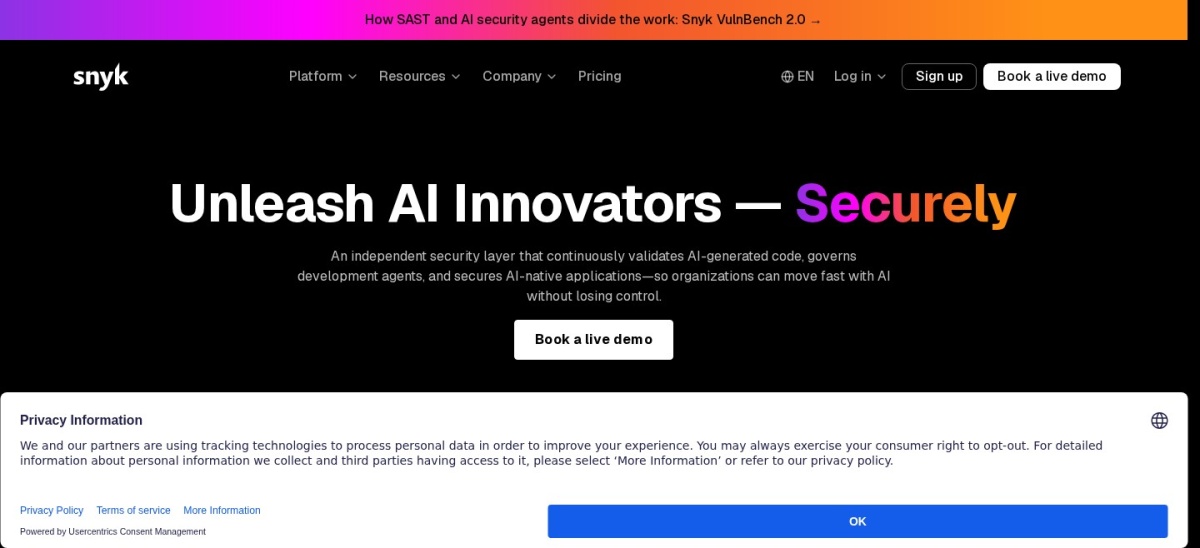
Snyk is a developer security platform that automates vulnerability detection across application code, open-source dependencies, container images and infrastructure configurations. Its free plan supports 5 projects and includes 100 monthly static code security tests.
The trade off is restricted testing capacity and advanced security features on lower tiers, with Team starting at $25 per month. It suits development teams that want security findings delivered directly through their existing coding and build workflows.
What we like
Multiple security scanning capabilities
IDE and command-line integrations
Automated dependency vulnerability detection
Jira integration on the Team plan
Watch out for
Free project and testing limits
Enterprise subscription required for Evo capabilities
Pricing increases with security requirements
Team increases project and test limits and adds Jira integration.Visit snyk.io
02
GitLab
4.5/5on G2 (905 reviews, checked Nov 2026)
Paid from$29/mo
Best for integrated DevSecOps workflows
Entry planPremium
BillingPer user, billed annually
DeploymentCloud or self-managed
Advanced securityUltimate plan
gitlab.com
GitLab homepage, captured Nov 2026.
GitLab is an integrated software development platform that combines repository management, automated pipelines and security workflows. Its Premium subscription costs $29 per user per month when billed annually and includes advanced CI/CD and team project management.
The trade off is that comprehensive security management and governance require the higher Ultimate tier rather than the $29 Premium plan. It suits organizations that want to manage software delivery and security policies within a shared development environment.
What we like
Integrated source control and pipelines
Supports self-managed deployments
Centralized development workflows
Enterprise security and governance options
Watch out for
Advanced security requires Ultimate
Per-user pricing increases with team size
Configuration can be demanding
Premium adds advanced CI/CD, project management and priority support.Visit gitlab.com
03
SonarQube
4.4/5on G2 (167 reviews, checked Nov 2026)
Paid from$34/mo
Best for automated code quality and security gates
Entry planTeam
Free private code allowance50,000 lines
Team language coverage35+ languages
Quality gatesSupported
sonarsource.com
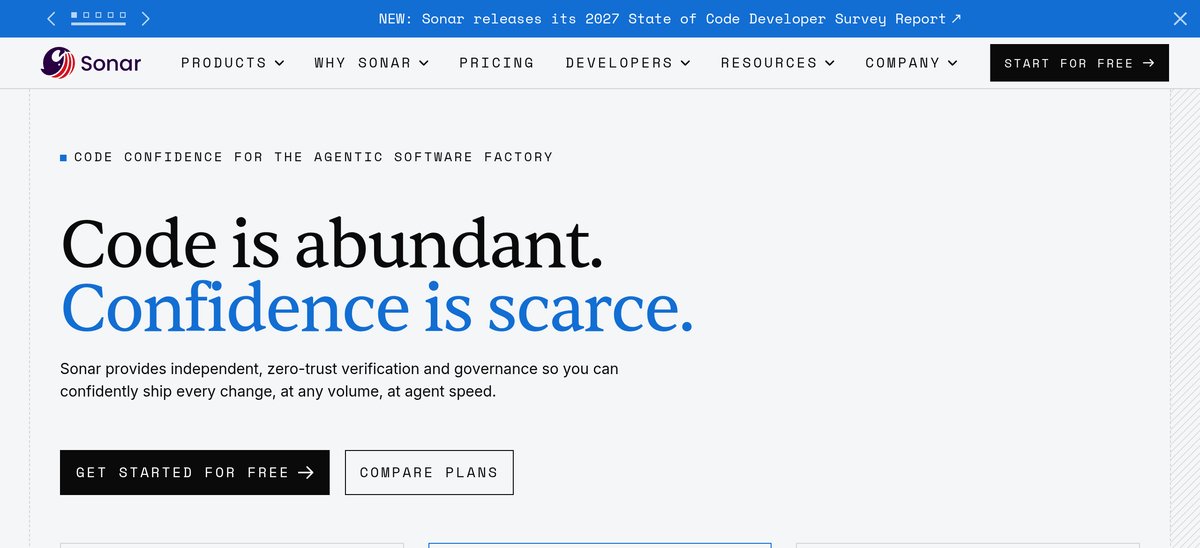
SonarQube homepage, captured Nov 2026.
SonarQube is an automated code analysis platform that identifies security weaknesses, bugs and maintainability problems during development. Its free offering supports private projects containing up to 50,000 lines of code, while Team covers more than 35 languages.
The trade off is that the $34 monthly starting price increases with code analysis requirements, and advanced security capabilities can require additional subscriptions. It suits engineering teams that want consistent quality standards and automated security checks before merging code.
What we like
Automated pull request analysis
Configurable quality gates
Broad programming language support
Free private project allowance
Watch out for
Costs increase with code volume
Advanced security can require additional purchases
Some findings need manual investigation
Team expands code analysis capacity and paid workflow capabilities.Visit sonarsource.com
04
GitHub
4.7/5on G2 (2,441 reviews, checked Nov 2026)
Paid from$4/mo
Best for repository-native security automation
Entry planTeam
BillingPer user
Free CI/CD allowance2,000 minutes per month
Dependency monitoringDependabot
github.com
GitHub homepage, captured Nov 2026.
GitHub is a software development platform that supports DevSecOps through GitHub Actions, dependency monitoring and repository security controls. Its free subscription includes unlimited public and private repositories, Dependabot updates and 2,000 monthly CI/CD minutes.
The trade off is that Team at $4 per user per month does not include every advanced private repository security capability. It suits organizations already hosting their source code on GitHub that want to automate builds, security checks and deployment approvals.
What we like
Automation integrated with source repositories
Dependabot vulnerability monitoring
Extensive workflow integration options
Affordable entry subscription
Watch out for
Advanced security products cost extra
Hosted runner usage can increase expenses
Third-party workflows require security review
Team adds collaboration controls and expanded workflow allowances.Visit github.com
05
CircleCI
4.4/5on G2 (511 reviews, checked Nov 2026)
Paid from$15/mo
Best for automated security testing pipelines
Entry planPerformance
Free build allowanceUp to 6,000 minutes
Performance concurrency80 concurrent jobs
BillingCredit-based consumption
circleci.com
CircleCI homepage, captured Nov 2026.
CircleCI is a continuous integration and delivery platform that runs automated builds, tests and external security scanners. Its free plan includes up to 6,000 monthly build minutes on small Docker resources and supports 5 active users.
The trade off is consumption-based billing, with Performance starting at $15 per month and additional credits costing extra. It suits development teams that want to integrate existing vulnerability scanners and security approval steps into configurable build pipelines.
Performance adds larger computing resources and higher job concurrency.Visit circleci.com
06
JFrog
4.2/5on G2 (186 reviews, checked Nov 2026)
Starts at$150/mo
Best for software supply chain automation
Entry planPro
Included consumption25 GB
Supported technologies60+
Advanced securityHigher platform tiers
jfrog.com
JFrog homepage, captured Nov 2026.
JFrog is a software supply chain platform centered on artifact management, package distribution and security automation. Its Pro subscription includes 25 GB of monthly consumption and supports binary management across more than 60 technologies.
The trade off is that the regular Pro subscription costs $150 per month, while advanced security scanning requires additional platform capabilities. A temporary $50 monthly offer is available. It suits organizations managing software artifacts and dependency distribution across multiple development pipelines.
What we like
Centralized binary and package management
Broad package ecosystem coverage
Software supply chain security options
Integration with development pipelines
Watch out for
Advanced scanning requires higher tiers
Storage and transfer overages increase costs
Initial platform setup requires planning
Pro adds managed private artifact repositories and binary distribution.Visit jfrog.com
07
Checkmarx
4.3/5on G2 (52 reviews, checked Nov 2026)
PricingCustom pricing
Best for enterprise application security automation
Entry planCustom security package
Static application testingSupported
Dependency analysisSupported
DeploymentCloud or self-hosted
checkmarx.com
Checkmarx homepage, captured Nov 2026.
Checkmarx is an enterprise application security platform that combines automated code analysis, dependency scanning and other security testing capabilities. Its packages range from focused static analysis and supply chain protection to broader application security programs.
The trade off is custom pricing based on developer count, selected security modules and deployment requirements. It suits larger organizations that need centralized vulnerability management, automated application security controls and consistent policies across development teams.
What we like
Broad application security coverage
Automated vulnerability detection
Cloud and self-hosted deployment options
Configurable enterprise security packages
Watch out for
No public platform subscription price
No self-service free trial
Advanced modules may increase total costs
Higher packages expand security coverage and remediation capabilities.Visit checkmarx.com
How to combine DevSecOps automation tools
Start with a CI/CD platform such as GitLab, GitHub or CircleCI. These platforms provide the execution environment for automated builds, security tests and deployment workflows.
Add a dedicated scanner such as Snyk or SonarQube to identify insecure dependencies and code. Configure severity thresholds and assign findings to developers responsible for the affected components.
Organizations with complex package distribution requirements can add JFrog, while enterprise application security programs may benefit from Checkmarx. Avoid purchasing overlapping capabilities without identifying a specific security gap.
Understanding DevSecOps automation pricing
Annualized entry prices range from $48 for a GitHub Team seat to $1,800 for JFrog Pro at its regular rate. These figures represent different billing units and security capabilities rather than equivalent packages.
Budget separately for developer seats, build minutes, storage consumption, code volume and premium scanning modules. Entry subscriptions may provide automation infrastructure without including the full security feature set.
How we chose
We compared established developer security platforms, CI/CD services, code analysis products and software supply chain tools. Selection criteria included automated security coverage, pipeline integration, remediation workflows, pricing transparency and public user feedback.
Official pricing pages and G2 ratings were checked on 25 Nov 2026. Annual figures represent regular entry subscription prices multiplied by the relevant billing period, excluding additional seats, consumption charges and optional security modules.
We excluded products without sufficient public reviews and products whose subscription pricing could not be established, except explicitly quote-based enterprise platforms ranked below the leading recommendations. No vendor paid for a place, and we do not claim testing for this list.
How to choose the best DevSecOps automation tool
Evaluate your development workflows, security requirements and billing model before selecting an automation platform.
Identify your security coverage gaps. Determine whether your organization needs static code analysis, dependency scanning, container security, infrastructure scanning or a combination of these capabilities.
Check compatibility with your development stack. Confirm that the product supports your programming languages, source repositories, build systems and deployment environments.
Calculate the complete annual cost. Include developer seats, computing resources, scanning limits, storage and premium security modules instead of comparing entry subscription prices alone.
Define security gates and remediation ownership. Choose vulnerability thresholds, establish exception approval procedures and assign responsibility for investigating and resolving security findings.
FAQ
What is the best automation tool for DevSecOps?
Snyk is our top recommendation because it covers application code, open-source dependencies, containers and infrastructure configurations. GitLab is preferable for integrated software delivery, while SonarQube focuses on automated code quality and security analysis.
What is DevSecOps automation?
DevSecOps automation integrates security testing and policy enforcement into software development and deployment workflows. It helps teams identify vulnerabilities earlier, route findings to developers and prevent releases that fail established security requirements.
Are there free DevSecOps automation tools?
Yes. Snyk, GitLab, SonarQube, GitHub and CircleCI offer free subscriptions or free usage allowances. Their limitations vary, so compare project capacity, test quotas, computing resources and security features before choosing a free option.
What is the difference between SAST and SCA?
Static application security testing examines source code for potential vulnerabilities. Software composition analysis identifies vulnerable third-party dependencies and related software supply chain risks. Using both approaches helps development teams address different sources of application security problems.
Can GitHub Actions automate DevSecOps?
Yes. GitHub Actions can execute vulnerability scanners, dependency checks, automated tests and deployment approval workflows. Teams can configure these workflows to run during pull requests, scheduled jobs or releases and enforce security thresholds before deployment.
How much does DevSecOps automation software cost?
Entry subscriptions in this comparison start at $4 per user per month for GitHub Team, $15 monthly for CircleCI Performance and $25 monthly for Snyk Team. Enterprise security products and additional scanning capabilities can cost substantially more.
Does DevSecOps automation replace manual security reviews?
No. Automated scanning improves consistency and helps identify common vulnerabilities, but it cannot reliably detect every security issue. Manual threat modeling, business logic reviews and risk assessments remain important for applications handling sensitive information or critical operations.
SaaS SEO and WordPress specialist with about 8 years of experience. Rakib compares WordPress plugins, themes, hosting and software using public pricing, documentation and user reviews. See how we rank.