Vidnoz is the best face swap software for most creators, with the highest G2 rating in this list and face swap bundled into a full AI video studio with a generous free tier. Pick Akool for studio-quality commercial swaps, or DeepSwap when long video clips are the job.
How we make this list: we compare pricing pages, product documentation and public user reviews, then re-check every price before each update. No product paid for a place. Disclosure.
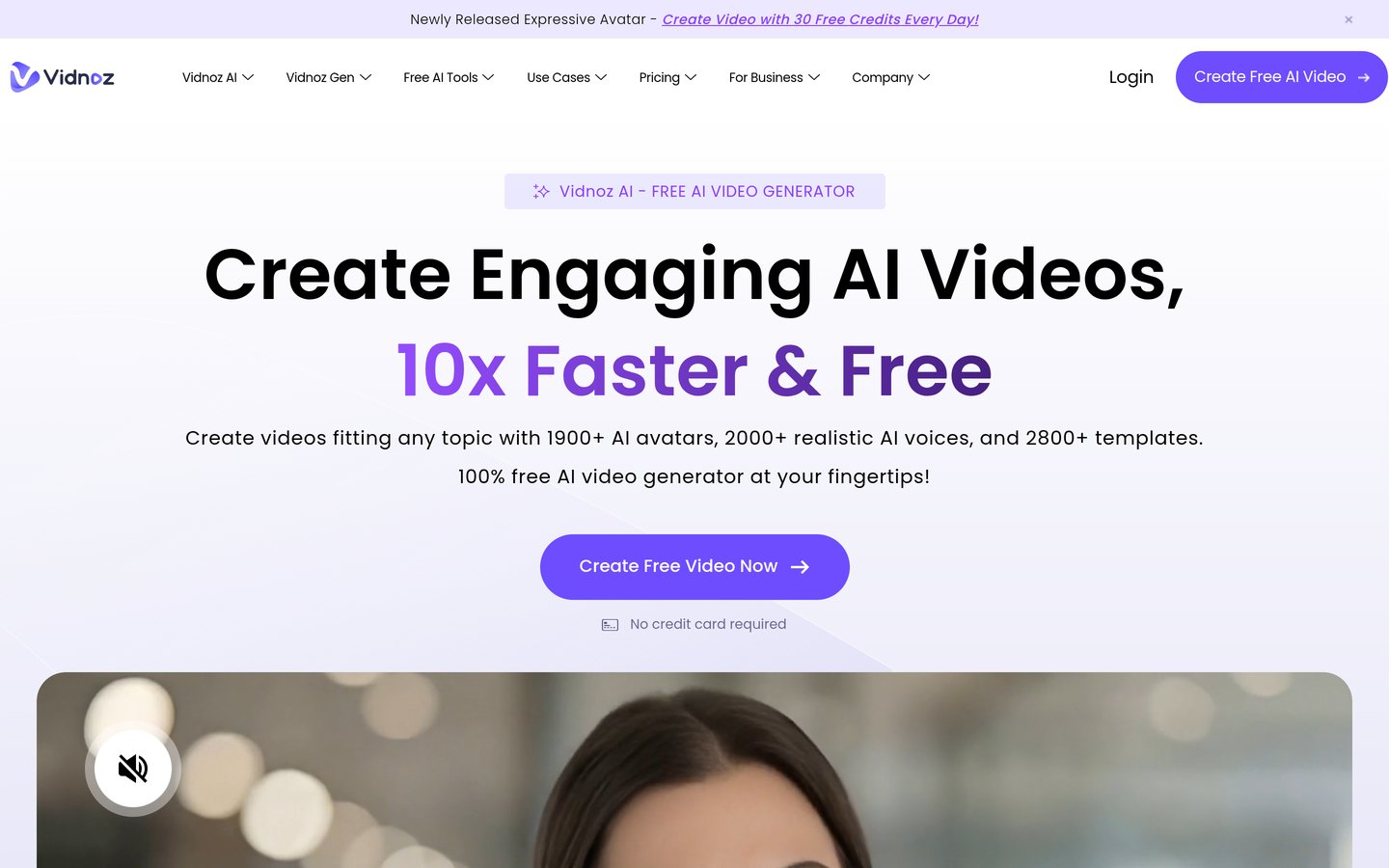
Vidnoz leads at 4.9/5 on G2, and its face swap sits inside a wider AI video studio with avatars, voices and translation.
Akool is the professional pick at 4.8/5 on G2 from 613 reviews, the largest review base in this list by far.
Remaker AI is the multi-face specialist at 4.6/5 on G2, built for group photos and batch swaps.
DeepSwap handles the longest video at up to 30 minutes per clip, with up to six faces in one video.
Only swap faces you have permission to use. Putting a real person's face into content without consent can break platform rules and the law.
What face swap software should cover
Face swap software replaces a face in a photo or video with another face, for memes, avatars, localized marketing or film-style creative. The category splits into photo tools, video tools, phone apps and open-source software you run yourself, and the right shape depends on the media you swap.
Video is where quality shows. A convincing still frame proves nothing about motion stability, so shortlist tools with real frame-by-frame tracking, such as Higgsfield, DeepSwap or Magic Hour, and test with a clip that has head turns and speech.
Most tools in this category charge by credits, a pattern our guide on choosing analytics software also covers for a different kind of platform. Count your clips, round video up to each tool's billing block, and add a margin for retries before you compare monthly prices.
Consent governs the whole category. Only swap faces you have permission to use, and read the privacy terms before uploading photos of anyone else, since some tools retain uploads to improve models while others delete files after download.
Vidnoz is an AI video platform whose face swap tool lives inside a wider suite of avatars, voices, translation and video generation. That is its strength for a specific buyer: if you are already making talking-head videos with AI avatars, swapping a real face onto the presenter is one click inside the same project.
The trade off is focus. As a pure face swap app, Vidnoz is less focused than the specialists above, and its pricing is credit-based across a large toolkit, so track what each workflow actually consumes. It suits small businesses producing training videos, explainers or localized marketing clips.
What we like
Generous free tier across AI video tools
1,900+ avatars and 2,000+ voices
Face swap fits naturally into avatar workflows
Highest G2 rating in this list
Watch out for
Face swap is a side feature, not the core product
Credit costs add up across a big toolkit
Starting price could not be read on the vendor pricing page
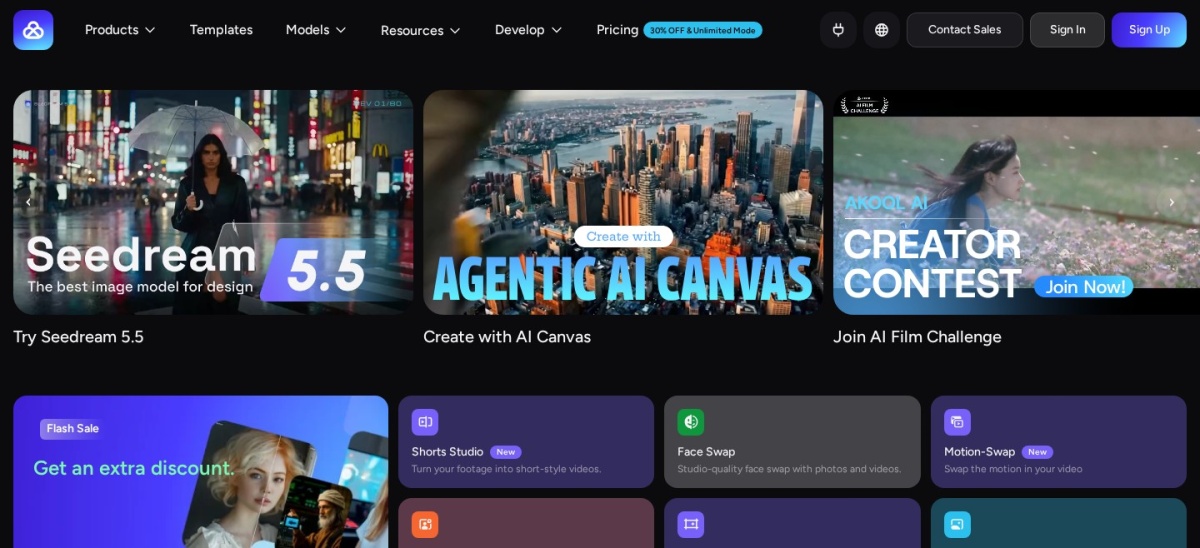
Akool is a professional face swap platform that sits at the top end of this list. Its swap studio goes beyond faces into full head swaps, character swaps and motion swaps, aimed at marketing teams, advertisers and media producers who need consistent, high-resolution output. The platform is used by large companies and backs its tools with an API, so it fits into production pipelines rather than one-off projects.
The trade off is price. This is not a meme app; plans are credit-based and built around commercial volume, starting at $12 per seat a month billed yearly. It suits brands swapping faces into ad creative or localized video, where quality and support justify the spend.
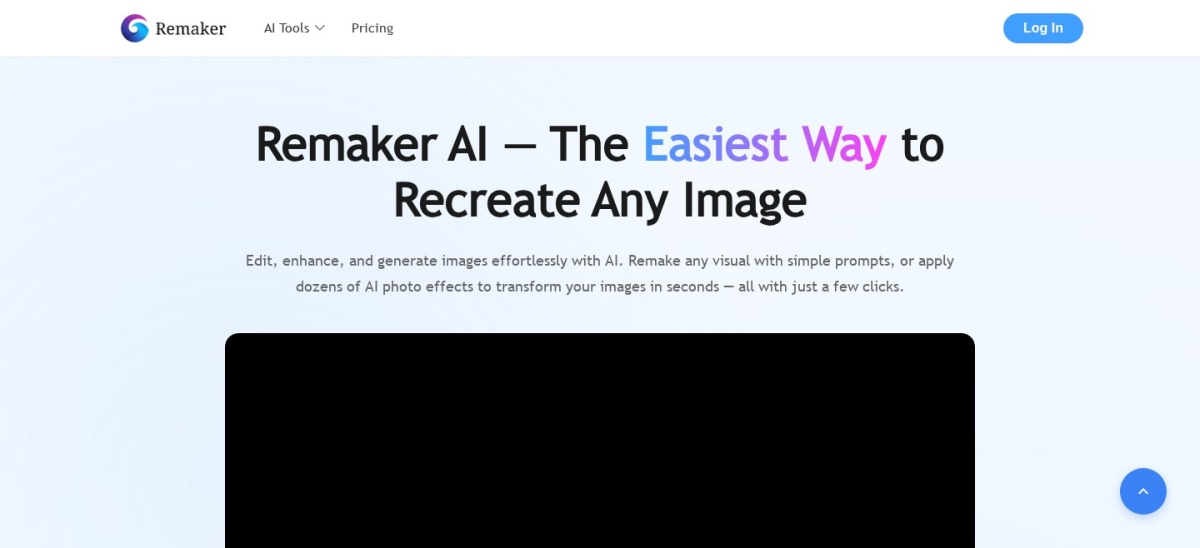
Remaker AI is a photo face swap tool built for group photos, and that remains its best trick. Where many tools stumble on images with several faces, Remaker identifies each face and lets you assign replacements individually, which is exactly what you need for team photos, event shots and wedding pictures. Batch mode processes multiple images at once.
The trade off is transparency. Pricing and credit details are less transparent than competitors, with a $5.99 one-time credit pack reported rather than a published plan page. It suits anyone handling volume photo swaps who wants batch and multi-face handling first.
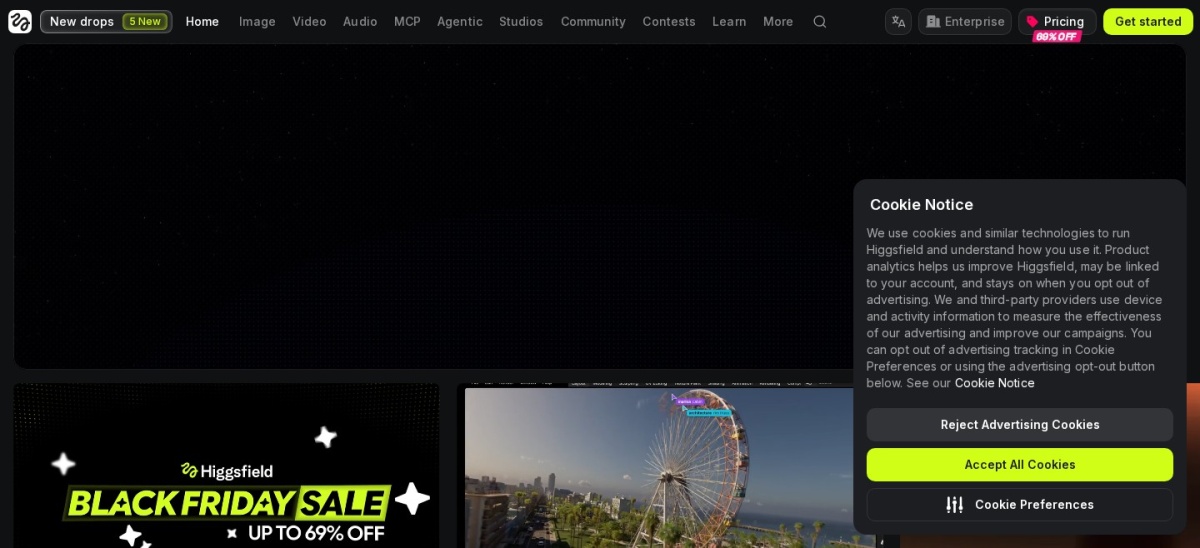
Higgsfield is an AI video and image platform that handles face swaps for both photos and videos in the browser. You upload an image or clip plus a clear photo of the face you want to use, and the AI blends the new face into the scene, matching its lighting and expressions without manual masking. Facial tracking keeps the likeness steady as expressions and camera angles change.
The trade off is the credit meter. Higgsfield sells access to dozens of video models on credits, and billing complaints are the most common theme in its reviews. It suits designers and creators who want one subscription for face swaps, character swaps and cinematic video styles.
What we like
Photo and video face swaps in one tool
Facial tracking keeps the face stable through head turns
Works across realistic, animated and artistic styles
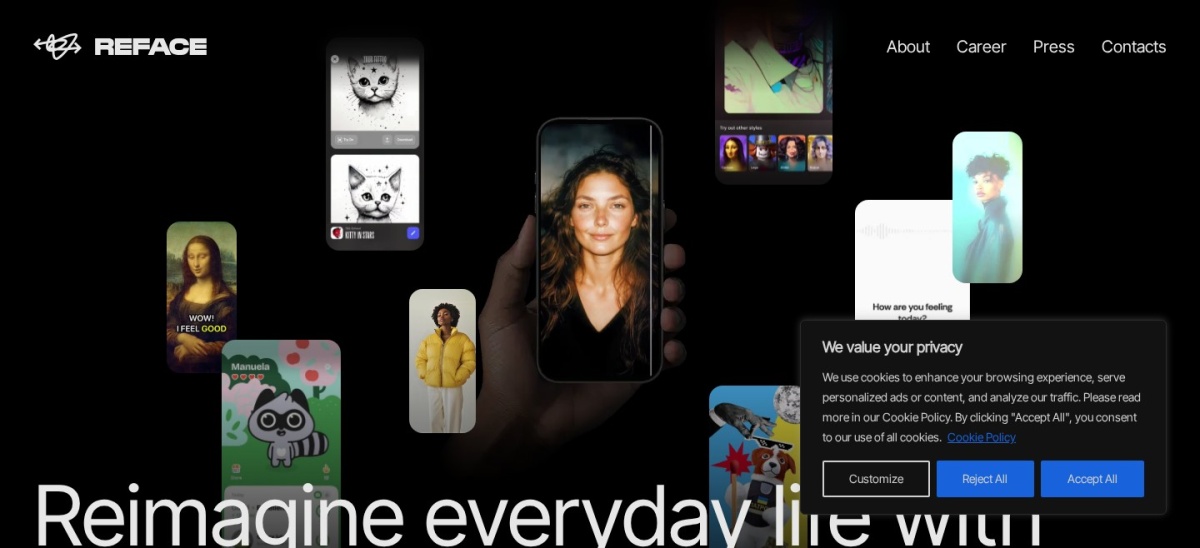
Reface is the face swap app with more than 300 million downloads, and it still feels built for a phone first. Pick a template clip or a photo, drop in a selfie, and share the result a minute later. It is the fastest route in this list for a fun swap you send to friends.
The trade off is control. You get speed and entertainment, not frame-level editing or multi-face mapping, and the best features sit behind the Pro subscription, which is sold in the app stores rather than on the website. It suits marketers testing face-swap creative on social.
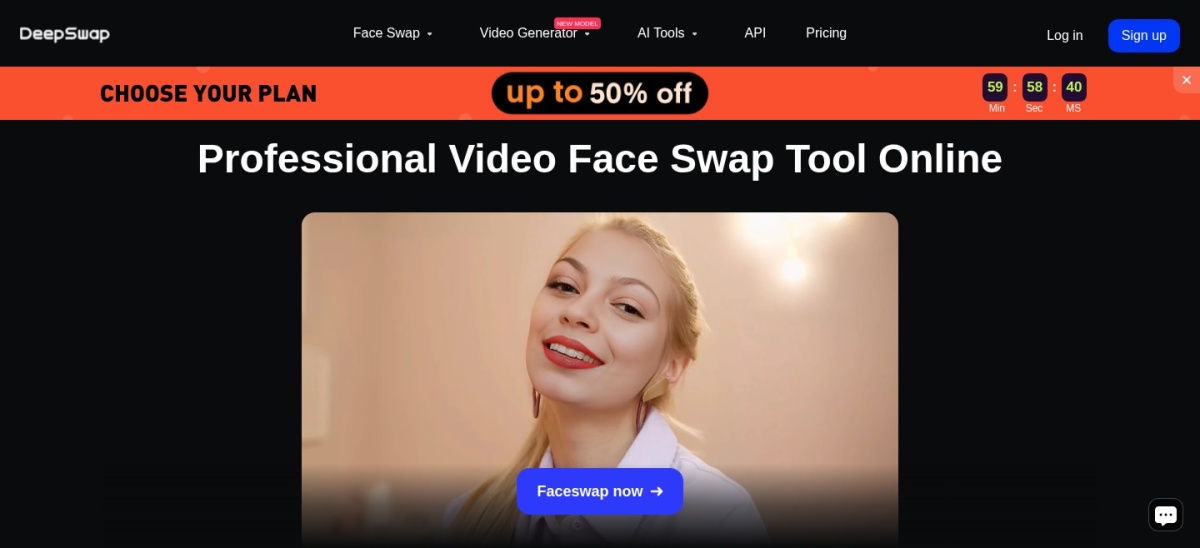
DeepSwap is the name that comes up first whenever video face swaps get serious, and the reputation is earned. Upload a clip, pick the faces, and the platform maps them across frames with strong consistency, even when heads turn or lighting shifts. It handles photos, GIFs and video in one place, and paid plans stretch to 30-minute uploads.
The trade off is the credit math. Photos cost 0.1 credits, GIFs cost 1 credit, and video costs 1 credit per 15 seconds, with partial blocks rounded up. A 20-credit monthly allowance covers roughly five minutes of video, so heavy users burn through it faster than expected.
What we like
Swaps up to six faces in one video
4K HD video output
Fast GPU processing
Clips up to 30 minutes long
Watch out for
Credit system takes time to understand
No unlimited plan
First-month price is a promo, not the regular rate
4.3/5on Trustpilot (121 reviews, checked Nov 2026)
Paid from$15/mo
Best face swap inside a video workflow
Free plan5 photo swaps/day, no signup
VideoYes, with lip sync
APIYes
Paid planCreator, $15/mo billed yearly
magichour.ai
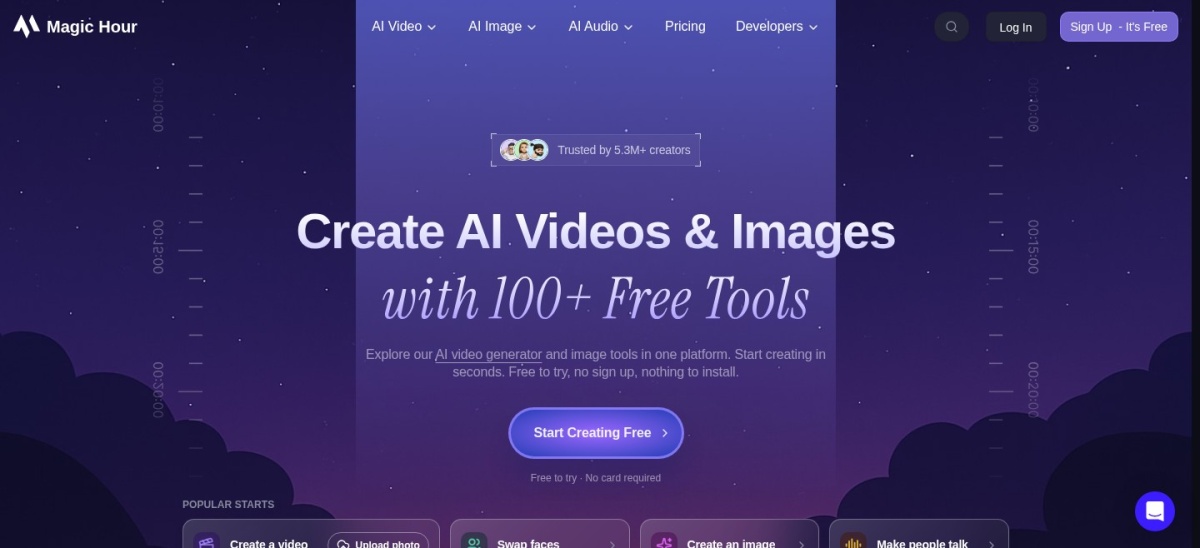
Magic Hour homepage, captured Nov 2026.
Magic Hour is an AI video studio that treats face swapping as one step in a larger video workflow rather than a standalone trick. Swap a face, then keep working in the same studio: lip sync the dialogue, restyle the footage, upscale it, or push it through the API into an automated content pipeline. For teams producing personalized video at volume, that integration matters more than any single swap feature.
The trade off is scope. Because the platform does so much, casual users can feel overwhelmed, and pricing is credit-based across more than 100 tools. It suits creators who want face swap, lip sync and video generation in one subscription.
What we like
Face swap plus lip sync, video generation and editing in one studio
Free face swap apps handle still photos surprisingly well in 2026. The free tiers of Vidnoz, Remaker and Reface produce clean results for memes, avatars and social posts without spending a dollar.
Video is where the paywall appears. Stable, high-resolution face swaps across moving footage need serious GPU time, and every vendor meters it with credits, watermarks or resolution caps on free video swaps.
For occasional clips, a single month of DeepSwap or Magic Hour is cheaper than an annual plan you barely use. For ongoing production, the yearly plans and API access at Akool or Magic Hour bring the per-video cost down.
How we chose
We opened each vendor's pricing page and checked the G2, Capterra or Trustpilot rating and review count for every tool in this list. Tools without a verifiable rating on one of those three sources were left out, which is why open-source Faceswap and photo-only tools such as FaceSwapper and Pica AI do not appear.
We weighted video capability and privacy practice alongside price, because stable motion and clear data retention matter more than a low sticker price in this category. Photo-only tools score for casual use, video tools score for production work, and open pricing scores over quote-only plans.
We ranked by rating first, then by how much of the buying decision a team can make from published prices and free tiers. Thin ratings from only a handful of reviews rank below equally scored tools with a larger review base.
How to choose face swap software
Start with the media type and the consent question, then pick the tool that fits that job.
Match the tool to the media type Photo-only tools are cheaper and simpler, but if you need video, shortlist only the ones with real frame-by-frame tracking and test with a clip that has head turns.
Do the credit math first Credit systems look cheap until you price a month of real projects. Count your clips, round video up to each tool's billing block, and add a margin for retries.
Test on your own footage Start with the free tier or trial and judge quality on your own photos and clips before paying. Annual plans cut the monthly rate sharply, but only if you use the tool all year.
Get consent and read the privacy terms Only swap faces you have permission to use. Read the retention policy before uploading sensitive photos, and get written consent for client work.
FAQ
What is the best face swap software?
Vidnoz is the best pick for most creators. It is rated 4.9 out of 5 on G2, the highest score in this list, and its face swap sits inside a full AI video studio with avatars, voices and translation. For studio-quality commercial work, Akool is the stronger choice.
Is there a completely free face swap app with no watermark?
FaceSwapper offers free photo swaps without the credit systems and hard caps common elsewhere, and Pica AI provides free photo swaps with minimal friction. Truly watermark-free video swaps are rare on free tiers, since most vendors reserve clean HD video exports for paid plans.
Which face swap software is best for videos?
DeepSwap is a strong pick for realistic video face swaps, with multi-face support, 4K output and clips up to 30 minutes long. Higgsfield is the most versatile option if you need both photo and video swaps, and Magic Hour is better when the swap is one step in a larger video workflow.
Can I swap multiple faces in one photo or video?
Yes. DeepSwap supports up to six faces per video, Remaker AI specializes in multi-face group photos, and FaceSwapper and Magic Hour both offer multi-face modes. Assign each face individually and check the result wherever faces turn or overlap.
Are face swap apps safe to use with my photos?
It depends on the vendor. FaceSwapper states it deletes uploads after download, Faceswap processes everything locally on your machine, and most cloud tools describe retention in their privacy policies. Read the policy before uploading sensitive photos.
Is face swapping legal?
Creating face swaps of yourself or with consent is generally fine for entertainment. Using a real person's likeness without permission, especially in misleading or commercial content, can violate privacy and publicity laws that differ by state and country. When in doubt, get written consent.
SaaS SEO and WordPress specialist with about 8 years of experience. Rakib compares WordPress plugins, themes, hosting and software using public pricing, documentation and user reviews. See how we rank.