Luxand is the best face recognition software for most developers, with the highest G2 rating in this list and on-device SDKs that keep biometric data off the cloud. Pick Amazon Rekognition for pay-per-image cloud APIs, or Veriff when the job is identity verification with selfie matching.
How we make this list: we compare pricing pages, product documentation and public user reviews, then re-check every price before each update. No product paid for a place. Disclosure.
Luxand leads the ratings at 5.0/5 on G2, and its SDKs run entirely on-device, so biometric data never leaves your network.
HyperVerge is the top-rated identity verification platform here at 4.7/5 on G2, but it sells volume-based tiers with no published rate.
Veriff is the only self-serve option with published per-verification pricing, from $0.80 per check with a $49 monthly minimum.
Google Cloud Vision API has the largest review base at 142 G2 reviews, but it detects faces rather than recognizing them against a gallery.
Face++ has the thinnest rating in this list at 3.7/5 on G2 from only 6 reviews, so treat its score with caution.
What face recognition software should cover
Face recognition software matches faces in photos or video against known people, for login, onboarding, access control or watchlists. The category splits into cloud APIs, on-device SDKs and identity verification platforms, and the right shape depends on where your biometric data is allowed to go.
Accuracy is only part of the decision. Consent, retention and deletion rules under laws such as Illinois BIPA, GDPR and the EU AI Act shape what you can deploy, and 1:1 verification faces far fewer restrictions than 1:N identification against a watchlist.
Most vendors in this category sell by quote, a pattern our guide on choosing analytics software also covers for a different kind of platform. Only Luxand, Veriff, Google Cloud Vision and Amazon Rekognition publish starting prices, and even those depend on volume.
Free tiers matter more here than in most categories, because accuracy on your own cameras and lighting is what counts. Start with a free tier or sandbox trial and run a pilot on real footage before signing anything.
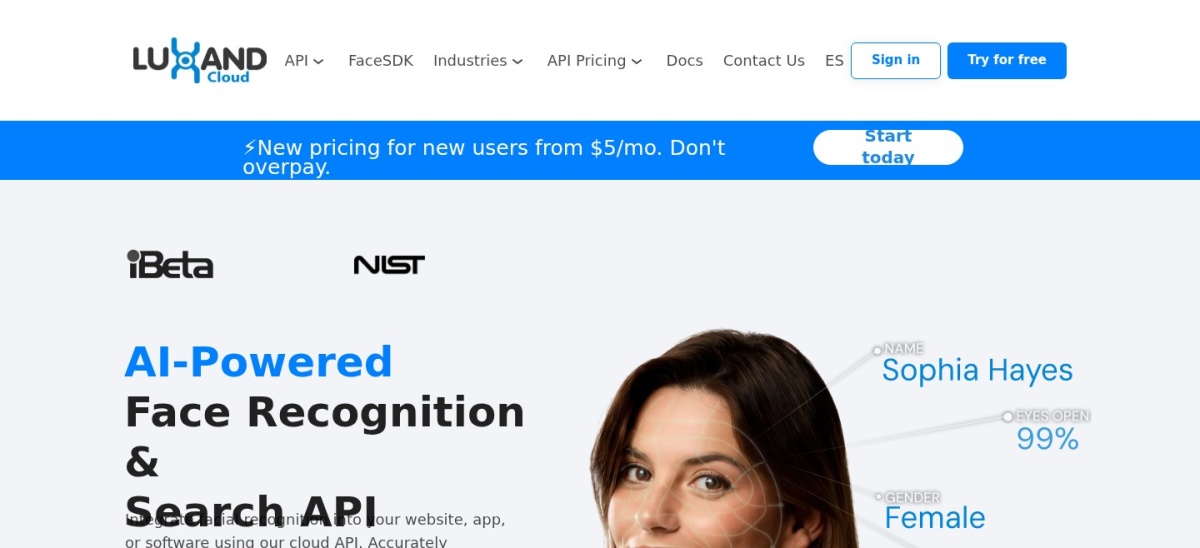
Luxand is a face recognition SDK vendor that has sold FaceSDK since long before face APIs were fashionable, and it now runs the same engine as a cloud API too. Detection, 1:1 verification and 1:N identification all run on the device, so no face image ever has to leave your network, which solves data residency by architecture.
The trade off is scale of support. Luxand is a small company, so you get a capable SDK rather than a platform with a solutions team, and the documentation feels dated next to AWS or Azure. It suits product teams that can integrate an SDK themselves and want to own their biometric data completely.
What we like
FaceSDK runs on Windows, Mac, Linux, iOS and Android with no cloud needed
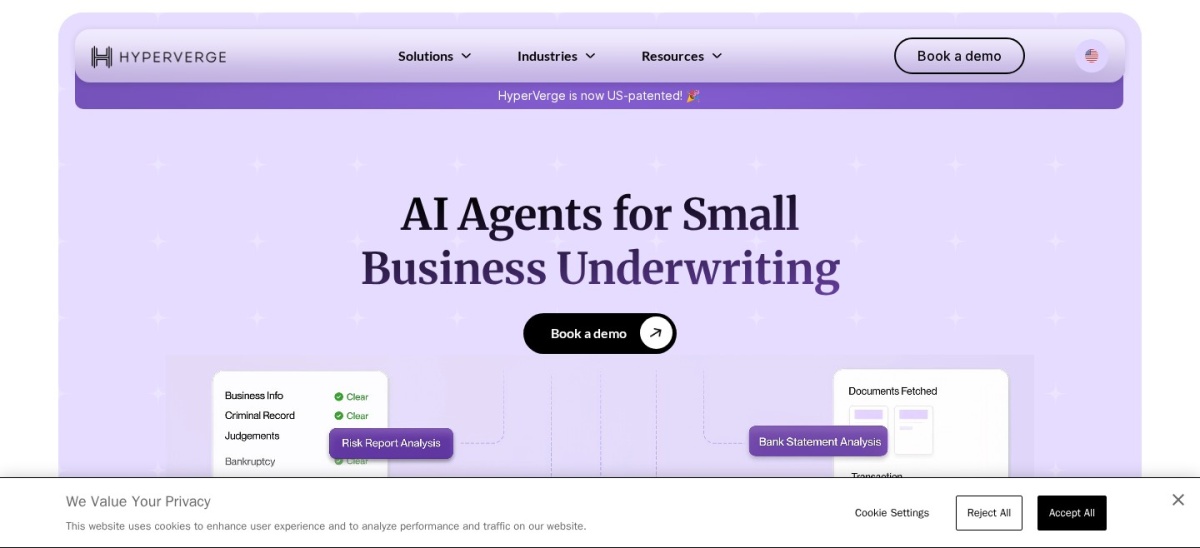
HyperVerge is an identity verification platform built for onboarding and fraud prevention, with face match and liveness checks inside a wider document and database verification suite. It verifies IDs from more than 100 countries and is used by banks and fintechs across Asia, with a sandbox trial for testing.
The trade off is pricing transparency. HyperVerge sells volume-based tiers with no published per-verification rate, so budgeting means a sales conversation, and the product is aimed at onboarding flows rather than general face search. It suits financial services teams verifying customers at scale.
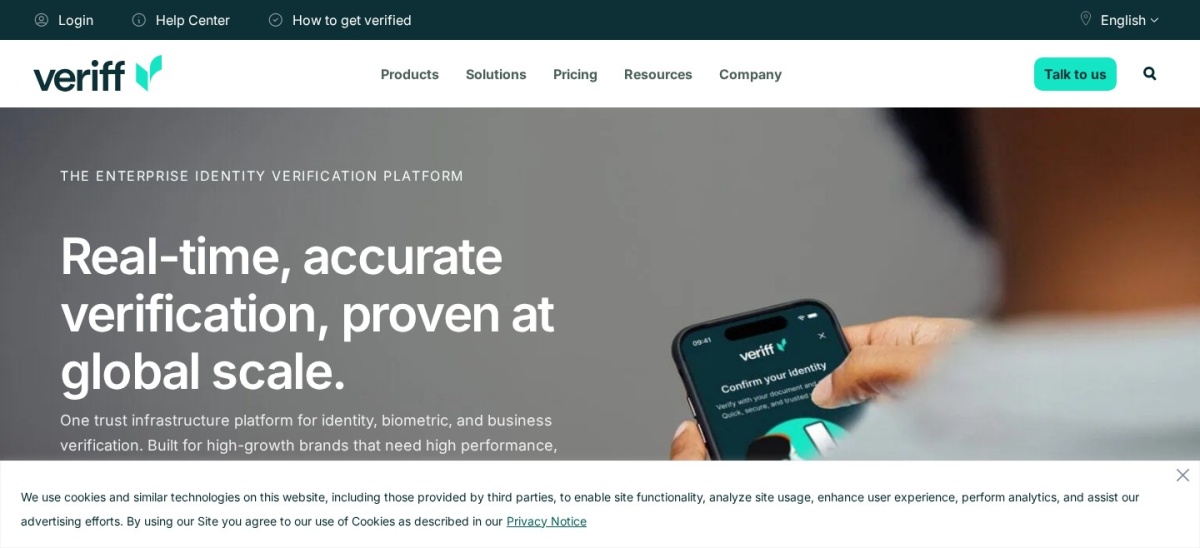
Veriff is an identity verification platform that matches a selfie to a government ID and checks liveness, with automated decisions in about 6 seconds on average. Self-serve plans start at $0.80 per verification with a $49 monthly minimum, and the platform supports 12,500 ID types from 230 countries and territories.
The trade off is that Veriff is an identity verification product, not a general face recognition API. There is no 1:N face search against your own gallery, and the per-verification price climbs on Plus and Premium plans. It suits teams onboarding users who need selfie-to-ID checks without a sales process.
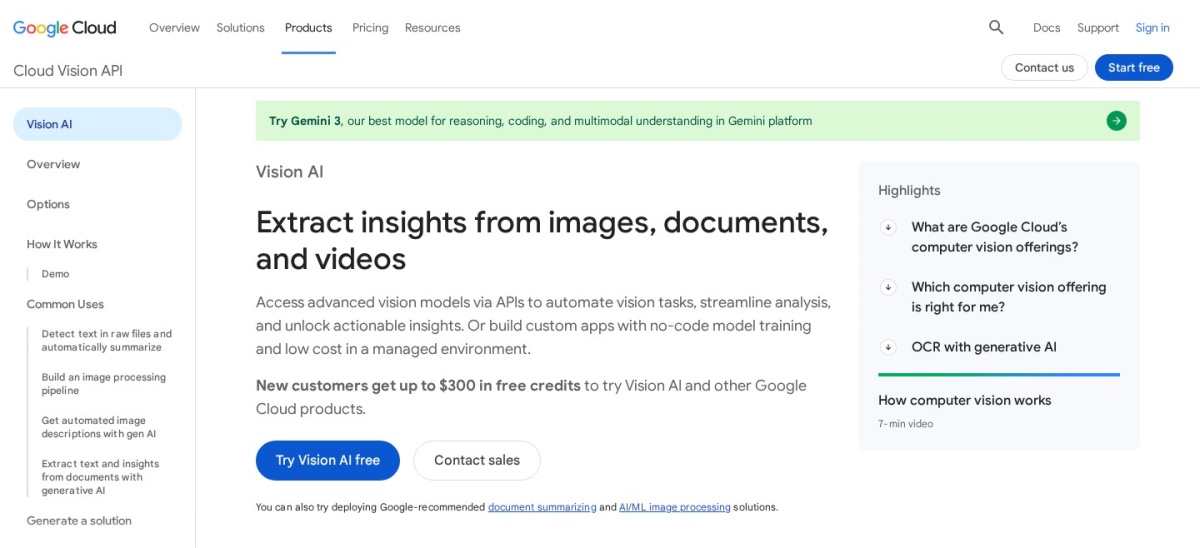
Google Cloud Vision API homepage, captured Nov 2026.
Google Cloud Vision API is a general image analysis service whose facial detection covers face bounding boxes, landmarks and attributes alongside OCR, labels and object detection. It is rated 4.4 out of 5 on G2 from 142 reviews, the largest review base in this list, and the first 1,000 units each month are free.
The trade off is that it is a detection API, not a recognition platform. There is no managed 1:N face search with persistent galleries, and every feature applied to an image is a separate billable unit, so costs stack up fast. It suits teams that need face detection as one feature inside a broader vision workflow.
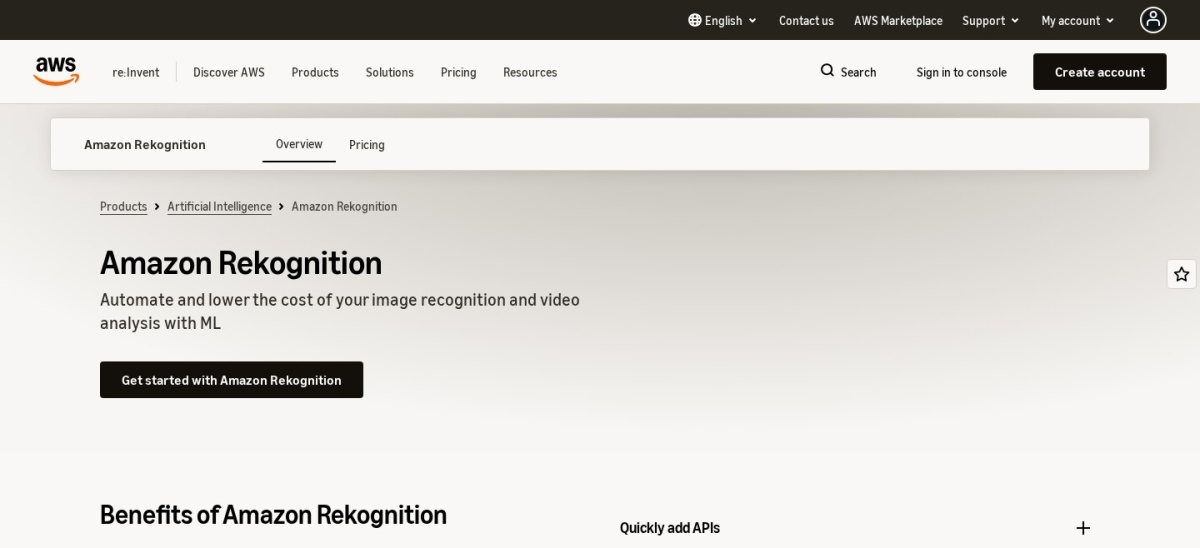
Amazon Rekognition is AWS's managed computer vision service, with face detection, 1:1 comparison, 1:N search and liveness in one API that plugs straight into S3 and Lambda. Pricing is $0.001 per image for the first million face API calls a month, and the free tier covers 1,000 images a month for a year.
The trade off is that every face image leaves your network, which rules it out for buyers with data residency requirements, and accuracy depends heavily on input quality. It suits AWS teams that want face capabilities running in an afternoon without managing models.
Microsoft Azure AI Face homepage, captured Nov 2026.
Microsoft Azure AI Face is a cloud API for face detection, verification and identification that fits naturally into Azure workloads and Entra ID. Detection works without special approval, while identification and verification are limited-access features for managed customers and partners who pass an intake review.
The trade off is access. Face recognition features need an intake form and a review of 5 to 10 business days, and Microsoft retired emotion and gender inference on responsible-AI grounds. It suits enterprises already on Azure with an approved use case, not independent developers who want to experiment today.
What we like
Strong detection, verification and identification APIs
Integrates with the Azure ecosystem
Responsible-AI guardrails built in
Free tier of 30,000 transactions a month
Watch out for
Face recognition requires approval and an intake review
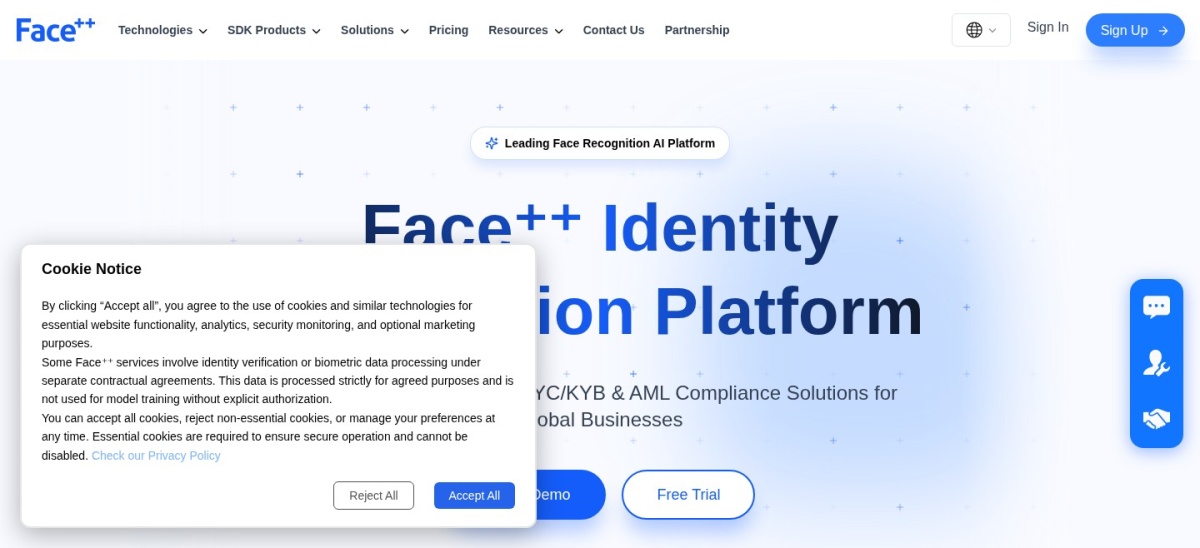
Face++ is a face recognition platform from Megvii with one of the broadest API menus in the industry, covering detection, 1:1 compare, 1:N search, landmarks, attributes and body analysis. It is popular with mobile developers thanks to solid iOS and Android SDKs, and it has deep adoption in Asian markets.
The trade off is pricing and procurement. Public pricing is thin, with concurrency packages sold through sales, and some Western enterprises hesitate over a Chinese vendor for biometric data. It suits app developers who want the widest feature catalogue from a single vendor.
Cloud APIs such as Rekognition, Azure AI Face and Google Cloud Vision get you running in an afternoon, with no models to host and pricing that scales with use.
On-device SDKs such as Luxand keep every face image inside your network, which solves data residency by architecture, but you take on integration work and support is thinner.
If your team is small and your data policies are flexible, start with a cloud API. If regulations or customers require data to stay in-house, start with an SDK and accept the extra integration effort.
How we chose
We opened each vendor's pricing page and checked the G2 rating and review count for every tool in this list. Tools without a verifiable G2, Capterra or Trustpilot rating were left out, which is why enterprise specialists such as NEC, Cognitec, Trueface and SAFR do not appear.
We weighted deployment control and data handling alongside raw capability, because biometric data carries legal obligations that other software does not. Cloud APIs score for speed, on-device SDKs score for privacy, and identity verification platforms score for onboarding use cases.
We ranked by G2 rating first, then by how much of the buying decision a team can make from published prices and free tiers. Quote-only tools rank lower when an equally rated tool publishes its prices.
How to choose face recognition software
Start with the job and where the data may go, then pick the tool that fits that shape.
Decide the job first Verification, identification and detection are different products with different legal risk. Pick the job before shortlisting vendors.
Check where the data goes Cloud APIs send every face image to someone else's servers. If your contracts or customers forbid that, shortlist on-device SDKs such as Luxand instead.
Pilot on your own footage Vendor accuracy figures come from test conditions. Run a free tier or sandbox trial on your own cameras, lighting and demographics before signing.
Get the legal review early Biometric privacy law makes consent and retention part of the purchase. Get legal review before launch, not after a complaint.
FAQ
What is the best face recognition software?
Luxand is the best pick for most developers. It is rated 5.0 out of 5 on G2, the highest score in this list, and its SDKs run entirely on-device, so biometric data never leaves your network. For cloud APIs, Amazon Rekognition is the easiest starting point.
Is face recognition software legal for my business?
It depends on where you operate and what you do with it. One-to-one verification for access control or onboarding is broadly legal with proper consent and notice. One-to-many identification faces strict limits, especially in the EU and in US states with biometric privacy laws. Get legal advice before deploying.
Should I use a cloud API or run recognition on-premise?
Use a cloud API when speed of deployment matters and your data policies allow biometric data to leave your network. Run on-premise or on edge devices with tools such as Luxand when regulations or customer expectations require data to stay inside your infrastructure.
How much does face recognition software cost?
Cloud APIs charge per image or per transaction, from $0.001 per image on Amazon Rekognition to $1.50 per 1,000 images on Google Cloud Vision. Veriff charges from $0.80 per verification with a $49 monthly minimum. Most enterprise platforms sell by quote.
What is the difference between face detection, verification and identification?
Detection finds faces in an image. Verification checks whether a face matches a claimed identity, used for login and onboarding. Identification searches a face against a database of many people, used for watchlists. Each step up increases both capability and regulatory scrutiny.
Can I try face recognition software for free?
Yes. Luxand offers a free plan with no credit card required, Amazon Rekognition covers 1,000 images a month free for a year, and Google Cloud Vision gives 1,000 units a month free. Veriff and HyperVerge offer free trials rather than permanent free plans.
SaaS SEO and WordPress specialist with about 8 years of experience. Rakib compares WordPress plugins, themes, hosting and software using public pricing, documentation and user reviews. See how we rank.