StreamYard is the best event streaming software for most teams, running interviews and talk shows from a browser with guests joining by link. Pick Restream to send one stream to many platforms at once and Dacast to sell tickets to your event.
How we make this list: we compare pricing pages, product documentation and public user reviews, then re-check every price before each update. No product paid for a place. Disclosure.
StreamYard is the easiest browser studio, with guests joining by link and multistreaming from $14.99 a month.
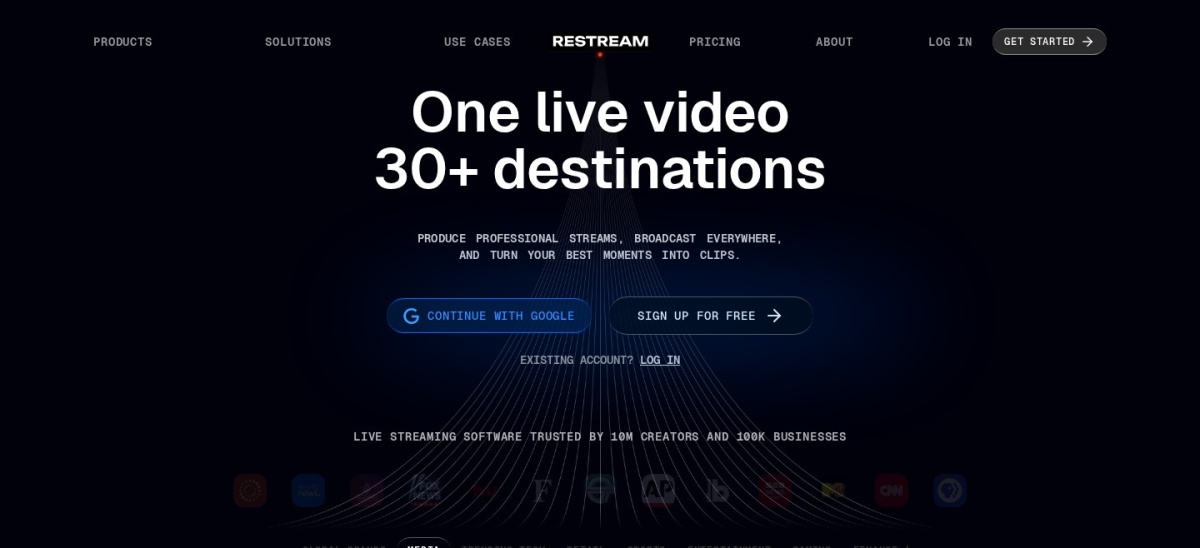
Restream sends one live stream to 30-plus platforms at once, from $16 a month billed annually.
Dacast is the strongest monetization pick, with paywalls, ticketing and subscriptions from $39 a month.
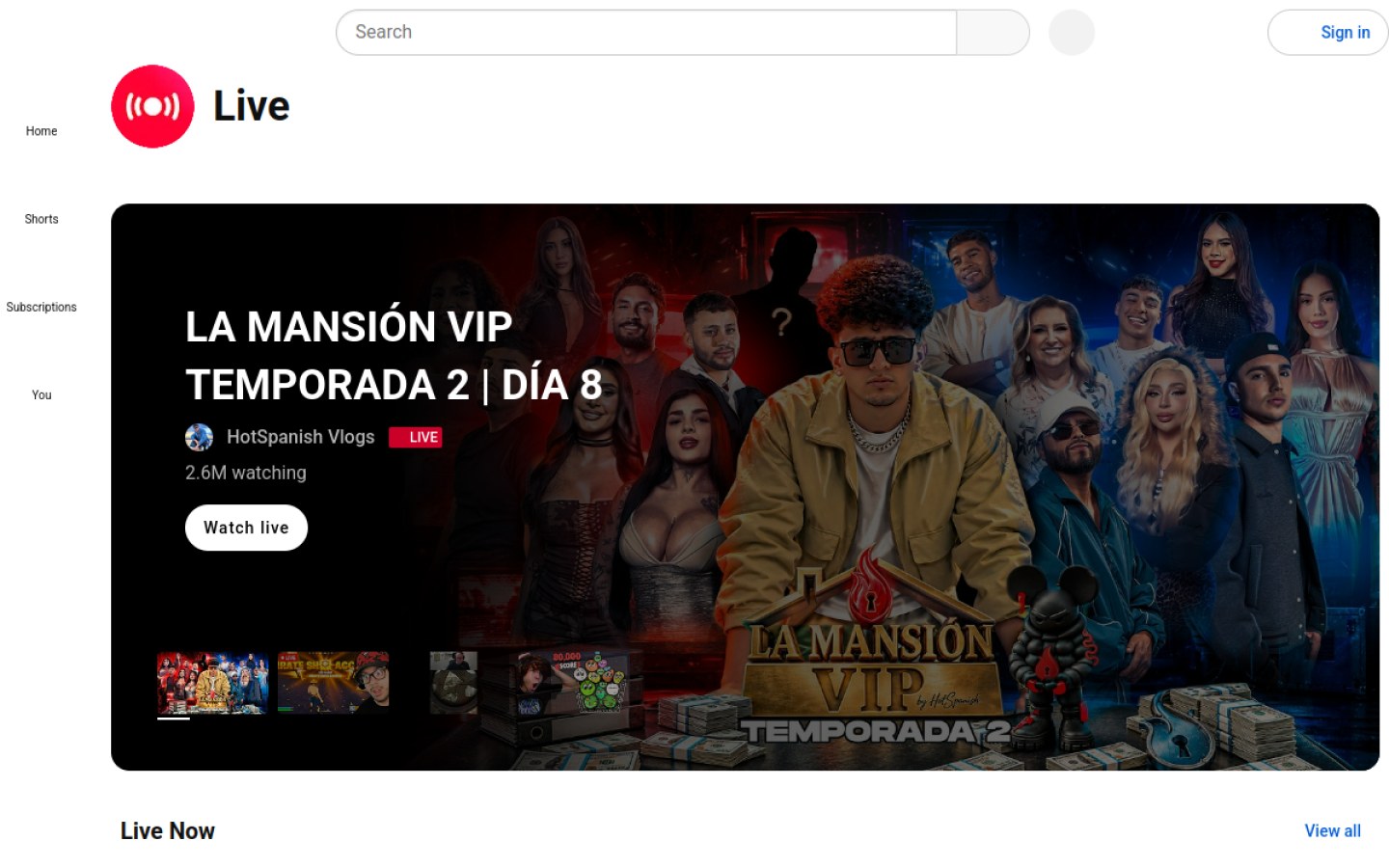
YouTube Live is the best free option for public events, with no platform fee and huge reach.
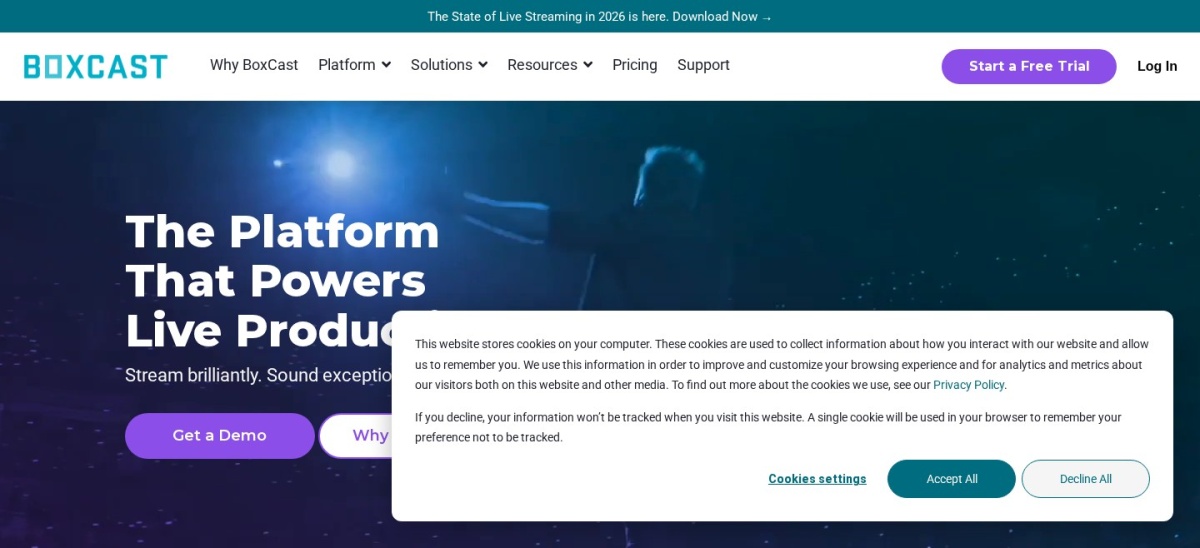
Vimeo Livestream leads for professional branded events, while BoxCast suits sports and churches.
What event streaming software should do
Event streaming software sends a live event to viewers online. It covers the camera feed, the player, chat and recording, and the best tools add ticketing, branding and analytics.
The market splits three ways: browser studios such as StreamYard for interviews, multistreaming relays such as Restream for social reach, and monetized platforms such as Dacast for ticketed events.
Pricing runs from free for YouTube Live to $119 a month for BoxCast, with most tools between $15 and $39 a month. Vimeo Livestream and Brightcove sell higher tiers and enterprise plans by quote.
StreamYard is a browser-based live streaming studio, and it is the easiest way to look professional on a live show. You send guests a link, arrange them on screen with your branding and go live, with layouts, overlays, banners and video clips a few clicks away.
The trade off is destinations. Essential costs $14.99 a month billed annually and streams to 2 destinations, while Core at $35.99 a month adds a third destination, 10 on-screen guests and cloud recording. It suits creators and marketers running interviews, panels and shows.
BoxCast is a live streaming platform built for sports, churches and community events. It combines live streaming with scheduling, scorebugs for sports, donations and apps for Roku, Apple TV and mobile, so audiences watch on any screen.
The trade off is price. Entry costs $119 a month, far above the browser studios, and the platform is built for recurring live events rather than one-off interviews. It suits sports leagues, churches and venues streaming every week.
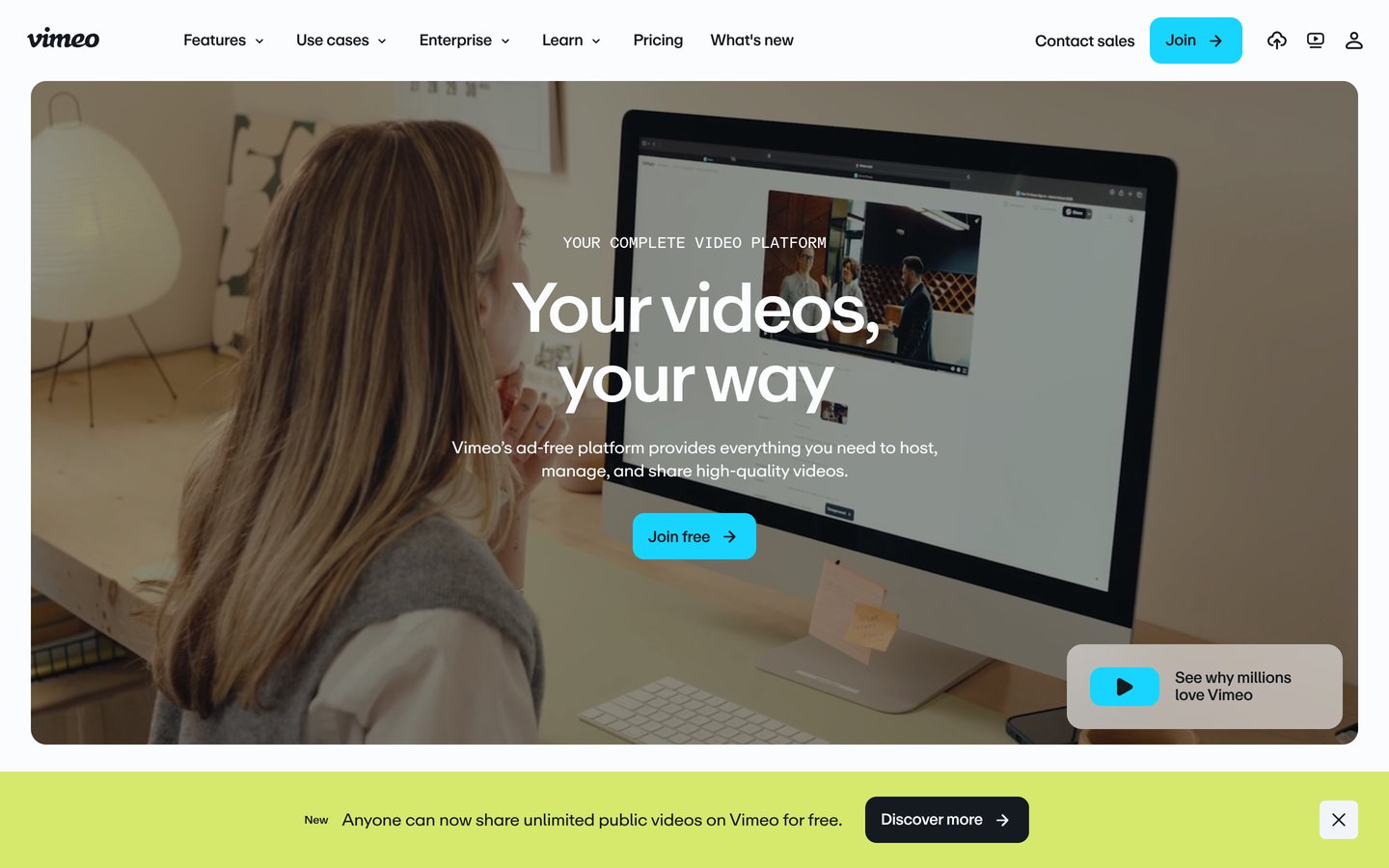
Vimeo Livestream is built for professional events, offering reliable delivery, ad-free playback, custom branding, password protection and embedding on your own site, plus live chat, polls and detailed analytics.
The trade off is the tier. Live streaming needs the Advanced plan at $75 a month billed annually, and some live features need higher tiers, so the entry Vimeo plans cannot run events. It suits businesses that want polished, branded live events.
Restream is a multistreaming relay: you go live once and it pushes the stream to several social and video channels together, including YouTube, Facebook, Twitch and LinkedIn. Combined chat merges comments from all platforms into one feed.
The trade off is the studio. Restream is a relay first, so its built-in studio is simpler than StreamYard, and Standard at $16 a month billed annually adds only a third channel. It suits creators and businesses multistreaming to the most platforms.
YouTube Live is the best free option for public events, with no platform fee, a huge built-in audience, live chat, DVR-style playback for late joiners and easy embedding. Anyone with a verified channel can go live from a browser, phone or encoder.
The trade off is control. You stream on YouTube's terms, with ads, limited branding and no paywall, so ticketed or private events need another tool. It suits public events, launches and creators who want maximum reach for free.
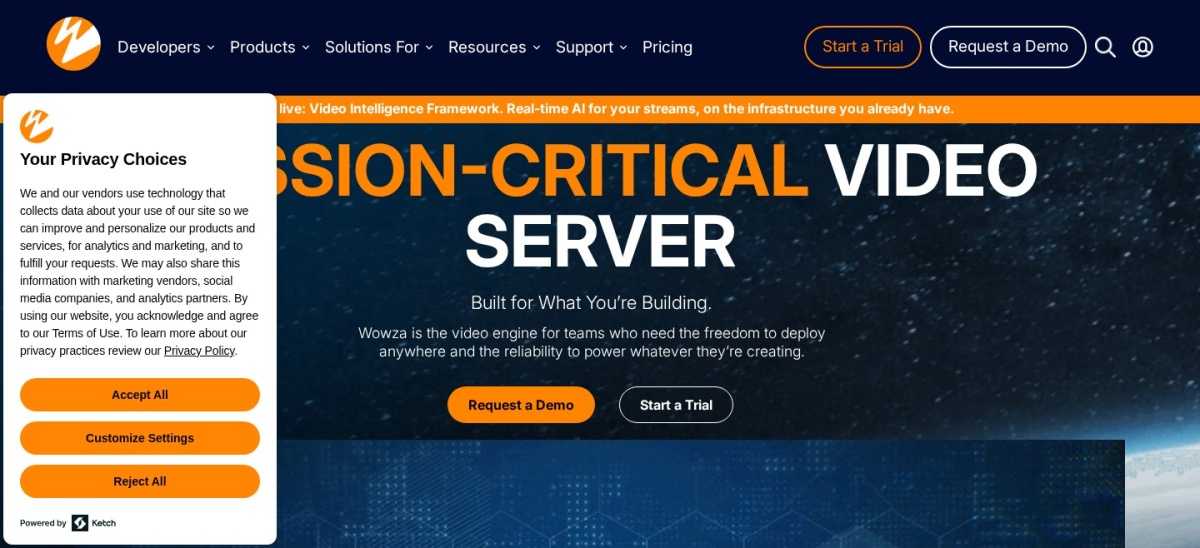
Wowza is a live streaming platform for developers and broadcasters who want control. It covers live streaming, video-on-demand hosting, a customizable player and APIs, with low-latency options for interactive events.
The trade off is setup. Wowza needs more technical work than a browser studio, and entry costs $25 a month before bandwidth and add-ons. It suits teams building custom streaming into their own site or app.
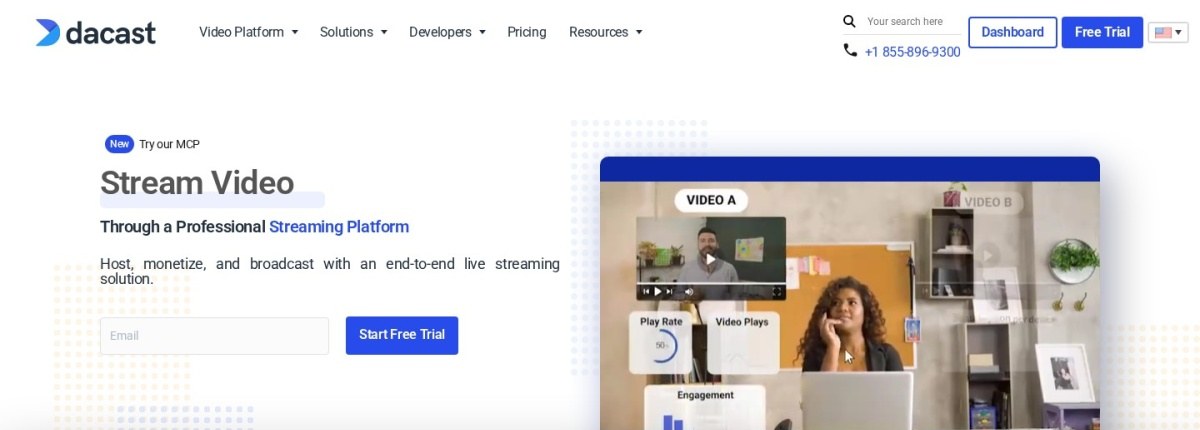
Dacast is built for monetized events, offering paywalls, ticketing, subscriptions and pay-per-view, plus an ad-free white-label player that embeds on your own site or apps. Its analytics track revenue alongside viewers.
The trade off is discovery. Dacast requires a subscription and more setup than social platforms, and the audience must come to your site rather than discovering the event socially. Starter costs $39 a month billed annually. It suits ticketed conferences, sports and courses.
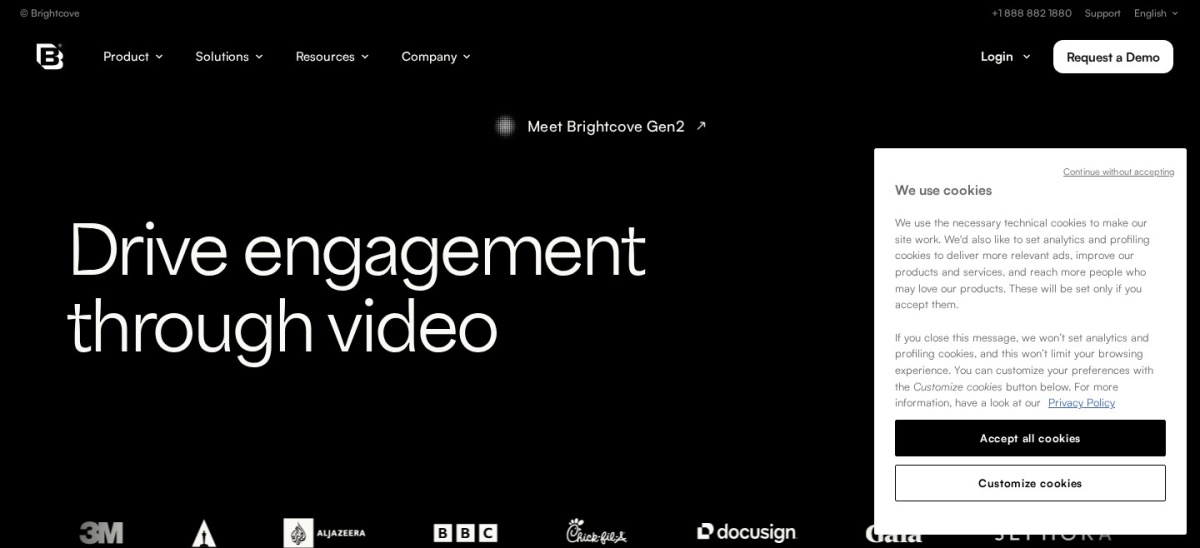
Brightcove is an enterprise video platform for live and on-demand streaming at scale, with a custom branded player, monetization, analytics and integrations for media companies and large marketing teams.
The trade off is access. Brightcove sells by quote with enterprise contracts, so small teams cannot self-serve, and the platform is built for scale rather than quick one-off events. It suits enterprises streaming video as a core business.
Multistreaming tools such as Restream and StreamYard maximize reach by sending one feed to many platforms, but you cannot charge for access on social platforms.
Monetized tools such as Dacast and BoxCast charge viewers, but the audience must come to your site, so you need your own marketing.
Some teams run both: a free public stream on YouTube Live for reach, and a ticketed stream on Dacast for paying viewers.
How we chose
We started from every established event streaming software tool with public reviews on G2, Capterra or Trustpilot, then kept those with a current product and published pricing or a clear quote-based model.
Prices come from each vendor's pricing page, checked on 25 November 2026, or from the vendor's own site where pricing is by quote. Ratings and review counts come from G2, Capterra or Trustpilot on the same day. Where a vendor shows a sale, the list shows the regular price.
We left out tools with no verifiable rating on any of the three review sites. No vendor paid for a place, and we do not claim hands-on testing for this list.
How to choose event streaming software
Start with whether the event is public or ticketed, then pick the tool that fits.
Decide public or ticketed. YouTube Live and Restream suit public events; Dacast and BoxCast suit ticketed ones.
Count your destinations. Restream covers 30-plus platforms, while StreamYard Essential covers 2.
Check the studio. StreamYard is the easiest for guests; Wowza needs technical setup.
Test with a real event. Run a short private stream first and check chat, recording and playback on phones.
FAQ
What is the best event streaming software?
StreamYard is the best pick for most teams. It runs interviews and talk shows from a browser, guests join by link, and it is rated 4.8 out of 5 on G2 from 299 reviews. Essential costs $14.99 a month billed annually.
What is the best free live streaming platform?
YouTube Live is the best free option for public events, with no platform fee, live chat and DVR playback. Restream and StreamYard also offer free plans, but they cap channels and carry branding.
How much does event streaming software cost?
Prices here run from free for YouTube Live to $119 a month for BoxCast, with most tools between $15 and $39 a month. Vimeo Livestream needs the $75-a-month Advanced plan, and Brightcove sells by quote.
Can I stream to multiple platforms at once?
Yes. Restream sends one stream to 30-plus platforms at once, and StreamYard multistreams to 2 destinations on Essential and 3 on Core. YouTube Live alone streams only to YouTube.
How do I sell tickets to a live stream?
Use a monetized platform such as Dacast, which offers paywalls, ticketing, subscriptions and pay-per-view from $39 a month. BoxCast also supports ticketing and donations for sports and church events.
Do I need special software to go live?
No. StreamYard, Restream and YouTube Live all run in a browser with no install. Dedicated software such as OBS or vMix adds production control, but it is optional for most events.
SaaS SEO and WordPress specialist with about 8 years of experience. Rakib compares WordPress plugins, themes, hosting and software using public pricing, documentation and user reviews. See how we rank.