Lucidchart is the best ERD diagram tool for most teams, with real-time collaboration and more than 8,600 G2 reviews behind it. Code-first developers should pick dbdiagram, and the free Diagrams app needs no account at all.
How we make this list: we compare pricing pages, product documentation and public user reviews, then re-check every price before each update. No product paid for a place. Disclosure.
Lucidchart leads on review volume and team features, with a 4.5/5 G2 rating from more than 8,600 reviews.
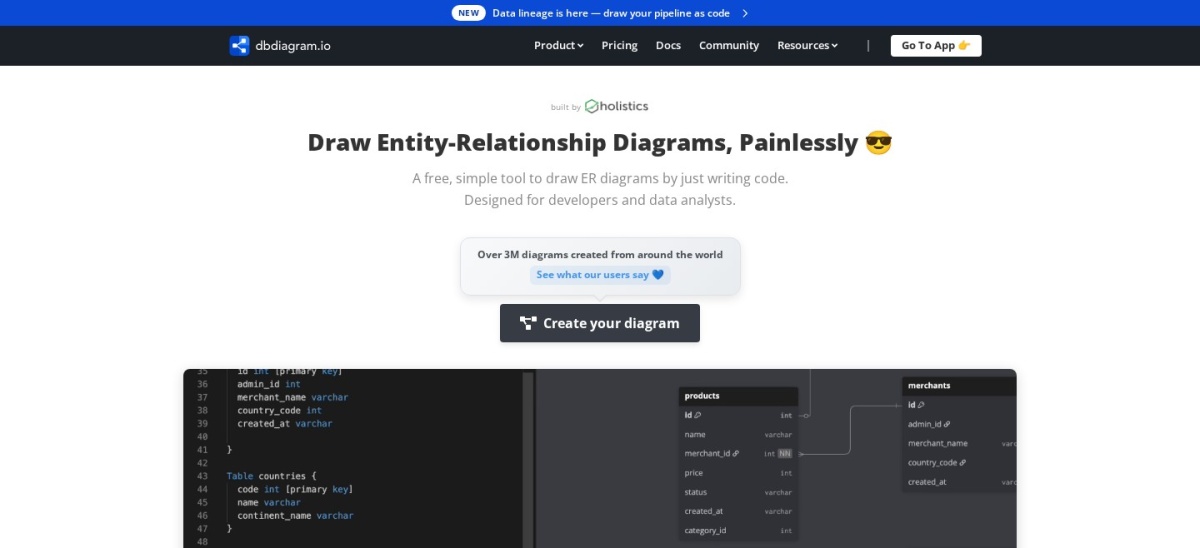
dbdiagram.io is the best code-first pick: write DBML text and the ERD appears, with a free plan for 10 diagrams.
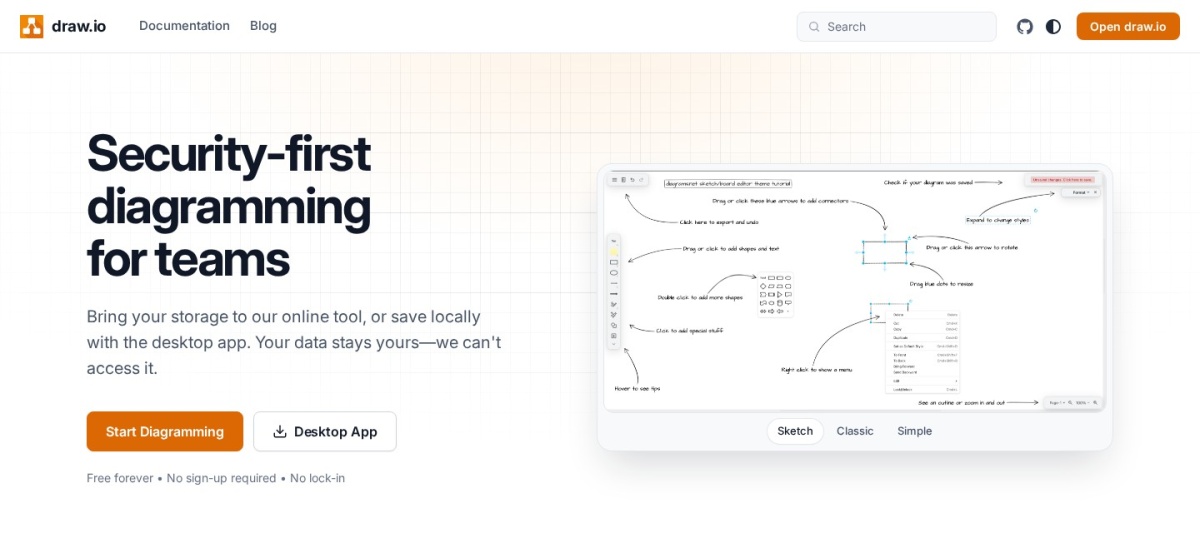
draw.io is completely free and needs no account, but it cannot connect to a live database.
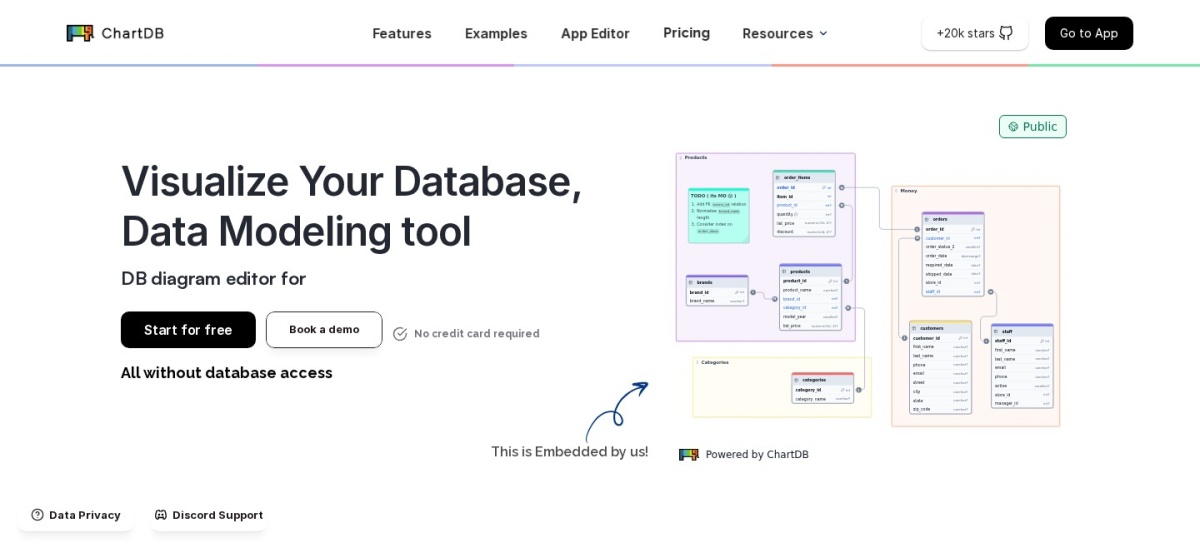
ChartDB is the highest-rated tool here at 4.9/5 on G2, and it is open source with fast schema import.
SqlDBM, Redgate Data Modeler and DbSchema are the serious modelers, but expect quote-only or one-time pricing.
What an ERD diagram tool should do
An entity-relationship diagram maps tables, fields and the links between them, so a team can see how a database fits together before writing code.
The tools split into two camps. Visual diagrammers such as Lucidchart and draw.io draw clean ERDs for discussion, while modelers such as SqlDBM and Redgate Data Modeler connect to a database and generate SQL. Our guide to diagramming software covers the general-purpose side in more depth.
Free plans are generous here. draw.io costs nothing at all, dbdiagram.io covers 10 diagrams free, and ChartDB is open source with a free tier.
Check the notation before you commit. Crow's Foot is the most common ERD notation, Chen suits teaching, and code-first tools use DBML instead of dragging shapes.
Lucidchart is a browser-based diagramming platform that teams use to draw entity-relationship diagrams with drag-and-drop shapes, Crow's Foot notation and real-time collaboration. The free plan covers 3 editable documents with up to 75 shapes each and 100 templates, and paid plans add unlimited documents plus Visio import and export.
The trade off is that Lucidchart is a general diagrammer, not a database modeler, so it cannot reverse-engineer a live database or generate DDL from a diagram. It suits cross-functional teams that want readable ERDs to discuss and share rather than a schema that drives deployments.
dbdiagram.io is a code-first ERD tool from Holistics that turns DBML, a short text schema language, into a database diagram as you type. The free plan covers up to 10 diagrams and doc projects with SQL import and export plus PDF, PNG and SVG export, and diagrams can be published as browsable docs.
The trade off is the learning curve. You write the schema in DBML before you see the diagram, and the free plan allows only one editor with public sharing by default. It suits developers who keep the schema in Git and want the diagram to live beside the code.
draw.io is a free, open source diagramming app, now called Diagrams.net, that draws ERDs with Crow's Foot and Chen notation, offline support and no account. Diagrams save to Google Drive, OneDrive, GitHub or your own device, and the app runs in the browser or as a desktop download.
The trade off is that draw.io is a general drawing tool, so it has no database connection, no reverse engineering and no SQL generation. It suits anyone who wants a free, private ERD without signing up, and it works well beside a code-first tool for the real schema.
ChartDB is an open source ERD tool, licensed under AGPL, that imports a live database schema and draws the diagram in seconds. The free plan covers one user, one database and up to 10 tables with self-hosting, and Pro at $25 a month adds up to 100 tables, a DBML editor and schema export.
The trade off is youth. ChartDB is newer than the established modelers, and its AI export needs your own API key. It suits developers and small teams that want open source tooling, fast schema import and the option to self-host.
SqlDBM is a cloud-native data modeling platform for enterprise teams, with conceptual, logical and physical modeling, forward and reverse engineering, version control and team commenting in one browser workspace. Its vendor says more than 400,000 users model in SqlDBM, including teams at DocuSign and Pfizer.
The trade off is price transparency. SqlDBM no longer publishes a price list, so budgeting needs a sales quote, and AI features are priced separately. It suits data teams on Snowflake, Databricks or BigQuery that need governed, collaborative modeling at enterprise scale.
Creately is a visual workspace with ready-made ERD templates in Chen and Crow's Foot notation, plus database shape libraries that students and teams use to sketch schemas fast. The free plan covers basic diagramming, and the Personal plan lists at $5 a month for one user.
The trade off is depth. Creately draws diagrams but does not connect to a live database or generate SQL, so it cannot keep a diagram in step with a schema. It suits teaching, workshops and early design discussions where a clear, presentable ERD matters most.
QuickDBD is a text-first diagram tool that draws a database diagram from plain text, so you type tables and relationships and watch the ERD appear without touching the mouse. The free plan covers one diagram with up to 10 tables, and Pro costs $14 a month or $95 a year for unlimited tables and private diagrams.
The trade off is scope. QuickDBD is a sketching tool with no collaboration, no live database connection and only two G2 reviews behind its 4.8 rating. It suits developers who want the fastest possible first draft of a schema before moving it into a fuller modeler.
Redgate Data Modeler is a browser-based data modeler for professional teams, formerly sold as Vertabelo, with logical and physical modeling, model validation, versioning and real-time collaboration. Standard costs $189 per user per year with 20 models and 100 tables per model, and Pro at $303 adds unlimited models and API access.
The trade off is cost and a name change. There is no free plan beyond a 14-day trial, and the Vertabelo name retired after Redgate acquired it in October 2025. It suits data architects who need validation rules and version history that free diagrammers cannot offer.
DbSchema is a desktop tool for designing, documenting and querying SQL and NoSQL databases, with visual modeling, schema comparison and HTML documentation. Model files are plain text and work with Git, so a schema change can be branched, diffed and merged like code, and the free Community edition covers non-commercial use.
The trade off is the licence model. Pro costs $294 as a one-time perpetual licence, with updates after the first year at $75 a year, and its 4.5 G2 rating rests on only two reviews. It suits developers who want an offline modeler with code-review workflows for their schema.
Code-first tools such as dbdiagram.io, QuickDBD and ChartDB store the schema as text, so a diagram changes in the same pull request as the code that uses it.
Visual tools such as Lucidchart, draw.io and Creately are faster to learn and better for presenting a design to people who do not write SQL.
Many teams use both: a code-first tool owns the real schema, and a visual tool draws the version shown in meetings and documentation.
How we chose
We started from the ERD and data modeling tools that appear most often in 2026 comparisons, then kept those with a verifiable rating on G2.
Prices come from each vendor's pricing page, checked on 25 November 2026. Ratings and review counts come from G2 on the same day. Where a vendor shows a sale, the list shows the regular price.
We left out tools with no verifiable rating on G2, Capterra or Trustpilot, including DrawSQL and ERDPlus. No vendor paid for a place, and we do not claim hands-on testing for this list.
How to choose an ERD diagram tool
Start with who reads the diagram, then pick the workflow that fits how your team already works.
Decide who the diagram is for. Engineers who own the schema want a code-first or modeling tool, while stakeholders want a clean visual diagram they can read without SQL.
Check whether the diagram must stay in step with the database. Only modelers with reverse engineering can do that. A drawing tool needs manual updates every time the schema changes.
Try the free plan first. Most tools here have a free plan or trial. Draw one real schema in it before paying, and check the export formats you need.
Count the real yearly cost. Per-user monthly prices add up fast for a team, while one-time licences and open source tools stay flat as headcount grows.
FAQ
What is the best ERD diagram tool?
Lucidchart is the best ERD diagram tool for most teams, thanks to real-time collaboration and a 4.5/5 G2 rating from more than 8,600 reviews. Developers who prefer code should look at dbdiagram.io, and draw.io is the best free option.
Is there a free ERD diagram tool?
Yes. draw.io is completely free with no account, dbdiagram.io covers 10 diagrams free, ChartDB is open source with a free tier, and QuickDBD allows one free diagram. Lucidchart and Creately also have free plans with limits.
What is the difference between an ERD tool and a data modeler?
An ERD tool draws the diagram, while a data modeler also connects to a database, reverse-engineers the schema and generates SQL. SqlDBM, Redgate Data Modeler and DbSchema are modelers; Lucidchart, draw.io and Creately are drawing tools.
Can I generate SQL from an ERD diagram?
Yes, with the right tool. dbdiagram.io, QuickDBD, ChartDB, SqlDBM and DbSchema all export SQL from a diagram. Lucidchart, draw.io and Creately cannot, because they are drawing tools rather than database modelers.
What does DBML mean?
DBML is a short text language for describing database schemas, used by dbdiagram.io and ChartDB. You write tables and relationships as text, and the tool draws the ERD from it, which makes the diagram easy to store in version control.
Which ERD tool is best for teams?
Lucidchart is the strongest team pick for readable, collaborative ERDs. SqlDBM and Redgate Data Modeler suit data teams that need governed modeling with version control, while ChartDB Teams adds real-time collaboration to an open source tool.
SaaS SEO and WordPress specialist with about 8 years of experience. Rakib compares WordPress plugins, themes, hosting and software using public pricing, documentation and user reviews. See how we rank.