Miro is the best free diagram software for most people, with a free plan for 3 boards, real-time collaboration and thousands of templates, backed by 13,631 G2 reviews. Pick the fully free option if you want no limits at all.
How we make this list: we compare pricing pages, product documentation and public user reviews, then re-check every price before each update. No product paid for a place. Disclosure.
Miro is the best free diagram software for most people, with 3 free boards, real-time collaboration and a 4.6 out of 5 G2 rating from 13,631 reviews.
diagrams.net is the only fully free tool in this list, with no account, no paywall and no limits on diagrams.
Whimsical Pro costs $10 per editor a month, but its free plan covers 3 documents for quick flowcharts and wireframes.
Lucidchart Individual costs $9 a month, with a free plan limited to 3 editable documents.
FigJam at $3 per editor a month is the cheapest paid tier here, and its free Starter plan covers 3 boards.
What free diagram software can do
Free diagram software covers flowcharts, org charts, mind maps and wireframes without a subscription. The best free tools include templates, shapes and export options, so a free plan is enough for most personal and small-team work.
Free plans have limits. Most cap the number of editable documents or boards at three, so check whether your projects fit before you commit to a tool.
Fully free tools are rare. diagrams.net is the only tool in this list with no account and no paywall, while every other tool limits its free tier to push you toward a paid plan.
Teams already running project management software should check integration first. Miro, Lucidchart and FigJam all connect to Slack, Jira and the tools your team already uses.
Miro is an online whiteboard for diagrams, flowcharts, mind maps and workshops, with real-time collaboration, thousands of templates and integrations with Slack, Jira and Google Workspace. The free plan covers 3 editable boards, and Starter costs $8 per member a month billed annually.
The trade off is the board limit. Three boards run out fast on a busy team, and costs rise quickly once you pay per member, so solo users and small teams get the most from the free plan. It suits teams that brainstorm and diagram together live.
What we like
Largest G2 review base in this list at 13,631 reviews
Whimsical is an all-in-one workspace for flowcharts, wireframes, mind maps and docs, with a minimal interface that stays out of the way. The free plan covers 3 documents, and Pro costs $10 per editor a month billed annually according to a vendor-page read dated 18 November 2026.
The trade off is range. Whimsical covers product flowcharts and wireframes well, but it has fewer enterprise diagram types than Visio or Lucidchart, and the free plan's 3-document limit is tight. It suits product teams that want clean diagrams quickly.
Lucidchart is a professional diagramming tool for flowcharts, org charts, network diagrams and UML, with data linking, version history and real-time collaboration. The free plan covers 3 editable documents, and Individual costs $9 a month billed annually, with Team at $10 per user a month and a 3-seat minimum.
The trade off is the document limit. Three editable documents is tight for regular use, and the Team plan's 3-seat minimum makes it $30 a month for a small team. It suits teams that need precise, documented diagrams.
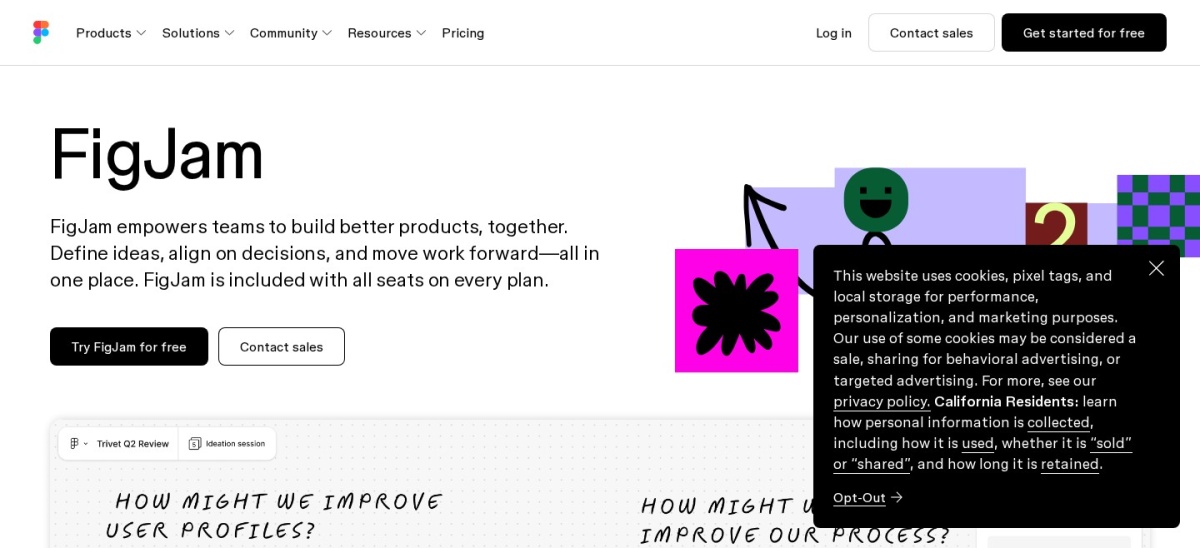
FigJam is Figma's online whiteboard for diagrams, brainstorms and planning, with sticky notes, connectors, templates and live cursors. The free Starter plan covers 3 FigJam files, and Professional costs $3 per editor a month, the cheapest paid tier in this list.
The trade off is scope. FigJam is a whiteboard first and a diagram tool second, so it lacks the precise shape libraries and data linking of Lucidchart. It suits design teams already using Figma who want diagrams next to their designs.
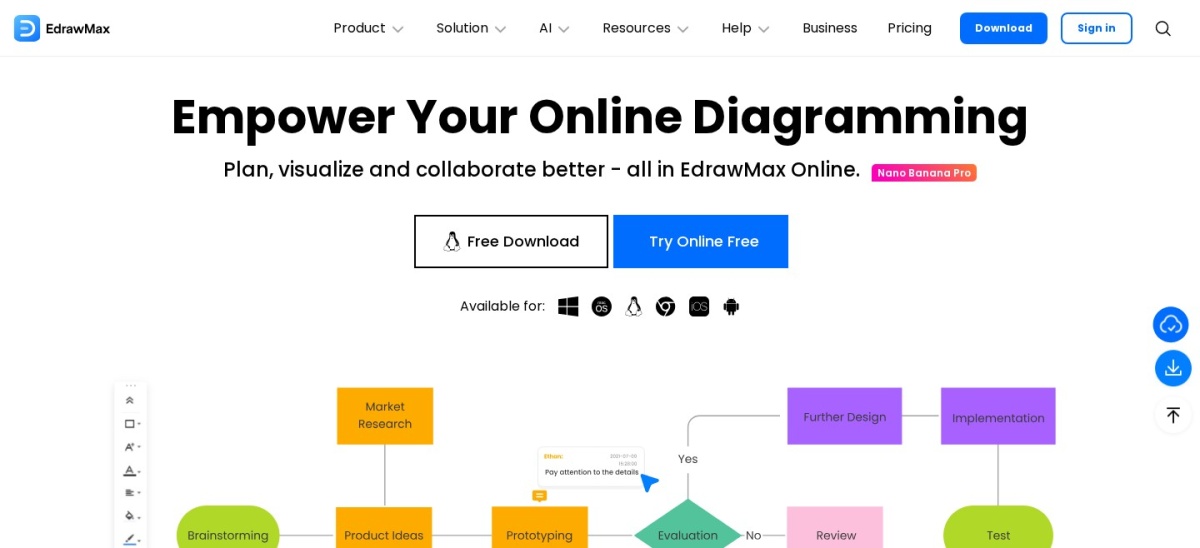
EdrawMax is a diagram tool from Wondershare covering more than 280 diagram types, from flowcharts and org charts to floor plans, network diagrams and UML, on web, Windows and Mac. The free version is usable for trying the tool, and Individual costs $99 a year according to a vendor-page read dated 18 November 2026.
The trade off is the free version. Exports carry a watermark, which pushes most serious users to the $99 annual plan, and another comparison dated October 2026 quoted $119 a year, so confirm the price before buying. It suits technical users who need many diagram types in one tool.
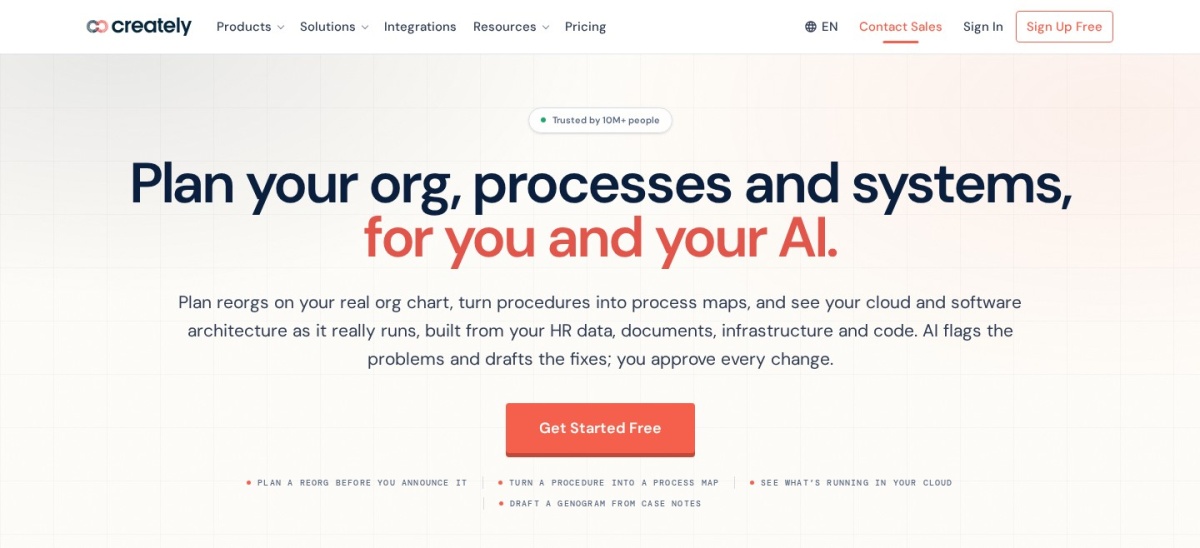
Creately is a visual collaboration platform for diagrams, flowcharts, wireframes and planning, with more than 50 diagram types, real-time collaboration and thousands of templates. The free tier covers basic use, and Starter costs $5 per user a month billed annually.
The trade off is the free tier. Reviewers note it is restrictive and recommend upgrading for full features, and the interface can feel busy on large diagrams. It suits teams that want diagrams and visual planning in one workspace.
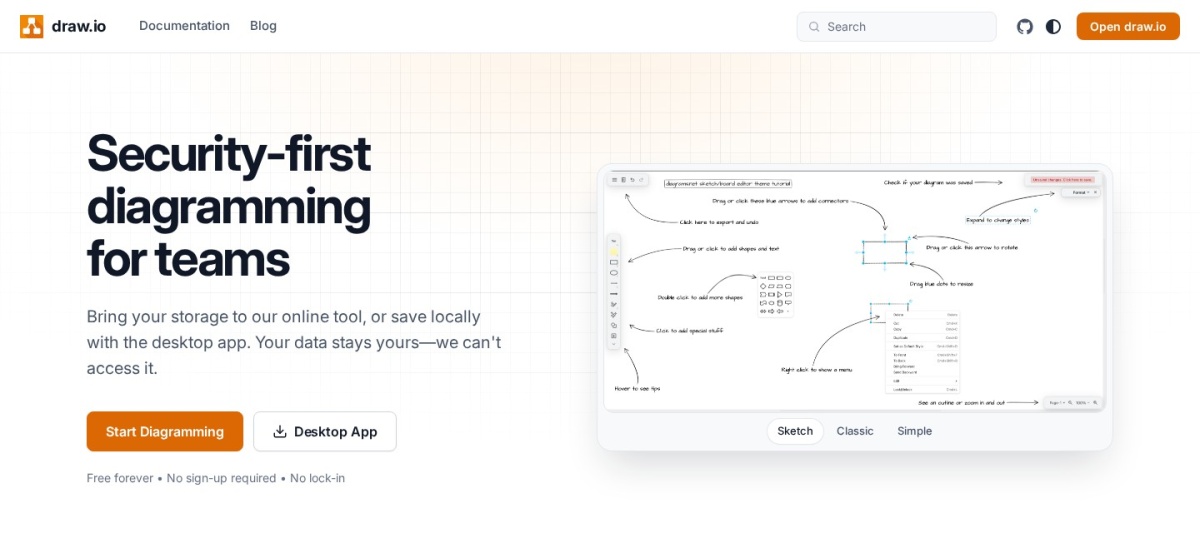
diagrams.net is a free diagram tool, formerly draw.io, that runs in the browser or as a desktop app with no account and no paywall. It covers flowcharts, org charts, network diagrams and UML, and saves to Google Drive, OneDrive or local files.
The trade off is collaboration. Real-time collaboration is weaker than cloud-first tools such as Miro or Lucidchart, and the interface feels more technical. It suits anyone who wants a fully free diagram tool with no limits.
Most free plans cap editable documents at three. Miro, Lucidchart, FigJam and Whimsical all limit free users to three boards or documents, so count your active projects before you choose.
Export limits matter too. EdrawMax watermarks free exports, and several tools limit export formats on free plans, so test an export before you build a big diagram.
diagrams.net is the exception. It has no account, no paywall and no limits, which is why it is the best pick if you want a tool that stays free forever.
Start free, then pay for the limit you hit first. If you run out of boards, pay for boards. If you need data linking, pay for Lucidchart. Pay for the feature, not the brand.
How we chose
We started from the diagram tools with the most G2 reviews and a real free tier, then kept the seven with a verifiable G2 rating and a usable free plan. Every tool here has a G2 rating with a review count.
Prices come from each vendor's pricing page, checked on 25 November 2026. Several vendor pages render with JavaScript, so where a figure could not be read from the page itself we used dated comparisons quoting the vendor page and flagged them in the notes. EdrawMax has conflicting price reads, which we flagged in its entry. Ratings and review counts come from G2 on the same day.
We left out tools with no verifiable G2, Capterra or Trustpilot rating, including Excalidraw, yEd, PlantUML, Gliffy and Cacoo, and tools with no free plan, including SmartDraw and Visio. No vendor paid for a place, and we do not claim hands-on testing for this list.
How to choose free diagram software
Start with how many diagrams you keep active, then match the tool to your team.
Count your active diagrams. Most free plans cap you at 3 boards or documents. If you keep more than 3 active, diagrams.net is the only fully free option here.
Check collaboration needs. If your team edits together live, Miro or Lucidchart are the best free options. If you work alone, diagrams.net is enough.
Test an export before you commit. Export a diagram as PDF and PNG and check the quality. EdrawMax watermarks free exports, which rules it out for client work.
Upgrade only when you hit a limit. Pay for the feature you actually need, whether that is more boards, data linking or desktop apps, rather than the most expensive plan.
FAQ
What is the best free diagram software?
Miro is the best free diagram software for most people. Its free plan covers 3 boards with real-time collaboration, and it is rated 4.6 out of 5 on G2 from 13,631 reviews.
Is diagrams.net really free?
Yes, diagrams.net is fully free, with no account and no paywall. It covers flowcharts, org charts, network diagrams and UML, and saves to Google Drive, OneDrive or local files.
What is the best free flowchart software?
Miro is the best free flowchart software for most people, with templates and live collaboration. Whimsical is the fastest option for simple flowcharts, and diagrams.net is the best fully free choice.
How many free boards does Miro offer?
Miro's free plan covers 3 editable boards, with unlimited viewers and real-time collaboration. Starter costs $8 per member a month billed annually for unlimited boards.
Does Lucidchart have a free plan?
Yes, Lucidchart's free plan covers 3 editable documents with templates and basic collaboration. Individual costs $9 a month billed annually, and Team starts at $10 per user a month.
Is FigJam free?
Yes, FigJam's free Starter plan covers 3 FigJam files. Professional costs $3 per editor a month, the cheapest paid tier in this list, and works inside Figma.
SaaS SEO and WordPress specialist with about 8 years of experience. Rakib compares WordPress plugins, themes, hosting and software using public pricing, documentation and user reviews. See how we rank.