DocuSign is the best electronic signature software for most teams, with the widest integrations and the strongest compliance record in this list. PandaDoc suits sales teams that draft and sign in one place, while SignNow is the cheapest paid option at eight dollars a user a month.
How we make this list: we compare pricing pages, product documentation and public user reviews, then re-check every price before each update. No product paid for a place. Disclosure.
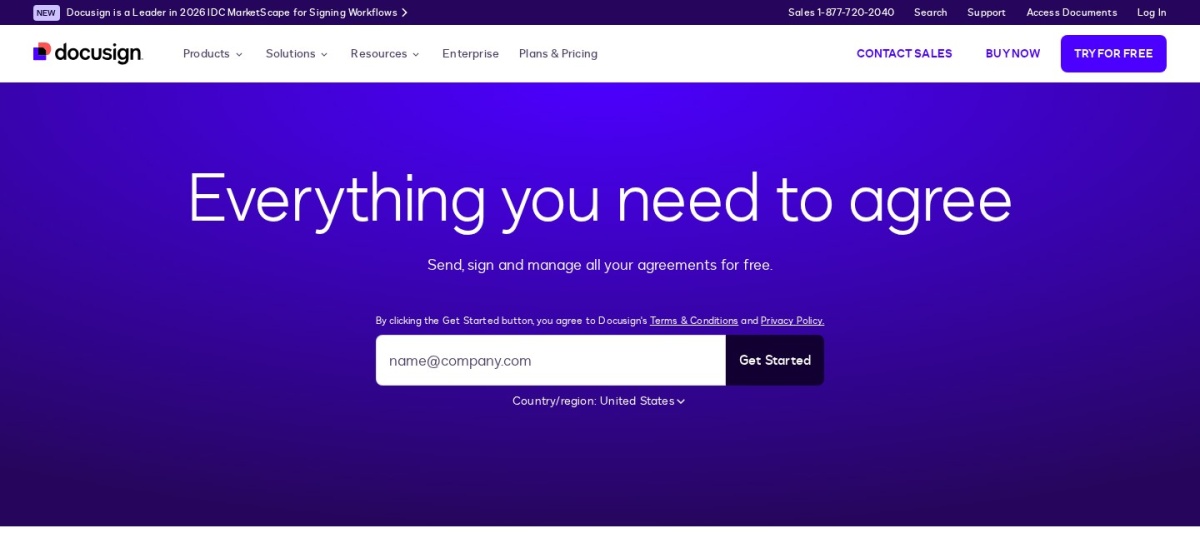
DocuSign is the market standard, with the widest integrations and FedRAMP authorization, from $11 a month.
PandaDoc combines proposals, quotes and signing in one tool, from $19 a user a month, with a free plan.
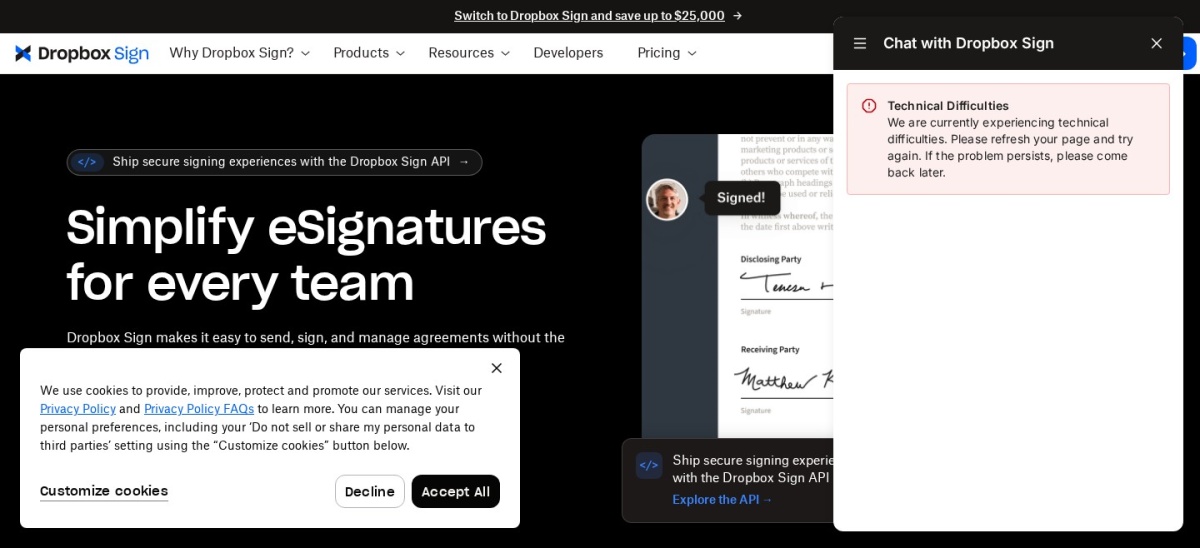
Dropbox Sign is the simplest signing tool here, with unlimited requests on paid plans from $15 a month.
SignNow and Foxit eSign are the cheapest paid options at $8 a user a month, but both meter sending volume.
Zoho Sign is the best value for Zoho users, with a free plan and Standard at $10 a user a month.
What to look for in electronic signature software
Electronic signature software turns a document into a legally binding agreement without printing or scanning. The core job is simple: send a document, collect signatures in order, and keep a tamper-proof audit trail.
The real cost is rarely the monthly price alone. DocuSign meters envelopes, SignNow meters invites, and several tools charge extra for SMS delivery or identity checks, so count how many documents you send before comparing sticker prices.
Free plans are genuinely useful here. PandaDoc, Dropbox Sign, Xodo Sign and Zoho Sign all let you send a few documents a month for nothing, which is enough to test the signing experience with real clients.
Compliance matters most for regulated work. DocuSign is the only tool here with FedRAMP authorization, while Adobe, Foxit and SignNow cover HIPAA with the right plan. Our guide to proposal software covers the document tools that sit alongside signing.
DocuSign is the standard electronic signature platform, used by more than a million companies. It covers sending, templates, reminders, comments and a full audit trail, with over 900 integrations, SMS delivery and identity verification as add-ons, and it is the only tool here with FedRAMP authorization.
The trade off is the envelope meter. Personal covers 5 envelopes a month and Standard and Business Pro cover 100 envelopes per user a year, with extra envelopes billed per envelope. It suits teams and regulated organizations that want the most recognized name and the deepest compliance record.
Best for sales teams that draft and sign in one place
Cheapest paid planEssentials, $19/mo
Free planYes, 5 docs/mo
CRM integrationsBusiness plan
DocumentsUnlimited on paid plans
pandadoc.com
PandaDoc homepage, captured Nov 2026.
PandaDoc is a document platform that combines proposals, quotes, contracts and e-signatures in one workflow. The free plan covers 5 documents a month, Essentials at $19 a user a month adds unlimited documents and templates, and Business at $49 adds CRM integrations, approval workflows and deal rooms.
The trade off is price per seat. Every sender needs a paid seat, and the features sales teams actually need, such as Salesforce and HubSpot sync, sit on the Business plan. It suits sales teams that want to draft, send, track and sign without switching tools.
What we like
Proposals, quotes and signing in one tool
Free plan with 5 documents a month
Largest G2 review base in this list
Watch out for
CRM integrations need the $49 Business plan
Per-seat pricing adds up fast for large teams
Business adds CRM sync and approvals at $49 a seat a monthVisit pandadoc.com
03
Dropbox Sign
4.7/5on G2 (2,271 reviews, checked Nov 2026)
Paid from$15/mo
Best for simple signing without a learning curve
Cheapest paid planEssentials, $15/mo
Free planYes, 3 requests/mo
Templates5 on Essentials
APIRated 4.8 out of 5 on G2
sign.dropbox.com
Dropbox Sign homepage, captured Nov 2026.
Dropbox Sign is the simplest signing tool in this list, formerly sold as HelloSign. Essentials costs $15 a month for one user with unlimited signature requests, 5 templates and an audit trail, and Standard at $25 a user a month adds bulk send, branding and 15 templates, with a 2-user minimum.
The trade off is depth. There are no approval workflows, no document creation and no advanced routing, so teams that outgrow simple signing will need a second tool. It suits small teams and solo operators who want signing to just work, plus developers who use its well-rated API.
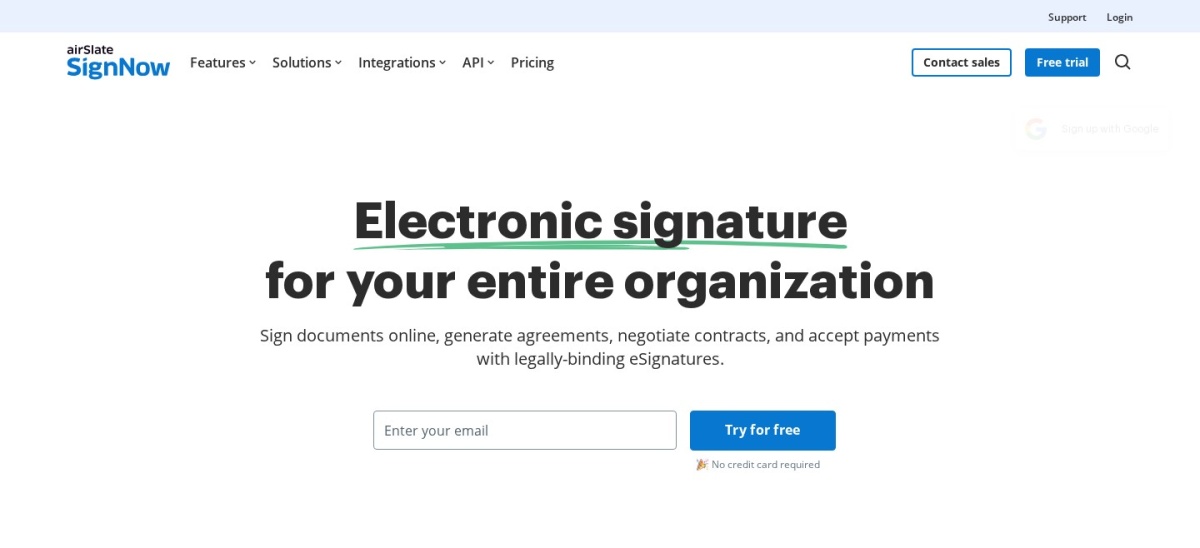
SignNow is the cheapest paid e-signature tool here at $8 a user a month on the Business plan, billed annually, from airSlate. Every paid plan includes unlimited users, unlimited templates and mobile apps, with bulk send and payments on Business Premium at $15 a user a month.
The trade off is the invite meter. Business covers 100 signature invites per account per year, not per user, and extra invites cost more, so a team that sends a lot will hit the cap. It suits growing teams that want the lowest per-user price and do not send hundreds of documents.
What we like
Lowest paid price in this list at $8 a user a month
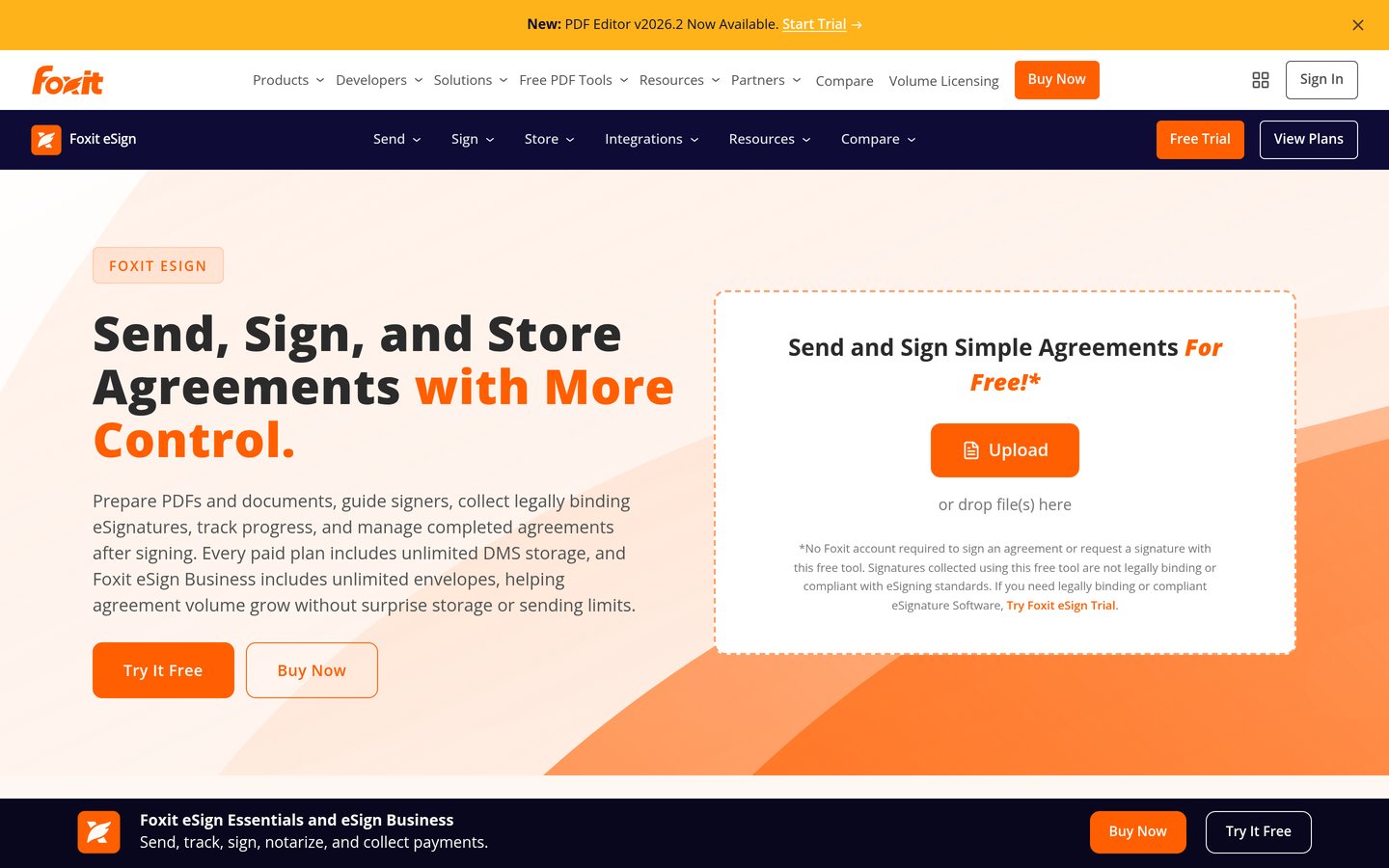
Foxit eSign is a secure, HIPAA-compliant e-signature tool from the makers of Foxit PDF Editor. Essentials costs $8 a user a month billed annually with 250 envelopes a year per user, and Business at $12 a user a month adds unlimited envelopes with a 5-user minimum.
The trade off is that it is a narrower product than DocuSign or PandaDoc, with fewer integrations and no document creation. It suits teams that already use Foxit PDF tools or want cheap, compliant signing without a per-seat surprise.
What we like
HIPAA-compliant at the cheapest price here
250 envelopes a year per user on Essentials
Pairs with Foxit PDF Editor tools
Watch out for
Fewer integrations than DocuSign or PandaDoc
Business plan needs at least 5 users
Business adds unlimited envelopes at $12 a user a monthVisit foxit.com
06
Adobe Acrobat Sign
4.4/5on G2 (1,070 reviews, checked Nov 2026)
Starts at$14.99/user/mo
Best for Adobe and Microsoft 365 users
Cheapest paid plan$14.99/user/mo
Free planNo, 14-day trial
IntegrationsAdobe, Microsoft 365
ComplianceHIPAA with BAA
adobe.com
Adobe Acrobat Sign homepage, captured Nov 2026.
Adobe Acrobat Sign is the e-signature tool inside Adobe Acrobat, with deep Microsoft 365 and Adobe integrations. It starts at $14.99 a user a month billed annually, with a 14-day free trial, and covers templates, workflows, audit trails and compliance certifications including HIPAA with a business associate agreement.
The trade off is price and packaging. At $14.99 it costs nearly twice SignNow, and the signing features are tied to the Acrobat bundle rather than sold as a light standalone tool. It suits teams already paying for Acrobat or Microsoft 365 that want signing where their documents already live.
What we like
Deep Adobe and Microsoft 365 integration
Strong audit trails and compliance
14-day free trial
Watch out for
Nearly twice the price of SignNow or Foxit
Lowest G2 rating in the top six at 4.4
Sold with Acrobat; standalone signing is not the focusVisit adobe.com
07
Signeasy
4.7/5on G2 (700+ reviews, checked Nov 2026)
Paid from$10/mo
Best for mobile-first signing and contracts
Cheapest paid planPersonal, $10/mo
Free planYes, limited
Mobile appsiOS and Android
ComplianceESIGN, GDPR, HIPAA
signeasy.com
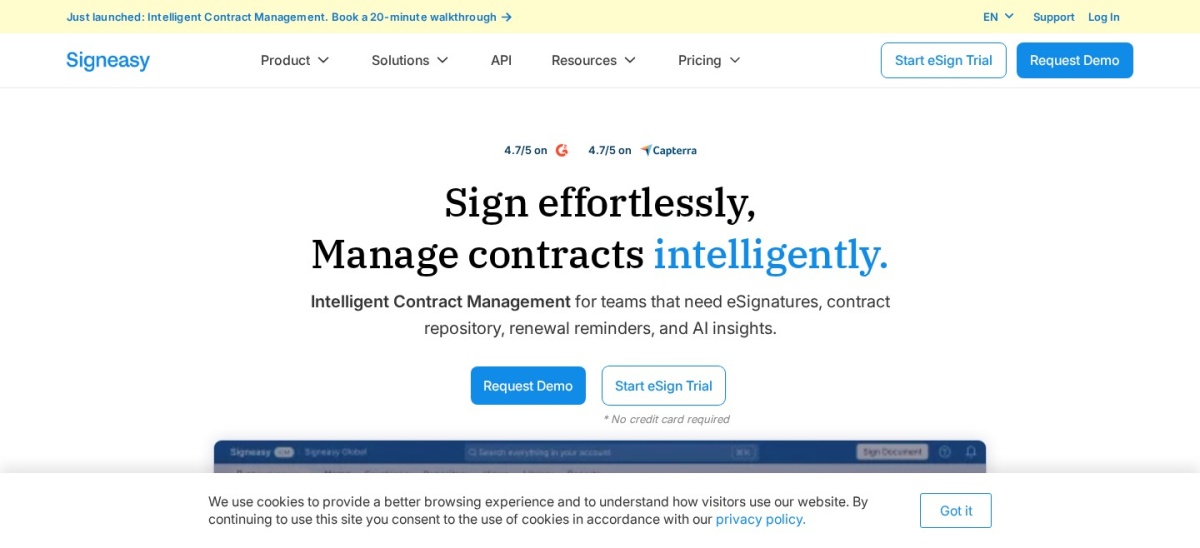
Signeasy homepage, captured Nov 2026.
Signeasy is a mobile-first e-signature and contract tool with a 4.7 out of 5 G2 rating. Personal costs $10 a month for one user, Business at $20 a user a month adds team features, and Business Pro at $30 adds unlimited templates, branding and two-factor authentication, with AI-assisted contract handling on paid plans.
The trade off is that the entry plan is thin. Personal covers one user only, so a team needs Business, and the integration list is shorter than DocuSign or PandaDoc. It suits fast-growing teams that sign mostly from phones and tablets.
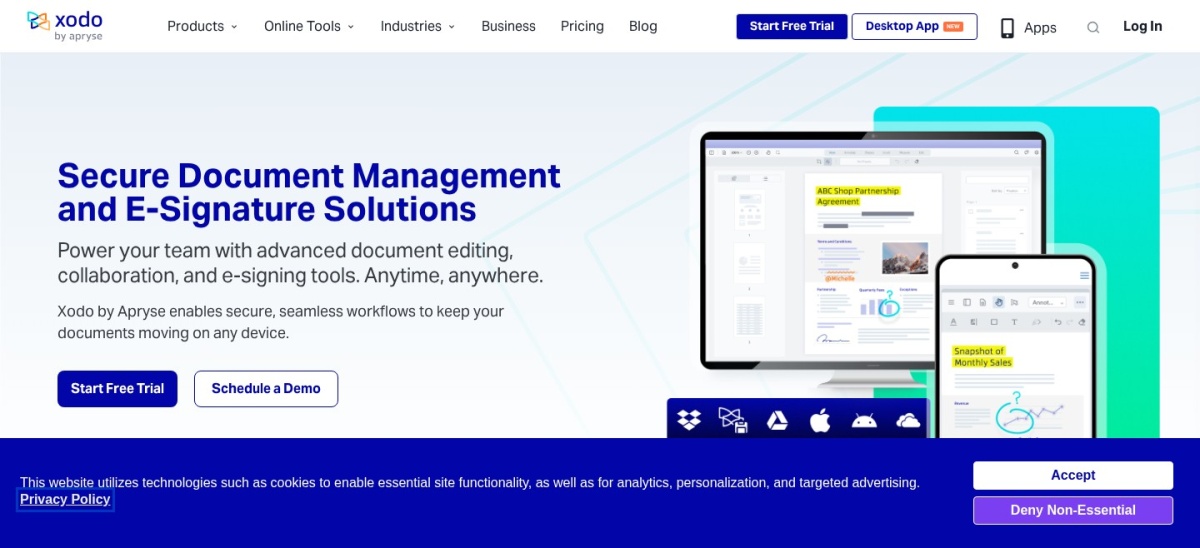
Xodo Sign is a budget e-signature tool from Apryse, formerly sold as Eversign, with the highest G2 rating in this list at 4.8 out of 5. Basic costs $10 a user a month billed annually with unlimited document sending, and Professional at $16 adds unlimited templates, branding, PDF editing and bulk send credits.
The trade off is a narrower ecosystem. Integrations are fewer than DocuSign or PandaDoc, and advanced automation is limited. It suits small businesses that want cheap, unlimited sending with HIPAA compliance and a business associate agreement on paid plans.
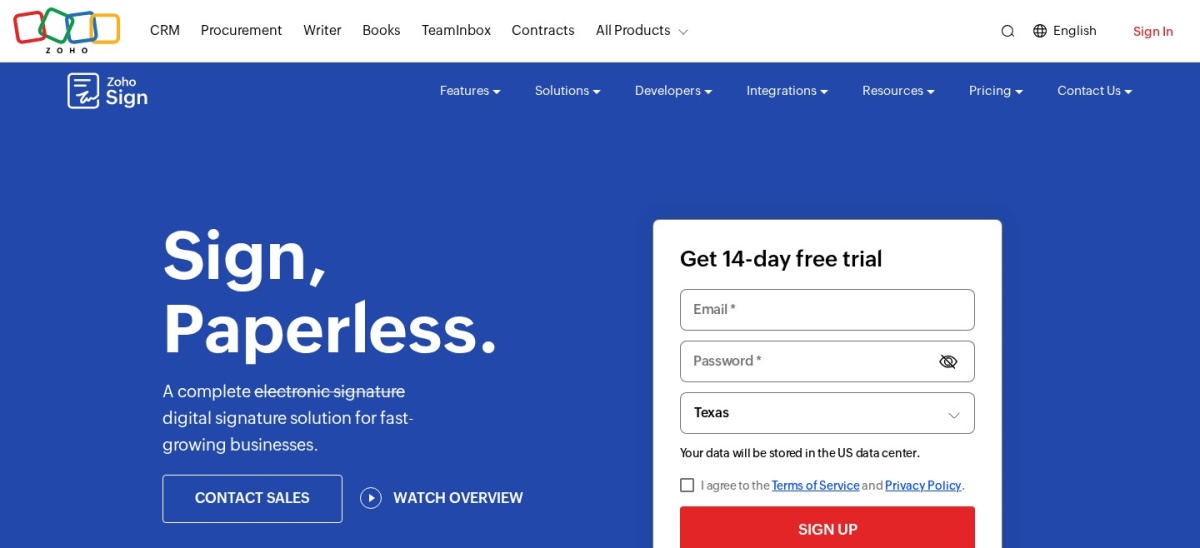
Zoho Sign is the e-signature tool inside the Zoho suite, and the cheapest way to sign if your team already runs on Zoho. The free plan covers 5 documents a month, Standard at $10 a user a month raises the cap to 25 documents per user and adds SMS authentication, and Professional at $16 adds unlimited documents and templates.
The trade off is reach outside Zoho. Integrations with non-Zoho tools are thinner, and the G2 review base is small at 64 reviews, so the 4.4 rating rests on less evidence than the leaders. It suits small businesses and freelancers already using Zoho apps.
What we like
Free plan with 5 documents a month
Deep Zoho app integrations
Lowest setup effort, live in under a month
Watch out for
Thin G2 review base of 64 reviews
Thinner integrations outside the Zoho suite
Professional adds unlimited documents at $16 a monthVisit zoho.com
Envelope and invite limits: the hidden meter
DocuSign Personal covers 5 envelopes a month, and Standard and Business Pro cover 100 envelopes per user a year. Once you pass the allowance, extra envelopes are billed per envelope, so a busy team can pay far more than the plan price.
SignNow works differently: the Business plan covers 100 signature invites per account per year, not per user, with extra invites billed on top. Unlimited users do not mean unlimited sending.
Dropbox Sign, PandaDoc and Xodo Sign put no per-envelope meter on their paid plans, which makes them easier to budget for high-volume sending. Foxit eSign Essentials caps at 250 envelopes a year per user.
How we chose
We started from the e-signature tools with a G2 listing and kept those with a verifiable rating and a real signing product, covering individuals, small teams and regulated enterprises.
Prices come from each vendor's pricing page, checked on 25 November 2026. DocuSign's prices were read on its official store page, and Dropbox Sign's on its official pricing page. Ratings and review counts come from G2 on the same day. Where a vendor shows a first-year discount, the list shows the regular price.
We left out tools with no verifiable rating on G2, Capterra or Trustpilot. No vendor paid for a place, and we do not claim hands-on testing for this list.
How to choose electronic signature software
Count your documents first, then match the plan to the way your team actually signs.
Count how many documents you send each month. DocuSign caps envelopes and SignNow caps invites, so a team sending 30 documents a month needs a different plan than one sending three.
Check the free plan first. PandaDoc, Dropbox Sign, Zoho Sign and Xodo Sign all sign a few documents free each month. Send a real document before paying anything.
Confirm the compliance you need. Regulated teams need FedRAMP, HIPAA or eIDAS support in writing. DocuSign is the only FedRAMP-authorized option here.
Test the signer experience on a phone. Most recipients sign on mobile. Send yourself a test document and sign it on your phone before rolling the tool out to clients.
FAQ
What is the best electronic signature software?
DocuSign is the best pick for most teams, with the widest integrations, the strongest compliance record and a 4.5 out of 5 G2 rating from more than 2,600 reviews. PandaDoc suits sales teams, and SignNow suits teams that want the lowest price.
How much does electronic signature software cost?
Paid plans start at $8 a user a month for SignNow and Foxit eSign, $10 for Zoho Sign, Signeasy and Xodo Sign, $11 for DocuSign Personal, $15 for Dropbox Sign Essentials and $19 for PandaDoc Essentials.
Is there free electronic signature software?
Yes. PandaDoc has a free plan with 5 documents a month, Dropbox Sign gives 3 signature requests a month, Zoho Sign gives 5 documents a month, and Xodo Sign has a free tier for limited use.
Are electronic signatures legally binding?
Yes, in the US under the ESIGN Act and UETA, and in the EU under eIDAS, when the platform keeps a proper audit trail. All nine tools in this list produce legally binding signatures with tamper-proof records.
Does DocuSign have a free plan?
No. DocuSign offers a 30-day free trial but no free tier. Its cheapest plan is Personal at $11 a month, with 5 envelopes a month for one user.
Which e-signature tool is best for small business?
SignNow is the cheapest at $8 a user a month with unlimited users, and Dropbox Sign is the simplest to set up. PandaDoc is the better pick if you also need proposals and quotes in the same tool.
SaaS SEO and WordPress specialist with about 8 years of experience. Rakib compares WordPress plugins, themes, hosting and software using public pricing, documentation and user reviews. See how we rank.