DaVinci Resolve is the best free editing software for most people. Its free version includes professional editing, colour grading and audio tools, while GIMP is the best free photo editor and Canva suits quick social graphics.
How we make this list: we compare pricing pages, product documentation and public user reviews, then re-check every price before each update. No product paid for a place. Disclosure.
DaVinci Resolve is the best free editor overall, with professional colour, audio and effects tools and no watermark.
GIMP and Affinity Photo are the best free photo editors, both full desktop apps with layers and masks.
Shotcut and OpenShot are fully free and open source, with no watermark and no paid tier at all.
Canva's free plan covers templates and basic editing, while Pro costs $144 a year for background removal and premium assets.
Clipchamp is the best free video editor on Windows, built in with no install and no watermark on most exports.
What free editing software covers
Free editing software covers two jobs: photos and video. The best free photo editors are desktop apps such as GIMP and Affinity Photo, while the best free video editors are DaVinci Resolve, Shotcut and OpenShot.
Free does not mean weak. DaVinci Resolve's free version includes the colour tools used on major films, and GIMP handles layers, masks and plug-ins. The catch is usually a learning curve, not missing features.
Watch for watermarks and export limits. Every tool here exports without a watermark on its free plan, but Clipchamp caps free exports at 1080p and Canva locks background removal behind Pro.
Paid upgrades exist for most tools here, from Canva Pro at $144 a year to DaVinci Resolve Studio at $295 once. Our animation software guide covers motion tools for creators who outgrow these editors.
DaVinci Resolve is a professional video editor whose free version includes the full editing timeline, colour grading, Fusion visual effects and Fairlight audio. It is the same tool used on major films, and the free version has no watermark and no time limit.
The trade off is the learning curve. The free version limits GPU acceleration to one GPU, and some effects such as noise reduction are Studio-only. It suits creators who want professional tools and are willing to learn them.
GIMP is the best-known free photo editor, with layers, masks, colour tools and a large plug-in library. It runs on Windows, Mac and Linux, opens PSD files and covers most photo editing jobs without costing anything.
The trade off is polish. The interface feels dated next to Photoshop, and there are no built-in AI generative tools or cloud sync. It suits anyone who wants a capable desktop editor with no subscription and no account.
Canva is a browser design platform with photo editing built in, covering filters, background removal and more than a million templates. The free plan covers basic editing, and Pro costs $144 a year for one person.
The trade off is depth. Canva cannot do layered retouching, RAW development or print-grade colour work. It suits anyone who needs a steady stream of social posts, flyers and presentations.
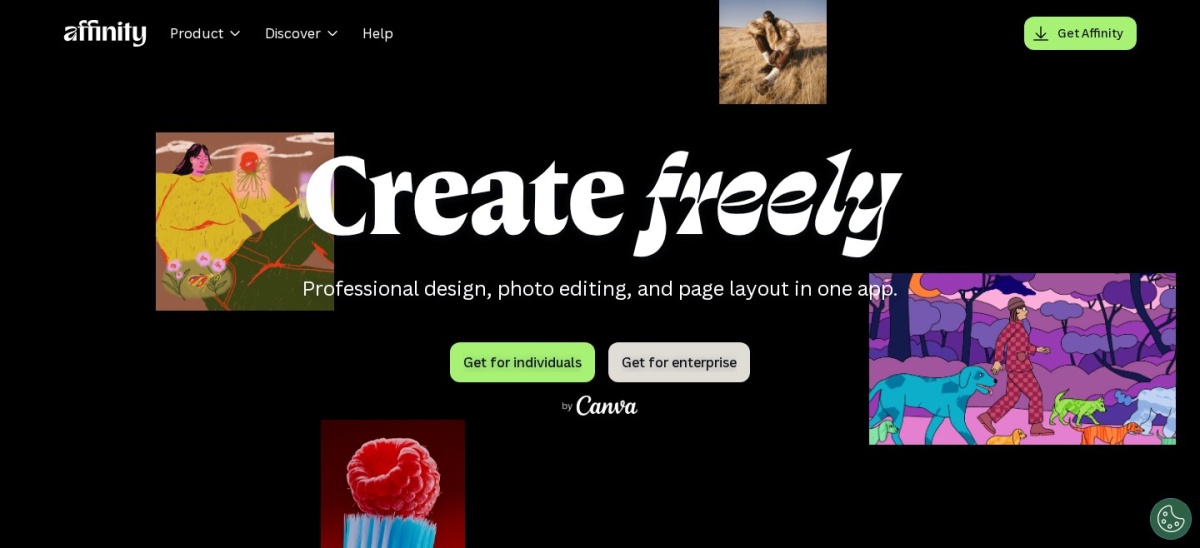
Affinity Photo is a professional desktop editor with layers, masks, RAW development and 32-bit HDR editing. Canva merged it into one unified Affinity app in October 2025 and made the core app free for individuals.
The trade off is AI. Generative fill and background removal inside Affinity need a paid Canva plan, and the app needs a free Canva account to download. It suits photographers who want pro-grade tools without a monthly bill.
Pixlr is a browser photo editor with layers, blending modes and AI tools, and nothing to install. The free plan covers core editing with ads, and Plus costs $1.99 a month billed annually for ad-free editing and 80 AI credits a month.
The trade off is depth. Pixlr handles quick and mid-level edits well, but it cannot match a desktop editor for large files or heavy retouching. It suits anyone who wants layers in a browser for very little money.
Clipchamp is a browser video editor built into Windows 11, with a timeline, stock media, transitions and auto captions. The free plan covers most editing, and Premium costs $11.99 a month, adding 4K export and premium stock.
The trade off is export quality. Free exports stop at 1080p, and 4K needs a paid plan. It suits Windows users who want to start editing at once with no install and no watermark.
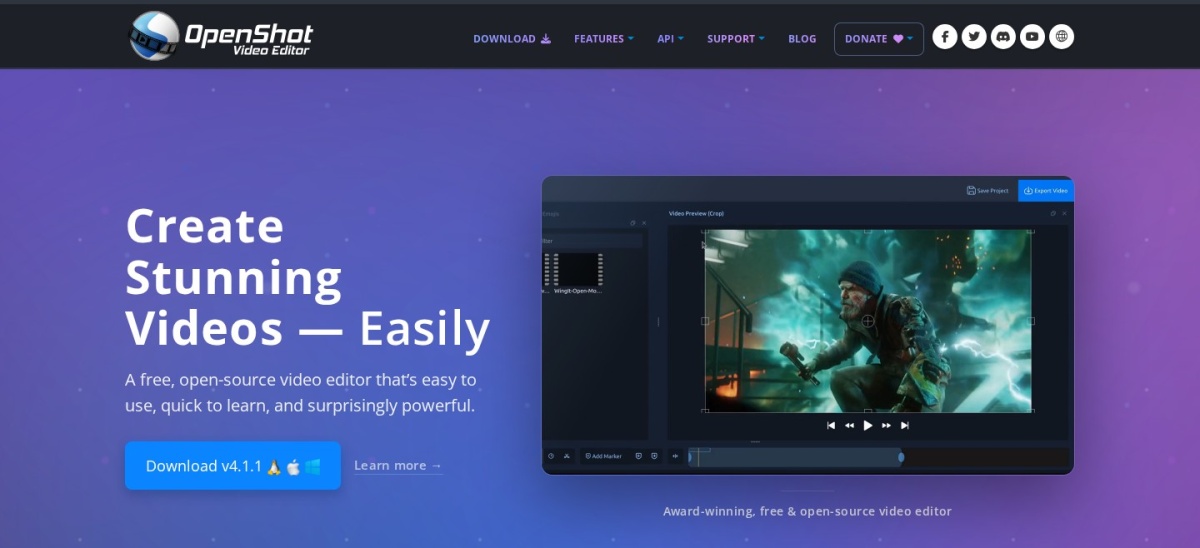
OpenShot is a free, open-source video editor with unlimited tracks, transitions and 4K export. It runs on Windows, Mac and Linux, has no paid tier at all and puts no watermark on exports.
The trade off is speed. OpenShot can feel slow on long projects, with occasional crashes and limited preview performance. It suits beginners who want a simple timeline and a completely free editor.
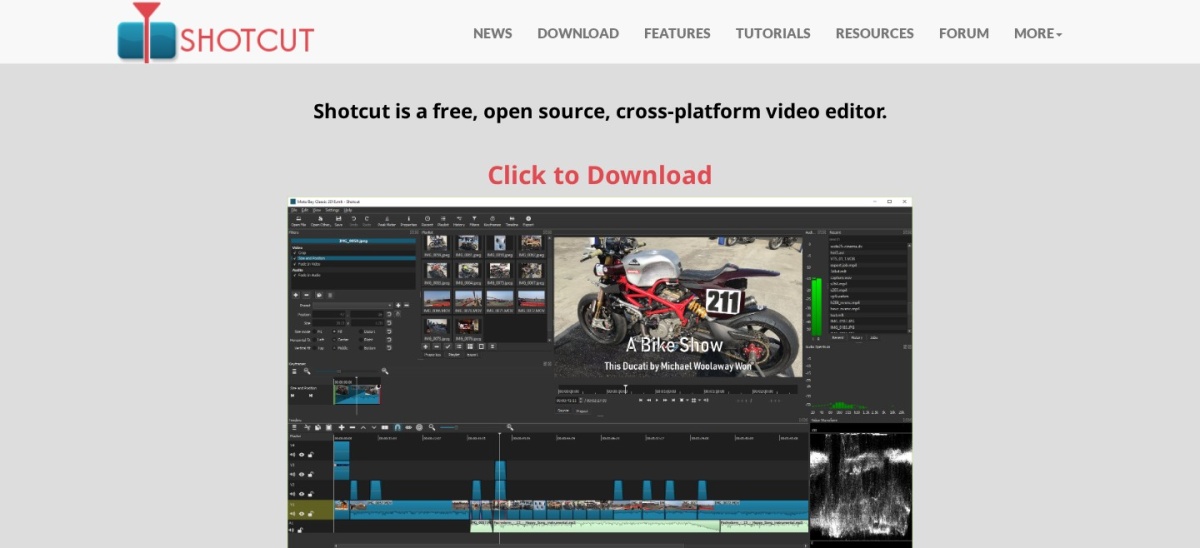
Shotcut is a free, open-source video editor with a full timeline, wide format support and native 4K export. It runs on Windows, Mac and Linux, needs no account and puts no watermark on exports.
The trade off is the interface. Shotcut's layout feels dated and takes time to learn, and it has no built-in stock media or templates. It suits editors who want a serious free tool and do not mind a plain interface.
iMovie is Apple's free video editor, included with macOS and iOS, with storyboards, trailers, filters and 4K export. It is the easiest start in this list, with a clean timeline and no settings to learn first.
The trade off is control. iMovie has no multicam editing, no keyframes and limited audio tools, so serious projects outgrow it fast. It suits Apple users making home videos, school projects and simple YouTube clips.
Photo editors work on still images: crop, colour, retouch and export. GIMP, Affinity Photo, Canva and Pixlr are the photo tools here.
Video editors work on timelines: cut clips, add transitions, mix audio and export. DaVinci Resolve, Clipchamp, OpenShot, Shotcut and iMovie are the video tools here.
DaVinci Resolve is the exception: its free version now includes a Photo page with Hollywood colour tools for still images too.
How we chose
We started from photo and video editors with a G2 or Capterra rating and a genuinely free plan, then kept those that export without a watermark. CapCut was left out because its only usable rating is 1.3 out of 5 on Trustpilot.
Prices come from each vendor's pricing page, checked on 25 November 2026. Ratings come from G2 or Capterra on the same day. Where a vendor shows a sale, the list shows the regular price.
We left out Kdenlive and Photopea because their ratings rest on fewer than 30 reviews. No vendor paid for a place, and we do not claim hands-on testing for this list.
How to choose free editing software
Start with photo or video, then check the watermark rule and the learning curve.
Pick photo or video first. GIMP and Affinity Photo edit still images; DaVinci Resolve, Shotcut and OpenShot cut video. DaVinci Resolve now does both.
Check the watermark rule. Every tool here exports without a watermark on its free plan, but Clipchamp caps free exports at 1080p.
Match the learning curve to your patience. iMovie and Clipchamp are the easiest starts; DaVinci Resolve and GIMP take longer to learn but go further.
Check what the paid upgrade unlocks. DaVinci Resolve Studio costs $295 once, Canva Pro costs $144 a year, and the rest are free or nearly free.
FAQ
What is the best free editing software?
DaVinci Resolve is the best free editing software overall. Its free version includes professional editing, colour grading, visual effects and audio tools with no watermark, while GIMP is the best free photo editor.
Is DaVinci Resolve really free?
Yes. The free version includes the full editing timeline, colour grading, Fusion effects and Fairlight audio, with no watermark and no time limit. Studio costs $295 once and adds AI tools, multi-GPU support and HDR grading.
What is the best free photo editor?
GIMP is the best free photo editor for desktop, with layers, masks and plug-ins. Affinity Photo is also free now and feels more polished, while Canva suits quick edits and social graphics in a browser.
What is the best free video editor for beginners?
Clipchamp is the easiest free video editor for Windows users, with a browser timeline, stock media and auto captions. iMovie is the easiest on Mac and iPhone, while Shotcut suits beginners who want a free desktop editor.
Do free editors add watermarks?
None of the tools in this list watermark exports on their free plan. Clipchamp caps free exports at 1080p, and Canva locks some AI tools behind Pro, but the exports themselves stay clean.
Is CapCut free?
Yes, CapCut has a free plan with templates, auto captions and mobile editing. We left it out of this list because its only usable rating is 1.3 out of 5 on Trustpilot, from 471 reviews, mostly about billing and account issues.
SaaS SEO and WordPress specialist with about 8 years of experience. Rakib compares WordPress plugins, themes, hosting and software using public pricing, documentation and user reviews. See how we rank.