Best Ecommerce Platforms for Beginners in 2026: 7 Tools Compared
WLWPLegible EditorsLast verified 23 Nov 2026How we rank8 min read
★ Short answer
Shopify is the best ecommerce platforms for beginners pick for most buyers, rated 4.4/5 on G2 from 5,159 reviews, with paid plans from $29/mo. Pick Wix for a cheaper start and Squarespace for the most control.
How we make this list: we compare pricing pages, product documentation and public user reviews, then re-check every price before each update. No product paid for a place. Disclosure.
Shopify leads for beginners: Basic from $29 a month billed yearly, with a 3-day trial then $1 a month for 3 months.
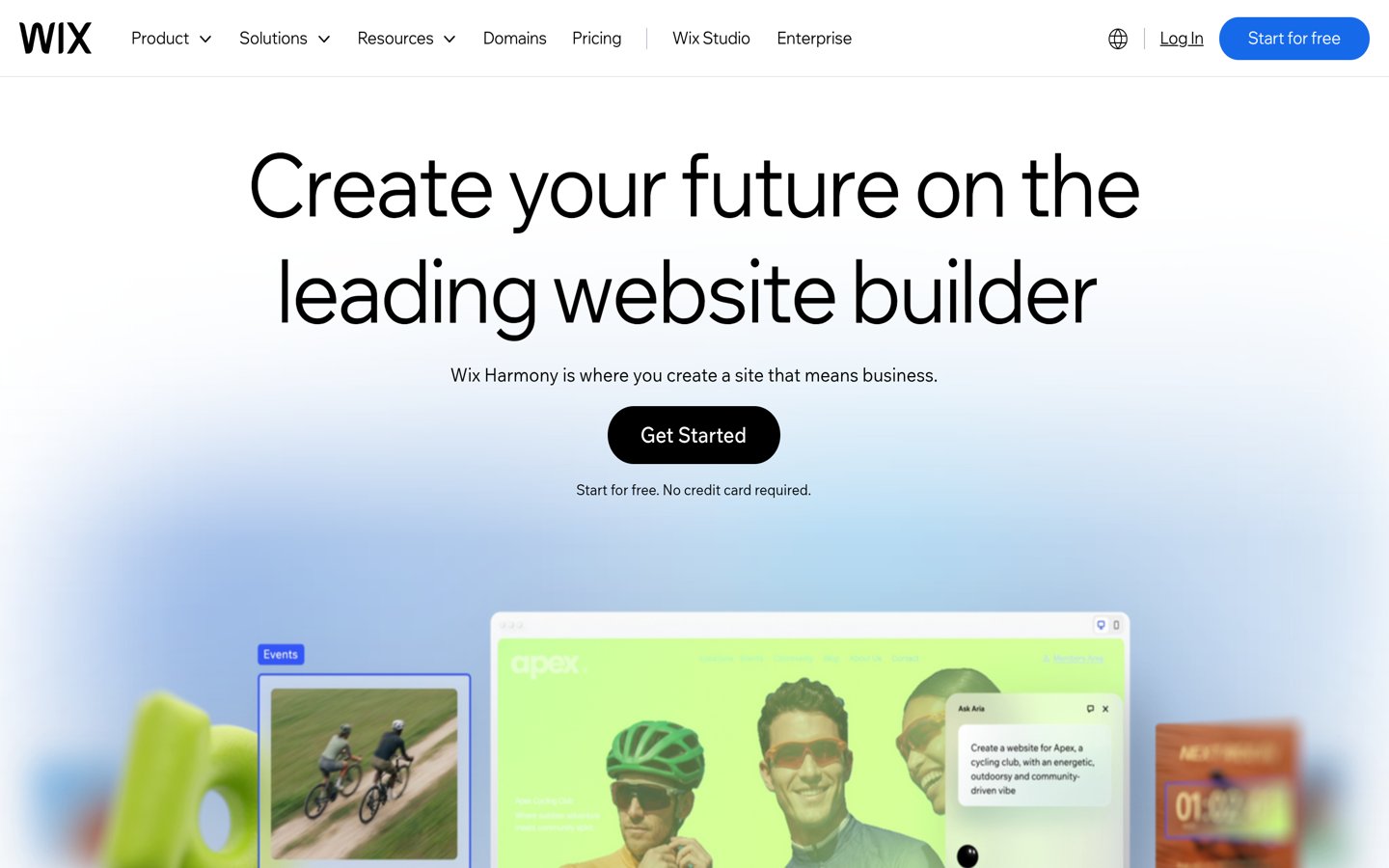
Wix has the easiest visual editor in this list, and Core costs $29 a month billed yearly for selling.
Square Online, Ecwid and Big Cartel all have free plans, so a beginner can take real orders with no monthly fee.
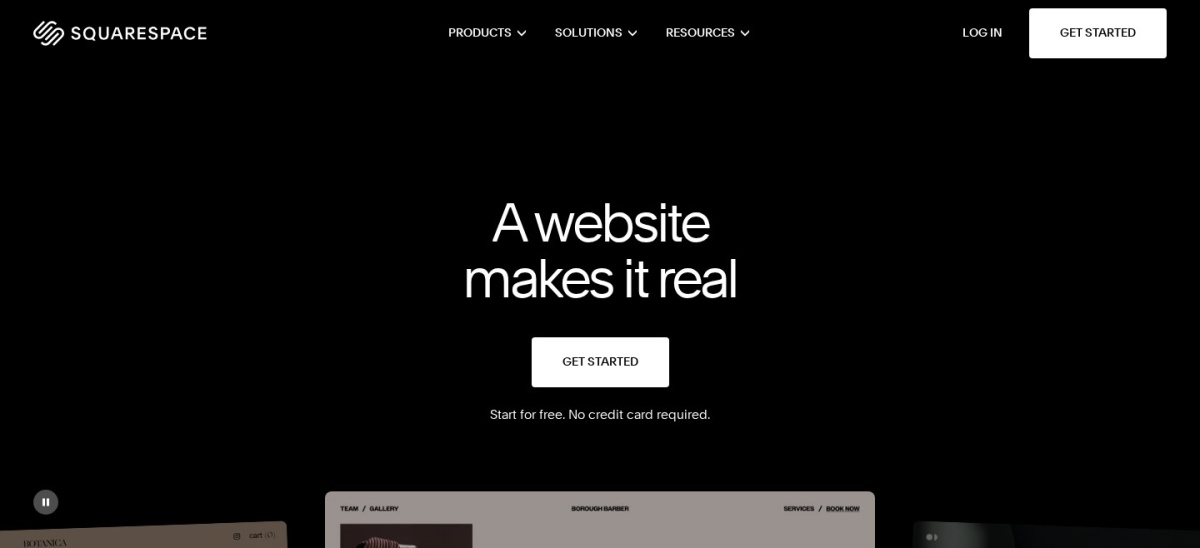
Squarespace Commerce Basic costs $28 a month billed yearly and suits beginners who care about design.
WooCommerce is free at the core, but beginners should expect more setup than on a hosted platform.
What to look for in ecommerce platforms for beginners
Beginners need a platform that is easy to set up and hard to break. Drag-and-drop editing, guided setup and good support matter more than advanced features at this stage.
A free plan or cheap trial lets a beginner test the idea before committing. The first store should take days, not weeks, to launch. Our guide on best survey software can help test product ideas.
Watch the total cost, not just the plan price. Card fees apply on every platform, and paid apps add up, so keep the first store simple.
Pick a platform with room to grow. The best beginner platform still fits the store a year later, when orders and products have grown.
Shopify is a hosted commerce platform that runs the store, checkout, payments and hosting in one place. The Basic plan costs $29 a month billed yearly and includes unlimited products, discount codes, abandoned cart recovery and 24/7 support. For beginners, the guided setup and 3-day trial plus $1 a month for 3 months make the first store low risk.
The trade off is cost creep. Paid apps add up fast, and sales through a third-party gateway carry a 2% fee on Basic. It suits sellers who want a store live quickly without managing hosting or updates.
Wix is a drag-and-drop website builder with a store built in, so the site and the shop share one editor. The Core plan costs $29 a month billed yearly and is the first plan that accepts payments. For beginners, the drag-and-drop editor is the easiest way to build a store without code.
The trade off is depth. It is not built for very large catalogs or complex B2B pricing, and moving a store off Wix later is hard. It suits small stores that want design control without code.
Squarespace is a design-led website builder with commerce built in, known for polished templates and a clean checkout. The Commerce Basic plan costs $28 a month billed yearly with no platform transaction fee. For beginners, its templates make a first store look professional with no design skill.
The trade off is scale. It suits small catalogs and design-led brands, but large inventories and complex shipping rules fit other platforms better. It suits creators and small brands whose site is part of the brand.
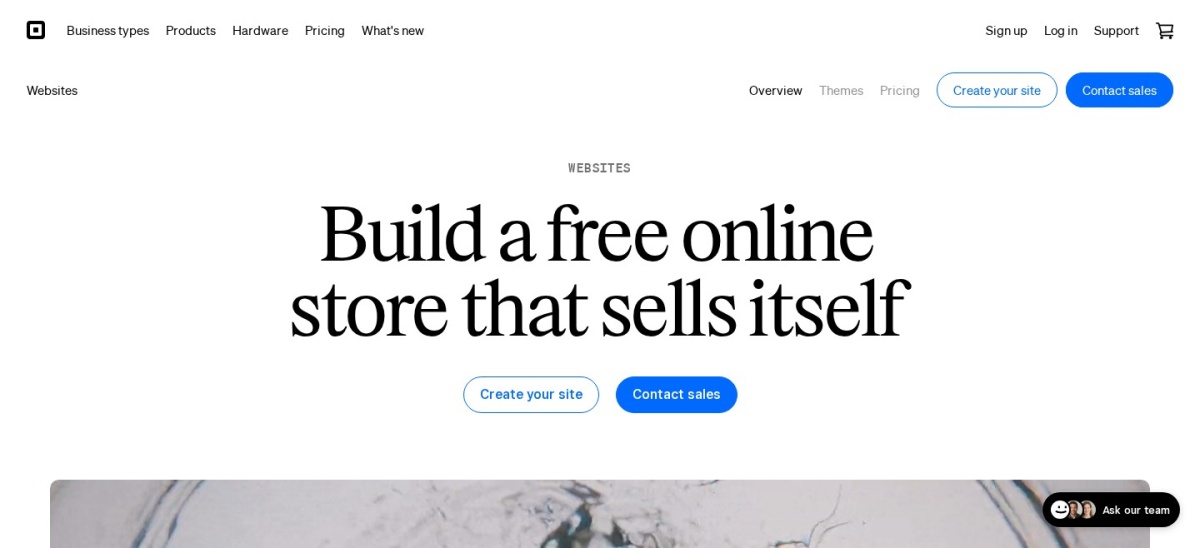
Square Online is the store builder from Square, built for sellers who also sell in person. The free plan covers unlimited products, and the Plus plan costs $29 a month billed yearly and adds a custom domain and more design control. For beginners, the free plan with unlimited products means the first sale costs no monthly fee.
The trade off is design range. Templates are fewer than Wix or Squarespace, and the store works best inside Square's payment system. It suits local sellers who need online and in-person selling in one place.
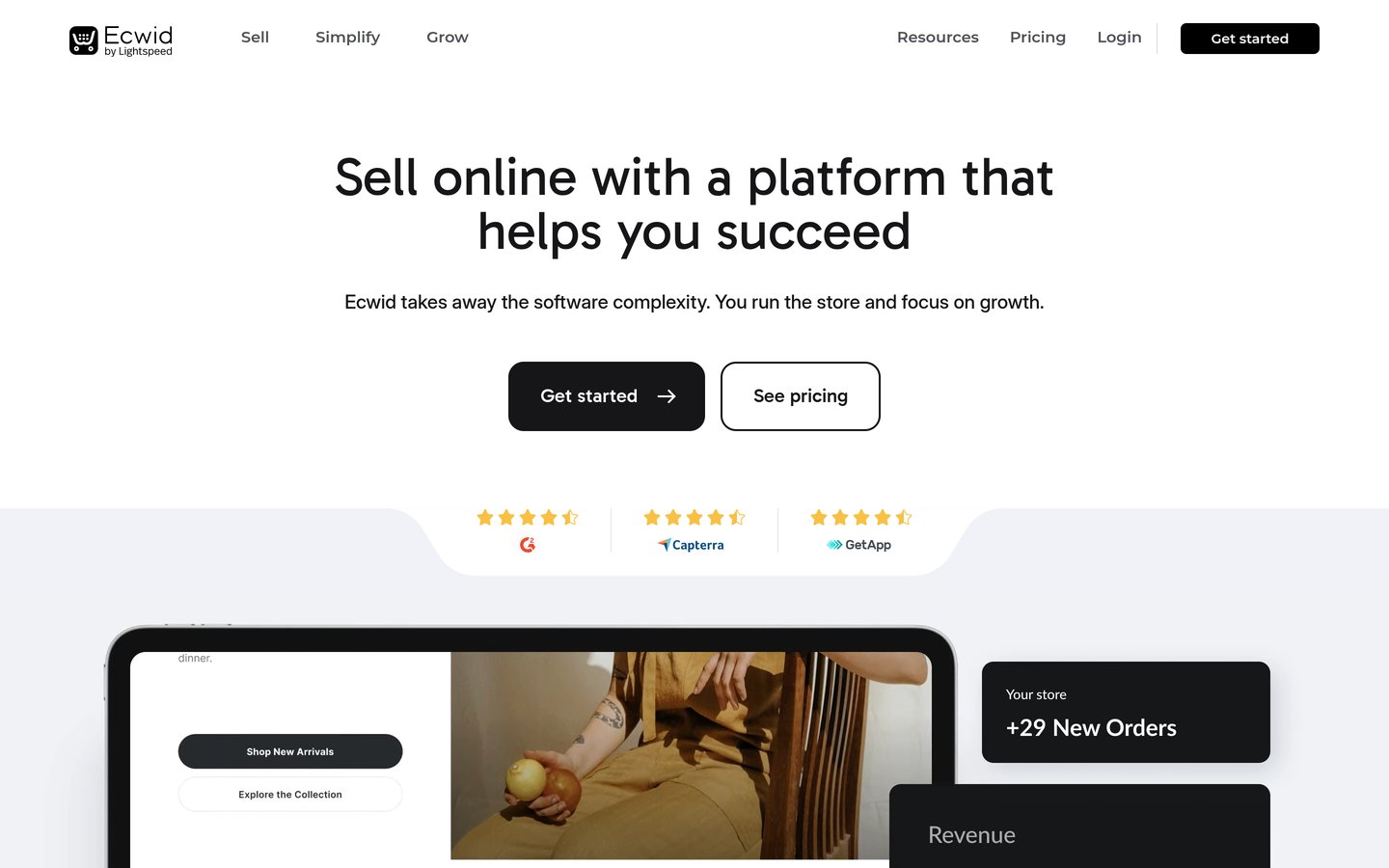
Ecwid by Lightspeed adds a store to an existing website or social page instead of replacing it. The free plan covers 5 products, and the Venture plan costs $25 a month with 100 products and no platform transaction fee. For beginners, it adds a store to an existing site or social page in minutes.
The trade off is that it is an add-on, not a full website builder. Sellers who need a standalone site must pair it with one. It suits sellers with a site already who want to start selling fast.
WooCommerce is a free, open-source plugin that turns a WordPress site into a store. The core software costs nothing and adds unlimited products, coupons, tax settings and payment options, while hosting, a domain and extensions are paid separately. For beginners, it is free, but it needs WordPress and more setup than hosted platforms.
The trade off is upkeep. Updates, backups, security and speed are the store owner's job, and paid extensions add up. It suits sellers who already run WordPress and want full control of their data and checkout.
Big Cartel is a simple store for artists and makers, with a free plan for 5 products and the Platinum plan at $9.99 a month for 50 products. It charges no platform fee on sales. For beginners, its free plan for 5 products is the simplest way to sell handmade goods.
The trade off is scale. It caps at 500 products on the top plan and has few marketing tools. It suits makers with a small catalog who want a cheap, simple store.
Start with a free plan or trial, and only pay once orders are coming in.
Keep the catalog small. Ten strong products beat a hundred thin listings.
Use the platform's free theme first. A paid theme can wait until the store earns money.
Ask support when you get stuck. Good support is part of what a beginner pays for.
How we chose
We started from the established ecommerce platforms and shipping tools with a verifiable G2 rating and a published price, then kept those that fit best ecommerce platforms for beginners.
Prices come from each vendor's pricing page, checked on 23 November 2026. Ratings and review counts come from G2 on the same day. Where a vendor shows a sale, the list shows the regular price.
We left out tools with no verifiable rating or no published price. No vendor paid for a place, and we do not claim hands-on testing for this list.
How to choose ecommerce platforms for beginners
Start with what you sell and how much you ship, then match the tool to that shape.
Start with a free plan or trial. Take real orders before you commit to a monthly plan.
Keep the catalog small. Launch with your best products, then add more once you know what sells.
Use the free theme first. A paid theme can wait until the store earns money.
Check support before you buy. Beginners need fast, friendly help when something breaks.
FAQ
What is the best ecommerce platform for beginners?
Shopify is the strongest pick for most beginners. Basic costs $29 a month billed yearly, setup is guided, and the 3-day trial plus $1 a month for 3 months makes the first store low risk.
What is the easiest ecommerce platform to use?
Wix has the easiest visual editor in this list, with drag-and-drop editing and no code. Square Online is the simplest to launch, with a free plan and few settings to learn.
Is there a free ecommerce platform for beginners?
Yes. Square Online, Ecwid and Big Cartel all have free plans. Square Online has no product limit on its free plan, while Ecwid covers 5 products and Big Cartel covers 5.
Is WooCommerce good for beginners?
WooCommerce is free, but beginners should expect more setup than on a hosted platform. It suits beginners already on WordPress or with technical help to hand.
How much does it cost to start an online store?
A beginner can start free on Square Online, Ecwid or Big Cartel, or from $28–$29 a month on Squarespace, Shopify, BigCommerce or Wix. Card fees of about 2.9% + 30¢ apply per order.
Do beginners need to know how to code?
No. Every platform in this list builds a store without code. Wix and Squarespace are the most visual, while Shopify and Square Online guide you through setup step by step.