Nero Burning ROM is the best DVD burner for serious disc work, with disc encryption and verified burns for a one-time payment. Pick Ashampoo Burning Studio for a free Windows burner, or WinX DVD Author for free DVD menus.
How we make this list: we compare pricing pages, product documentation and public user reviews, then re-check every price before each update. No product paid for a place. Disclosure.
Nero Burning ROM leads for serious disc work: 4.5 out of 5 on G2 from 29 reviews, $55.95 one-time, with SecurDisc encryption.
Ashampoo Burning Studio has the largest review base here, 4.7 out of 5 on Trustpilot from 21,331 reviews, with a genuinely free edition.
Wondershare UniConverter is the best all-rounder, combining conversion, compression and DVD burning for $49.99 a year.
WinX DVD Author is fully free with menus and no watermark, while Roxio Easy CD and DVD Burning 2 is the cheapest paid licence at $29.99.
DVDFab DVD Creator costs $46.99 a year on the vendor's own store, with sale prices often shown instead of the regular price.
What a DVD burner should do
Most people still burn discs for one of three jobs: backing up files, making audio CDs, or producing video DVDs that play in a living-room player. Each job needs a different tool.
Data discs are the easy job. Almost every burner here handles them, including the free ones, so price only matters when you need menus, encryption or Blu-ray.
Video DVDs are the hard job. The video must be converted to DVD format with menus and chapters, which only the authoring tools in this list do well. Our guide on free DVD authoring software covers that job in more detail.
Check the trial limits before you pay. Several paid burners watermark DVDs or limit the trial to a few discs, so test with a disc you can afford to lose.
Nero Burning ROM is the reference disc burner for Windows, in continuous development since 1997. It burns data, audio and video discs, copies discs, creates ISO images, rips audio CDs with track details, and encrypts discs with SecurDisc 4.0 and AES-256 password protection.
The trade off is price and platform. At $55.95 one-time it is the most expensive single licence here, and it runs on Windows only. It suits people who burn discs often, archive important files, or deliver finished discs to clients.
What we like
Only pick here with a G2 listing, 4.5 out of 5
SecurDisc encryption no free tool offers
Verified burns and detailed burn logs
Burns CD, DVD, Blu-ray and M-Disc
Watch out for
Most expensive one-time licence in this list
Windows only, no Mac version
The full interface has a steep learning curve
Nero Express offers the same engine in a wizard for $39.99Visit nero.com
02
Ashampoo Burning Studio
4.7/5on Trustpilot (21,331 reviews, checked Nov 2026)
Paid from$50 (one-time)
Best free Windows burner
PlatformsWindows only
Disc typesCD, DVD, Blu-ray
Video DVD menusYes, paid edition
Paid planOne-time, $50 list
ashampoo.com
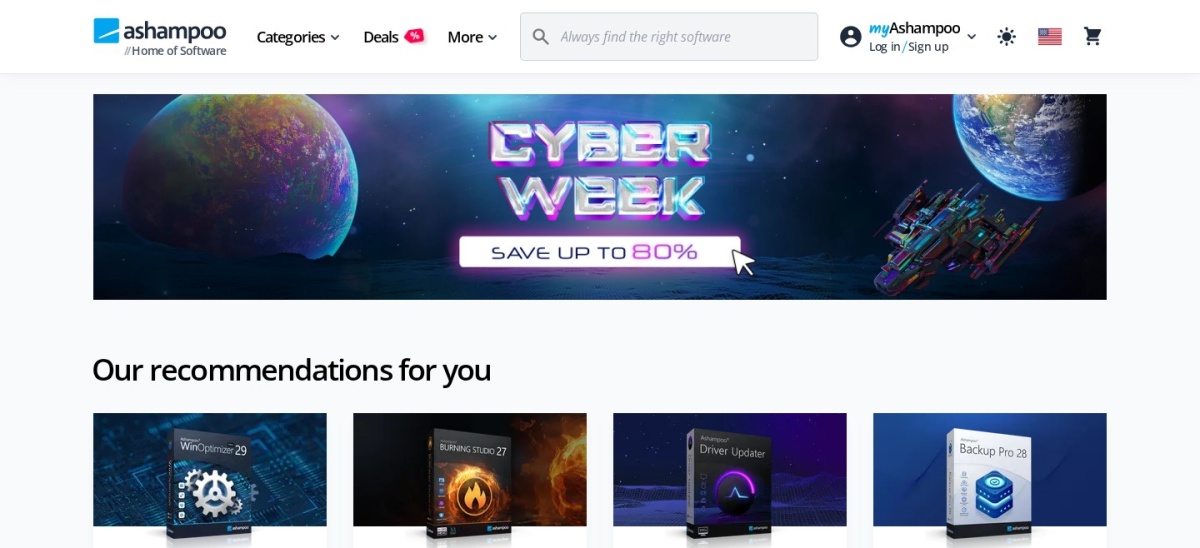
Ashampoo Burning Studio homepage, captured Nov 2026.
Ashampoo Burning Studio is the friendliest burner in this list, with big tiles and plain language that walk first-timers through burning data, music or video. The free edition handles core burning with no expiry date, and the paid Studio 27 adds disc copying, audio CD ripping, backups with disc spanning and cover design.
The trade off is that the best features sit behind the paid licence, and Ashampoo runs frequent sales, so the price you see is often a discount from the $50 list price. It suits Windows users who want one program for most disc jobs without learning Nero.
4.7/5on Trustpilot (1,705 reviews, checked Nov 2026)
Starts at$49.99/yr
Best all-rounder for video and discs
PlatformsWindows, Mac
Disc typesDVD, Blu-ray
Video DVD menusYes, templates included
Paid planYearly, $49.99/yr
videoconverter.wondershare.com
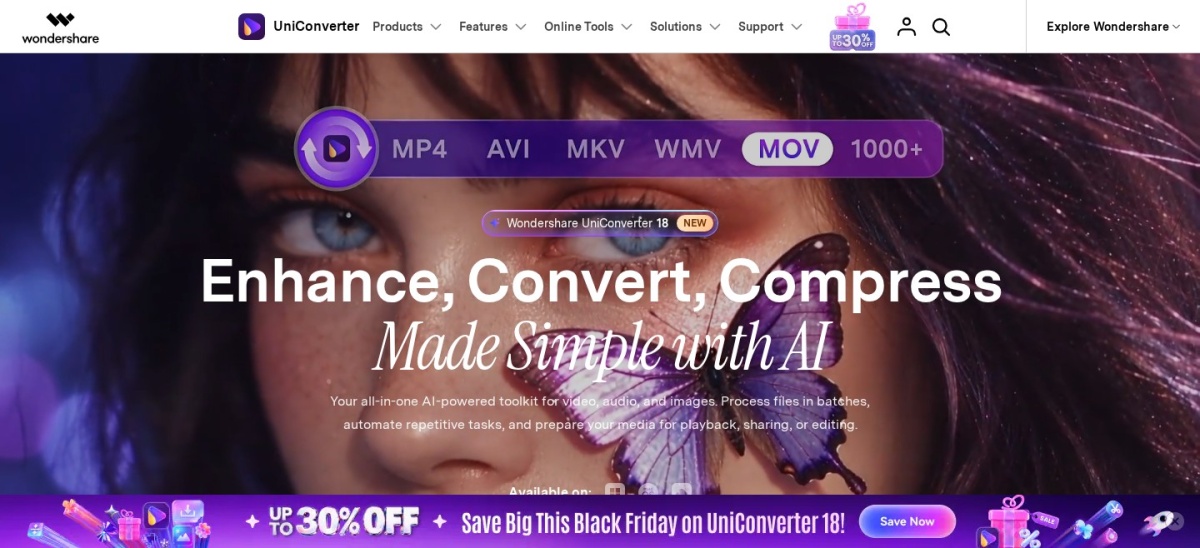
Wondershare UniConverter homepage, captured Nov 2026.
Wondershare UniConverter is an all-in-one media toolbox for Windows and Mac that converts between more than 1,000 formats, compresses video, downloads, records the screen and burns DVDs and Blu-rays with menu templates and chapter markers. GPU acceleration speeds up 4K and 8K conversion.
The trade off is that burning is one feature among many, so dedicated burners offer finer control, and the yearly plan costs $49.99 for Windows. It suits creators who already convert video every week and want DVD burning in the same app.
4.4/5on Trustpilot (731 reviews, checked Nov 2026)
Starts at$46.99/yr
Best for video DVDs with menus
PlatformsWindows, Mac
Disc typesDVD, Blu-ray, UHD
Video DVD menusYes, custom templates
Paid planYearly, $46.99/yr
dvdfab.cn
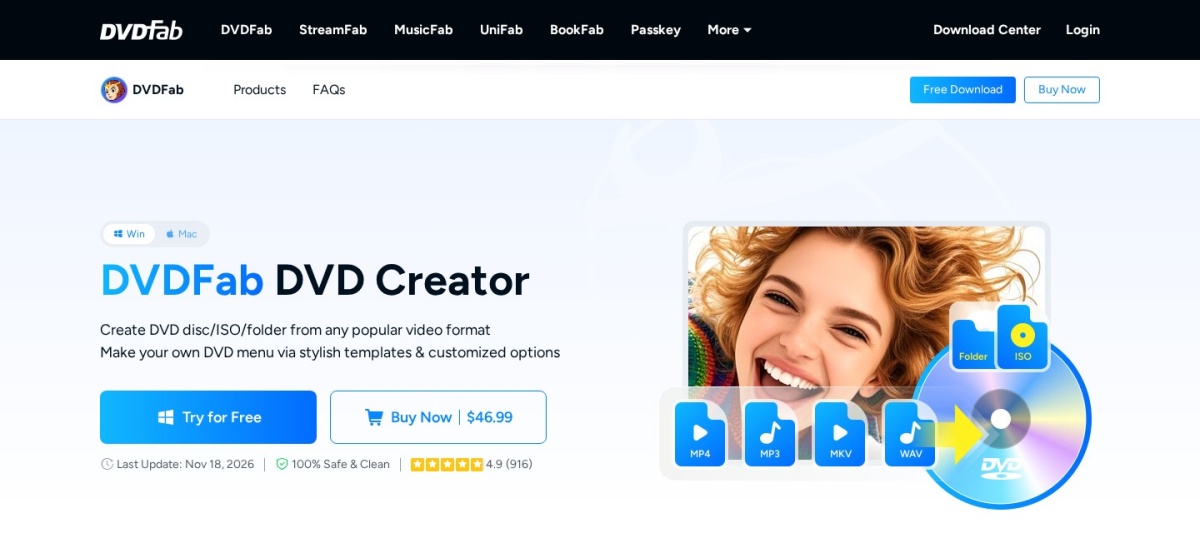
DVDFab DVD Creator homepage, captured Nov 2026.
DVDFab DVD Creator is a tool that turns video files into playable DVDs, Blu-rays or UHD discs with custom menus, chapter markers and subtitles. It accepts more than 200 video formats, uses GPU acceleration for faster burning, and offers a 30-day free trial with all features and no watermark.
The trade off is the store. The vendor's own pages show sale prices like $32.89 against a $46.99 regular 1-year price, and the lifetime licence lists at $59.99. It suits people who make video DVDs from mixed video files on Windows or Mac.
4.9/5on Trustpilot (306 reviews, checked Nov 2026)
Starts at$39.99/yr
Best Mac DVD burner
PlatformsWindows, Mac
Disc typesDVD
Video DVD menusYes, with subtitles
Paid planYearly, $39.99/yr
cisdem.com
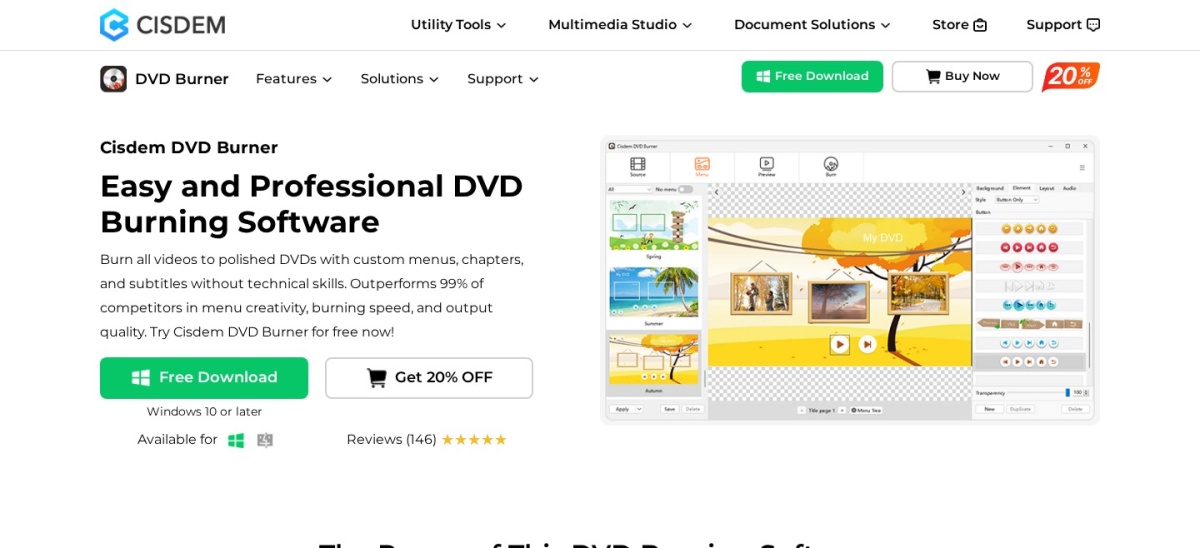
Cisdem DVD Burner homepage, captured Nov 2026.
Cisdem DVD Burner is a Mac and Windows tool that turns video files into playable DVDs with menus, subtitles and background music. It supports common video formats, offers a clean modern interface, and costs $39.99 a year with a $59.99 lifetime option that includes free upgrades.
The trade off is the rating. The 4.9 out of 5 Trustpilot score is for Cisdem the company, not this product alone, and there is no free plan, only a trial. It suits Mac owners who want a simple video-to-DVD tool without a subscription-heavy suite.
What we like
Clean, modern interface on Mac and Windows
Menus, subtitles and background music
Lifetime licence with free upgrades
Highest Trustpilot score here, 4.9 out of 5
Watch out for
Trustpilot rating is company-level, not product-level
3.9/5on Trustpilot (419 reviews, checked Nov 2026)
PriceFree
Best completely free DVD authoring
PlatformsWindows only
Disc typesDVD
Video DVD menusYes, title and chapter
Paid planFree, no paid plan
winxdvd.com
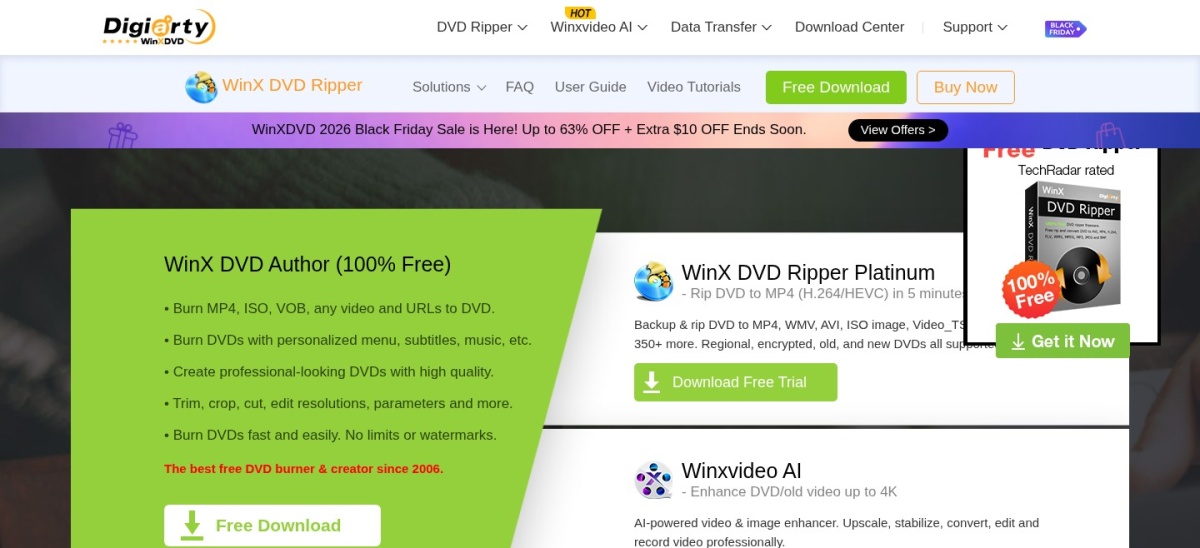
WinX DVD Author homepage, captured Nov 2026.
WinX DVD Author is a free program from Digiarty that turns video files into DVDs that play on standard DVD players, with title menus, chapter menus, background music and subtitles. The official page states it is free with no limits or watermarks, and it handles older formats like RM, RMVB, ASF and DivX.
The trade off is age. The interface looks dated, and Digiarty's site pushes the rest of its catalog. It suits anyone digitizing old video archives who wants authored DVDs with menus for free.
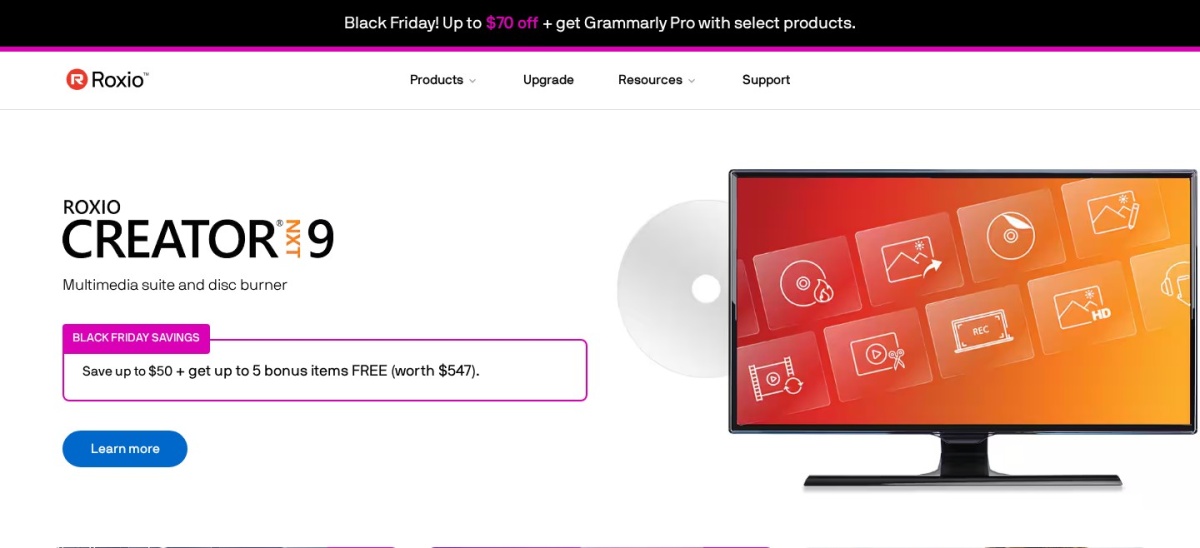
Roxio Easy CD & DVD Burning 2 homepage, captured Nov 2026.
Roxio Easy CD & DVD Burning 2 is the simplest paid burner in this list, built for people who want one job done with no learning curve. It burns audio CDs, data discs, ISO images and video DVDs with menus and chapters on Windows, and crops, rotates and converts photos for photo discs.
The trade off is the rating. Roxio holds a 1.9 out of 5 score on Trustpilot from 15 reviews, the lowest here, with buyers reporting checkout and support problems. At $29.99 one-time with a 30-day trial, it suits beginners who value simplicity over reputation.
What we like
Simplest interface of any paid burner here
Video DVDs with menus and chapters
One-time licence, no subscription
30-day trial to test it first
Watch out for
1.9 out of 5 on Trustpilot, the lowest here
Windows only, no Mac version
Reports of checkout and support problems
30-day free trial and 30-day money-back guaranteeVisit roxio.com
Free vs paid: what you give up
Free burners cover data discs, audio CDs and ISO burns well. Ashampoo Burning Studio FREE and WinX DVD Author both handle the common jobs at no cost.
Paid burners mostly add menus and protection. You get video DVD menus, disc encryption, Blu-ray authoring and faster conversion.
If you only burn a data disc now and then, a free tool is enough. Pay only if you produce video DVDs for other people or need encrypted archives.
Watch out for old free tools. ImgBurn has not been updated since 2013, and some download sites bundle adware with its installer, so get it from the official site.
How we chose
We started from the DVD burners that appear most often in buyer discussions on G2, Capterra and Trustpilot, then kept those with a verifiable rating on one of those three sources.
Prices come from each vendor's own pages and listings, checked on 25 November 2026. Ratings and review counts come from G2 or Trustpilot on the same day. Where a vendor shows a sale, the list shows the regular price.
We left out tools with no verifiable G2, Capterra or Trustpilot rating, including ImgBurn, CDBurnerXP, AnyBurn, BurnAware, CyberLink Power2Go and NCH Express Burn. No vendor paid for a place, and we do not claim hands-on testing for this list.
How to choose a DVD burner
Start with the disc you need to make, then check the price and the trial limits.
Decide what kind of disc you need. Data and audio discs work with any burner here. Video DVDs with menus need an authoring tool like DVDFab, Cisdem or WinX DVD Author.
Check the free tier first. Ashampoo FREE and WinX DVD Author cover the common jobs at no cost. Pay only if you need menus, encryption or Blu-ray.
Test the trial on a spare disc. Several paid burners watermark trial DVDs or limit the trial to a few discs, so confirm the trial behaviour before a real project.
Buy the one-time licence if you burn rarely. Nero, Ashampoo and Roxio sell one-time licences, which cost less over time than a yearly plan for occasional use.
FAQ
What is the best DVD burner software?
Nero Burning ROM is the best paid DVD burner for serious disc work. It burns data, audio and video discs, copies discs, creates ISO images and encrypts discs with SecurDisc, and it holds a 4.5 out of 5 rating on G2 from 29 reviews.
Is there a free DVD burner for Windows?
Yes. Ashampoo Burning Studio FREE handles data, music and video discs at no cost, and WinX DVD Author is fully free with menus and no watermark. Both run on Windows, and neither needs a payment to finish a disc.
Can I burn a DVD on a Mac?
Yes. Wondershare UniConverter, DVDFab DVD Creator and Cisdem DVD Burner all run on Mac as well as Windows. Nero Burning ROM, Ashampoo and Roxio Easy CD and DVD Burning are Windows only.
What is the cheapest DVD burner?
WinX DVD Author is free with no limits or watermark, and Ashampoo Burning Studio FREE costs nothing for core burning. Among paid tools, Roxio Easy CD and DVD Burning 2 is the cheapest one-time licence at $29.99.
Do DVD burners also copy discs?
Most paid burners copy discs, including Nero Burning ROM, Ashampoo Burning Studio and DVDFab DVD Creator. Free editions often leave disc-to-disc copying out, so check that feature before you buy if copying is your main job.
Is Nero Burning ROM worth the price?
It is worth it if you burn discs often or need encrypted archives, since the $55.95 one-time licence includes SecurDisc protection and verified burns. Occasional users will do fine with Ashampoo Burning Studio FREE or WinX DVD Author.
SaaS SEO and WordPress specialist with about 8 years of experience. Rakib compares WordPress plugins, themes, hosting and software using public pricing, documentation and user reviews. See how we rank.