Clip Studio Paint is the best drawing software for most PC artists, with comic tools, vector layers and 3D models, and it costs less than $30 a year. Krita is the best free option, while Photoshop remains the professional standard at under $20 a month.
How we make this list: we compare pricing pages, product documentation and public user reviews, then re-check every price before each update. No product paid for a place. Disclosure.
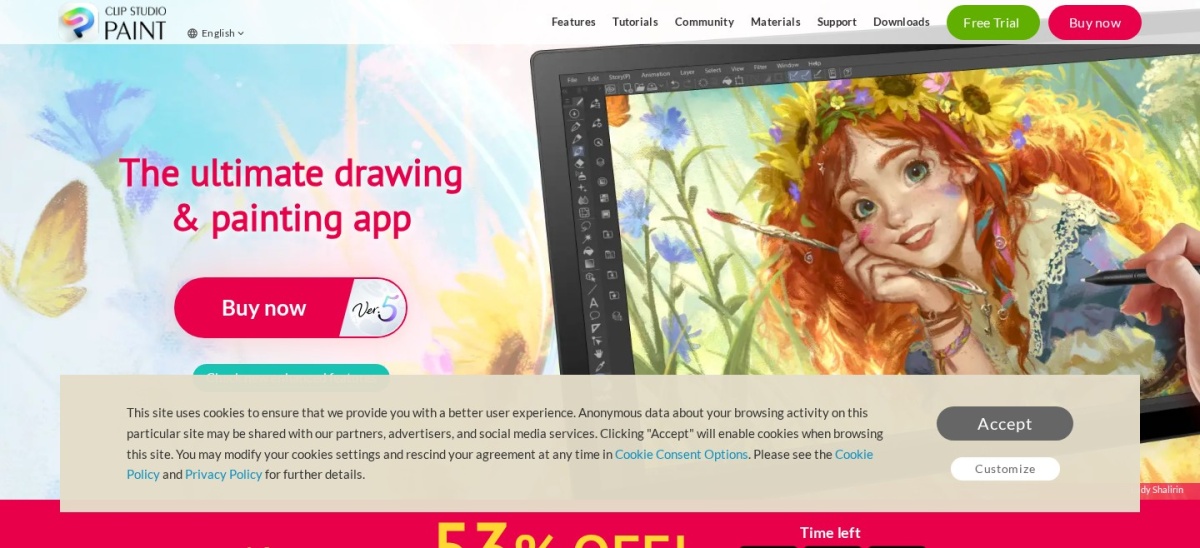
Clip Studio Paint is the best all-round pick: PRO costs $26.99 a year for one device, or $63 once on Windows and macOS.
Krita, GIMP and Affinity are free and genuinely good. Most hobbyists never need to pay for drawing software.
Photoshop is the industry standard for professional illustration, from $19.99 a month on the Photography plan.
Rebelle 8 holds the highest G2 rating here at 4.8 out of 5, and costs $89.99 once for realistic watercolour and oils.
Corel Painter is the dearest tool here at $199 a year or $429 once, and suits traditional-media painters only.
What to look for in drawing software for PC
A drawing tablet and the right software turn a PC into a studio. The choice splits three ways: free open-source painters that rival paid tools, affordable specialists built for comics and illustration, and the professional standards with subscription prices.
Comic artists need panels, tones and page management, so Clip Studio Paint or a free comic tool fits best. Painters need brush behaviour, so Krita, Painter, Rebelle or ArtRage suit them, while inkers need line stabilisation above all. Our guide to the best digital art software compares the same tools for a wider creative brief.
Check the tablet before you buy. Every program here supports pressure sensitivity, but tilt support, multi-touch gestures and express-key mapping vary, and cheaper tablet brands occasionally have driver quirks with specific software.
Price models differ more than features do. Clip Studio Paint, Corel Painter and Rebelle all sell one-time licences alongside plans, while Photoshop is subscription only and Krita, GIMP and Affinity cost nothing.
Clip Studio Paint is the working illustrator's tool, with comic panels, screentones, vector layers, perspective rulers and 3D models for difficult poses. PRO costs $26.99 a year for a single device on the vendor's store, or $63 once for the Ver. 5.0 licence on Windows and macOS.
The trade off is the interface. It packs comic-specific tools most beginners will not touch for months, and the EX grade needed for full animation and multi-page management costs $76.99 a year or $277 once. It suits illustrators and comic artists who draw seriously.
Krita is a professional free and open source painting program, made by artists who want affordable art tools for everyone. Its brush engines handle watercolour simulation and textured inking, the animation tools cover frame-by-frame work, and it opens PSD files.
The trade off is speed and polish. Performance can lag on very large canvases, and the documentation assumes you will experiment. It suits hobbyists and professionals who want a full painting studio for $0.
What we like
Completely free with professional brush engines
Animation workspace with onion skinning
Runs on Windows, Mac and Linux
Watch out for
Can lag on very large canvases
Fewer polished learning resources than paid tools
Free forever, funded by donations and a development fundVisit krita.org
03
Adobe Photoshop
4.6/5on G2 (13,426 reviews, checked Nov 2026)
Starts at$19.99/mo
Best professional standard
Cheapest planPhotography, $19.99/mo
Single app$22.99/mo
Free trial7 days
Cloud storage1 TB (Photography)
adobe.com
Adobe Photoshop homepage, captured Nov 2026.
Adobe Photoshop is the default professional tool for illustration, concept art and photo-painting, and studios expect PSD files and Photoshop skills. Its brush engine plus plugin ecosystem handle any 2D task, and it pairs with Lightroom on the Photography plan.
The trade off is the subscription. The cheapest way in is the Photography plan at $19.99 a month on an annual plan, while Photoshop alone is $22.99 a month, and there is no perpetual licence. It suits professionals who need the industry standard.
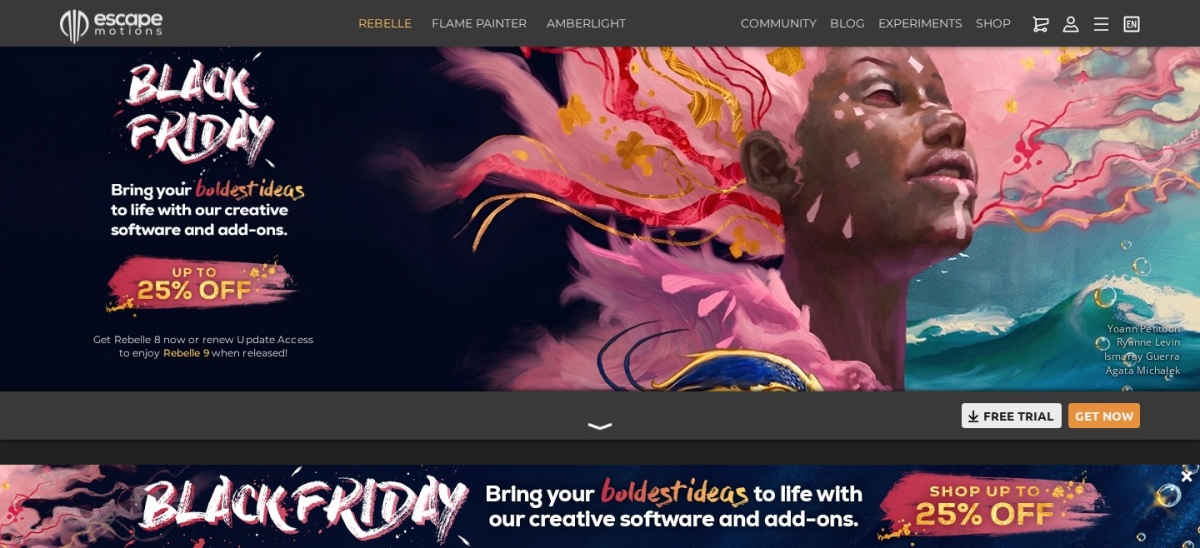
Rebelle is a hyper-realistic painting program from Escape Motions, where oils and watercolours use real physical pigment colour mixing, so colours blend the way they do on a real palette. It holds the highest G2 rating in this list at 4.8 out of 5 from 94 reviews.
The trade off is scope. Rebelle 8 costs $89.99 once for the standard edition, or $149.99 for Pro, and it is a painting tool rather than a comic or illustration workstation. It suits painters who judge an app by how real the paint feels.
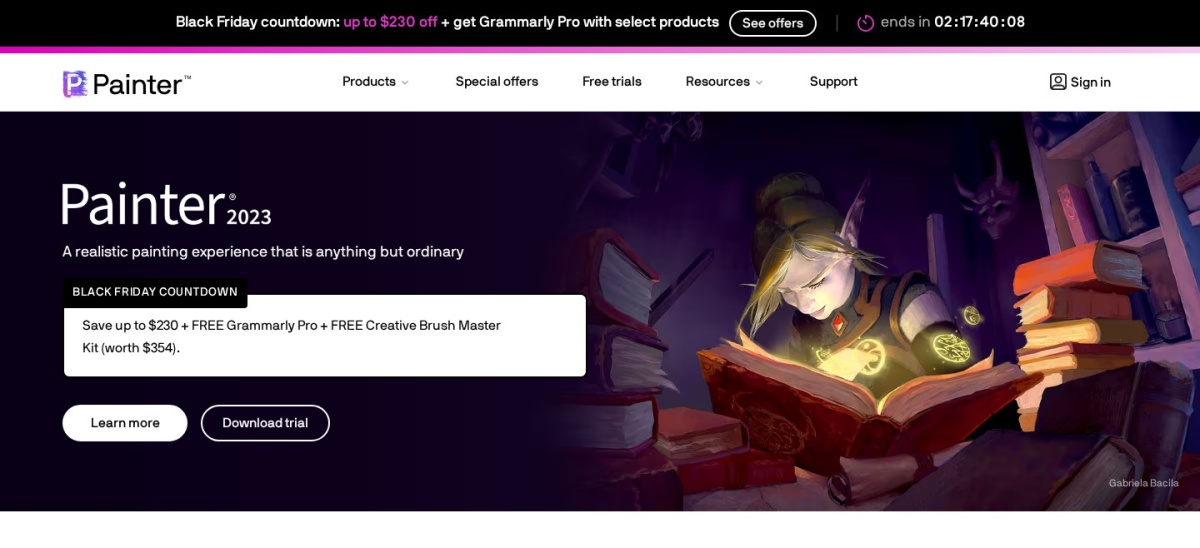
Corel Painter is for painters who miss the physical stuff. Its brushes simulate bristle behaviour, paint mixing, canvas texture and watercolour bleeding better than any competitor, with 900+ brushes tuned by working artists.
The trade off is price and weight. Painter costs $429 as a one-time purchase or $199 for a 365-day subscription, and it demands a strong PC with large brushes. It suits fine artists whose style depends on traditional-media looks.
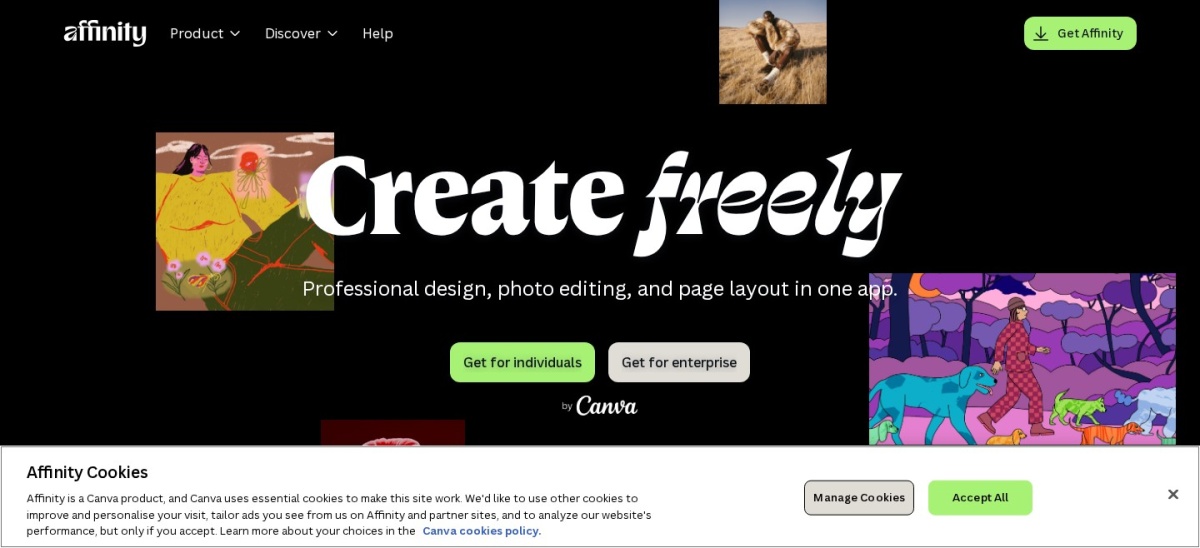
Affinity is the professional design suite from Canva, covering vector illustration, photo editing and page layout in one free desktop app. Canva bought Serif in 2024 and made the core app free in October 2025, and it holds 4.5 out of 5 on G2 from 452 reviews.
The trade off is the AI features. The core vector, pixel and layout studios are free, but AI tools need a paid Canva plan, and you need a Canva account to use it. It suits freelancers leaving Adobe who want professional tools without a subscription.
GIMP is a free and open source raster image editor that works well for drawing, retouching and exporting without a subscription. Its layer masks, blending modes and plugin library support careful layer-based painting, and it holds 4.3 out of 5 on G2 from 1,484 reviews.
The trade off is the learning curve. Casual users often find the interface frustrating at first, and its Trustpilot score is far lower than its G2 score. It suits artists who want a free, flexible raster workflow and are willing to learn it.
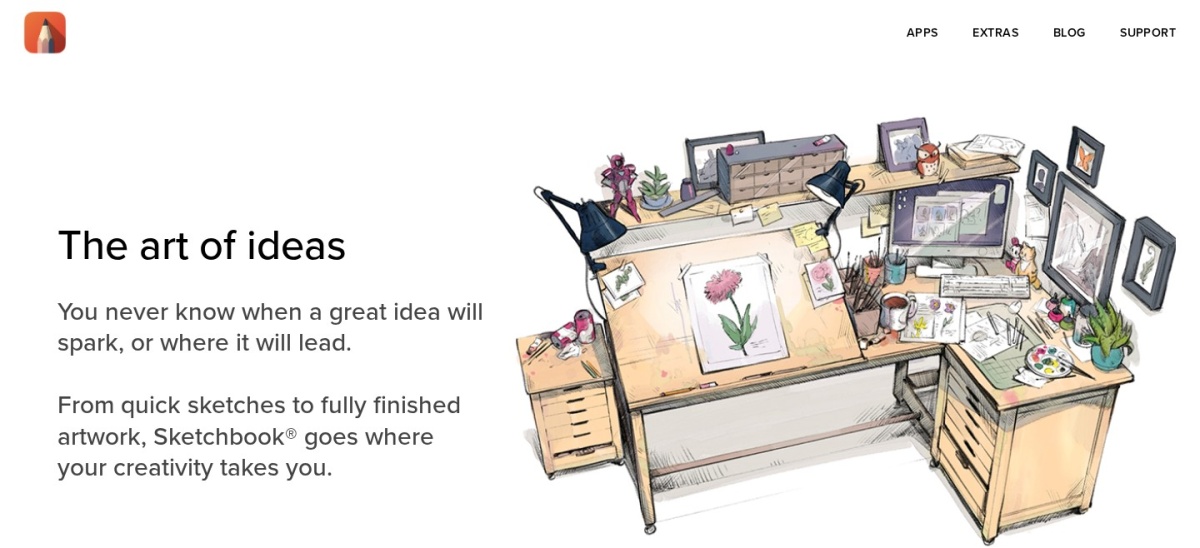
Sketchbook is a digital art app built around a canvas-first drawing workflow, with a brush engine that supports pressure-driven opacity and size plus tilt recognition. It holds 4.4 out of 5 on G2 from 177 reviews, with users praising its 9.0 usability score.
The trade off is depth. Sketchbook is a sketching tool, not a full painting suite, so comic management, animation and heavy layer workflows are thin. It suits artists who want fast, clean line art without a full painting app's weight.
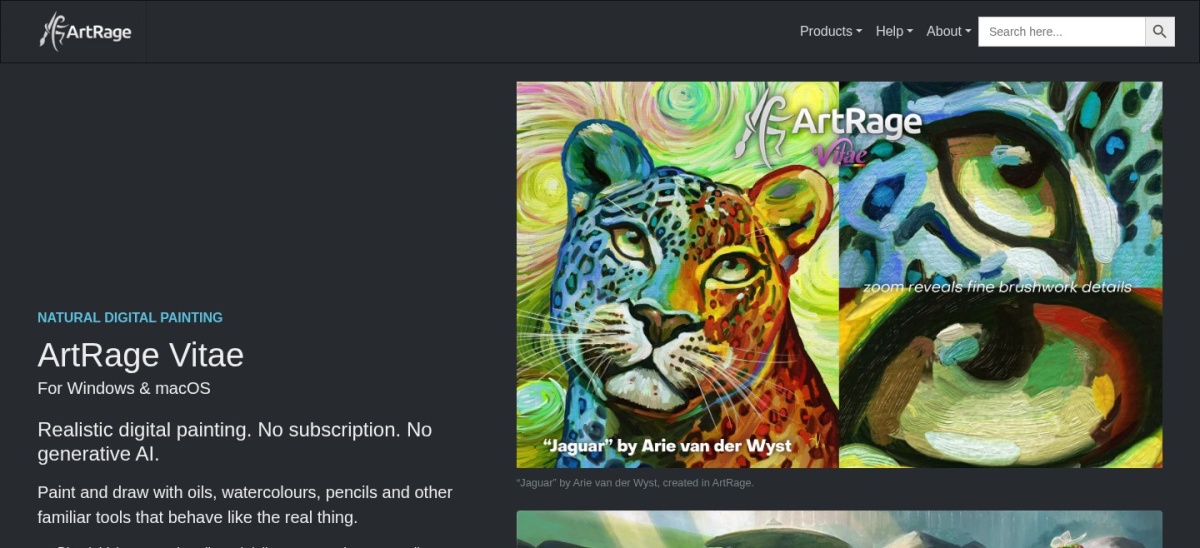
ArtRage is a painting program that makes digital painting feel physical without the complexity of Painter. Oils blend, watercolours bleed and the palette knife smears paint convincingly, in an interface a beginner can grasp in an hour.
The trade off is scope. ArtRage Lite costs $29.90 once and the full ArtRage Vitae costs $80 once, but comic tools, animation and advanced layer workflows are thin. It suits painters who want the feel of a canvas and an undo button.
Four tools here sell one-time licences: Clip Studio Paint PRO at $63, Rebelle 8 at $89.99, Corel Painter at $429 and ArtRage Lite at $29.90. A one-time licence stops the monthly bill, but later feature updates usually cost extra.
Clip Studio Paint charges $10.99 a year for an optional Update Pass on PRO, and Rebelle includes a year of updates with its $89.99 licence. Corel Painter sells both a $429 licence and a $199 yearly subscription.
Photoshop has no one-time option at all. The Photography plan at $19.99 a month is the cheapest way in, and the subscription never ends, so weigh two years of payments against a one-time licence before you commit.
How we chose
We started from the drawing programs most often recommended for Windows and Mac artists, then kept those with a verifiable rating on G2 or Capterra and a current PC version.
Prices come from each vendor's own store or pricing page, checked on 25 November 2026. Clip Studio Paint lists $26.99 a year and $63 once, Corel Painter lists $199 a year and $429 once, and Rebelle lists $89.99 once. Photoshop's $19.99 Photography plan rests on Adobe's pricing as read on 15 November 2026, because Adobe's plans page did not render prices in our check.
We left out PaintTool SAI, whose licence sales are paused with no price listed, and MyPaint, whose last stable release dates from May 2020. No vendor paid for a place, and we do not claim hands-on testing for this list.
How to choose drawing software for PC
Start with what you draw, then check the price model before anything else.
Name what you draw most. Comics need panels and tones, painting needs brush behaviour, and inking needs stabilisation. Pick the specialist that matches your main work.
Try the free tools first. Krita, GIMP and Affinity cost nothing, so test your tablet and workflow in them before you pay for anything.
Compare one-time against subscription. A $63 Clip Studio Paint licence beats two years of a $26.99 plan, while Photoshop's subscription never ends. Do the two-year maths.
Check tablet support. Confirm pressure, tilt and express-key support for your exact tablet model on the vendor's compatibility notes before you buy.
FAQ
What is the best drawing software for PC?
Clip Studio Paint is the best pick for most PC artists. It pairs a strong brush engine with comic tools, vector layers and 3D models, costs $26.99 a year on a single-device plan or $63 once, and holds 4.4 out of 5 on G2.
Is there a good free drawing software for PC?
Yes. Krita is the best free option, with professional brush engines, animation tools and PSD support at no cost, rated 4.4 out of 5 on G2. GIMP and Affinity are also free and cover photo editing and vector work.
How much does Photoshop cost for drawing?
The cheapest way into Photoshop is the Photography plan at $19.99 a month on an annual plan, which bundles Photoshop with Lightroom and 1 TB of storage. Photoshop alone costs $22.99 a month, and there is no one-time licence.
Is Clip Studio Paint a one-time purchase?
Yes, on Windows and macOS. PRO Ver. 5.0 costs $63 once and EX costs $277 once, while single-device plans run $26.99 a year for PRO and $76.99 a year for EX. Later feature updates need an optional Update Pass.
What is the best drawing software for traditional media?
Corel Painter simulates oils, watercolours and pastels most faithfully, with 900+ brushes, at $199 a year or $429 once. Rebelle 8 is the cheaper alternative at $89.99 once and holds the highest G2 rating here at 4.8 out of 5.
Can I still buy PaintTool SAI?
Not right now. The developer paused licence sales and downloads in October 2026 while moving to a new server, so the site lists no price. SAI Ver. 2 is available as a preview, but saving stays locked without a licence.
SaaS SEO and WordPress specialist with about 8 years of experience. Rakib compares WordPress plugins, themes, hosting and software using public pricing, documentation and user reviews. See how we rank.