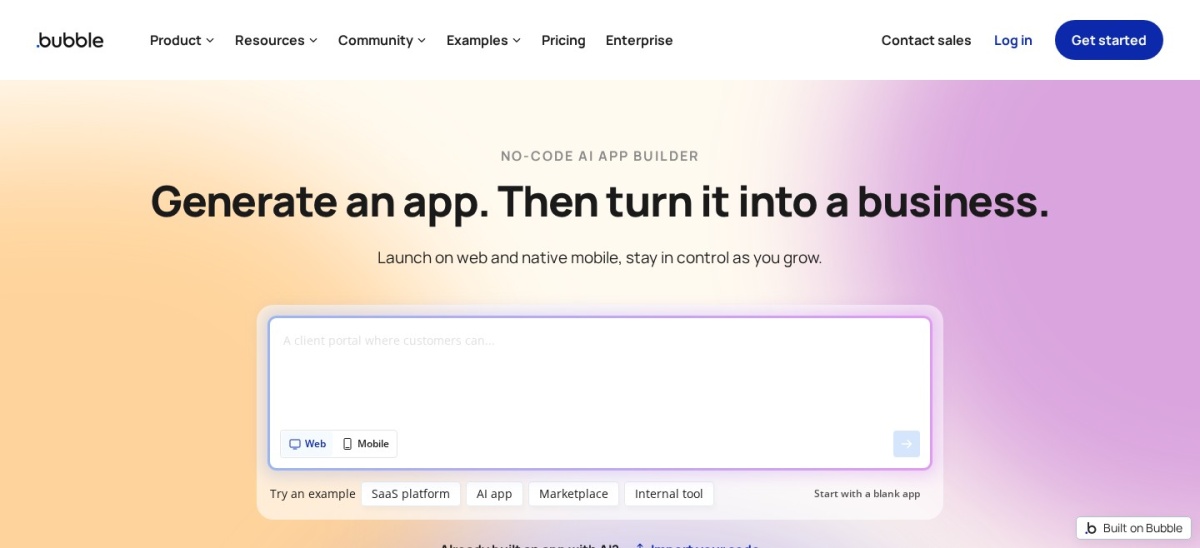
Bubble is the best drag and drop app builder overall, combining deep visual workflow logic with web, iOS, and Android publishing from $32/mo on annual billing. For native mobile apps with full Flutter code export, pick FlutterFlow ($39/mo), or choose Softr ($19/mo) for fast client portals.
How we make this list: we compare pricing pages, product documentation and public user reviews, then re-check every price before each update. No product paid for a place. Disclosure.
Bubble offers the deepest visual workflow logic and publishes to web, iOS, and Android starting at $32/mo (web-only annual) or $42/mo (mobile annual).
FlutterFlow pairs a drag and drop interface with clean Flutter code export and one-click app store deployment for $39/mo on Basic.
Softr turns Airtable, Google Sheets, and native databases into client portals and internal tools starting at $19/mo on annual billing.
Draftbit is the cheapest path to React Native code export and store publishing at $12/mo billed annually ($15/mo monthly) if you bring your own AI key.
Glide ($25/mo) and Zoho Creator ($8/user/mo annual) excel at spreadsheet-backed business apps, while Thunkable ($37/mo annual) suits block-based mobile prototypes.
What to look for in a drag and drop app builder
Modern drag and drop app builders fall into two clear camps: platforms that host and run your app on their own proprietary engine, and visual builders that generate standard source code you can download. Proprietary tools like Bubble and Adalo handle databases, hosting, and deployment in one place, whereas code-exporting platforms like FlutterFlow and Draftbit let developers take ownership of Flutter or React Native repositories.
Publishing targets also separate the field. Web-first builders such as Softr and Glide deploy immediately to custom domains or progressive web apps without app store review queues. If you need listings on the Apple App Store and Google Play, confirm whether the platform compiles native binaries directly or relies on a web wrapper, and budget separately for Apple's $99/year developer fee and Google's $25 one-time registration.
Finally, examine how each vendor meters growth after launch. Some builders charge flat monthly rates per editor seat, while others meter server workload units, external data syncs, or logged-in end users. Checking these thresholds against your expected traffic prevents unexpected tier jumps once real customers sign in.
Bubble is a visual full-stack app builder that combines a free-form canvas, built-in database, and event-driven workflow editor without requiring code. Its Free plan lets you design and test web and mobile projects with 1 GB of bandwidth before paying, while the Web Starter plan ($32/mo billed annually, or $39/mo monthly) unlocks live custom-domain deployment and 100 GB of bandwidth.
The trade off is vendor lock-in and workload-based metering, as Bubble does not export source code and charges $0.30 per 1,000 extra workload units beyond your plan allowance, with native mobile publishing starting at $42/mo annually. It suits founders and teams building custom marketplaces, SaaS products, or multi-sided apps without hiring engineers.
What we like
Handles complex relational databases and multi-step conditional workflows visually
Supports web apps, native iOS, and native Android inside a single project backend
Large marketplace of community templates and third-party API plugins
Watch out for
No source code export if you later decide to migrate off the platform
Steeper learning curve than block-based or spreadsheet-driven builders
Workload unit consumption can spike bills if database searches are poorly structured
Starter ($32/mo annual) unlocks live deployment, custom domains, and 100 GB bandwidth.Visit bubble.io
02
FlutterFlow
4.5/5on G2 (30 reviews, checked Nov 2026)
Paid from$39/mo
Best for native mobile apps with Flutter code export
PlatformsiOS, Android, Web
Entry paid planBasic ($39/mo, $351/yr)
Code exportYes (Dart / Flutter)
Free tier2 projects, 2 API endpoints
flutterflow.io
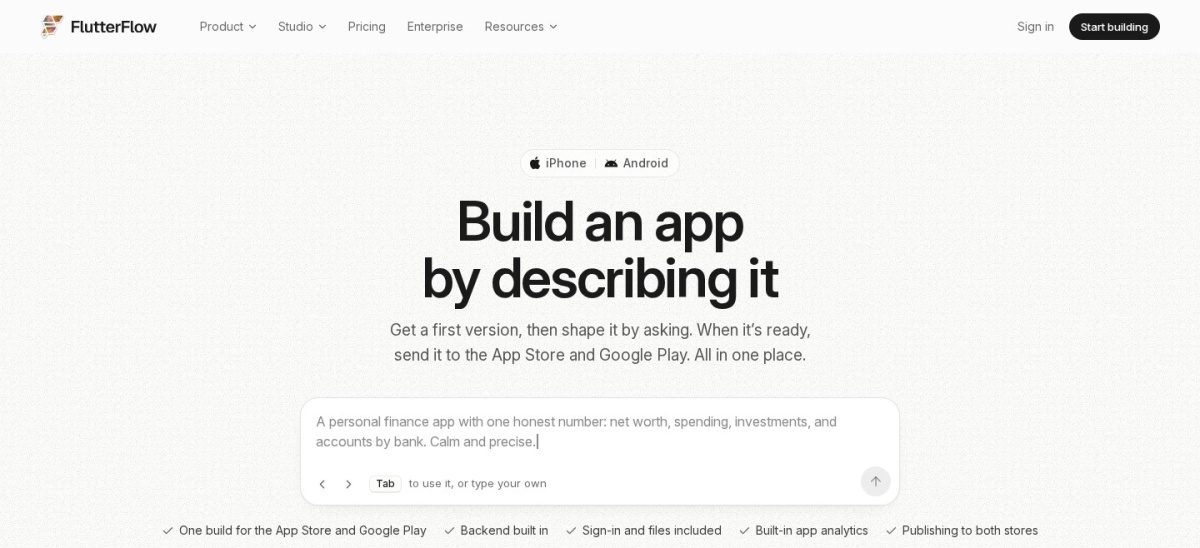
FlutterFlow homepage, captured Nov 2026.
FlutterFlow is a visual drag and drop development environment built on Google's Flutter framework that compiles native iOS, Android, and web apps. The Free plan includes over 1,000 templates, Firebase and Supabase connectors, and up to 2 projects with 2 API endpoints, while the Basic plan ($39/mo monthly, or $351 billed yearly) unlocks unlimited projects, APK downloads, and one-click app store deployment.
The trade off is per-seat team pricing and separate backend costs, as Growth jumps to $80/mo for the first editor ($55/mo for a second) and you must connect an external database like Firebase or Supabase. It suits technical founders, agencies, and product teams who want visual speed without sacrificing full Dart code ownership.
What we like
Generates readable, exportable Flutter and Dart source code with no lock-in
Direct one-click deployment to both the Apple App Store and Google Play
Built-in integrations for Firebase, Supabase, OpenAPI imports, and custom Dart classes
Watch out for
Requires setting up and paying for an external backend such as Firebase or Supabase
Team collaboration features like GitHub push require the $80/mo Growth plan
Basic ($39/mo) unlocks Flutter code download, custom domains, and one-click store publishing.Visit flutterflow.io
03
Softr
4.4/5on Trustpilot (73 reviews, checked Nov 2026)
Paid from$19/mo
Best for client portals and internal business tools
PlatformsWeb, Installable PWA
Entry paid planBasic ($19/mo annual)
Code exportNo (CSV/PDF data export)
Free tier5 app users, 5K records
softr.io
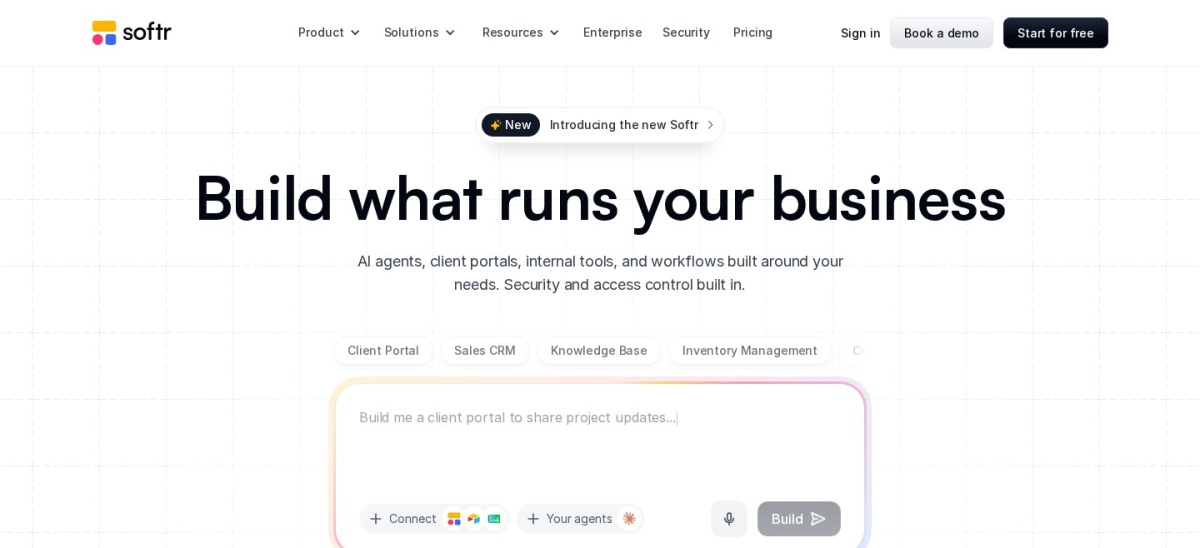
Softr homepage, captured Nov 2026.
Softr is a block-based drag and drop builder designed for client portals, CRMs, and internal tools connected to Airtable, Google Sheets, Notion, SQL, or Softr Databases. Its Free plan covers unlimited apps, up to 3 builders, 5 logged-in app users, and 5,000 database records, while Basic ($19/mo billed annually, or $25/mo monthly) adds a custom domain, 50,000 records, and 10 app users.
The trade off is a steep tier jump for larger audiences and mobile features, as adding external users beyond 10 or removing the Softr badge requires Pro at $99/mo annually, and installable PWA mobile apps sit on Business at $329/mo annually. It suits small businesses and agencies launching polished web portals over existing spreadsheet or database records.
What we like
Fast block-based assembly over Airtable, Google Sheets, Notion, and native tables
Granular role-based permissions and user groups for external client portals
Predictable per-app-user tiers rather than per-action compute metering
Watch out for
Does not compile native iOS or Android binaries for app store distribution
Basic caps total logged-in users at 10 with no option to buy extra user packs
Draftbit is a visual mobile and web app builder that generates clean React Native and Expo source code alongside a built-in Supabase development backend. Its Free plan includes 3 projects, visual editing, 5,000 one-time credits, and 20 weekly agent runs using your own AI key, while Standard ($12/mo billed annually, or $15/mo monthly) unlocks full code editing, GitHub export, custom domains, and iOS and Android publishing.
The trade off is that base paid plans include zero monthly AI credits and charge compute credits for staging and production environments, requiring either your own Claude or OpenAI key or credit top-ups from $5/mo. It suits solo developers and startups who want affordable React Native code ownership and store deployment.
What we like
Lowest entry price for full React Native code export and app store publishing
Lets you connect your own Claude or ChatGPT subscription to avoid platform AI markups
Includes 15 native mobile builds per seat each month on Standard
Watch out for
iOS and Android simulators and over-the-air updates require Pro at $24/mo annually
Production backend compute draws additional usage credits beyond the base subscription
Standard ($12/mo annual) unlocks source code export, GitHub sync, and iOS/Android publishing.Visit draftbit.com
05
Glide
4.7/5on G2 (418 reviews, checked Nov 2026)
Paid from$25/mo
Best for turning spreadsheets into mobile-friendly web apps
PlatformsWeb, Mobile PWA
Entry paid planBasic / Explorer ($25/mo)
Code exportNo
Free tierDrafts only, no publishing
glideapps.com
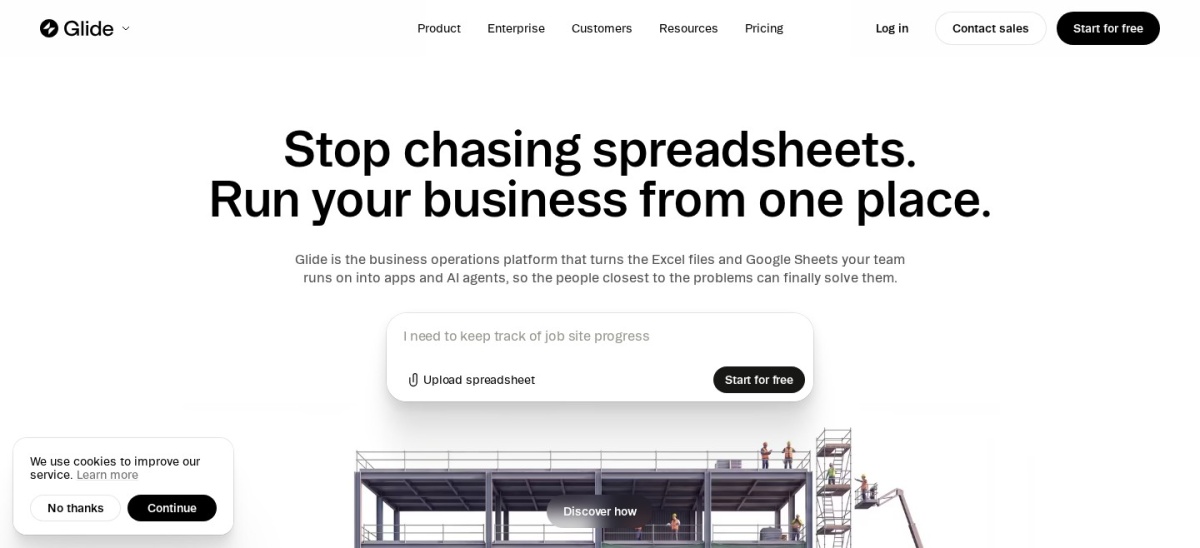
Glide homepage, captured Nov 2026.
Glide turns spreadsheets and data tables into responsive business apps for field teams, inventory tracking, and directories using pre-built layouts and components. Its Free plan lets you build and test prototypes with Glide Tables at no cost, while entry paid plans start at $25/mo for publishing live apps, workflows, and team collaboration.
The trade off is that Glide builds progressive web apps rather than native App Store or Google Play binaries, and external data syncs or business-email user seats push costs up quickly on higher tiers. It suits operations managers who want clean internal mobile web apps running in hours rather than weeks.
What we like
Fastest learning curve for turning tabular data into polished mobile interfaces
Strong user satisfaction scores for reliability and visual polish out of the box
Built-in Glide Tables handle tens of thousands of rows without external setup
Watch out for
Cannot publish native binaries to the Apple App Store or Google Play Store
Entry paid plans ($25/mo) unlock live app publishing, workflows, and external sharing.Visit glideapps.com
06
Thunkable
4.4/5on G2 (35 reviews, checked Nov 2026)
Paid from$18/mo
Best for beginners using Scratch-style logic blocks
PlatformsiOS, Android, Web
Entry paid planAccelerator ($18/mo annual)
Code exportNo
Free tier3 public projects, 5 screens
thunkable.com
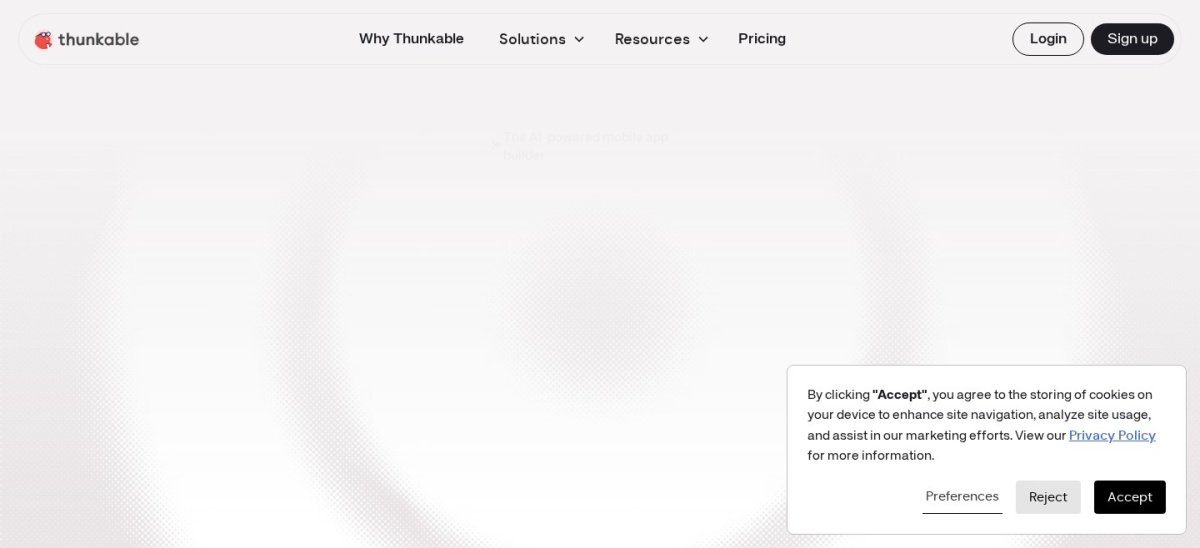
Thunkable homepage, captured Nov 2026.
Thunkable is a cross-platform drag and drop mobile app maker that pairs a visual screen designer with Scratch-style interlocking logic blocks for device sensors, push notifications, and APIs. Its Free plan includes 2,000 monthly AI tokens, 3 public projects, and 5 screens per project, while Accelerator ($18/mo billed yearly, or $19/mo monthly) unlocks 1 private project, 10 screens, and 20,000 AI tokens.
The trade off is that publishing a live app to the Apple App Store or Google Play requires the Builder tier at $37/mo billed yearly ($59/mo monthly), and Thunkable does not offer source code export. It suits educators, students, and non-technical makers prototyping native mobile apps with visual logic blocks.
What we like
Intuitive block-based logic makes conditional behavior easy for non-coders to grasp
Supports native hardware features such as camera, GPS, Bluetooth, and notifications
Predictable flat monthly caps without per-user overage fees
Watch out for
Live app store publishing requires upgrading to Builder ($37/mo annual, $59/mo monthly)
No source code export and projects become read-only if you downgrade to Free
Accelerator ($18/mo annual) unlocks private projects; Builder ($37/mo annual) adds 1 live store app.Visit thunkable.com
07
Zoho Creator
4.3/5on Capterra (171 reviews, checked Nov 2026)
Paid from$8/mo
Best for internal business workflows inside Zoho
PlatformsWeb, iOS, Android
Entry paid planStandard ($8/user/mo annual)
Code exportNo (Deluge scripting)
Free tier1 basic app, 15-day trial
zoho.com
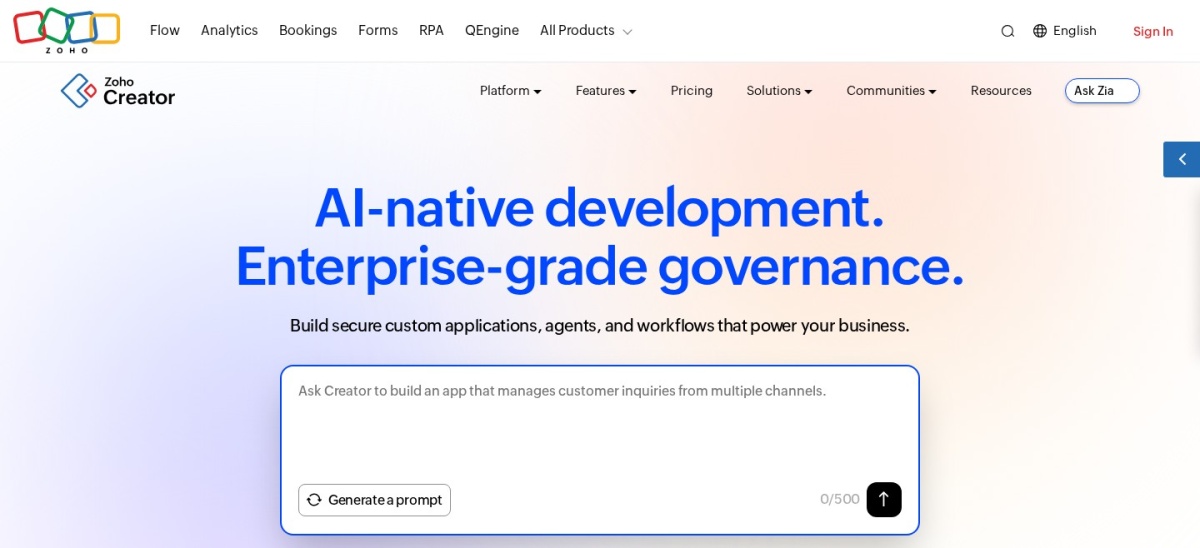
Zoho Creator homepage, captured Nov 2026.
Zoho Creator is a low-code drag and drop platform for building custom business forms, approval workflows, reports, and multi-device apps that connect natively with the Zoho suite. It offers a Free plan for 1 basic app plus a 15-day trial, while Standard ($8/user/mo billed annually at $96/yr, or $12/user/mo monthly) unlocks 1 full app, 1 GB storage per user, roles, API access, and mobile deployment.
The trade off is per-user seat licensing and a 1-app cap on Standard, meaning unlimited apps require Professional ($20/user/mo annual) and external customer portals require separate portal user add-ons. It suits small and midsize companies already running on Zoho CRM or Zoho Books.
What we like
Lowest per-seat entry price at $8/user/mo annually for internal business apps
Deep native connectors across Zoho CRM, Books, Desk, and external REST APIs
Automatically generates web, iOS, and Android interfaces from a single build
Watch out for
Per-user pricing becomes expensive if you need dozens of internal staff seats
Standard restricts accounts to a single application until you upgrade to Professional
Standard ($8/user/mo annual) unlocks 1 full app, workflow approvals, API access, and mobile apps.Visit zoho.com
Hidden costs beyond the monthly builder subscription
Even when a drag and drop app builder advertises a free tier or a $12 to $39 entry plan, launching a public mobile app carries mandatory third-party fees. Publishing to the Apple App Store requires an Apple Developer Program membership at $99/year, and Google Play requires a $25 one-time developer registration.
Code-generating builders such as FlutterFlow and Draftbit also separate the frontend editor from production backend hosting. While both include free development tiers with Firebase or Supabase, live traffic, file storage, and database reads will incur usage charges on your cloud provider once user activity scales.
How we chose
We evaluated leading drag and drop and visual no-code app builders across web, progressive web app, and native iOS and Android categories, focusing on platforms with active product updates in 2026 and verifiable public user reviews on G2, Capterra, or Trustpilot.
All prices, plan allowances, ratings, and review counts were checked on 22 Nov 2026 against official vendor pricing pages, documentation, and public review profiles, recording the cheapest regular paid tier for each platform.
We excluded pure prompt-only AI code generators without a visual drag and drop editor, discontinued builders, and enterprise platforms that hide all self-serve pricing behind sales calls. No vendor paid for a place, and we do not claim testing for this list.
How to choose a drag and drop app builder
Match your target platform, data source, and long-term ownership needs before committing to a builder's pricing model.
Confirm whether you need native app stores or a web link. If customers must download your app from the Apple App Store or Google Play, narrow your shortlist to Bubble, FlutterFlow, Draftbit, Thunkable, or Zoho Creator. If a browser link or home-screen web app works, Softr and Glide launch faster without store approval delays.
Decide if you require source code ownership. Proprietary platforms like Bubble, Softr, and Glide host your app on their infrastructure, which simplifies maintenance but prevents code export. Choose FlutterFlow or Draftbit if your team wants downloadable Flutter or React Native repositories.
Check how the platform meters growth. Model your expected traffic against each tool's billing metric: Bubble meters server workload units, Softr and Zoho Creator count logged-in users, and FlutterFlow or Thunkable charge flat per-editor seat rates.
Prototype on the free tier before upgrading. Every builder on this list offers a free plan for building and previewing screens. Connect your real data tables and test core workflows on the free tier first so you only pay for a publishing plan once your minimum viable product is ready.
FAQ
Can I publish a drag and drop app to the Apple App Store for free?
No. While builders like Bubble, FlutterFlow, Draftbit, and Thunkable offer free plans for designing and testing apps, every platform requires a paid subscription to export binaries or publish to app stores, plus Apple's $99/year developer fee.
Which drag and drop app builder lets me export my source code?
FlutterFlow and Draftbit both let you download clean, editable source code on their entry paid plans. FlutterFlow exports Dart and Flutter code starting on Basic ($39/mo), while Draftbit exports React Native and Expo code starting on Standard ($12/mo annual).
What is the best drag and drop app builder for internal business tools?
Softr ($19/mo annual) and Glide ($25/mo) are the fastest choices for internal dashboards, directories, and portals backed by Google Sheets or Airtable. Teams already using Zoho apps can also build internal workflows on Zoho Creator from $8/user/mo annually.
Does Bubble build native mobile apps or only web apps?
Bubble builds web applications, native iOS apps, and native Android apps that share a single backend and database. Web-only publishing starts on Starter at $32/mo annually, while native mobile publishing starts at $42/mo annually.
Are drag and drop app builders suitable for startups launching an MVP?
Yes. Startups routinely use Bubble, FlutterFlow, or Draftbit to launch functional MVPs in weeks without hiring a full engineering team, then scale either on the platform's higher tiers or by exporting code in FlutterFlow or Draftbit.
Why do some app builders charge extra for AI credits or workload units?
Platforms separate editor access from ongoing server compute or LLM token costs. Bubble meters server database searches and workflows in workload units, whereas Draftbit and Softr cap monthly AI generation credits so heavy AI or server usage scales separately.
SaaS SEO and WordPress specialist with about 8 years of experience. Rakib compares WordPress plugins, themes, hosting and software using public pricing, documentation and user reviews. See how we rank.