MongoDB Atlas is the best managed database software for handling high traffic, offering dedicated sharded clusters and a 4.5/5 G2 rating from 910 reviews. Choose Supabase for managed PostgreSQL applications or Redis Cloud for reducing database load through in-memory caching and fast session storage.
How we make this list: we compare pricing pages, product documentation and public user reviews, then re-check every price before each update. No product paid for a place. Disclosure.
MongoDB Atlas starts at $8/month, but high-traffic workloads should use dedicated M30 or larger clusters.
Supabase Pro starts at $25/month and includes 100,000 monthly active users for its authentication service.
Redis Cloud Essentials starts at $5/month, with database configurations ranging from 250 MB to 100 GB.
PostgreSQL has no software license fee and holds a 4.4/5 G2 rating from 682 reviews.
CockroachDB has a published Standard deployment estimate of $203/month and a 99.99% availability SLA.
Apache Cassandra has no software license fee and scores 4.1/5 from 35 G2 reviews.
What to look for in database software for high traffic
High-traffic applications need databases that maintain acceptable response times while handling concurrent requests, growing datasets and unexpected traffic spikes.
Read-heavy applications benefit from caching, indexes and read replicas. Write-intensive applications may require partitioning or distributed database architectures that spread requests across multiple servers.
Consider availability alongside raw performance. Automatic failover, replication, reliable backups and recovery procedures help applications remain accessible during infrastructure failures.
Managed databases reduce operational responsibilities, while self-hosted systems provide greater control over configuration and infrastructure. The best option depends on your team's technical experience and reliability requirements.
Entry-level pricing does not represent production-scale costs. Estimate compute, memory, storage, replication, network traffic and backup expenses before selecting a database.
The 7 best database software tools for handling high traffic
01
MongoDB Atlas
4.5/5on G2 (910 reviews, checked Nov 2026)
Paid from$8/mo
Best for scalable managed document databases
Database modelDocument
Entry paid tierFlex
Flex storage5 GB
Recommended high-traffic tierDedicated M30+
mongodb.com
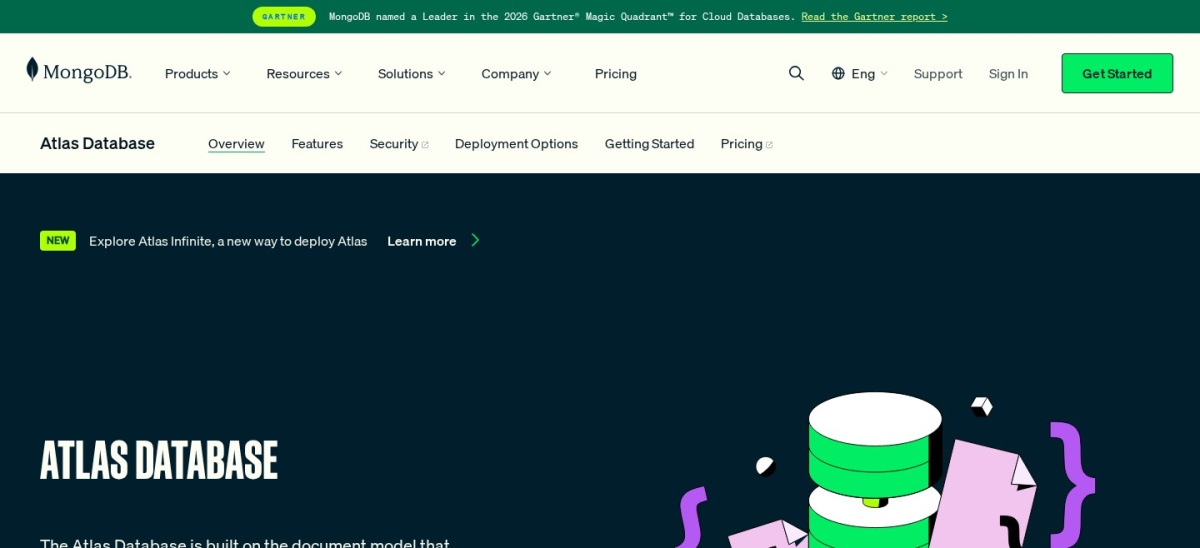
MongoDB Atlas homepage, captured Nov 2026.
MongoDB Atlas is a managed document database service supporting replication, flexible schemas and distributed data storage. Its Flex tier includes 5 GB of storage, shared computing resources and usage-based pricing capped at $30 per month.
The trade off is that the $8 monthly starting rate covers development and smaller workloads rather than demanding production applications. Dedicated M30 or larger clusters are recommended for high-traffic deployments. It suits development teams building applications with evolving data structures and horizontal scaling requirements.
What we like
Horizontal scaling through sharding
Managed replication and database operations
Flexible document-based data model
Multiple cloud deployment options
Watch out for
Entry-level clusters are unsuitable for heavy production traffic
Dedicated infrastructure increases costs
Document modeling requires careful planning
Dedicated clusters add greater compute capacity, production replication and sharding options.Visit mongodb.com
02
Supabase
4.6/5on G2 (243 reviews, checked Nov 2026)
Paid from$25/mo
Best for managed PostgreSQL application backends
Database enginePostgreSQL
Entry paid planPro
Included authentication MAUs100,000
Included Realtime peak connections500
supabase.com
Supabase homepage, captured Nov 2026.
Supabase is a managed PostgreSQL backend platform combining relational databases, authentication, storage and real-time application services. Pro includes 100,000 monthly active authentication users and an allowance of 500 concurrent peak connections for Realtime.
The trade off is that the $25 monthly Pro subscription covers an entry configuration, while larger database instances, additional usage and advanced recovery features increase costs. It suits application developers who want PostgreSQL alongside integrated backend services without managing every infrastructure component.
Paid plans provide larger resource allowances, backups and configurable database compute.Visit supabase.com
03
Redis Cloud
4.6/5on G2 (44 reviews, checked Nov 2026)
Paid from$5/mo
Best for high-speed caching and session storage
Database modelIn-memory key-value
Free database capacity30 MB
Essentials capacity range250 MB–100 GB
Entry paid planEssentials
redis.io
Redis Cloud homepage, captured Nov 2026.
Redis Cloud is a managed in-memory database service designed for fast data retrieval, caching, session management and real-time application workloads. Its free subscription provides 30 MB of database capacity, while Essentials offers configurations from 250 MB to 100 GB.
The trade off is that the $5 monthly starting price covers a small shared deployment, and larger memory allocations increase costs. Redis also requires appropriate persistence and eviction settings. It suits high-traffic applications that need to reduce repeated requests to their primary databases.
What we like
Fast access to frequently requested data
Managed infrastructure
Configurable memory and storage capacity
Useful for caching and session management
Watch out for
Large memory allocations can be expensive
Not a direct replacement for relational databases
Persistence and eviction policies require planning
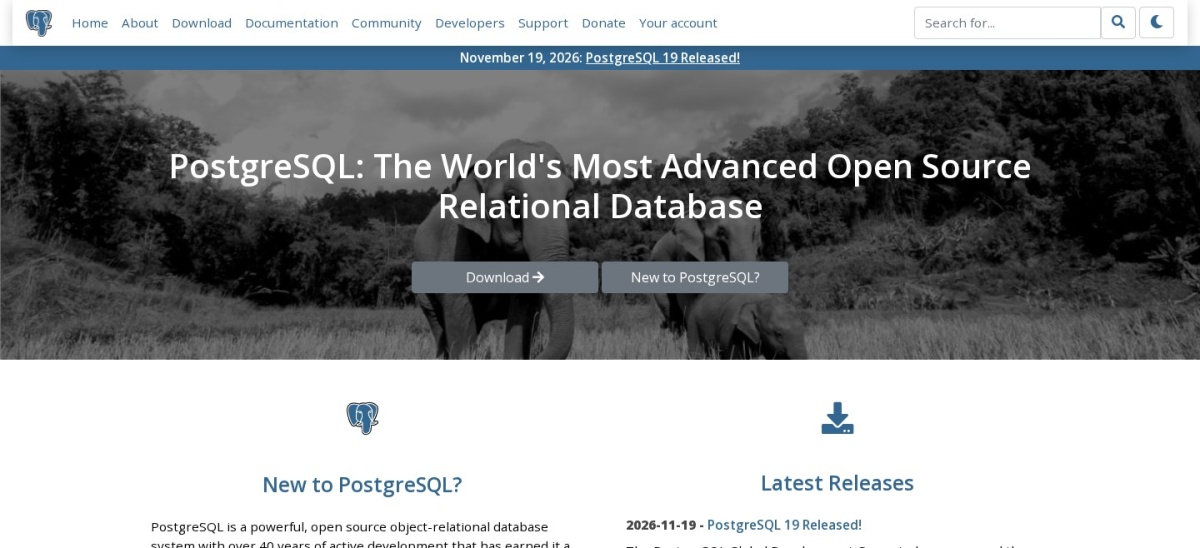
PostgreSQL is an open-source relational database engine offering transactional consistency, advanced indexing, table partitioning and replication. Its complete database software is available without licensing fees and supports concurrent workloads through multiversion concurrency control.
The trade off is that free software does not include hosting, managed operations or commercial support. Teams must configure connection pooling, query optimization, replication and failover themselves. It suits organizations with technical database expertise and applications requiring complex queries and reliable transactions.
Poorly optimized queries can consume significant resources
The PostgreSQL project offers no paid tier; hosting and commercial support are separate.Visit postgresql.org
05
CockroachDB
4.3/5on G2 (29 reviews, checked Nov 2026)
Starts at$203/mo
Best for distributed SQL transactions
Database modelDistributed SQL
Entry cloud planContinuum Standard
Standard availability SLA99.99%
Mission Critical multi-region SLA99.999%
cockroachlabs.com
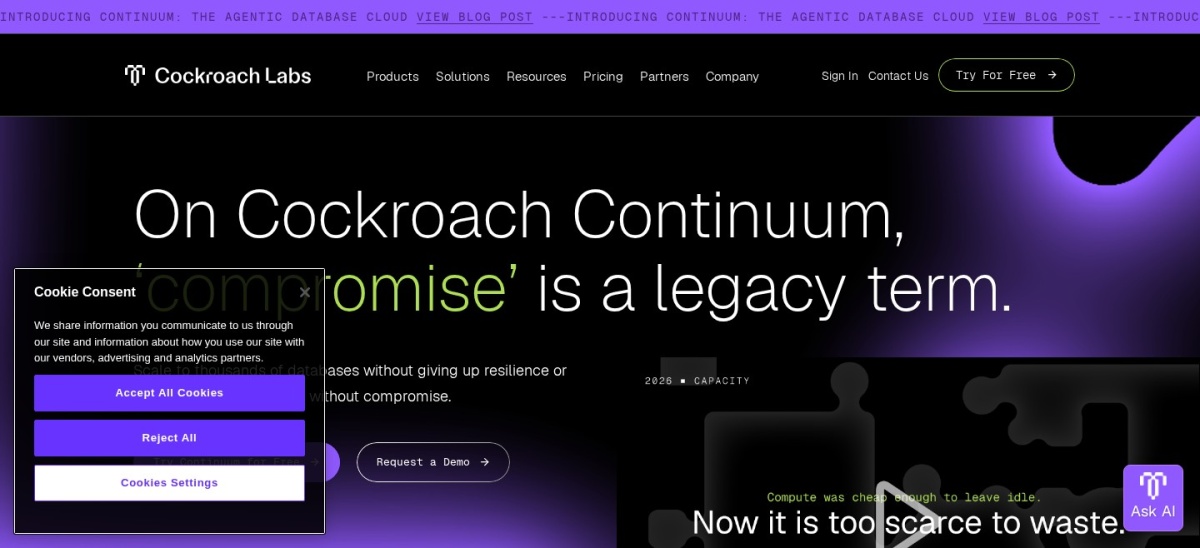
CockroachDB homepage, captured Nov 2026.
CockroachDB is a distributed relational database designed to maintain transactional consistency across multiple computing nodes. Its current Continuum Standard cloud offering supports single-region and multi-region deployments, with a published 99.99% availability SLA.
The trade off is usage-based billing and additional latency considerations for geographically distributed transactions. The vendor shows an estimated $203 monthly Standard deployment with 2 vCPUs and 100 GB of storage, not a fixed subscription minimum. It suits distributed applications requiring transactional consistency and infrastructure fault tolerance.
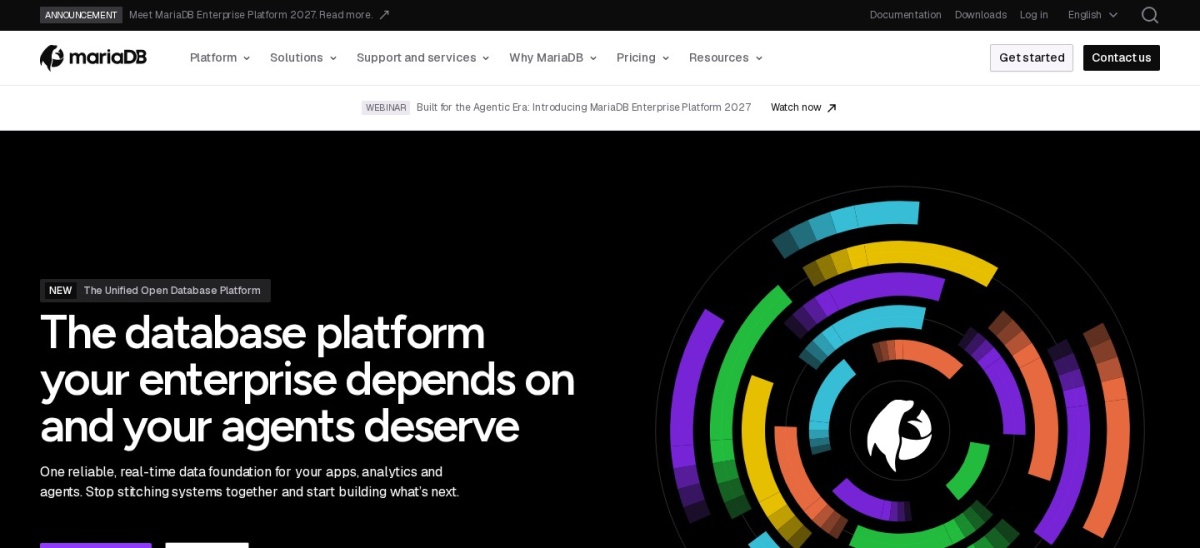
MariaDB is an open-source relational database server developed from the MySQL ecosystem. Its community edition provides SQL querying, transactional storage engines, replication and indexing without requiring a software subscription.
The trade off is that the free community server requires separate infrastructure and operational management. Compatibility differences with newer MySQL versions also require evaluation before migration. It suits established web applications that need a familiar relational database with flexible deployment and replication options.
What we like
Free community database server
Broad compatibility with MySQL-based applications
Multiple storage engine options
Replication and clustering capabilities
Watch out for
MySQL compatibility is not complete
Self-hosted infrastructure requires maintenance
Commercial support and enterprise products cost extra
The community server has no paid tier; commercial MariaDB products are licensed separately.Visit mariadb.org
07
Apache Cassandra
4.1/5on G2 (35 reviews, checked Nov 2026)
PriceFree
Best for distributed write-intensive workloads
Database modelWide-column NoSQL
Software licenseApache 2.0
Scaling architectureDistributed nodes
ConsistencyConfigurable
cassandra.apache.org
Apache Cassandra homepage, captured Nov 2026.
Apache Cassandra is an open-source distributed database designed for large datasets, continuous write activity and fault-tolerant infrastructure. Its architecture distributes data across multiple nodes and supports configurable consistency levels and replication without software licensing fees.
The trade off is that the free database requires substantial operational expertise, infrastructure spending and workload-specific data modeling. It does not support conventional relational joins. It suits applications collecting large volumes of events, messages or other continuously generated data.
Apache Cassandra has no paid project tier; managed hosting and support are sold separately.Visit cassandra.apache.org
How databases handle high application traffic
Vertical scaling increases the processing power, memory and storage available to an existing database server. It is often simpler to implement but eventually reaches infrastructure limits.
Horizontal scaling distributes data or requests across multiple servers. Read replicas handle additional read requests, while sharding divides datasets across database nodes to distribute storage and processing responsibilities.
Caching stores frequently requested information outside the primary database. Redis Cloud can complement PostgreSQL, MariaDB or MongoDB by reducing repeated queries and improving response times.
Connection pooling, efficient indexing and query optimization should accompany infrastructure scaling. Adding servers alone may not resolve inefficient application queries or poorly designed data access patterns.
How we chose
We compared established relational, document, distributed and in-memory databases based on scalability architecture, replication, availability, deployment flexibility and independent customer feedback.
Pricing and ratings were checked on 25 Nov 2026 using official vendor pages, open-source project documentation and G2. Annual prices are calculated from published monthly starting rates. CockroachDB uses a vendor-provided deployment estimate rather than a fixed plan price. Open-source entries exclude separately sold hosting and commercial services.
We excluded products without sufficient customer feedback, documented scaling capabilities or accessible pricing information. Rankings reflect workload suitability rather than measured performance benchmarks. No vendor paid for a place, and we do not claim testing for this list.
How to choose database software for high traffic
Evaluate these requirements before selecting a database for a high-traffic website, application or distributed service.
Identify your workload characteristics. Measure concurrent requests, read and write ratios, dataset growth, transaction complexity and acceptable response times before choosing a database architecture.
Select an appropriate scaling strategy. Determine whether your application needs larger individual servers, read replicas, distributed storage, sharding or an additional caching layer.
Calculate production infrastructure costs. Include database instances, memory, storage, replication, backup retention, network traffic and operational support rather than relying on advertised entry-level subscription prices.
Review availability and recovery requirements. Confirm replication behavior, failover procedures, recovery capabilities and availability commitments. Validate the selected configuration against representative application workloads before production deployment.
FAQ
What is the best database software for handling high traffic?
MongoDB Atlas is our preferred managed document database for applications requiring horizontal scaling and flexible data structures. Supabase is suitable for managed PostgreSQL workloads, while Redis Cloud helps reduce primary database traffic through caching.
Is PostgreSQL suitable for high-traffic websites?
Yes. PostgreSQL supports concurrent transactions, advanced indexes, replication and table partitioning. High-traffic deployments benefit from connection pooling, optimized queries, appropriate hardware and caching. Actual capacity depends on application design and workload characteristics.
Which database is best for millions of users?
There is no universal database choice based solely on user numbers. MongoDB Atlas, PostgreSQL and CockroachDB can support large applications with suitable infrastructure, while Apache Cassandra is relevant for distributed, write-intensive workloads. Concurrent activity and query complexity matter more than registered users.
Can Redis improve database performance under heavy traffic?
Yes. Redis can cache frequently requested data, store sessions and reduce repeated queries against a primary database. Its in-memory architecture is particularly useful for read-heavy applications, provided cache invalidation, persistence and memory limits are managed appropriately.
How much does high-traffic database software cost?
Managed entry-level prices in this comparison start at $5 per month for Redis Cloud, $8 for MongoDB Atlas and $25 for Supabase. Production-scale deployments usually cost more because they require additional computing resources, storage, replication and availability features.
SaaS SEO and WordPress specialist with about 8 years of experience. Rakib compares WordPress plugins, themes, hosting and software using public pricing, documentation and user reviews. See how we rank.