Laserfiche leads for strict version control and audit trails, while Google Drive suits teams that want simple version history inside a familiar suite. Egnyte and M-Files add stronger governance, and Box, Dropbox and SharePoint cover everyday file versioning at lower prices.
How we make this list: we compare pricing pages, product documentation and public user reviews, then re-check every price before each update. No product paid for a place. Disclosure.
Laserfiche is the top-rated tool in this list at 4.7 out of 5 from 1,250 G2 reviews, and the only one built first for audit trails.
Google Drive is the best pick for most teams, with version history included from $7 a user a month and 48,170 G2 reviews behind it.
Box and SharePoint are the cheapest entry points at $5 a user a month, though Box caps Starter at 25 versions per file.
Egnyte adds global file locking, so distributed teams cannot overwrite each other's work.
Check-in and check-out, not version history, is the feature that separates real version control from cloud storage.
What to look for in document version control software
Document version control is the difference between one file everyone trusts and five copies named final_v3. A good tool keeps every version, records who changed what, and lets you restore an older copy in seconds.
The features that matter most are version history, check-in and check-out, and permissions. History lets you roll back a bad edit, check-in stops two people overwriting each other, and permissions decide who can edit, comment or only read.
Cloud storage tools such as Google Drive, Dropbox and Box include version history, but their controls are lighter than a document management system. Laserfiche, M-Files, DocuWare and SharePoint add check-in, approvals and audit trails for regulated work.
Price is no guide to fit. Box and SharePoint start at $5 a user a month, while Laserfiche starts at $73, yet a small team that only needs to restore old drafts will be happier with the cheaper tool. Our guide to workflow automation software covers the approval side of document control in more depth.
The 9 best document version control software tools
01
Laserfiche
4.7/5on G2 (1,250 reviews, checked Nov 2026)
Starts at$73/mo
Best version control for regulated teams
Free planNo, trial only
Cheapest paidProfessional, $73/user/mo
Version historyFull, with check-in/out
Storage100 GB per user
laserfiche.com
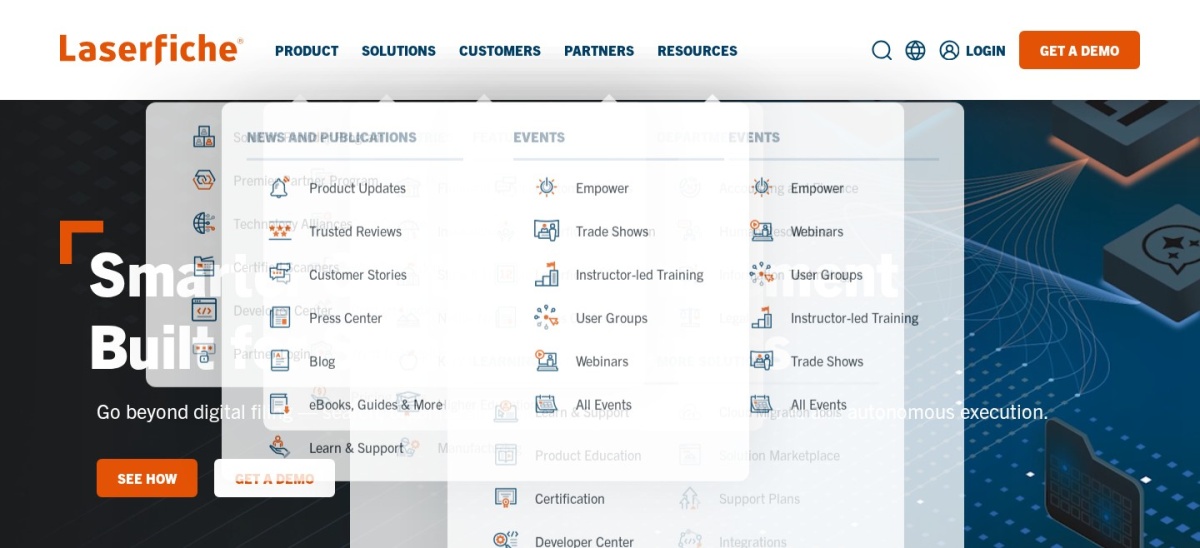
Laserfiche homepage, captured Nov 2026.
Laserfiche is a document management platform built for government, education and finance teams that must prove what changed, when and by whom. Every document keeps a full version history with check-in and check-out, and Professional costs $73 a user a month billed annually with 100 GB of storage per user, workflow automation and AI data extraction.
The trade off is price and setup. Professional starts at 5 users, so a small team pays at least $365 a month, and the interface takes training. It suits regulated teams that need audit trails more than they need a low bill.
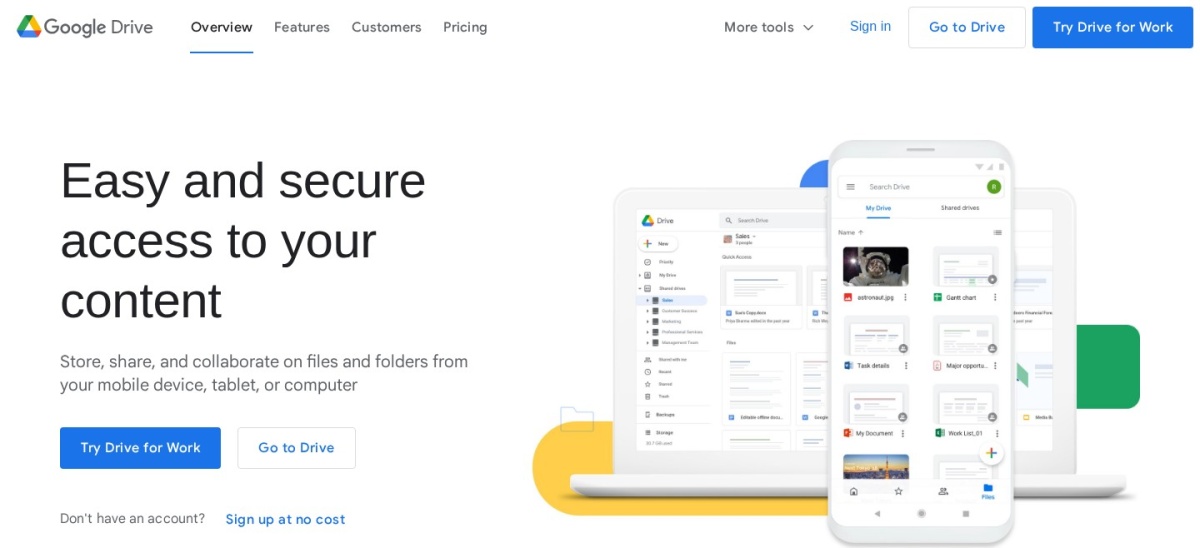
Google Drive is the file layer of Google Workspace, and its version history keeps the last 100 versions of every file or 30 days of changes, whichever comes first. Business Starter costs $7 a user a month billed annually with 30 GB of pooled storage, shared drives and real-time editing in Docs, Sheets and Slides.
The trade off is control. There is no check-in and check-out, version retention is limited on the cheapest plan, and admins who need strict governance must move to higher Workspace tiers. It suits teams that already live in Google apps and want version history without learning a new system.
Egnyte is a content cloud platform that pairs automatic version history with global file locking, so two people cannot overwrite the same file from different offices. Business costs $22 a user a month billed annually with secure collaboration, Microsoft 365 co-editing and Google Workspace integration.
The trade off is the entry tier. The official pricing page now starts at $22 a user a month, and G2 still lists a $10 Team plan that no longer appears on the site. It suits distributed teams that share large files and need locking more than a wiki.
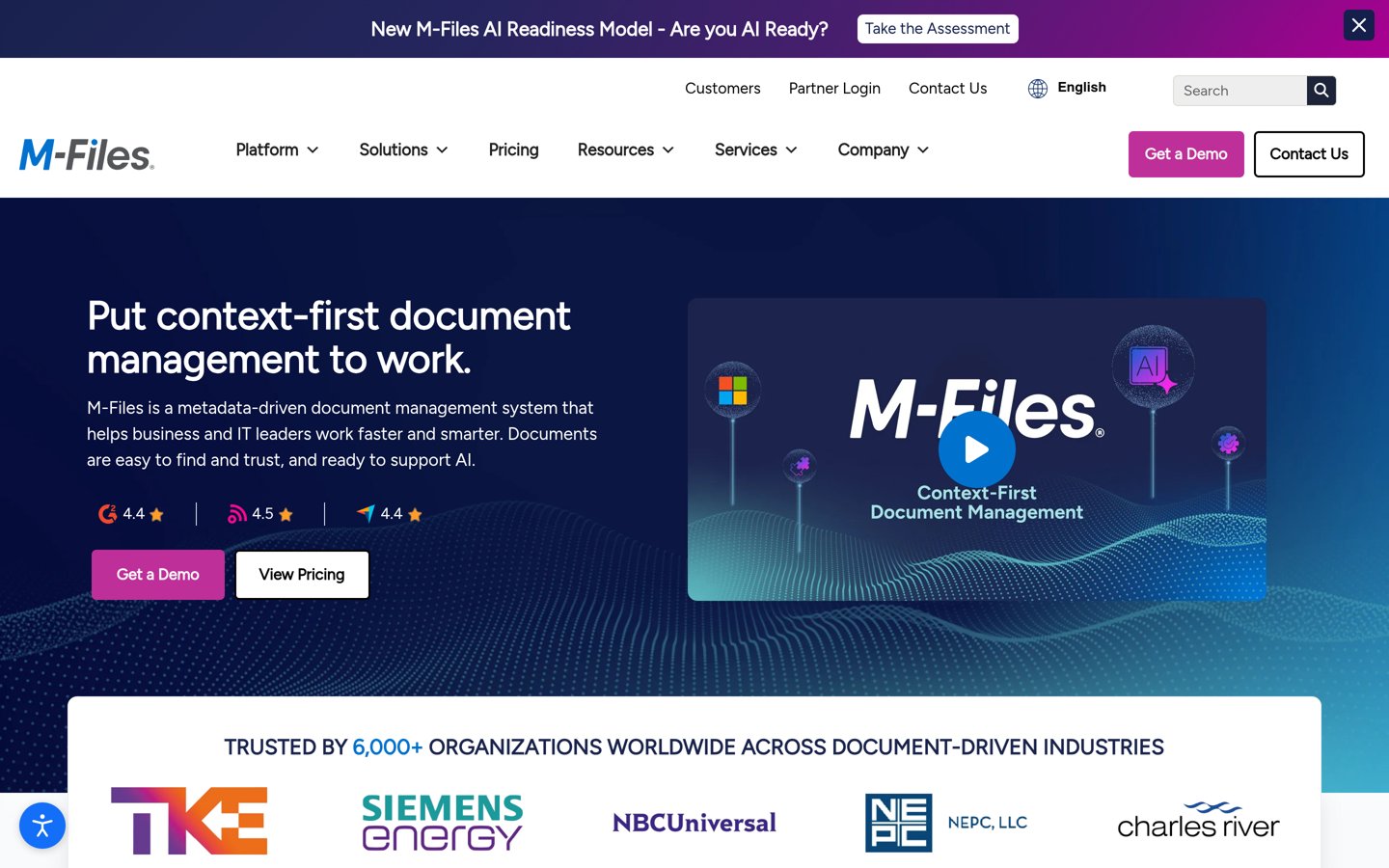
M-Files is a document management platform that files documents by what they are, such as client, project or contract, instead of by folder, and every version stays linked to the same record. Essentials costs $65 a seat a month with Microsoft 365 native experiences, the Aino AI assistant, graphical workflows and version control with lifecycle management.
The trade off is cost and setup. Essentials is the priciest entry plan in this list, and designing the metadata model usually needs training or a partner. It suits professional firms that file by client or matter and need governance on top of versioning.
DocuWare is a document management and workflow platform that turns paper and email into indexed, versioned records with approval routing. Its own FAQ puts DocuWare Cloud at $30 to $125 or more a user a month, depending on tier and user type, and the entry Cloud plans cover capture, indexing and workflow.
The trade off is transparency. DocuWare publishes no fixed price list, so the $30 figure is the bottom of a vendor-stated range rather than a single plan price, and reviewers report a steep learning curve. It suits offices that digitise large volumes of paper and need strict indexing.
Dropbox is the file sync tool most teams already know, and Business Standard keeps 180 days of version history with file recovery on every plan. Standard costs $15 a user a month billed annually with 3 TB of pooled team storage, team folders, admin controls and PDF editing and signing.
The trade off is governance. Dropbox has no check-in and check-out and no metadata filing, and one November 2026 review notes the vendor site shows prices in euros with no USD list published. It suits small teams that want reliable sync and simple version history.
Box is a cloud content platform with version history, granular permissions and compliance certifications that suit regulated teams on a budget. Business Starter costs $5 a user a month billed annually with 100 GB of storage, a 2 GB file upload limit and 25 file versions, for teams of up to 10 users.
The trade off is the ceiling. Starter caps at 10 users and 25 versions per file, and the fuller Business plan costs $15 a user a month billed annually. It suits small teams that need secure sharing and version history at the lowest price in this list.
What we like
Lowest entry price in this list
Rated 4.2 out of 5 from 5,379 G2 reviews
Strong compliance: HIPAA, SOC 2, FedRAMP
Watch out for
Starter caps at 10 users
Only 25 versions per file on Starter
Business adds unlimited storage at $15 a user a monthVisit box.com
08
Confluence
4.1/5on G2 (4,368 reviews, checked Nov 2026)
Paid from$7.15/mo
Best version control for team wikis
Free planYes, up to 10 users
Cheapest paidStandard, $7.15/user/mo
Version historyFull page history
Storage250 GB on Standard
atlassian.com
Confluence homepage, captured Nov 2026.
Confluence is Atlassian's team wiki, and every page keeps a full version history with the author and date of each change, plus page restrictions and templates. Standard costs $7.15 a user a month on monthly billing for the first 100 users, after a price change on 13 October 2026, and the free plan covers up to 10 users.
The trade off is the price basis. Atlassian prices Standard in per-user brackets that move with team size, and one November 2026 read lists $5.78 a user a month on annual billing. It suits teams whose documents are wiki pages rather than files, especially beside Jira.
SharePoint is Microsoft's document library platform, with version history, check-in and check-out, permissions and metadata on every library. SharePoint Online Plan 1 costs $5 a user a month with 1 TB of storage per user, and most buyers get it inside Microsoft 365 Business Basic at $7 a user a month billed annually.
The trade off is complexity. Permissions and records management take careful setup, reviewers rate ease of use 7.8 out of 10 on G2, and there is no free plan beyond a trial. It suits organisations already on Microsoft 365 that want versioning inside the suite they pay for.
Version history is a simple list of past saves. Google Drive keeps the last 100 versions of a file or 30 days of changes, Dropbox Standard keeps 180 days, and Box Starter keeps 25 versions. That is enough to undo a bad edit.
Version control adds rules on top of history. Check-in and check-out mean only one person edits at a time, approvals route a draft to a manager before it becomes current, and an audit trail records every change with a name and a time.
If your documents are contracts, patient records or financial filings, you need control, not just history. For everyday files shared inside a small team, the lighter history in Drive, Dropbox or Box is usually enough.
How we chose
We started from the best-known document management and cloud storage tools with a G2 rating and at least 250 reviews, then kept those with a published paid plan in US dollars and real version history.
Prices come from each vendor's pricing page or G2 pricing data supplied by the vendor, checked on 25 November 2026. Ratings and review counts come from G2 on the same day. Where a vendor shows a first-year discount, the list shows the regular price.
We left out tools sold only by quote, such as Alfresco Enterprise, and tools priced only in euros. No vendor paid for a place, and we do not claim hands-on testing for this list.
How to choose document version control software
List the documents that need real control first, then match the tool to the job, because history and control are not the same thing.
List the documents that need control. Note which files are regulated, shared with clients or edited by several people, since those need check-in, approvals and audit trails.
Check how long versions are kept. Some tools keep 100 versions or 30 days on cheap plans, while others keep every version for years. Match retention to your audit needs.
Test a restore and a conflict. Upload a real document, edit it from two accounts and restore an older version. This shows whether locking and history work the way your team expects.
Confirm the price for your headcount. Per-user prices change with team size on several tools in this list, so get the quote for your exact user count before you commit.
FAQ
What is the best document version control software?
Laserfiche is the best pick for regulated teams because it pairs full version history with check-in and check-out, audit logging and workflow automation. Google Drive suits teams that want simple version history inside a familiar suite, while Egnyte leads for distributed teams that need file locking.
How much does document version control software cost?
Entry prices in this list run from $5 a user a month for Box Starter and SharePoint Plan 1 to $73 a user a month for Laserfiche Professional. Most tools cost $7 to $30 a user a month, and enterprise governance tiers such as M-Files Enterprise are priced by quote.
What is the difference between version history and version control?
Version history is a simple list of past saves you can restore. Version control adds check-in and check-out, so only one person edits at a time, plus approvals, audit trails and retention rules. SharePoint, Laserfiche, M-Files and DocuWare offer full control, while Drive, Dropbox and Box offer history with fewer locks.
Is there free document version control software?
Yes. Google Drive, Dropbox, Box and Confluence all have free plans with version history, though each limits storage, versions or users. Free plans suit small teams and trials, while check-in and check-out, audit trails and long retention usually need a paid plan.
Do I need version control if I use Google Drive or Dropbox?
For everyday files, their built-in version history is enough, since both keep past versions you can restore. If several people edit the same regulated documents, or you must prove who changed what for an audit, a dedicated tool such as Laserfiche, M-Files or SharePoint gives you check-in, approvals and audit logs.
What should I check before choosing a version control tool?
Check how long versions are kept, whether check-in and check-out is included, and how permissions work for guests and contractors. Confirm the price covers your whole team, since per-user brackets change with headcount, and test restores on a real document before you migrate.
SaaS SEO and WordPress specialist with about 8 years of experience. Rakib compares WordPress plugins, themes, hosting and software using public pricing, documentation and user reviews. See how we rank.