PandaDoc is the best document automation software for most teams, with proposals, e-signatures and payments in one place from $19 per user a month. Pick Docupilot for cheap template merges at $29 a month and Formstack Documents for form-driven paperwork.
How we make this list: we compare pricing pages, product documentation and public user reviews, then re-check every price before each update. No product paid for a place. Disclosure.
PandaDoc leads on ratings at 4.7 out of 5 from 3,868 G2 reviews, with a free eSign plan.
Docupilot is the cheapest real automation here at $29 a month for 100 documents.
Formstack Documents now sells only as part of the $250-a-month Suite, so it suits teams already on Formstack.
Templafy and Gavel serve governed, branded documents, and both cost $40 or more per user a month.
Zoho Writer is the only free automation option, with paid credits from $0.05 each.
What document automation should cover
Document automation turns a template and a data source into a finished file without retyping. A sales team merges CRM fields into a proposal, a law firm turns intake answers into a contract, and an operations team turns form replies into certificates.
The tools split into two groups. Proposal platforms such as PandaDoc and Proposify cover the whole deal, from draft to signature to payment. Template engines such as Docupilot and Formstack Documents only fill templates, and do it well for high volumes.
Watch the seat math. Most tools charge per user per month, so a $19 plan costs $228 a year for one person and $2,280 for ten. Our guide on document sharing platforms explains how the finished files move once they are generated.
E-signatures are the hidden extra. Some plans include them, others charge per envelope, and a few need a separate signing tool entirely. Check that line before you compare headline prices.
PandaDoc is a document automation platform built around sales documents: proposals, quotes, contracts and order forms. The free eSign plan covers basic signing, while Starter at $19 per user a month adds unlimited documents, templates, CRM integrations with Salesforce and HubSpot, and payment collection.
The trade off is cost as teams grow. Useful features such as approval workflows, CPQ and advanced analytics sit on the $49 Business plan, and the Starter plan allows only five templates. It suits sales teams that send proposals every week and want tracking, signing and payment in one place.
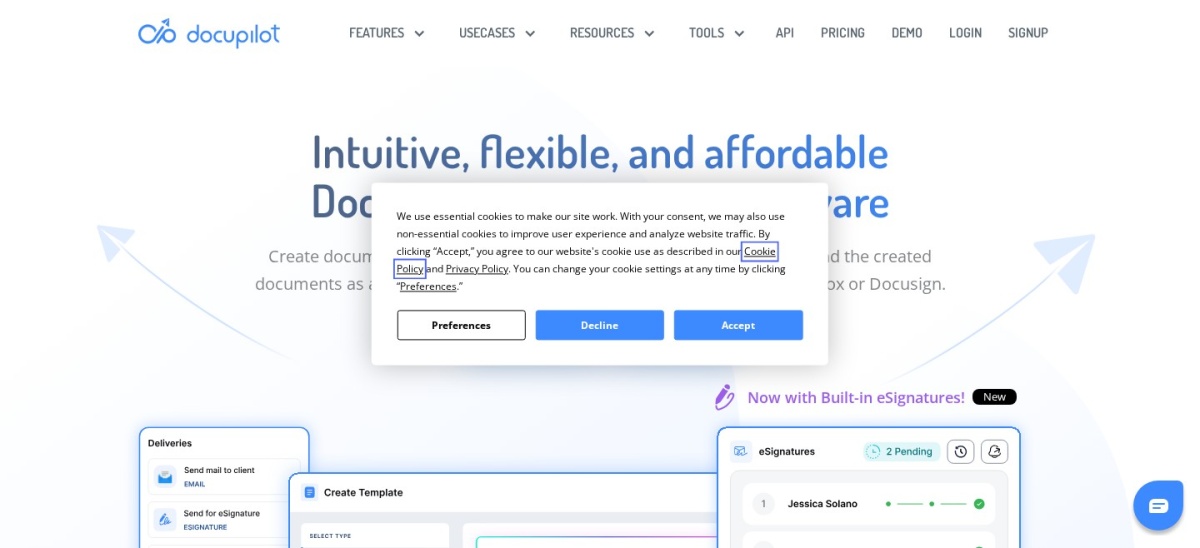
Docupilot is a template-driven document generator that fills Word, PDF and Excel templates from Zapier, Make, Airtable or an API. The Starter plan costs $29 a month for 100 documents and one seat, with unlimited templates and no code needed to set up a merge.
The trade off is e-signatures, which cost extra from $1.50 per envelope, and the Starter plan covers only one seat. It suits small teams that generate certificates, invoices or letters from a spreadsheet or form without buying a full sales platform.
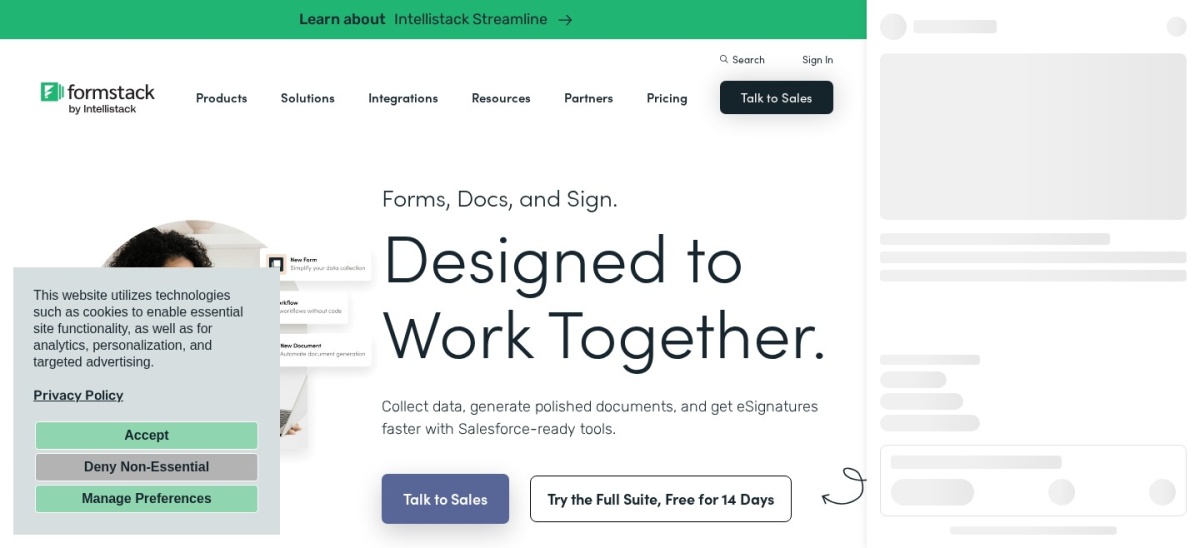
Formstack Documents is a template engine that merges data from forms, CRMs and spreadsheets into Word, Excel, PowerPoint or PDF files. It is sold as part of the Formstack Suite at $250 a month billed annually, which also includes Forms and Sign for collecting data and signatures.
The trade off is the entry price. There is no standalone Documents plan and no free plan, so small teams pay for the whole Suite. It suits mid-size teams already running Formstack Forms or Salesforce that generate documents at volume.
Templafy is a template platform that keeps branded, compliant documents inside Microsoft Office. Staff create documents from approved templates without leaving Word or PowerPoint, and AI agents can draft content from company data. The Team plan costs $40 per user a month for up to 25 seats.
The trade off is scale. Larger teams must move to Enterprise pricing by quote, and the strongest governance features sit on Enterprise instead of Team. It suits companies where every document must carry the right brand, clauses and disclaimers.
Proposify is a proposal platform for agencies and sales teams that need brand control and approval workflows. Basic costs $19 per user a month, and the platform locks individual proposal elements so reps customise within approved content while high-value deals route to managers automatically.
The trade off is the real entry price. The $49 Team tier is the functional starting point for CRM access and approvals, and about 15 percent of G2 reviews cite editor clunkiness. It suits agencies that send polished, on-brand proposals every week.
Gavel is a legal document automation tool that turns frequently used templates into intelligent workflows and client-facing applications. Clients answer guided online forms, and Gavel produces the finished PDF or Word document. The Lite plan starts at $83 a month.
The trade off is a thin review base: Gavel holds a 5.0 out of 5 G2 rating from only 11 reviews, so the score is less proven than PandaDoc or Proposify. It suits law firms that want clients to complete intake forms without a lawyer retyping answers.
Crove is a no-code document builder with conditional logic and automation triggers. Teams design a document once, set rules for which sections appear, and generate finished files from form or CRM data. Paid plans start at $29 a month.
The trade off is another thin review base: Crove is rated 4.7 out of 5 on G2 from only 10 reviews, and most come from non-legal use cases. It suits small teams that want logic-driven documents without hiring a developer.
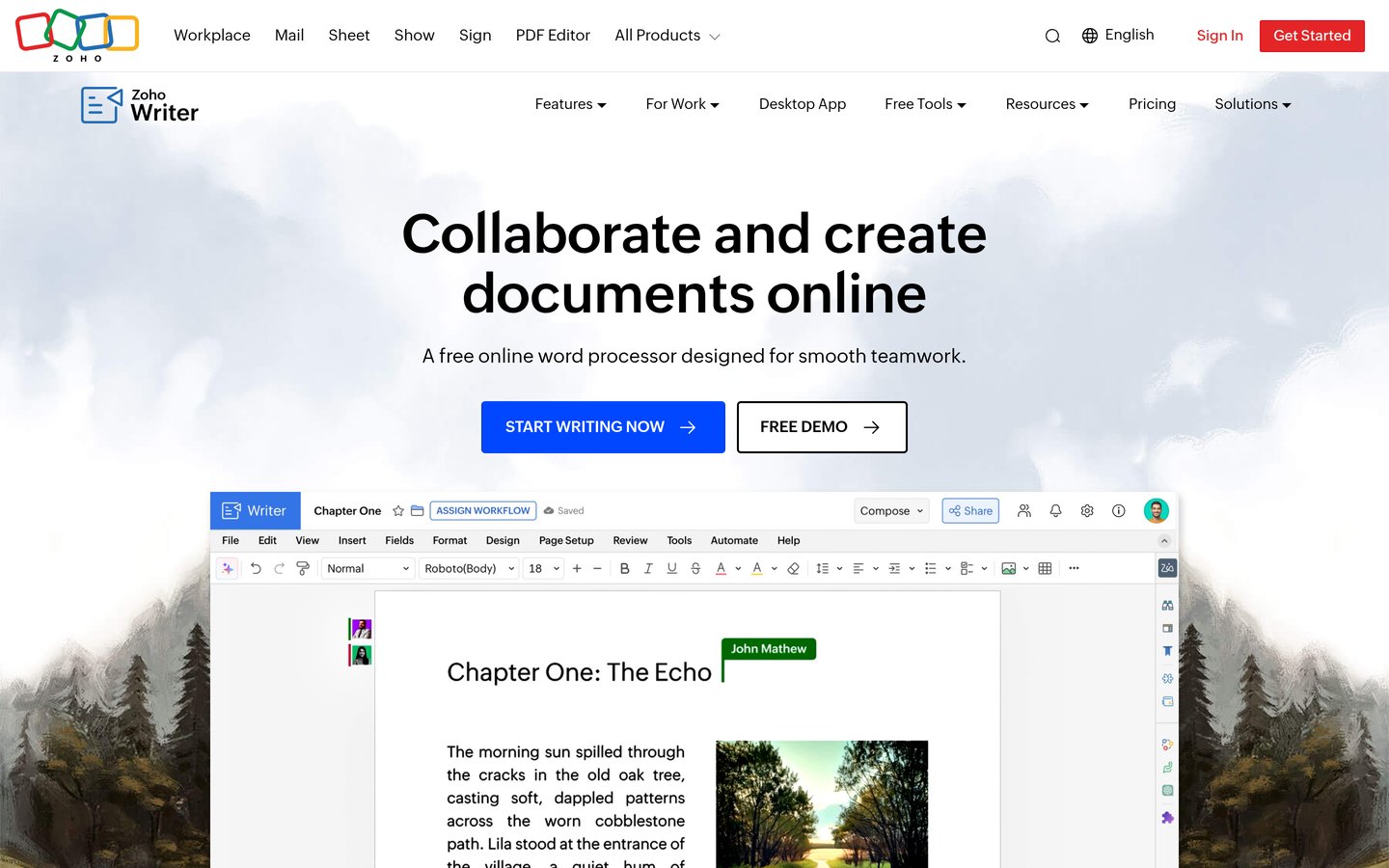
Zoho Writer is a free online word processor with document automation built in. The editor is free, and automation runs on credits from $0.05 each, so a team that automates a few documents a month pays almost nothing. It works inside the Zoho suite and on its own.
The trade off is depth. Writer lacks the proposal tracking, payments and approval workflows of PandaDoc, and the strongest value comes inside the Zoho ecosystem. It suits small companies and Zoho users that want low-cost automation.
Docusign Gen is a Salesforce document generator that creates agreements from Salesforce data, including CPQ quotes, and sends them for signature through Docusign eSignature. It starts from $20 per user a month and suits teams that already run their deals in Salesforce.
The trade off is scope. Gen only makes sense inside Salesforce, and the rating shown is for Docusign eSignature, which has 2,610 G2 reviews, since Gen has no separate G2 profile. It suits Salesforce teams that want documents and signatures in one flow.
Free plans cover light use well. PandaDoc's free eSign plan and Zoho Writer's free editor handle occasional documents without a subscription.
Paid plans add volume and control. Template limits, approval workflows, CRM sync and branding all sit behind the paywall in most tools here.
If you generate more than a few documents a week, the paid plan usually pays for itself in saved retyping. Start free, then upgrade when the template limit bites.
How we chose
We started from the established document automation tools with public ratings on G2, Capterra or Trustpilot, then kept those with a published price or a clear quote process and a real product behind them.
Prices come from each vendor's pricing page, checked on 25 November 2026, and ratings and review counts come from G2, Capterra or Trustpilot on the same day. Where a vendor shows a sale, the list shows the regular price.
We left out tools with no verifiable rating and tools that have been retired. No vendor paid for a place, and we do not claim hands-on testing for this list.
How to choose document automation software
Start with the document you create most often, then match the tool to that job.
Count your documents per month. A team sending five proposals a month needs a different plan from one generating 500 certificates. Volume decides the price tier.
Check whether signing is included. Built-in e-signatures save a second subscription. Pay-per-envelope add-ons are cheaper if you sign rarely.
List your data sources. The tool must connect to your CRM, forms or spreadsheets. Zapier and native Salesforce links cover most teams.
Trial the template builder first. Build one real document end to end before paying. If the editor fights your layout, the tool will cost time every week.
FAQ
What is the best document automation software?
PandaDoc is the best document automation software for most teams. It is rated 4.7 out of 5 on G2 from 3,868 reviews, and its $19 Starter plan covers proposals, templates, e-signatures and payments in one place.
What is the cheapest document automation software?
Docupilot is the cheapest paid option here at $29 a month for 100 documents and one seat. Zoho Writer is free for basic editing, with automation credits from $0.05 each, which suits teams with very low volumes.
Do I need e-signatures built in?
It depends on volume. If you send contracts weekly, built-in signing in PandaDoc or Proposify saves a second subscription. If you sign rarely, Docupilot with a pay-per-envelope add-on is cheaper overall.
What is the difference between PandaDoc and Docupilot?
PandaDoc is a full sales-document platform with proposals, tracking, signatures and payments. Docupilot only fills templates from data sources such as Zapier and Airtable, so it is simpler and cheaper for bulk generation.
Can document automation replace a lawyer?
No. These tools assemble documents from templates you control, but they do not give legal advice. Have a lawyer review any template that creates binding obligations before you send it to clients.
Does Formstack Documents have a free plan?
No. Formstack Documents is sold as part of the Formstack Suite, which starts at $250 a month billed annually. A 14-day trial is available, and the Suite also includes Forms and Sign.
SaaS SEO and WordPress specialist with about 8 years of experience. Rakib compares WordPress plugins, themes, hosting and software using public pricing, documentation and user reviews. See how we rank.