Best Digital Work Instruction Software in 2026: 9 Tools Compared
WLWPLegible EditorsLast verified 23 Nov 2026How we rank14 min read
★ Short answer
SwipeGuide is the best digital work instruction software for most manufacturers, with dedicated instructions at a flat €649 a month and unlimited users. Pick MaintainX to start free, and Dozuki for instructions, training and document control in one system.
How we make this list: we compare pricing pages, product documentation and public user reviews, then re-check every price before each update. No product paid for a place. Disclosure.
SwipeGuide leads for mid-size manufacturers, with dedicated work instructions at a flat €649 a month and unlimited users.
MaintainX has the highest G2 rating here at 4.8 out of 5 from 1,512 reviews, and the only genuinely free plan.
Tulip's $100 per interface looks cheap until the 10-interface minimum: the real entry bill is $1,000 a month.
Five of the nine tools sell by quote only, so budget time for a sales call and a scoped pilot before you compare costs.
Dozuki implementations average around five months according to G2, and VKS around four, so plan the rollout, not just the subscription.
What digital work instruction software should cover
Digital work instruction software replaces paper SOPs with step-by-step guides that operators follow on a tablet, phone or headset at the station. The guide is always the current revision, in the operator's own language, with photos, video and checklists instead of dense text.
The tools here fall into two shapes. Dedicated instruction tools such as SwipeGuide, Dozuki, VKS and REWO do one job well: authoring, versioning and delivering guides. Connected worker platforms such as Poka, Azumuta and Redzone add skills, safety, quality and execution data around the same guides.
Price is mostly unpublished. Five of the nine tools here sell by quote, so the price ladder below shows Custom for most of them. SwipeGuide charges a flat €649 a month, Tulip $100 a month per interface with a ten-interface minimum, and MaintainX and SafetyCulture publish per-user prices. The notes spell out where a figure could not be confirmed.
If the plant also needs to plan the rollout, our guide to the best project management software covers the tools that track it, while this list covers the guides operators follow.
List prices in each vendor's currency, checked Nov 2026
DozukiCustom
VKSCustom
PokaCustom
AzumutaCustom
RedzoneCustom
MaintainXFREE$240
SafeCultureFREE$288
SwipeGuide€7,788
Tulip$12,000
The 9 best digital work instruction software tools
01
SwipeGuide
4.4/5on Capterra (63 reviews, checked Nov 2026)
Starts at€649/mo
Best digital work instruction software overall
Cheapest planPro, €649 a month
Free planNo, free trial
UsersUnlimited, 10 editors
Languages2 included, AI builder
swipeguide.com
SwipeGuide homepage, captured Nov 2026.
SwipeGuide is the most focused work instruction tool in this list, and the flat price is the reason it leads. Pro costs €649 a month and covers one location with unlimited users and unlimited content, plus 10 content editors, 2 languages and an AI-powered instruction builder.
The trade off is the flat rate itself. A plant with one line and a handful of operators pays the same €649 as a plant with 200 operators, so small teams should compare it against MaintainX or SafetyCulture first. There is no free plan, and multi-location work needs the custom Enterprise tier.
What we like
Flat €649 a month with unlimited users
AI-powered instruction builder drafts guides from documents and videos
Guides work on phones and tablets at the station, with QR codes
Skills management built in, so training lives with instructions
Watch out for
Flat €649 is steep for a single line or a very small team
Now part of L2L, so the roadmap sits inside a larger platform
MaintainX is the cheapest way into digital procedures in this list, and the only tool with a genuinely free plan. Basic costs $0 and covers unlimited work orders, unlimited procedures, unlimited requester users and real-time messaging, and Essential at $20 per user a month adds preventive maintenance.
The trade off is scope. MaintainX is a maintenance system first, so instructions are procedures attached to work orders, not a dedicated authoring studio with approvals and skills tracking. Essential also caps procedures attached to work orders at 3. It suits small teams that want to leave paper behind this month.
What we like
Only genuinely free plan here, with unlimited work orders and procedures
Highest G2 rating here, 4.8 out of 5 from 1,512 reviews
Mobile-first app with photos, messaging and offline mode
Essential adds preventive maintenance for $20 a user a month
Watch out for
A maintenance system first, not a dedicated authoring tool
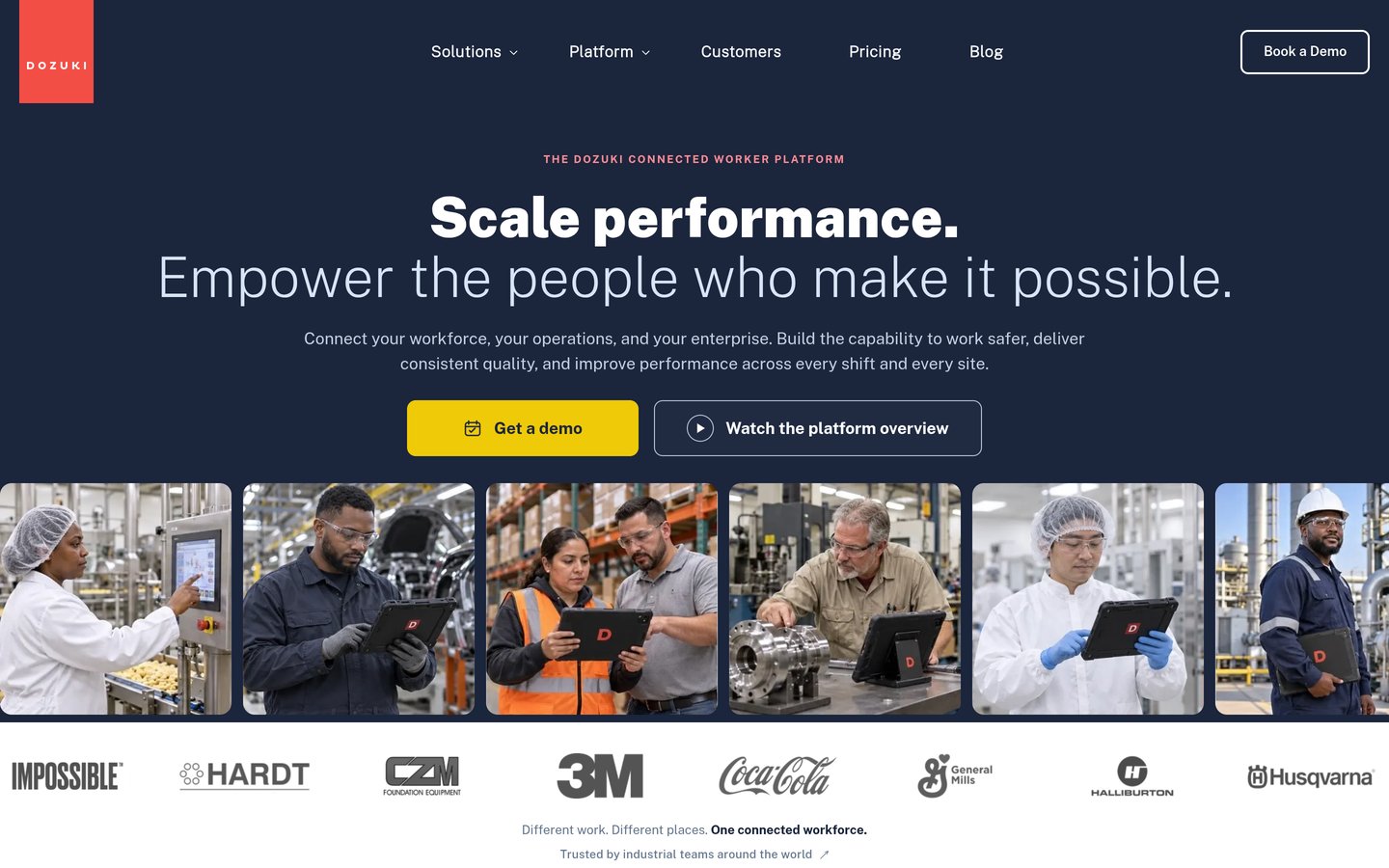
Dozuki is the standard work instruction software that most manufacturers compare everything else against. It covers the whole job: photo, video and text steps with annotations, version control, approval workflows, and training and skills tracking built from the same content.
The trade off is that Dozuki is an enterprise sale. There is no published price and no free trial, so budgeting starts with a sales call, and G2 reviewers report implementation taking around five months on average. It suits plants where standard work, training and document control must live in one system.
What we like
Purpose-built for standard work, with version control and approvals
Training and skills tracking sit next to the instructions
Strongest dedicated-tool review base here, 210 G2 reviews
Photo, video and text steps with annotations
Watch out for
Quote-only pricing, so small teams cannot budget without a sales call
Implementation averages around 5 months
Reviewers note reporting limits and a cap on images per step
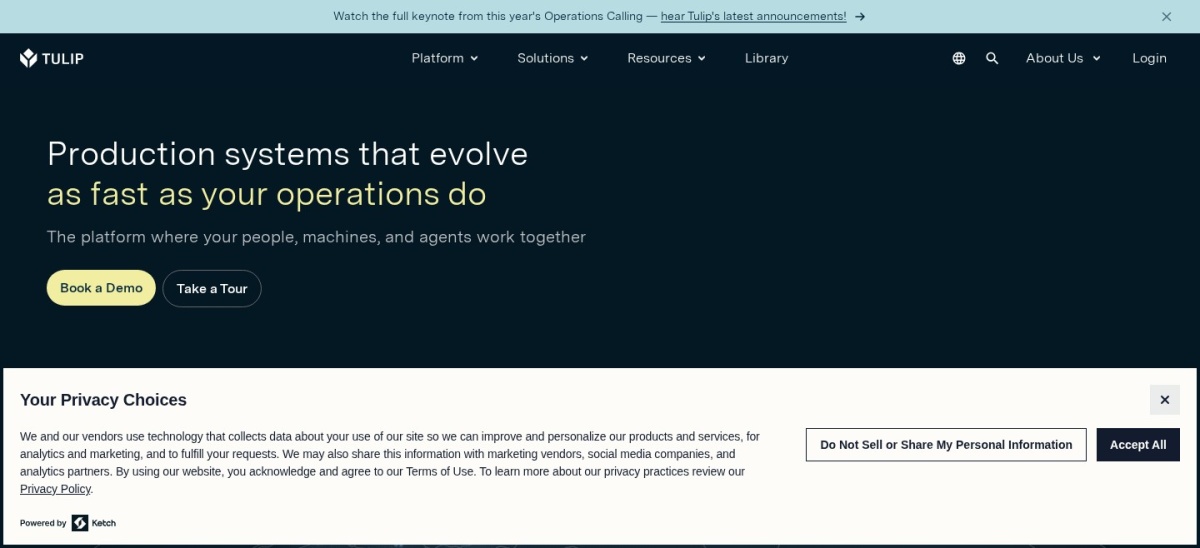
Tulip is the builder's pick in this list. Essentials costs $100 a month per interface, billed annually, with a 10-interface minimum, and gives you a no-code app editor, Tulip AI, tables and analytics, and access to the Tulip Library. Instead of static instructions, you build guided apps that capture data at each step.
The trade off is the pricing unit. An interface is a device running Tulip Player, so 10 stations cost $1,000 a month before any add-on, and Essentials caps at 50 interfaces. Machine monitoring and computer vision cost extra, and building good apps takes real setup time.
What we like
No-code app builder turns instructions into guided apps with data capture
Tulip AI included on Essentials, with translation and AI chat
Connects to machines, sensors and ERP through connectors
Publishes its prices, unlike most tools here
Watch out for
10-interface minimum makes the entry bill $1,000 a month
Essentials caps at 50 interfaces; monitoring and vision cost extra
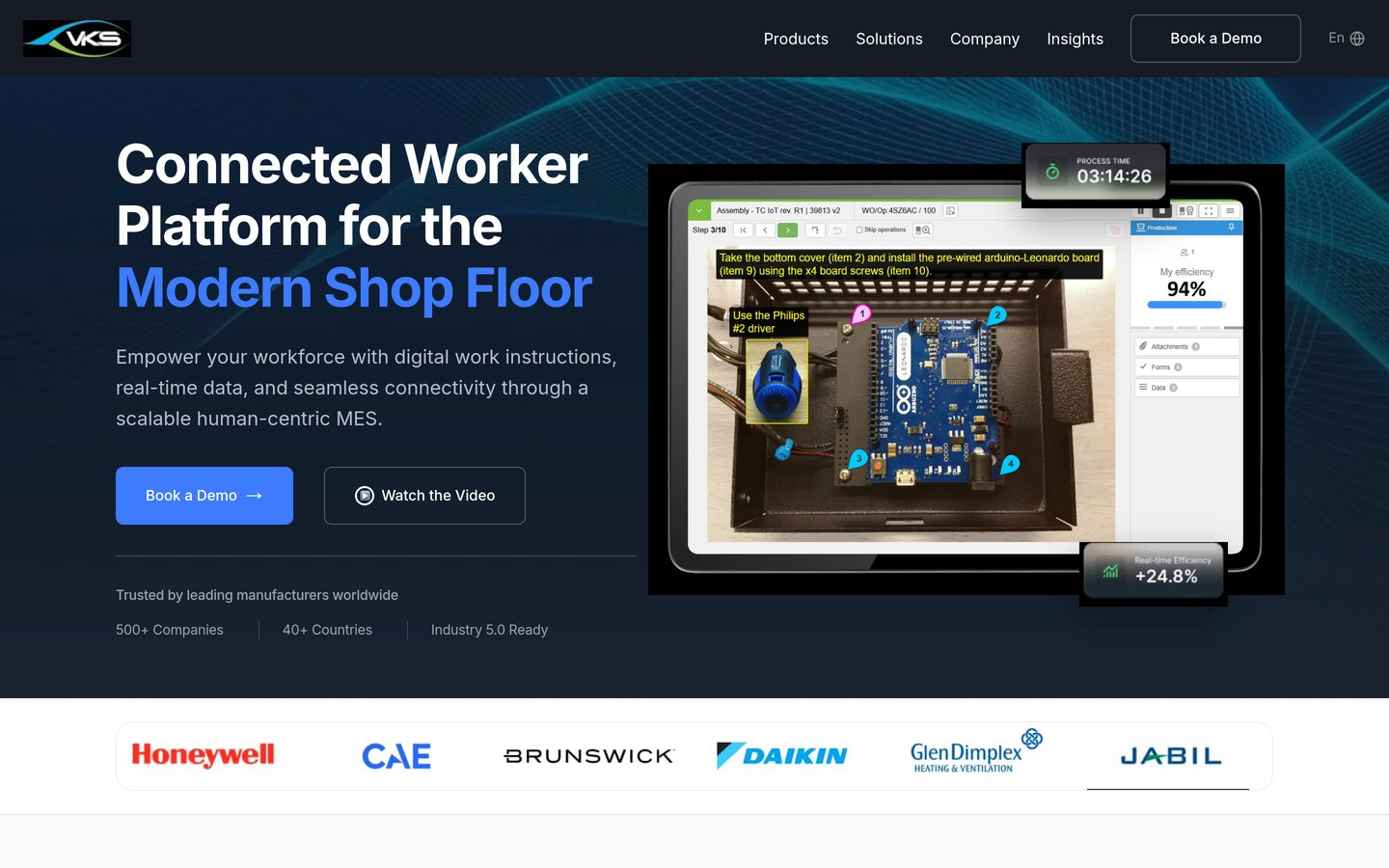
VKS is a visual work instruction platform that builds instructions the way operators actually read them: photos, videos and annotations in visual steps, with version control so nobody works from an old printout. Lite covers the instructions themselves, Pro adds smart forms, production reporting and live KPIs, and Enterprise adds ERP, MES and smart-tool integrations.
The trade off is price opacity. VKS publishes its tiers but no prices, and directories report around $350 per user a month, which would make a large rollout very expensive if accurate. Implementation also takes about four months on average. Get a written quote and test the per-user math first.
What we like
Visual instructions from photos, videos and annotations, with version control
Pro adds smart forms, production reporting and live KPIs
Connects to smart tools, ERP and MES, with IoT data capture
Tiers let a plant start with instructions and add data later
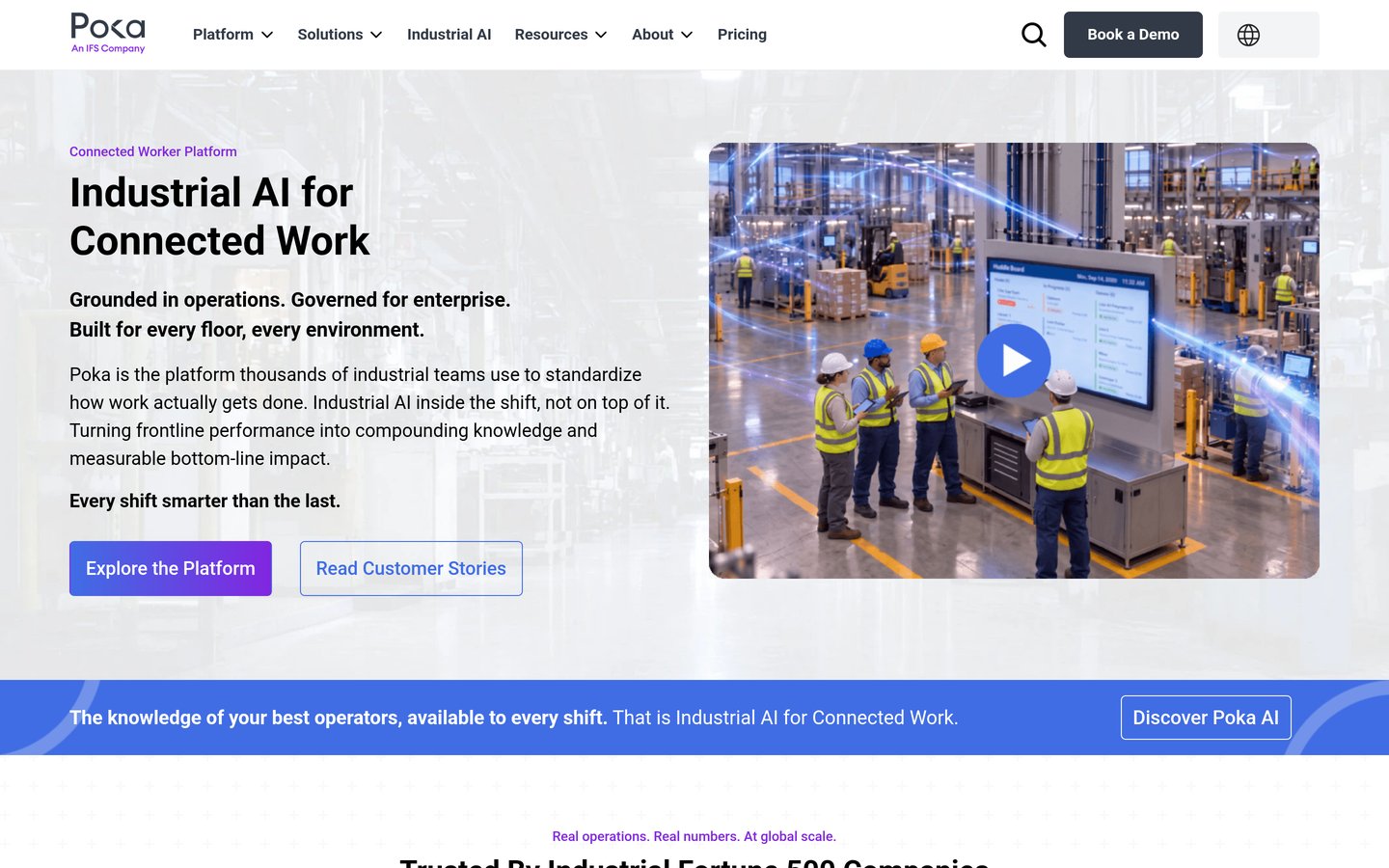
Poka is the enterprise connected worker platform in this list, built for manufacturers standardising execution across plants. It gives frontline workers mobile, multimedia instructions and a knowledge-sharing network, so a fix found on one line reaches every site, with built-in AI and analytics.
The trade off is enterprise scope and price. Poka sells on a custom quote with no published starting price, and recent G2 reviewers cite pricing and add-on costs as a trade-off. It suits large manufacturers with several plants, not a single line trying one tool.
What we like
Built for standardising execution across multiple plants
Mobile, multimedia instructions with knowledge sharing
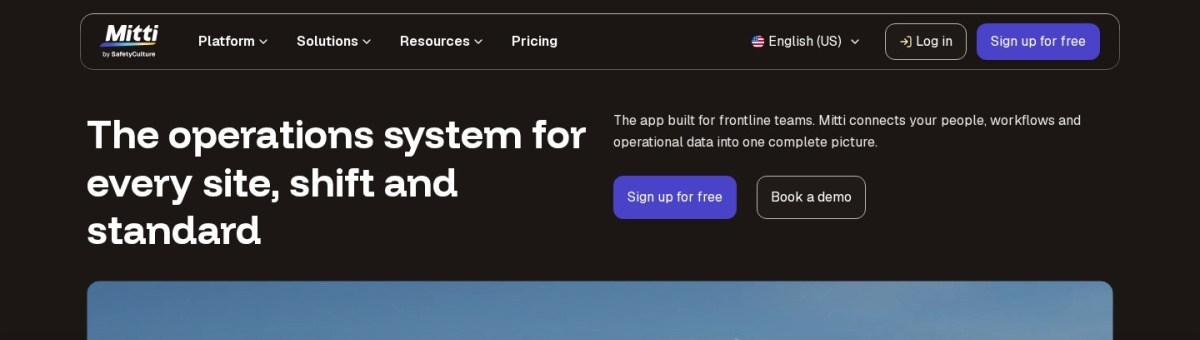
SafetyCulture is a workplace operations platform built around mobile inspections, audits, task management, training and issue reporting, with work instructions sitting next to the checklists that verify them. The free plan covers up to 10 seats, and Premium costs $24 a seat a month.
The trade off is breadth. SafetyCulture is a broad frontline platform, not a dedicated instruction authoring tool, so teams that only need guides may find the inspection and audit layers more than they want. It suits teams already running digital inspections that want instructions in the same app.
What we like
Free plan for up to 10 seats
Inspections, audits and instructions in one mobile app
Strong G2 base, 4.6 out of 5 from 231 reviews
Premium publishes its price, $24 a seat a month
Watch out for
A broad operations platform, not a dedicated instruction tool
Premium is per seat, so large floors add up fast
Instruction authoring is thinner than the dedicated tools
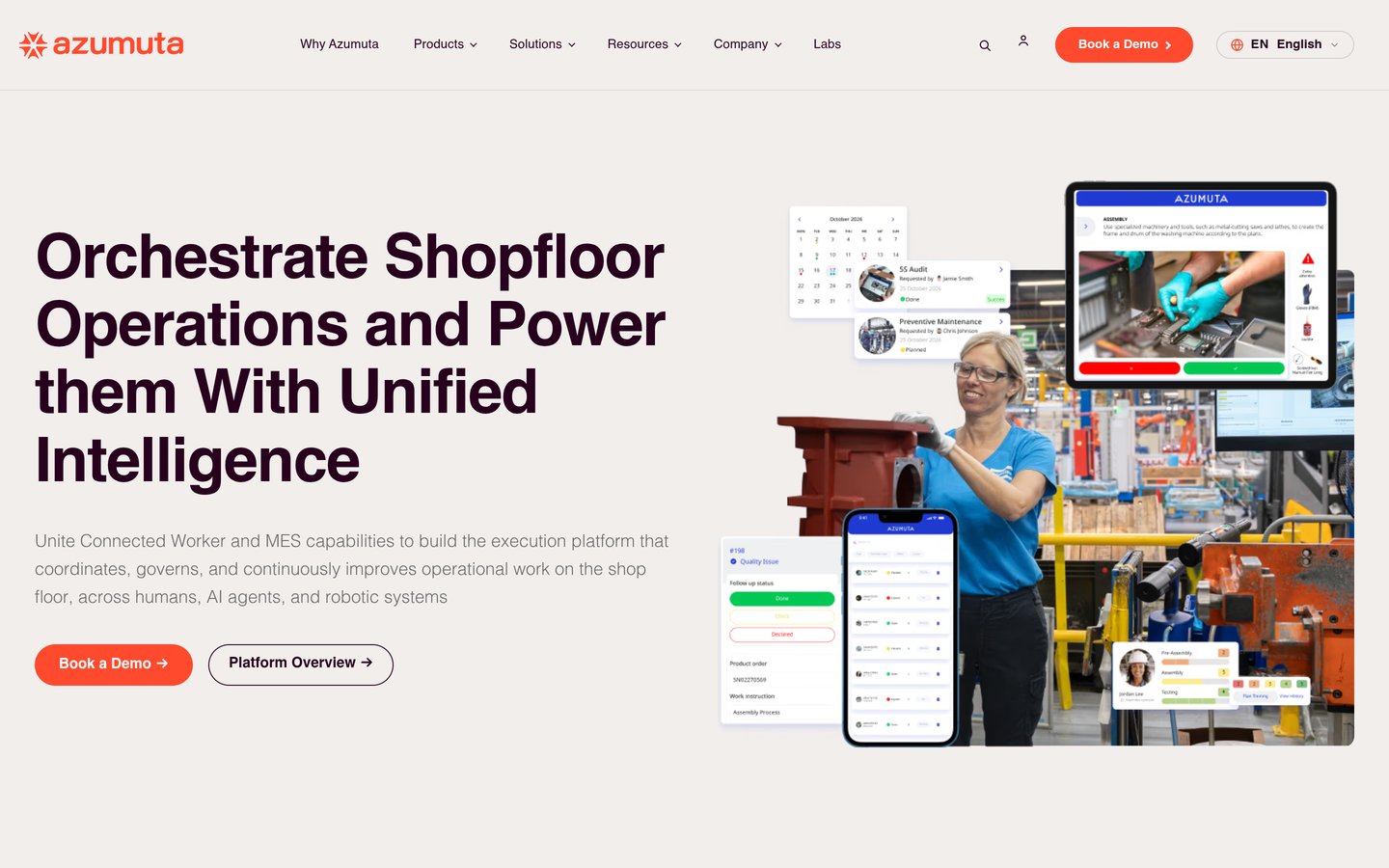
Azumuta is the all-in-one pick for a mid-market manufacturer that does not want five vendors. One subscription covers digital work instructions, quality management, audits and digital checklists, a skills matrix and training, and production tracking, with no per-app or per-environment charges on top.
The trade off is price transparency and a thin review base. Azumuta sells on a custom quote priced per user and per module, and holds 4.8 out of 5 on G2 from only 14 reviews. The two-month Joint Pilot Program softens that: it runs the full platform on real production work before you commit.
What we like
One platform covers instructions, quality, audits, skills and tracking
Flat per-user model with every module included
Machine connectivity with outbound MQTT, no extra hardware
Two-month pilot runs the full platform on real work
Watch out for
Quote-only pricing, per user and per module
Only 14 G2 reviews behind the 4.8 rating
Implementation help is a paid Customer Success Pack
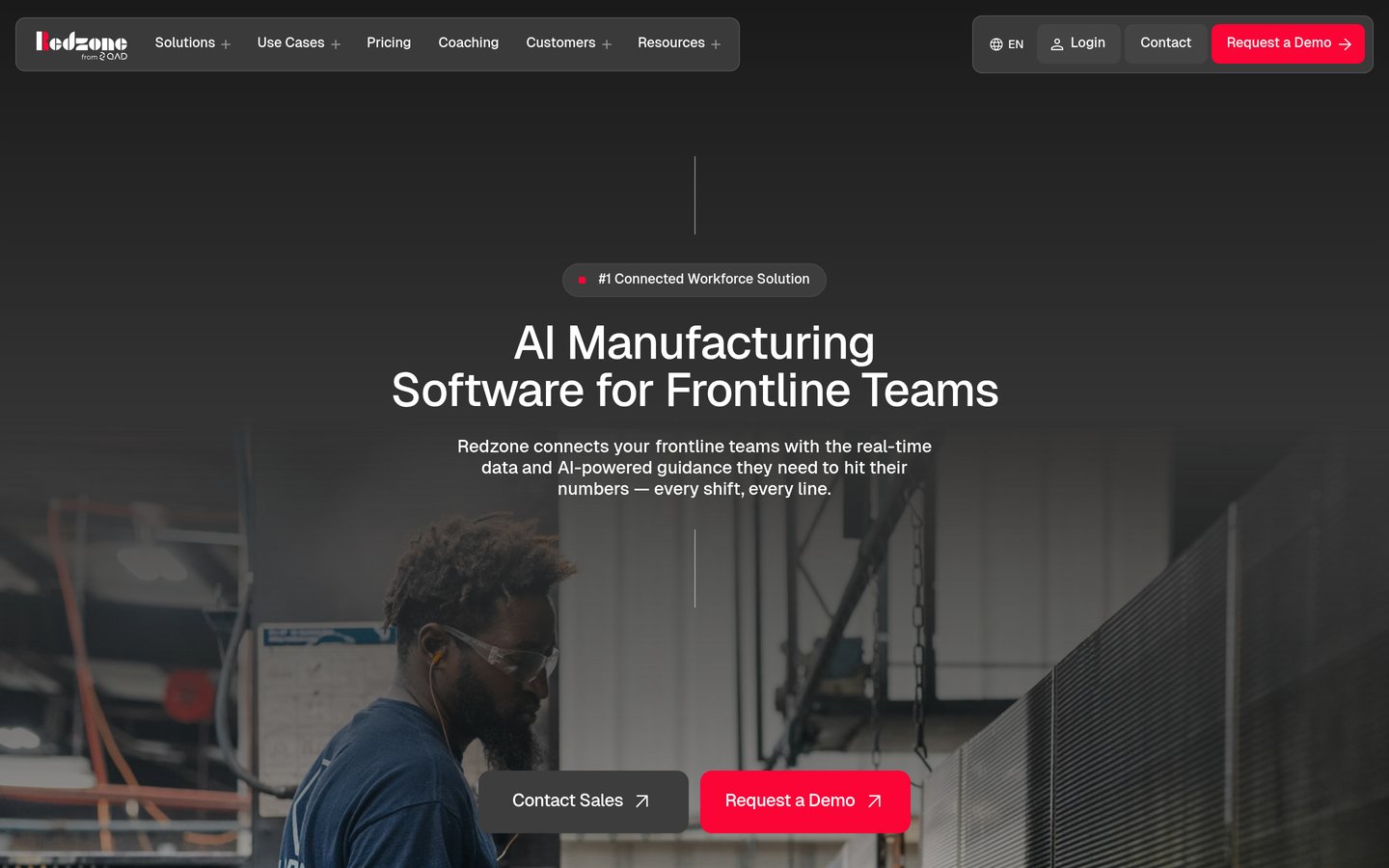
Redzone is a connected workforce platform for food manufacturing that pairs digital work instructions with OEE and productivity data. Operators follow guided steps on the floor while supervisors see output, downtime and quality in real time, and the platform ties instruction execution to the production numbers.
The trade off is fit and price. Redzone is built for food and consumer goods manufacturing, so other industries get less from it, and it sells on a custom quote with no published starting price. It suits food manufacturers that want instructions tied to output, not just documents.
What we like
Instructions tied to OEE and live productivity data
Deep G2 review base, 618 reviews
Mobile-first guidance operators can follow at the station
Free vs paid: what you can try without a sales call
Only two tools here have a free plan. MaintainX Basic is free forever with unlimited work orders, procedures and requesters, and SafetyCulture is free for up to 10 seats. SwipeGuide, Tulip and VKS offer free trials, and Azumuta runs a two-month pilot.
The rest run through sales. Dozuki has no free trial at all, and Poka, Redzone and Azumuta sell on custom quotes. Expect a demo, a scoped pilot and a quote sized by users, stations or sites before you see a number.
Budget for the rollout too. Dozuki implementations average around five months according to G2, and VKS around four, so the subscription is only part of the first-year cost.
How we chose
We started from the work instruction platforms with verifiable ratings on G2 or Capterra and real deployments on factory floors, then kept nine with a published or clearly quote-only price.
Prices come from each vendor's pricing page or a vendor-supplied listing, checked on 23 November 2026. Ratings come from G2 or Capterra on the same day, using the source with the most reviews for each tool. SwipeGuide's €649 flat rate and Tulip's $100 per interface were checked on 10 November 2026 in the comparison guide we cite. Five tools publish no price at all, so they show Custom rather than a guessed figure.
We left out platforms with no verifiable rating on G2, Capterra or Trustpilot, including Operations1, Parsable and WorkClout. No vendor paid for a place, and we do not claim hands-on testing for this list.
How to choose digital work instruction software
Start with the pricing unit, then test the authoring flow with a real procedure.
Work out the pricing unit first. SwipeGuide charges a flat €649 a month, Tulip charges $100 a month per interface, and MaintainX and SafetyCulture charge per user. The unit decides the real bill, so price both operators and stations before comparing.
Count operators and stations separately. A plant with 25 operators and 10 stations pays $500 a month on MaintainX Essential but $1,000 a month on Tulip Essentials, because Tulip charges per station, not per person.
Test the authoring flow with a real procedure. Rebuild your hardest 10-step job in the trial and watch how long it takes, including photos, video and translation, because authoring time is the hidden cost.
Decide whether you need AR at all. Most plants run fine on tablets and phones. Only complex, high-value assembly earns the headset cost of AR-guided tools, so do not pay for headsets you will not use.
FAQ
What is the best digital work instruction software?
SwipeGuide is the best overall pick for mid-size manufacturers. It is a dedicated work instruction tool at a flat €649 a month with unlimited users, and holds 4.4 out of 5 from 63 Capterra reviews. Dozuki is the category standard for instructions, training and document control.
How much does digital work instruction software cost?
Most platforms quote by project, so there is no list price. SwipeGuide charges a flat €649 a month, Tulip costs $1,000 a month at its 10-interface minimum, MaintainX Essential is $20 a user a month, and SafetyCulture Premium is $24 a seat a month. The other five tools sell by quote.
Can I try work instruction software for free?
Partly. MaintainX has a free Basic plan and SafetyCulture is free for up to 10 seats. SwipeGuide, Tulip and VKS offer free trials, and Azumuta runs a two-month pilot. Dozuki has no free plan and no free trial, and Poka and Redzone sell through demos only.
What is the difference between SwipeGuide and Dozuki?
SwipeGuide is the dedicated, flat-priced option: €649 a month with unlimited users for instructions and skills. Dozuki is the category standard, pairing instructions with training and document control, but it is quote-only with no trial and implementations average around five months.
Is Tulip worth $1,000 a month?
Only if you want apps, not just instructions. Essentials costs $100 a month per interface with a 10-interface minimum, so the entry bill is $1,000 a month, and you get a no-code app builder, Tulip AI and machine connectivity. If you only need guides, SwipeGuide or MaintainX cost less.
Which work instruction tool is best for small teams?
MaintainX is the best pick for small teams: its Basic plan is free, and Essential costs $20 a user a month billed annually. SafetyCulture is also free for up to 10 seats. SwipeGuide's flat €649 a month is steep for a single line with a handful of operators.