Best Digital Wayfinding Software in 2026: 7 Tools Compared
WLWPLegible EditorsLast verified 23 Nov 2026How we rank11 min read
★ Short answer
Concept3D is the best digital wayfinding software for most venues, combining 3D maps, virtual tours and event maps with 4.5 out of 5 from 131 G2 reviews. Pick MapsPeople for Google Maps-based indoor-outdoor maps, and ExpoFP for events with pricing published from $149 a month.
How we make this list: we compare pricing pages, product documentation and public user reviews, then re-check every price before each update. No product paid for a place. Disclosure.
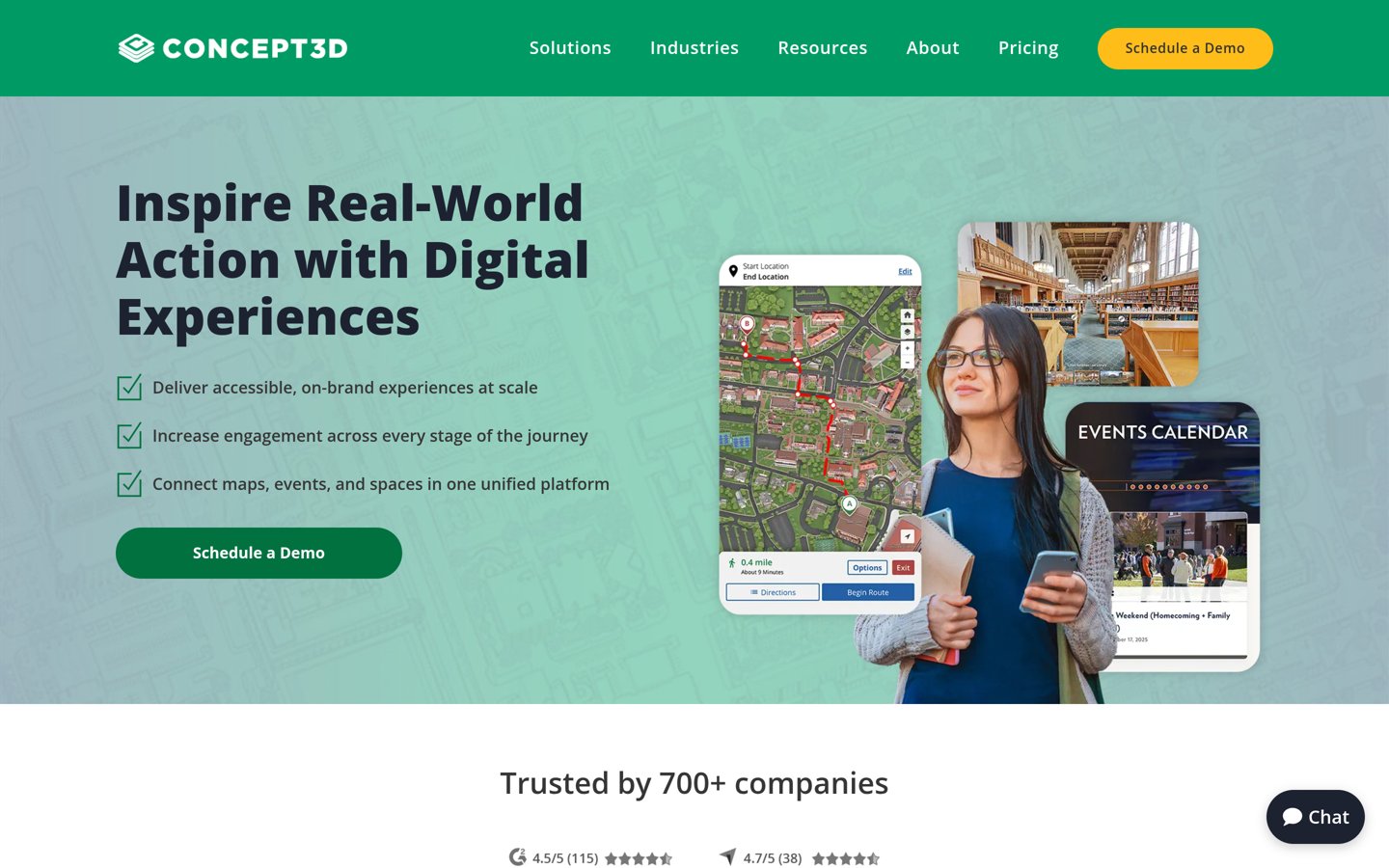
Concept3D leads for campuses and venues, combining 3D maps, virtual tours and event maps with 4.5 out of 5 from 131 G2 reviews, the largest base here.
MapsPeople has the highest G2 rating here at 4.6 out of 5, built on Google Maps and Mapbox for indoor-outdoor continuity.
ExpoFP is the only tool here with published pricing, from $149 a month for its DIY plan, and the best fit for expos and events.
Five of the seven tools sell by quote only, so budget time for a sales call and a scoped pilot before you compare costs.
Three tools rest on very thin review bases: MazeMap has one Capterra review, 22Miles three, and Inpixon one G2 review.
What digital wayfinding software should cover
Digital wayfinding software turns a building's floor plans into interactive maps that guide visitors step by step. The best tools add live blue-dot positioning, so the map knows where the visitor is, and keep the map in sync when rooms change.
The tools here fall into three shapes. Campus and venue platforms such as Concept3D, MapsPeople and Mappedin cover whole buildings and outdoor paths. Kiosk and signage tools such as 22Miles put maps on screens and video walls. Event tools such as ExpoFP build floor plans that sell booths and guide attendees.
Price is almost never published. Five of the seven tools here sell by quote, priced by buildings, floors or venues, so the price ladder below shows Custom for most of them. ExpoFP publishes DIY pricing from $149 a month, and Mappedin has a free tier. The notes spell out where a figure could not be confirmed.
If your wayfinding maps start from CAD floor plans, our guide to the best CAD software covers the design tools that feed them, while this list covers the live wayfinding platforms.
Concept3D is the most complete digital wayfinding platform in this list, combining interactive 3D maps, 360-degree virtual tours and event maps for campuses, hospitals and venues. Its maps cover indoor and outdoor spaces, and its event tools add exhibitor listings and schedules to the same map visitors navigate with.
The trade off is cost and time. Concept3D sells by quote only, implementation averages around four months according to G2, and map-render updates are priced by the vendor rather than self-serve. It suits large campuses and venues that want one polished map across web, mobile and kiosk.
What we like
3D maps, virtual tours and event maps in one platform
Largest G2 review base here, 131 reviews
Strong coverage of campuses, hospitals and venues
Watch out for
No published price, quote only
Map-render updates are vendor-priced, not self-serve
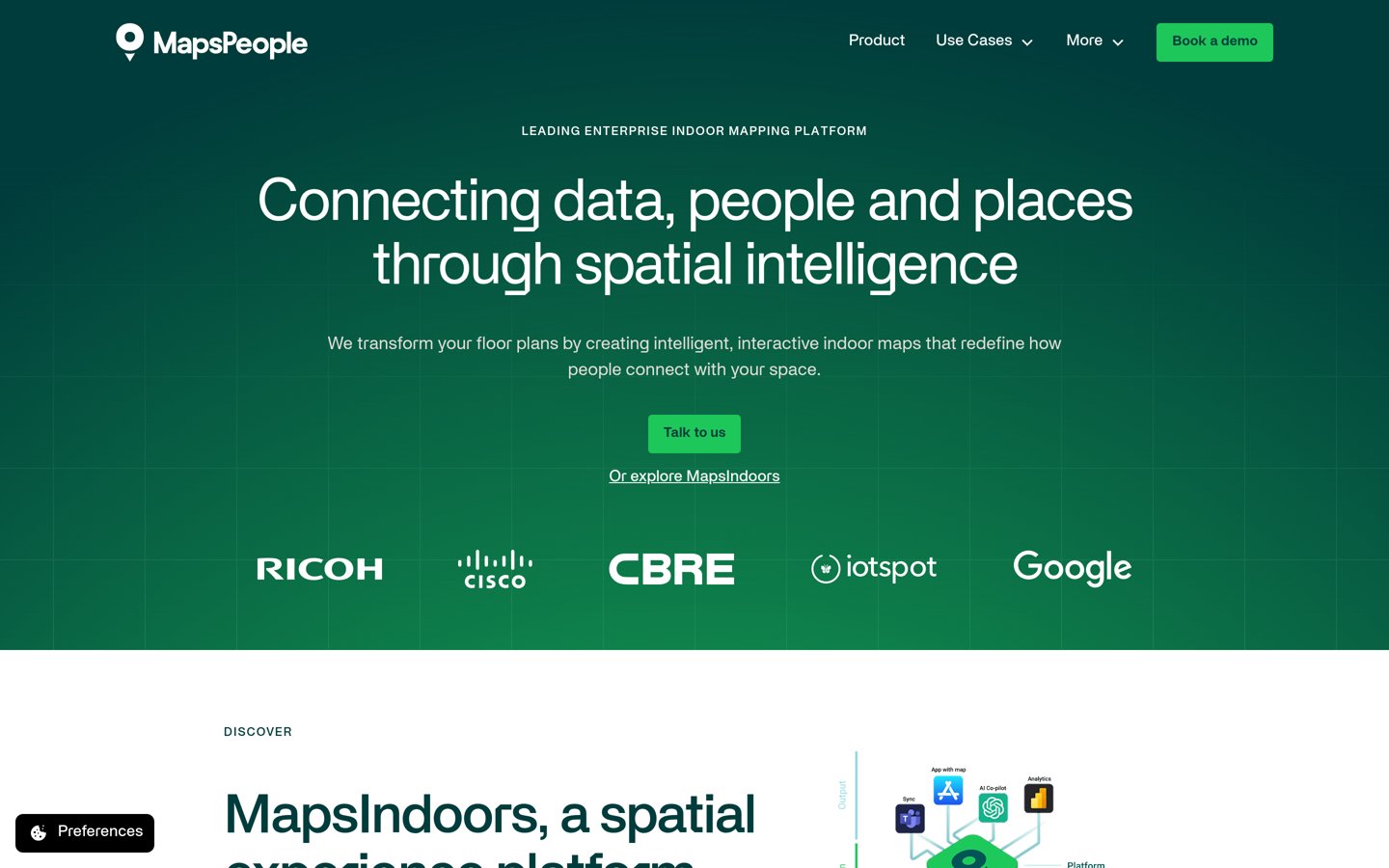
MapsPeople is a wayfinding platform built on Google Maps and Mapbox, so indoor maps sit on the same base map visitors already know. Its MapsIndoors product covers wayfinding, room booking and asset tracking, and claims 3.7 billion square feet mapped across airports, campuses and offices.
The trade off is that it is enterprise-first. MapsPeople sells by quote through partners, with no self-serve pricing, and implementation averages around two months according to G2. It suits organisations that want indoor maps continuous with outdoor Google Maps routing.
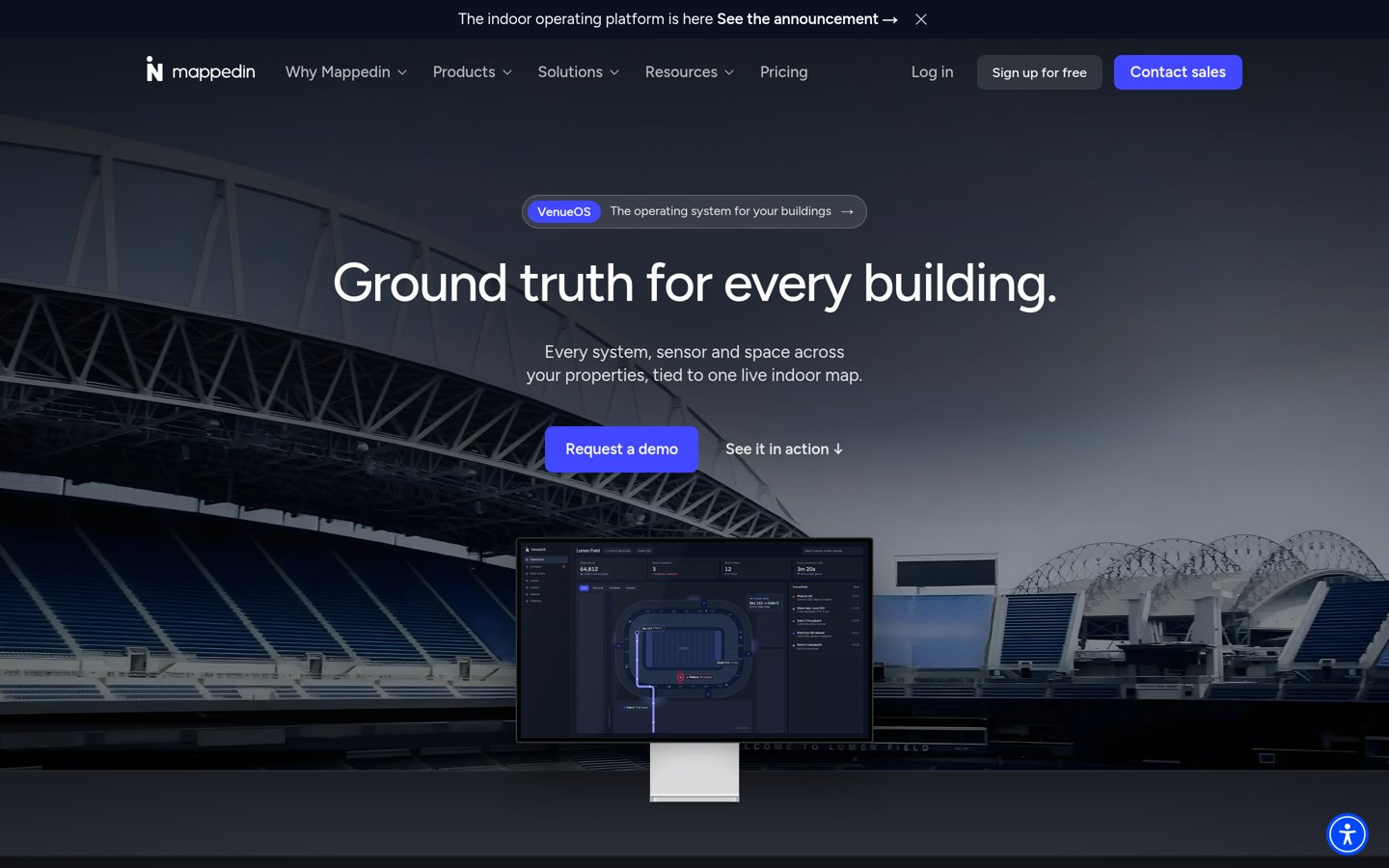
Mappedin is a developer-friendly indoor mapping platform with a free tier, a real-time Draft Editor and SDKs for web, mobile and kiosk. It is the only tool here you can start using without a sales call, and its free plan includes one map a month.
The trade off is a thin review base and conflicting pricing. Mappedin holds 4.5 out of 5 from only five G2 reviews, and its Plus plan is listed at $25 a month on G2 while a comparison site quotes $165 per map. It suits teams that want to prototype indoor maps before committing.
What we like
Free tier with one map a month
Real-time Draft Editor
Developer-friendly SDKs and APIs
Watch out for
Only 5 G2 reviews
Plus pricing conflicts across sources ($25 vs $165)
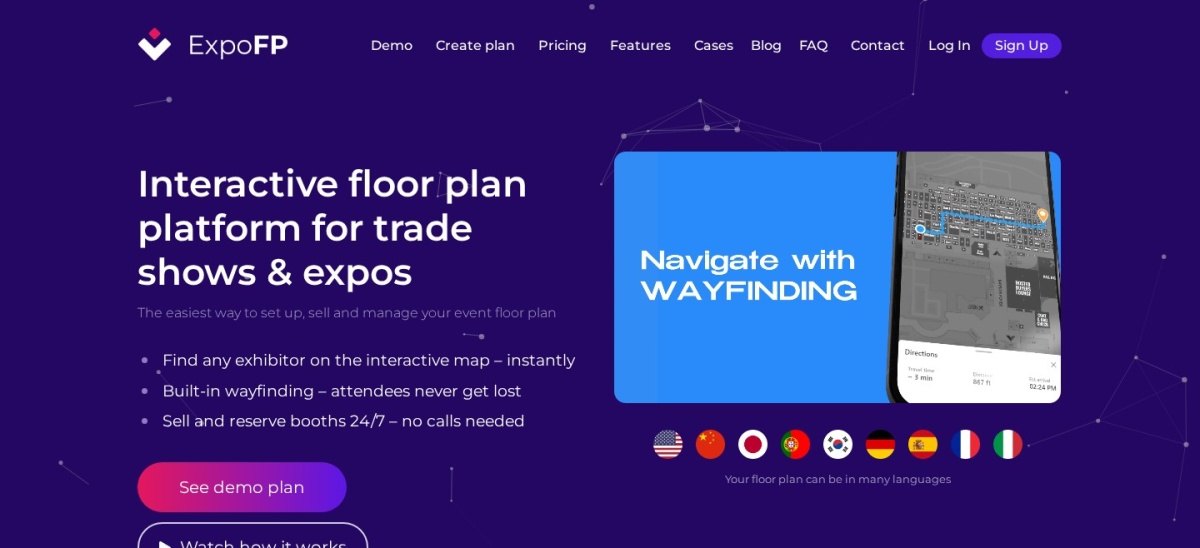
ExpoFP is an interactive floor plan platform built for trade shows, expos and conferences, with searchable maps, booth sales and live blue-dot positioning inside the venue. It is the only tool here with published pricing, starting at $149 a month for its DIY plan.
The trade off is scope. ExpoFP is built for events, not general buildings, so it fits expos better than hospitals or offices. Some Trustpilot reviewers also report laggy floor plans during live events. It suits event teams that want pricing they can read today.
What we like
Published pricing from $149 a month
Live blue-dot positioning at project level
Strong support praise in recent Trustpilot reviews
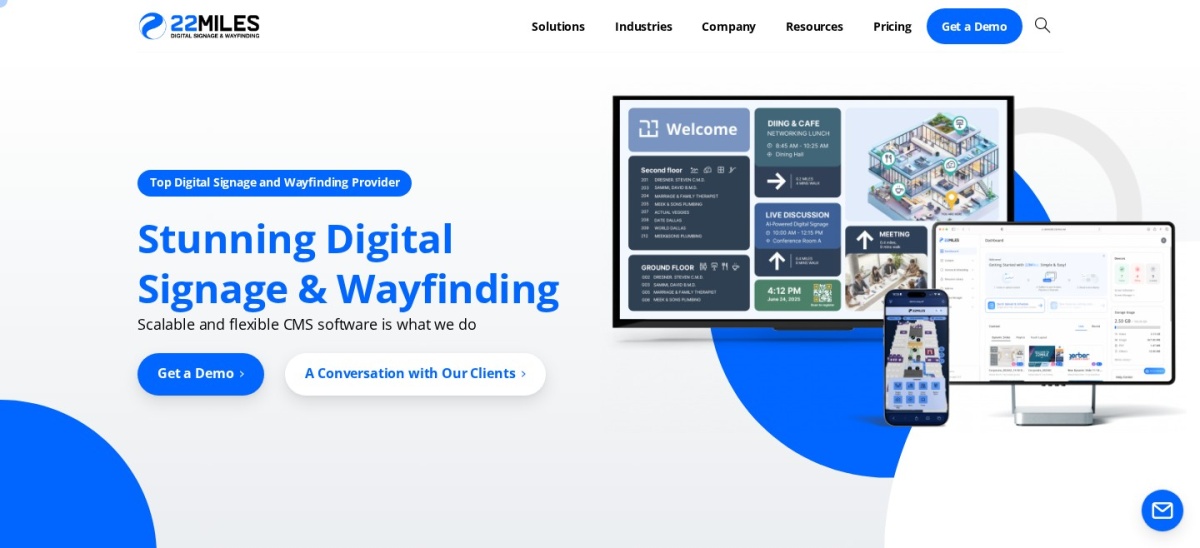
22Miles is a kiosk and digital signage platform with a wayfinding module, covering kiosks, video walls, mobile and web from one CMS. Its Publisher Pro CMS offers unlimited seats, and its maps support voice-activated navigation for hands-free use in lobbies and halls.
The trade off is a thin review base and opaque pricing. Publisher Pro holds 5.0 out of 5 from only three Capterra reviews, and 22Miles prices by buildings and floors with no public figures. It suits enterprises that want wayfinding on screens as well as phones.
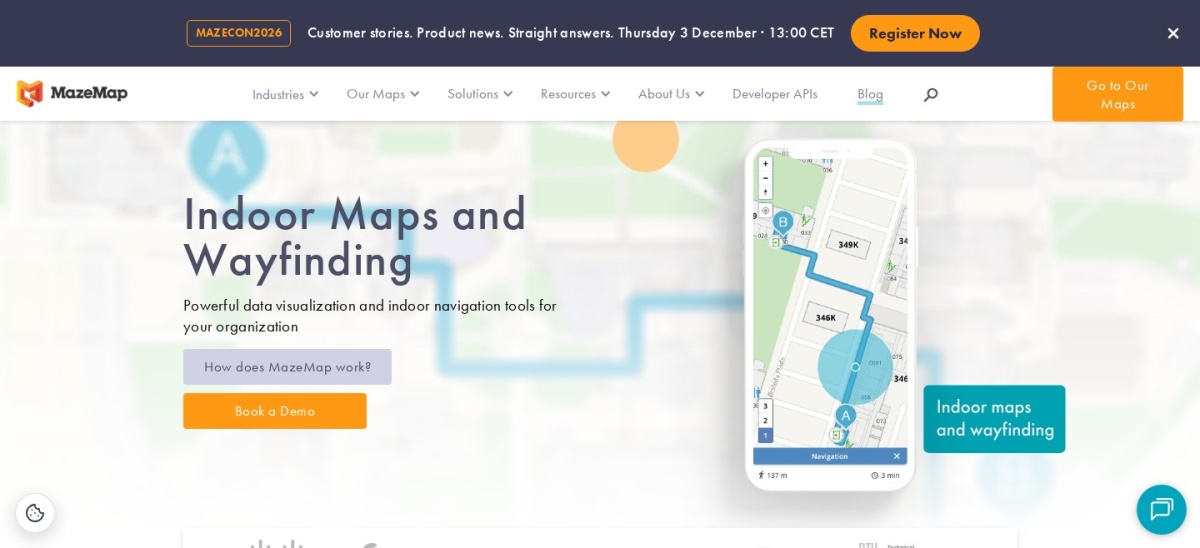
MazeMap is a wayfinding platform for universities and hospitals that turns CAD floor plans into interactive digital maps with turn-by-turn navigation. It uses existing Wi-Fi for positioning, so there is no extra hardware to install, and offers step-free accessible routing.
The trade off is the thinnest review base here. MazeMap holds 5.0 out of 5 from a single Capterra review, and its pricing is quote-only with a 50-access-point minimum on the Cisco price list. It suits large campuses that already run Wi-Fi everywhere.
Inpixon is an indoor intelligence platform that pairs indoor mapping with RTLS asset tracking, using Wi-Fi, sensors and beacons to locate people and equipment in real time. It suits warehouses, factories and hospitals that need to track assets as well as guide visitors.
The trade off is that wayfinding is secondary. Inpixon holds 3.5 out of 5 from a single G2 review, the lowest rating here, and its positioning and analytics focus means less polish on visitor-facing maps. It suits operations teams that value tracking over navigation.
Free vs paid: what you can try without a sales call
Almost nothing here has a free plan. Mappedin offers a free tier with one map a month, and MazeMap has a free version. ExpoFP offers a 7-day trial on its DIY plan.
The rest run through sales. Expect a discovery call, a scoped pilot and a quote priced by buildings, floors or venues before you see a number.
Budget for the map build too. Concept3D map-render updates are priced by the vendor, and MapsPeople implementations average around two months, so the licence is only part of the cost.
How we chose
We started from the wayfinding platforms with verifiable ratings on G2, Capterra or Trustpilot and real deployments in campuses, hospitals, venues or events, then kept seven with a published or clearly quote-only price.
Prices come from each vendor's pricing page or a vendor-supplied listing, checked on 23 November 2026. Ratings come from G2, Capterra or Trustpilot on the same day, using the source with the most reviews for each tool. Five tools publish no price at all, so they show Custom rather than a guessed figure.
We left out platforms with no verifiable rating on G2, Capterra or Trustpilot, including GoodMaps, NEARMOTION and Pointr. No vendor paid for a place, and we do not claim hands-on testing for this list.
How to choose digital wayfinding software
Start with the venue type, then check whether you can price it without a sales call.
Name the venue first. Campus and hospital maps need Concept3D or MapsPeople, kiosk and signage needs 22Miles, and expos need ExpoFP. The wrong shape is the expensive mistake.
Check whether you can price it. Only ExpoFP publishes pricing, from $149 a month, and Mappedin has a free tier. For the rest, ask for a written quote scoped to buildings, floors and venues before you compare.
Decide if you need live positioning. Static maps suit simple directories. If visitors need turn-by-turn guidance, MazeMap uses existing Wi-Fi, while Mappedin and ExpoFP offer blue-dot positioning at project level.
Budget for the map build, not just the licence. Concept3D map updates are vendor-priced, and MapsPeople implementations average around two months. Ask what the first map costs and who maintains it.
FAQ
What is the best digital wayfinding software?
Concept3D is the best overall pick for campuses and venues. It combines interactive 3D maps, 360-degree virtual tours and event maps in one platform, and holds 4.5 out of 5 from 131 G2 reviews, the largest review base here.
How much does digital wayfinding software cost?
Most platforms quote by project, so there is no list price. ExpoFP publishes DIY pricing from $149 a month, and Mappedin lists a Plus plan at $25 a month on G2 with a free tier. The other five tools sell by quote, priced by buildings, floors or venues.
Can I try digital wayfinding software for free?
Partly. Mappedin has a free tier with one map a month, MazeMap has a free version, and ExpoFP offers a 7-day trial on its DIY plan. Concept3D, MapsPeople, 22Miles and Inpixon run through sales, usually starting with a demo and a scoped pilot.
What is the difference between Concept3D and MapsPeople?
Concept3D leads on visual maps, with 3D maps, virtual tours and event maps for campuses and venues. MapsPeople leads on continuity, building indoor maps on Google Maps and Mapbox so visitors move from outdoor routing to indoor navigation without switching apps.
Which wayfinding tool is best for events?
ExpoFP is built for expos and trade shows, with booth sales, searchable floor plans and live blue-dot positioning from $149 a month. Concept3D is the better pick for campus events, where its 3D maps and virtual tours cover the whole venue rather than one hall.
Do I need blue-dot positioning?
Only if visitors need live, turn-by-turn guidance. MazeMap uses existing Wi-Fi for positioning, while Mappedin and ExpoFP offer blue-dot navigation at project level. For a simple directory or a static map on a lobby screen, positioning adds cost without much benefit.